
For construction teams
Run every site
to the same standard
Whale turns how your best crews work into SOPs every site follows. Alice AI answers the procedure question in the field, so foremen stop repeating themselves.
- 4.8/5 on G2
- SOC 2 certified

Here’s how to submit an expense report:







The problem
Project delays start with procedures nobody can find
Challenge 1
Safety steps vary by crew
Without clear, documented procedures, workers may follow different safety practices, increasing the risk of accidents and OSHA violations.
Challenge 2
Specialized work gets done from memory
Construction projects often require specific technical skills (e.g., electrical, plumbing), and without standardized training, untrained staff may perform tasks incorrectly, leading to rework or inspection failures.
Challenge 3
Foremen repeat the same answers
Foremen and site managers spend excessive time clarifying basic procedures or project-specific requirements, slowing down decision-making and field operations.
How teams do it today
Without Whale: Safety steps vary from one crew to the next.
With Whale: Every crew follows the same safety SOP onsite.
Without Whale: Specialised tasks get done from memory.
With Whale: Step-by-step guides get specialised tasks right first time.
Without Whale: Foremen re-explain the same procedures on every job.
With Whale: The documented process answers it, not the foreman.
Without Whale: New hires shadow senior crew for weeks.
With Whale: Role-based paths get new hires productive in days.
Solution
Made for the crew on site, not just the office
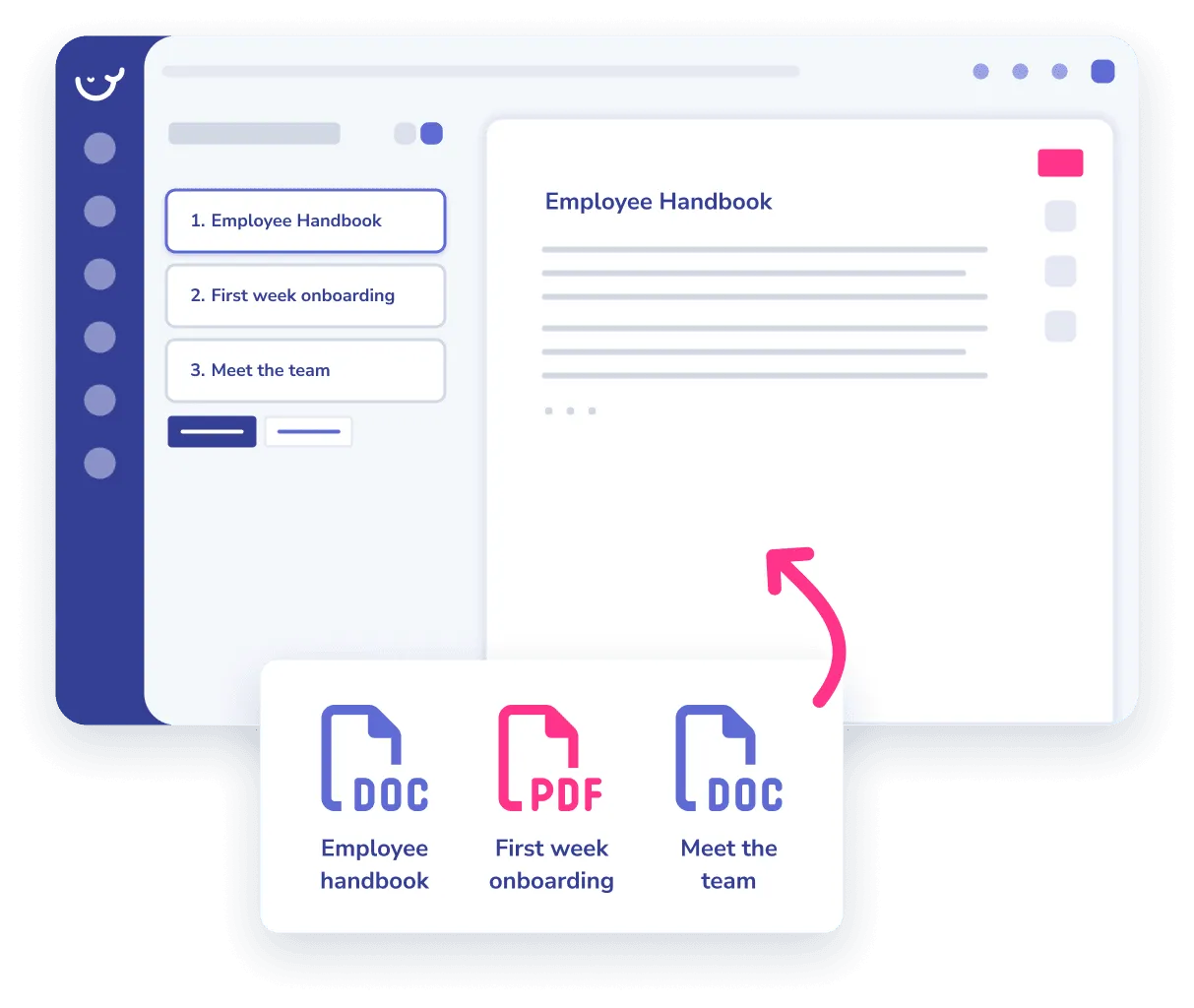
Document how each job gets done and turn it into training every crew completes.
- Import your existing docs and PDFs, and Whale’s AI organizes and standardizes them automatically.
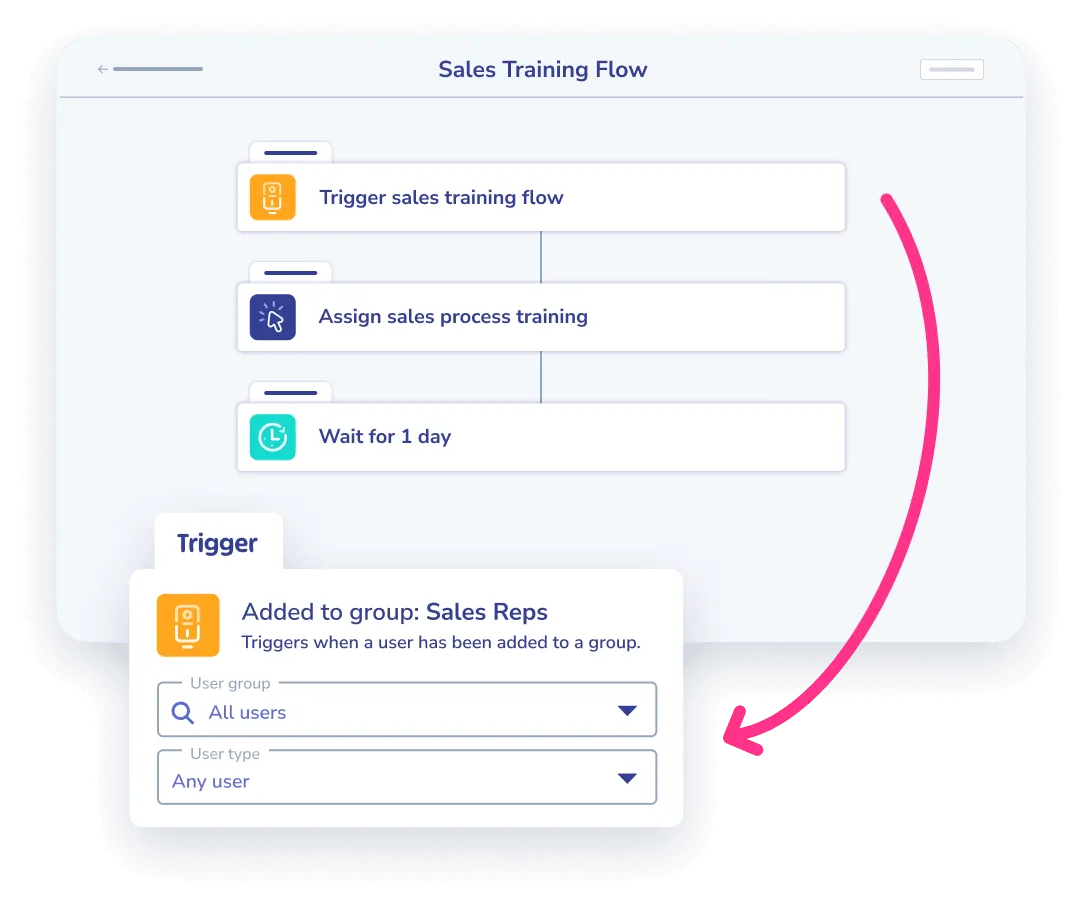
- Design custom training journeys for each role and let automation deliver them, so people move through subjects without waiting.
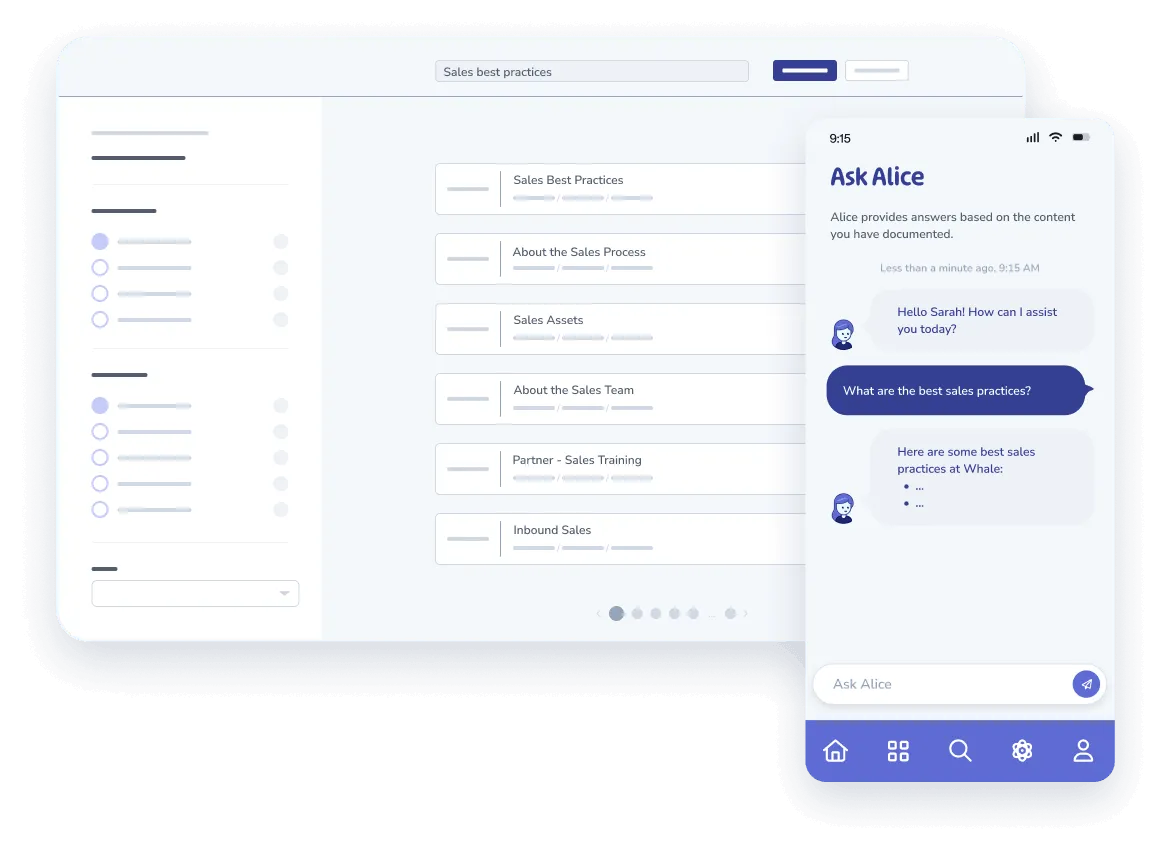
- Crews stay on the latest procedure across web, mobile, and Alice, Whale’s AI assistant, and get an instant notification the moment anything changes.
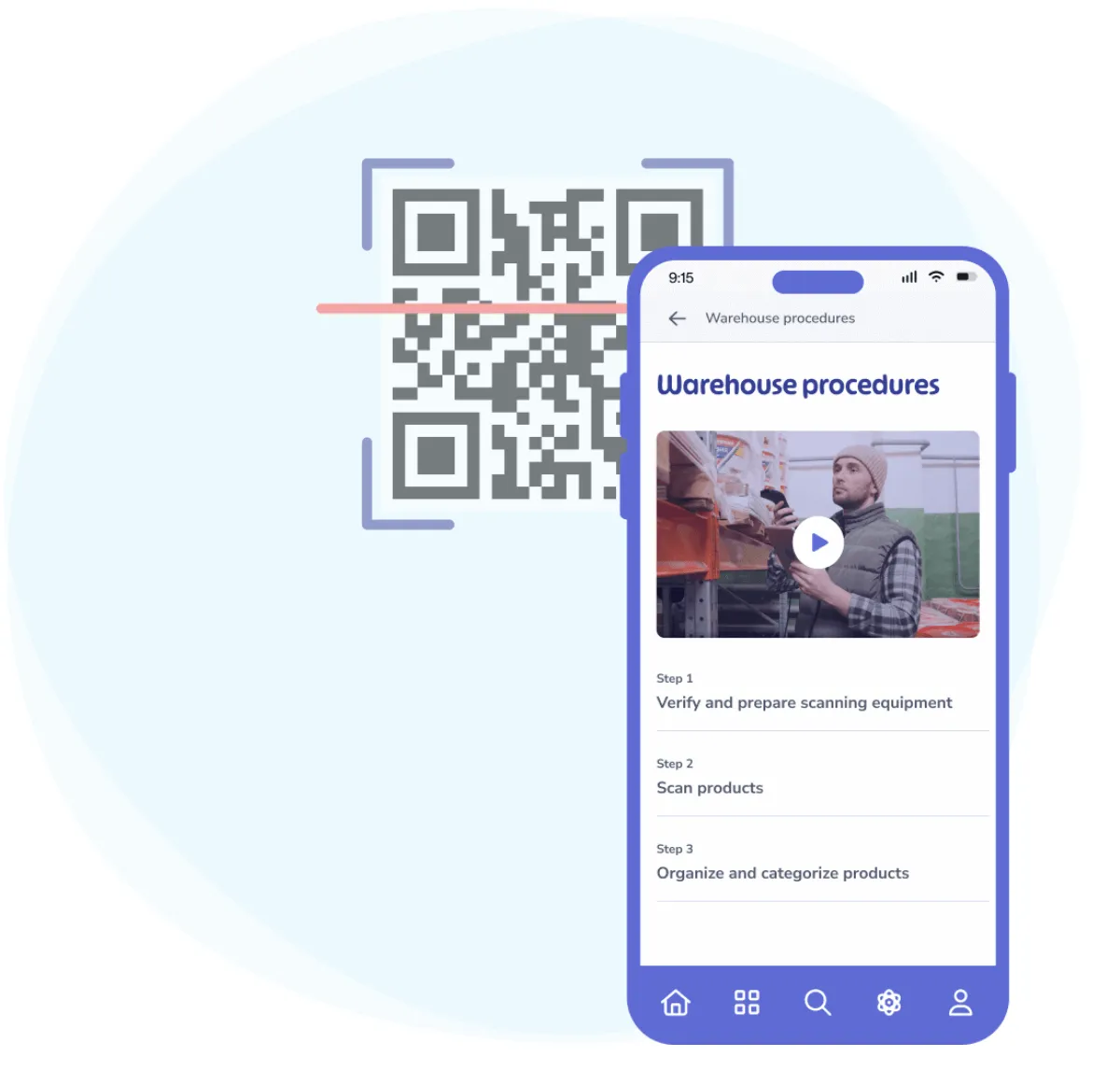
- Give field workers mobile access to procedures, with QR codes that open the latest instructions.

Features
Simple yet powerful tools for documentation & training
AI Writing Assistant
Use the AI writing assistant to create new procedures faster and with less effort.
Learn moreStep Recorder
Automatically document every click, keystroke, and navigation path to create detailed, step-by-step instructions.
Learn moreScreen Recorder
Create bite-size videos to show how to perform specific tasks or follow procedures.
Learn moreSOP & Process Templates
Create new procedures by using pre-built templates that save time, reduce effort, and ensure best practices.
Learn moreAsk Alice AI
Ask Alice, Whale’s AI assistant, to retrieve the answer to any of your questions, from your mobile device or web app.
Learn moreCoPilot
CoPilot surfaces the right SOP inside the tools your team already uses, so the answer comes to them.
Learn moreExperts & Reviews
Assign ownership of your knowledge and regularly review its accuracy.
Learn moreRich Editor
Capture easy-to-digest information using text, videos, GIFs, images and much more.
Learn more
The numbers speak for themselves
50%faster onboarding
#1in Customer Service on G2, 3 years running
4.8/5rating on G2
Construction teams using Whale see results in the first few weeks.
Success stories
Real results for teams small and big.
How TurnUp gets new hires working from day one
TurnUp
Read the story →: How TurnUp gets new hires working from day one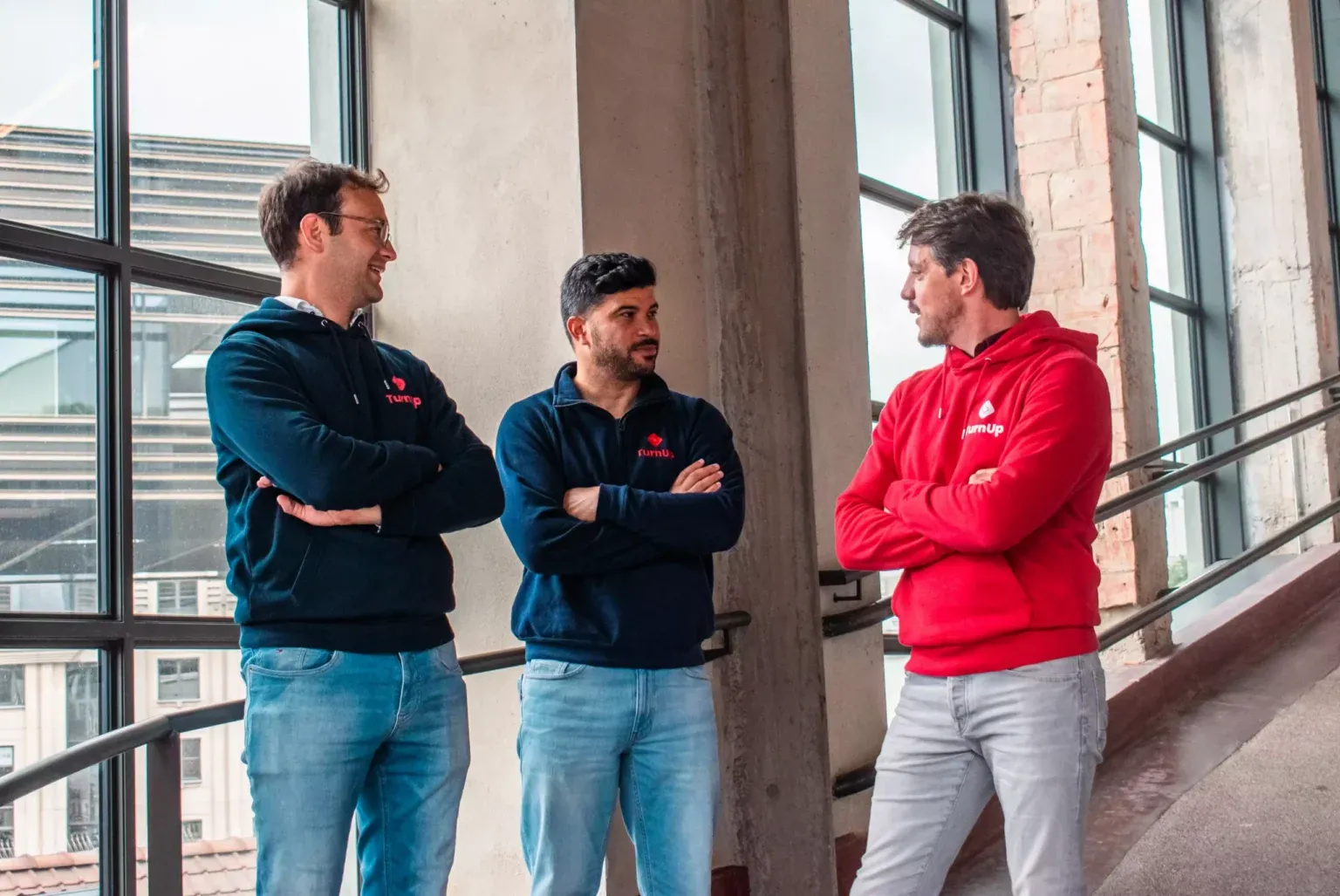
How Wolfe Ridge Manufacturing turns tribal knowledge into procedures anyone can follow
Wolfe Ridge Manufacturing
Read the story →: How Wolfe Ridge Manufacturing turns tribal knowledge into procedures anyone can follow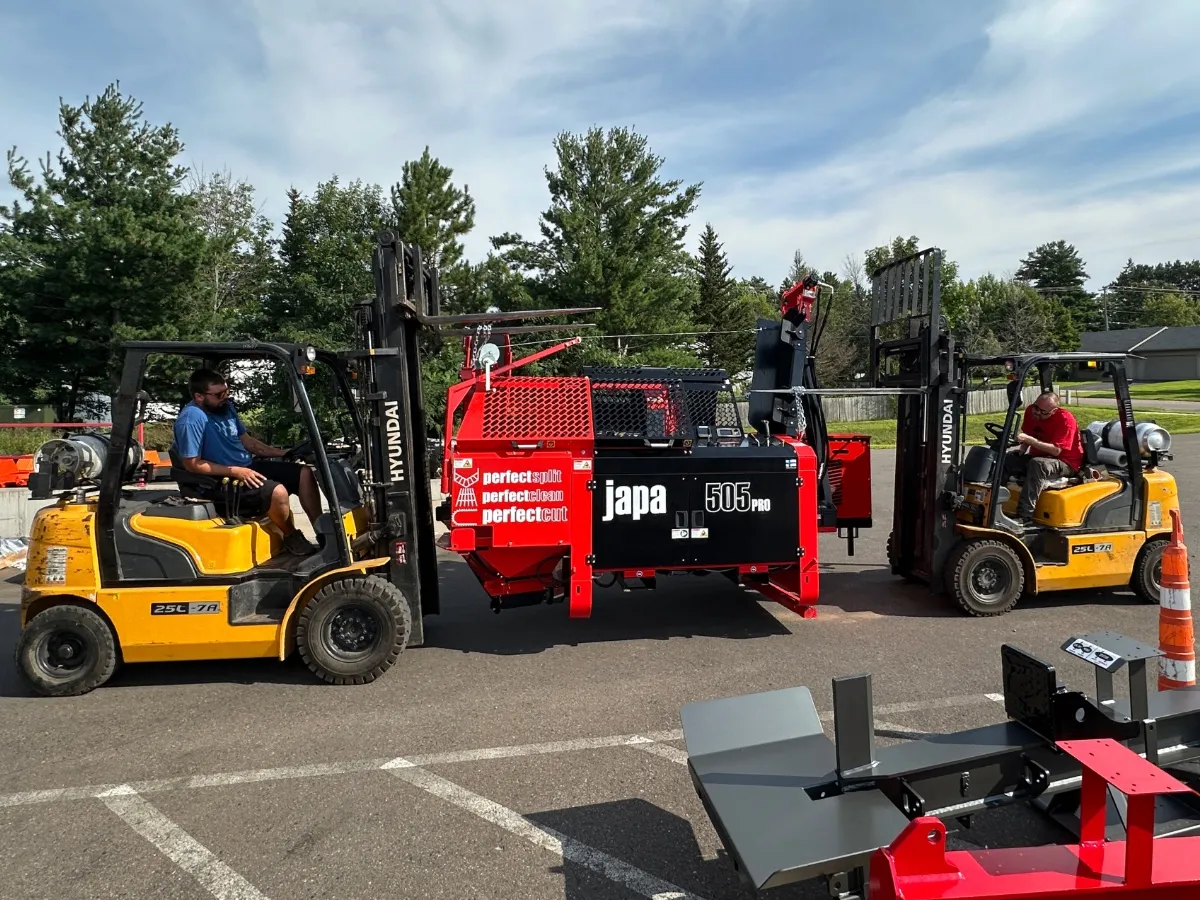
How Cash-Wa Direct cut training time in half with a system that tracks comprehension
CashWa Direct
Read the story →: How Cash-Wa Direct cut training time in half with a system that tracks comprehension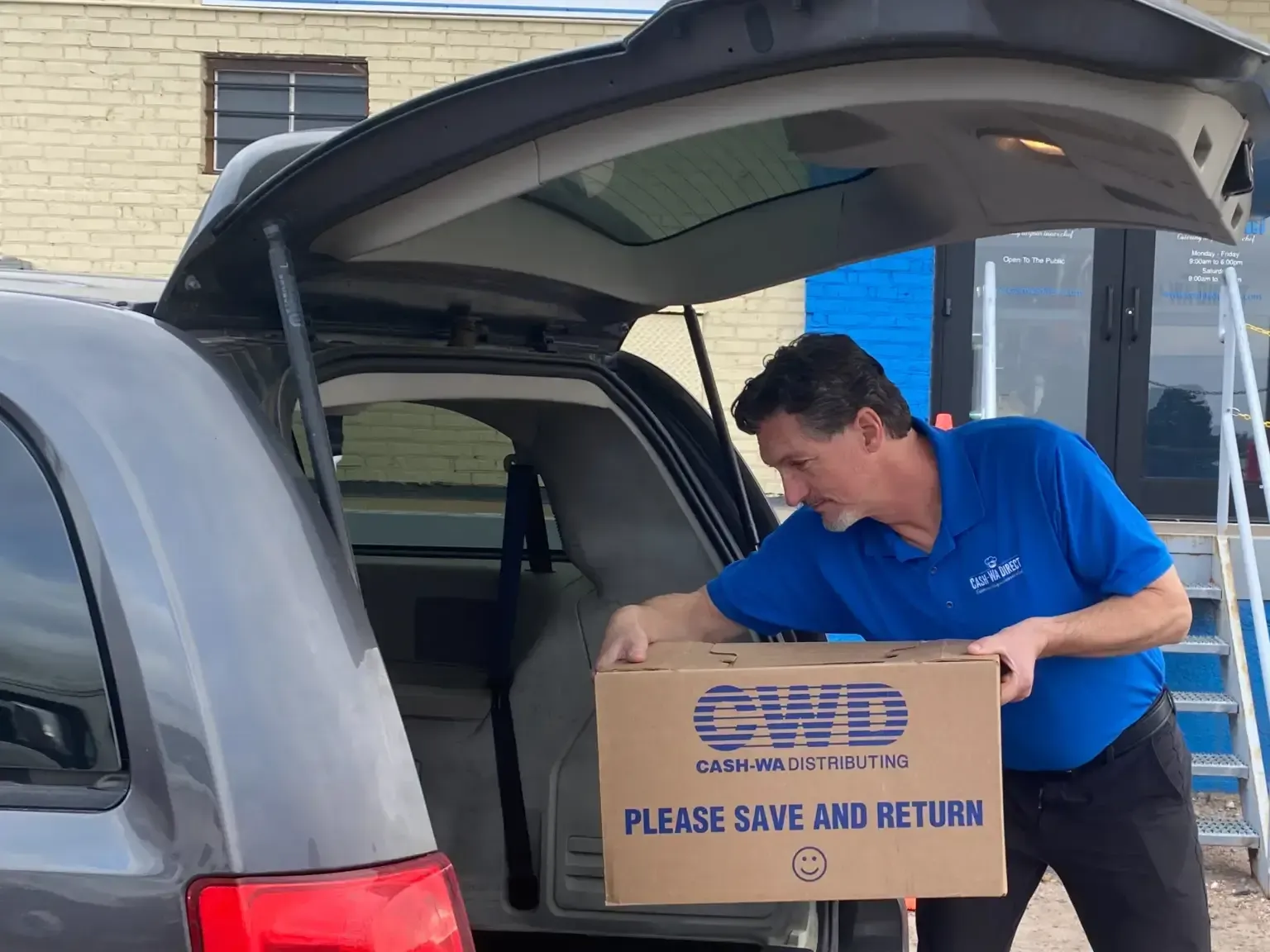
How Aurora Medical Spa trains its team across 7 locations
Aurora Medical Spa
Read the story →: How Aurora Medical Spa trains its team across 7 locations
How Oxygen Service Company finally mastered the EOS process component
Oxygen Service Company
Read the story →: How Oxygen Service Company finally mastered the EOS process component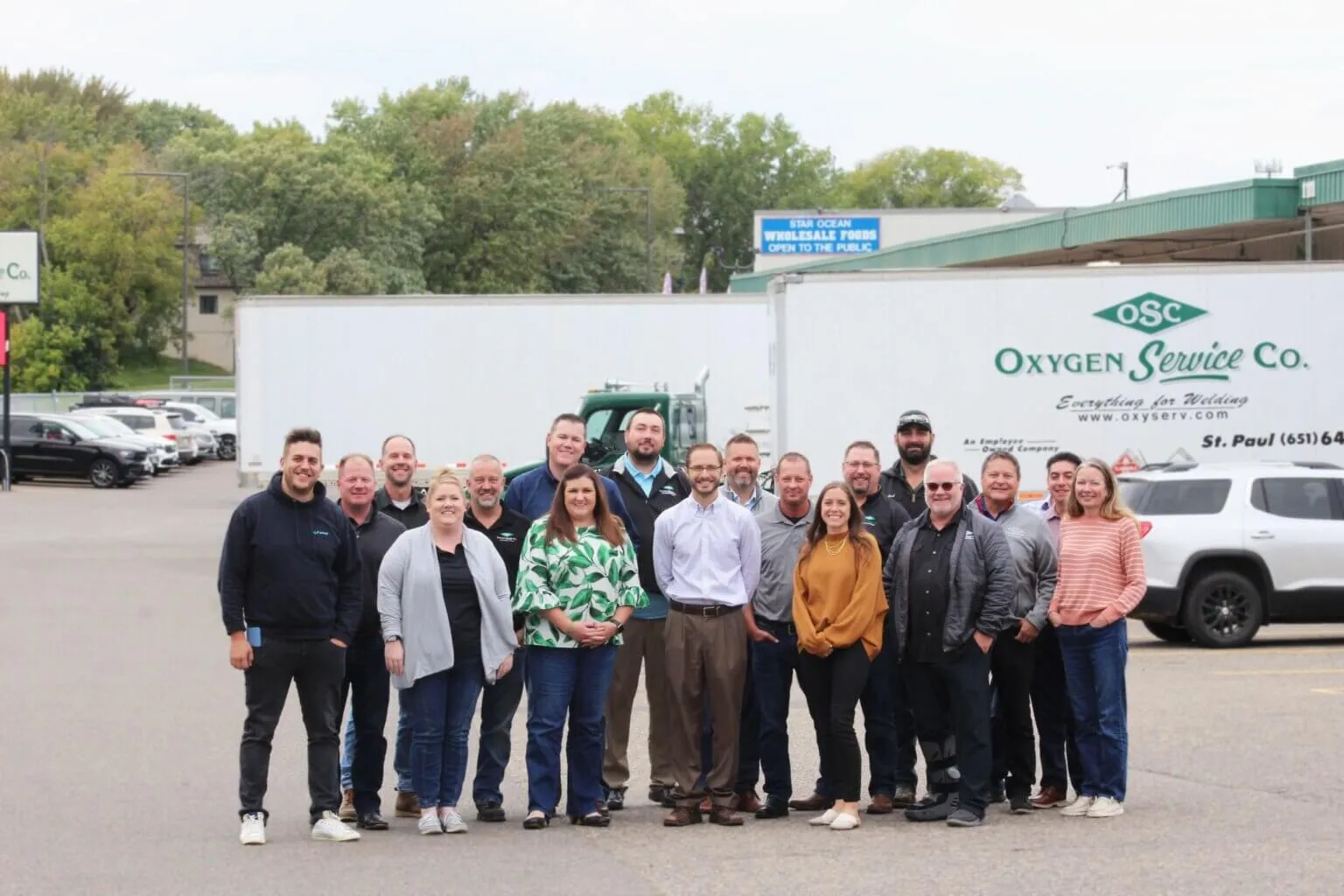
How Image Solutions aligned a 100-person team on processes and kept them engaged
Image Solutions
Read the story →: How Image Solutions aligned a 100-person team on processes and kept them engaged
Rated on G2
Why teams choose Whale

Rated ‘Best support’
Better support
Expect quick answers on your questions, top notch coaching sessions and help with migrating your existing documentation to Whale.

Rated ‘Easiest to use’
Easier to use
Clients switch from other providers to Whale mostly because of our more user-friendly environment, making it easy for any team member to document, train or get trained.

Rated ‘High performer’
Higher performance
We understand that documenting processes takes work. Everything we provide in and around our platform is aimed at making the heavy lifting lighter, and shortening the time to value.
In their own words
Loved for its overall simplicity and support
“Exceptional Tool for Business Knowledge”
Whale is excellent to document and organize business knowledge. Their AI makes it even easier!
Lyndon S.Small-Business (0-50 emp.) “Whale Keeps Work Organized and Teams Confident”
Whale unifies documentation, training, and reviews in one ecosystem.
Verified User in AccountingMid-Market (51-1000 emp.) “Screen Recorder Transformed Our Productivity”
All features are excellent, but the Screen Recorder has boosted productivity for our company.
Andres A.Enterprise (> 1000 emp.) “User-Friendly Platform with Great Features”
Whale is very user-friendly. "Alice" has been a game changer, makes finding information effortless.
Martha Y.Mid-Market (51-1000 emp.) “Intuitive, fresh and easy!”
Whale's clean layout makes building and navigating SOPs a breeze.
Harley B.Small-Business (0-50 emp.) “Productivity Unleashed!”
Managing and write SOP versions, assign them, track progress through a dashboard, and automate revision tracking.
Verified User in FarmingMid-Market (51-1000 emp.) “My company utilizes Whale for our SOP’s and FAQ’s.”
Everything is very easy to locate and the search bar is my favorite feature. When I need a quick answer I turn to Whale to find what I am looking for.
Georgia R.Mid-Market (51-1000 emp.) “Whale Streamlined Our Processes and Boosted Team Onboarding”
Whale transformed how we manage internal processes. Documenting SOPs is fast and we can build and share training materials in minutes, making onboarding significantly more efficient.
Fábio B.Enterprise (> 1000 emp.) “Whale Keeps Department Training Organized with Boards, Libraries, and Playbooks”
Boards, Libraries, and Playbooks keep training organized by department, so you can generate videos, SOPs, quizzes, and more for each topic.
Ketan T.Mid-Market (51-1000 emp.) “Streamlines Documentation with Ease”
I use Whale for company handbooks, regulations, how-to's, and manuals, all on one platform. The step-by-step screen recorder auto-captures screenshots and saves me about an hour per guide.
Anouk V.Mid-Market (51-1000 emp.) “Effortlessly Streamlines Team Training with Solid Support”
Whale supports training my merchandising teams with AI and video features that break down training step by step. Creating training flows is easy, and quizzes ensure the material lands.
Shelley F.Mid-Market (51-1000 emp.) “Effortless SOP Management with Stellar AI Search”
Whale centralizes all our SOPs with standard formatting and makes them easy to find, especially with the fast AI search across thousands of documents.
Jitender T.Small-Business (50 or fewer emp.)

Security
Security your IT team
can sign off on
What IT asks about before a rollout, answered.
SOC 2 certified
How your procedures and records are stored and protected is independently audited.
Granular permissions and enforced SSO
Available from the Advance plan, so access control matches how your organisation is already set up.
GDPR aligned
EU and UK data rights documented in the Whale Trust Center.
Your data, your region
Hosted in the US or the EU, whichever you choose.
Enterprise agreements
A BAA is signed on request on the Enterprise plan.
Integrations
Whale works where you do.
Don’t change your workflow. Whale integrates with the tools your team already uses, providing answers exactly when they’re needed.
See our Integrations








Frequently asked questions
01How to use Whale for construction?
Use Whale to document your site and safety procedures as SOPs, with the Step Recorder capturing a process as someone performs it once. Crews open the right SOP by scanning a QR code at the job site, using the Whale app on Android and iOS. Assign role-based training flows so new hires are cleared before they set foot on site, and use analytics and reporting to prove who has been trained.
02Can crews access safety SOPs out on the job site?
Yes. Crews scan a QR code at the site to open the right safety SOP on their phone, with no login hunt, so every crew follows the same procedure.
03How does Whale help with OSHA and safety consistency?
Whale helps with OSHA compliance by serving as the written-program and training-records layer for your safety procedures.
- Procedure management: keeps safety protocols such as HazCom or lockout/tagout steps current, with version control, named sign-offs and scheduled review dates assigned to subject-matter experts.
- Training verification: delivers role-based training flows and automated quizzes generated from your procedures, and tracks who read and acknowledged each policy.
- Frontline access: puts SOPs in the mobile app and surfaces them via QR codes at the point of work, backed by an AI assistant for quick answers.
- Audit-ready records: generates logs on demand to prove employee training and procedure acknowledgments.
Note: Whale is a documentation and training layer, not a full system of record. It does not generate OSHA Form 300, 300A or 301, and it does not submit to the Injury Tracking Application.
04Can less-experienced workers handle specialized tasks correctly?
Step-by-step guides for specialized tasks help less-experienced crew get it right the first time, cutting rework and inspection failures.
05How quickly can new hires work unsupervised?
Role-based training paths get new hires productive in days, and you can see who has completed their path before they set foot on a live site.
06How does Whale work for deskless workers?
Whale caters to deskless and frontline workers by moving training materials and standard operating procedures out of traditional desktop portals and into the field where the physical work actually happens. Teams reach Whale through the Whale app on Android and iOS, or by scanning a QR code placed at the point of work.