
Share Knowledge
Team
knowledge hubs
Centralize company knowledge in one trusted place
- 4.8/5 on G2
- SOC 2 certified








Standardize how work gets done
Too many teams rely on disconnected docs, outdated SOPs, Slack messages, and tribal knowledge to get work done. Whale centralizes everything into one organized source of truth that keeps teams aligned and information easy to maintain.

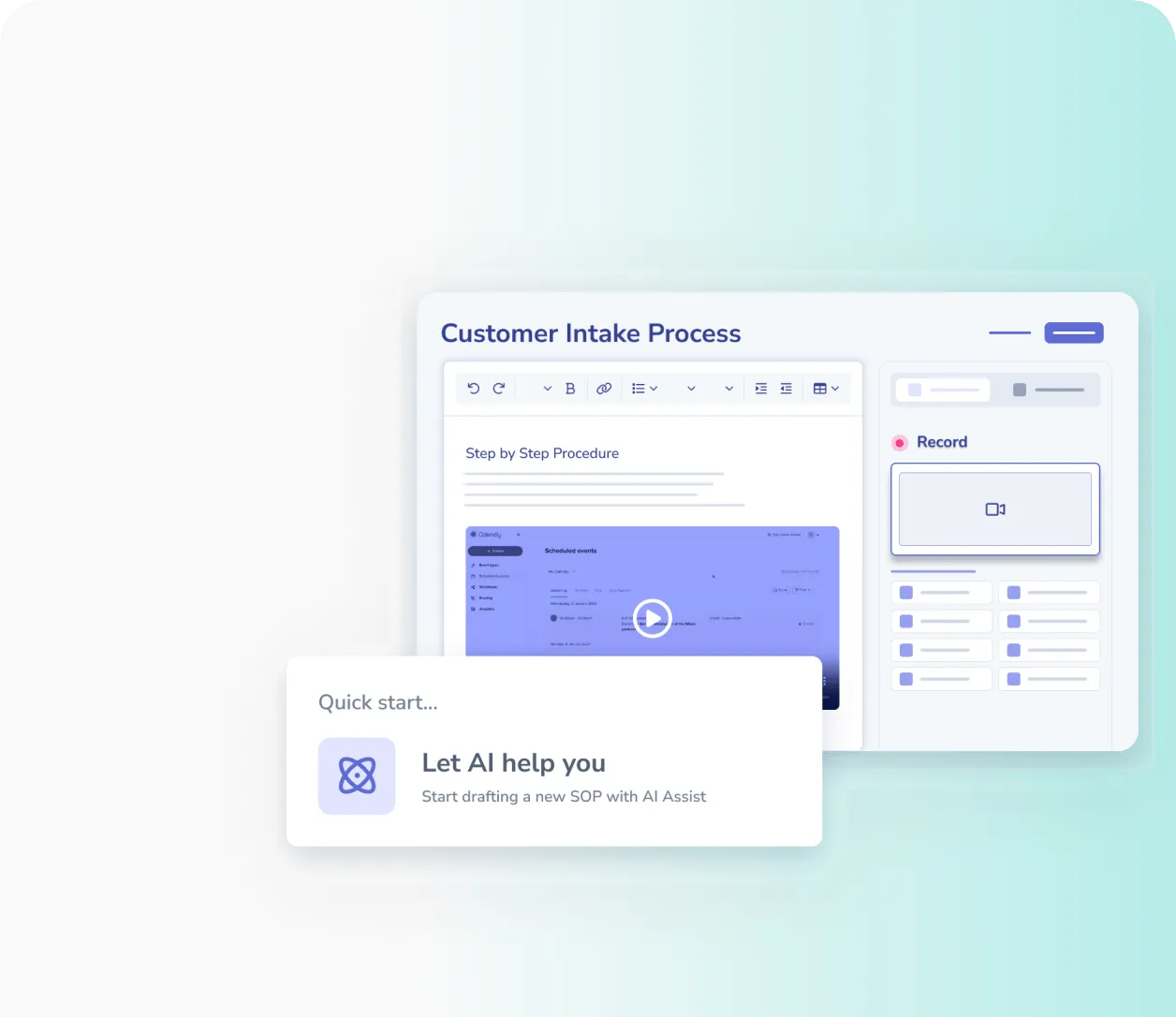
Capture knowledge without the busywork
Turn everyday work into polished documentation automatically so teams can document without slowing down productivity.
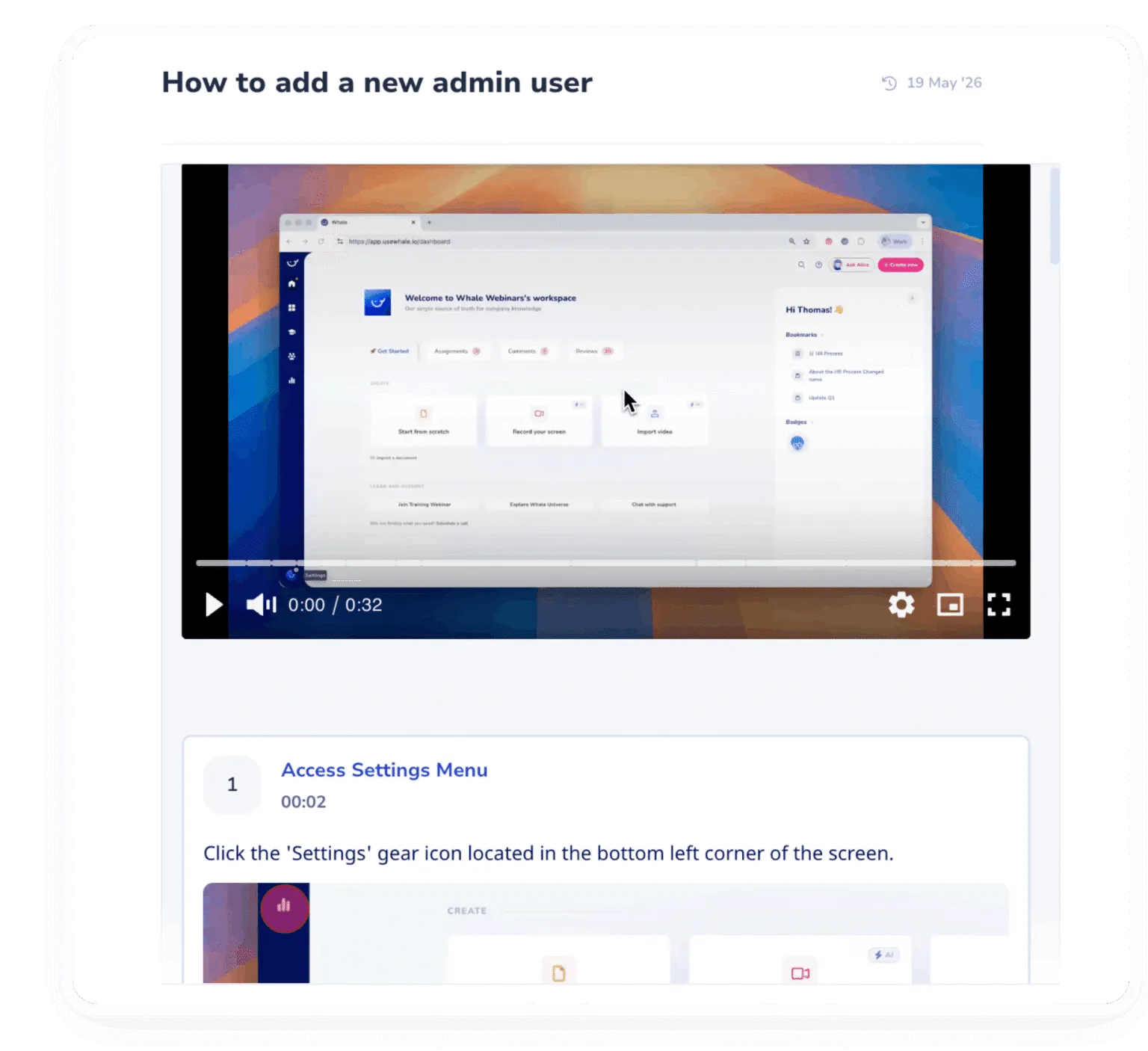
Keep knowledge accurate and up to date
Make it easy to maintain documentation as your business evolves so employees always work from the latest information.
The leading standard operating procedure software
If you’re looking for a tool where you could step record, screen record, automate onboarding with processes, train your teams with quizzes….and more, then you need Whale!
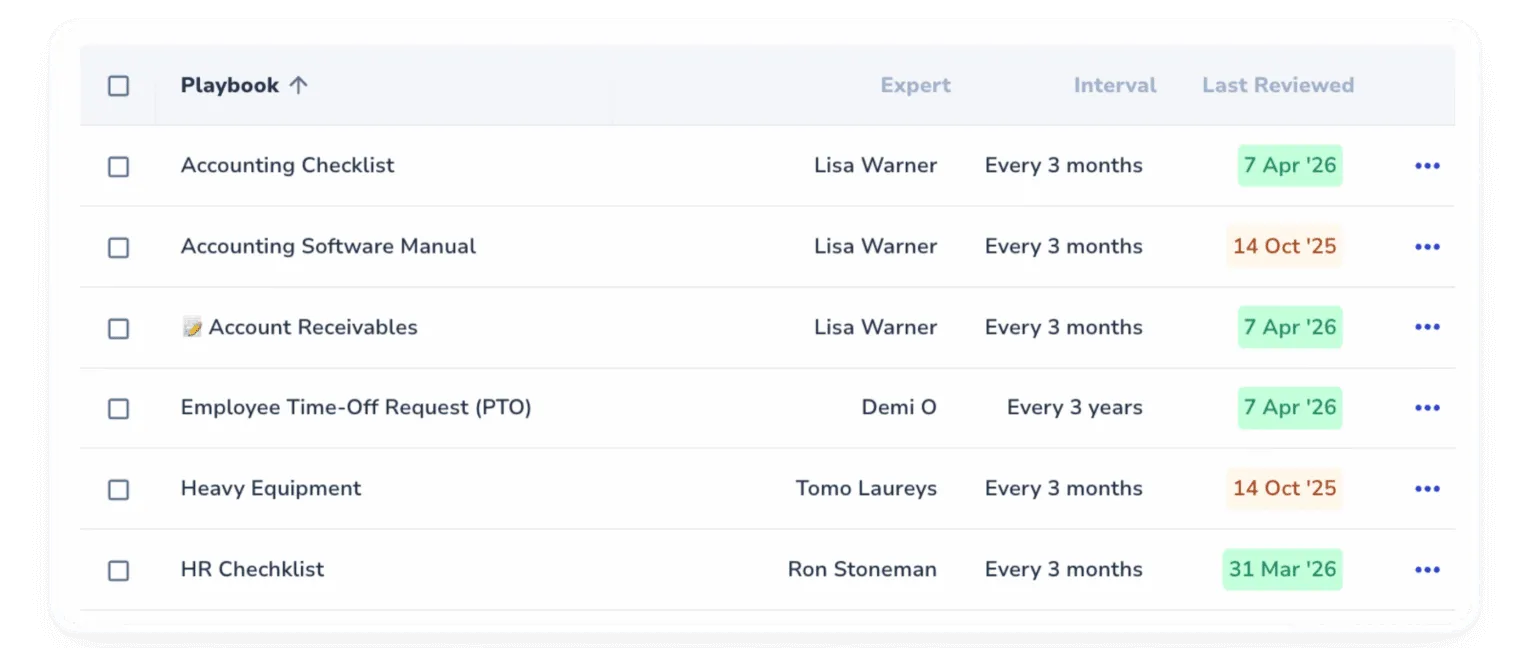
Replace scattered information with operational clarity
Centralize your operational knowledge in one platform that helps every employee stay aligned, informed, and productive.
- Say goodbye to endless folder searches. Support your team with clear instructions and provide instant answers when and where they need them
- Create consistency across teams, locations, and departments with centralized documentation employees can easily follow.
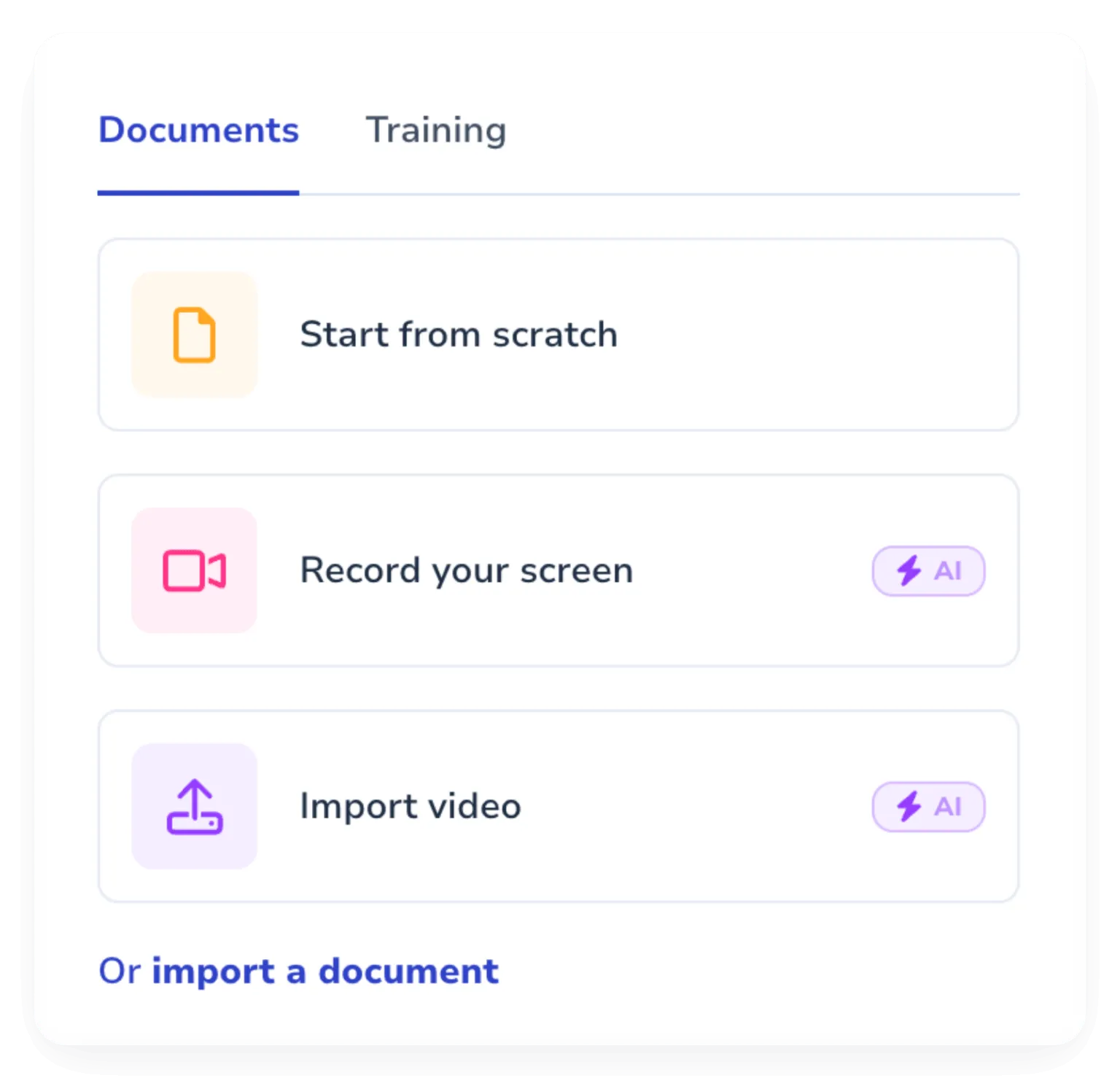
- Import your existing docs into Whale and instantly turn scattered, outdated information into organized, standardized knowledge.
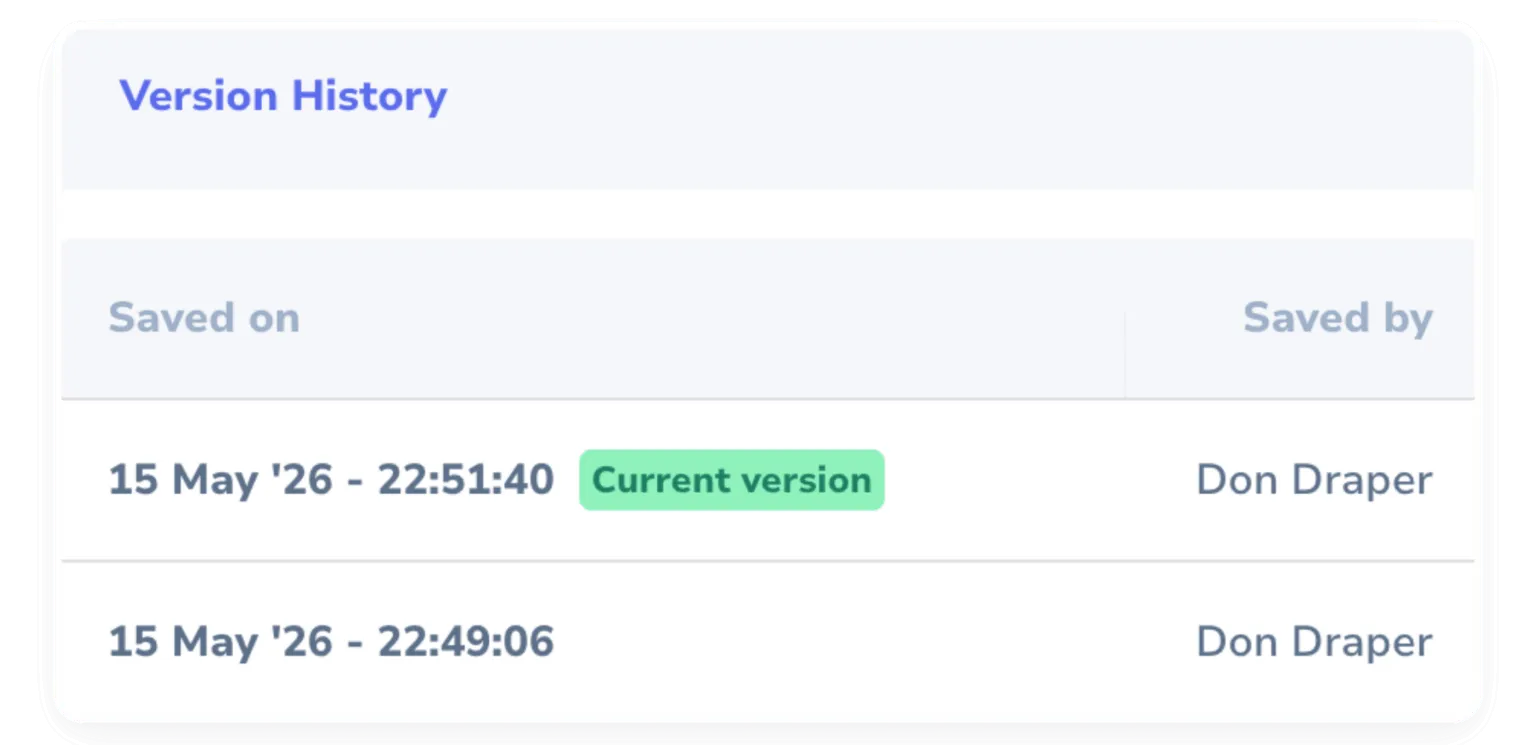
- Eliminate outdated docs and version confusion with a complete history of changes and one-click version recovery.
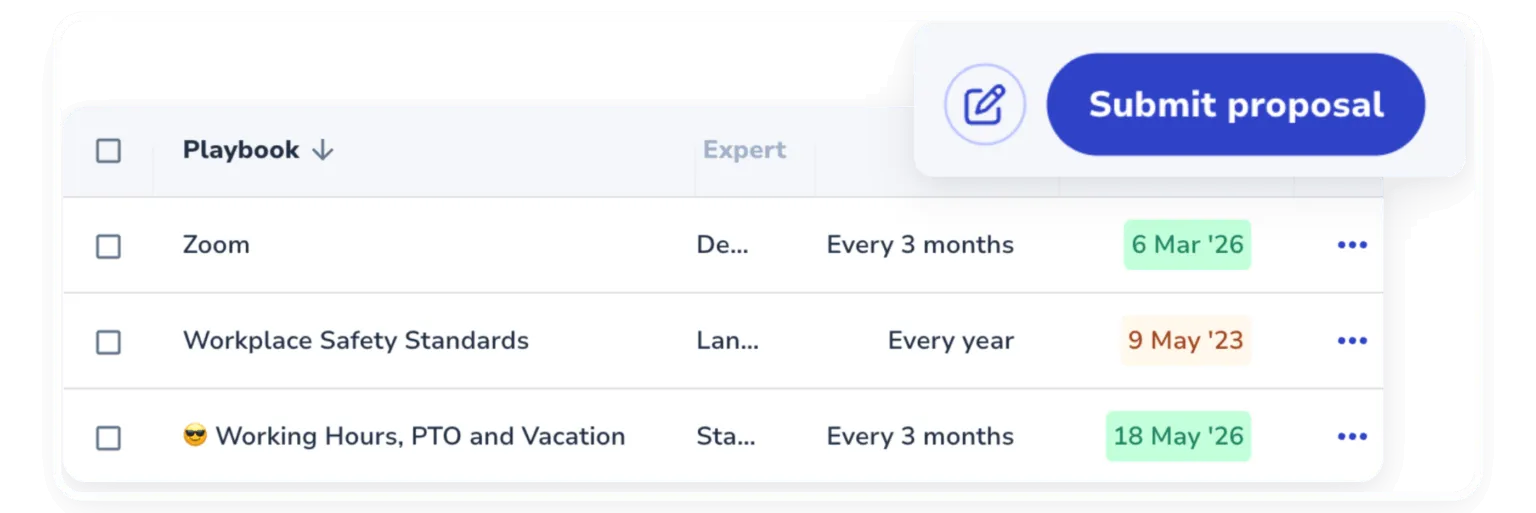
- Approval flows and expert reviews keep everything accurate, approved, and up to date so your team always works from trusted information.

In their own words
Loved for its overall simplicity and support
“Exceptional Tool for Business Knowledge”
Whale is excellent to document and organize business knowledge. Their AI makes it even easier!
Lyndon S.Small-Business (0-50 emp.) “Whale Keeps Work Organized and Teams Confident”
Whale unifies documentation, training, and reviews in one ecosystem.
Verified User in AccountingMid-Market (51-1000 emp.) “Screen Recorder Transformed Our Productivity”
All features are excellent, but the Screen Recorder has boosted productivity for our company.
Andres A.Enterprise (> 1000 emp.) “User-Friendly Platform with Great Features”
Whale is very user-friendly. "Coral" has been a game changer, makes finding information effortless.
Martha Y.Mid-Market (51-1000 emp.) “Intuitive, fresh and easy!”
Whale's clean layout makes building and navigating SOPs a breeze.
Harley B.Small-Business (0-50 emp.) “Productivity Unleashed!”
Managing and write SOP versions, assign them, track progress through a dashboard, and automate revision tracking.
Verified User in FarmingMid-Market (51-1000 emp.) “My company utilizes Whale for our SOP’s and FAQ’s.”
Everything is very easy to locate and the search bar is my favorite feature. When I need a quick answer I turn to Whale to find what I am looking for.
Georgia R.Mid-Market (51-1000 emp.) “Whale Streamlined Our Processes and Boosted Team Onboarding”
Whale transformed how we manage internal processes. Documenting SOPs is fast and we can build and share training materials in minutes, making onboarding significantly more efficient.
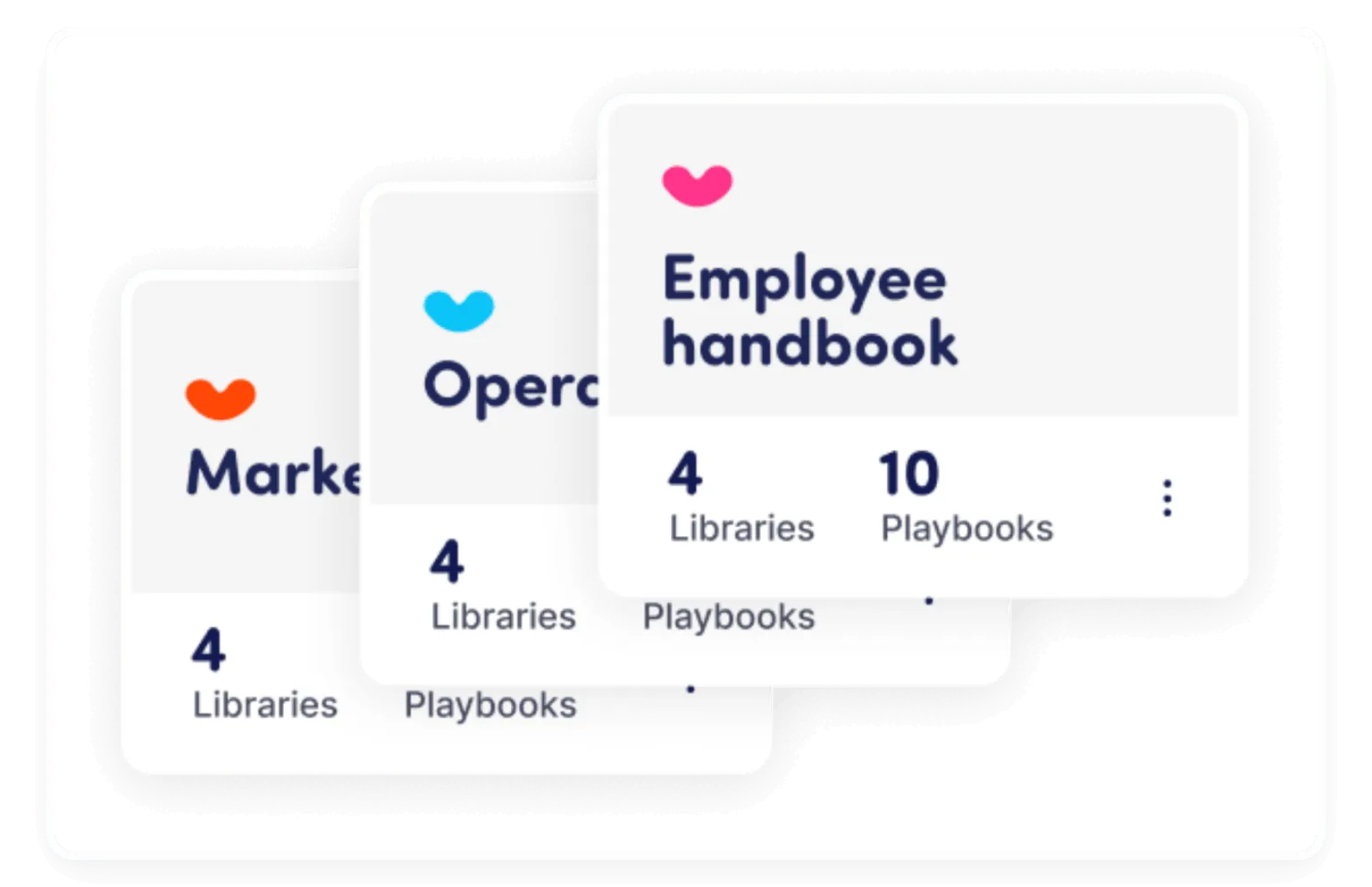
Fábio B.Enterprise (> 1000 emp.) “Whale Keeps Department Training Organized with Boards, Libraries, and Playbooks”
Boards, Libraries, and Playbooks keep training organized by department, so you can generate videos, SOPs, quizzes, and more for each topic.
Ketan T.Mid-Market (51-1000 emp.) “Streamlines Documentation with Ease”
I use Whale for company handbooks, regulations, how-to's, and manuals, all on one platform. The step-by-step screen recorder auto-captures screenshots and saves me about an hour per guide.
Anouk V.Mid-Market (51-1000 emp.) “Effortlessly Streamlines Team Training with Solid Support”
Whale supports training my merchandising teams with AI and video features that break down training step by step. Creating training flows is easy, and quizzes ensure the material lands.
Shelley F.Mid-Market (51-1000 emp.) “Effortless SOP Management with Stellar AI Search”
Whale centralizes all our SOPs with standard formatting and makes them easy to find, especially with the fast AI search across thousands of documents.
Jitender T.Small-Business (50 or fewer emp.)
Integrations
Whale works where you do.
Don’t change your workflow. Whale integrates with the tools your team already uses, providing answers exactly when they’re needed.
See our Integrations








Frequently asked questions
01How to use Whale for knowledge sharing and management?
Use Whale to capture what your team knows as SOPs, with the Step Recorder turning a process into a documented procedure as you perform it once. Coral, Whale’s AI assistant, structures and improves the draft. Assign owners and review dates so knowledge stays current, and use search and contextual suggestions so people find the right answer where they already work.
02We already have Notion, Confluence, or Google Drive. Why switch?
Whale is built around SOPs and processes. Every card has an owner, a review cycle, completion analytics, and version history, so content stays current and findable. The structure is what keeps the library working instead of decaying into a graveyard.
03How does Coral make sure it gives the right answer instead of a confident wrong one?
Coral, Whale’s AI assistant, only draws from your published SOPs and cites the source card on every answer, so your team can verify in one click. If the answer is not documented yet, Coral says so. Accuracy goes up the more your team uses Whale because Coral has a fuller library to pull from.
04Half our team lives in Slack and HubSpot. They won't go to another app to find an SOP.
They don’t have to. CoPilot surfaces the right SOP inside HubSpot, Salesforce, Gmail, or any web tool without leaving the page, and Coral handles ad-hoc questions directly in Slack and Teams. The knowledge comes to your team where they already work.
05What does moving our existing knowledge into Whale actually look like?
You can import PDFs, Word docs, Notion pages, Google Docs pages, and Confluence pages directly. Coral can clean up legacy content into a consistent SOP format. Customers on Scale and above get an onboarding manager who runs the migration with you so you’re not figuring it out alone.
06How do we keep content current without making someone a full-time librarian?
Every card has a review owner and a review cycle, so the right person gets a nudge before content goes stale, and analytics also surface which pages have not been opened in months so you know what to retire. Coral always pulls from the latest version, so even unreviewed cards return current information.
07Why not just use Notion or Guru for this?
Notion is excellent as a flexible workspace, but the lack of process-specific structure is why teams’ SOP libraries tend to decay there. Guru is built primarily for sales-enablement cards and short answers, not for multi-step operational SOPs. Whale is purpose-built for processes: Step Recorder for capture, Training flows for onboarding, CoPilot for in-tool delivery, and Coral for answers. Many teams keep Notion for general docs and use Whale for the SOP layer.