Use cases
Safety
& Compliance
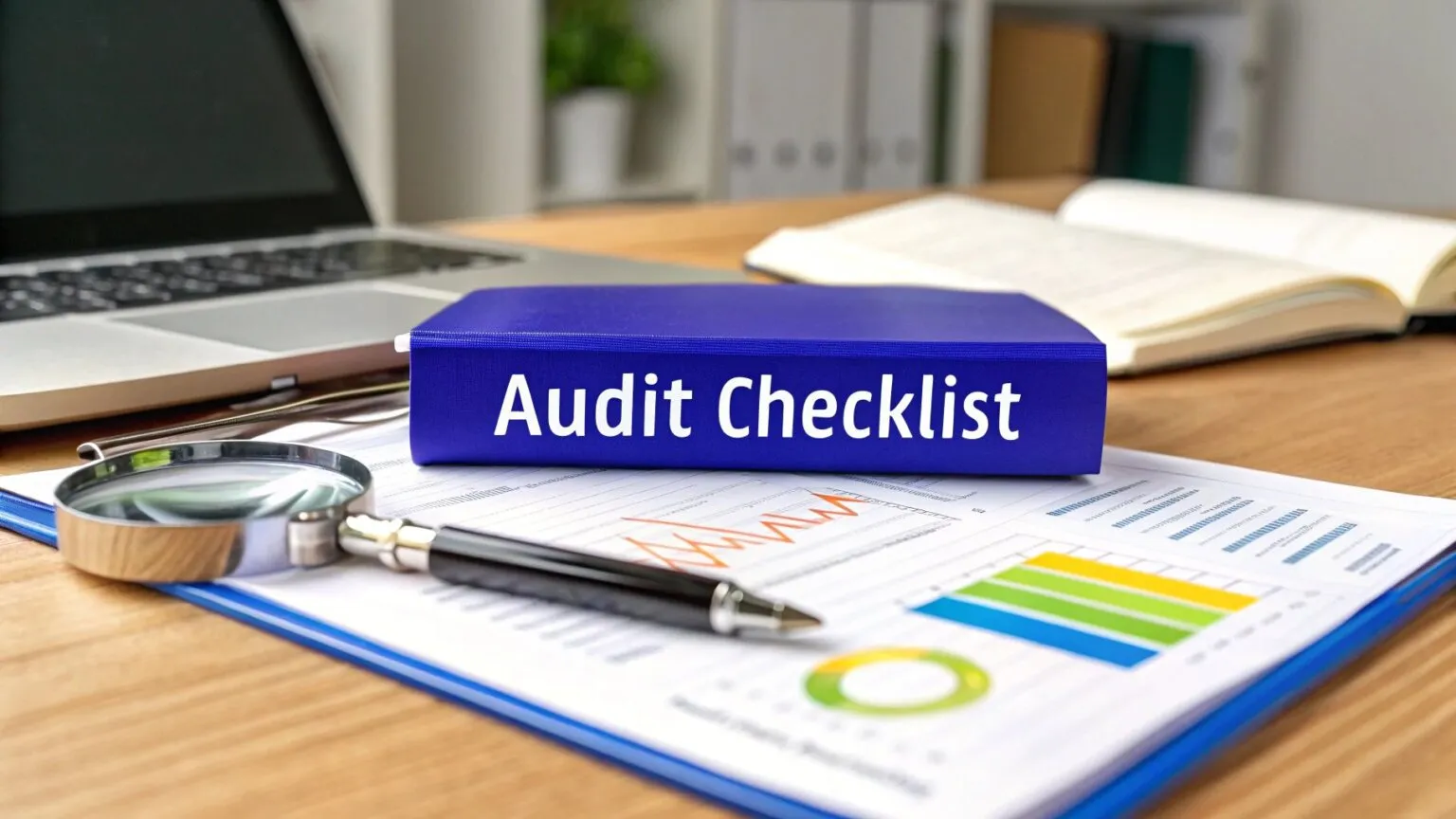
Build safer, more compliant operations
- 4.8/5 on G2
- SOC 2 certified








Standardize safe and compliant ways of working
Save time and rely on a wide range of AI-powered tools to capture your every process into great-looking documentation that’s easy to follow.
Reinforce safety and compliance through training
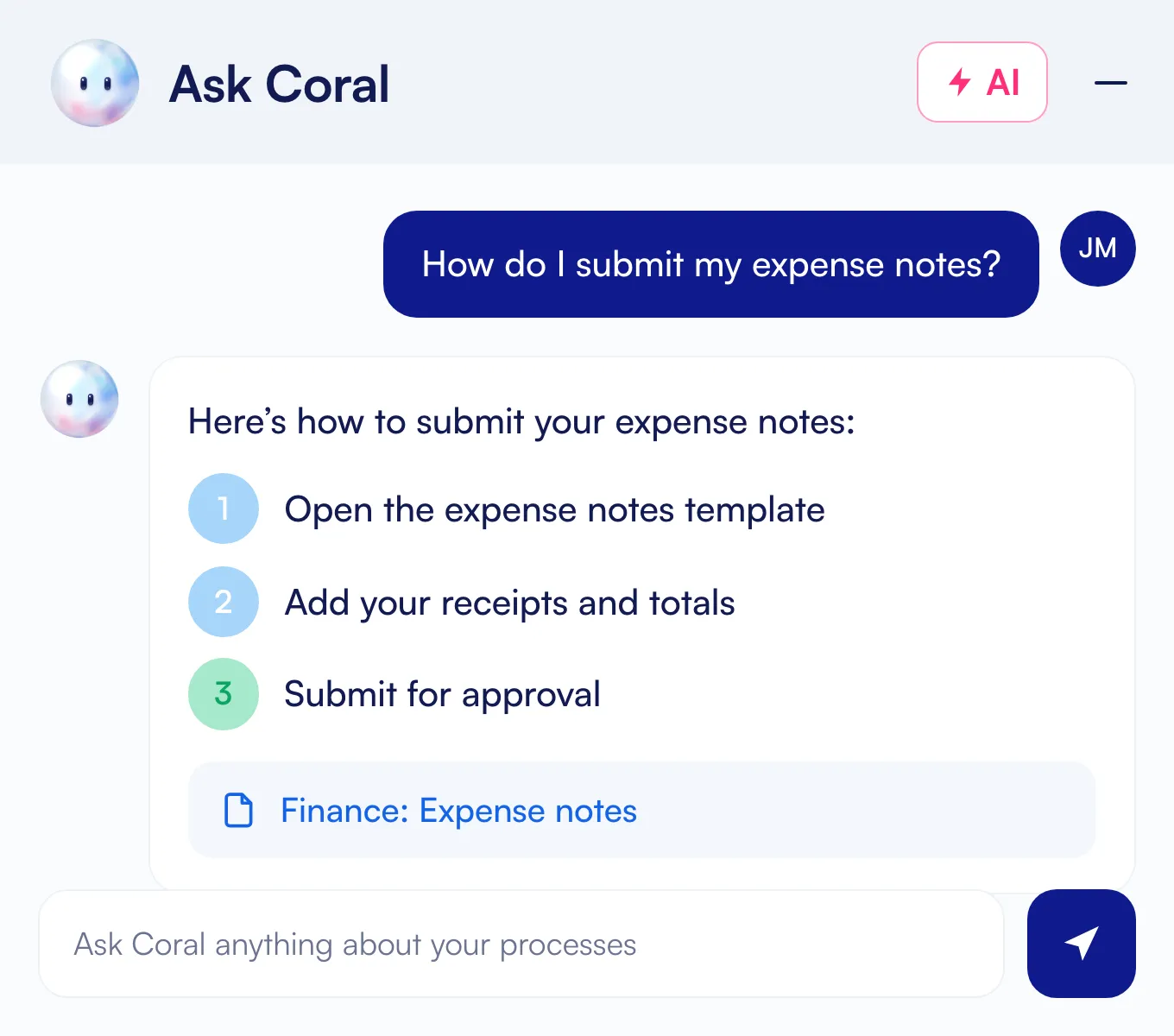
Deliver instant answers wherever your team works with Whale’s browser extension, mobile app, and AI-powered chat assistant.

Improve visibility and accountability
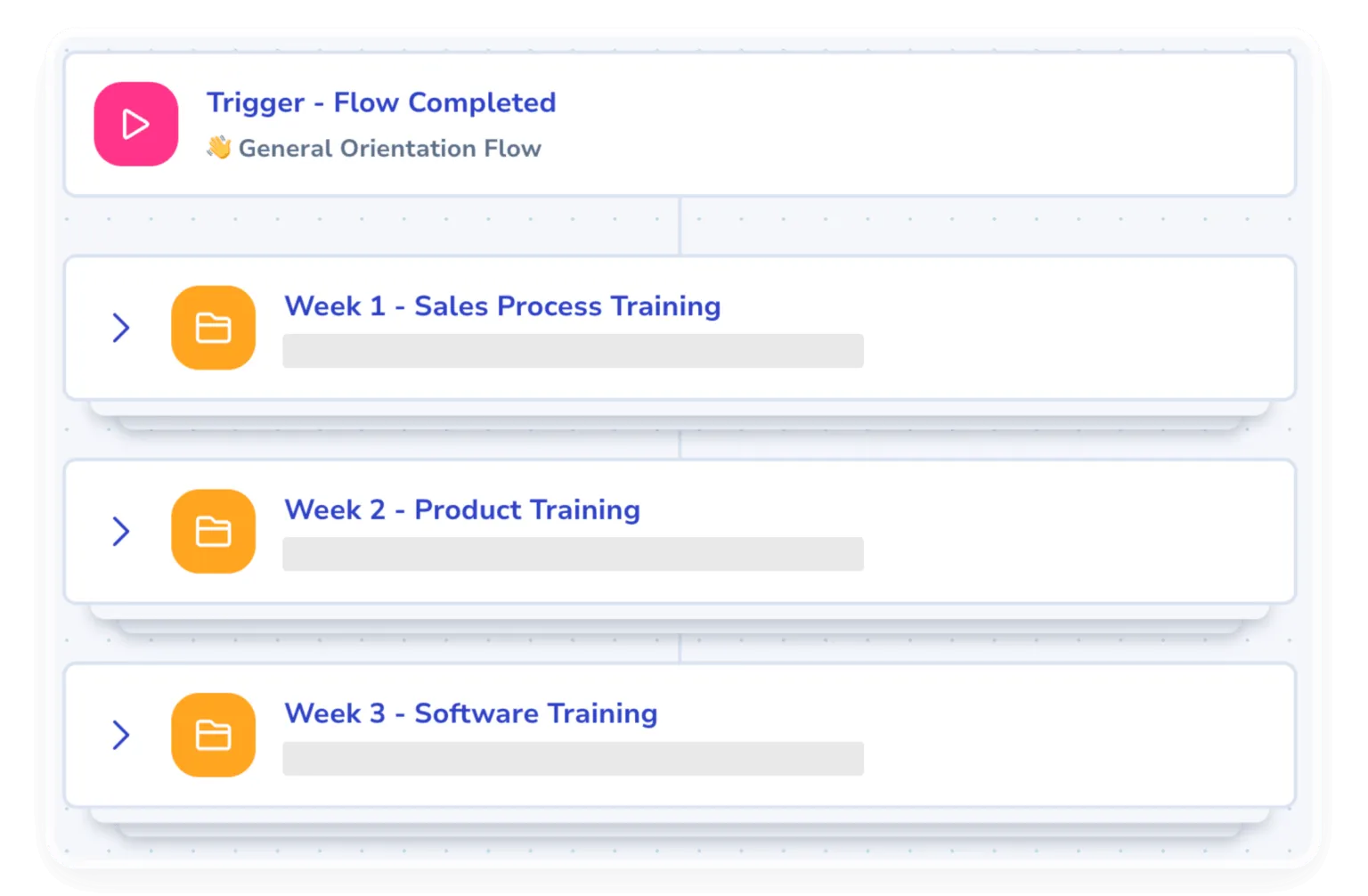
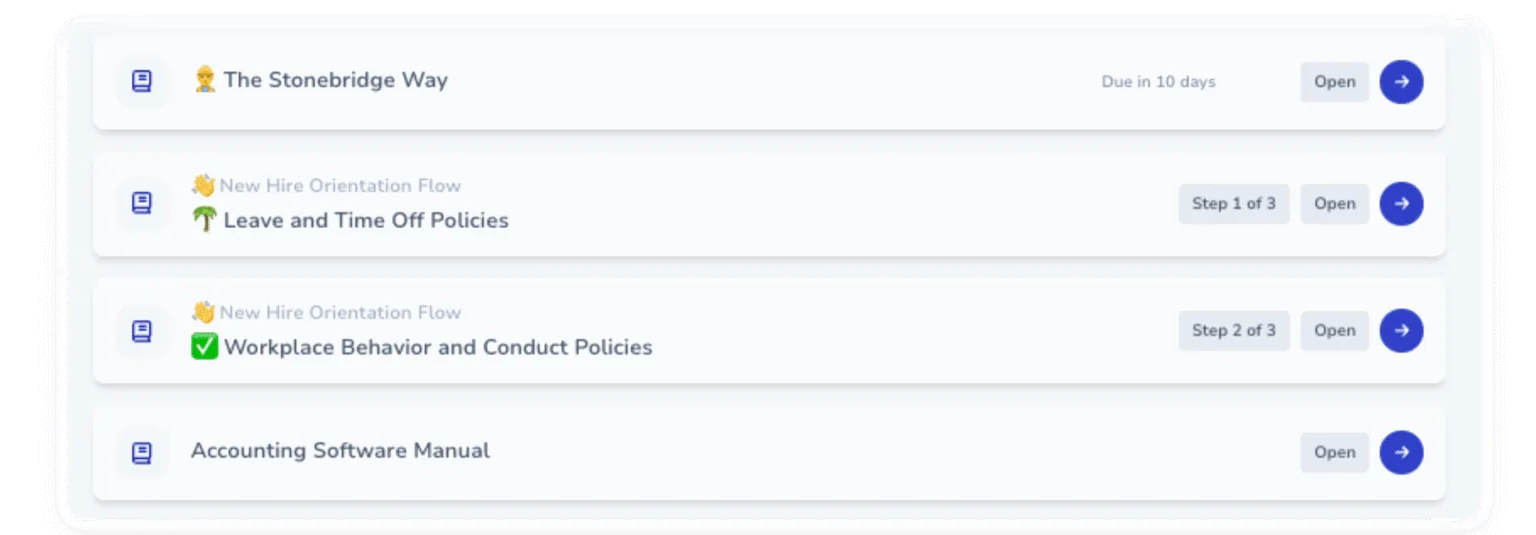
Help your new hires ramp faster with role based training flows and quizzes generated directly from your documented knowledge in Whale.
The leading standard operating procedure software
If you’re looking for a tool where you could step record, screen record, automate onboarding with processes, train your teams with quizzes….and more, then you need Whale!
Make safety and compliance everyday behavior.
Policies alone don’t prevent incidents or compliance risks. Whale helps teams operationalize safety and compliance with clear procedures, guided training, and instant support employees can access while they work.
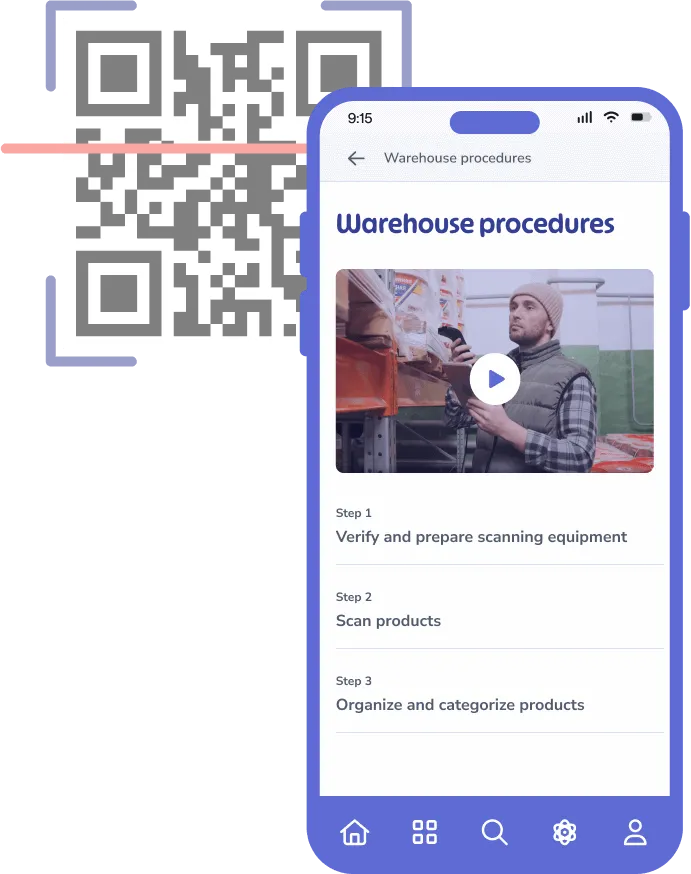
- Place QR codes on equipment, workstations, vehicles, or facility areas so employees can instantly access the right safety procedures, checklists, and compliance guidance exactly where the work happens.
- Ensure teams follow every required step during inspections, maintenance, audits, onboarding, or safety-critical workflows.
- Keep critical workflow guidance accessible everywhere work happens, including frontline and field environments.
- Deliver the right safety and compliance training to the right employees without overwhelming them with unnecessary information.
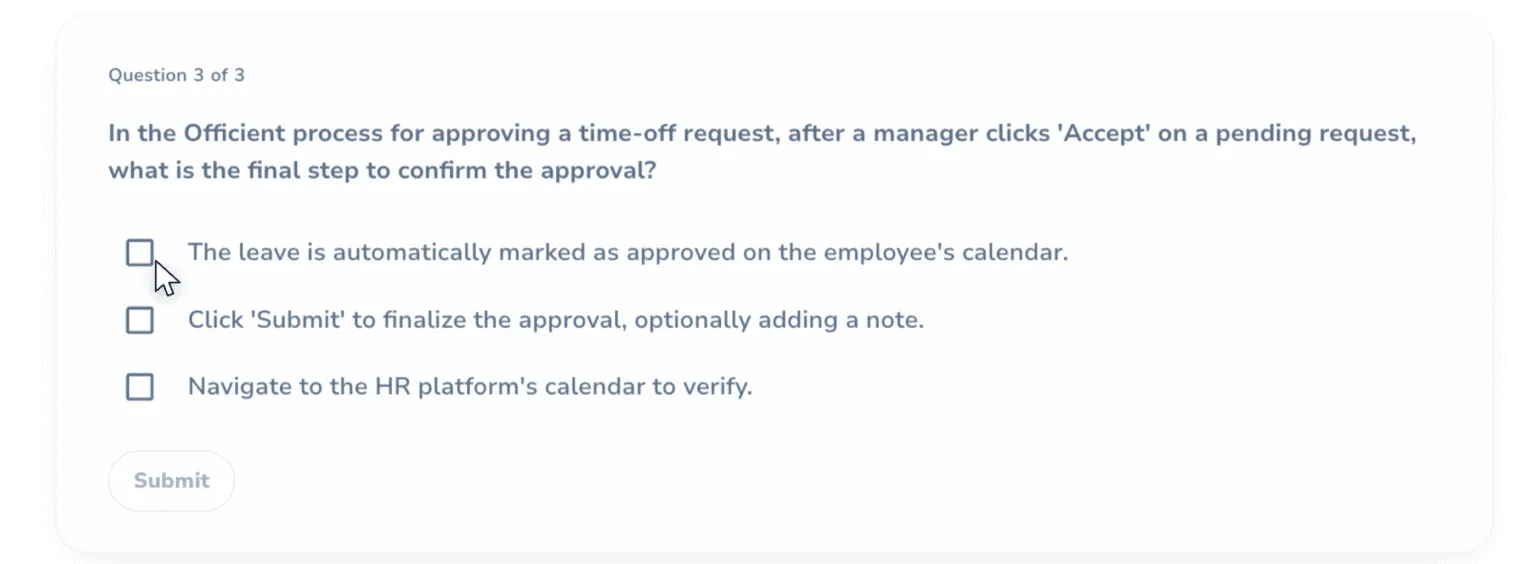
- Verify understanding and reinforce retention before mistakes turn into incidents, violations, or operational risks.

In their own words
Loved for its overall simplicity and support
“Exceptional Tool for Business Knowledge”
Whale is excellent to document and organize business knowledge. Their AI makes it even easier!
Lyndon S.Small-Business (0-50 emp.) “Whale Keeps Work Organized and Teams Confident”
Whale unifies documentation, training, and reviews in one ecosystem.
Verified User in AccountingMid-Market (51-1000 emp.) “Screen Recorder Transformed Our Productivity”
All features are excellent, but the Screen Recorder has boosted productivity for our company.
Andres A.Enterprise (> 1000 emp.) “User-Friendly Platform with Great Features”
Whale is very user-friendly. "Coral" has been a game changer, makes finding information effortless.
Martha Y.Mid-Market (51-1000 emp.) “Intuitive, fresh and easy!”
Whale's clean layout makes building and navigating SOPs a breeze.
Harley B.Small-Business (0-50 emp.) “Productivity Unleashed!”
Managing and write SOP versions, assign them, track progress through a dashboard, and automate revision tracking.
Verified User in FarmingMid-Market (51-1000 emp.) “My company utilizes Whale for our SOP’s and FAQ’s.”
Everything is very easy to locate and the search bar is my favorite feature. When I need a quick answer I turn to Whale to find what I am looking for.
Georgia R.Mid-Market (51-1000 emp.) “Whale Streamlined Our Processes and Boosted Team Onboarding”
Whale transformed how we manage internal processes. Documenting SOPs is fast and we can build and share training materials in minutes, making onboarding significantly more efficient.
Fábio B.Enterprise (> 1000 emp.) “Whale Keeps Department Training Organized with Boards, Libraries, and Playbooks”
Boards, Libraries, and Playbooks keep training organized by department, so you can generate videos, SOPs, quizzes, and more for each topic.
Ketan T.Mid-Market (51-1000 emp.) “Streamlines Documentation with Ease”
I use Whale for company handbooks, regulations, how-to's, and manuals, all on one platform. The step-by-step screen recorder auto-captures screenshots and saves me about an hour per guide.
Anouk V.Mid-Market (51-1000 emp.) “Effortlessly Streamlines Team Training with Solid Support”
Whale supports training my merchandising teams with AI and video features that break down training step by step. Creating training flows is easy, and quizzes ensure the material lands.
Shelley F.Mid-Market (51-1000 emp.) “Effortless SOP Management with Stellar AI Search”
Whale centralizes all our SOPs with standard formatting and makes them easy to find, especially with the fast AI search across thousands of documents.
Jitender T.Small-Business (50 or fewer emp.)
Integrations
Whale works where you do.
Don’t change your workflow. Whale integrates with the tools your team already uses, providing answers exactly when they’re needed.
See our Integrations








Frequently asked questions
01How to use Whale for compliance?
You can use Whale for compliance by centralizing your standard operating procedures (SOPs), automating role-based training, and tracking employee sign-offs. Using features like Whale’s checklists and eSignature you can now track exactly what processes have been followed.
02What does Whale give an auditor that our current setup can't?
Whale exports completion records, quiz scores, version history, and read-receipts per person and per SOP. Auditors get clean reports showing who was trained, when, on which version, and what they scored. Reviewers in regulated industries point to this as the single biggest reason they switched.
03Can we capture sign-offs and attestations on policies?
Yes. Read-assignments capture an acknowledgement when someone confirms they’ve read and understood a policy or SOP. The record is timestamped, includes the user, the policy version they read, and the date of acknowledgement, so the audit trail is unambiguous.
04How do we prove someone actually understood the training, not just clicked through?
Training flows include quizzes you build with multiple-choice or open questions, and a passing score can be required to mark the flow complete. Completion in your records means demonstrated understanding, not just a click-through. Coral, Whale’s AI assistant, can generate quiz questions from any SOP to make this fast.
05When a policy changes, how do we track who has read the updated version?
Every SOP has a full version history. Updating a policy triggers a re-acknowledgement workflow, so people on the previous version get a notification to read the change and confirm. Your audit log shows the timestamped trail per version.
06Does Whale support SOC 2, HIPAA, AS9100, or ISO requirements?
Whale is SOC 2 and GDPR compliant. Visit our security centre for the details.
Customers in regulated industries (financial services, pharmaceuticals, manufacturing, and healthcare) use Whale to document the operational procedures those audits require. Audit-grade reporting, read-receipts, version control, and version-pinned acknowledgements cover the process-documentation piece. For the framework certification itself you’ll still want a dedicated GRC tool alongside Whale.