
Use cases
Train
AI agents
Turn process documentation into AI-ready automation
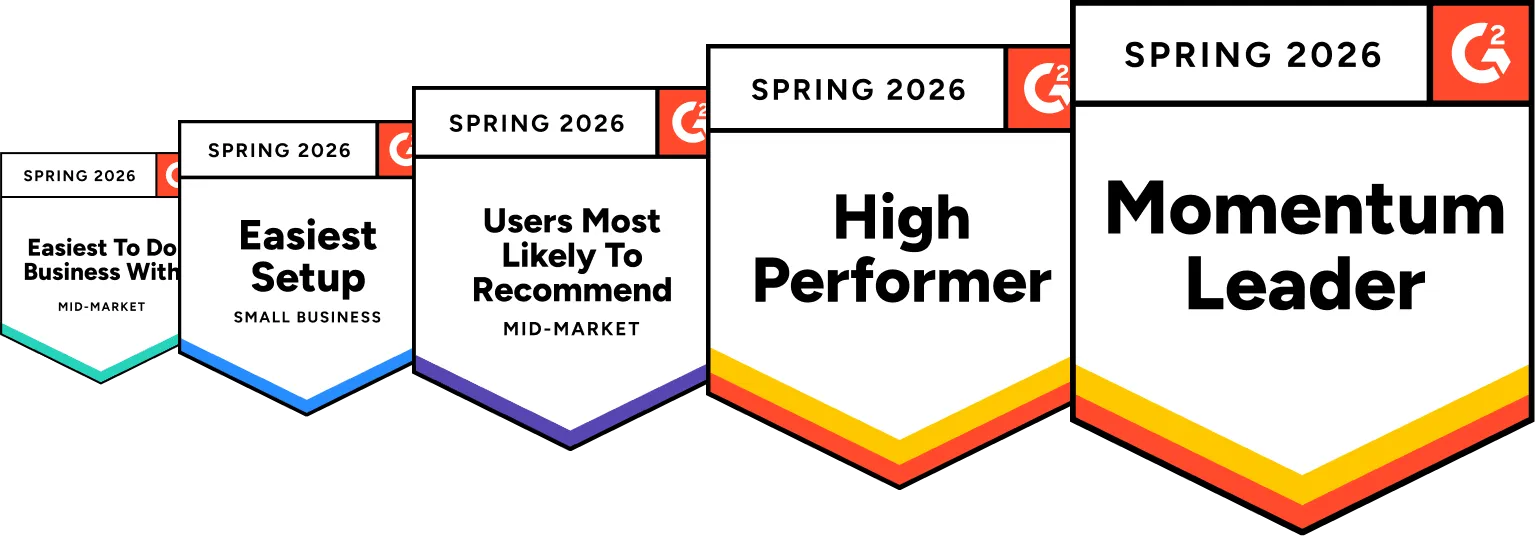
- 4.8/5 on G2
- SOC 2 certified








Create AI-ready process documentation
Give AI agents clear, structured instructions based on your real workflows instead of messy notes, tribal knowledge, or outdated documentation.
Train AI agents on trusted knowledge
Give AI agents access to accurate, reviewed, and continuously updated operational knowledge so they always work from trusted processes instead of outdated or inconsistent information.

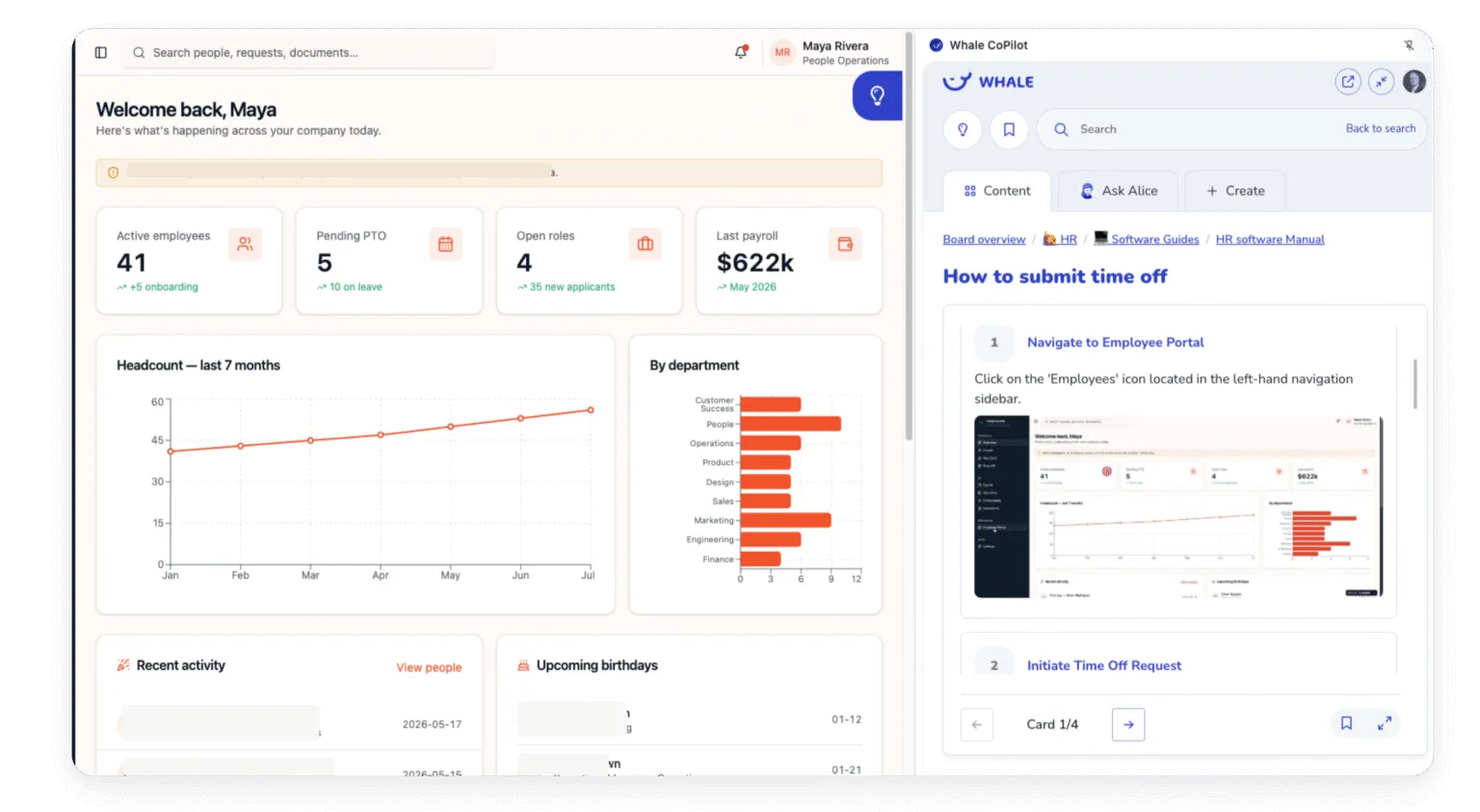
Support humans and AI in the same workflow
Keep employees and AI agents aligned around the same operational playbook so work gets executed consistently across your organization.
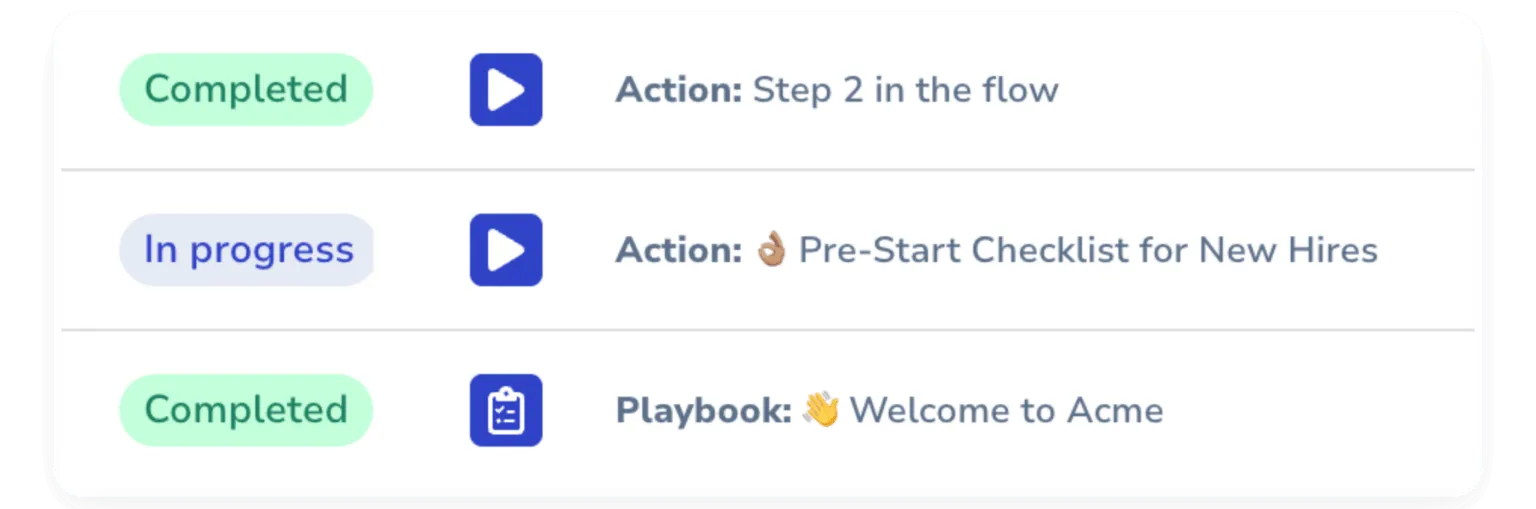
The leading standard operating procedure software
If you’re looking for a tool where you could step record, screen record, automate onboarding with processes, train your teams with quizzes….and more, then you need Whale!
AI agents are only as good as the processes behind them
Whale helps you capture, structure, and maintain your operational knowledge so AI agents can follow the right workflows, use the right context, and automate work the way your team actually wants it done.
- Connect Whale to your AI ecosystem through MCP support, making trusted SOPs, workflows, and operational knowledge directly accessible to AI agents and automation tools in real time.
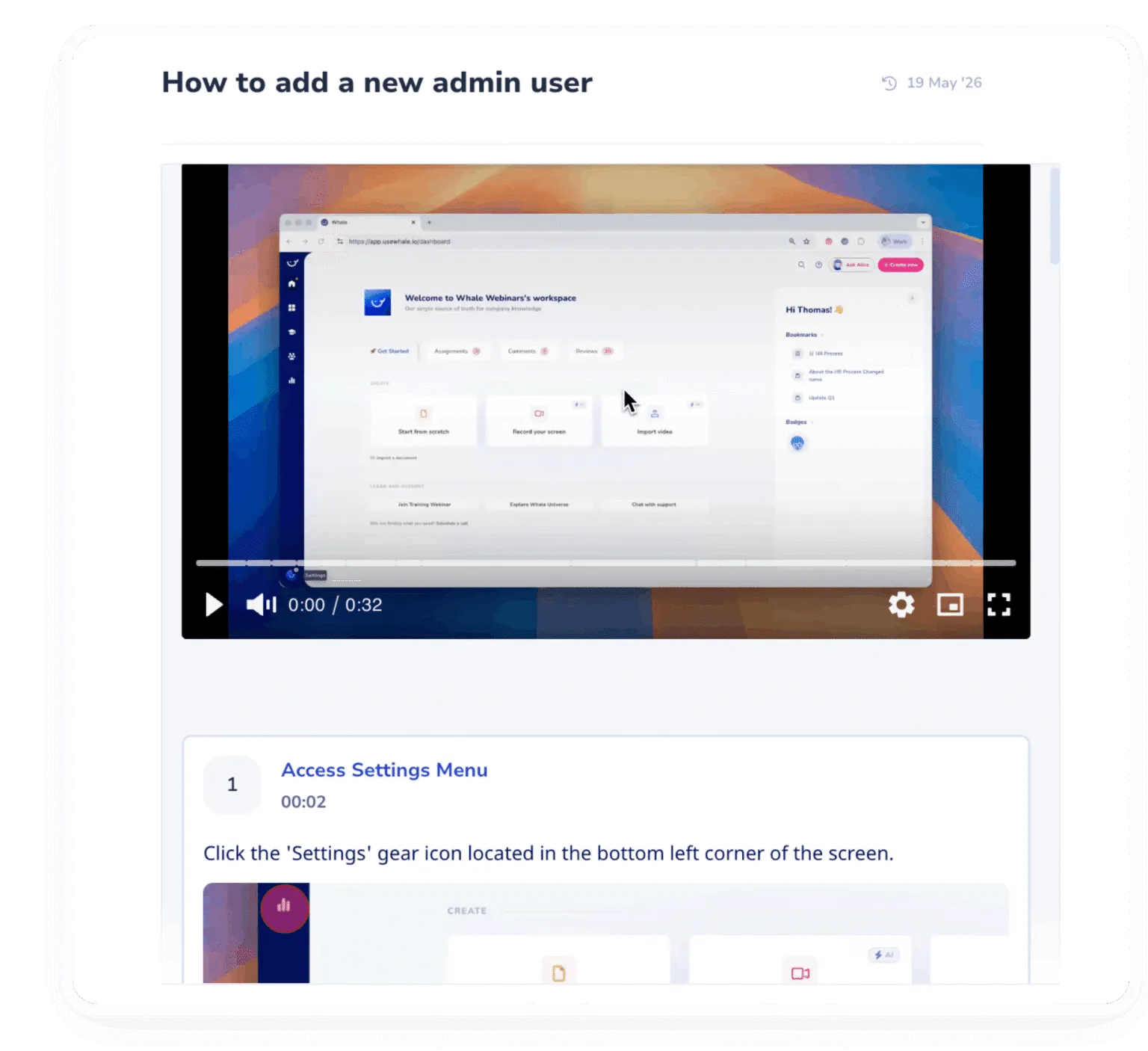
- Automatically document any process with polished step-by-step guides, screenshots, and visual instructions your team can easily follow.
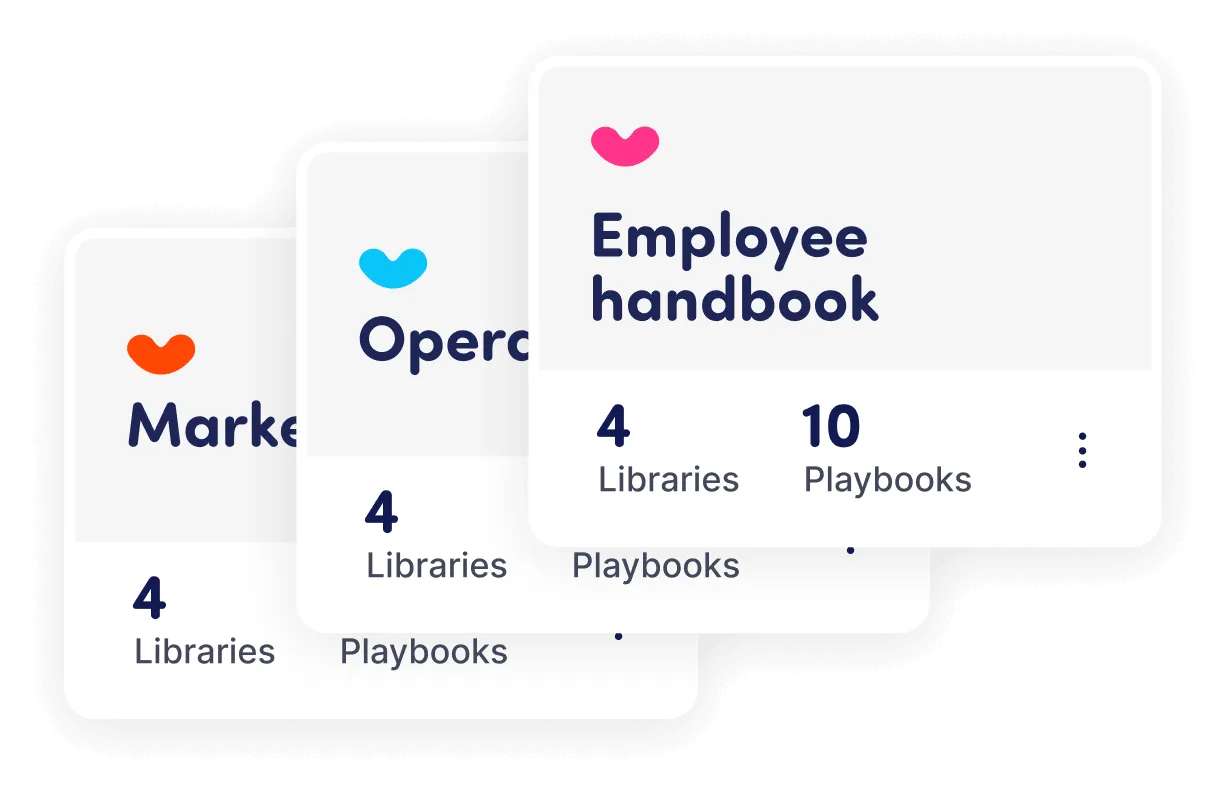
- Create consistency across teams, locations, and departments with centralized process documentation employees and AI agents can easily access.
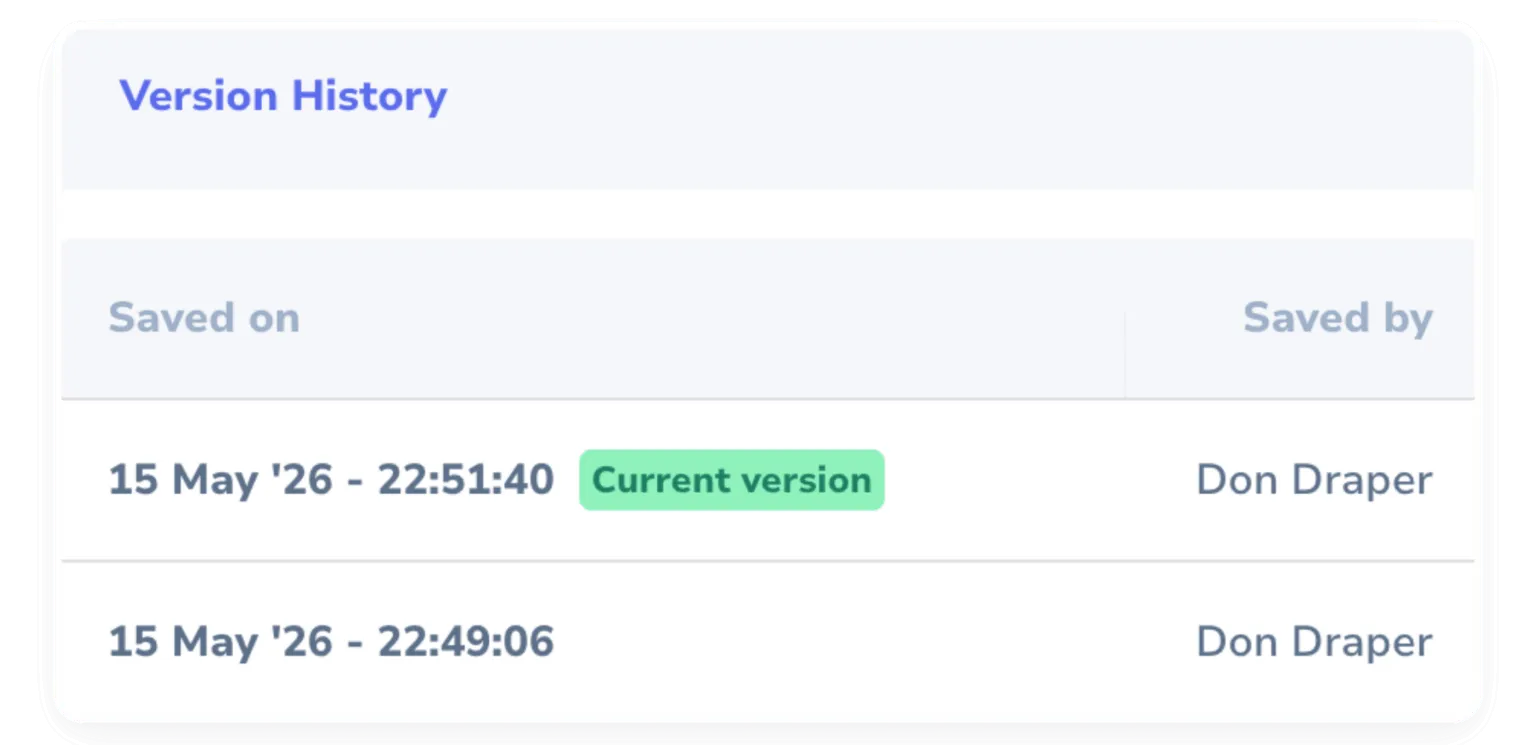
- Eliminate outdated docs and version confusion with a complete history of changes and one-click version recovery.
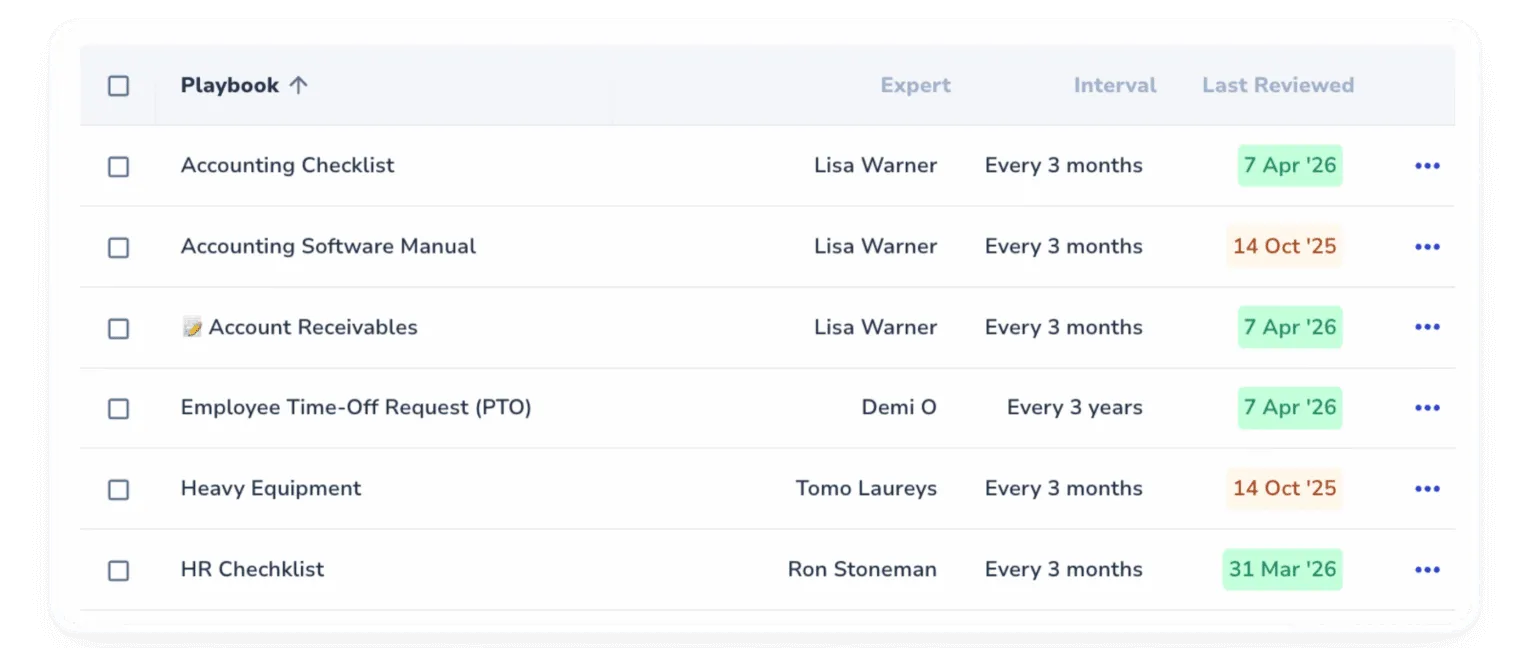
- Approval flows and expert reviews keep everything accurate, approved, and up to date so your team always works from trusted information.
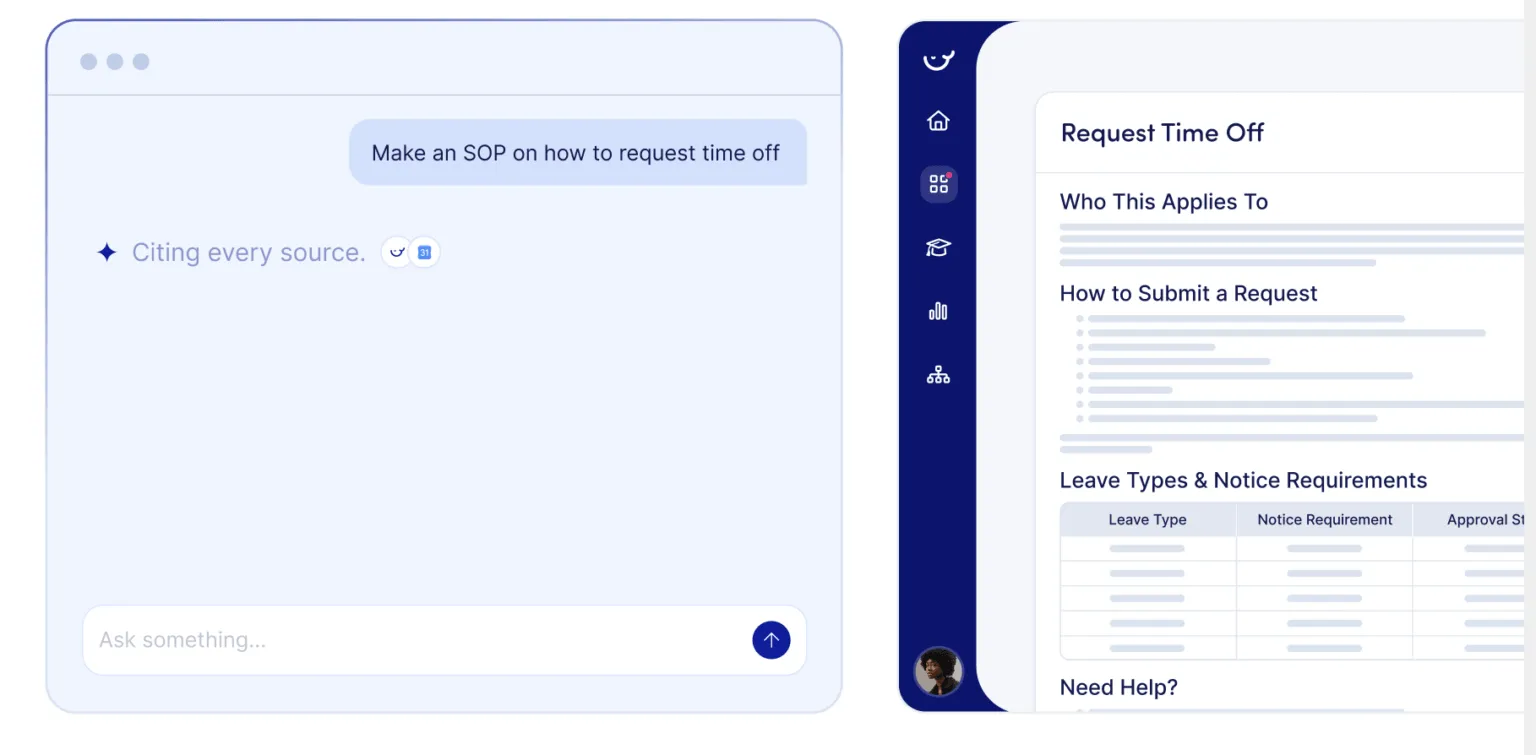
Features that get this done
Software Integrations
Connect Whale with your preferred tools
Whale easily connects with popular tools using built-in integrations and offers custom options for your specific needs. Whether it’s a two-way or one-way sync, Whale helps you simplify and organize your processes.
Learn about IntegrationsAdvanced Permissions
Decide who sees what, edits what, and signs in how
Set access at the board, library, and role level. Add custom roles, SSO, IP allowlists, and a full audit trail so sensitive SOPs stay with the people who should have them.
Learn about Advanced PermissionsStep Recorder
Record once. Get a finished SOP.
Step Recorder captures every click as you work. You get a video of the process, annotated screenshots, and a written step-by-step guide. Teams document 84% faster with Step Recorder.
Learn about Step RecorderVideo Screen Recorder
Hours of writing. Minutes of recording.
Record your screen and narrate as you go. Coral, Whale’s AI assistant, turns it into a written step-by-step guide straight away. Time spent equals time to do the process.
Learn about Screen RecorderCoral, Whale's AI assistant
Elevate your team in the blink of AI
Whale AI speeds up the creation of SOPs, trains your team more efficiently, and gives everyone the answers they need to do their best work.
Learn about Coral AIContextual Suggestions
Show the right SOP inside the tool your team is working in
Set a URL or keyword rule. CoPilot surfaces the matching SOP inside HubSpot, Salesforce, Zendesk, Gmail, QuickBooks, or any web tool your team opens.
Learn about Contextual Suggestions
In their own words
Loved for its overall simplicity and support
“Exceptional Tool for Business Knowledge”
Whale is excellent to document and organize business knowledge. Their AI makes it even easier!
Lyndon S.Small-Business (0-50 emp.) “Whale Keeps Work Organized and Teams Confident”
Whale unifies documentation, training, and reviews in one ecosystem.
Verified User in AccountingMid-Market (51-1000 emp.) “Screen Recorder Transformed Our Productivity”
All features are excellent, but the Screen Recorder has boosted productivity for our company.
Andres A.Enterprise (> 1000 emp.) “User-Friendly Platform with Great Features”
Whale is very user-friendly. "Coral" has been a game changer, makes finding information effortless.
Martha Y.Mid-Market (51-1000 emp.) “Intuitive, fresh and easy!”
Whale's clean layout makes building and navigating SOPs a breeze.
Harley B.Small-Business (0-50 emp.) “Productivity Unleashed!”
Managing and write SOP versions, assign them, track progress through a dashboard, and automate revision tracking.
Verified User in FarmingMid-Market (51-1000 emp.) “My company utilizes Whale for our SOP’s and FAQ’s.”
Everything is very easy to locate and the search bar is my favorite feature. When I need a quick answer I turn to Whale to find what I am looking for.
Georgia R.Mid-Market (51-1000 emp.) “Whale Streamlined Our Processes and Boosted Team Onboarding”
Whale transformed how we manage internal processes. Documenting SOPs is fast and we can build and share training materials in minutes, making onboarding significantly more efficient.
Fábio B.Enterprise (> 1000 emp.) “Whale Keeps Department Training Organized with Boards, Libraries, and Playbooks”
Boards, Libraries, and Playbooks keep training organized by department, so you can generate videos, SOPs, quizzes, and more for each topic.
Ketan T.Mid-Market (51-1000 emp.) “Streamlines Documentation with Ease”
I use Whale for company handbooks, regulations, how-to's, and manuals, all on one platform. The step-by-step screen recorder auto-captures screenshots and saves me about an hour per guide.
Anouk V.Mid-Market (51-1000 emp.) “Effortlessly Streamlines Team Training with Solid Support”
Whale supports training my merchandising teams with AI and video features that break down training step by step. Creating training flows is easy, and quizzes ensure the material lands.
Shelley F.Mid-Market (51-1000 emp.) “Effortless SOP Management with Stellar AI Search”
Whale centralizes all our SOPs with standard formatting and makes them easy to find, especially with the fast AI search across thousands of documents.
Jitender T.Small-Business (50 or fewer emp.)
Integrations
Whale works where you do.
Don’t change your workflow. Whale integrates with the tools your team already uses, providing answers exactly when they’re needed.
See our Integrations








Frequently asked questions
01How to use Whale for training AI agents?
Use Whale to turn your operational knowledge into structured SOPs that a machine can read, not just a person. Capture real workflows with the Step Recorder and let Coral structure them, then keep them accurate with owners, approval status and version history. Connect Whale to your AI stack through MCP support so your agents query your approved process library instead of guessing.
02What kinds of processes can Whale document for AI agents?
Any operational workflow: customer support scripts, sales playbooks, onboarding checklists, compliance procedures, software walkthroughs. Step Recorder captures any process in minutes and turns it into a structured SOP. Coral, Whale’s AI assistant, refines the draft. The result is clean, structured documentation your AI agents can actually follow instead of guessing from messy notes or tribal knowledge.
03Our AI agents keep pulling from outdated documentation. How does Whale fix that?
Whale’s expert review cycles and version history mean every SOP has an owner, an approval status, and a change log. When a process changes, the update goes through a review flow before it’s live. Your AI agents always pull from the approved, current version, not the one someone wrote two product launches ago.
04How does Whale connect to our AI ecosystem?
Through MCP support, Whale makes your SOPs and operational knowledge directly accessible to AI agents and automation tools in real time. You can connect Whale to your existing AI stack so agents query your actual process library instead of hallucinating answers.
05Can we use Whale SOPs as direct context for AI agents?
Yes. Whale’s structured documentation is designed to be machine-readable, not just human-readable. Your AI agents get clean, structured context drawn from reviewed, up-to-date processes rather than unstructured documents scraped from a shared drive.
06We already use Notion or Confluence for our knowledge base. Why do we need Whale?
You don’t have to replace it. Whale is built for operational process documentation specifically, not general note-taking. Where it differs: Step Recorder and Screen Recorder capture real workflows automatically, review cycles keep content current, and MCP integration makes your SOPs directly queryable by AI agents. Most teams run Whale alongside their existing wiki.
07How is this different from uploading documents to a vector database?
Vector databases solve retrieval. Whale solves accuracy. If the source documentation is outdated, inconsistent, or poorly structured, better retrieval just delivers bad answers faster. Whale ensures the underlying processes are captured from real workflows, reviewed by experts, and maintained continuously so whatever your AI agents retrieve is actually correct.