

Finance & Accounting
Close the books
without process bottlenecks
- 4.8/5 on G2
- SOC 2 certified








Document complex financial workflows
Capture close procedures, AP/AR workflows, accrual processes, reconciliations, reporting cycles, and ERP tasks as step-by-step operational guides.

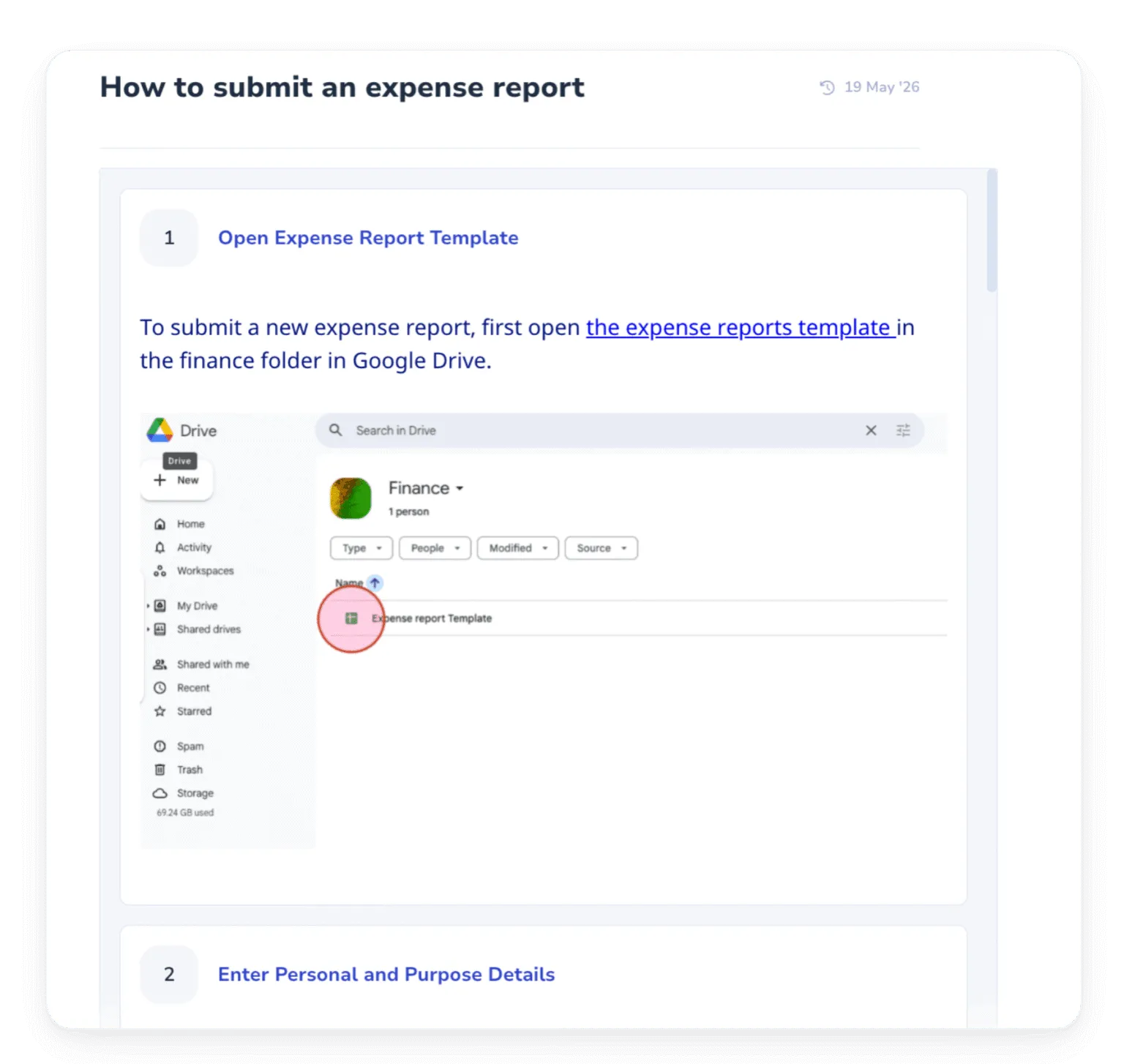
Preserve institutional knowledge
Ensure critical accounting knowledge stays inside the company instead of inside specific employees’ heads.
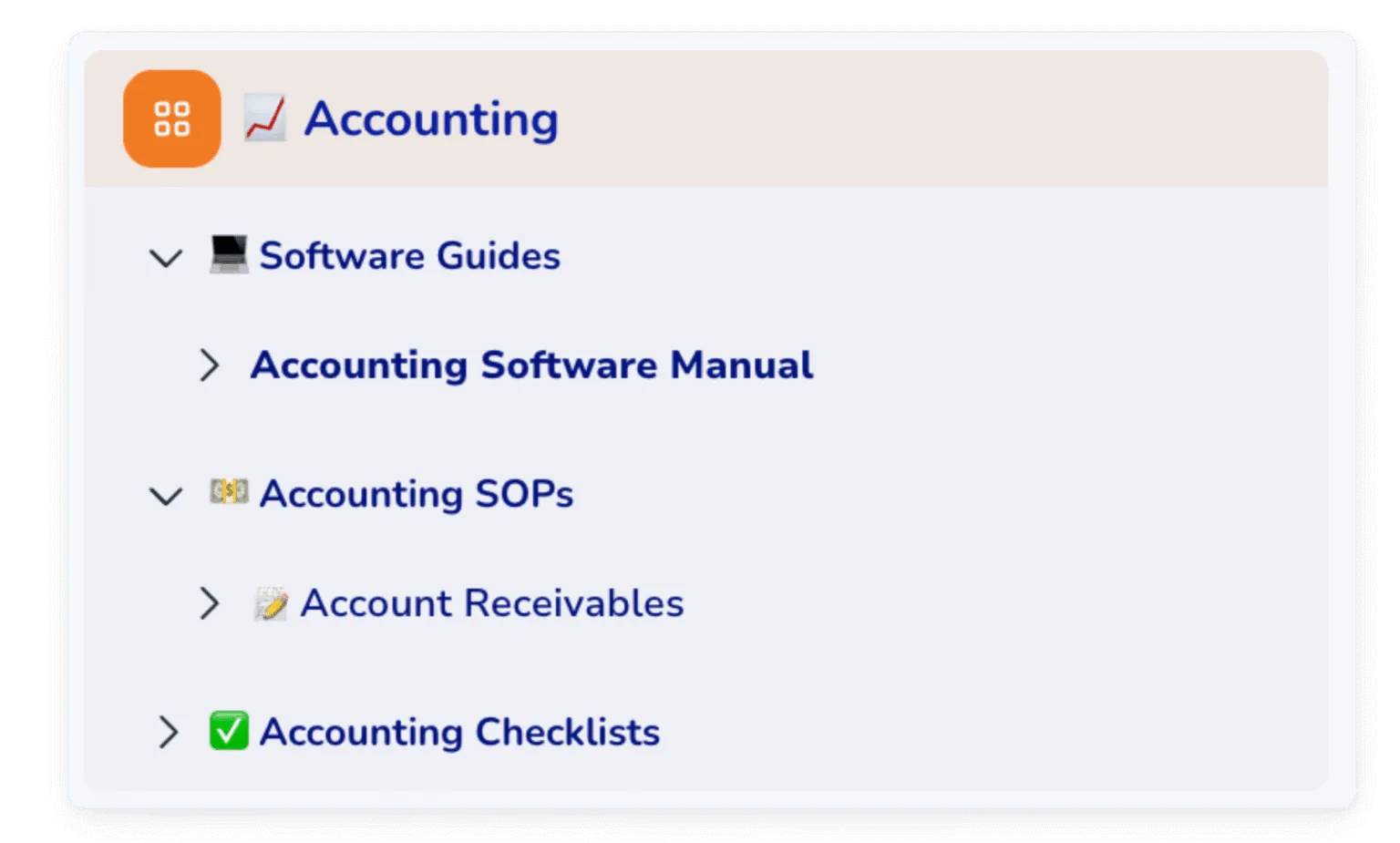
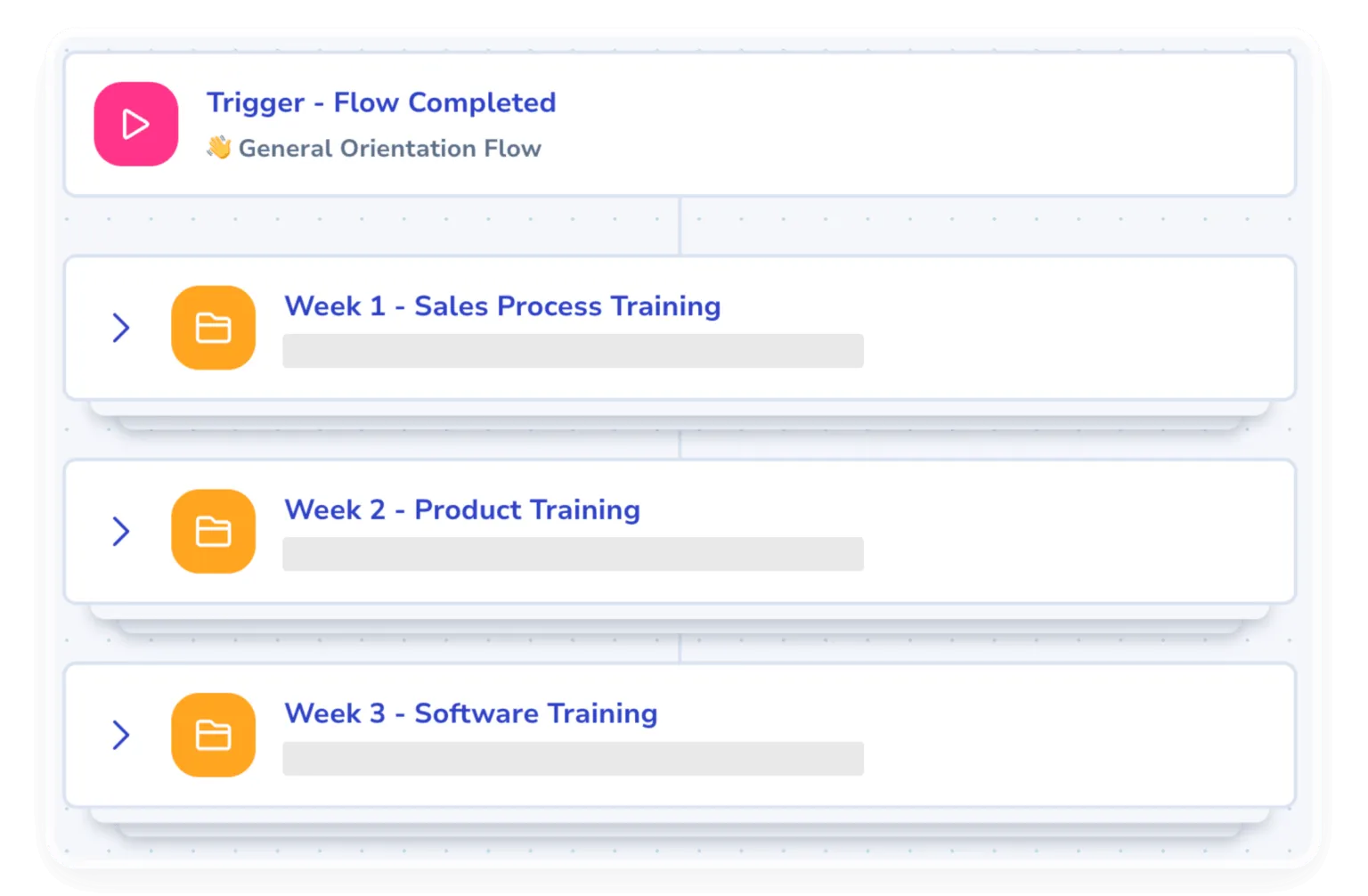
Ramp new finance hires faster
Help new employees become operational faster with guided workflows and role-specific process documentation.
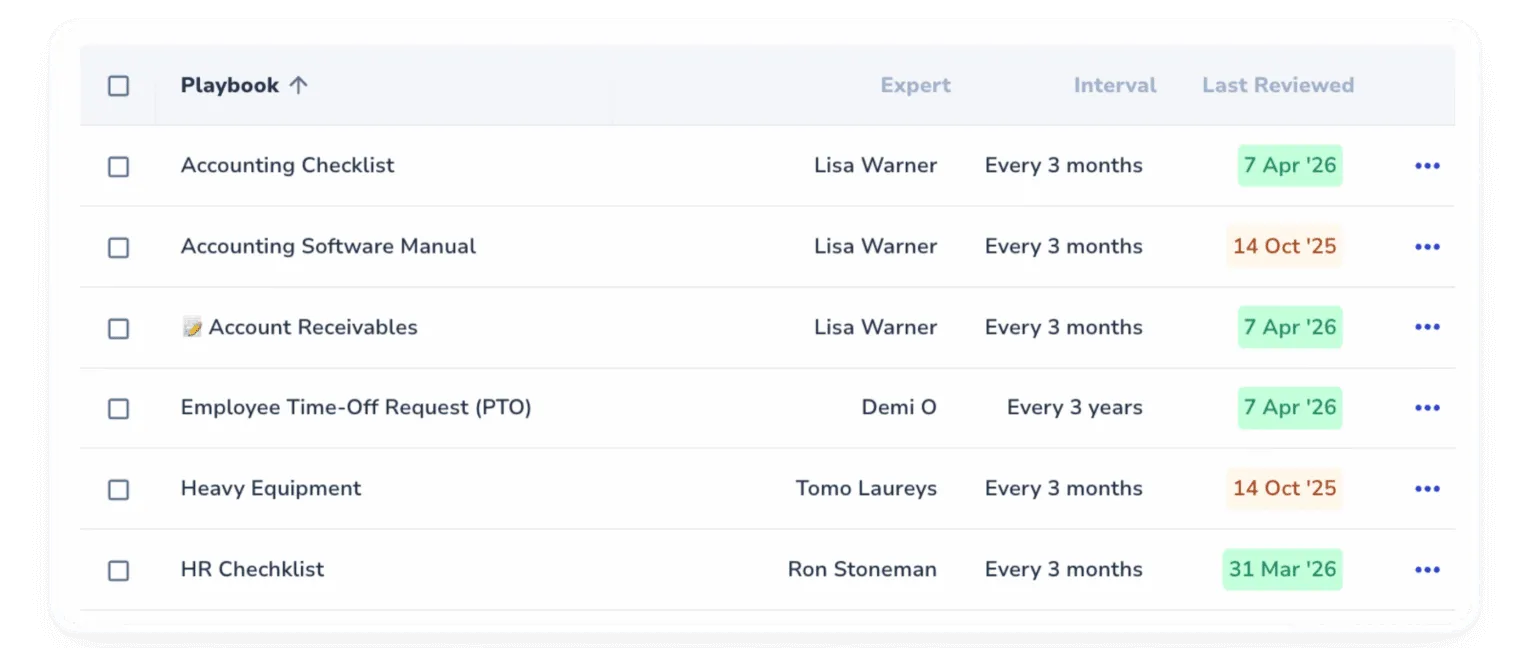
Manage in a single source of truth
Eliminate outdated documentation with one centralized place for approved, reviewed and up-to-date processes.
The leading standard operating procedure software
Document the way work gets done and turn it into training flows your team actually completes.
The strongest finance teams run on standardized processes
Every reviewer works from the same documented procedure. Month-end close happens the same way every time, regardless of who’s running it.
- Whale generates a step-by-step checklist from any SOP so monthly close work moves through the same review every time. Each step gets timestamped and attributed to the person who ran it.
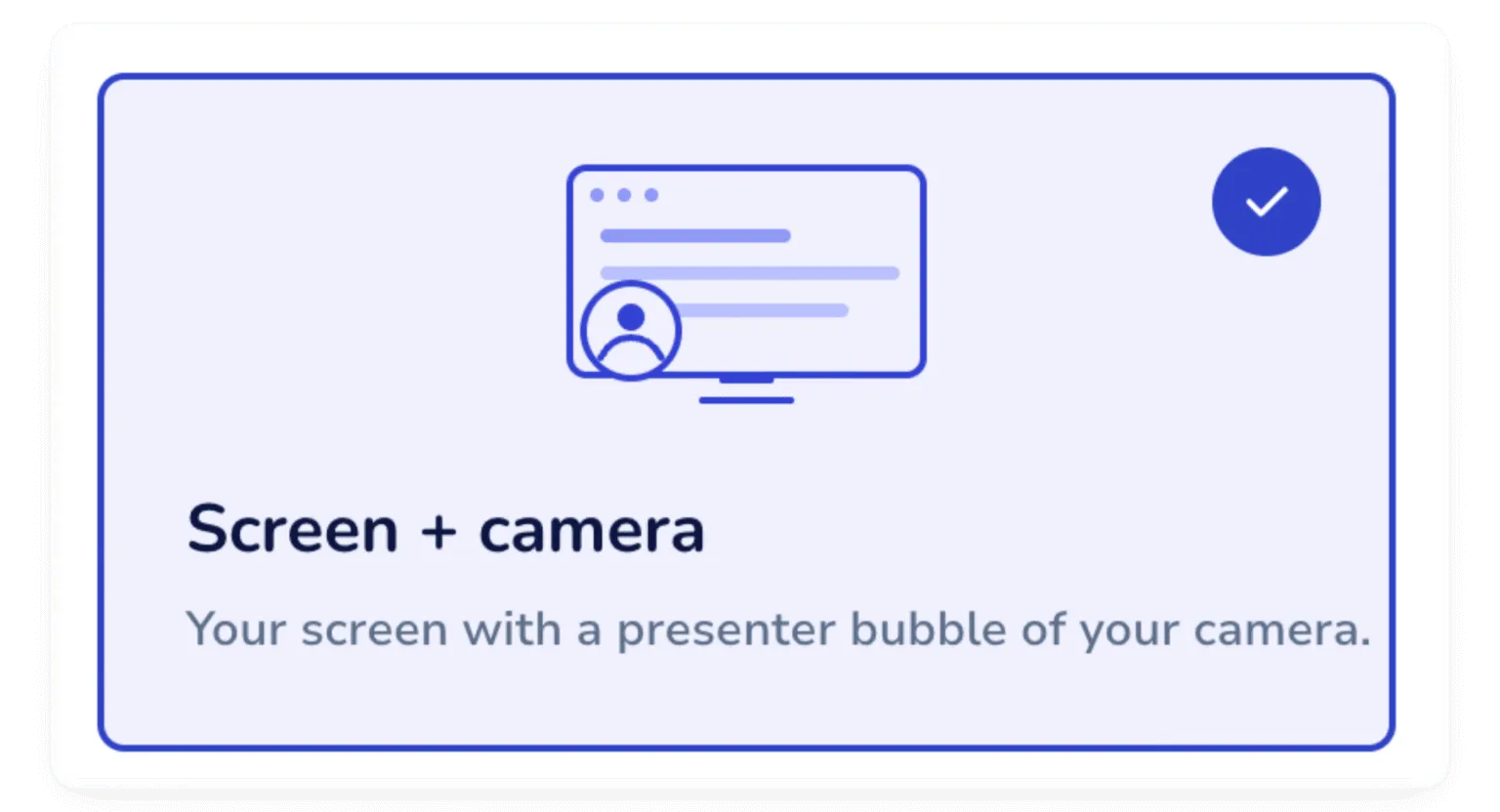
- Walk through a month-end close step with Step Recorder running. Coral, Whale’s AI assistant, drafts the SOP from your capture so the senior accountant isn’t the only person who knows how it works.
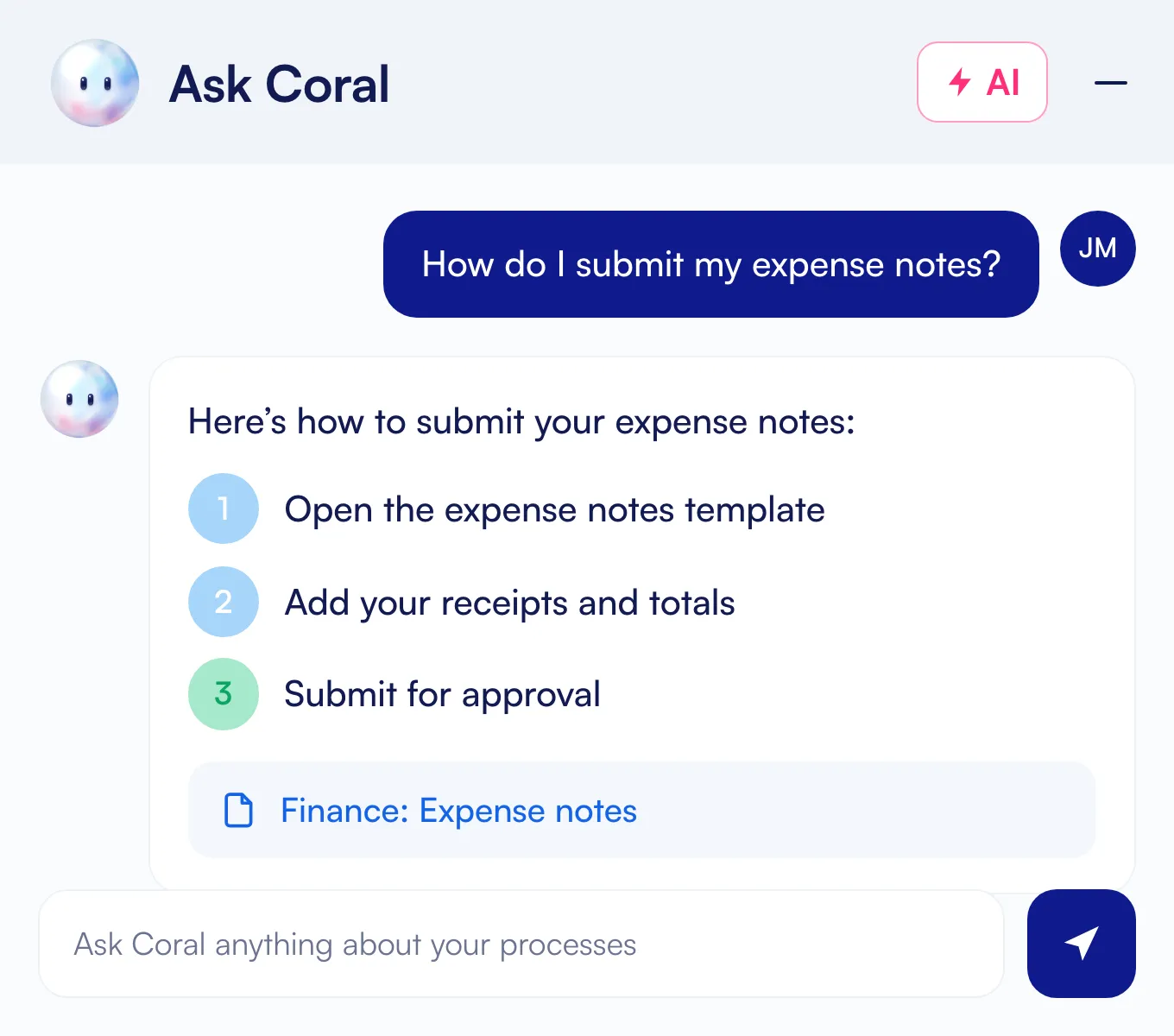
- Coral answers questions about any documented finance process and links the source SOP. Repeat questions from reviewers get answered before they reach a person.
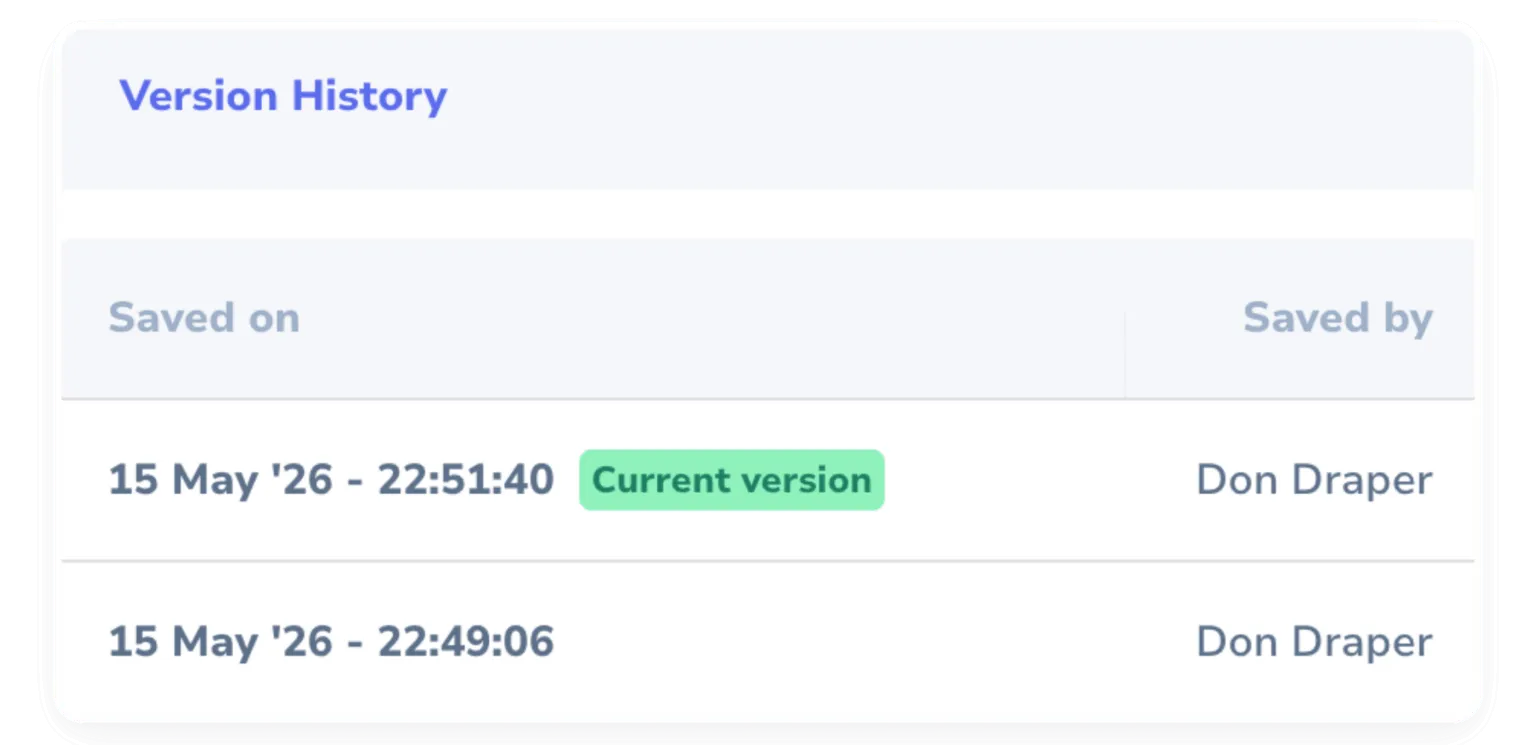
- Every edit to a finance SOP is logged with the author and the timestamp. The audit trail shows up automatically, ready for the next review.
- Assign a process owner and require sign-off before changes go live. Whale routes the SOP to the right reviewer and keeps a record of every approval.
Rated on G2
Why teams choose Whale

Rated ‘Best support’
Better support
Expect quick answers on your questions, top notch coaching sessions and help with migrating your existing documentation to Whale.

Rated ‘Easiest to use’
Easier to use
Clients switch from other providers to Whale mostly because of our more user-friendly environment, making it easy for any team member to document, train or get trained.

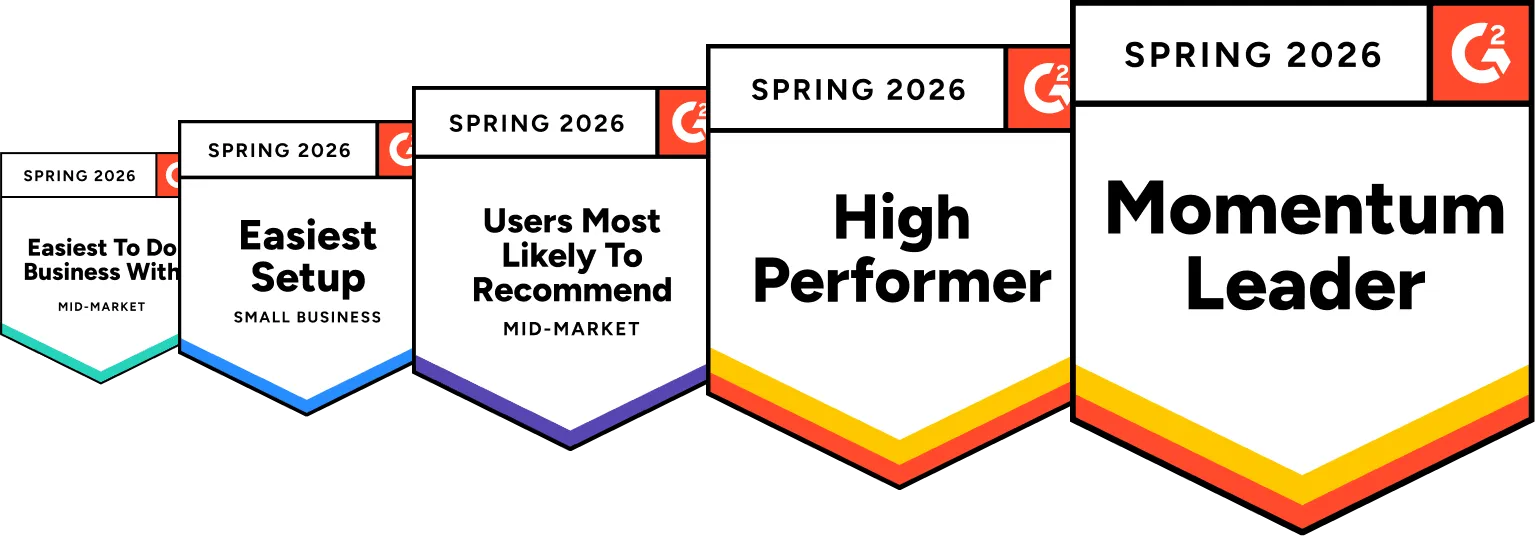
Rated ‘High performer’
Higher performance
We understand that documenting processes takes work. Everything we provide in and around our platform is aimed at making the heavy lifting lighter, and shortening the time to value.
In their own words
Loved for its overall simplicity and support
“Exceptional Tool for Business Knowledge”
Whale is excellent to document and organize business knowledge. Their AI makes it even easier!
Lyndon S.Small-Business (0-50 emp.) “Whale Keeps Work Organized and Teams Confident”
Whale unifies documentation, training, and reviews in one ecosystem.
Verified User in AccountingMid-Market (51-1000 emp.) “Screen Recorder Transformed Our Productivity”
All features are excellent, but the Screen Recorder has boosted productivity for our company.
Andres A.Enterprise (> 1000 emp.) “User-Friendly Platform with Great Features”
Whale is very user-friendly. "Coral" has been a game changer, makes finding information effortless.
Martha Y.Mid-Market (51-1000 emp.) “Intuitive, fresh and easy!”
Whale's clean layout makes building and navigating SOPs a breeze.
Harley B.Small-Business (0-50 emp.) “Productivity Unleashed!”
Managing and write SOP versions, assign them, track progress through a dashboard, and automate revision tracking.
Verified User in FarmingMid-Market (51-1000 emp.) “My company utilizes Whale for our SOP’s and FAQ’s.”
Everything is very easy to locate and the search bar is my favorite feature. When I need a quick answer I turn to Whale to find what I am looking for.
Georgia R.Mid-Market (51-1000 emp.) “Whale Streamlined Our Processes and Boosted Team Onboarding”
Whale transformed how we manage internal processes. Documenting SOPs is fast and we can build and share training materials in minutes, making onboarding significantly more efficient.
Fábio B.Enterprise (> 1000 emp.) “Whale Keeps Department Training Organized with Boards, Libraries, and Playbooks”
Boards, Libraries, and Playbooks keep training organized by department, so you can generate videos, SOPs, quizzes, and more for each topic.
Ketan T.Mid-Market (51-1000 emp.) “Streamlines Documentation with Ease”
I use Whale for company handbooks, regulations, how-to's, and manuals, all on one platform. The step-by-step screen recorder auto-captures screenshots and saves me about an hour per guide.
Anouk V.Mid-Market (51-1000 emp.) “Effortlessly Streamlines Team Training with Solid Support”
Whale supports training my merchandising teams with AI and video features that break down training step by step. Creating training flows is easy, and quizzes ensure the material lands.
Shelley F.Mid-Market (51-1000 emp.) “Effortless SOP Management with Stellar AI Search”
Whale centralizes all our SOPs with standard formatting and makes them easy to find, especially with the fast AI search across thousands of documents.
Jitender T.Small-Business (50 or fewer emp.)
Use cases
Empower your team for every operational challenge
 Document processes & SOPsTurn tribal knowledge into clear, versioned procedures your whole team can follow.
 Train AI AgentsTrigger the right training and tasks automatically when key events happen on your team.
 Onboard & train your teamRamp new hires in days, not weeks, with guided training tracks and built-in verification.
 Roll out new softwareDrive adoption of every new tool with step-by-step guides that meet people in the flow of work.
 Centralize your knowledgeOne searchable source of truth, so answers live in Whale instead of someone’s inbox.
 Ensure complianceTrack who has read and understood every policy, with audit-ready records on demand.
Integrations
Whale works where you do.
Don’t change your workflow. Whale integrates with the tools your team already uses, providing answers exactly when they’re needed.
See our Integrations








Frequently asked questions
01How do finance and accounting teams use Whale?
Capture close procedures, AP/AR workflows, accruals, reconciliations, reporting cycles and ERP tasks as step-by-step SOPs. Turn them into checklists for the close, give every procedure an owner who approves changes, and let Coral, Whale’s AI assistant, answer process questions with a link to the source SOP.
02How do we run month-end close the same way every time?
Whale generates a step-by-step checklist from any SOP, so the close moves through the same review every time. Each step is timestamped and attributed to the person who ran it.
03Can we see who changed a procedure and when?
Yes. Every edit to a finance SOP is logged with the author and the timestamp, so the audit trail is there automatically, ready for the next review.
04How do we control changes to approved procedures?
Assign a process owner and require sign-off before changes go live. Whale routes the SOP to the right reviewer and keeps a record of every approval.
05What happens when the person who knows the process leaves?
Record the process once with Step Recorder while they run it, and Coral, Whale’s AI assistant, drafts the SOP from the capture. The knowledge stays with the team instead of inside one person’s head.
06Is our information kept secure and access-controlled?
Whale uses role-based permissions so sensitive procedures are visible only to the people who should see them, keeping your knowledge in one access-controlled place.