
Document
Whale Video to SOP
Turn any video into a written SOP
Upload any video. Alice, Whale’s AI assistant, pulls the spoken steps into a numbered, written SOP. The video stays embedded, so your team can read or watch.
- 4.8/5 on G2
- SOC 2 certified









The problem
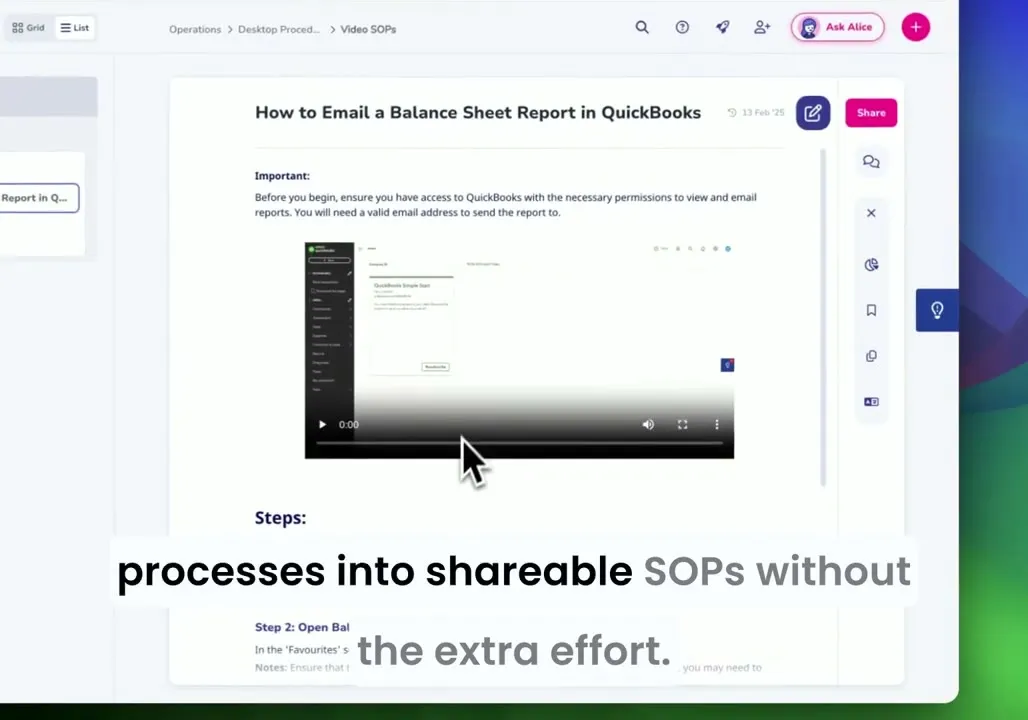
Your training videos pile up. Nobody rewatches them.
You already have the training material. Upload any video and Alice, Whale’s AI assistant, turns it into a structured written SOP you can assign and track.
How teams do it today: Folders full of training videos nobody rewatches
With Whale's Video to SOP: Every video becomes a searchable, written SOP
How teams do it today: Ten-minute video just to find a thirty-second step
With Whale's Video to SOP: Scan the guide and jump straight to the step you need
How teams do it today: No way to search a video for the step you need
With Whale's Video to SOP: Find any step with a keyword search
How teams do it today: Training walkthroughs forgotten once the call ends
With Whale's Video to SOP: The walkthrough lives on as written documentation
Works with any video you already have
Upload any video file.
- Alice, Whale’s AI assistant, transcribes the audio and organizes the spoken steps into a numbered, written SOP.
- The original video stays embedded in the finished card for context.
Keep the video. Get the written guide.
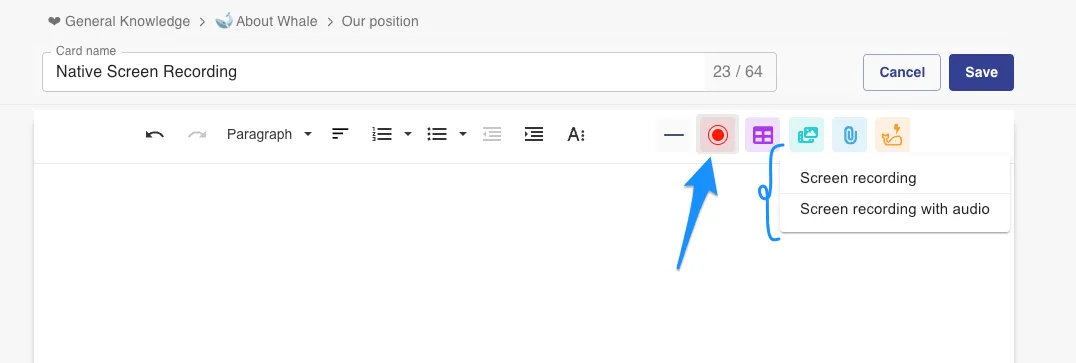
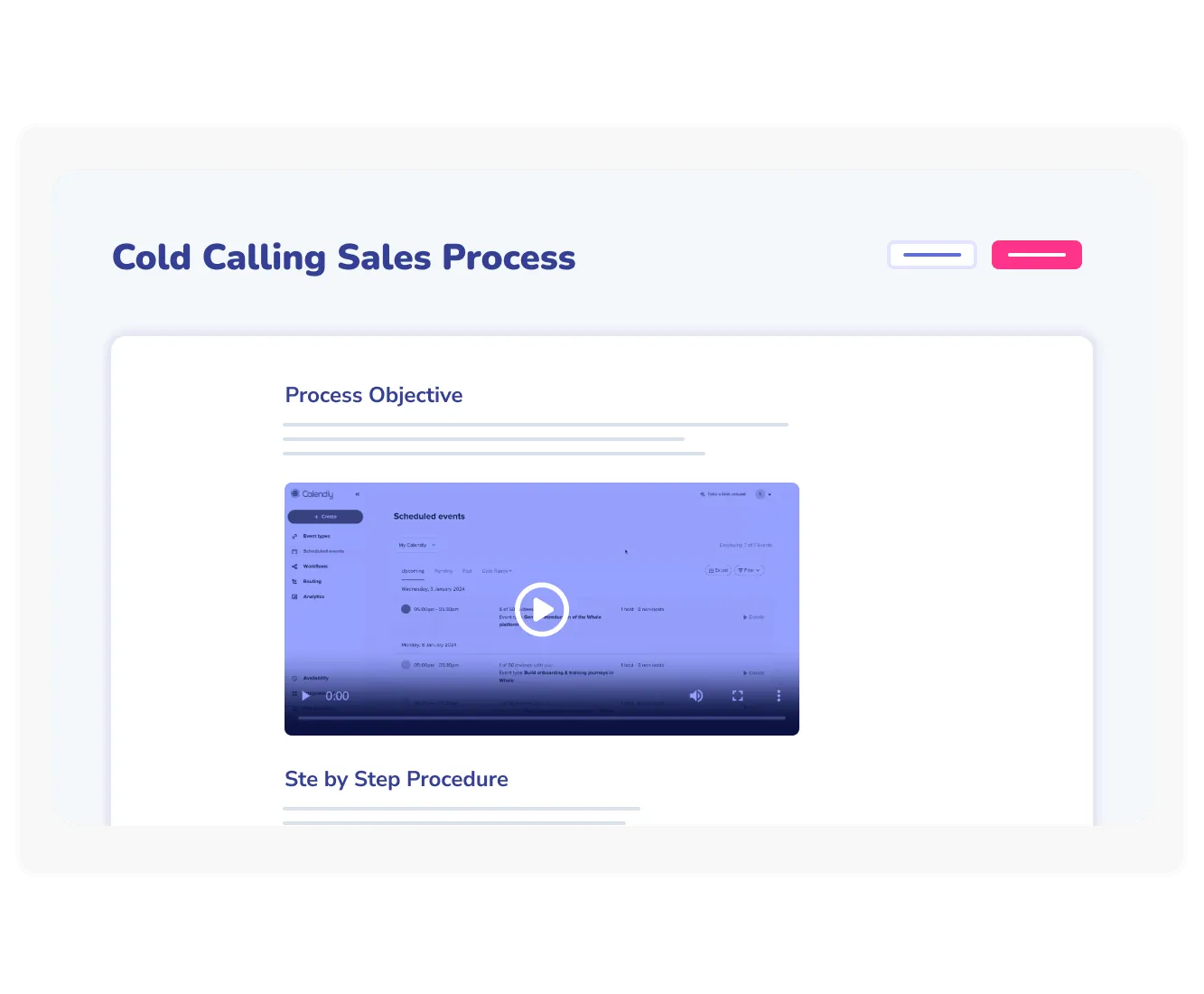
The finished SOP has the video embedded at the top and the written steps below.
- Your team can watch the full walkthrough when they need context or scan the numbered steps when they need speed.
- Both live on the same page.
Every video becomes part of the training system
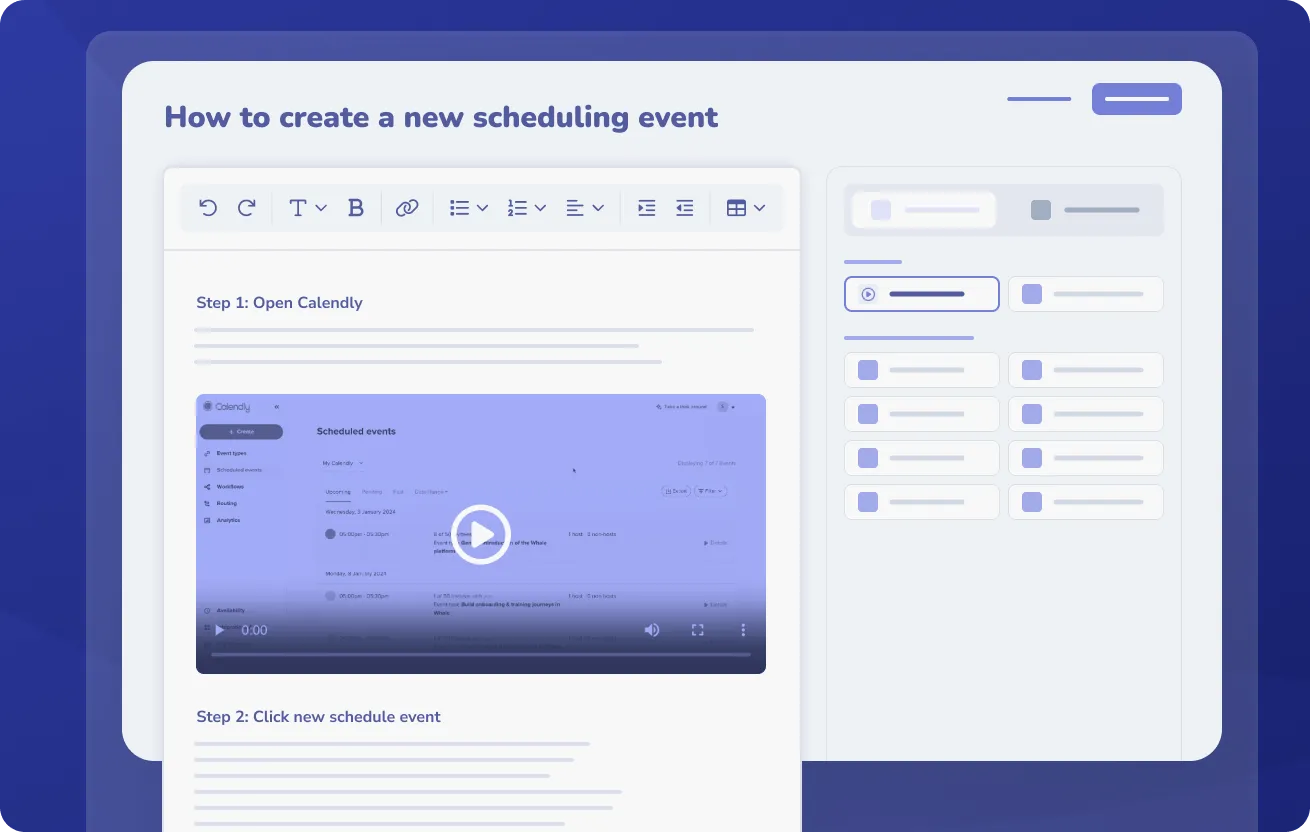
The SOP drops into your Whale knowledge base.
- Add it to a training flow and assign it to specific team members.
- Alice, Whale’s AI assistant, answers questions pulled from the SOP.
- CoPilot surfaces the guide inside the tool where the process runs.
How it works
- 01
Upload your video
Drag any video file into the Whale editor. Alice, Whale’s AI assistant, starts processing the audio and visual content as soon as the upload completes.
- 02
Review the draft SOP
Alice hands back a draft SOP with the video embedded and numbered steps below. Edit the wording or rearrange steps before you publish.
- 03
Share it with your team
Publish the SOP to your knowledge base and add it to a training flow with a due date. CoPilot can also surface the guide inside the tool where the process runs.
In their own words
Loved for its overall simplicity and support
“Exceptional Tool for Business Knowledge”
Whale is excellent to document and organize business knowledge. Their AI makes it even easier!
Lyndon S.Small-Business (0-50 emp.) “Whale Keeps Work Organized and Teams Confident”
Whale unifies documentation, training, and reviews in one ecosystem.
Verified User in AccountingMid-Market (51-1000 emp.) “Screen Recorder Transformed Our Productivity”
All features are excellent, but the Screen Recorder has boosted productivity for our company.
Andres A.Enterprise (> 1000 emp.) “User-Friendly Platform with Great Features”
Whale is very user-friendly. "Alice" has been a game changer, makes finding information effortless.
Martha Y.Mid-Market (51-1000 emp.) “Intuitive, fresh and easy!”
Whale's clean layout makes building and navigating SOPs a breeze.
Harley B.Small-Business (0-50 emp.) “Productivity Unleashed!”
Managing and write SOP versions, assign them, track progress through a dashboard, and automate revision tracking.
Verified User in FarmingMid-Market (51-1000 emp.) “My company utilizes Whale for our SOP’s and FAQ’s.”
Everything is very easy to locate and the search bar is my favorite feature. When I need a quick answer I turn to Whale to find what I am looking for.
Georgia R.Mid-Market (51-1000 emp.) “Whale Streamlined Our Processes and Boosted Team Onboarding”
Whale transformed how we manage internal processes. Documenting SOPs is fast and we can build and share training materials in minutes, making onboarding significantly more efficient.
Fábio B.Enterprise (> 1000 emp.) “Whale Keeps Department Training Organized with Boards, Libraries, and Playbooks”
Boards, Libraries, and Playbooks keep training organized by department, so you can generate videos, SOPs, quizzes, and more for each topic.
Ketan T.Mid-Market (51-1000 emp.) “Streamlines Documentation with Ease”
I use Whale for company handbooks, regulations, how-to's, and manuals, all on one platform. The step-by-step screen recorder auto-captures screenshots and saves me about an hour per guide.
Anouk V.Mid-Market (51-1000 emp.) “Effortlessly Streamlines Team Training with Solid Support”
Whale supports training my merchandising teams with AI and video features that break down training step by step. Creating training flows is easy, and quizzes ensure the material lands.
Shelley F.Mid-Market (51-1000 emp.) “Effortless SOP Management with Stellar AI Search”
Whale centralizes all our SOPs with standard formatting and makes them easy to find, especially with the fast AI search across thousands of documents.
Jitender T.Small-Business (50 or fewer emp.)
Frequently Asked Questions
Start for Free01What video formats does Video to SOP support?
Any standard video file. Screen recordings, meeting captures, webcam videos, phone recordings. Upload in MP4, MOV, WebM, or any standard video format. Alice, Whale’s AI assistant, processes the audio to pull out the spoken steps and organizes them into a written SOP.
02How accurate is the AI transcription?
Alice, Whale’s AI assistant, produces a strong first draft that captures the spoken steps and structure of the video. Clear audio with minimal background noise gives the best results. You can edit every word of the output before publishing, so the final SOP matches your team’s terminology. If the video has heavy background noise or unclear narration, manual cleanup on the draft takes a few minutes.
03Does the original video stay with the SOP?
Yes. The video is embedded at the top of the finished SOP alongside the written steps. Your team can watch the full walkthrough when they need context or scan the numbered steps when they need speed. The video stays in place even if you edit the written copy.
04Can I edit the generated SOP?
Every field in the generated SOP is editable. You can rewrite step descriptions, reorder them, remove any step that is not needed, or add context that was not in the video. The finished SOP behaves like any other Whale card after that, which means version history tracks every change.
05Can I use Video to SOP with sensitive processes?
Yes, with care. You can edit the transcript to remove any step with sensitive content before publishing, and the finished card is visible only to people you share it with. For videos that include regulated data like customer records or financial information, the cleanest approach is to record the walkthrough with mock data, so the finished SOP is safe to share with the whole team from the start.
06How is Video to SOP different from other video documentation tools?
Loom produces a video with a written summary. Video to SOP produces a written SOP that is structured and searchable, with the original video embedded. Your team can scan the numbered steps or watch the full video for context. Video to SOP is one feature inside Whale, the AI-Powered SOP Software that gets your team trained, so the SOP lands in a training flow and CoPilot can surface it where the process runs.