
SOP SOFTWARE
SOP software your whole team
will actually use
Whale turns the way your team already works into SOPs that get followed. Record a process in minutes and assign the training that goes with it. Coral AI surfaces the right step inside whatever tool your team is already using.
- 4.8/5 on G2
- SOC 2 certified
 Ask CoralAsk CoralAI
Here’s how to submit an expense report:







What is SOP software?
SOP software is a tool for writing, storing and updating your standard operating procedures in one place, so everyone works from the current version. Good SOP software also trains people on each procedure and checks they understood it, instead of leaving SOPs in a shared drive.
Capture any process in minutes.
Save time and rely on a wide range of AI-powered tools to capture your every process into great-looking documentation that’s easy to follow.

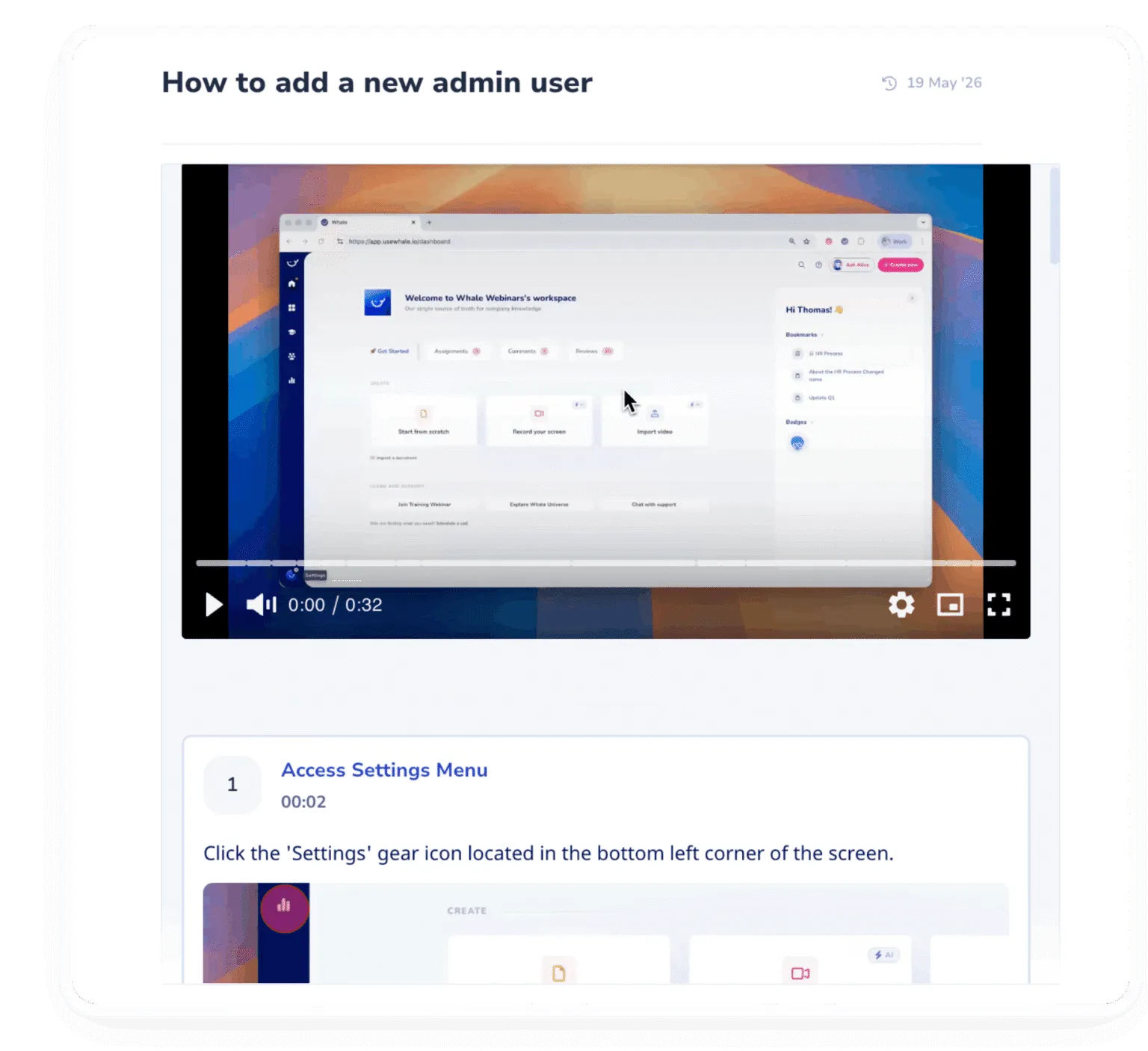
Eliminate repetitive questions.
Deliver instant answers wherever your team works with Whale’s browser extension, mobile app, and AI-powered chat assistant.
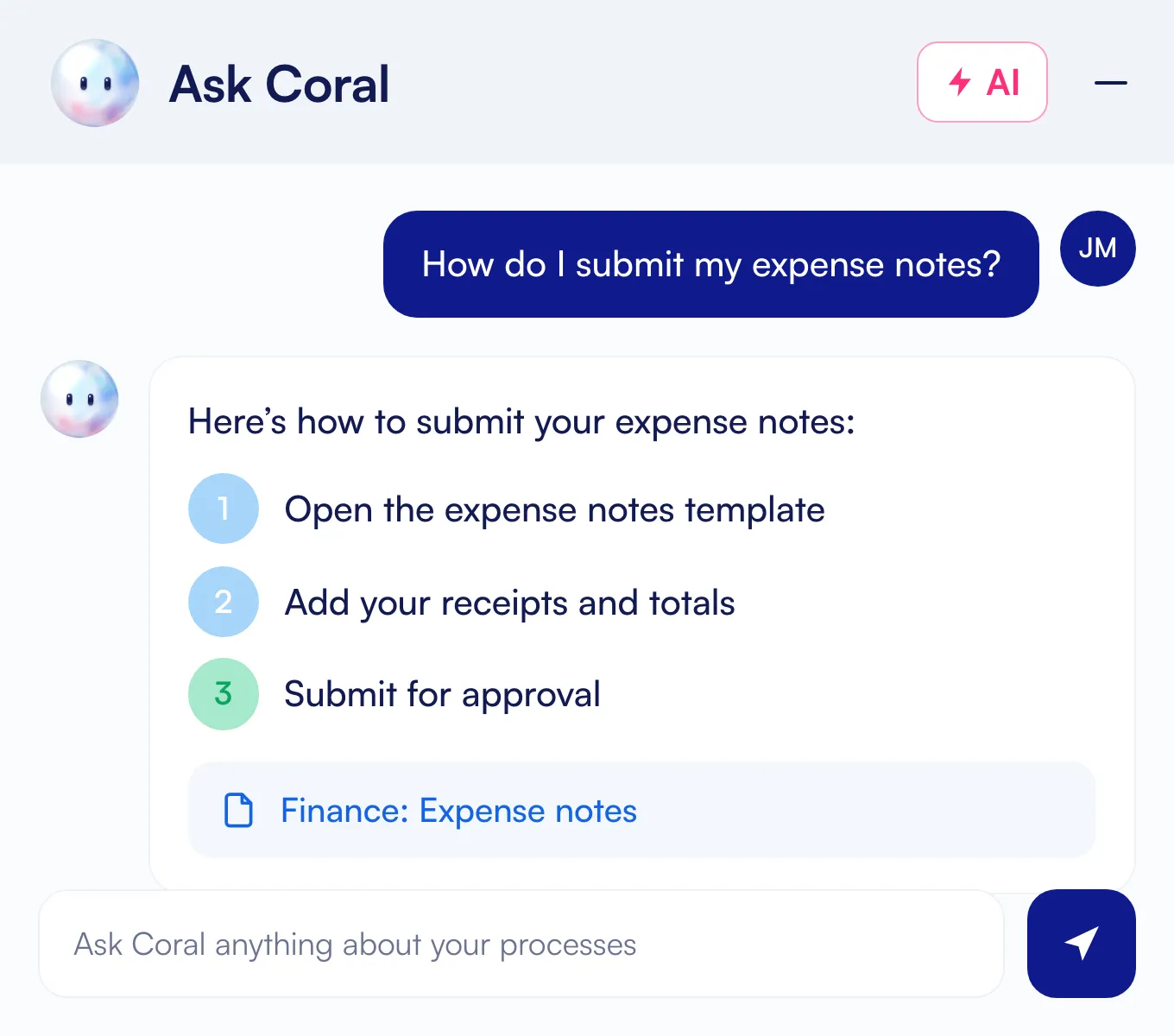
Clone your best employees.
Capture expertise once and help your new hires ramp faster with role based training flows and quizzes generated directly from your documented knowledge in Whale.
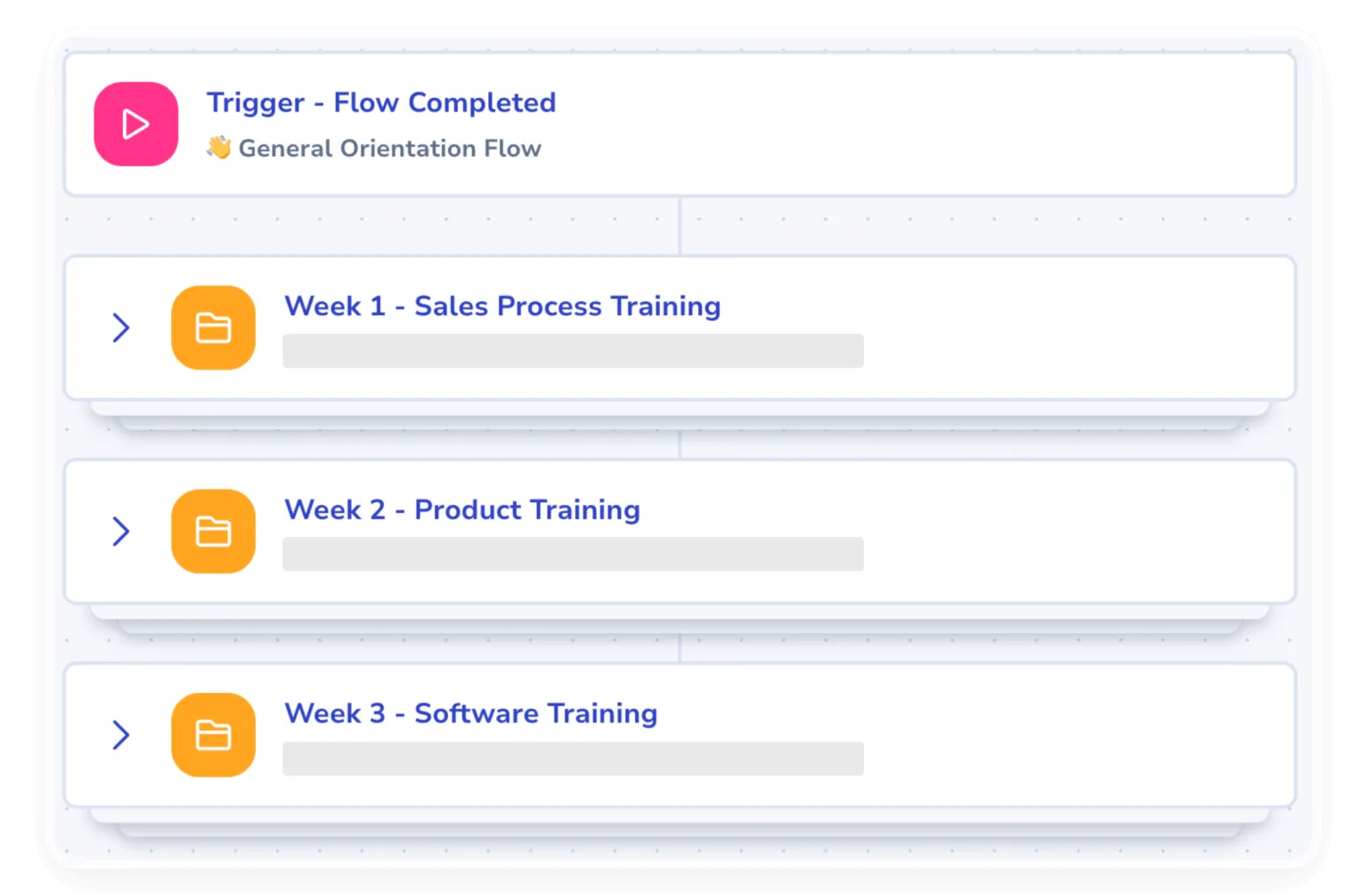
Centralize knowledge in one verified place.
Eliminate outdated documentation with one centralized place for approved, reviewed and up-to-date processes.
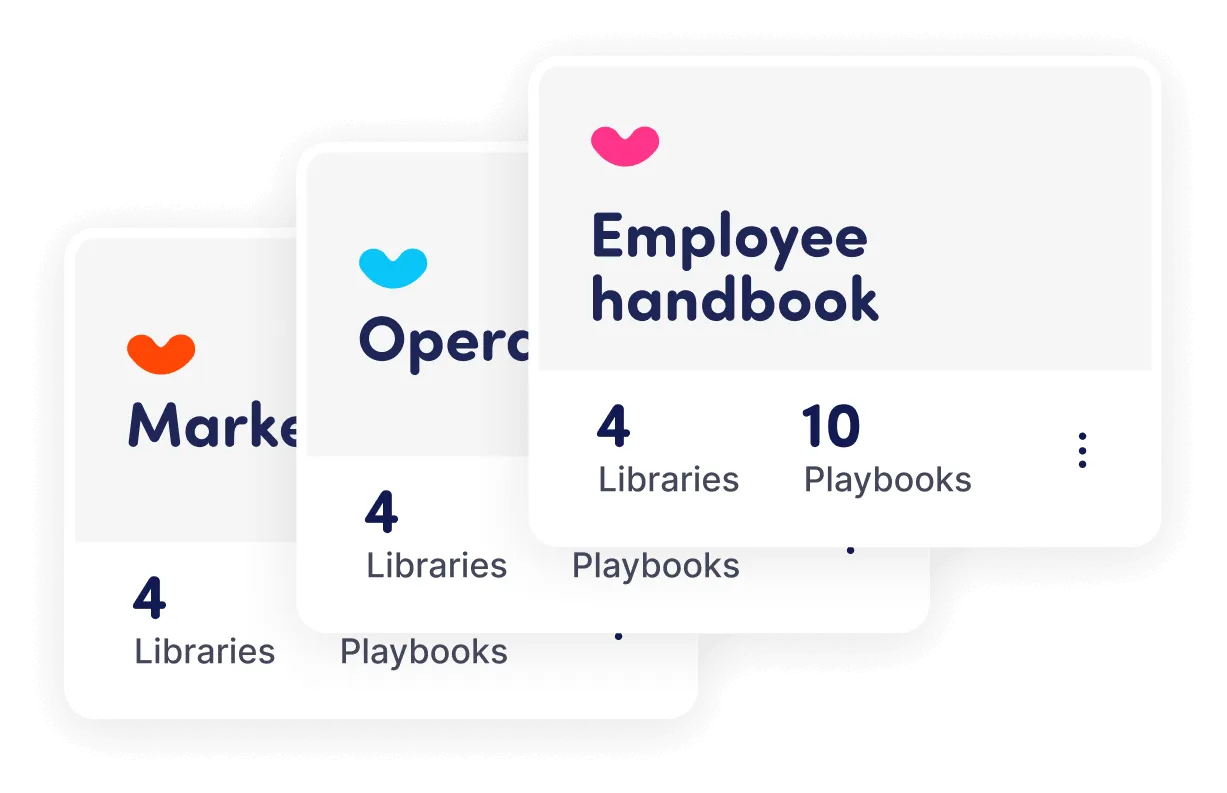
SOP software for your industry
Every industry has its own procedures. Whale fits the way yours works.
Manufacturing
machine setup, safety and quality SOPs your floor opens by phone or QR code.
Construction
site safety and equipment procedures crews follow from their phones.
Warehouse and logistics
picking, packing and forklift procedures for every shift, in their own language.
Financial services and insurance
compliance procedures with read records you can show an auditor.
IT services
client onboarding and support runbooks every technician follows the same way.
Real estate
listing, closing and agent onboarding processes in one place.
SOP software for every operational challenge
Document processes & SOPs
Turn tribal knowledge into clear, versioned procedures your whole team can follow.
Train AI Agents
Trigger the right training and tasks automatically when key events happen on your team.
Onboard & train your team
Ramp new hires in days, not weeks, with guided training tracks and built-in verification.
Roll out new software
Drive adoption of every new tool with step-by-step guides that meet people in the flow of work.
Centralize your knowledge
One searchable source of truth, so answers live in Whale instead of someone’s inbox.
Ensure compliance
Track who has read and understood every policy, with audit-ready records on demand.


Turn scattered know-how into SOPs your team loves.
Whale turns the way you work into trained teams. Coral AI answers your team’s questions, so they stop asking you.
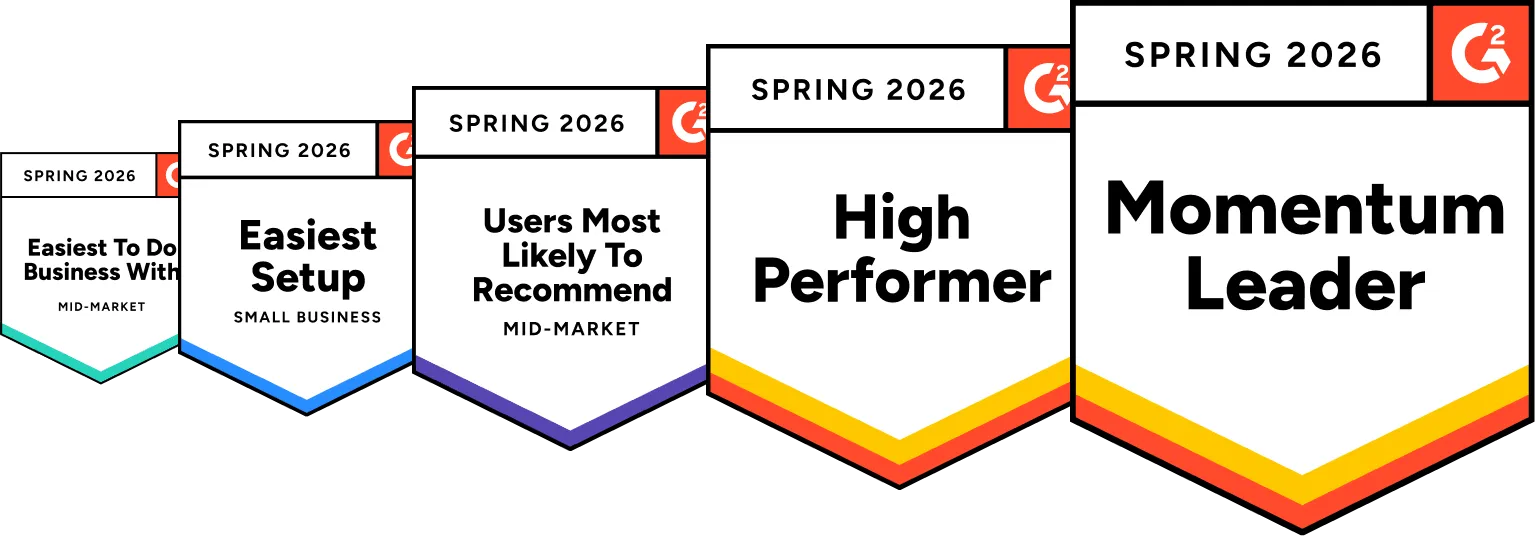


These people love what we shipped.
“Whale Streamlined Our Processes and Boosted Team Onboarding”
Fábio B.
“Game changer”
Aaron M.
“Run don't walk!!”
Jessica B.
 Fábio B.
 Aaron M.
 Jessica B.
What to look for in SOP software
Most good tools can create and store a document, but great SOP software covers all four steps, from writing a procedure to knowing it works and training your teams on it. Here’s what to look for:
Documenting capability
Coral, Whale’s AI assistant, turns an outline, an old Word file, a screen recording, or a video into a clear SOP in seconds. Every SOP gets an owner and a review cycle, so it stays current. Whale’s automated agents keep SOPs up to date so your documents stay relevant.
Sharing features
The right SOP shows up where people work: in search, on the mobile app, behind a QR code on the wall, in a browser extension, or even in Slack. Check that your SOP Software not only creates documents but shares them with your team too.
Training that’s made simple
With Whale, you can turn any SOP into training flows and AI quizzes, so you know who understood a procedure, not just who opened it.
Measuring success
Reports show which SOPs people use, which they skip, and who needs help, so you know what to fix next.
Benefits of SOP software
Clear SOPs save time for the people who write them and the people who follow them.
Faster onboarding
New hires learn from the same SOPs your best people follow.
Fewer repeat questions
Your team finds the answer in the SOP instead of asking the same person again.
The same result every time
Every team and location follows the current version, not an old copy saved on a desktop.
Proof for audits
You can show who read which version of a procedure, and when.
Ready for AI
AI tools and agents work from the same approved SOPs your people follow.
How Rihm Family Companies onboarded 90 years of knowledge across 21 locations
Rihm Family Companies is a fourth-generation family-owned business in the heavy-duty truck industry, with more than 350 people across 21 locations. JB Rihm, COO at Rihm Kenworth, needed to turn years of accumulated SOPs into a centralized training system every team member could reach. Onboarding had been run through desks, binders, and emails, with no consistent platform.

FAQs about SOP software
01What is SOP software?
SOP software is a tool for creating, storing and updating standard operating procedures, so every team works from the current version. Most tools add templates, version history and search. The better ones also train people on each SOP and check they understood it. In Whale, Coral drafts SOPs in seconds and answers your team’s questions from them, with the source.
02What is the best software to write SOPs?
We say Whale is the best SOP software option because it’s the one that not only helps you create SOPs from scratch in seconds, but it keeps them current after you write them, which other tools can’t necessarily do. Looking for AI drafting, templates, named owners, review dates and built-in training? Whale covers all five. Whale not only helps you create SOPs but it maintains them, shares them with your team, helps you onboard and train your people and helps train your AI.
03How to choose SOP software
When choosing SOP software, start with the problem you need to solve: writing SOPs faster, getting people to follow them, onboarding and training, or proving compliance. Then shortlist tools that cover documenting, sharing, training, and measuring, and test each one with a real process and the people who will use it. Whale has a free plan, so you can try it with your own SOPs before you commit.
04How do you roll out SOP software?
It’s always best to start with a tool like Whale. Start small and grow team by team. Pick one team and 3 to 5 processes that cause the most questions or mistakes in the business. Import the PDFs and Word files you already have. Or simply let Whale’s AI assistant draft the SOPs that only live in someone’s head. Give every SOP an owner and a review date, assign it as reading or training, then check who finished before adding the next team. Whale covers every one of these steps and Whale’s Customer Success team guides you through the process.
05What is the most user-friendly SOP software?
Whale is rated 4.8/5 on G2 and is often mentioned as a favorite for its ease of use and user-friendly interface. We suggest doing your research with your specific needs to find the best suited tool.
06How do we move our existing SOPs from Notion or Google Docs into Whale?
Whale’s import tool pulls in PDFs, Word files, and pages from Notion, Google Docs, or Confluence without you rewriting anything. Coral, Whale’s AI assistant, can restructure messy legacy content into clean SOPs in seconds. On Scale and above, your Customer Success team runs the migration with you at no extra cost.
07We're starting from scratch. How should we structure all this?
Start with one team and a few high-impact processes instead of trying to document everything at once. Your Customer Success Manager helps you map the structure and plan the rollout. The template library gives you a layout to copy, and Coral, Whale’s AI assistant, drafts and organizes SOPs from a quick recording or a rough outline. Most teams then expand department by department once the first rollout sticks.
08How do we keep our SOPs from going out of date?
Every SOP gets a review owner and a review cycle, so the right person gets a reminder before content goes out of date. Version history tracks what changed, and analytics surface which SOPs have not been opened in months so you know what to retire.
09How do you make sure the team actually uses Whale instead of asking the same questions in Slack?
CoPilot surfaces the right SOP inside the tools your team already uses (Gmail, HubSpot, Salesforce, or any other web tool) so nobody switches tabs. Coral, Whale’s AI assistant, answers ad-hoc questions in Slack and Teams, and mobile plus QR-code access covers deskless or frontline workers. Your Customer Success team also runs coaching sessions and tracks adoption with you, so rollout does not stall after week one.
10How accurate is Coral when it answers questions from our SOPs?
Coral draws answers directly from your published SOPs and cites the source card every time, so your team can verify in one click. If a question is not documented yet, Coral says so instead of guessing.
11What SOP features does Whale have?
Whale covers an SOP from the first draft to the day your team follows it.
- Capture a process once with the step recorder, or turn any recording into a written SOP with the video to SOP converter.
- Start from SOP templates and let the AI writing assistant draft the steps.
- Use approval flows so experts sign off, and version history to see what changed and when.
- Send read assignments so the right people read the latest version.
- Connect your SOPs to Claude, OpenAI or Gemini with Whale MCP, so AI agents work from your approved processes.
Keep reading

SOP & Process Documentation
14 Best SOP Software Tools for 2027
Compare the 14 best SOP Software tools for 2027, from Whale to Process Street, on real pricing, features and G2 ratings, so you can train your team faster.

SOP & Process Documentation
How to choose SOP software: a practical buyer's guide
How to choose SOP software in 2027 in 8 steps: the features that matter, questions to ask vendors, hidden costs and a free evaluation checklist.
Document
SOP & Process Templates
Leverage expert-built templates to create your SOPs and process documentation faster and more efficiently.