
Document
Whale SOP & Process Templates
Start every SOP from a structure that works
Pick a template for onboarding, client handoffs, safety, or any repeatable process. Whale fills in the sections, prompts, and worked examples so you are drafting, not staring at a blank page.
- 4.8/5 on G2
- SOC 2 certified









The problem
Every new SOP starts with a blank page and a blank stare
You already know which processes need documenting. Templates give you the headings, the order, and the prompts for each section, so the draft starts from a proven shape instead of a blank page.
How teams do it today: Every SOP starts from a blank page
With Whale's SOP & Process Templates: Every SOP starts from a tested structure with prompts filled in
How teams do it today: Ten people write SOPs in ten different structures
With Whale's SOP & Process Templates: The whole team writes in one consistent shape
How teams do it today: Half the drafts never make it to publish
With Whale's SOP & Process Templates: Drafts reach publish because the hard part is already done
How teams do it today: New hires get SOPs that read like riddles
With Whale's SOP & Process Templates: New hires read SOPs that follow the same clear pattern
A starting structure for every kind of SOP
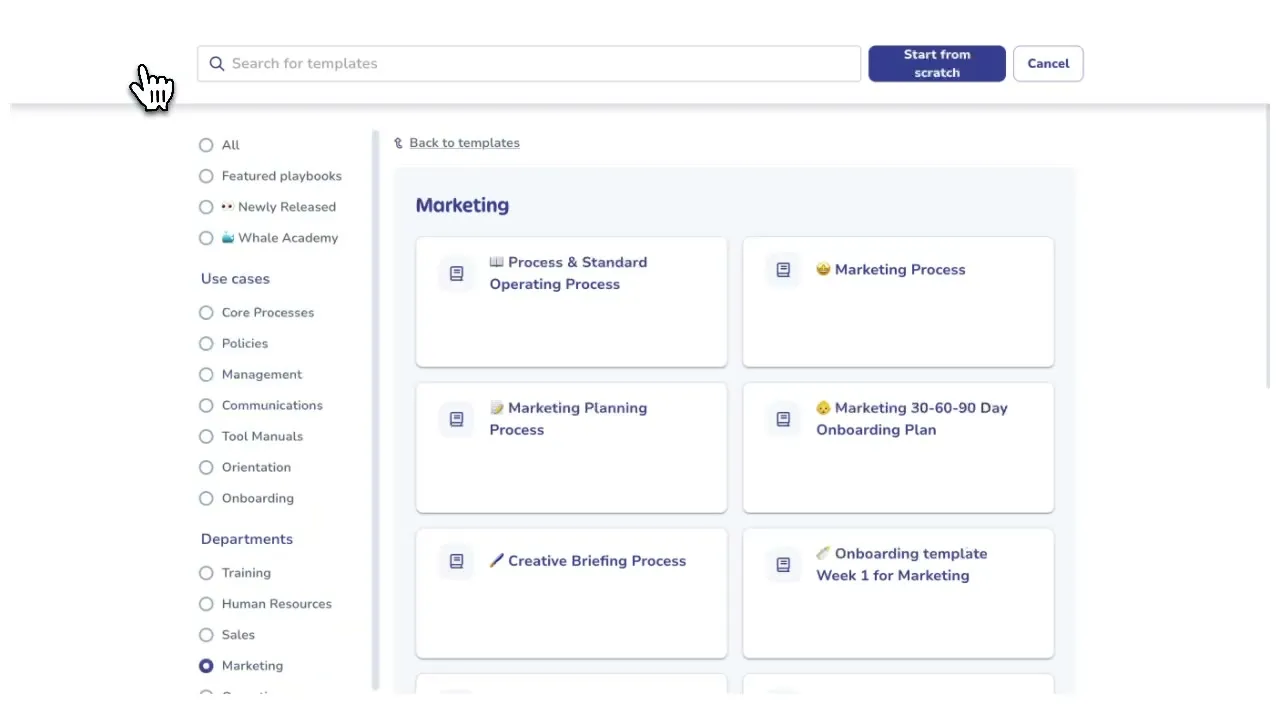
Whale ships templates for onboarding, client delivery, safety procedures, policy acknowledgments, software training, and more. Each template names the sections, gives you prompts for what to write, and shows a worked example so the shape is clear before you type the first word.
Start for Free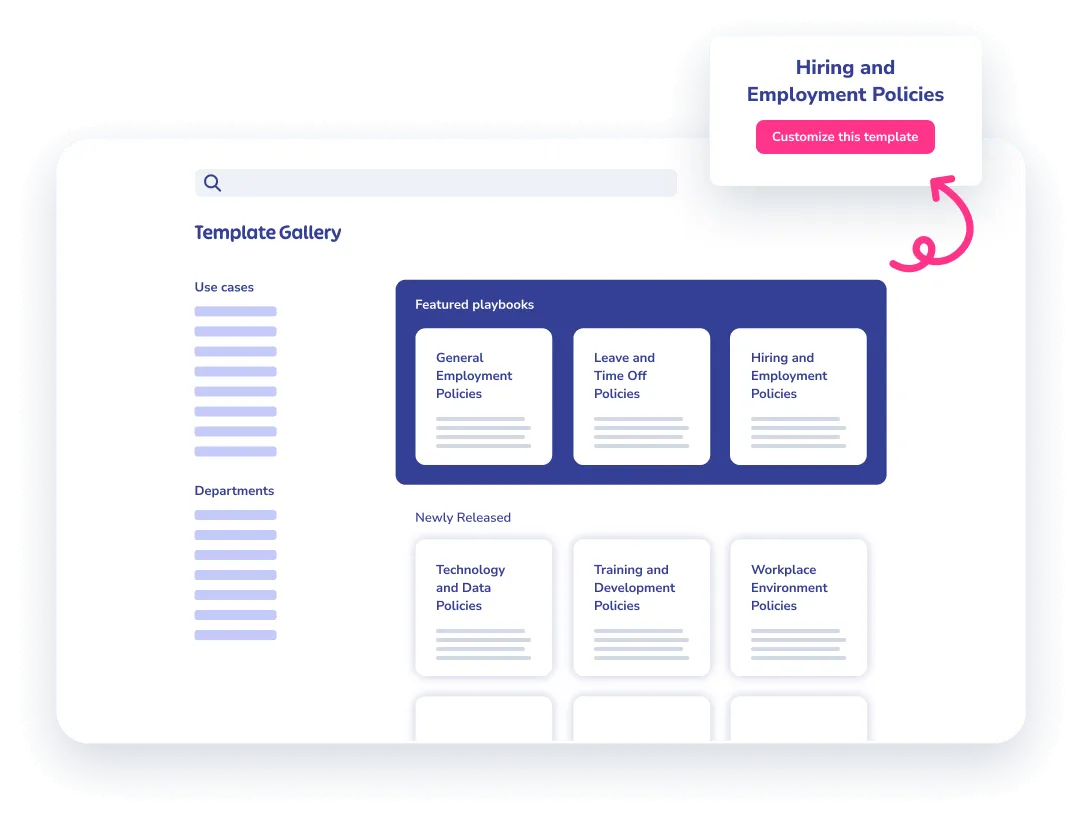
Draft a full SOP in minutes, not an afternoon
Open a template, answer the prompts section by section, and a complete first draft comes out the other side.
- Alice, Whale’s AI assistant, cleans up the wording, fills in missing sections from context, and flags anything thin.
- Four hours of writing turns into one focused pass.
Templates plug into training, Alice, and CoPilot
A template-built SOP lands in your knowledge base ready for a training flow, assignable to roles and quizzed for comprehension.
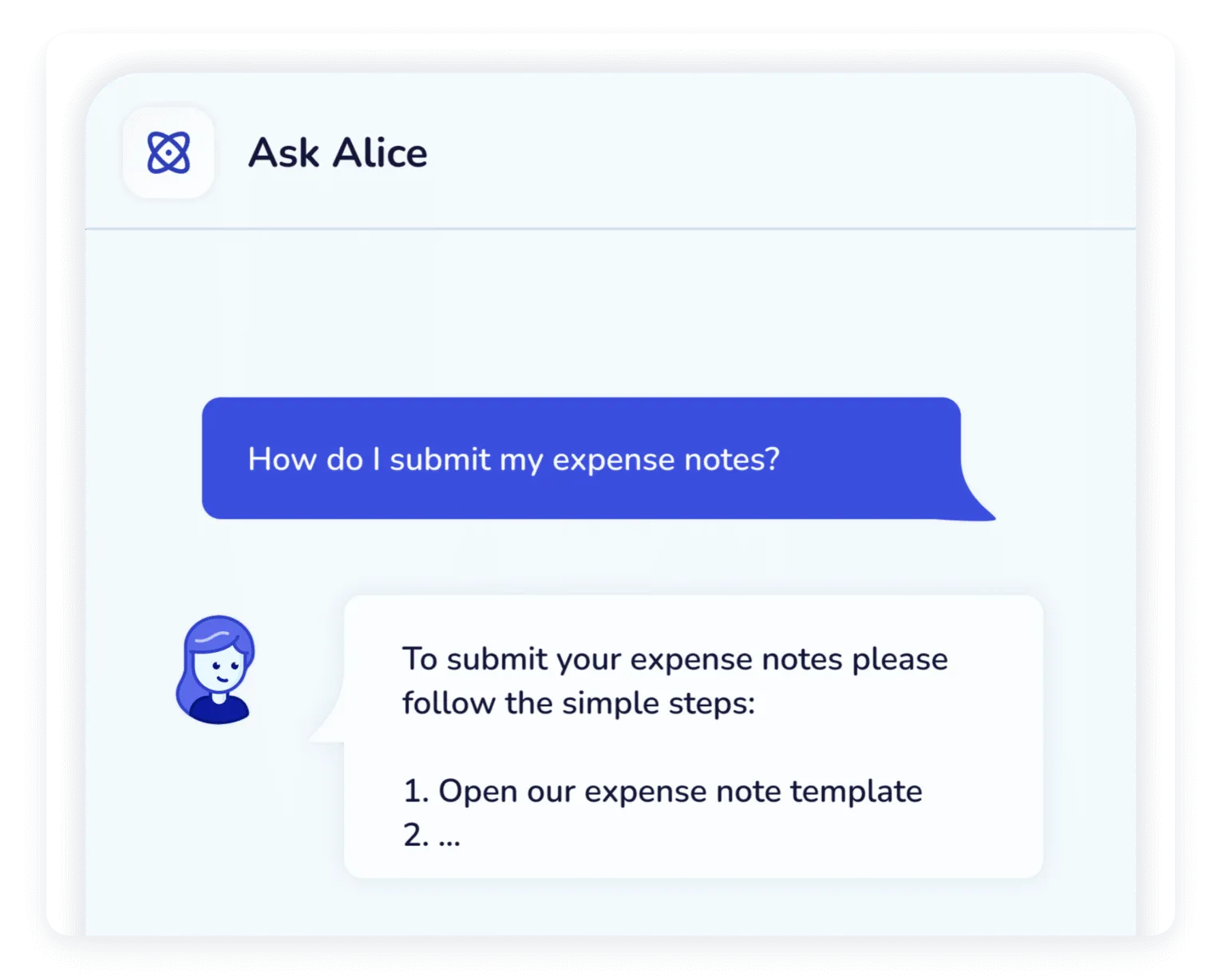
- Alice, Whale’s AI assistant, answers questions drawn from it.
- CoPilot surfaces the SOP inside the tool where the work happens, so the template keeps working after the draft is done.
How it works
- 01
Pick a template
Browse the gallery by job-to-be-done: onboarding, client handoffs, policy, safety, software training. Open the template that matches the process you need to document.
- 02
Fill in the prompts
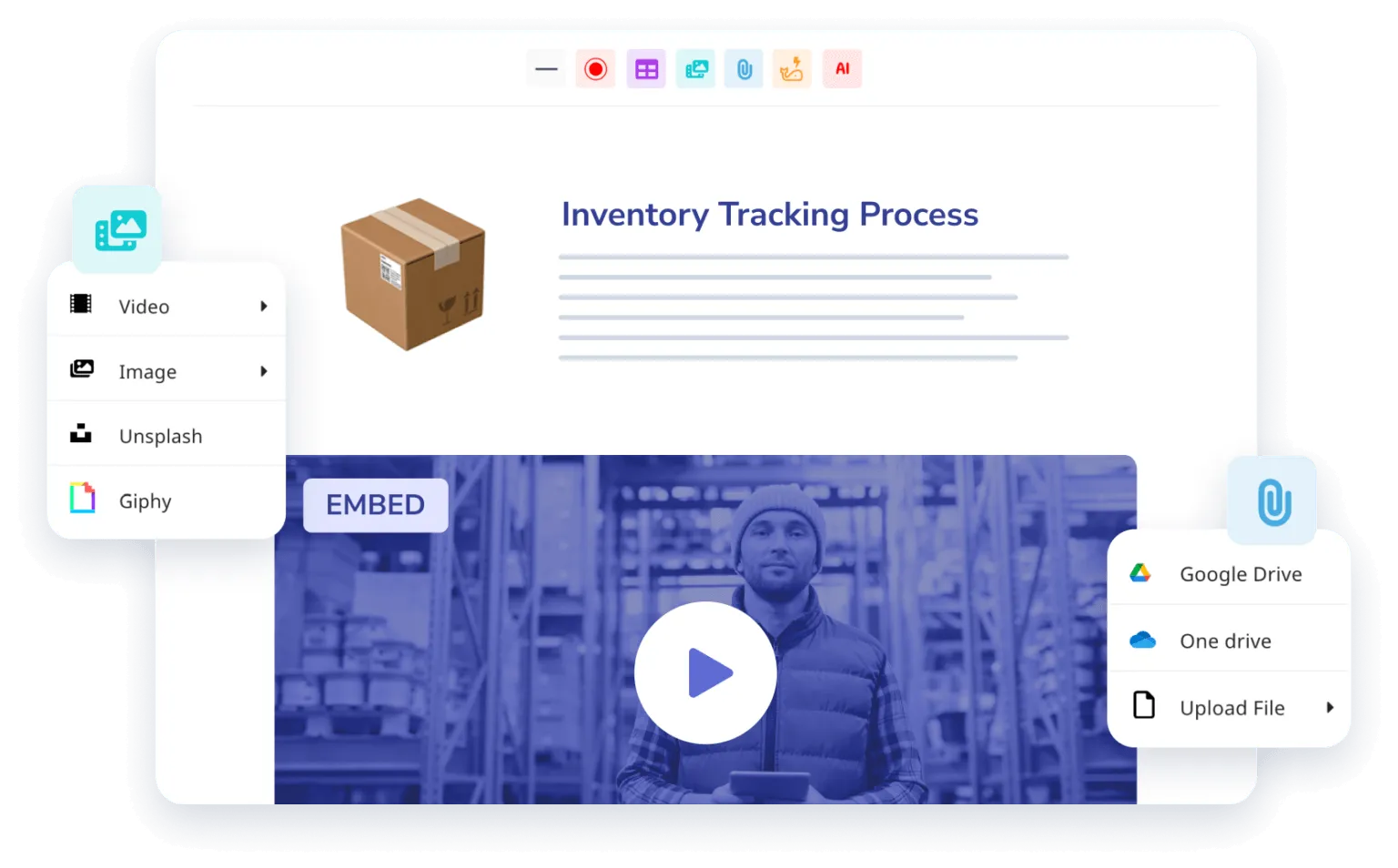
Each section names what to write and shows an example. Answer the prompts, drop in screenshots or Step Recorder clips, and let Alice, Whale’s AI assistant, polish the final wording.
- 03
Publish and assign
Drop the finished SOP into a board, assign it to the people who need to follow it, and pull it into a training flow. CoPilot surfaces it inside the tools your team already uses.
In their own words
Loved for its overall simplicity and support
“Exceptional Tool for Business Knowledge”
Whale is excellent to document and organize business knowledge. Their AI makes it even easier!
Lyndon S.Small-Business (0-50 emp.) “Whale Keeps Work Organized and Teams Confident”
Whale unifies documentation, training, and reviews in one ecosystem.
Verified User in AccountingMid-Market (51-1000 emp.) “Screen Recorder Transformed Our Productivity”
All features are excellent, but the Screen Recorder has boosted productivity for our company.
Andres A.Enterprise (> 1000 emp.) “User-Friendly Platform with Great Features”
Whale is very user-friendly. "Alice" has been a game changer, makes finding information effortless.
Martha Y.Mid-Market (51-1000 emp.) “Intuitive, fresh and easy!”
Whale's clean layout makes building and navigating SOPs a breeze.
Harley B.Small-Business (0-50 emp.) “Productivity Unleashed!”
Managing and write SOP versions, assign them, track progress through a dashboard, and automate revision tracking.
Verified User in FarmingMid-Market (51-1000 emp.) “My company utilizes Whale for our SOP’s and FAQ’s.”
Everything is very easy to locate and the search bar is my favorite feature. When I need a quick answer I turn to Whale to find what I am looking for.
Georgia R.Mid-Market (51-1000 emp.) “Whale Streamlined Our Processes and Boosted Team Onboarding”
Whale transformed how we manage internal processes. Documenting SOPs is fast and we can build and share training materials in minutes, making onboarding significantly more efficient.
Fábio B.Enterprise (> 1000 emp.) “Whale Keeps Department Training Organized with Boards, Libraries, and Playbooks”
Boards, Libraries, and Playbooks keep training organized by department, so you can generate videos, SOPs, quizzes, and more for each topic.
Ketan T.Mid-Market (51-1000 emp.) “Streamlines Documentation with Ease”
I use Whale for company handbooks, regulations, how-to's, and manuals, all on one platform. The step-by-step screen recorder auto-captures screenshots and saves me about an hour per guide.
Anouk V.Mid-Market (51-1000 emp.) “Effortlessly Streamlines Team Training with Solid Support”
Whale supports training my merchandising teams with AI and video features that break down training step by step. Creating training flows is easy, and quizzes ensure the material lands.
Shelley F.Mid-Market (51-1000 emp.) “Effortless SOP Management with Stellar AI Search”
Whale centralizes all our SOPs with standard formatting and makes them easy to find, especially with the fast AI search across thousands of documents.
Jitender T.Small-Business (50 or fewer emp.)
Frequently Asked Questions
Start for Free01How many templates come with Whale, and what do they cover?
Whale’s template gallery covers the most common operational workflows: employee onboarding, role-based training flows, client onboarding and handoffs, software SOPs, safety and compliance procedures, policy acknowledgments, meeting notes, project playbooks, and department-specific operating procedures. Each template includes named sections, prompts that tell you what to write in each section, and a worked example. You can open a template, fill it in, and publish a first draft in the same sitting. The gallery is maintained by Whale and grows over time as new common workflows are added. On top of Whale’s templates, your team can save any card or playbook as a custom template for internal reuse.
02Can I build my own templates and share them across my team?
Yes. Any card or playbook you build in Whale can be saved as a custom template and reused across your workspace. Teams often start with a Whale template, adapt it to their own voice and process, and save the result as the internal standard. Custom templates sit alongside Whale’s library so anyone on your team can open a new card from them. On Scale and above, you can control who gets to create and edit templates through custom roles. Larger organizations with multiple departments typically build a small set of internal templates, one per SOP type, then lock editing to a central ops or L&D owner while the rest of the team creates cards from them.
03Do templates work for physical or factory procedures, not just software?
Yes. Templates are structural, not tied to the screen. Safety procedures, quality checks, equipment maintenance, and station-specific work instructions all have templates in the gallery. Fill in the sections the same way you would for a software SOP, add photos from the floor, and publish. For factory and deskless teams, pair the template with QR codes so workers open the right SOP at the right station from their phone, and with Whale’s mobile app for shift-start refreshers. Step Recorder is the right tool when the process runs on a screen. For physical procedures, a template plus photos plus Alice, Whale’s AI assistant, drafting support is the faster path to a clean SOP.
04Can Alice generate an SOP from a template automatically?
Yes. Alice, Whale’s AI assistant, can read the template prompts and draft a full SOP from a short brief. Describe the process in a sentence or two, pick the template, and Alice fills in each section using context from your workspace and the template’s structure. You review the draft, correct anything that is off, and publish. The combination of a structural template plus Alice’s drafting turns a 30-minute writing task into a 5-minute review. For sensitive processes like safety or compliance, most teams keep a human in the loop for the final sign-off even when Alice wrote the draft.
05Which plans include templates?
Every Whale plan includes the full template gallery, starting with the Free plan. Saving your own cards and playbooks as custom templates is also available on every plan. Role-based permissions on who can create or edit templates are a Scale plan feature. Alice, Whale’s AI assistant, drafting from a template brief is included on every paid plan. Teams typically start on Free, build their first handful of SOPs from Whale’s templates, then upgrade to Scale when they need training flows, analytics, and role-based permissions to roll the template library out across departments.
06How is Whale's template library different from Trainual's or Process Street's?
Trainual’s templates are training-first, built around onboarding modules and role-based courses. Process Street’s templates are workflow-first, built around recurring checklist runs. Whale’s templates cover both jobs and plug into the wider Whale platform, so a template-built SOP is the same card that goes into a training flow, the same source Alice, Whale’s AI assistant, answers questions from, and the same card CoPilot surfaces inside other tools. The template library is included on every plan, including Free, where Trainual starts at $249 a month. Teams switching from either tool usually cite the single source of truth and the included AI drafting as the reason for the move.