
Key Highlights
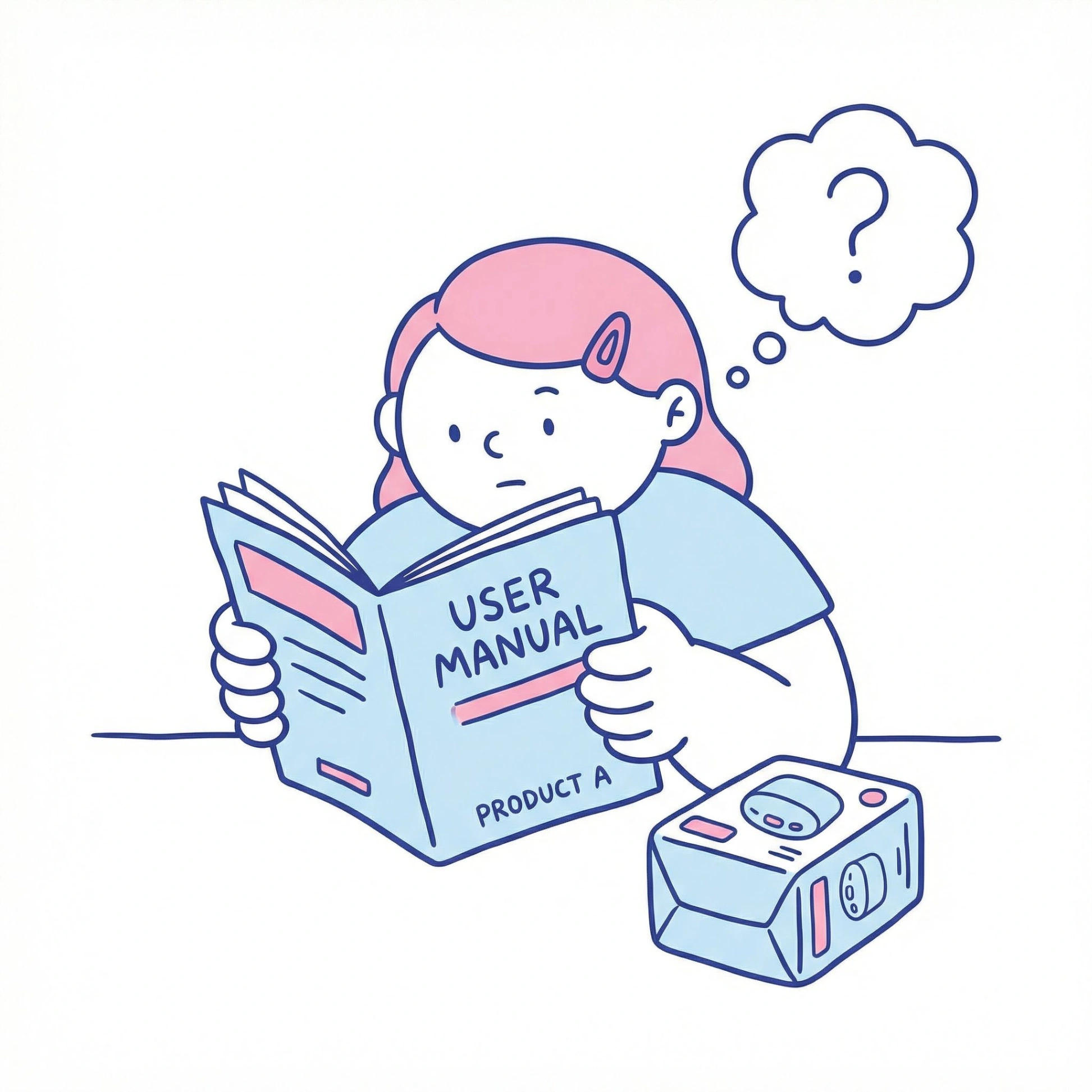
- A user manual is an essential guide that helps your customers use a product safely and effectively.
- Creating a comprehensive manual improves customer satisfaction and reduces the strain on your support teams.
- Always include key elements like safety guidelines, clear instructions for use, and maintenance tips.
- Best practices involve using simple language, helpful visuals, and logical formatting for easy reading.
- A well-written user manual protects your company from liability and builds trust in your brand.
- Regularly testing and updating your manual ensures it remains accurate and helpful over time.
Introduction
Have you ever unboxed a new product only to feel confused about how to use it? A great user manual is the bridge between your product and a happy customer. It’s more than just a booklet; it’s a key part of the user experience. Effective technical writing turns complex information into simple, actionable steps. This guide will walk you through how to create a user manual that empowers your customers, builds brand loyalty, and ensures everyone gets the most out of your product.
For example, a simple user manual template might include the following sections: 1. Product Overview, 2. Safety Information, 3. Getting Started, 4. Operating Instructions, 5. Troubleshooting Tips, and 6. Warranty & Support. Begin each section with clear headings and concise instructions, using straightforward language and visual aids as needed. This structure helps users easily locate the information they need while boosting their confidence in using your product.
Understanding the Purpose of a User Manual
At its core, an instruction manual is designed to help someone use a product correctly and safely. The primary role of user manuals is to improve the user experience by providing all the necessary information in one accessible place. This prevents frustration and helps users feel confident.
When customers can easily find answers and solve problems on their own, their satisfaction with your product grows. A great manual shows you care about their experience even after the sale is complete. Now, let’s explore how a user manual differs from other types of guides and why it is so important.
Key Differences Between a User Manual and User Guide
While the terms “user manual” and “user guides” are often used interchangeably, there can be subtle differences. Generally, a user manual is a comprehensive document covering everything from setup to troubleshooting. User guides might be shorter, focusing on specific tasks or features, like a “Getting Started” guide.
Another related document is a service manual, which is much more technical. These are intended for professional technicians and include detailed repair information, like circuit diagrams, that isn’t necessary for the average user. The goal of a user manual is to be accessible to everyone, not just experts.
This table highlights the main distinctions between these documents.
| Document Type | Target Audience | Content Focus |
|---|---|---|
| User Manual | End-users/Customers | Comprehensive operations, safety, setup, and troubleshooting. |
| User Guide | End-users/Customers | Specific tasks, quick starts, or feature overviews. |
| Service Manual | Professional Technicians | Detailed repair, diagnostics, and internal schematics. |
Why Every Product Needs a Comprehensive User Manual
A comprehensive user manual is a direct reflection of your product’s quality and your commitment to your customers. When users have clear guidance, they can use your product to its full potential, leading to higher customer satisfaction. It shows you’ve thought through their entire journey, from unboxing to daily use.
More importantly, a detailed manual is a critical safety tool. It clearly outlines potential hazards and proper usage, which significantly reduces the risk of accidents. For many products, from appliances to power tools, this isn’t just a good idea—it’s a necessity to protect both your users and your company from legal issues.
Without a proper manual, users can get frustrated, misuse the product, or even return it. This can lead to negative reviews and damage your brand’s reputation. Investing in a great manual is investing in the long-term success of your product.
Essential Elements to Include in an Effective User Manual
A truly effective user manual contains several key sections that guide the user from beginning to end. Think of it as a complete roadmap for your product. You should always start with crucial safety guidelines and an overview of the product before moving into operational details.
Beyond basic use, a great manual includes maintenance tips to extend the product’s life and a troubleshooting section for when things go wrong. Providing clear instructions and easy access to customer support information ensures your users feel supported. Let’s break down these essential components further.
Introduction, Safety Guidelines, and Product Overview
Every instruction manual should begin with a brief introduction and product overview. This section sets the stage, describing what the product is and what it does. It might include a labeled diagram showing all the parts and controls so users can quickly get familiar with the device.
Next, and most importantly, come the safety guidelines. This is where you clearly list all warnings and precautions. This section is vital for preventing misuse and injury, and it also helps your company comply with relevant regulations and avoid liability. Your warnings should be direct and easy to spot.
Finally, this initial part of the manual should cover any assembly or installation steps. Break these down into a simple, numbered sequence.
- Unpacking instructions
- A list of all parts included
- Step-by-step assembly guide
- Initial setup procedures
Step-by-Step Usage Instructions and Troubleshooting
After the setup, your manual needs to provide clear instructions for normal operation. This section should walk users through every function of the product. Use simple language and short, direct sentences to explain how to perform key tasks. Avoid jargon and assume the user has no prior knowledge. This prevents improper use and ensures everyone can benefit from all the features.
No product is perfect, so a troubleshooting section is essential. This part should address common issues users might face. By anticipating problems, you empower users to solve them on their own without having to contact support. This saves time for both you and your customer.
Organize this section logically, perhaps with a list of problems and their corresponding solutions. For more complex issues, you can direct users to customer service.
- List of common error messages and their meanings
- Solutions for frequent operational problems
- Guidance on when to seek professional repair
- Tips to avoid causing damage to the product
Maintenance, Support, and Warranty Information
To help your customers keep their product in great shape, include a section on maintenance tips. For products like appliances or power tools, regular care is crucial for performance and longevity. Provide a simple maintenance schedule and instructions for tasks like cleaning, changing parts, or proper storage.
Even with the best manual, users will sometimes need to contact you. Make your customer support information easy to find. Include your phone number, email address, and a link to your website. This shows that you stand behind your product and are ready to help when needed.
Finally, include the warranty information. This section should clearly state what is covered, for how long, and what the process is for making a claim. Being transparent about the warranty builds trust and manages customer expectations from the start.
- Contact details for customer support
- Information on authorized service locations
- Clear terms and conditions of the warranty
- Product technical specifications
Best Practices for Writing a User Manual That Works
Writing a manual that people will actually use requires a thoughtful approach to technical writing. The goal is to make it as easy as possible for users to find what they need and follow instructions. This involves more than just listing facts; it’s about designing a positive user experience.
Your focus should be on clarity and simplicity at every step. From the words you choose to the layout of the page, every decision should be made with the end-user in mind. Let’s look at some best practices that can transform your manual from a dense document into a helpful tool.
Using Clear Language and Simple Formatting
The most important rule in technical writing is to use clear and simple language. Avoid jargon, acronyms, and overly technical terms whenever possible. Write short, direct sentences. Your goal is for anyone, regardless of their background, to understand the instructions. This directly improves the user experience and helps prevent common issues that arise from confusion.
Formatting is just as important as the words you use. A wall of text is intimidating and hard to read. Break up information using headings, subheadings, and bullet points. This makes the content scannable, so users can quickly find the section they need. Using bold text for warnings or important tips also helps draw attention to critical information.
A well-structured manual is a user-friendly manual. Consider these formatting tips to improve readability:
- Use a large, clear font.
- Leave plenty of white space on the page.
- Number steps for sequential instructions.
- Use a table of contents for longer manuals.
Incorporating Visuals and Examples for Better Understanding
They say a picture is worth a thousand words, and this is especially true for an instruction manual. Visuals like diagrams, photos, and screenshots can explain things much more effectively than text alone. Use them to show how to assemble parts, locate buttons, or perform a specific action. This greatly enhances the user experience.
Simplified diagrams are often better than complex technical drawings. The goal is to clarify, not overwhelm. For software or digital products, screenshots with callouts pointing to specific features are incredibly helpful. These visuals can make solving complex issues much more manageable for the average user.
When using visuals, make sure they are directly relevant to the text around them.
- Label parts clearly in diagrams.
- Use arrows or highlights to point out important details.
- Ensure images are high-quality and easy to see.
- Place visuals right next to the corresponding step-by-step instructions.
Organizing Your Team for Collaborative Manual Creation
Creating a great manual is a team effort. It requires input from people across your organization who understand the product from different perspectives. Whether your team is in the office or you have remote teams, collaboration is key to gathering all the necessary product insights. Using a process documentation tool can help streamline this entire workflow.
Organizing this process starts with assigning roles and creating a clear plan. By bringing together experts from development, support, and marketing, you can create a document that is technically accurate, user-friendly, and aligned with your brand voice. Let’s examine how to structure your team for success.
Assigning Roles and Gathering Product Insights
The first step in creating a user manual is assigning roles. You’ll need a project leader, writers, editors, and subject matter experts. Your product developers and engineers have the deep technical product insights, while your customer support team knows which problems users face most often. Getting input from both is crucial.
For remote teams, using a centralized AI knowledge management platform like Whale can make collaboration seamless. It allows everyone to contribute their knowledge and feedback in one place. This ensures that no important details are missed. This type of standard operating procedure software helps keep the project on track and the information consistent.
Here are some key roles to consider when building your manual creation team:
- Technical Experts: Provide accurate product information and specifications.
- Technical Writers: Translate complex information into simple, clear language.
- Customer Support Reps: Offer insights into common user questions and frustrations.
- Designers: Create helpful visuals and a clean, readable layout.
Reviewing, Testing, and Updating the Manual Regularly
A user manual is never truly “finished.” Once you have a draft, it’s essential to review and test it. Have people who are unfamiliar with the product try to use it with only the manual as a guide. Their feedback is invaluable for finding confusing sections or missing information. This testing process is critical for ensuring product quality and usability.
After the product launch, listen to feedback from your customers. Are they still calling support with the same questions? This feedback can highlight areas where the manual needs improvement. Unlike printed service manuals of the past, digital manuals can be updated easily. Regular updating ensures your documentation stays relevant and helpful.
Using an AI SOP platform can simplify the updating process, allowing you to quickly make changes and push them to your online knowledge base.
- Conduct user testing before finalizing the manual.
- Collect feedback from customer support tickets and reviews.
- Schedule regular reviews to keep the content current.
- Update the manual whenever the product’s hardware or software changes.
Conclusion
In conclusion, crafting an effective user manual is essential for ensuring your product’s usability and customer satisfaction. A well-structured manual not only guides users through the functionalities of your product but also enhances their overall experience, reducing frustration and increasing loyalty. By focusing on clarity, organization, and regular updates, you can create a resource that empowers users and reflects the quality of your product. Remember to engage your team in the process, as collaborative creation leads to a more comprehensive and insightful manual. If you’re ready to elevate your product’s support materials, sign up today to get started!
Frequently Asked Questions
What is the easiest way to find free user manuals online?
The easiest way to find a free user manual is to visit the manufacturer’s website. Most companies offer PDF versions of their manuals in a “Support” or “Downloads” section. This ensures you get the most accurate and up-to-date document directly from the source.
Can I use a basic template to create my user manual?
Yes, using a template is a great starting point for creating an instruction manual. A template provides a structure covering essential sections like safety, setup, and maintenance tips. However, always customize it to fit the specific needs of your product and your audience for the best results.
How do I make a personal user manual for work?
To make a personal user manual, document your work style, communication preferences, and what motivates you. Share things like how you prefer to receive feedback and what people might misunderstand about you. It’s a great tool for improving collaboration, especially for remote teams.
What are the key components that should be included in a user manual?
Every user manual should include several key components: an introduction, detailed safety guidelines, step-by-step operating instructions, a troubleshooting guide for common problems, maintenance tips to ensure longevity, and warranty and customer support information. These elements create a complete and helpful resource for your users.