
If your team’s standard operating procedures are currently buried in a labyrinth of Google Drive folders, you’re likely facing a familiar set of frustrations. Static documents quickly become outdated, version control is a nightmare, and finding the right information when it’s needed most feels impossible. This disorganization isn't just an inconvenience; it actively hinders productivity, complicates onboarding, and introduces unnecessary risk. The "we'll update it later" mindset turns your critical processes into a collection of unreliable, siloed files that nobody trusts or uses.
The good news is that dedicated standard operating procedure tools are designed to solve precisely these problems. They transform static documents into dynamic, accessible, and actionable knowledge bases. These platforms provide structure, accountability, and a single source of truth that integrates directly into your team's workflow, ensuring consistency and operational excellence. If you're seeking solutions beyond the limitations of Google Drive for your SOPs, exploring various new generation tools might be beneficial. Consider these Google Doc alternative tools for a broader perspective on modern documentation platforms.
This comprehensive guide cuts through the noise to help you find the right solution for your specific needs. We will analyze the top platforms available, from specialized process management software to automated documentation generators. Each review includes a detailed breakdown of features, ideal use cases, pricing, and honest pros and cons, complete with screenshots and direct links to help you make an informed decision. Forget cluttered drives and outdated Word docs; it’s time to find a tool that makes your SOPs a genuine asset.
1. Whale
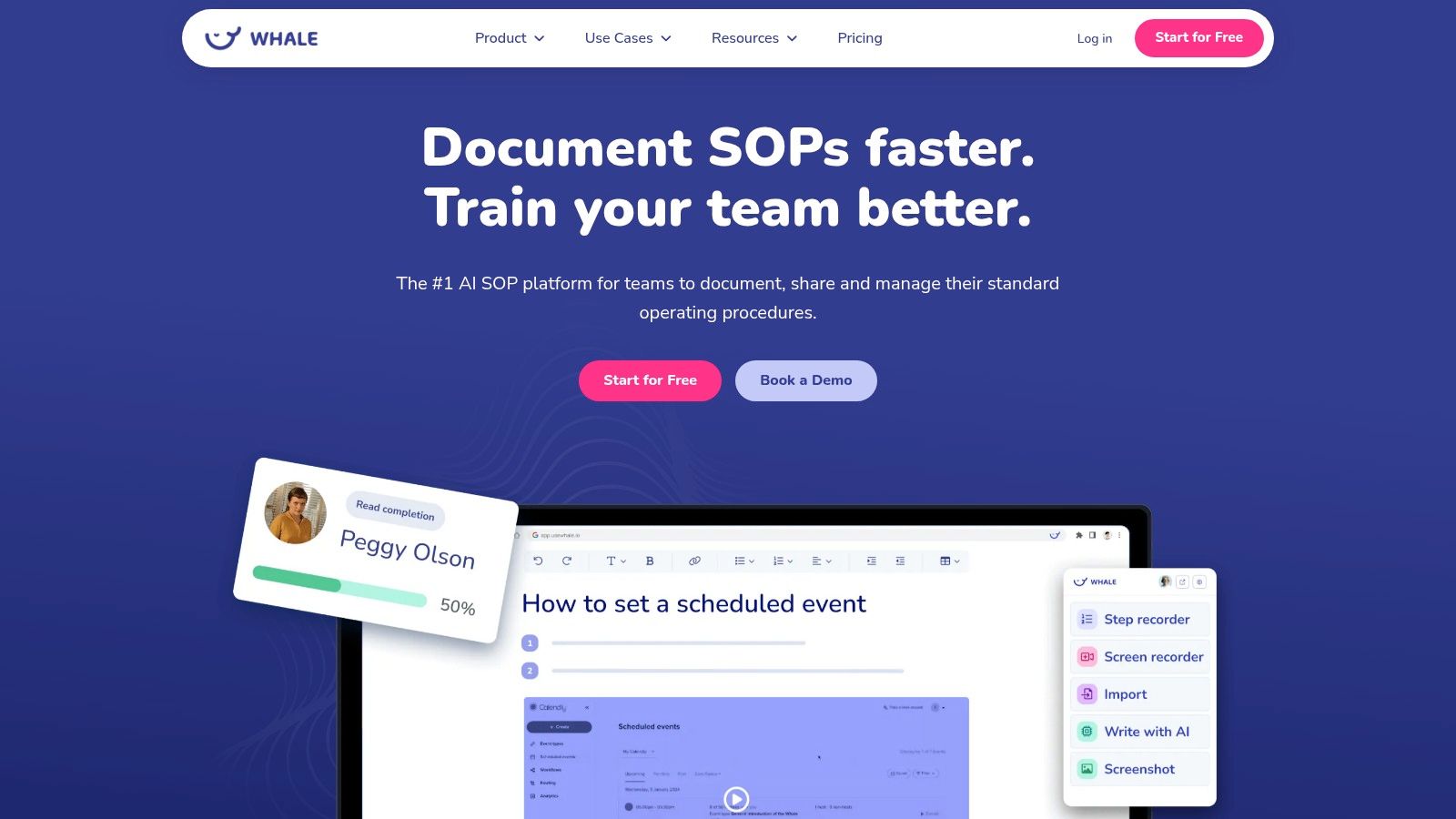
Whale establishes itself as a premier AI-first platform among standard operating procedure tools, specifically engineered to streamline the entire lifecycle of process documentation. It excels at helping teams rapidly capture, manage, and scale their operational knowledge. The platform’s core strength lies in its ability to transform disorganized existing documents or raw workflows into structured, actionable SOPs with remarkable speed, making it an ideal single source of truth for operations-heavy businesses.
Why Whale Stands Out
Whale distinguishes itself through its deep integration of AI and a comprehensive, built-in training framework. Unlike generic knowledge bases, its AI writing assistant, Alice, can generate clear, step-by-step procedures from simple prompts or imported files. This feature dramatically reduces the manual effort and friction typically associated with SOP creation.
Furthermore, the platform embeds training directly into the documentation process. Teams can automatically generate quizzes from SOP content, assign procedures as learning modules, and track completion rates. This capability is particularly valuable for accelerating new-hire onboarding and ensuring consistent process adoption across the organization. The proven benefits of standard operating procedures in training and efficiency are amplified by these integrated tools.
Key Features and Use Cases
- AI-Accelerated SOP Creation: Import existing documents (Word, PDF) and let Whale's AI convert them into editable, step-by-step cards. This is a game-changer for teams migrating from legacy systems or looking to formalize undocumented tribal knowledge quickly.
- Centralized Knowledge & Version Control: All SOPs are organized in one accessible place with robust version history. This eliminates the risk of teams using outdated procedures, which is critical for compliance in sectors like manufacturing, finance, and IT.
- Integrated Training & Quizzing: Directly from an SOP, create and assign quizzes to verify comprehension. Managers can access insights on completion, identifying knowledge gaps and ensuring teams are up-to-date on critical processes.
- Industry Templates & Expert Support: Whale offers a library of industry-specific templates and access to certified consultants, providing a structured starting point for specialized or regulated workflows.
Evaluation
Best for: Teams in manufacturing, finance, IT, and real estate that need to quickly systemize operations, reduce new-hire ramp time, and maintain a verifiable single source of truth for all processes.
Pros:
- Powerful AI features significantly accelerate SOP creation and updates.
- Integrated training and quizzing capabilities connect documentation directly to employee competency.
- Strong version control and centralized organization prevent process deviations.
- Excellent support infrastructure with templates, consultants, and a dedicated success team.
Cons:
- Detailed pricing for higher-tier and enterprise plans requires a direct inquiry or demo.
- AI-generated content for highly technical or safety-critical SOPs requires thorough review by a subject-matter expert.
Pricing: Starts with a free plan; custom pricing is available for Team, Business, and Enterprise tiers.
Website: https://usewhale.io
2. Process Street
Process Street transforms static standard operating procedures into dynamic, interactive workflows. Where other tools might simply store your SOPs, Process Street makes them actionable checklists that guide teams through tasks step-by-step. This no-code platform excels at enforcing processes, ensuring that critical tasks like employee onboarding, client intake, or daily operational checks are completed correctly every time.
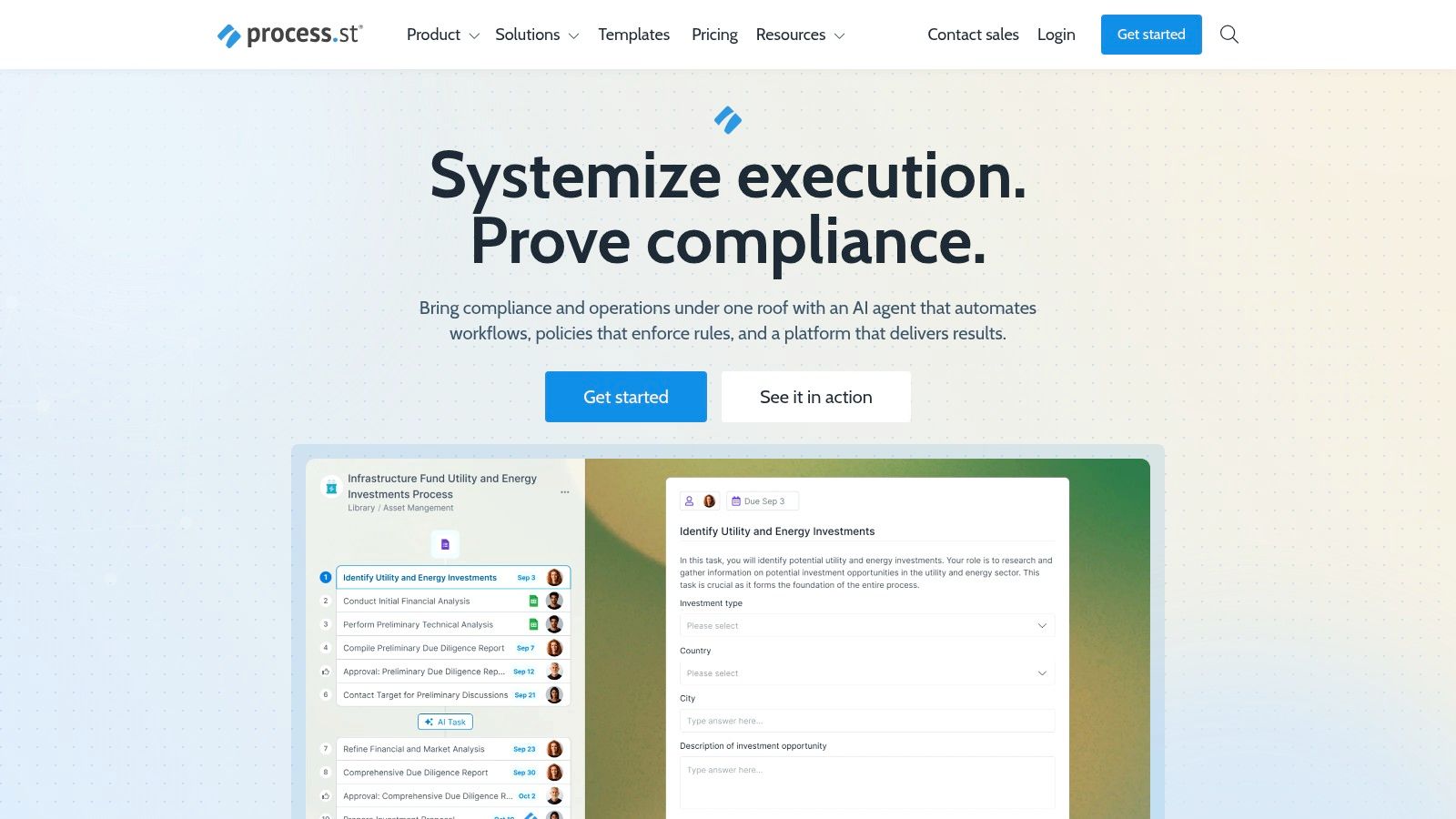
The platform’s standout feature is its powerful workflow builder. You can incorporate conditional logic, which shows or hides tasks based on previous inputs, making your SOPs adaptable to different scenarios. You can also embed forms, videos, and images directly into tasks, providing all necessary context right where it's needed. For teams in regulated industries, Process Street provides a clear audit trail, as every completed checklist is recorded with timestamps and user data.
Key Details & Use Cases
- Best For: Teams that need to enforce multi-step, repeatable processes and prove compliance. Ideal for HR, client services, and operations in regulated sectors.
- Standout Feature: The combination of an interactive checklist interface with powerful automation rules like conditional logic and scheduled workflows.
- Pricing: Process Street offers several paid tiers, including Startup, Pro, and Enterprise plans. However, pricing is custom-quoted, so you must contact their sales team for specific rates based on your needs.
- Pros & Cons:
- Pro: The extensive, free template library drastically reduces setup time for common business processes.
- Pro: Its features are purpose-built for creating audit-ready documentation and ensuring procedural adherence.
- Con: The complexity and custom pricing might be excessive for very small teams with simple documentation needs.
Website: https://www.process.st
3. SweetProcess
SweetProcess is a purpose-built tool designed to make creating, managing, and using standard operating procedures as simple as possible. It moves beyond static documents by combining procedures, policies, and processes into a centralized knowledge base. The platform is particularly effective for teams that need to quickly document tasks, with features that automatically generate process maps and capture on-screen actions, turning complex workflows into easy-to-follow visual guides.
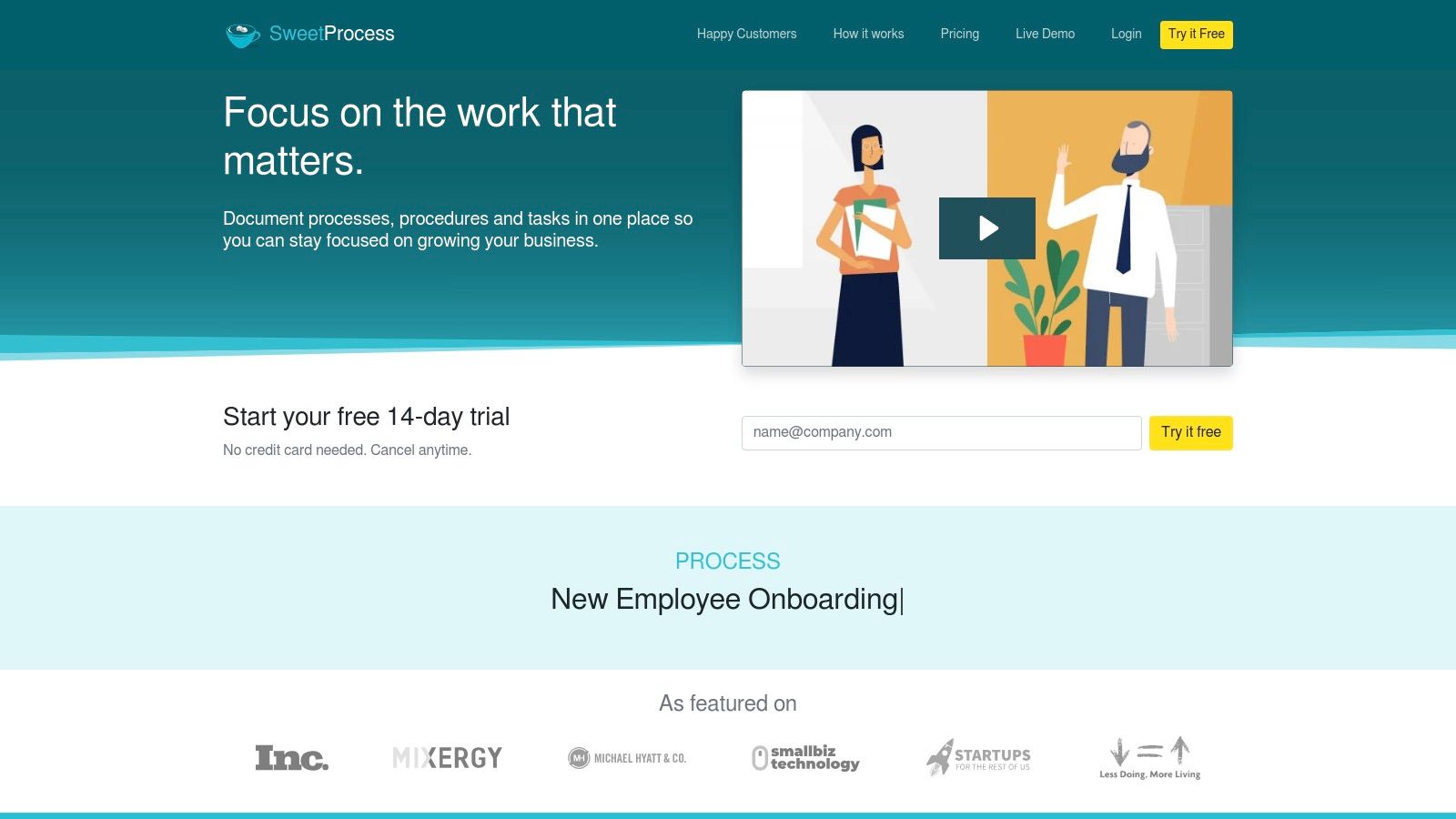
Its standout capabilities lie in its rapid content creation tools. The AI-assisted writer helps draft initial SOPs, while the browser extension captures click-by-click instructions, complete with screenshots. SweetProcess also allows you to assign and track tasks derived from your procedures, ensuring that documented processes are actually followed. This makes it an excellent choice for businesses looking to quickly systemize their operations without a steep learning curve, making it one of the more accessible standard operating procedure tools available.
Key Details & Use Cases
- Best For: Small to mid-size teams looking for a straightforward, all-in-one solution for documenting processes, policies, and tasks with transparent pricing.
- Standout Feature: The combination of an AI-powered SOP generator and a browser extension for capturing screen-based procedures, drastically accelerating documentation time.
- Pricing: SweetProcess offers a single, simple plan at a flat monthly rate that includes up to 20 active team members. Additional members can be added for a small per-user fee. They offer a 14-day free trial and a money-back guarantee.
- Pros & Cons:
- Pro: The flat-rate pricing for up to 20 members is highly cost-effective and predictable for growing teams.
- Pro: Features like auto-generated flowcharts and mobile apps make processes easy to visualize and access on the go.
- Con: The single-plan structure, while simple, may lack the advanced customization or enterprise-level security features required by larger, more complex organizations.
Website: https://www.sweetprocess.com
4. Trainual
Trainual is more than just a documentation repository; it’s a complete knowledge transfer and training system. It bridges the gap between static standard operating procedures and active employee learning by combining process documentation with role-based training modules, quizzes, and accountability tracking. This makes it an excellent choice for businesses that want to ensure their SOPs are not just written down but are also understood and retained by the team.
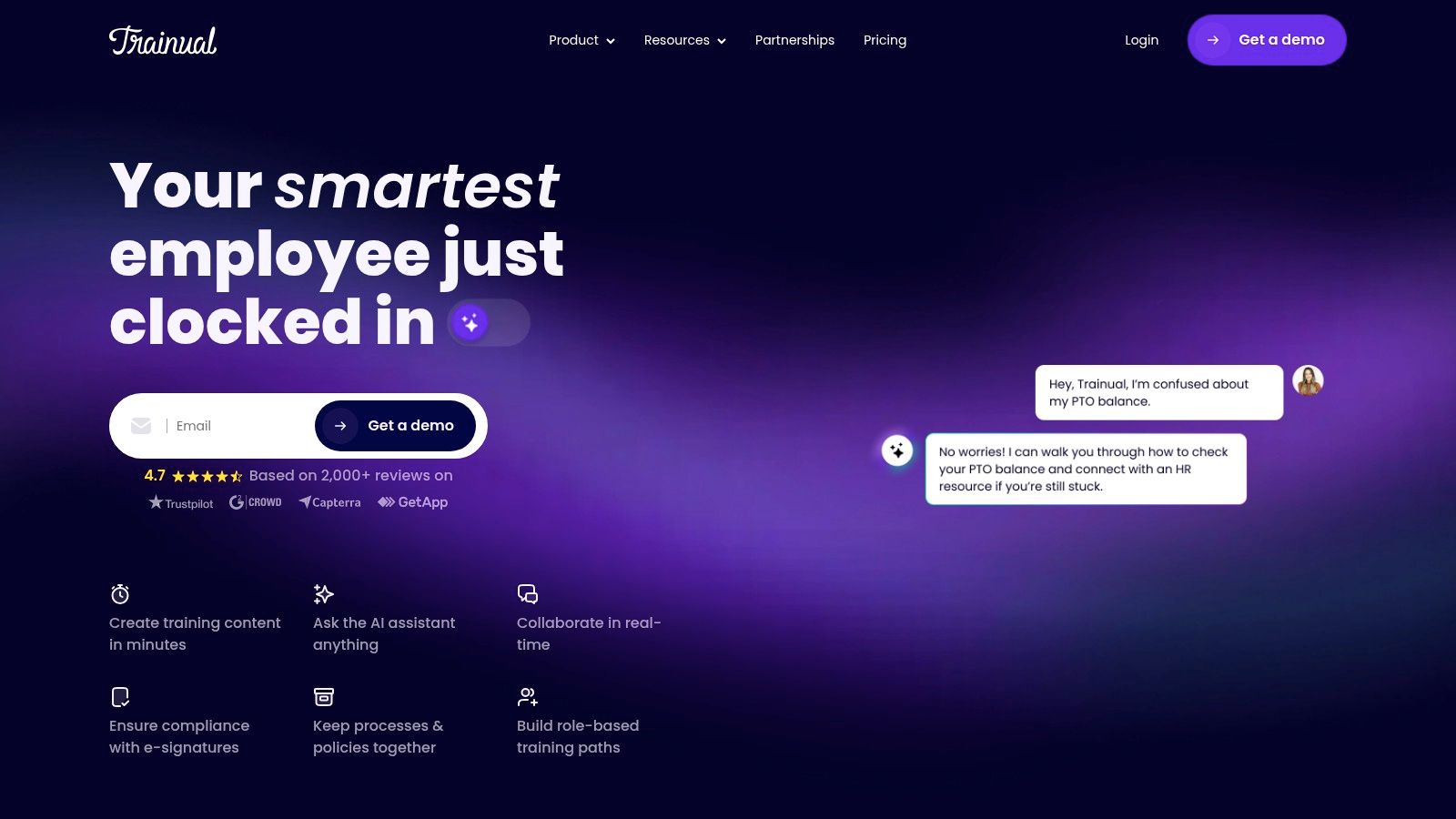
The platform is designed to streamline onboarding and continuous training. You can build out your entire company playbook, assign specific policies or procedures to roles or departments, and then test for comprehension. Features like AI-assisted documentation, screen recording, and e-signatures for policy acknowledgment create a comprehensive system of record. For companies with stringent compliance needs, higher-tier plans offer enterprise-grade security like SOC 2 Type II compliance, making it a robust option among standard operating procedure tools.
Key Details & Use Cases
- Best For: Growing businesses focused on systematizing employee onboarding, role-based training, and ensuring process knowledge is consistent across the organization.
- Standout Feature: The tight integration of SOP documentation with a learning management system (LMS) that includes quizzes, progress tracking, and reporting.
- Pricing: Pricing is gated and requires booking a demo for a custom quote. A one-time implementation fee is also required for setup and training.
- Pros & Cons:
- Pro: The platform’s strong focus on training and accountability ensures that procedures are actively learned, not just stored.
- Pro: Enterprise-grade security options are available, which is a critical feature for businesses in regulated industries.
- Con: Gated pricing and a required implementation fee create a higher barrier to entry compared to tools with public, self-service plans.
Website: https://trainual.com
5. Tallyfy
Tallyfy is a powerful SOP and workflow automation tool designed to streamline business processes by turning static documents into active, trackable workflows. It focuses heavily on approvals, structured tasks, and clear accountability, making it a strong choice for teams where process adherence is non-negotiable. Instead of just documenting a procedure, Tallyfy ensures it gets executed correctly by assigning roles, sending automated reminders, and tracking progress in real-time.
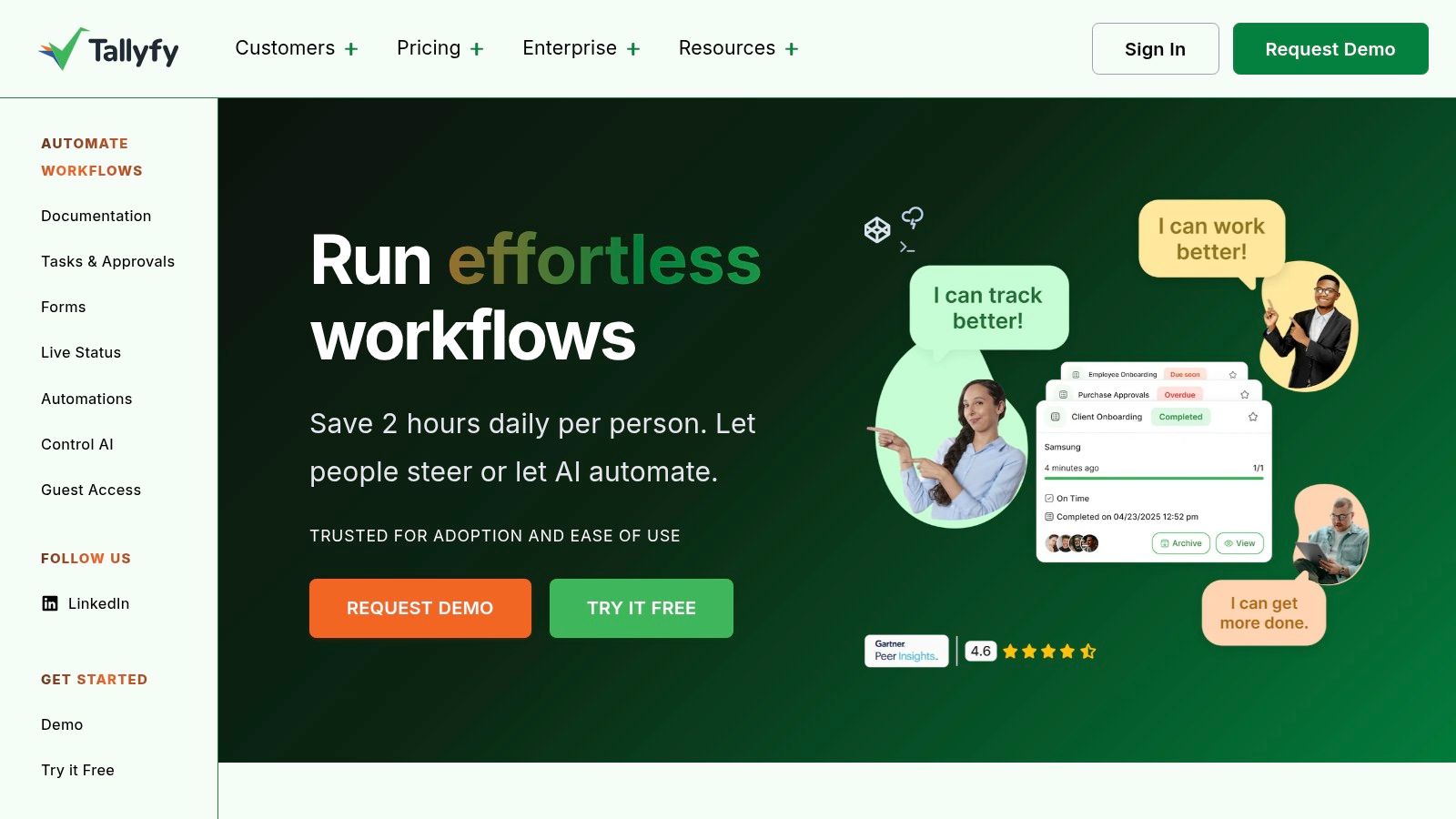
The platform is built with enterprise and regulated environments in mind, evidenced by its SOC 2 Type II compliance and features like SSO included by default. Tallyfy excels at managing multi-step processes that involve handoffs between different people or departments, such as client onboarding, purchase order approvals, or IT support tickets. Its straightforward approach to template creation allows managers to quickly codify best practices and deploy them across the organization, ensuring consistency and providing a clear audit trail for every task.
Key Details & Use Cases
- Best For: Operations, finance, and IT teams in regulated or compliance-focused businesses that need robust approval workflows and clear process tracking.
- Standout Feature: Its enterprise-ready posture, combining SOC 2 Type II security with inclusive features like free SSO and unlimited guest access in its straightforward pricing.
- Pricing: Tallyfy offers a simple, published annual pricing model based on "Full" and "Light" seat types, which provides predictability for budgeting.
- Pros & Cons:
- Pro: Built for regulated and enterprise buyers with a strong security and compliance foundation (SOC 2 Type II).
- Pro: Simple, transparent annual pricing with included SSO and guest access offers excellent value for scaling teams.
- Con: The annual-only billing model may be less flexible for very small teams or those who prefer monthly subscriptions.
Website: https://tallyfy.com
6. Waybook
Waybook is designed as a centralized "playbook" that blends standard operating procedure documentation with employee training and onboarding. It serves as a single source of truth for your company's policies, processes, and knowledge, ensuring that every team member has access to the most current information. The platform focuses on making knowledge digestible and trackable, turning static documents into engaging training materials complete with tests and progress monitoring.
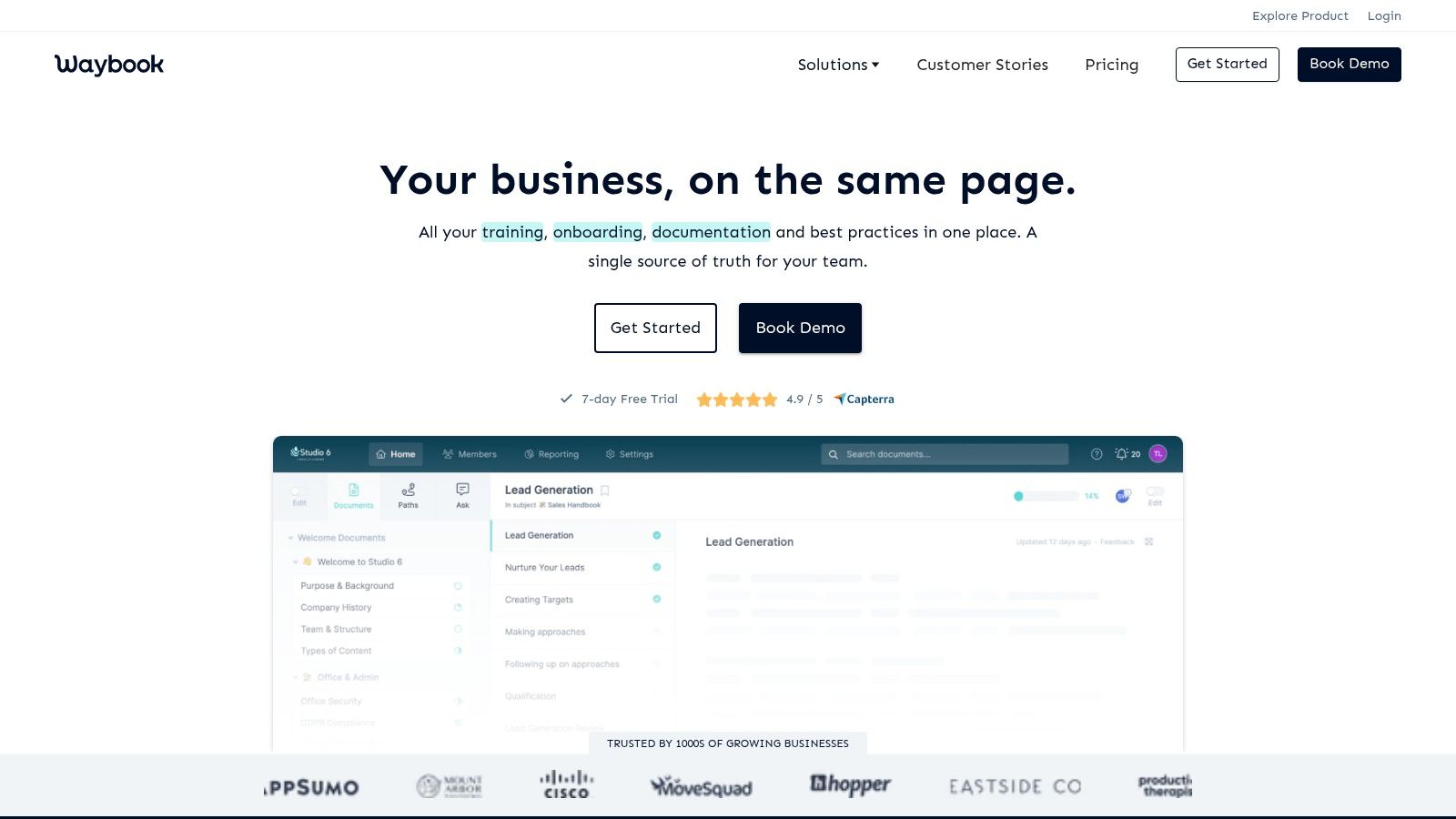
What sets Waybook apart is its all-in-one approach to documentation and learning management, making it an excellent choice for scaling SMBs. Features like an AI assistant help accelerate content creation, while org charts and member directories provide structural context. By integrating SOPs directly with training modules and quizzes, Waybook ensures that teams not only read the procedures but also understand and retain them. This makes it a powerful tool for standardizing operations and getting new hires up to speed quickly.
Key Details & Use Cases
- Best For: Small to mid-sized businesses that need a straightforward tool to combine their SOPs, company wiki, and employee training in one place.
- Standout Feature: The seamless integration of documentation with testing and progress tracking, turning your SOP library into an active training resource.
- Pricing: Waybook offers a Pro plan and a custom Scale plan. The Pro plan starts with a base fee that includes the first 20 members, offering predictable costs for growing teams.
- Pros & Cons:
- Pro: The predictable pricing model, which includes a generous 20 team members out of the box, is great for budget-conscious SMBs.
- Pro: Features effectively combine SOP management with essential training and onboarding functions, reducing the need for separate tools.
- Con: The platform is still working toward key security certifications like SOC 2 and ISO 27001, which may be a concern for enterprises in highly regulated industries.
Website: https://www.waybook.com
7. Scribe (SOP capture)
Scribe revolutionizes the process of documenting digital tasks by turning your actions into instant, step-by-step guides. Instead of manually taking screenshots and writing instructions, Scribe’s browser extension or desktop app automatically captures your clicks and keystrokes, generating a visual guide with annotated images and corresponding text. This makes it an incredibly efficient tool for creating the "how-to" components of a larger standard operating procedure.
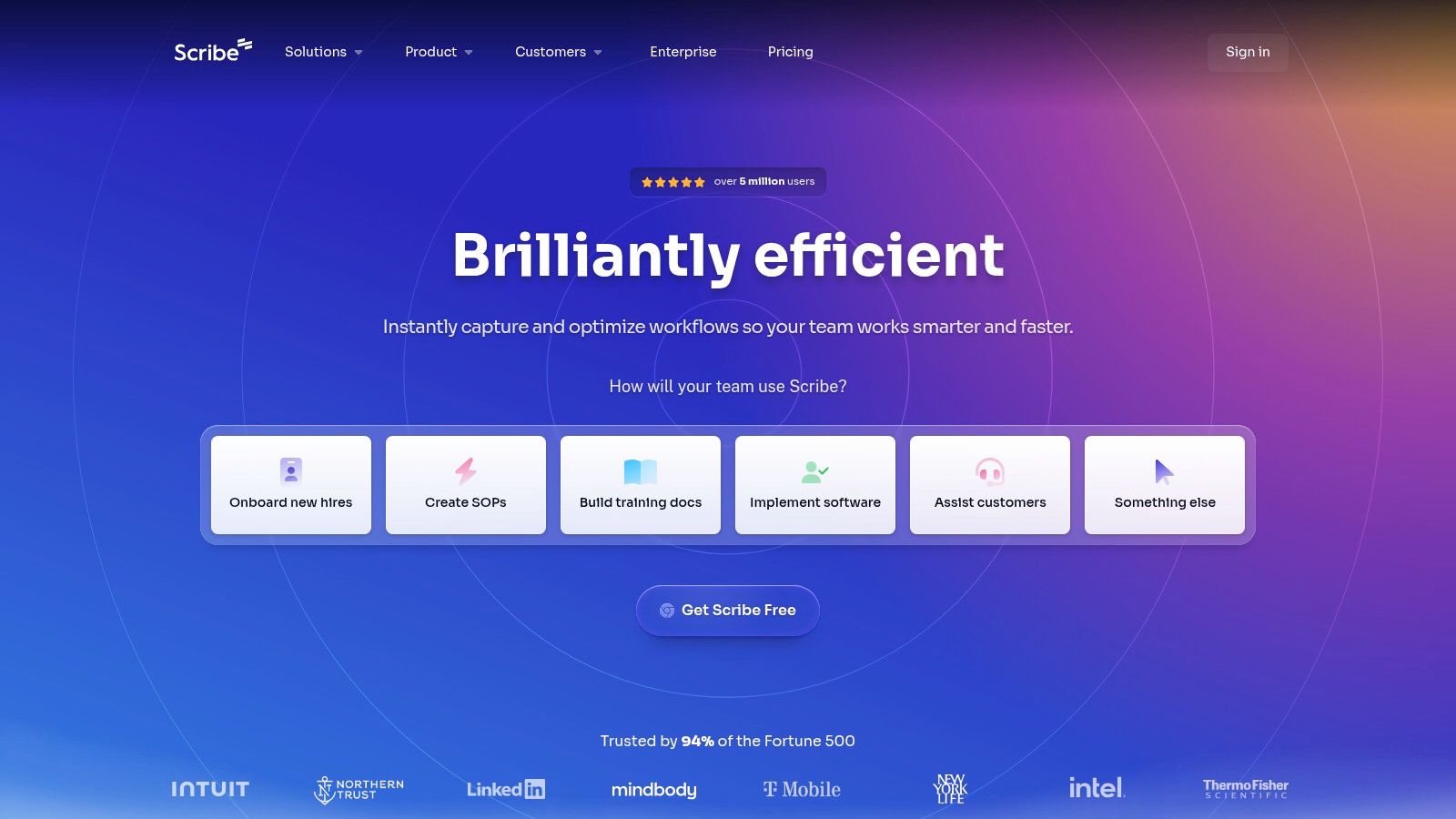
The platform is designed for speed and simplicity. Once a process is captured, you can quickly edit the steps, redact sensitive information, and brand the guide with your company’s logo and colors. The resulting "Scribe" can be shared via a direct link, embedded into a knowledge base, or exported as a PDF or HTML file. It’s the perfect companion to more robust standard operating procedure tools, allowing you to rapidly build out the detailed, visual instructions that employees need. For guidance on structuring these captured steps into a complete document, you can learn more about how to write a standard operating procedure.
Key Details & Use Cases
- Best For: Teams needing to quickly document software-based processes, such as creating training materials for a new CRM, bug reports for developers, or customer support guides.
- Standout Feature: The automated capture technology that creates a complete visual guide from a user’s workflow in seconds, eliminating manual documentation effort.
- Pricing: Scribe offers a generous free plan for individuals. Paid plans include Pro (for individuals and teams) and Enterprise, which add features like desktop capture and advanced branding.
- Pros & Cons:
- Pro: Extremely fast for creating visual how-to guides for any digital procedure, drastically cutting down documentation time.
- Pro: The guides are easy to share and embed, making them accessible wherever your team works.
- Con: It is a dedicated capture tool, not a full SOP management system with features like version control, approvals, or organization-wide governance.
Website: https://scribehow.com
8. Tango
Tango excels at capturing processes as they happen, automatically generating beautiful, step-by-step guides complete with screenshots and annotations. Acting as a Chrome extension or desktop app, it records your clicks and keystrokes to instantly build visual SOPs, dramatically cutting down the time it takes to document a workflow. This makes it an exceptional tool for creating training materials, software tutorials, and internal help guides without manual effort.
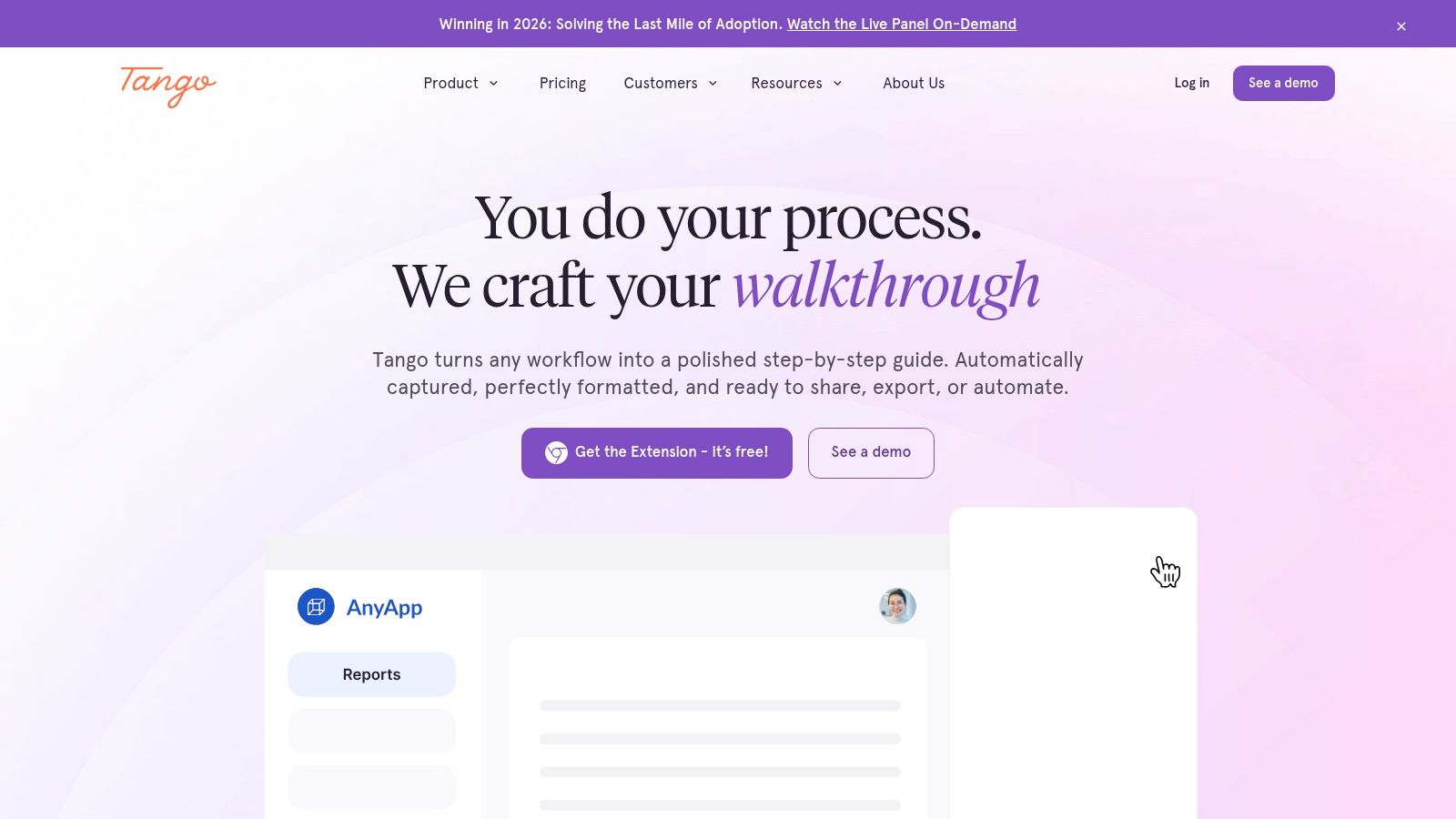
What sets Tango apart is its focus on not just creation but also delivery and adoption. Beyond static documents, its Enterprise plan offers on-screen guided walkthroughs, transforming SOPs into interactive, in-app tutorials that guide users through tasks in real-time. This dual capability makes it one of the most versatile standard operating procedure tools for enablement teams who need to create documentation quickly and ensure it's actually used, providing analytics on viewership to measure effectiveness.
Key Details & Use Cases
- Best For: Enablement, training, and IT teams that need to create and deploy software walkthroughs and visual process guides with minimal effort.
- Standout Feature: The seamless browser and desktop capture that automatically generates polished how-to guides, combined with enterprise-level, in-app guidance features.
- Pricing: Tango has a free tier for up to 10 users and 15 workflows. Paid plans include Pro (billed annually) and a custom-priced Enterprise plan that unlocks advanced features like on-screen guidance.
- Pros & Cons:
- Pro: The free plan is generous enough to pilot the tool effectively and prove its value before committing.
- Pro: It bridges the gap between static SOP documentation and interactive digital adoption platforms.
- Con: Key features like the guided, on-screen walkthroughs are locked behind the highest-tier Enterprise plan.
Website: https://www.tango.us
9. Dozuki
Dozuki is a connected-worker platform designed specifically for industrial environments, turning complex manufacturing procedures into clear, visual, and standardized work instructions. It moves beyond simple document storage to provide an interactive, shop-floor-friendly system for training, operations, and quality control. This tool is built to manage the entire lifecycle of an SOP, from creation and approval to training and periodic reviews, ensuring operational consistency in high-stakes settings.
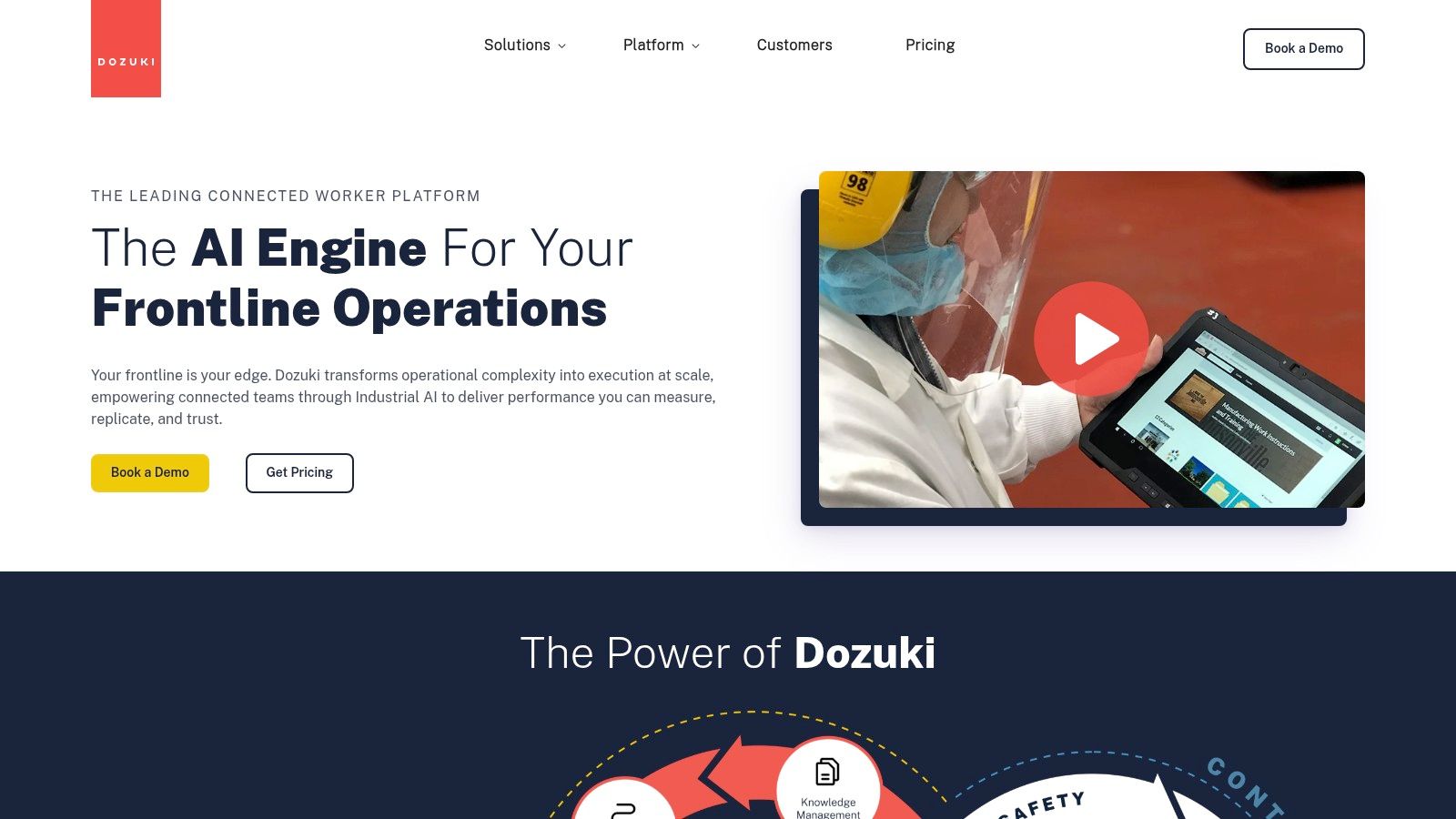
The platform’s core strength lies in its robust version control and approval workflows, which are essential for regulated industries like medical devices or aerospace. Teams can create dynamic instructions with rich media like photos and videos, and any updates are immediately pushed to the factory floor, preventing outdated information from being used. Dozuki also integrates training directly with operational workflows, allowing managers to track employee competency on specific procedures and ensure only qualified personnel perform critical tasks. Its AI-assisted content capabilities help streamline the creation of these detailed instructions.
Key Details & Use Cases
- Best For: Manufacturing, industrial, and highly regulated companies that need to manage standard work instructions on the factory floor and maintain strict compliance.
- Standout Feature: The tight integration of digital work instructions, version control, and role-based training within a single platform built for industrial use.
- Pricing: Pricing is quote-based and not publicly listed. You must contact their sales team for a custom quote tailored to your enterprise deployment needs.
- Pros & Cons:
- Pro: Its features are purpose-built for regulated and high-throughput manufacturing, providing strong audit trails and governance.
- Pro: The platform is designed for the shop floor and scales effectively for large enterprise deployments.
- Con: The enterprise focus and quote-based pricing may make it a heavier and more costly solution than needed for smaller businesses.
Website: https://www.dozuki.com
10. Atlassian Confluence
Atlassian Confluence serves as an enterprise-grade wiki and knowledge hub, making it a foundational tool for housing company-wide standard operating procedures. Unlike dedicated workflow engines, Confluence excels at creating a central, collaborative space where SOPs, policies, and procedural documents can be drafted, stored, and managed. It uses a flexible system of "Spaces" and "Pages," allowing teams to organize their documentation logically by department, project, or function.
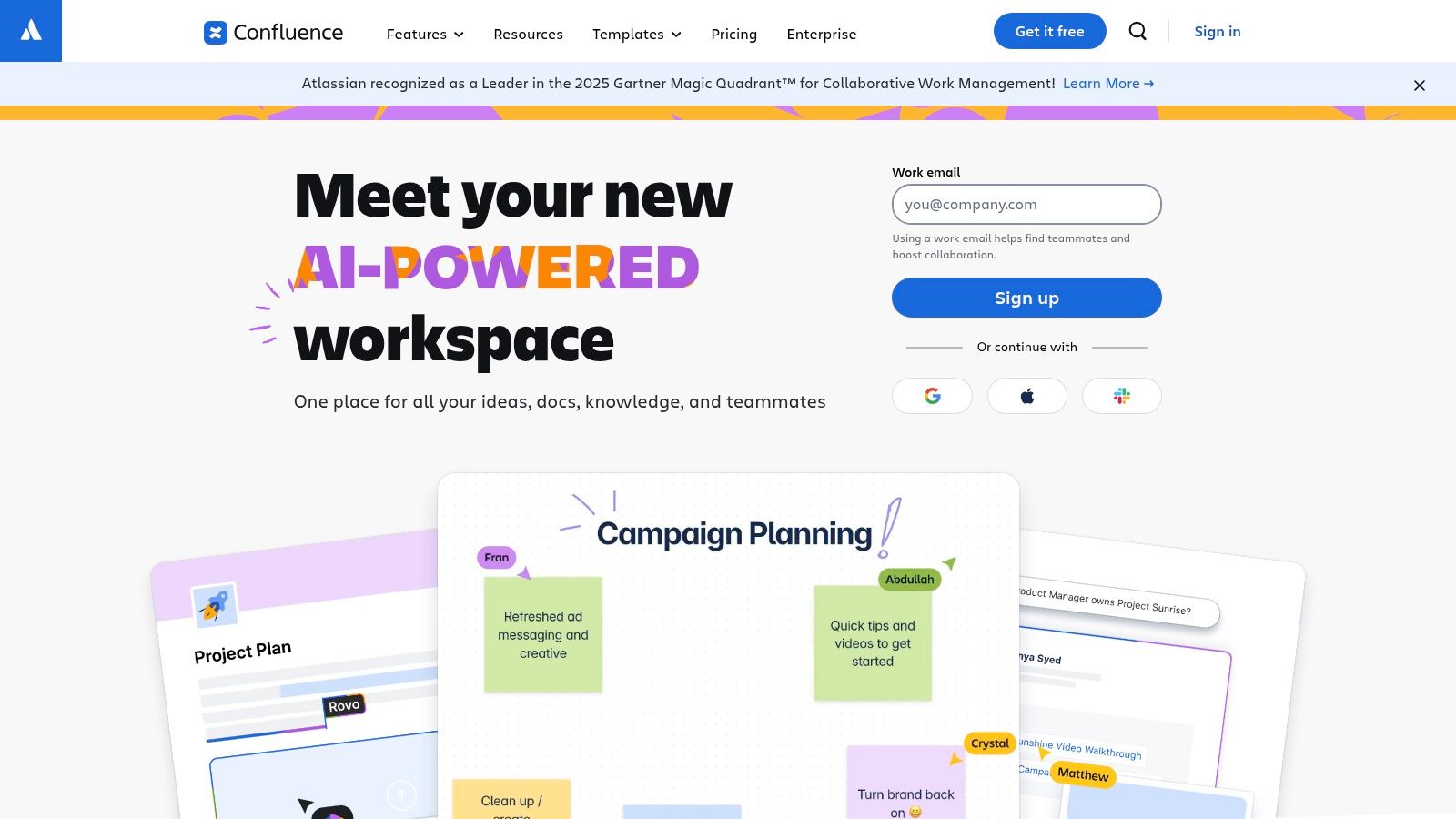
The platform's strength lies in its deep integration within the Atlassian ecosystem, particularly with Jira. This allows teams to link SOP documentation directly to related tasks, epics, or projects, providing context where work actually happens. While it doesn't enforce procedural steps on its own, its powerful templating, version control, and collaborative editing features make it an ideal repository for the "source of truth." For companies already invested in the Atlassian stack, Confluence is a natural and scalable choice for documenting business processes and building a comprehensive knowledge base.
Key Details & Use Cases
- Best For: Companies of all sizes, especially those already using Jira, that need a scalable, centralized wiki for storing and managing all company knowledge, including SOPs.
- Standout Feature: The seamless integration with Jira and the broader Atlassian marketplace, turning static documentation into a resource connected to active workstreams.
- Pricing: A free plan is available for up to 10 users. Paid plans include Standard, Premium, and Enterprise tiers with features like SSO, audit logs, and advanced permissions.
- Pros & Cons:
- Pro: Highly flexible and scalable, suitable for cross-functional SOPs and building a comprehensive, company-wide knowledge base.
- Pro: The familiar interface and deep integration make it an easy choice for teams already in the Atlassian ecosystem.
- Con: It is not a workflow enforcement tool; it requires pairing with platforms like Jira or other task managers to ensure SOPs are followed.
Website: https://www.atlassian.com/software/confluence
11. Bizmanualz
Bizmanualz takes a different approach to standard operating procedure tools by offering a vast library of pre-written, editable policy and procedure manuals. Instead of a software platform, it provides downloadable MS Word documents covering departments like HR, Finance, IT, and ISO/QMS. This service is designed for organizations that need to establish a comprehensive, audit-ready documentation baseline quickly without starting from scratch. It essentially gives you the structured content first, which you can then adapt and implement within your existing systems.
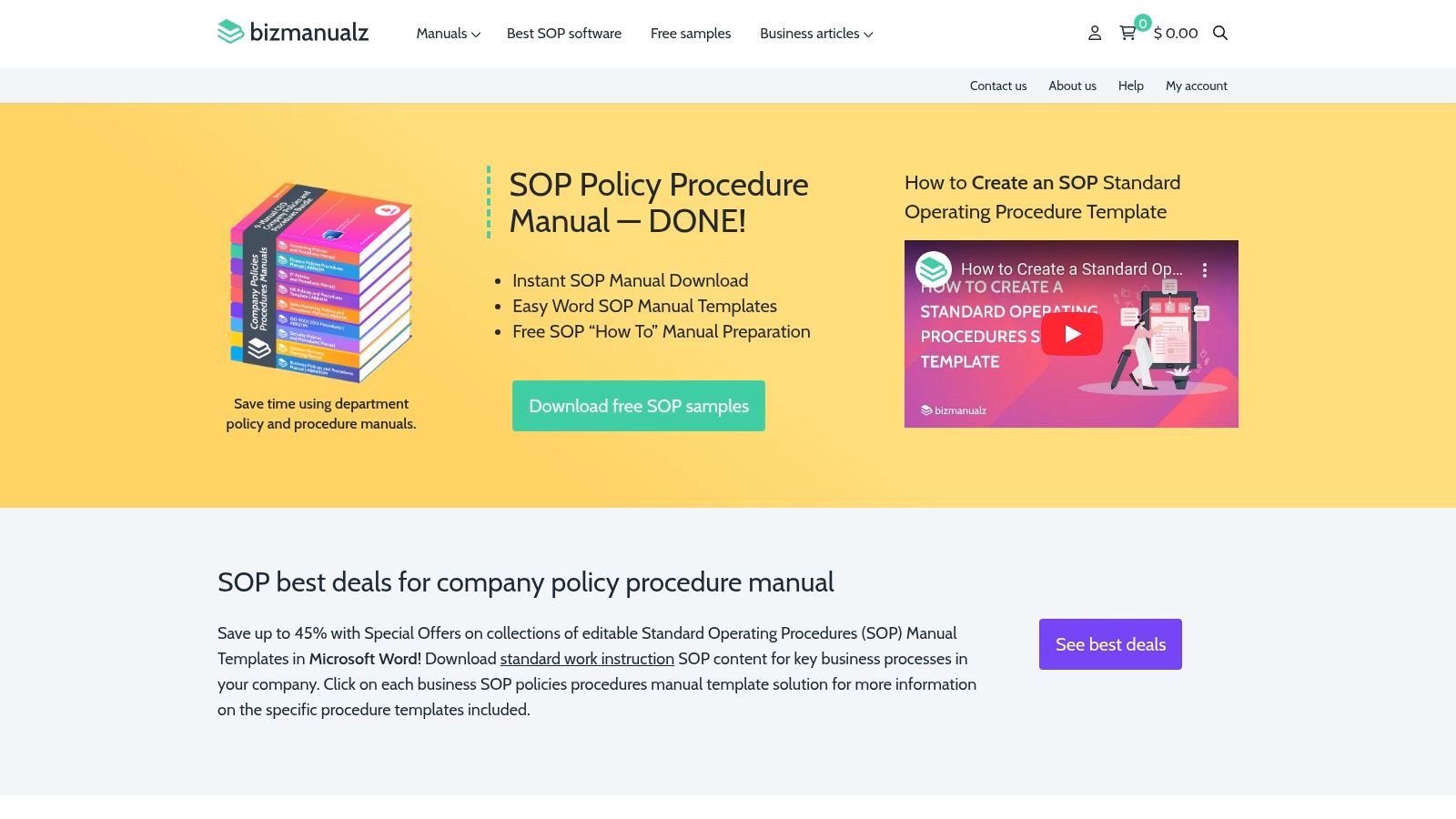
The primary value of Bizmanualz is its speed to implementation. You can purchase a complete departmental manual, download it instantly, and begin customizing it to fit your specific operational needs. For businesses facing a looming audit or needing to formalize processes rapidly to meet compliance standards, this content-first model is incredibly effective. While it lacks the dynamic workflow features of software platforms, it serves as an excellent accelerator, providing the foundational policies and procedures that can later be imported into a more interactive SOP tool.
Key Details & Use Cases
- Best For: Companies needing to rapidly develop comprehensive, compliant SOP manuals or those looking for a solid template-based starting point before adopting a software solution.
- Standout Feature: The extensive library of professionally written, department-specific procedural manuals available for instant download and customization in MS Word.
- Pricing: Bizmanualz operates on a one-time purchase model. Individual manuals and policy bundles are priced separately, with no ongoing subscription fees required.
- Pros & Cons:
- Pro: Immediate access to structured, audit-friendly content drastically reduces the time needed to create baseline SOPs.
- Pro: One-time digital purchases eliminate the overhead and commitment of a recurring software subscription.
- Con: The documents are static and lack integrated task tracking, version control, or automated workflow enforcement.
Website: https://www.bizmanualz.com
12. Etsy (SOP Templates Marketplace)
For small businesses and solopreneurs just starting to document their processes, Etsy offers a surprisingly practical and low-cost entry point. Instead of being a dedicated software platform, Etsy is a marketplace where you can find hundreds of pre-built, editable standard operating procedure templates created by other business owners and designers. This approach is perfect for those who need a solid foundation but aren't ready to invest in a comprehensive system.
The primary value of Etsy lies in its sheer variety and affordability. You can find instant digital downloads for specific niches like e-commerce operations, client onboarding for virtual assistants, or social media agency workflows. These templates come in familiar formats like Google Docs, Word, Canva, or even Notion, making them easy to adapt. While these static documents lack the dynamic features of other standard operating procedure tools, they provide a crucial framework to build upon, helping you organize your thoughts before migrating to a more robust platform.
Key Details & Use Cases
- Best For: Startups, freelancers, and small businesses that need an affordable, non-technical way to create their first set of SOPs without a software subscription.
- Standout Feature: The vast marketplace of niche-specific, professionally designed templates available for a one-time, low-cost purchase in common file formats.
- Pricing: Pricing is per-item, set by individual sellers. Most templates are highly affordable, typically ranging from $4 to $20 for a comprehensive bundle.
- Pros & Cons:
- Pro: An extremely low-cost way to get professionally formatted starter SOPs for a wide range of business functions.
- Pro: Instant access to templates in familiar, editable formats like Word and Google Docs, requiring no new software training.
- Con: Template quality and comprehensiveness vary greatly by seller, so checking reviews and previews is essential.
Website: https://www.etsy.com/market/sop
Top 12 SOP Tools Comparison
| Product | Core features ✨ | Quality ★ | Price/value 💰 | Target 👥 | USP / Notes |
|---|---|---|---|---|---|
| Whale 🏆 | ✨ AI SOP generation, import-to-editable cards, quizzes, version control, integrations | ★★★★★ | 💰 Free start; flexible plans (contact for enterprise) | 👥 SMBs → enterprise; manufacturing, finance, real estate, IT, warehouses | 🏆 Recommended — ✨ Alice conversational assistant, industry templates, ROI tracking |
| Process Street | ✨ No-code workflow builder, conditional logic, approvals, analytics | ★★★★☆ | 💰 Quoted / contact sales | 👥 Teams needing workflow enforcement & compliance | ✨ Large template library + audit-ready reporting |
| SweetProcess | ✨ AI-assisted SOPs, auto flowcharts, browser capture, mobile apps | ★★★★☆ | 💰 Flat base (covers ~20 members); trial available | 👥 Small to mid teams seeking simple pricing | ✨ Browser capture + process mapping; money-back guarantee |
| Trainual | ✨ Role-based training, quizzes, org charts, e-signatures, SCORM | ★★★★☆ | 💰 Pricing gated; one-time implementation fee | 👥 Teams focused on onboarding, training & accountability | ✨ Strong onboarding focus + enterprise security (SOC 2) |
| Tallyfy | ✨ Template launch/assign, approvals, reminders, SSO, guests | ★★★★☆ | 💰 Published annual pricing; Full/Light seats | 👥 Regulated/enterprise buyers needing clear pricing | ✨ Free SSO & unlimited guests; SOC 2 posture |
| Waybook | ✨ Unlimited docs/tests/revisions, AI writer, mobile app | ★★★★☆ | 💰 Predictable plans (includes ~20 users) | 👥 SMBs starting SOPs & training | ✨ Branding + progress tracking; simple packaging |
| Scribe (SOP capture) | ✨ Auto step-by-step capture (screenshots + text), export & edit | ★★★★☆ | 💰 Free plan; affordable team pricing | 👥 Documentation creators, support & enablement teams | ✨ Extremely fast capture; export to Markdown/PDF/HTML |
| Tango | ✨ Capture + on-screen walkthroughs, usage analytics | ★★★★☆ | 💰 Free pilot (up to 10 users); Pro/Enterprise | 👥 Enablement teams needing digital adoption | ✨ Bridges static SOPs and in-app guidance; viewership insights |
| Dozuki | ✨ Rich media work instructions, approvals, audits, reviews | ★★★★☆ | 💰 Quote-based (enterprise focus) | 👥 High-throughput & regulated manufacturing | ✨ Shop-floor optimized; strong governance & training paths |
| Atlassian Confluence | ✨ Spaces/pages, templates, integrations, admin controls | ★★★★☆ | 💰 Free up to 10 users; Standard/Premium/Enterprise | 👥 Enterprise & cross-functional knowledge teams | ✨ Scalable wiki; pairs with Jira/automation for enforcement |
| Bizmanualz | ✨ Editable MS Word manuals by dept, instant downloads | ★★★☆☆ | 💰 One-time purchase per manual | 👥 Teams needing immediate, audit-friendly docs | ✨ Ready-made manuals for rapid compliance baseline |
| Etsy (SOP templates) | ✨ Editable templates (Word/Google/Notion/Canva) across niches | ★★★☆☆ | 💰 Very low per-template ($4–$20) | 👥 Small businesses, VAs, agencies, solopreneurs | ✨ Cheapest starter templates; quality varies by seller |
Systematize Your Success, Not Just Your Documents
Navigating the landscape of standard operating procedure tools reveals a critical truth: the goal isn't just to document processes, but to embed them into the very fabric of your organization's daily operations. Throughout this guide, we've explored a dozen powerful platforms, from dedicated SOP management systems like Whale and Process Street to specialized process capture tools like Scribe and even unconventional resources like Etsy templates. The right choice is never universal; it’s deeply personal to your team’s size, industry, and operational maturity. As organizations prepare for the upcoming year, many are seeking downloadable sop examples for 2026 to help streamline their processes. These examples serve as inspirational templates that can be adapted to fit unique operational needs, allowing teams to enhance efficiency and compliance simultaneously. Embracing these resources marks a step forward in establishing reliable frameworks for success within the ever-evolving business landscape.
Reflecting on the options, from the robust, checklist-driven workflows of Tallyfy to the visual, training-centric approach of Trainual, a clear pattern emerges. The most effective implementation moves beyond creating a static digital binder. It involves transforming your documented knowledge into a living, breathing resource that actively guides work, reduces friction, and empowers employees to perform their roles with confidence and consistency.
Key Takeaways and Your Path Forward
As you move from evaluation to implementation, keep these core principles at the forefront of your decision-making process. The best tool for your organization will be the one that aligns most closely with these strategic goals.
- Adoption is Everything: A feature-rich platform is useless if it gathers digital dust. Prioritize tools with an intuitive user interface and seamless integrations that fit into your team's existing workflows. A tool like Scribe, for example, excels because it captures processes with minimal effort, lowering the barrier to documentation.
- Context is King: SOPs are most powerful when they appear at the moment of need. Consider how platforms like Whale deliver just-in-time knowledge directly within the applications your team already uses. This "in-the-flow" support is far more effective than forcing employees to search a separate knowledge base.
- From Documentation to Action: The most advanced standard operating procedure tools connect documentation to execution. Platforms like Process Street and Tallyfy don't just tell you how to do something; they provide interactive, trackable checklists to ensure the work gets done correctly every time, creating an audit trail in the process.
Making Your Final Decision
To select the right platform, resist the temptation to be swayed by the longest feature list. Instead, begin with a clear-eyed assessment of your primary pain points.
- Identify Your Core Problem: Are you struggling with inconsistent training and onboarding? A tool like Trainual or Waybook might be ideal. Is your main challenge a lack of process adherence and visibility? Look towards workflow-centric options like Tallyfy. Do you need to manage complex compliance documentation for a regulated industry? A platform like Dozuki, designed for manufacturing, could be the perfect fit.
- Pilot with a Champion Team: Before committing to a company-wide rollout, select a single, motivated team to pilot your top one or two choices. Task them with documenting and executing a critical process. Their hands-on feedback will be invaluable and will reveal practical usability issues that a simple demo cannot.
- Consider the Broader Ecosystem: An SOP tool is just one piece of your operational puzzle. To truly systematize your success beyond just documents, it's worth exploring broader categories of software. For instance, you can find the latest insights on the best productivity tools discovery platforms to see how project management, communication, and automation software can complement your new SOP system. This holistic view ensures all your systems work in harmony.
Ultimately, choosing and implementing one of these tools is a strategic investment in your organization's most valuable asset: its collective knowledge. It’s about creating a foundation for scalability, consistency, and continuous improvement. By moving your processes from static documents to dynamic systems, you’re not just organizing information; you’re building a more resilient, efficient, and successful organization from the ground up.