Employee Onboarding & Training
The BEST Employee Training Software 2026 (ETMS): Top Platforms Ranked


In this article
Choosing the best Employee Training Management Software (ETMS) is crucial for enhancing workforce capabilities, streamlining onboarding processes, and ensuring compliance.
Top employee training management software for 2026
We put together a shortlist of the best staff training tools in the business, including top new hire training software, to help you create your own shortlist and decide on the best options.
| Tool | Best For | Starting Price | Free Tier | G2 Rating |
|---|---|---|---|---|
| Whale | AI-driven SOPs and training flows for growing teams | Scale $249/mo and Advance $499/mo, both billed annually | Free Forever, up to 10 members | 4.8/5 |
| Connecteam | Frontline teams needing training plus scheduling and comms | $29/mo for up to 30 users | Yes, for small teams | 4.6/5 |
| ProProfs Training Maker | Fast course creation with AI and a ready-made course library | $1.99 per active learner/mo, billed annually | Yes | 4.6/5 |
| Trainual | SOP documentation with straightforward training | Custom, quote-only (plus $1,000 one-time implementation fee) | No | 4.7/5 |
| Docebo | Customised, large-scale LMS programmes | Quote only | No | 4.3/5 |
| Mitratech Trakstar | Compliance-heavy multimedia training | Quote only | No | 4.3/5 |
| SkyPrep | Simple LMS for process and systems training | $299/mo | No | 4.6/5 |
| LearnUpon | Multi-department enterprise training | $699/mo for up to 50 users | No | 4.5/5 |
| Leapsome | Learning tied to performance and engagement | Quote only | No | 4.8/5 |
| Seismic Learning | Fast onboarding at scale | Quote only | No | 4.7/5 |
1. Whale: Transforming Employee Training with AI-Driven Management Tools
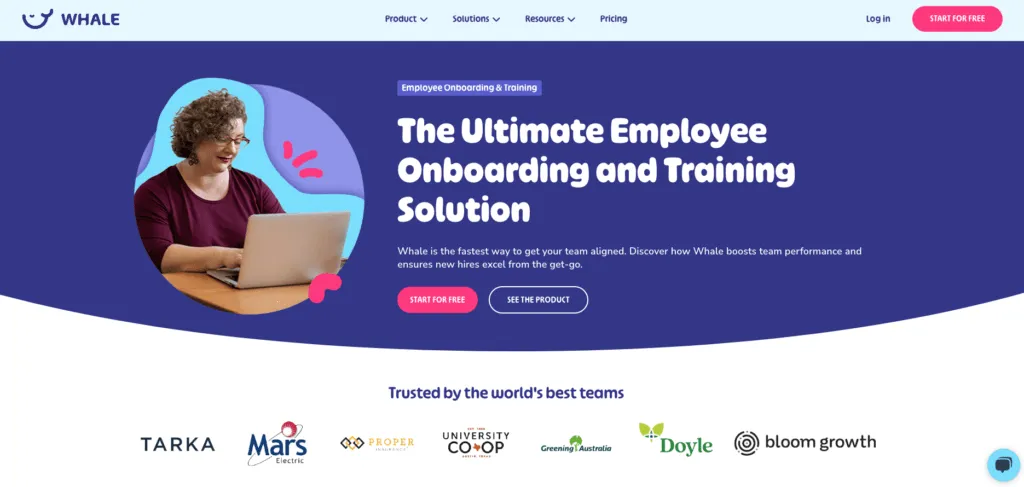
Whale is an AI-powered onboarding and training solution designed to align teams quickly. It uses AI to streamline the creation, management, and dissemination of training content, making it the ultimate solution for onboarding and continuous learning.
Best for: Companies seeking a fast, AI-driven approach to onboarding and training that ensures team alignment and effective knowledge transfer.
Price: Free Forever plan for up to 10 members. Paid plans start at $249 per month on the Scale plan (billed annually) and $499 per month on Advance (billed annually).
Pros:
- Alice, Whale’s AI assistant, turns a recorded workflow into a first-draft SOP, so training content starts from the real process rather than a blank page.
- Training flows and AI quizzes confirm that people understood a procedure, not just that they opened it.
- Integrations with Slack, Google Drive, OneDrive, HubSpot, Salesforce and Zapier put training content inside the tools your team already works in.
Cons:
- It is lighter on formal workflow automation, such as conditional logic and multi-step approvals, than tools built primarily for process automation.
- It does not cover scheduling or time tracking, so teams that want one app for the whole employee journey will still need an HR or workforce tool alongside it.
2. Connecteam: Simplify Employee Training with an All-in-One Platform
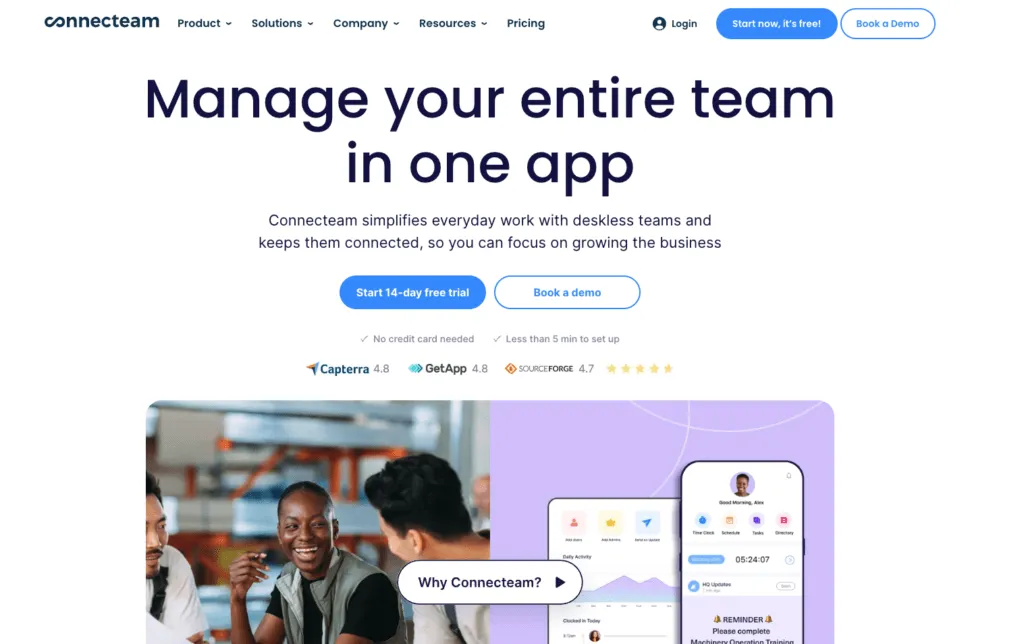
Connecteam is designed for managing learning and development throughout the employee lifecycle. It offers strong mobile support, communication tools, and features for creating and tracking training programs.
Best for: Large enterprises who need one tool to manage the entire employee journey including employee engagement, time management and compliance.
Price: Starts at $29 per month for up to 30 users. There is also a free plan available for small teams.
Pros:
- Courses, quizzes and onboarding sit in the same mobile app as the time clock, job scheduling and team chat, so frontline staff only need one app.
- Its mobile-first design suits deskless and field teams who rarely sit at a computer.
- A flat price covers the first 30 users, and small teams can start on the free plan.
Cons:
- Pricing is split by hub, so training, operations and communications are each paid for separately and the total grows with every hub you add.
- Training is one hub among several, so course authoring and learning paths are less deep than in a dedicated LMS.
3. ProProfs Training Maker: Create Employee Training Faster with AI
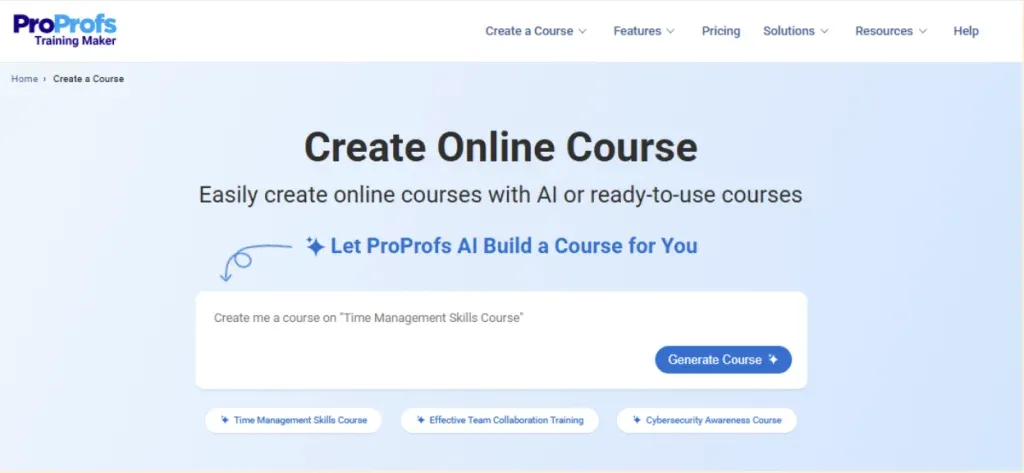
ProProfs Training Maker is an easy-to-use LMS and course builder for employee training, compliance, and skill assessment. Its AI can generate a complete course from a single prompt, while 500+ expert-built courses help teams launch common workplace training without creating everything from scratch. It also brings quizzes, certifications, automated reminders, learner tracking, and reporting into one platform.
Best for: Teams that want to create and manage employee training quickly without dealing with a complex LMS.
Price: A free tier is available. Paid plans start at $1.99 per active learner per month, billed annually.
Pros:
- AI course generation and a library of ready-made courses mean you can launch training in hours rather than weeks.
- G2 reviewers consistently rate it easy to set up and use, with no technical skills needed to build a course.
- Per-learner pricing with a free tier keeps the entry cost low for small teams.
Cons:
- Branding and course templates are rigid, and some reviewers find the interface dated.
- Manager oversight and progress-tracking tools are lighter than on dedicated training-management platforms.
4. Trainual: Streamline Employee Development with a Centralized Training System
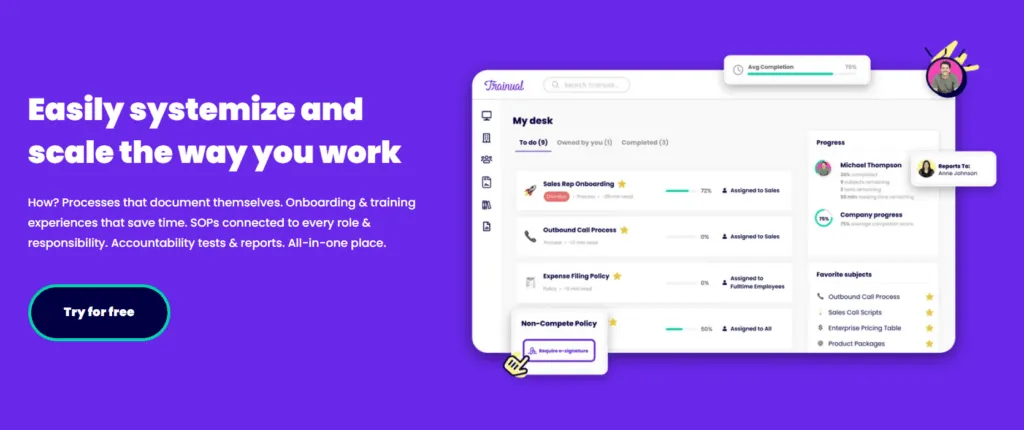
Trainual focuses on documenting SOPs and training, offering ease of use and mobile accessibility, though it lacks advanced customization options.
Best for: Documenting standard operating procedures and providing straightforward training solutions.
Price: Custom, quote-only. Trainual publishes no dollar figures on its pricing page, and a $1,000 one-time implementation fee applies to new customers. There is no free tier, and a demo is required to get a real number.
Pros:
- Role-based training paths put the right SOPs and policies in front of each role.
- Interactive tests confirm that someone actually learned the material.
- Embedded videos, PDFs and other media keep all training content in one place.
Cons:
- There is no transparent pricing, so you need to book a demo before you know the cost.
- The mandatory implementation fee adds to the cost of getting started.
5. Docebo: Drive Workforce Development with Advanced Employee Training Software
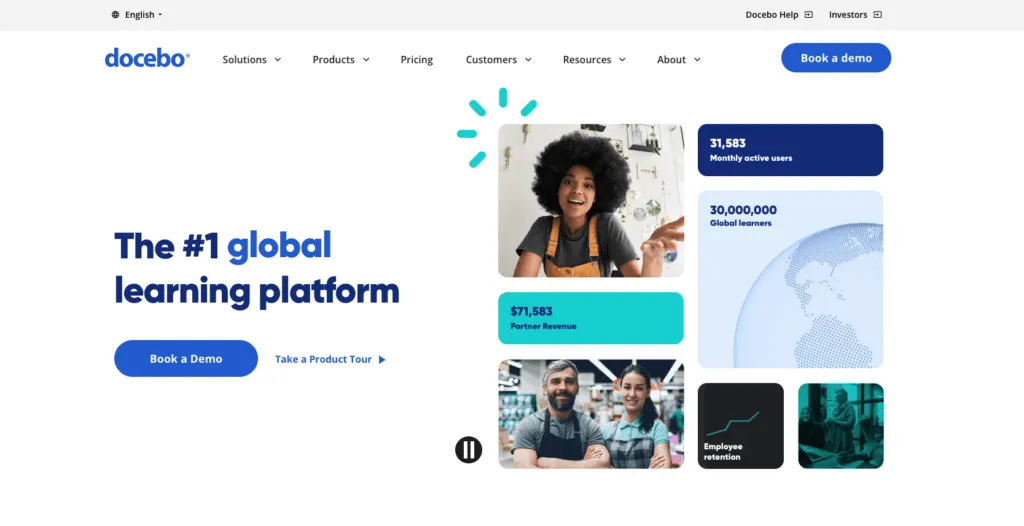
Docebo is an AI-powered learning management system that offers extensive customization options. It supports a wide range of content formats and provides robust analytics and reporting tools to manage and personalize training programs.
Best for: Customization and personalization of training programs across diverse industries.
Price: Pricing is available upon request and typically involves a custom quote based on the number of users and specific needs.
Pros:
- Extensive customization lets you shape the platform and its learning paths around each audience.
- It supports a wide range of content formats, so existing training material can be reused.
- Robust analytics and reporting make it easier to show the impact of large training programmes.
Cons:
- Pricing is quote-only and depends on user numbers, so the cost is hard to estimate up front.
- The depth of configuration means setup and administration take more effort than in lighter tools built for small teams.
6. Mitratech Trakstar: Improve Workforce Development with Compliance-Focused Training
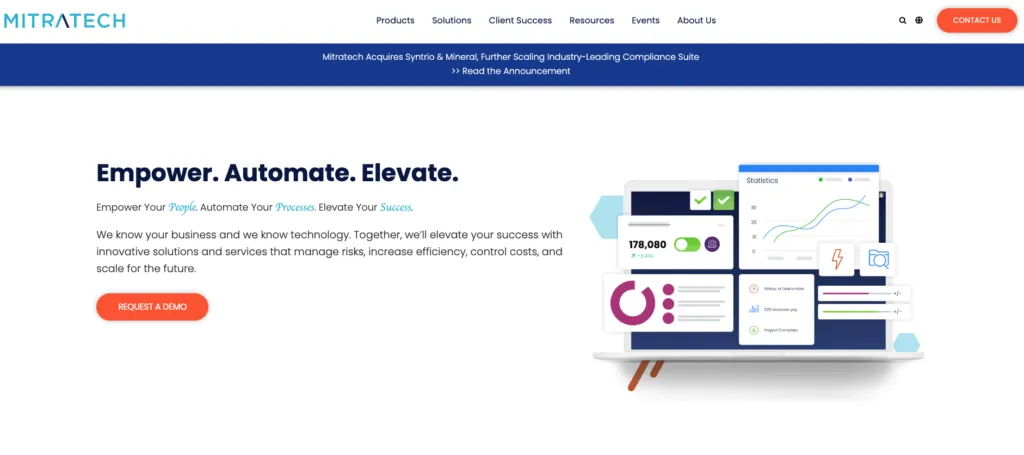
Mitratech Trakstar empowers organizations of all sizes to modernize their approach to performance management.
It is designed to meet the diverse training needs of various industries, providing a comprehensive solution for onboarding, compliance, and professional development.
Best for: Organizations requiring robust multimedia training solutions with a specific focus on compliance.
Price: Pricing is provided upon request, with customized quotes based on the specific requirements and number of users.
Pros:
- Learning sits next to Trakstar’s performance management, so training can be tied to reviews and development goals.
- Multimedia course support suits compliance training that combines video, documents and slides.
- Onboarding, compliance and professional development are covered in one product.
Cons:
- Pricing is only available on request.
- Learning is one part of a broader talent suite, so it makes most sense if you also want the performance management side.
7. SkyPrep: Streamline Workforce Learning with a Powerful Training Solution
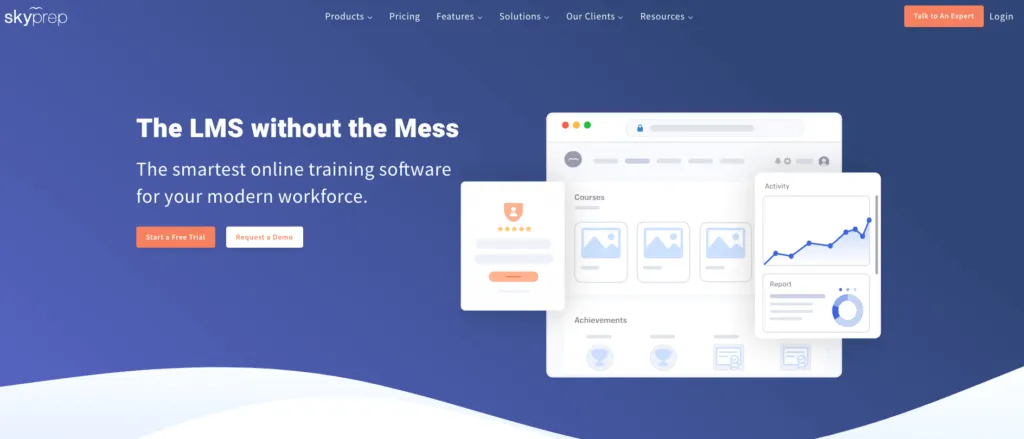
SkyPrep is known for its user-friendly interface and strong content authoring tools, making it ideal for process training and adapting to new systems.
Best for: Organizations needing a straightforward LMS for process training and system adaptation.
Price: Starts at $299 per month, with pricing tiers based on the number of users and specific features needed.
Pros:
- A user-friendly interface keeps the learning curve short for admins and learners.
- Built-in content authoring tools let you create courses without a separate authoring tool.
- It suits process and systems training, such as rolling out a new tool across a team.
Cons:
- There is no free tier, and the starting price is steep for very small teams.
- Pricing tiers are tied to the number of users, so the cost rises as your team grows.
8. LearnUpon: A User-Friendly Platform for Employee Training Management
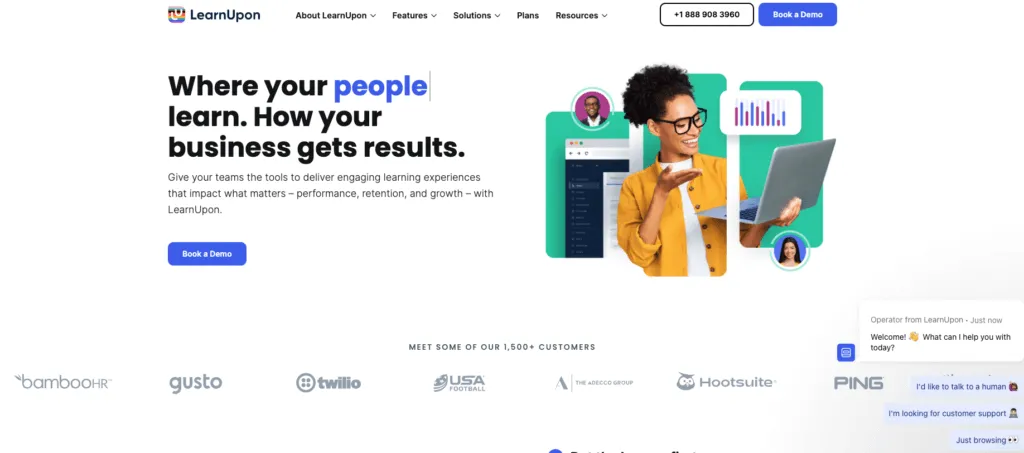
LearnUpon offers advanced customization and branch learning features, making it perfect for large enterprises with varied departmental training needs.
Best for: Large enterprises with complex, multi-departmental training requirements.
Price: Starts at $699 per month for up to 50 users, with custom quotes available for larger needs.
Pros:
- Branch learning features let each department run its own training environment from one account.
- Advanced customization fits enterprises whose departments have very different training needs.
- The same platform can train employees, customers and partners.
Cons:
- The starting price of $699 per month puts it out of reach for most small teams.
- Its enterprise focus means a longer setup than lightweight training tools.
9. Leapsome: Empower Your Workforce with an All-in-One Training and Performance Management System
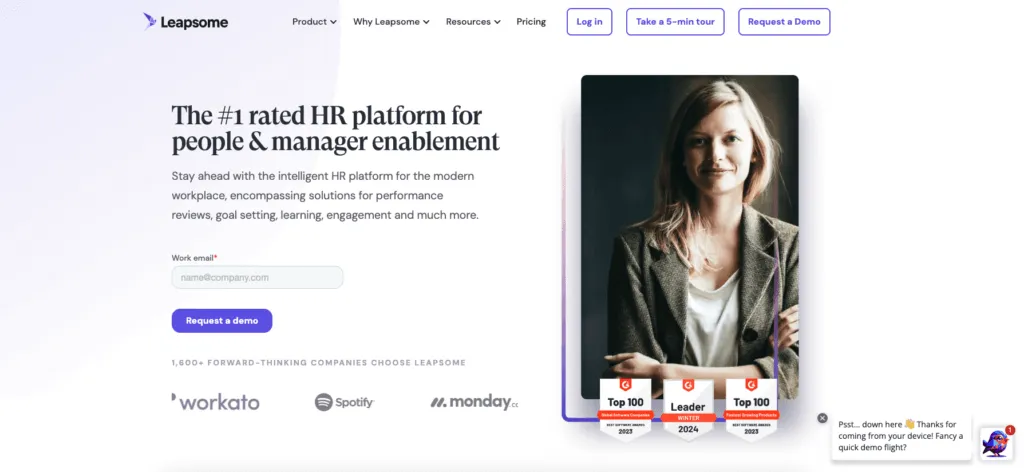
Leapsome focuses on integrating learning, engagement, and performance management into one platform. It aims to close the loop between these areas to enhance overall employee development.
Best for: Integrating learning with employee engagement and performance management.
Price: Pricing is provided upon request, typically based on the number of users and the features required.
Pros:
- Learning links directly to performance reviews and development goals, so training follows from real feedback.
- Engagement surveys, goals and reviews live in the same platform, which gives HR one view of each employee’s development.
- Personalized learning paths and automated onboarding support new hires from their first day.
Cons:
- Pricing is only available on request.
- It is built as a broad people platform, so it can be more than a team needs if the goal is simply to train people on processes.
10. Seismic Learning (Lessonly): A Comprehensive Platform for Enhancing Employee Learning and Development
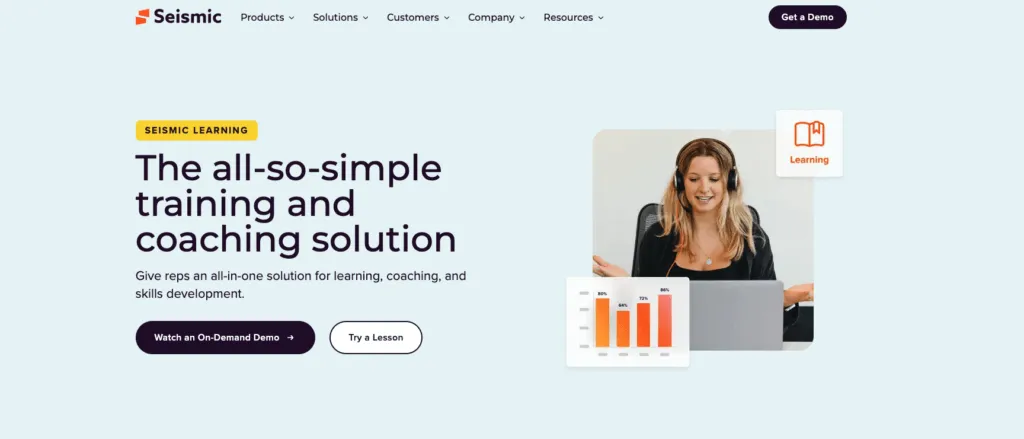
Seismic Learning specializes in accelerating employee onboarding with a focus on rapid training deployment and user engagement.
Best for: Fast-tracking employee onboarding processes.
Price: Pricing is available upon request, tailored to the organization’s size and specific needs.
Pros:
- Lessons are quick to build and roll out, which shortens the time to a trained new hire.
- As part of the Seismic enablement platform, training connects with the content customer-facing teams already use.
- Short, interactive lessons keep learners engaged and are easy to update.
Cons:
- Pricing is only available on request.
- It is geared toward sales and customer-facing enablement, so it is a less natural fit for operational or frontline process training.
Other online employee training software we love
We complement the previous list with other online employee training software that, while they may not be the most prominent, can still be very useful. And that’s why we like them.
- Deel
Deel is designed for remote learning, providing tools to manage and deliver training programs to a distributed workforce effectively.
Best for remote learning and training for a global workforce.
Price: Pricing is available upon request, typically based on the number of users and specific organizational needs.
- Absorb LMS
Absorb LMS offers extensive customization options and supports offline learning, making it ideal for internal training with a focus on employee engagement and gamification.
Best for internal training with a focus on gamification and offline learning capabilities.
Price: Pricing is provided upon request, typically based on the number of users and the specific features required.
- iSpring Learn
iSpring Learn offers a web-based training management solution with customizable learning portals and mobile compatibility, making it ideal for onboarding and ongoing employee training. It includes features such as course management, user tracking, and integration with popular HR systems.
Best for organizations that need a simple, customizable LMS for onboarding and continuous training.
Price: iSpring Learn starts at $2.87 per user per month with additional features and support available at higher tiers. Custom quotes are available for larger organizations.
- TalentLMS
TalentLMS is a versatile LMS that supports custom course creation, live learning sessions, gamification, and various other features. It is suitable for diverse training programs and offers a user-friendly interface.
Best for organizations looking for versatile and easy-to-use training solutions with gamification elements.
Price: Pricing starts at $59 per month for up to 40 users, with higher tiers available for larger teams and additional features.
Personalized learning paths have become pivotal for enhancing employee engagement and productivity. By tailoring skill-building programs to meet the unique needs of each team member, I ensure they acquire the most relevant skills swiftly and effectively.
♟️ This strategy not only addresses talent shortages and rising manpower costs but also helps maintain a competitive edge and fosters innovation within your organization.

Milla Nordwall
L&D Strategist
Why do you need a new hire training software?
New hire training software helps businesses efficiently onboard new employees by automating and streamlining the training process. This software ensures that new hires receive the necessary resources, training materials, and guidance from day one, reducing the administrative burden and improving the overall onboarding experience. With features like progress tracking, interactive learning, and easy access to training content, new hire training software helps employees become productive faster, leading to improved retention and performance.
These learning and development tools are often part of HR’s portfolio. However, since learning plays a key role in achieving business goals, other stakeholders, such as the CEO, may also be involved in the purchase. Essentially, this software enables businesses to deliver on their employee training plans, reach their goals, and develop their teams.
But why utilize software? Online employee training software, also known as learning management software (LMS), helps achieve the following:
- Enhanced Employee Performance: Facilitates ongoing training and skill development, leading to improved job performance.
- Compliance Assurance: Ensures employees are up-to-date with mandatory training, which is critical for regulatory compliance.
- Increased Engagement: Learning keeps employees motivated and engaged and ultimately enhances collaboration.
- Centralized Training Resources: Organizes all training materials in a single platform for easy access and management.
How to choose the best employee training software?
When selecting an LMS, consider the current learning trends and the following factors:
- Ease of Use: Ensure the software is user-friendly for both administrators and employees.
- Automation: Can it reduce the amount of manual labor involved in training? After all, this is the primary goal of learning software.
- Scalability: Choose a solution that can grow with your organization and accommodate future needs.
- Customization and personalization: Look for software that allows you to tailor training journeys to your specific needs.
- Integration: Check if the software integrates with your existing HR systems and tools.
- Mobile Compatibility: Ensure that the software supports mobile access for remote and on-the-go learning.
Support and Training: Opt for a vendor that offers robust customer support and training resources.
Types of Online Employee Training Software
Before you jump into choosing software, make sure you understand what an online employee training software does. There is a wide variety of types of training platforms that fall into a few categories.
Types of software include;
- Training Management Software: Focuses on creating and managing training programs, tracking progress, and ensuring compliance.
- Performance Management Software: Concentrates on evaluating and improving employee performance through regular feedback and goal setting.
- Onboarding Software: Streamlines the process of integrating new hires into the company by providing necessary training and resources.
Features to Consider for Staff Training Tools
Be sure to make a list of features that are important to you before making a final decision on software. Consider things like;
- Brand Customization: This feature incorporates your logo into the dashboard and training content and adjusts the color scheme to align with your corporate branding, enhancing the learning experience.
- Customizable Course Creation: Can you create training material using rich media? You will want to include videos, images, and even presentations in your training material to keep it engaging for learners.
- Personalized Learning: Creating unique training flows for team members ensures less manual work on behalf of trainers.
- Mobile Accessibility: This ensures the software is accessible on desktops, tablets, and mobile devices, which is crucial for employees working in the field or in unconventional settings.
- Employee Feedback Systems: These include surveys, polls, and feedback mechanisms to evaluate training effectiveness and make improvements based on employee input.
- Assessment: Built-in system for testing knowledge retention through quizzes, crucial for compliance training in health and safety.
- Reporting and Analytics: Provides detailed statistics and reports on individual and team performance, helping to optimize training materials.
- Scalability: This ensures that the software can grow with your company, supporting an increasing number of user accounts as needed.
A practical example of using employee training software
Avior Wealth was looking to train their teams across eight different locations.
With the help of Adi Klevit; process consultant and Whale, the team created engaging content within a set timeframe. This ensured that training was rolled out in Operations as it was the main area where new team hires were entering the business.
Bottom Line?
Selecting the right Employee Training Management Software involves assessing your organization’s specific needs and aligning them with the features offered by different software solutions. By focusing on ease of use, customization, and integration capabilities, you can find a tool that enhances your training processes and boosts overall employee performance
Got questions on your mind?
Book a demo with our team today!
FAQs on Employee Training Management Software
What is TMS vs LMS?
A Training Management System (TMS) handles operations for instructor-led training businesses. A Learning Management System (LMS) facilitates the creation and hosting of self-paced eLearning content. Together, they offer a unified solution for delivering blended learning experiences.
What is a management training program?
A management training program is a structured plan to develop managers’ skills, ensuring scalability and flexibility. It includes live and online cohort-based classes, comprehensive content, localized instruction, and tailored curricula. Programs typically last 1-3 months, followed by continuous development and additional coaching over 4-12 months.
Evaluation of strengths and growth areas is conducted throughout, with post-program assessments to measure skill development and commitment to action. The goal is to ensure impactful, measurable behavior change.
What is a training resource management system?
A Training Resource Management System (TRMS) helps organizations manage their training operations efficiently. It includes features for scheduling timelines and courses, streamlining administrative tasks, and assigning trainers and instructors.
Additionally, TRMS optimizes financial management, enabling organizations to “train more with less.” This system serves as a back-office tool for training administrators to enhance productivity and effectiveness in training delivery.
How does employee training management software improve employee performance?
Employee Training Management Software (ETMS) significantly enhances employee performance through several key mechanisms:
- Structured Learning Paths: ETMS provides structured and consistent learning paths that ensure all employees receive the same level of training and development. This helps in maintaining a uniform skill set across the organization, leading to improved performance and productivity.
- Skill Development and Upskilling: These systems offer a variety of courses and training modules that help employees develop new skills and enhance existing ones. Continuous learning opportunities keep employees up-to-date with industry trends and best practices, which can directly improve their job performance.
- Personalized Training: Advanced ETMS platforms personalize training programs based on individual employee needs and roles. This customization ensures that employees receive relevant training that directly impacts their day-to-day tasks, improving efficiency and performance.
- Engagement and Motivation: Features like gamification and interactive content make training more engaging and enjoyable. Engaged employees are more likely to retain information and apply it in their work, leading to better performance outcomes.
- Compliance and Standardization: ETMS ensures that all employees comply with industry standards and regulations through regular compliance training. This reduces the risk of errors and enhances the overall quality of work.
How do I create a training plan for my employees?
Creating an effective training plan for employees involves several steps:
- Assess Training Needs: Conduct a thorough assessment to identify the skills and knowledge gaps within your organization. This can be done through employee surveys, performance reviews, and consultations with department heads.
- Set Clear Objectives: Define clear and measurable objectives for your training program. These objectives should align with organizational goals and address the identified training needs.
- Choose the Right Training Methods: Decide on the training methods that best suit your objectives and employee preferences. This could include e-learning modules, workshops, on-the-job training, mentoring, or a combination of these methods.
- Develop Training Content: Create or source high-quality training materials that are relevant and engaging. Ensure that the content is accessible to all employees, considering factors like language and learning styles.
- Create a Training Schedule: Develop a schedule that outlines when and how the training will be delivered. Ensure that the schedule is flexible enough to accommodate different employee availability and workload.
- Implement the Training Program: Launch the training program and ensure that all employees are aware of it. Use your ETMS to manage enrollments, track progress, and provide support as needed.
- Evaluate and Adjust: Continuously evaluate the effectiveness of your training program through feedback, assessments, and performance metrics. Make adjustments as necessary to improve the training outcomes and meet evolving needs.
By following these steps, you can create a comprehensive training plan that enhances employee skills, boosts performance, and contributes to organizational success.
Related terms
Employee Onboarding
Standard Operating Procedure (SOP)
Employee Engagement
Lisa Steingold is the Head of Content for Whale. With a history in tech, she's authored 4 books and is obsessed with helping teams unlock the next level of growth and productivity. (And riding her bike)