
Know
Whale AI Insights
See what your team reads, what they search for, and what's missing.
AI Insights analyze search queries, content views, training completion, and quiz scores. You get a ranked list of what to document next, what’s stale, and which SOPs your team actually uses.
- 4.8/5 on G2
- SOC 2 certified









The problem
You don't know which SOPs get used and which not.
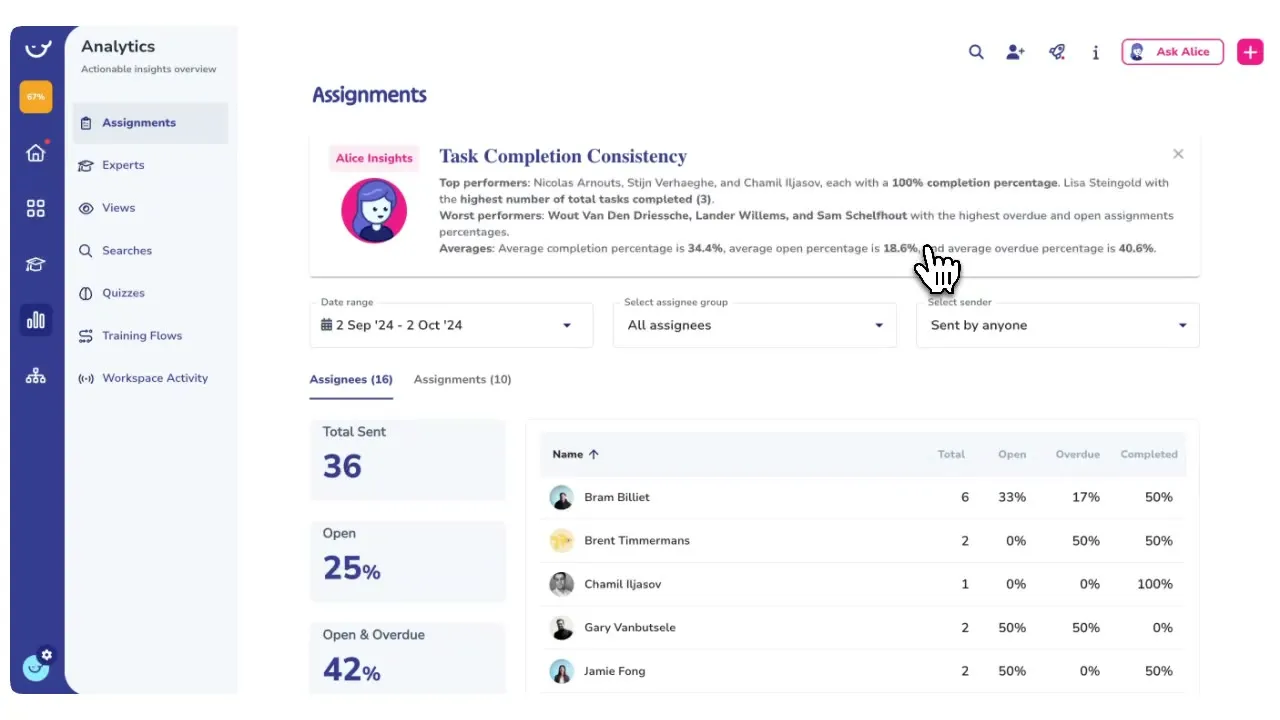
You already have a library your team searches every day. AI Insights watch every search, view, and quiz attempt, and return the gaps, the dead pages, and the questions your library can’t answer as a ranked list.
How teams do it today: No visibility into which SOPs your team opens
With Whale's AI Insights: Content views per card, per team, per week
How teams do it today: Questions your library can't answer go unlogged
With Whale's AI Insights: Zero-result searches ranked by how often they're asked
How teams do it today: Stale content nobody flags until it breaks onboarding
With Whale's AI Insights: AI flags what to document next based on real search data
How teams do it today: Training completion tracked in a spreadsheet, or not at all
With Whale's AI Insights: Completion, quiz scores, and time-to-productive in one dashboard
AI tells you what to document next
Knowledge Gap Analysis reads every search your team runs, every zero-result query, and every thin page.
- It returns a ranked list of topics to document, with the exact phrases people searched.
- You stop guessing what to write and start with what your team is already asking for.
One dashboard for content, training, and quizzes.
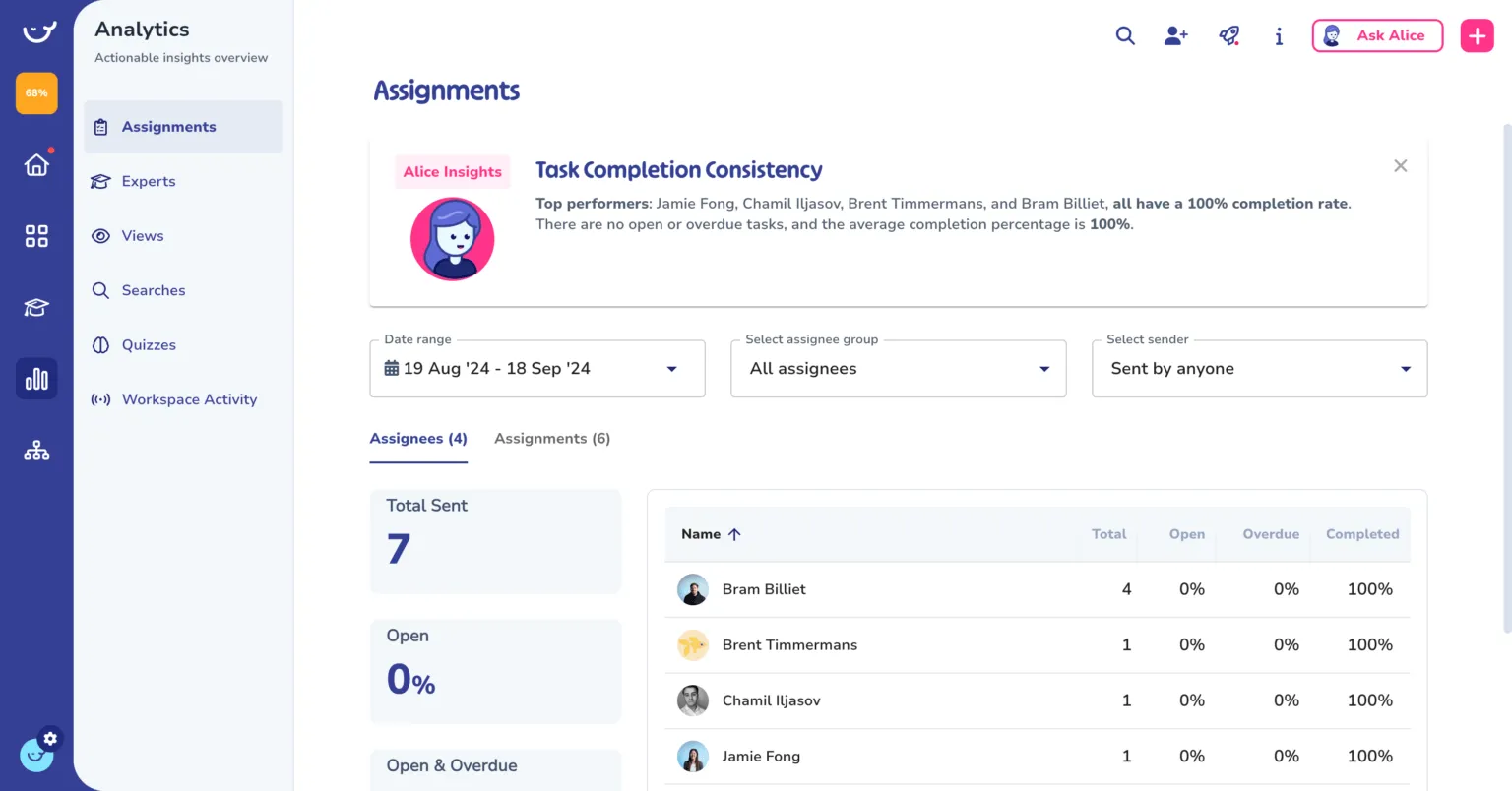
Twelve views cover what your team reads, who’s completed their training, how people score on quizzes, and which SOPs are overdue for review.
- Export the data to CSV or JSON and hand it to your board, your auditor, or your ops review.
- No spreadsheets, no manual tracking.
Insights feed back into the platform
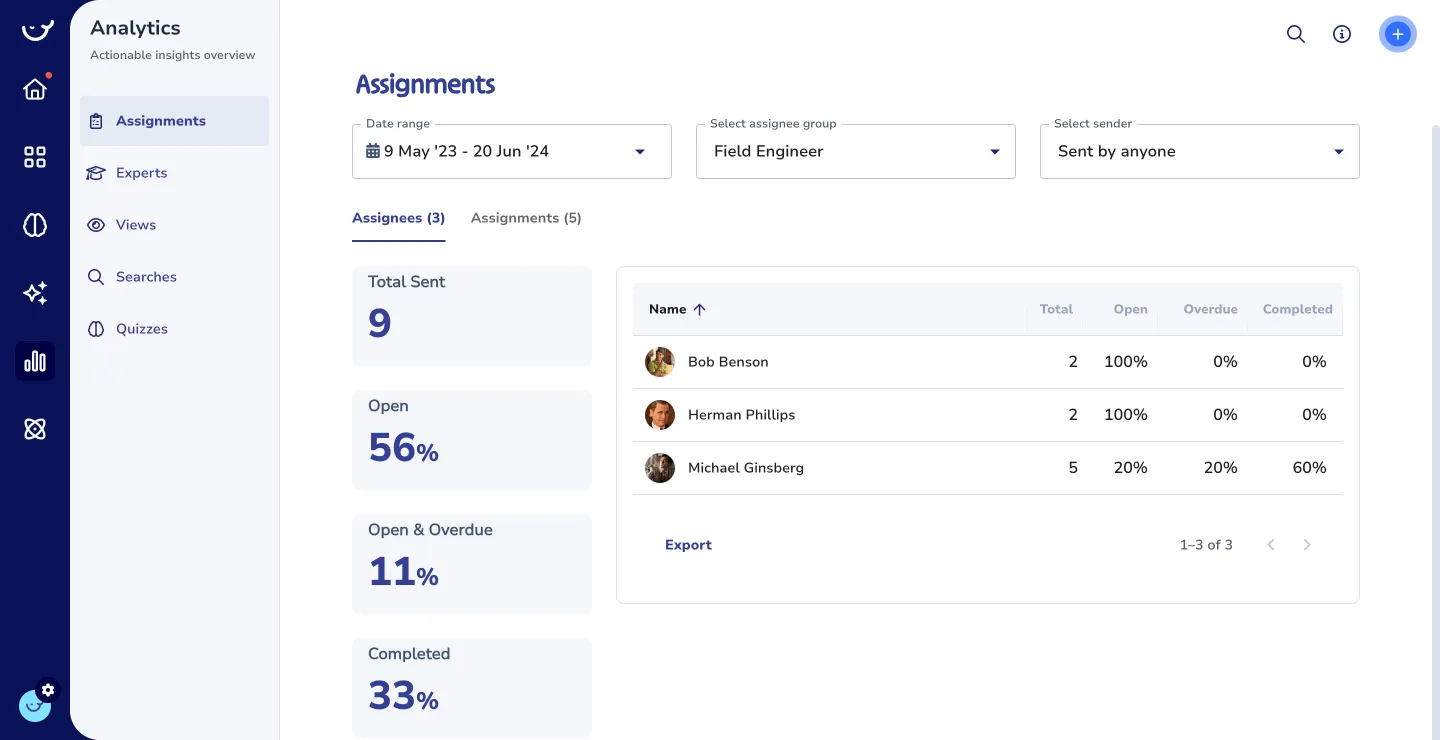
A zero-result search becomes a card suggestion.
- A stale page triggers a review assignment to the right expert.
- A low quiz score routes the employee back to the training flow.
- Alice, Whale’s AI assistant, answers from the latest version, so your team gets current information even while the content evolves.
How it works
- 01
Whale logs every search, view, and completion
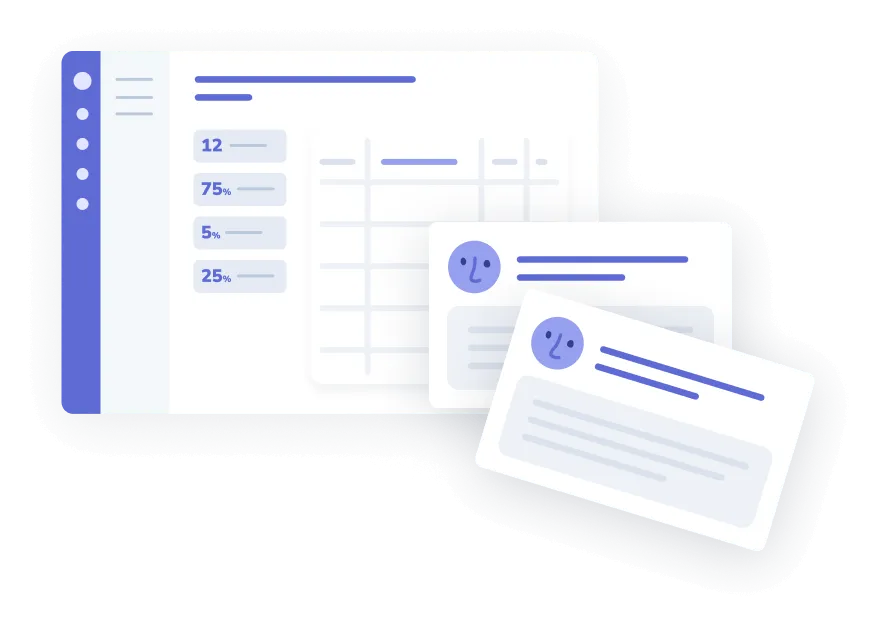
Every time someone searches your knowledge base, opens a card, takes a quiz, or finishes a training flow, Whale captures the event. No manual setup, no tracking code, no spreadsheet.
- 02
AI ranks the gaps and the winners
Knowledge Gap Analysis reads the data and returns a ranked list of what to document, what’s stale, and what your team reads most. Alice, Whale’s AI assistant, helps draft the missing cards.
- 03
Export, assign, review
Send CSV or JSON reports to your team or auditor. Assign missing SOPs directly from the gap list. Trigger review cycles on the cards that need a refresh.
In their own words
Loved for its overall simplicity and support
“Exceptional Tool for Business Knowledge”
Whale is excellent to document and organize business knowledge. Their AI makes it even easier!
Lyndon S.Small-Business (0-50 emp.) “Whale Keeps Work Organized and Teams Confident”
Whale unifies documentation, training, and reviews in one ecosystem.
Verified User in AccountingMid-Market (51-1000 emp.) “Screen Recorder Transformed Our Productivity”
All features are excellent, but the Screen Recorder has boosted productivity for our company.
Andres A.Enterprise (> 1000 emp.) “User-Friendly Platform with Great Features”
Whale is very user-friendly. "Alice" has been a game changer, makes finding information effortless.
Martha Y.Mid-Market (51-1000 emp.) “Intuitive, fresh and easy!”
Whale's clean layout makes building and navigating SOPs a breeze.
Harley B.Small-Business (0-50 emp.) “Productivity Unleashed!”
Managing and write SOP versions, assign them, track progress through a dashboard, and automate revision tracking.
Verified User in FarmingMid-Market (51-1000 emp.) “My company utilizes Whale for our SOP’s and FAQ’s.”
Everything is very easy to locate and the search bar is my favorite feature. When I need a quick answer I turn to Whale to find what I am looking for.
Georgia R.Mid-Market (51-1000 emp.) “Whale Streamlined Our Processes and Boosted Team Onboarding”
Whale transformed how we manage internal processes. Documenting SOPs is fast and we can build and share training materials in minutes, making onboarding significantly more efficient.
Fábio B.Enterprise (> 1000 emp.) “Whale Keeps Department Training Organized with Boards, Libraries, and Playbooks”
Boards, Libraries, and Playbooks keep training organized by department, so you can generate videos, SOPs, quizzes, and more for each topic.
Ketan T.Mid-Market (51-1000 emp.) “Streamlines Documentation with Ease”
I use Whale for company handbooks, regulations, how-to's, and manuals, all on one platform. The step-by-step screen recorder auto-captures screenshots and saves me about an hour per guide.
Anouk V.Mid-Market (51-1000 emp.) “Effortlessly Streamlines Team Training with Solid Support”
Whale supports training my merchandising teams with AI and video features that break down training step by step. Creating training flows is easy, and quizzes ensure the material lands.
Shelley F.Mid-Market (51-1000 emp.) “Effortless SOP Management with Stellar AI Search”
Whale centralizes all our SOPs with standard formatting and makes them easy to find, especially with the fast AI search across thousands of documents.
Jitender T.Small-Business (50 or fewer emp.)
Frequently Asked Questions
Start for Free01What does AI Insights actually track?
Whale logs every search query, card view, training assignment, quiz attempt, checklist run, and step-by-step guide completion in your workspace. The analytics dashboard turns those events into twelve views covering content usage, training completion, quiz scores, search behavior, expert activity, and review status. Search Analytics shows top queries, zero-result searches, no-click searches, and click-through rates. Knowledge Gap Analysis uses that same data to rank what to document next. All logging is automatic. You don’t configure events or install tracking code.
02How does Knowledge Gap Analysis know what's missing?
Whale reads your search logs and your card content. When people search for phrases that return no results or return low-quality matches, those queries rise to the top of the gap list with the exact language people used. Whale also compares content coverage against department and role structures to flag thin areas. You can open any gap and send it straight to Alice, Whale’s AI assistant, to draft a first version, or assign the topic to the right expert.
03Can I export the data?
Yes. The Scale plan includes CSV and JSON export on every analytics view. Exports run asynchronously and land in your inbox when they’re ready, so a multi-year pull doesn’t tie up your browser. Content can also be exported to PDF or Word for auditor packages. Invoices export to PDF from the billing page. If your compliance team needs a scheduled data feed, webhooks and the Zapier integration can push analytics events into your data warehouse.
04Who can see the analytics?
Access is role-based. Admins see workspace-wide analytics by default. Custom roles on the Scale plan let you give managers visibility into their team’s completion and quiz scores without exposing the rest of the company’s data. Individual employees see their own training progress in their inbox, not the wider analytics view. For enterprise workspaces with sensitive content, board and library permissions restrict analytics to the content a given role can access.
05Does this replace my BI tool?
No. AI Insights covers the operational question, which SOPs are being used, which are stale, and what your team is asking for. A BI tool answers revenue and financial questions. If your ops team uses Looker, Metabase, or Tableau, export Whale analytics to CSV on a schedule or pipe events through Zapier into the warehouse. Most customers run Whale’s dashboard as the day-to-day view and feed the CSVs into their BI tool for quarterly reviews.
06How is this different from Trainual's reporting?
Trainual reviewers consistently raise search and content discovery as their top gap. Twenty percent of Trainual reviewers complain about it on G2. Whale’s AI Insights start from that complaint. Every zero-result search is logged, ranked, and fed into Knowledge Gap Analysis. Alice, Whale’s AI assistant, answers questions from your library directly, so the search data reflects what people really want to know, not what they gave up on. Trainual reports on who completed what. Whale reports on what your team is searching for, what they can’t find, and what you should document next.
Other Features
Alice AI Assistant
Alice, Whale’s AI assistant, answers questions from your workspace content with source citations.
Train
Training Flows
Automated training journeys that assign the right content to the right person at the right time.
Learn moreContent Review Cycles
Set review dates on every policy. Whale assigns the right expert when it’s time.