
Use cases
The SOP documentation and training platform
for HR teams
With Whale, HR teams get one central place to keep everything organized – from your employee handbook and onboarding checklists to training materials, procedures, and policies.







Helping thousands of HR teams systemize and scale
Elevate your employees and set your HR team up for success with Whale
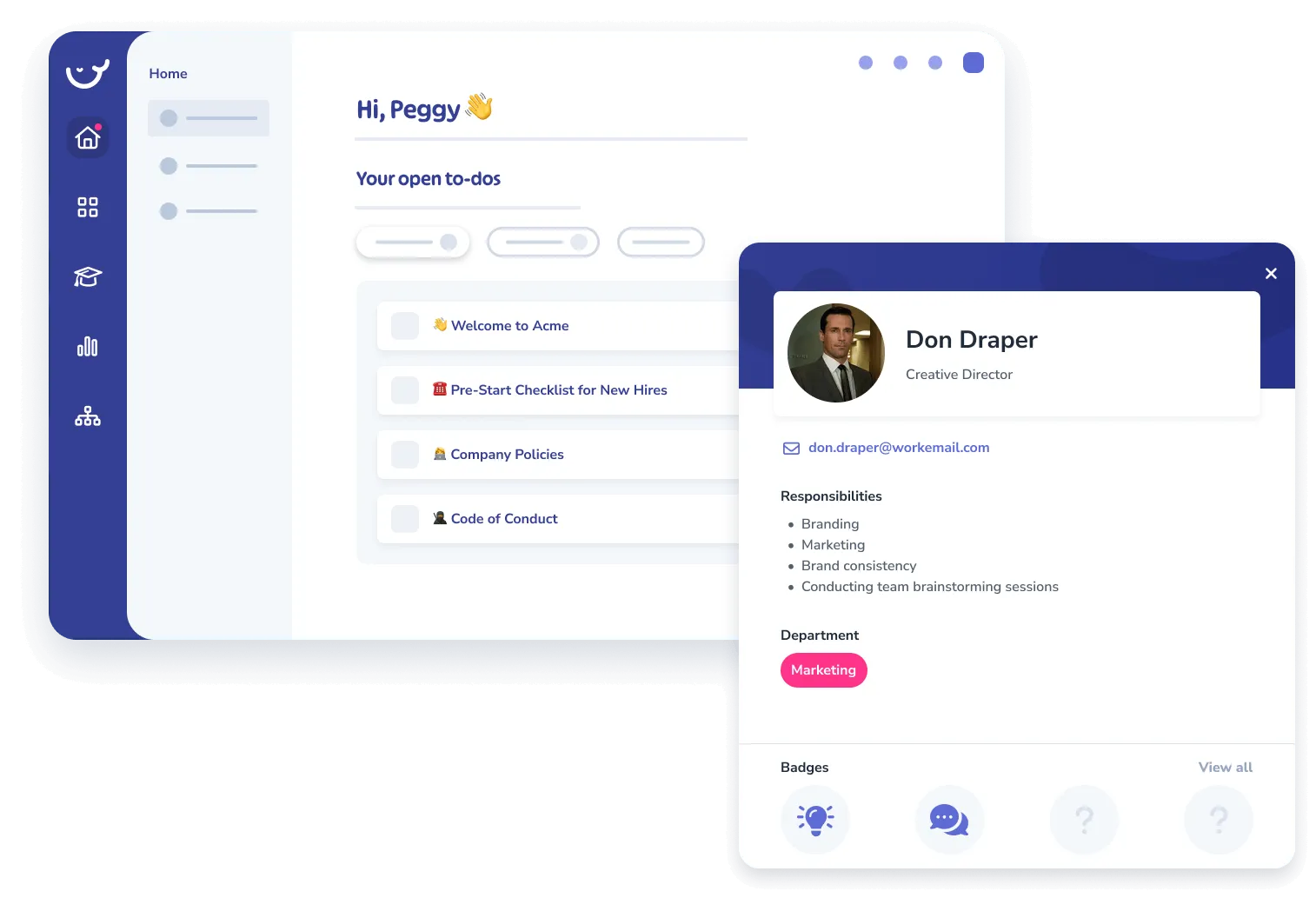
Streamline new hire onboarding
Help new hires quickly get a feel for their roles and responsibilities, and share your employee handbook before they even walk in the door! This way, employees will feel prepared and ready to hit the ground running from day one.
Start for Free
Craft automated learning flows
Create training flows with automated learning assignments and quizzes for each role. Monitor employee performance and easily identify areas for further training.
Start for Free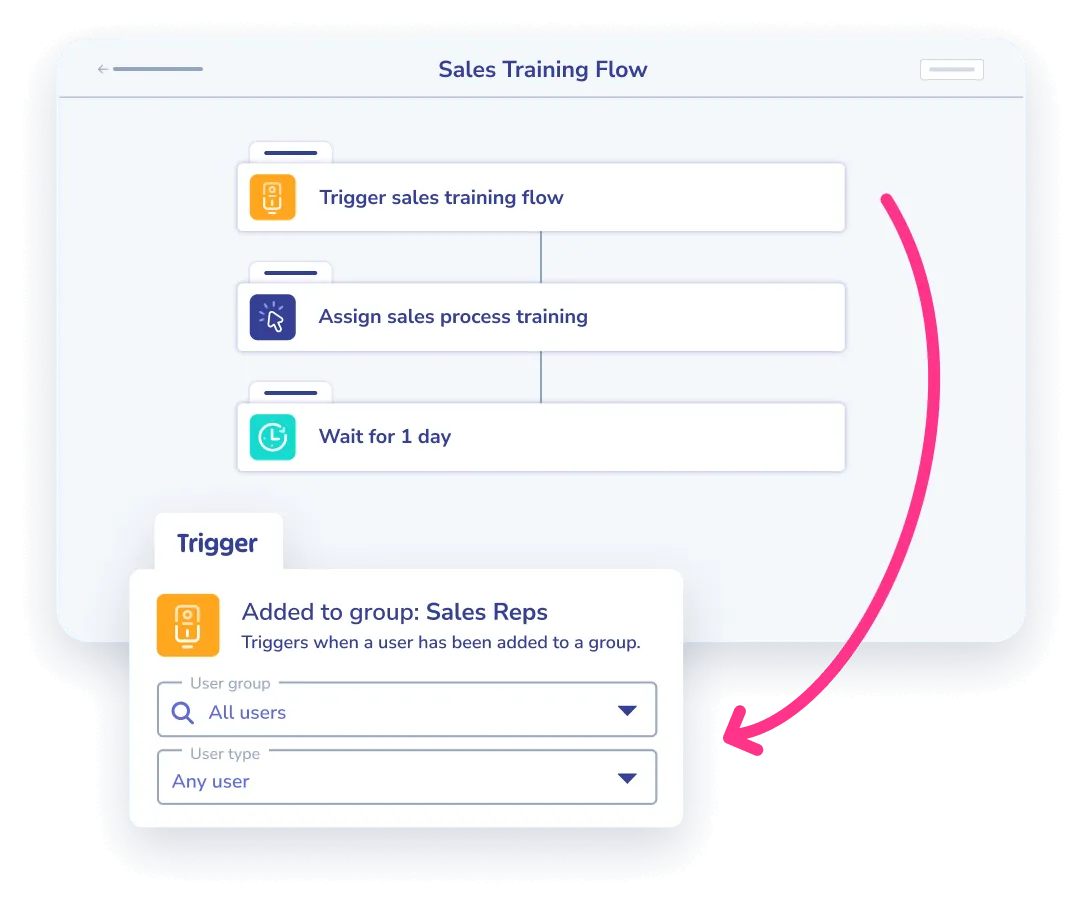
Standardize your HR operations
Simplify and standardize your HR operations by having one central spot to store, update, and share clear, consistent procedures and checklists across the team.
Start for Free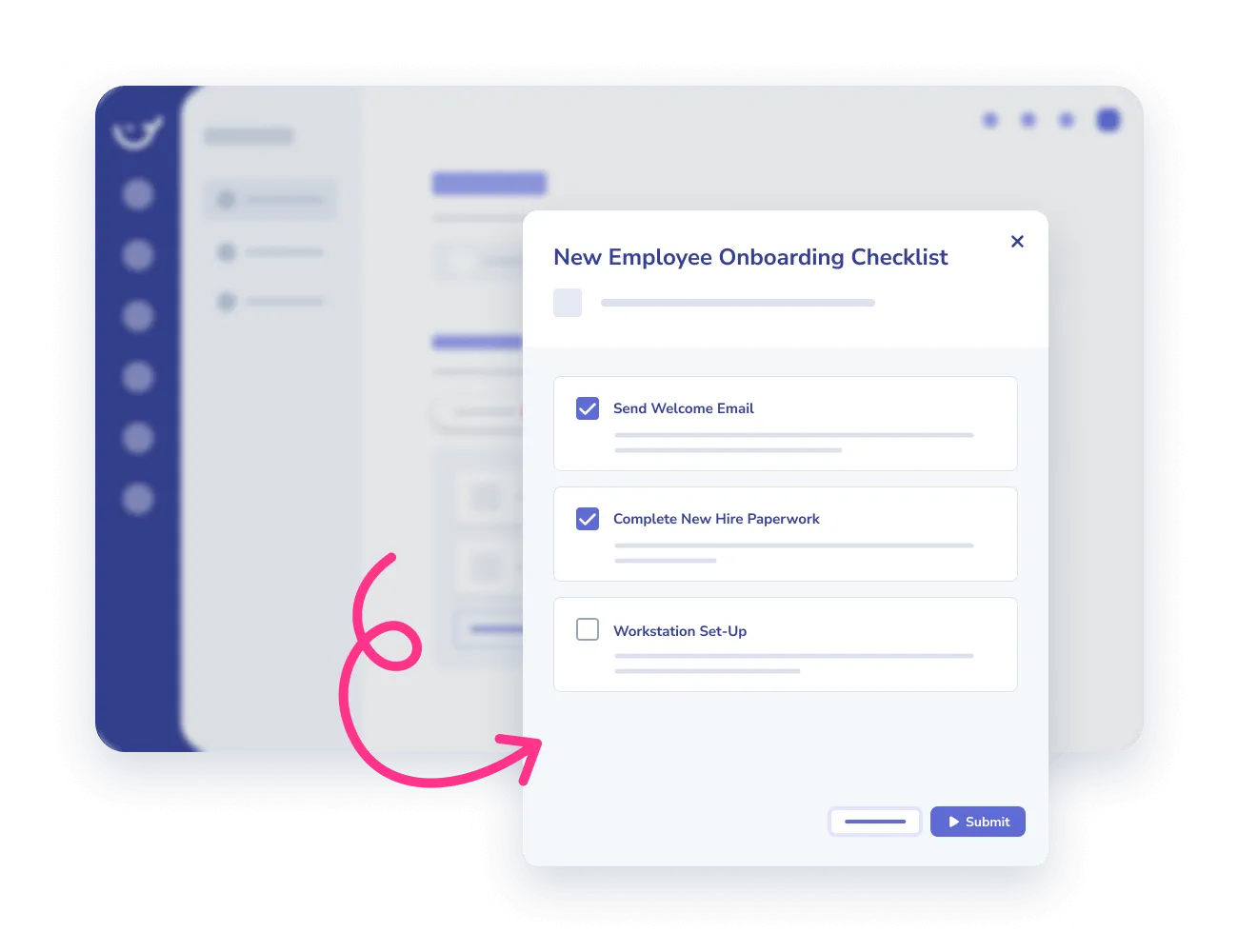
Features
Simple yet powerful tools for HR teams
-
Org Chart
Create a visual representation of your team, employees and their training badges
-
AI Quizzes
Assess your employee’s understanding and knowledge retention
-
Training Flows
Automate the learning journey of your employees per role, team and responsibilities
-
Checklist
Create easy-to-follow checklists that guide your employees step-by-step through tasks
Elevate your employees across HR roles
-
🧑🤝🧑 HR Manager
Use this template to provide clarity, consistency, and structure in managing human resources within your organization.
-
✍️ L&D Manager
A simple guide to identify, document and share your company’s core processes
-
👶 HR Generalist
Use the 30-60-90 day template to map out the first 90 days of a new job or position
The leading standard operating procedure software for HR teams



In their own words
The people have spoken
And they love Whale! With an average score of 4.8 out of 5, Whale consistently scores high for ease of use, support and overall functionalities.
“We’ve been surprised at just how easy it’s been to set up. We were able to just take our existing SOPs and reformat them within the Whale environment. And the workspace was easily customisable so it took no time at all.”
Rob Townsend, Quality Assurance ManagerApex Graphics “Whale is incredibly easy to use but provides very rich functionality that is really critical to us as we build our operations manual from the ground up including the ability to assign owners and review dates.”
Barbara Pfeiffer, CEOFORCE: Facing Our Risk of Cancer Empowered “Before Whale, we were storing most of our documents in Google Drive, and over time it gets very messy. Whale gave us a really nice, streamlined place to put all of our documents in a very organized way, and we definitely needed that!”
Emily Marson, Marketing CoordinatorSkyPort IT
Frequently asked questions
Book a Demo01 How to use Whale for HR SOPs and process documentation?
Use Whale to centralize your HR procedures as SOPs, importing your existing handbooks and PDFs and letting Alice organize them. Build training flows per role so onboarding and compliance reading assign themselves, and add quizzes to confirm understanding. Checklists and eSignature give you a record of who followed which process, and review cycles keep policies current.
02 How long does it take to get our existing HR documents into Whale?
Import your existing handbooks, policies and PDFs, and Alice, Whale’s AI assistant, organizes and structures them into SOPs. For the processes that were never written down, Step Recorder captures the workflow as you click through it once and turns it into a documented procedure.
03 Can we assign onboarding reading and check that new hires actually did it?
Yes. Training Flows assign the right documents per role and team automatically, and AI Quizzes test understanding rather than just completion. The Org Chart shows each employee’s training badges, so you can see who has finished what before their first day in the role.
04 How do we stop HR policies going stale?
Every SOP has an owner, an approval status and a version history, and expert review cycles bring each document back to its owner on a schedule. Whale is built for operational process documentation specifically, which is why ownership, review and change tracking are core to it rather than add-ons.
05 Do we need to replace our existing HR system or wiki?
No. Most teams run Whale alongside their HRIS and their general wiki, and use Whale for the process documentation and training layer. You can start on the free plan with up to 10 members and move to a paid plan when you need unlimited members.