
Run
Whale Checklist
Run every process the same way, every time
Checklists turn any procedure into an executable task list your team runs in real time. Every step is ticked off, photos are captured as evidence, and every run is timestamped and logged.
- 4.8/5 on G2
- SOC 2 certified









The problem
Every run of the same process looks a little different
Your team already runs the same process dozens of times a week. Build it once as a checklist, and every run is captured step by step with photos, names, and timestamps.
How teams do it today: The same procedure gets done five different ways
With Whale's Checklist: One checklist everyone follows in the same order
How teams do it today: Steps get skipped and nobody notices until something breaks
With Whale's Checklist: Required steps can't be skipped, and photo proof confirms each one
How teams do it today: No record of who did what, or when they did it
With Whale's Checklist: Every run logged with the person, the time, and the evidence
How teams do it today: Audits and incident reviews turn into guesswork
With Whale's Checklist: Audit trails are already built the moment the work is done
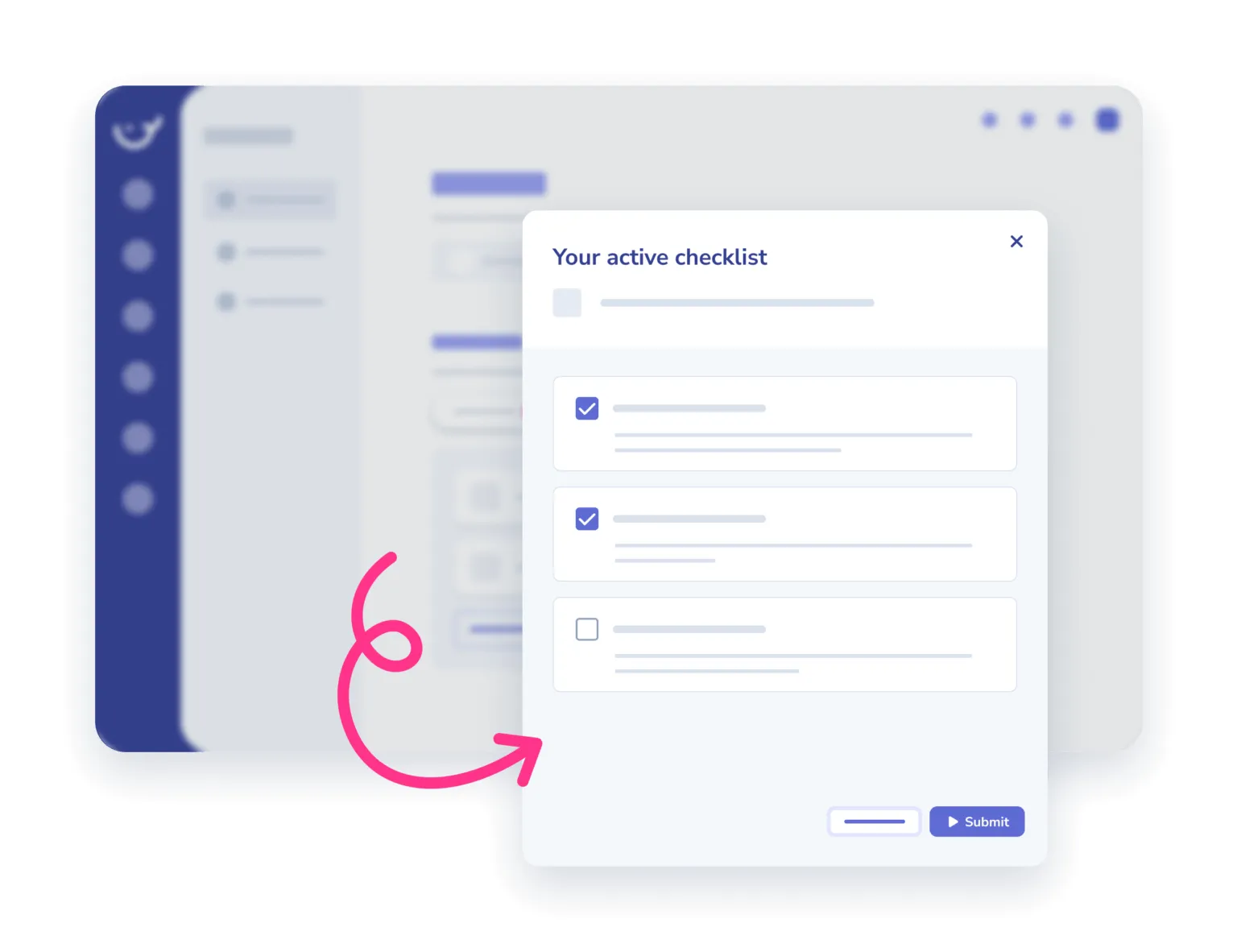
Photo proof at any step that needs it
Mark any checklist item as requiring a photo before it can be ticked off.
- Your team snaps the shot from desktop or mobile, it attaches to the run, and the step is marked complete.
- Useful for site walks, equipment checks, opening and closing procedures, and any work where a signature alone isn’t enough.
Every run timestamped and logged
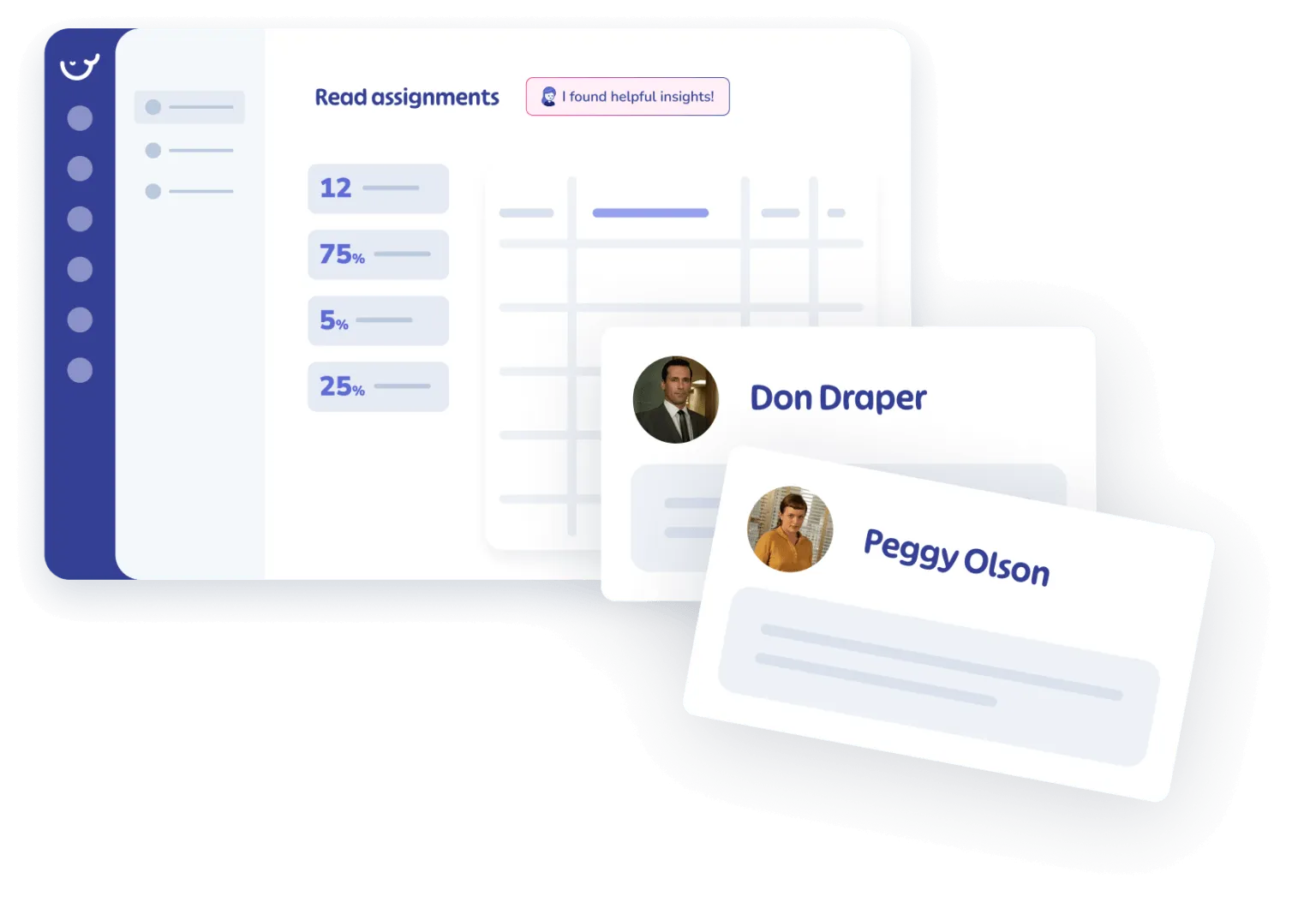
Each checklist run records who ran it, when each step was completed, and the photos captured along the way.
- Pull the log for any run or any person on any day.
- Incident reviews, audits, and compliance checks stop being a scramble because the record was built by the work itself.
Lives inside the platform your team already uses
Every checklist sits next to the SOP it runs from.
- Assign it through a Whale training flow and track completion across the team.
- Coral, Whale’s AI assistant, answers questions about the procedure without pulling anyone off the floor.
- CoPilot surfaces the checklist inside the tool where the work runs.
How it works
- 01
Build the checklist once
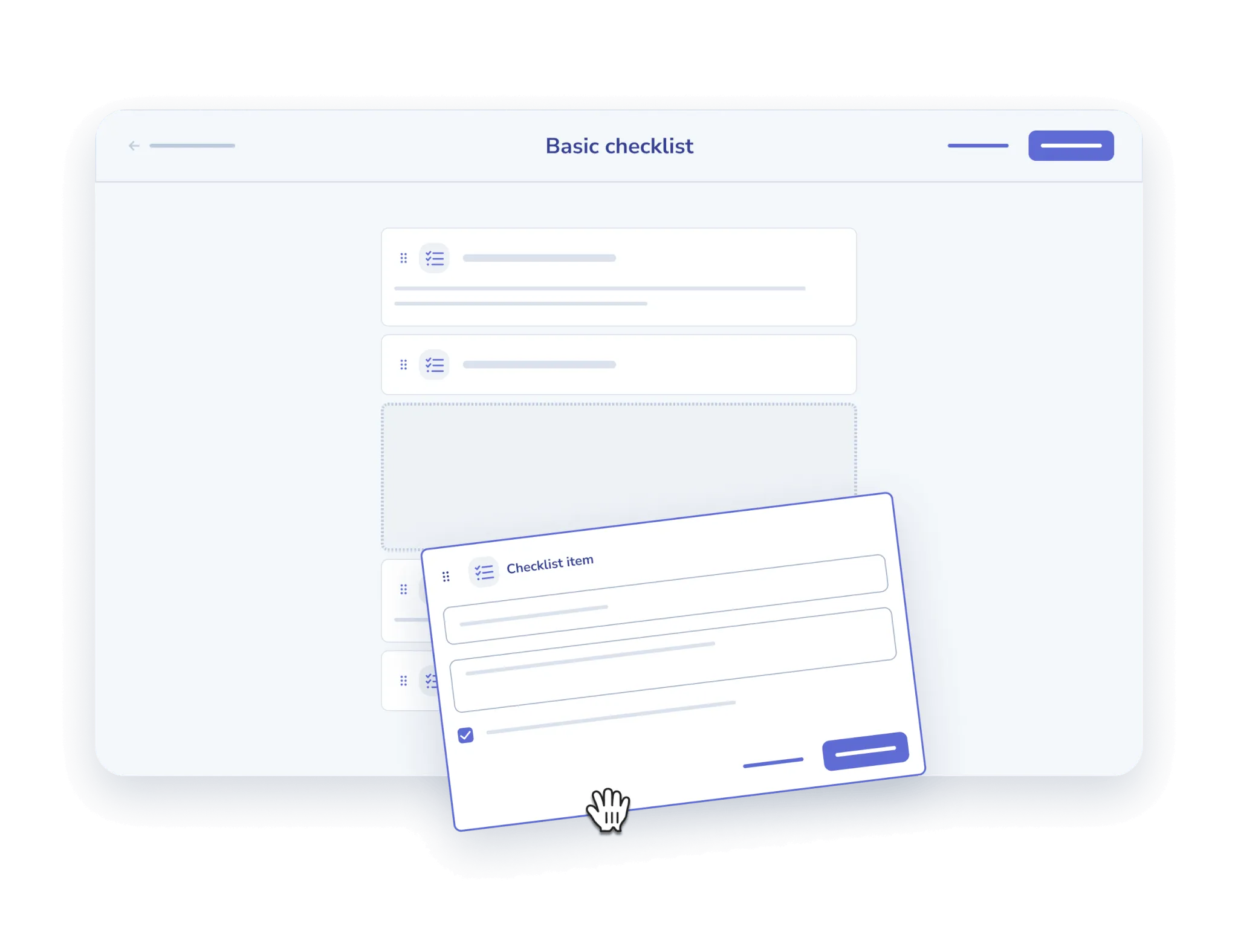
Add a checklist to any Whale card. List the steps in order, mark which ones require a photo, and set who it gets assigned to. Coral, Whale’s AI assistant, can draft the first version from a short prompt or an existing SOP.
- 02
Your team runs it in real time
When the procedure starts, the team member opens the checklist on desktop or mobile and ticks each step as they go. Photo steps prompt for evidence before the step can be marked done. A running timer captures how long each step takes.
- 03
Every run is logged automatically
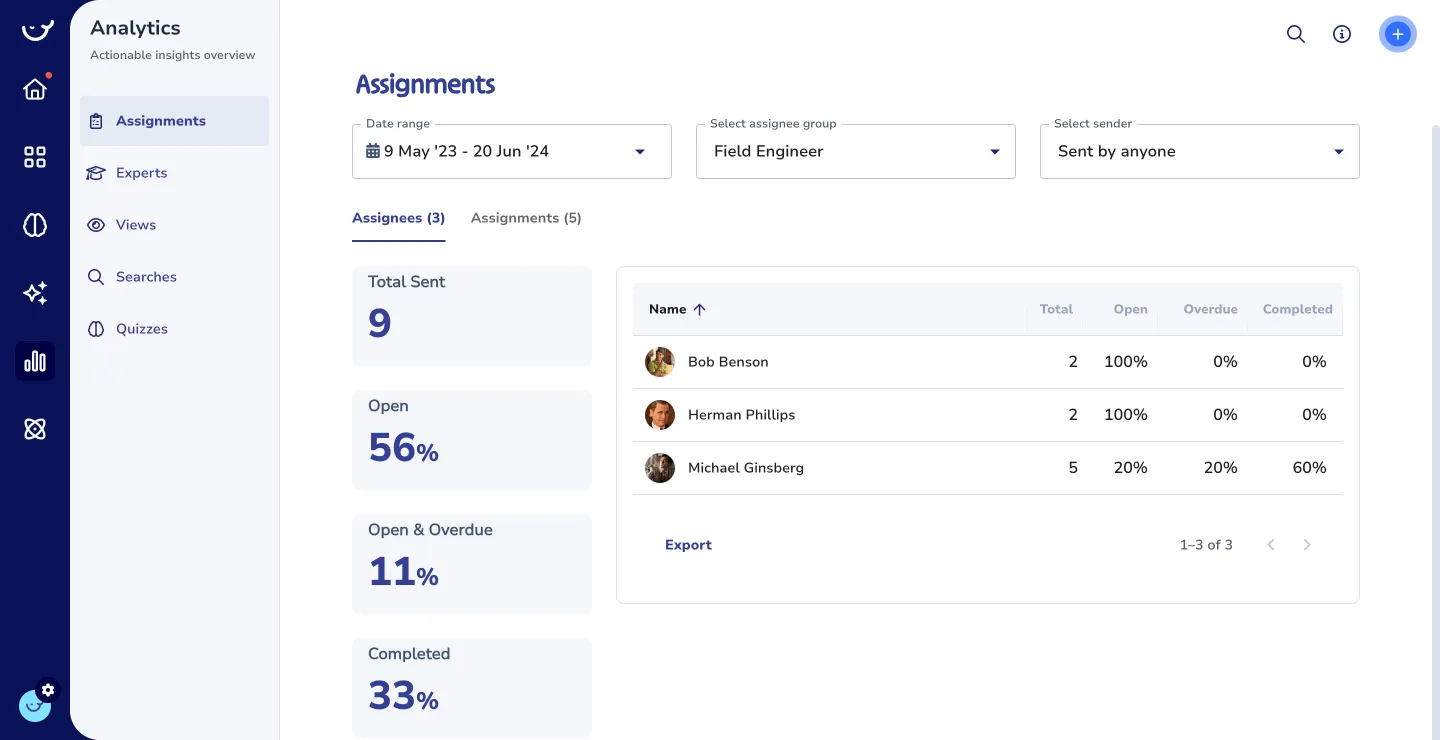
The moment a run is finished, the full record lands in your Whale insights. Pull completion reports by person, by team, or by checklist. Spot a missed step or a skipped photo and follow up directly from the report.
In their own words
Loved for its overall simplicity and support
“Exceptional Tool for Business Knowledge”
Whale is excellent to document and organize business knowledge. Their AI makes it even easier!
Lyndon S.Small-Business (0-50 emp.) “Whale Keeps Work Organized and Teams Confident”
Whale unifies documentation, training, and reviews in one ecosystem.
Verified User in AccountingMid-Market (51-1000 emp.) “Screen Recorder Transformed Our Productivity”
All features are excellent, but the Screen Recorder has boosted productivity for our company.
Andres A.Enterprise (> 1000 emp.) “User-Friendly Platform with Great Features”
Whale is very user-friendly. "Coral" has been a game changer, makes finding information effortless.
Martha Y.Mid-Market (51-1000 emp.) “Intuitive, fresh and easy!”
Whale's clean layout makes building and navigating SOPs a breeze.
Harley B.Small-Business (0-50 emp.) “Productivity Unleashed!”
Managing and write SOP versions, assign them, track progress through a dashboard, and automate revision tracking.
Verified User in FarmingMid-Market (51-1000 emp.) “My company utilizes Whale for our SOP’s and FAQ’s.”
Everything is very easy to locate and the search bar is my favorite feature. When I need a quick answer I turn to Whale to find what I am looking for.
Georgia R.Mid-Market (51-1000 emp.) “Whale Streamlined Our Processes and Boosted Team Onboarding”
Whale transformed how we manage internal processes. Documenting SOPs is fast and we can build and share training materials in minutes, making onboarding significantly more efficient.
Fábio B.Enterprise (> 1000 emp.) “Whale Keeps Department Training Organized with Boards, Libraries, and Playbooks”
Boards, Libraries, and Playbooks keep training organized by department, so you can generate videos, SOPs, quizzes, and more for each topic.
Ketan T.Mid-Market (51-1000 emp.) “Streamlines Documentation with Ease”
I use Whale for company handbooks, regulations, how-to's, and manuals, all on one platform. The step-by-step screen recorder auto-captures screenshots and saves me about an hour per guide.
Anouk V.Mid-Market (51-1000 emp.) “Effortlessly Streamlines Team Training with Solid Support”
Whale supports training my merchandising teams with AI and video features that break down training step by step. Creating training flows is easy, and quizzes ensure the material lands.
Shelley F.Mid-Market (51-1000 emp.) “Effortless SOP Management with Stellar AI Search”
Whale centralizes all our SOPs with standard formatting and makes them easy to find, especially with the fast AI search across thousands of documents.
Jitender T.Small-Business (50 or fewer emp.)
Frequently Asked Questions
01What kinds of procedures do teams actually run as checklists?
Anything repeatable where the order matters and completion needs to be verified. Opening and closing procedures, site safety walks, equipment inspections, new-hire onboarding, customer onboarding, shift handoffs, vehicle pre-checks, kitchen prep, compliance routines, and month-end finance closes. Anywhere a step getting skipped creates real risk, a checklist is a better tool than a written SOP alone. The checklist is the executable version of the SOP. Your team follows it step by step instead of reading it top to bottom.
02Can I require a photo as proof on specific steps?
Yes. Any checklist item can be configured to require a photo before it’s marked complete. The team member snaps the photo from desktop or mobile and it attaches to the run log. This is how teams handle site walks, equipment checks, cleaning standards, delivery confirmations, and anywhere a signature alone isn’t strong enough proof. Steps that don’t need a photo stay as simple ticks. The checklist enforces evidence only where you’ve asked for it.
03Does this work on mobile for deskless and frontline workers?
Yes. Checklists run on the Whale mobile app and through a browser on any phone. Frontline teams open the checklist on site, tick each step as they go, and take photos directly from the phone camera. QR codes can be posted at specific locations, for example at a piece of equipment or at a station on the floor, so the right checklist opens instantly with a scan. No login friction, no hunting through folders. The work and the checklist stay in the same place.
04What reporting and analytics do I get from checklist runs?
Every run creates a record in Whale insights. You see who ran the checklist, when each step was completed, how long the run took, which steps required photos, and what photos were captured. Filter runs by person, by team, by checklist, or by date. Flag runs that skipped steps or missed photo evidence. Export the records for audits or incident reviews. The reporting is native to Whale, so there’s no second tool to set up for compliance tracking.
05Can a checklist be part of a recurring schedule or a training program?
Yes. Assign a checklist inside a Whale training flow so every new hire runs through the same onboarding steps with photo proof at the checkpoints that need it. Recurring assignment, where the same checklist triggers every shift or every week automatically, is on the roadmap today. For now, most teams handle the recurring pattern through Slack, Teams, or Zapier triggers that assign the checklist on a schedule. Once a run is assigned, it lands in the team member’s Whale inbox with the due date.
06How is this different from Process Street or a Scribe guide?
Process Street is a standalone workflow tool. A Scribe guide is a captured set of screenshots with no run mechanism. Whale Checklists sit inside Whale, the AI-Powered SOP Software that gets your team trained. A checklist lives next to the SOP it runs from. Coral, Whale’s AI assistant, can draft the checklist, answer questions about it, and surface it in Slack or Teams. CoPilot pops the checklist up inside the tool where the work happens. Training flows assign checklists as part of onboarding or recurring compliance, and every run feeds the same insights dashboard as the rest of your Whale content. One platform, one admin experience, one source of truth for how the work gets done.