
Audit and Compliance for Media and Entertainment
The compliance metrics that matter in Media and Entertainment. Track copyright and advertising violations, fines and penalties, data breach incidents, training completion and your audit pass rate in one checklist.
- Document without effort
- Centralize and organize
- Make easily accessible

What's in the Audit and Compliance for Media and Entertainment
- Regulatory Violations: Track occurrences of Copyright and advertising violations to stay compliant with industry regulations.
- Fines and Penalties: Manage costs by reducing fines, such as Copyright fines.
- Data Breach Incidents: Protect sensitive information by minimizing User data breaches.
- Training Completion: Ensure Training in IP laws to keep all staff up-to-date with standards.
- Incident Response Time: Aim for quick resolutions, currently averaging Copyright issue handling speed.
- Audit Pass Rate: Improve audit outcomes; your current pass rate is Content compliance rate.
- Policy Violations: Reduce policy infractions, now recorded at IP violations.
- Employee Awareness: Measure compliance knowledge, with current scores at IP regulation knowledge.
- Customer Complaints: Address complaints linked to compliance, such as Rights complaints.
- Safety Standards: Ensure facilities meet safety requirements, with a current rate of Production safety standards.
How does this free template stack up to Whale?
A static checklist template
- Customizable
- Free
- Free mobile app
Whale
- Customizable
- Free
- Free mobile app
- Employee Training tools
- Employee Onboarding tools
- Automated Workflows
- Reporting
- Insights on knowledge
- Insights on Checklist runs
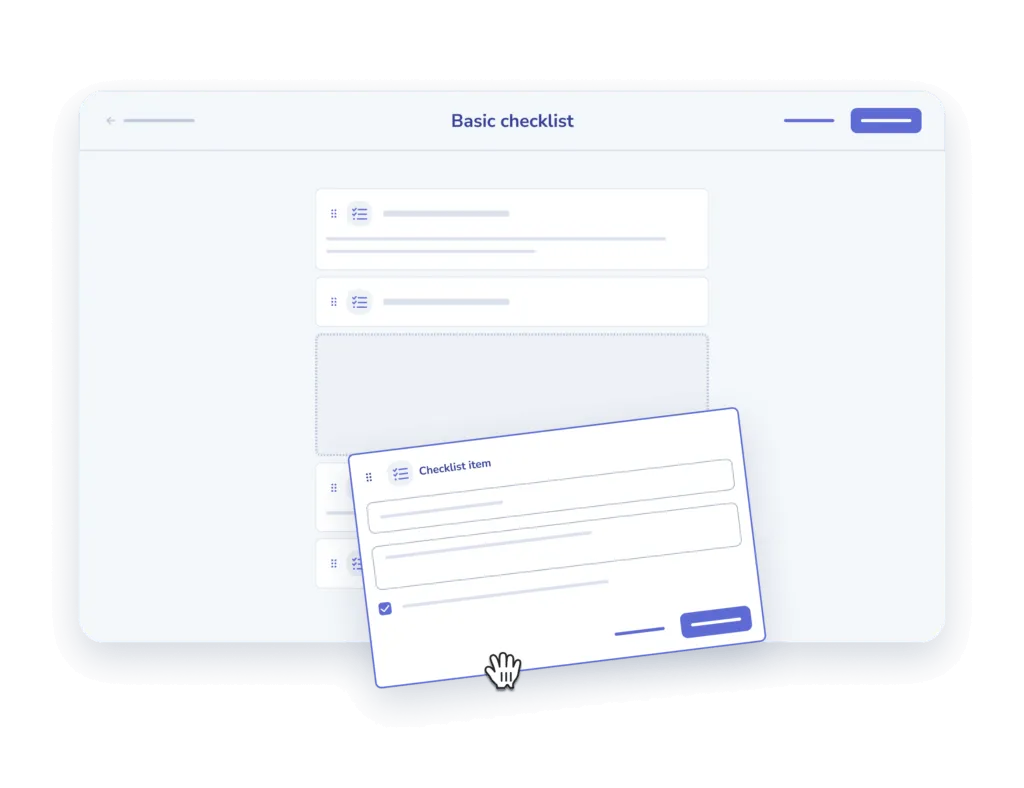
Create checklists with ease
- Add and describe. Add your steps one at a time and offer a description for clarity sake.
- Add an input field. Offer the option to add comments or other inputs for each step.

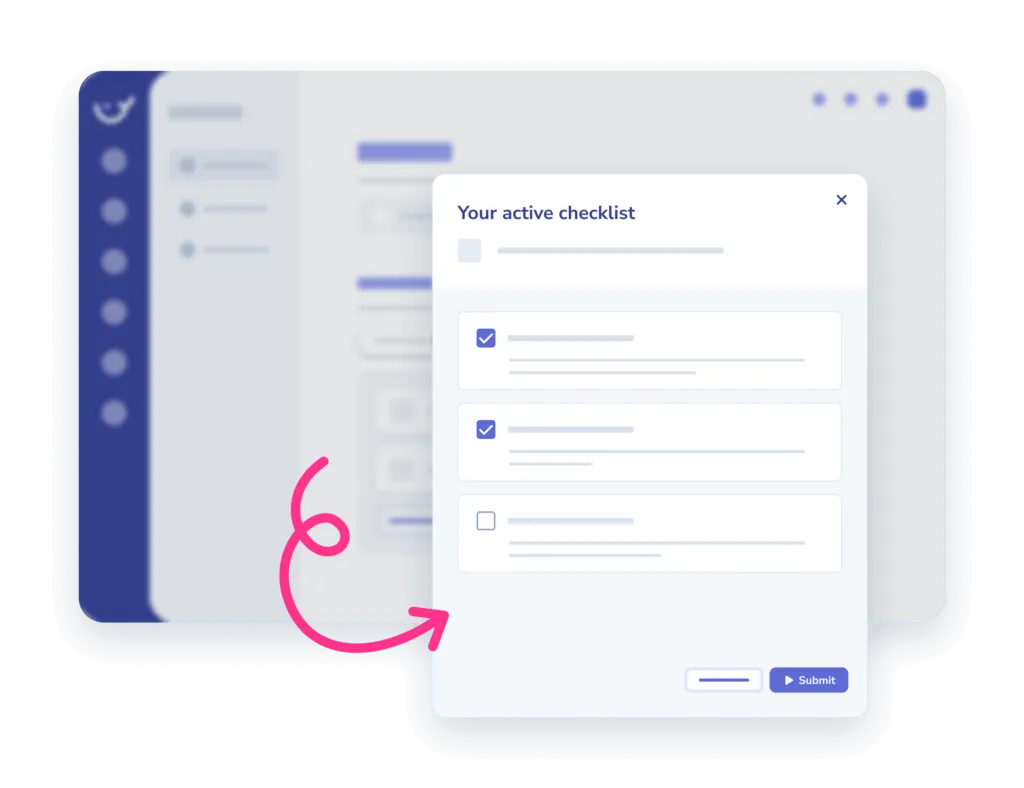
Assign to your team and track
- Assign. Assign checklists to an individual or a team, in the office or on the go.
- Track completion. Monitor when and who completed which tasks in the insights report.
Frequently asked questions
01How do I use this checklist template?
Copy the checklist into Whale and work through it step by step. Every item can carry its own description, so whoever runs it knows exactly what the step means and what done looks like.
02Can I customize the checklist for my team?
Yes. Add your own steps one at a time, write a description for each, and add an input field wherever you need someone to leave a comment or record a result.
03Can I assign a checklist and see who completed it?
Yes. Assign it to one person or a whole team, in the office or on the go, then monitor when and who completed which tasks in the insights report.
04Is this checklist template free?
The template is free to use. Whale adds the training flows, onboarding, automated workflows and reporting on top for when a checklist becomes part of how the team works.
Other features
Training Flows
Build the onboarding path once. Assign it to every new hire.
Learn about Training FlowsAI-Generated Quizzes
Turn any SOP into a quiz in one click
Learn about AI-Generated QuizzesAnalytics & Reporting
See what your team uses, what they skip, and who needs help
Learn about Analytics & Reporting