
veterinary receptionist training
The Veterinary Receptionist Training Checklist ensures efficiency in client communication, scheduling, payments, and triage, preparing receptionists for seamless clinic operations and excellent customer service.
- Document without effort
- Centralize and organize
- Make easily accessible

What's in the veterinary receptionist training
WEEK ONE
Days 1 & 2: Orientation & Fundamentals
- Introduction to clinic policies, roles, and responsibilities
- OSHA compliance, safety training, and emergency protocols
- Observation of senior receptionists to understand workflow
- Mastering phone etiquette: call handling, message-taking, and appointment scheduling
- Basic animal handling and stress-free patient interactions
- Understanding the importance of client experience and communication
Days 3 & 4: Front Desk Operations
- Learning appointment scheduling software and system navigation
- Reviewing medical terminology and basic veterinary procedures
- Greeting clients and obtaining necessary patient information
- Handling new client registration and consent forms
- Managing pet weight checks and basic health screenings
- Addressing client concerns with empathy and professionalism
Day 5: Introduction to Clinic Flow
- Assisting with client check-in and check-out
- Organizing paperwork and ensuring accurate patient records
- Processing payments, invoices, and financial transactions
- Understanding common veterinary services, vaccines, and procedures
- Reviewing wait time management and client expectations
WEEK TWO
Days 1-4: Enhanced Skills & Daily Operations
- Managing multiple phone lines and directing calls appropriately
- Handling difficult clients and resolving complaints professionally
- Understanding triage procedures and recognizing emergency cases
- Controlling odors and maintaining a clean and welcoming front desk
- Managing patient reminders, follow-ups, and appointment confirmations
- Understanding and implementing infection control protocols
Day 5: Team Communication & Efficiency
- Effective communication with veterinarians and technicians
- Reviewing daily tasks, team coordination, and workflow optimization
- Utilizing clinic software to log and update patient information
- Learning procedures for controlled substances and prescription requests
- Mastering end-of-shift responsibilities for a smooth clinic closing
WEEK THREE
Days 1-4: Advanced Client & Patient Care
- Handling difficult cases with professionalism and empathy
- Educating pet owners on common health concerns and preventive care
- Assisting with prescription refills and coordinating with veterinarians
- Understanding referral procedures and working with external specialists
- Navigating insurance claims and financing options for pet care
- Practicing confidentiality and ensuring compliance with clinic policies
Day 5: Emergency & Crisis Management
- Training on recognizing patient distress and urgent medical needs
- Assisting with emergency check-ins and quick patient transfers
- Managing end-of-life conversations and appointments
- Supporting clients during emotional veterinary visits
- Practicing active listening and de-escalation techniques
WEEK FOUR
Days 1-4: Independent Work Under Supervision
- Managing daily front desk responsibilities with minimal supervision
- Improving efficiency in patient intake and client communication
- Handling all aspects of appointment scheduling and coordination
- Monitoring client feedback and implementing service improvements
- Ensuring smooth clinic operations and reducing wait times
Day 5: Final Review & Competency Assessment
- Employees will take a comprehensive quiz testing knowledge on all checklist topics
- Practical skills evaluation in front desk management, communication, and workflow
- Official certification of readiness for full veterinary receptionist responsibilities
How does this free template stack up to Whale?
A static checklist template
- Customizable
- Free
- Free mobile app
Whale
- Customizable
- Free
- Free mobile app
- Employee Training tools
- Employee Onboarding tools
- Automated Workflows
- Reporting
- Insights on knowledge
- Insights on Checklist runs
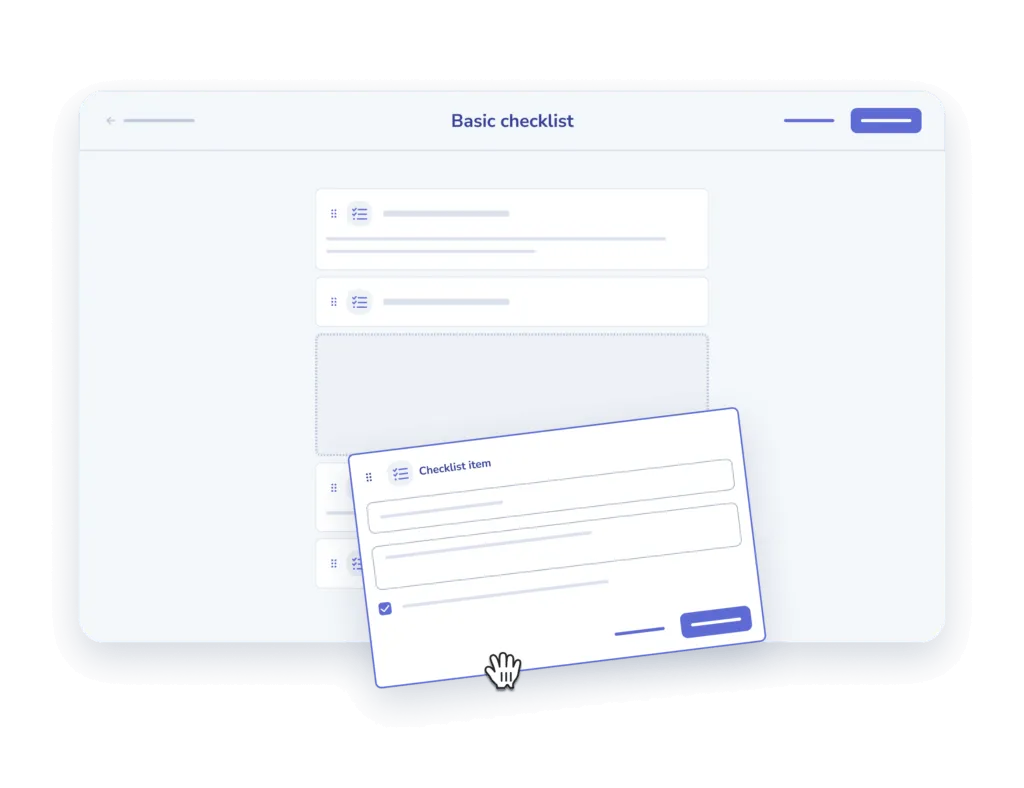
Create checklists with ease
- Add and describe. Add your steps one at a time and offer a description for clarity sake.
- Add an input field. Offer the option to add comments or other inputs for each step.

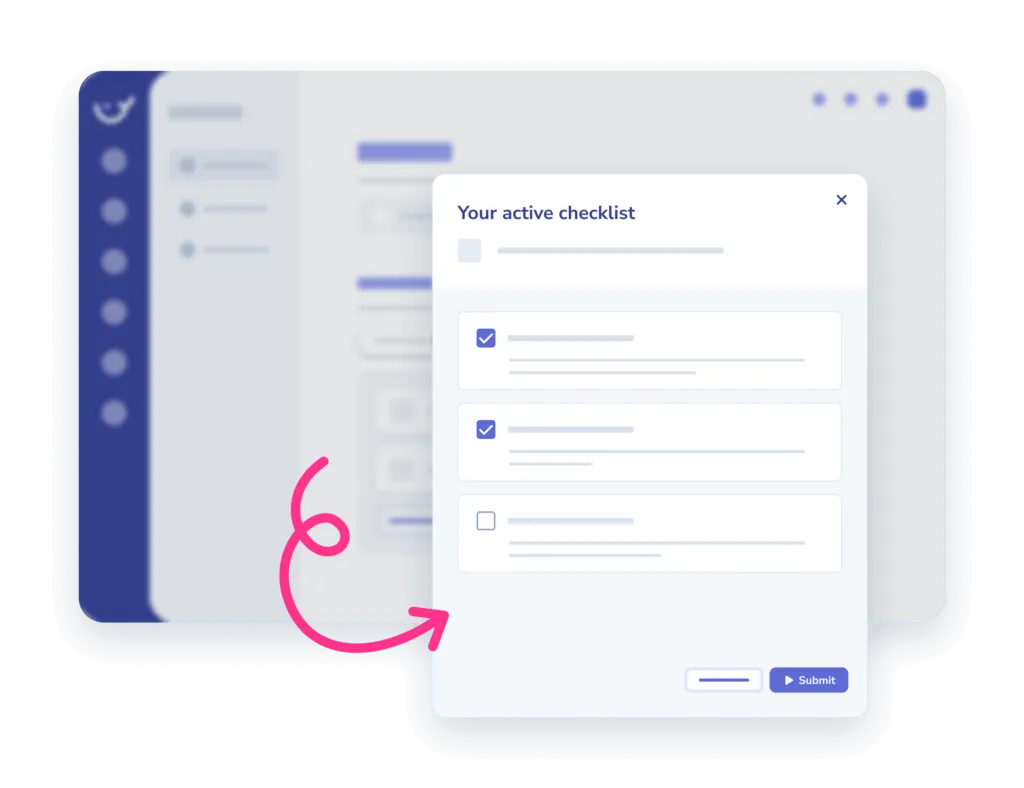
Assign to your team and track
- Assign. Assign checklists to an individual or a team, in the office or on the go.
- Track completion. Monitor when and who completed which tasks in the insights report.
Frequently asked questions
01How do I use this checklist template?
Copy the checklist into Whale and work through it step by step. Every item can carry its own description, so whoever runs it knows exactly what the step means and what done looks like.
02Can I customize the checklist for my team?
Yes. Add your own steps one at a time, write a description for each, and add an input field wherever you need someone to leave a comment or record a result.
03Can I assign a checklist and see who completed it?
Yes. Assign it to one person or a whole team, in the office or on the go, then monitor when and who completed which tasks in the insights report.
04Is this checklist template free?
The template is free to use. Whale adds the training flows, onboarding, automated workflows and reporting on top for when a checklist becomes part of how the team works.
Other features
Training Flows
Build the onboarding path once. Assign it to every new hire.
Learn about Training FlowsAI-Generated Quizzes
Turn any SOP into a quiz in one click
Learn about AI-Generated QuizzesAnalytics & Reporting
See what your team uses, what they skip, and who needs help
Learn about Analytics & Reporting