
Share
Whale Export
Export any SOP or your whole workspace to PDF or Word
Download a single SOP, a board, or the whole workspace as PDF or Word in a few clicks. Your processes leave Whale formatted, branded, and ready to hand to an auditor, a new hire, or a frontline team without a login.
- 4.8/5 on G2
- SOC 2 certified









The problem
The auditor wants PDFs by Friday. Your team is already formatting them.
You already have SOPs documented in Whale. Select the SOPs or the whole workspace, pick PDF or Word, and Whale generates formatted, branded documents in one batch.
How teams do it today: A weekend of copy-paste to assemble the audit pack
With Whale's Export: One batch export produces the full audit pack in minutes
How teams do it today: Manual reformatting every time a policy changes
With Whale's Export: Re-export the latest version on demand, already formatted
How teams do it today: Frontline staff with no login, waiting on printouts
With Whale's Export: Hand every frontline worker a branded PDF they can keep
How teams do it today: Buyers asking what happens to your docs if the tool shuts down
With Whale's Export: Your content leaves Whale in Word and PDF, not locked in
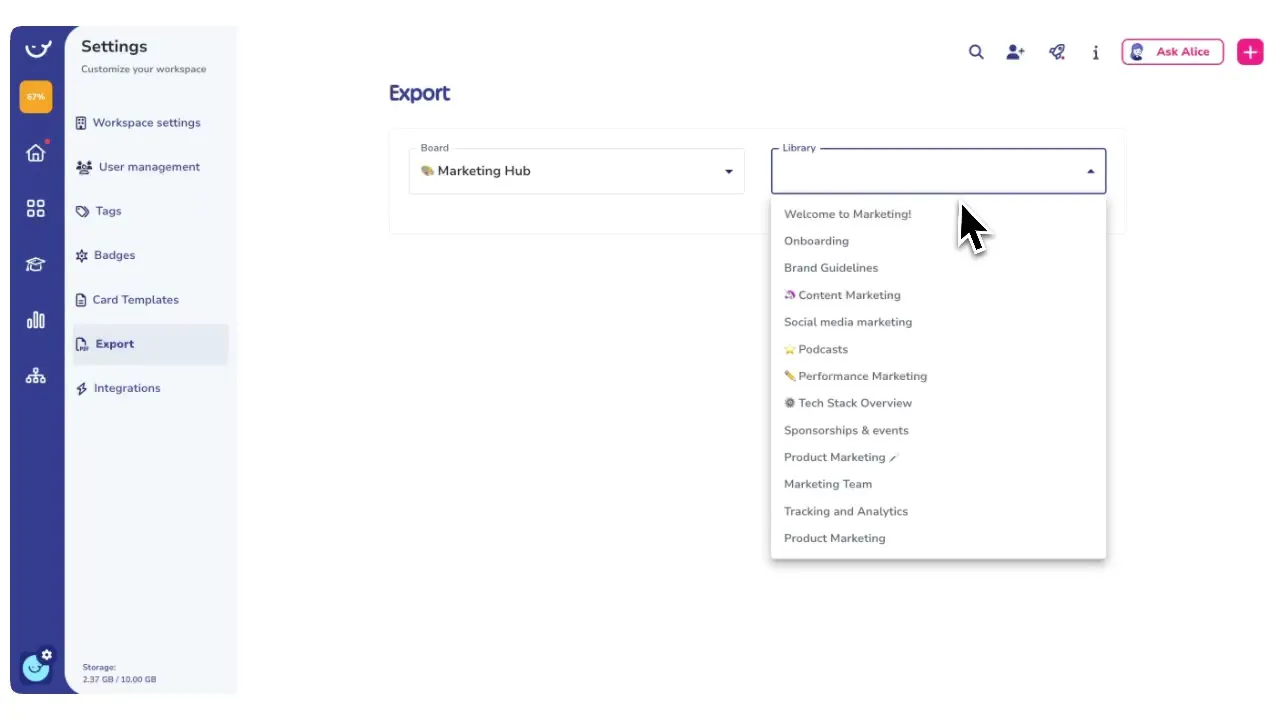
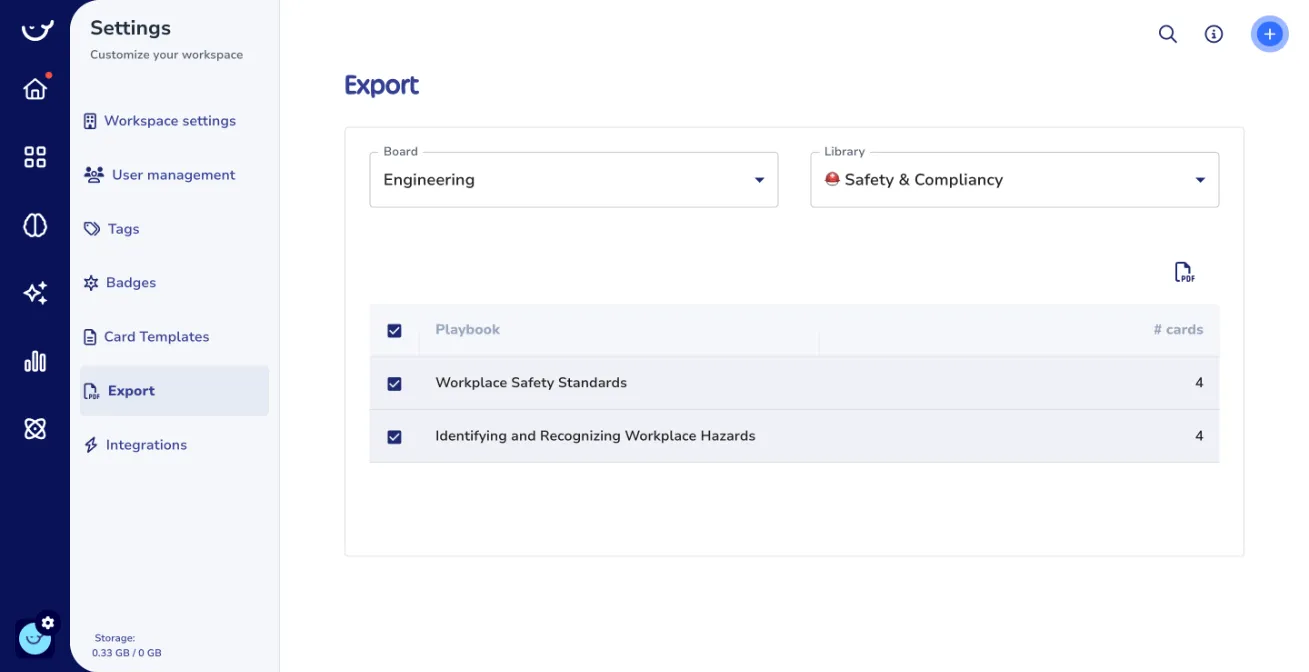
Export one SOP, a board, or the whole workspace
Pick any card, any board, or the full workspace, and Whale generates the PDF or Word file.
- Export a single process for a new hire, a department playbook for a quarterly review, or the complete knowledge base for an audit pack.
- The file structure matches the workspace hierarchy.
PDFs and Word docs that match your brand
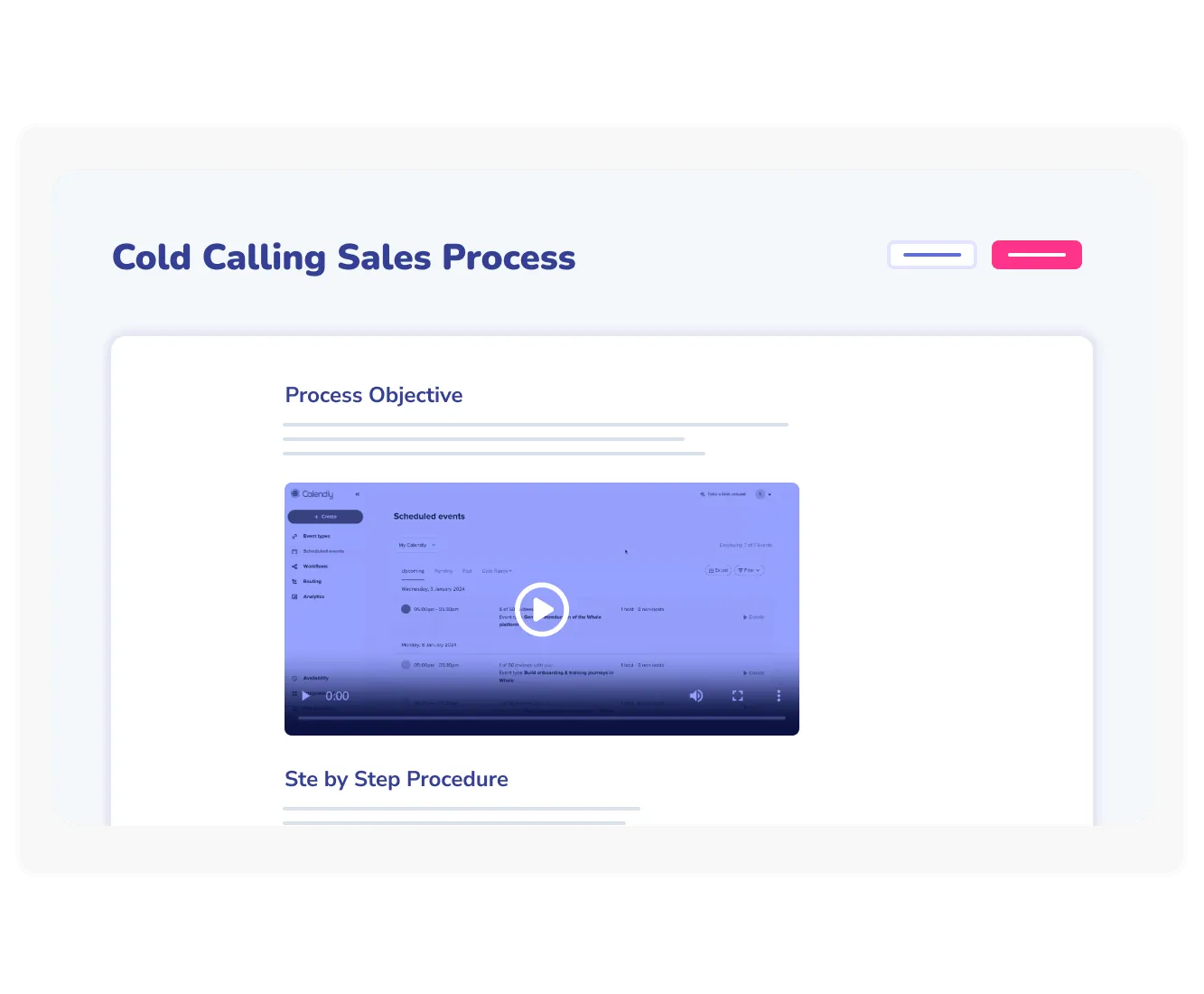
Every export carries your company name, colors, logo, and header on the cover and each page. The files look like internal documents, not generic printouts, so they hold up when handed to auditors, regulators, board members, or new hires reading them offline.
Export is the backup, not the daily channel
The SOPs your team uses day to day stay current inside Whale, where Coral, Whale’s AI assistant, answers questions, CoPilot surfaces the right guide inside the tool your team is using, and training flows track who has completed what.
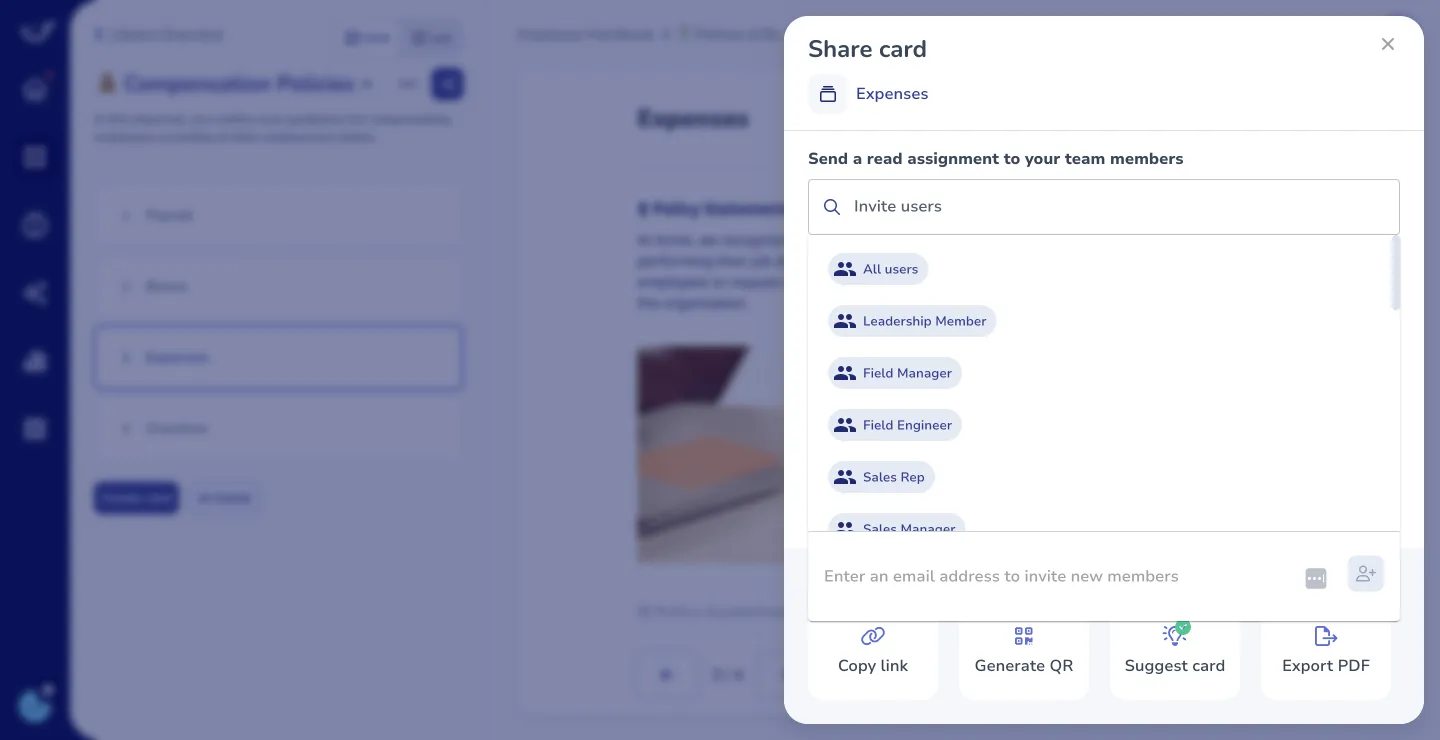
- Export is what happens when you need the documents to leave the platform.
- Everything else lives on in Whale, always up to date.
How it works
- 01
Select what you want to export
Pick a single SOP, a board, a tag, or the whole workspace. Whale prepares the export at whatever level of the hierarchy you need, so you can send one process to a new hire or the full library to an auditor.
- 02
Choose PDF or Word
PDF for read-only documents, audit packs, and offline distribution. Word for documents that a legal or compliance team needs to mark up. Both files are formatted with your brand and keep the card structure from Whale.
- 03
Download and share
Whale generates the file and drops it straight into your downloads. Share it over email, print it for frontline workers without a login, or archive the batch as the version of record for that audit cycle.
In their own words
Loved for its overall simplicity and support
“Exceptional Tool for Business Knowledge”
Whale is excellent to document and organize business knowledge. Their AI makes it even easier!
Lyndon S.Small-Business (0-50 emp.) “Whale Keeps Work Organized and Teams Confident”
Whale unifies documentation, training, and reviews in one ecosystem.
Verified User in AccountingMid-Market (51-1000 emp.) “Screen Recorder Transformed Our Productivity”
All features are excellent, but the Screen Recorder has boosted productivity for our company.
Andres A.Enterprise (> 1000 emp.) “User-Friendly Platform with Great Features”
Whale is very user-friendly. "Coral" has been a game changer, makes finding information effortless.
Martha Y.Mid-Market (51-1000 emp.) “Intuitive, fresh and easy!”
Whale's clean layout makes building and navigating SOPs a breeze.
Harley B.Small-Business (0-50 emp.) “Productivity Unleashed!”
Managing and write SOP versions, assign them, track progress through a dashboard, and automate revision tracking.
Verified User in FarmingMid-Market (51-1000 emp.) “My company utilizes Whale for our SOP’s and FAQ’s.”
Everything is very easy to locate and the search bar is my favorite feature. When I need a quick answer I turn to Whale to find what I am looking for.
Georgia R.Mid-Market (51-1000 emp.) “Whale Streamlined Our Processes and Boosted Team Onboarding”
Whale transformed how we manage internal processes. Documenting SOPs is fast and we can build and share training materials in minutes, making onboarding significantly more efficient.
Fábio B.Enterprise (> 1000 emp.) “Whale Keeps Department Training Organized with Boards, Libraries, and Playbooks”
Boards, Libraries, and Playbooks keep training organized by department, so you can generate videos, SOPs, quizzes, and more for each topic.
Ketan T.Mid-Market (51-1000 emp.) “Streamlines Documentation with Ease”
I use Whale for company handbooks, regulations, how-to's, and manuals, all on one platform. The step-by-step screen recorder auto-captures screenshots and saves me about an hour per guide.
Anouk V.Mid-Market (51-1000 emp.) “Effortlessly Streamlines Team Training with Solid Support”
Whale supports training my merchandising teams with AI and video features that break down training step by step. Creating training flows is easy, and quizzes ensure the material lands.
Shelley F.Mid-Market (51-1000 emp.) “Effortless SOP Management with Stellar AI Search”
Whale centralizes all our SOPs with standard formatting and makes them easy to find, especially with the fast AI search across thousands of documents.
Jitender T.Small-Business (50 or fewer emp.)
Frequently Asked Questions
01What can I export from Whale?
Any SOP card, any board, any tag, or the whole workspace. The export carries the content, the structure, and the branding of the workspace. Analytics data also exports, as CSV or JSON, delivered to your inbox when the export is ready. Invoices export as PDF from the billing page. In short, the content your team produces in Whale is yours to take out whenever you need it, in the format a human reader or a downstream system expects.
02What formats are supported?
Content exports to PDF and Word. PDF is the default for audit packs, read-only distribution, print, and anything you want to freeze as the version of record. Word is the default for documents that compliance, legal, or an external consultant needs to edit and return. Analytics data exports to CSV or JSON, so it loads cleanly into a spreadsheet or a business intelligence tool. Branded headers, covers, and footers carry through to both PDF and Word by default, so the exported document looks like it came from your company, not from a generic template.
03Can I brand the exported files with our logo and colors?
Yes. The export uses your workspace branding, which includes your company name, logo, primary and secondary colors, and a custom PDF header. Set the branding once in workspace settings and every export from that point on carries it. This is the feature that makes the export usable in formal contexts. Auditors, regulators, franchisees, and new hires see a document that looks like an internal company document, not an export from a SaaS tool. Custom branding is part of the Scale plan alongside Export.
04Will the exported SOPs stay in sync if I change them in Whale?
No, and that is by design. An export is a snapshot of the content at the moment the file is generated. Once the PDF or Word file leaves Whale, it is a static document. If the SOP changes inside Whale the next day, the exported file does not change. This is what makes exports useful for audit packs, versions of record, and compliance deliverables, where you need the document to reflect what was true on a specific date. For the daily source of truth, keep your team in Whale, where Coral, Whale’s AI assistant, answers from the latest version and CoPilot surfaces the current SOP inside the tool where the work happens.
05What does the export mean for data portability and lock-in?
Everything you create in Whale is exportable. Content goes out as PDF or Word, analytics goes out as CSV or JSON, and invoices go out as PDF. If you ever need to leave the platform, hand the content to a new vendor, or keep a local archive for internal policy reasons, the path is built in. The same mechanism covers the less dramatic cases, like a private equity diligence request, a parent company asking for a copy of the process library, or a compliance officer wanting a quarterly offline backup. The content you build in Whale belongs to you and leaves in formats any downstream reader or tool can use.
06How does this compare to exporting from Notion or Confluence?
Notion and Confluence both support PDF export at the page level, and bulk export is available but often requires admin work and produces files that need heavy reformatting before they hold up in a formal review. Whale’s export is built for the operational use case. The files carry your branding by default, the hierarchy of the workspace maps cleanly to the file structure, and you can export a single card, a board, or the whole workspace from the same menu. More importantly, the rest of the platform is built to keep the SOPs current before they leave. Coral, Whale’s AI assistant, answers from the live workspace, CoPilot surfaces the active guide inside other tools, and training flows track completion. Whale is the AI-Powered SOP Software that gets your team trained, and Export is the clean exit for the moments when the document has to live outside the platform.
Other Features
Document
PDF and Word import
Bring your existing Word docs and PDFs into Whale and turn them into structured cards.
Learn moreShare
Public share
Share any SOP as a public link for people outside your workspace.
Learn moreManage
Version history
Track every change to every SOP, with the ability to roll back to any prior version.
Learn more