
Share
Whale Public Share
Share any SOP with people outside Whale
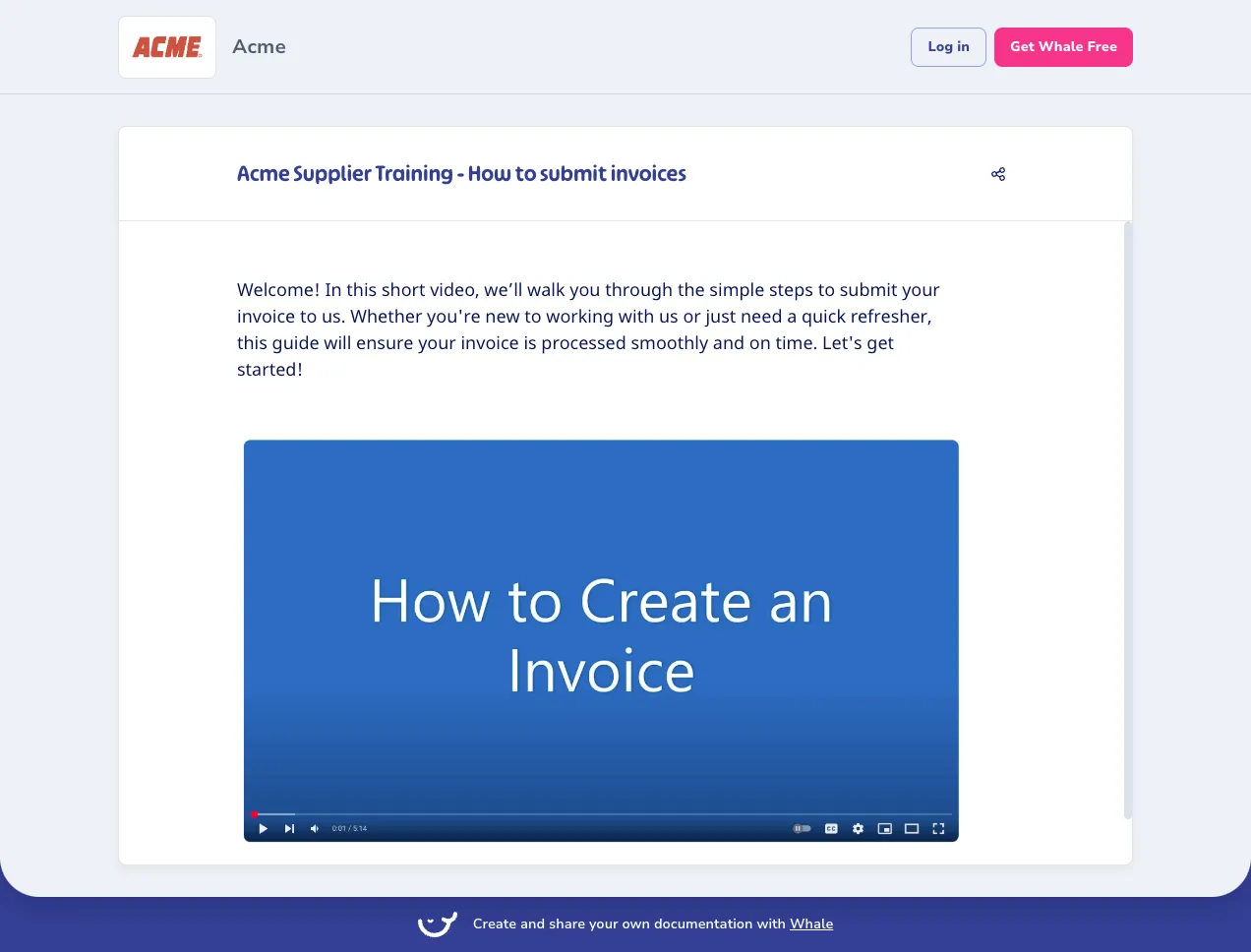
Generate a secure link for any card or playbook. Recipients open it in a browser, no account, no seat, no login. Restrict to specific email addresses and set an expiry date when the work is sensitive.
- 4.8/5 on G2
- SOC 2 certified









The problem
The people who need the SOP don't work at your company
You already work with clients, contractors, franchisees, and vendors who can’t log into Whale. A public link hands them the current version of the guide in a browser tab, with email restrictions and expiry dates when the work is sensitive.
How teams do it today: Emailing a PDF that's outdated the moment you send it
With Whale's Public Share: A live link that always shows the current version of the SOP
How teams do it today: Adding an external contractor as a paid Whale seat
With Whale's Public Share: External viewers open the guide in a browser with no seat
How teams do it today: No way to revoke access once a partner moves on
With Whale's Public Share: Revoke any link the moment a partner or contractor leaves
How teams do it today: Franchisees working from a copy nobody can update
With Whale's Public Share: Franchisees read from the same source the head office edits
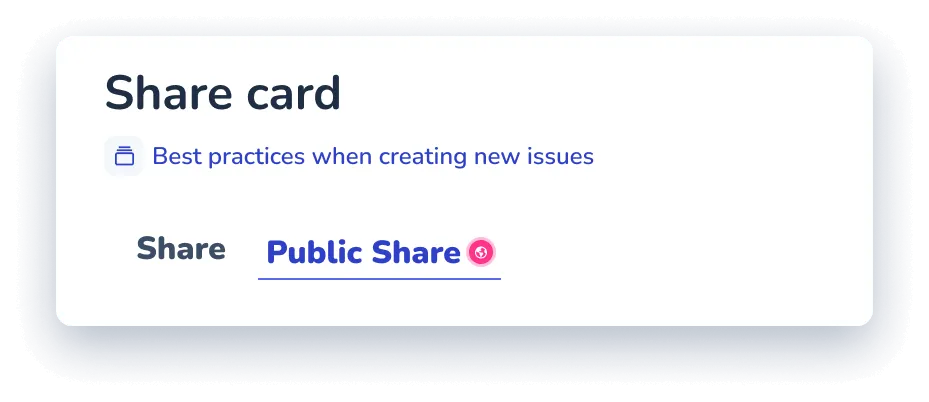
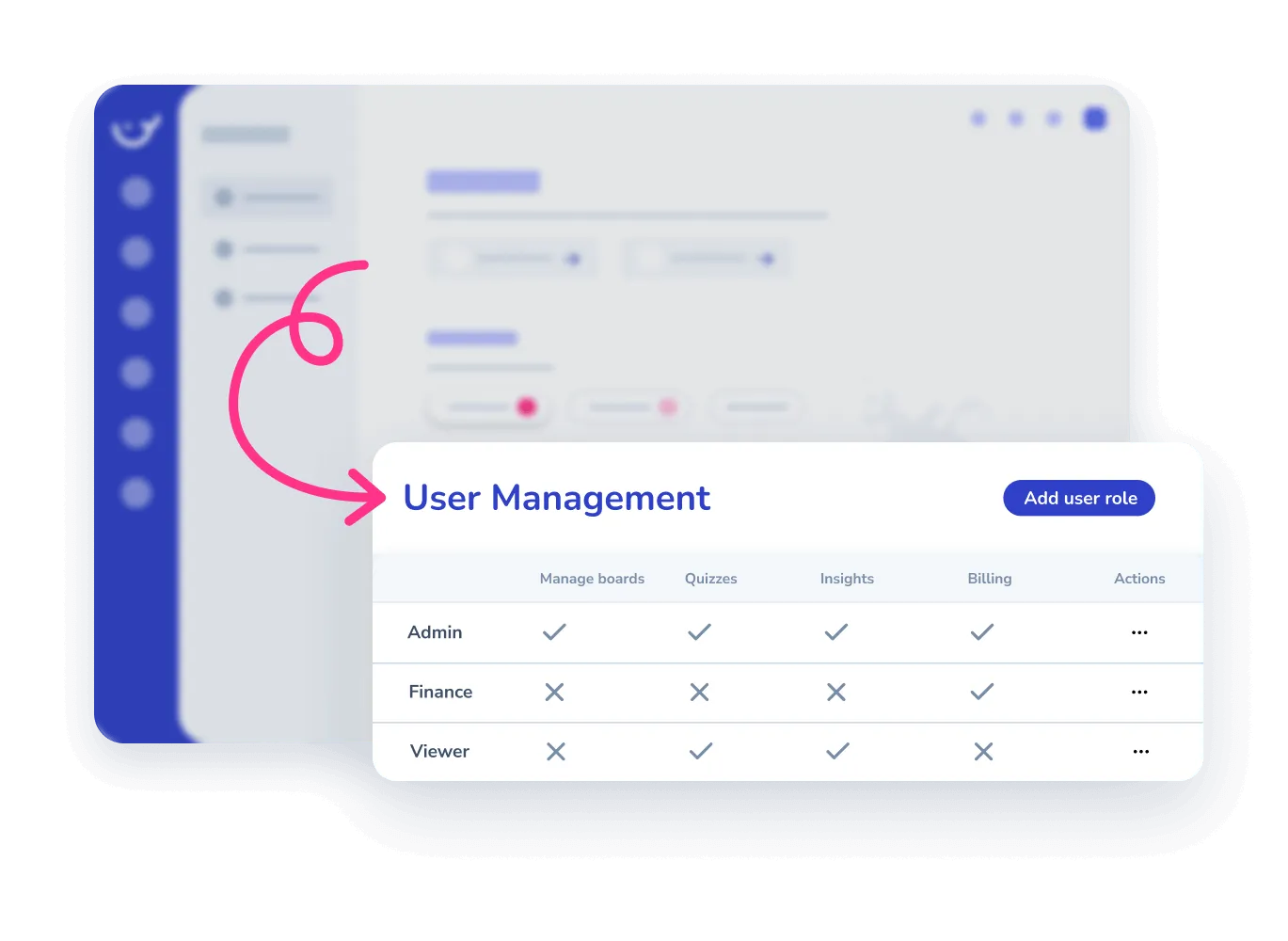
Lock the link to specific email addresses
Every public link is JWT-signed.
- Leave it open so anyone with the URL can view, or restrict the link to a list of email addresses so only those recipients can open it.
- Add an expiry date for sensitive guides.
- Revoke any link from the sharing panel the moment access needs to end.
One link, always the current version
The public link points at the live card in your Whale workspace.
- Edit the SOP and every recipient is reading the new version the next time they open the link.
- No more chasing down five outdated PDFs across five inboxes.
- One source for your team, the same source for everyone outside it.
Every card in Whale is ready to share
Public Share is built into every card and playbook.
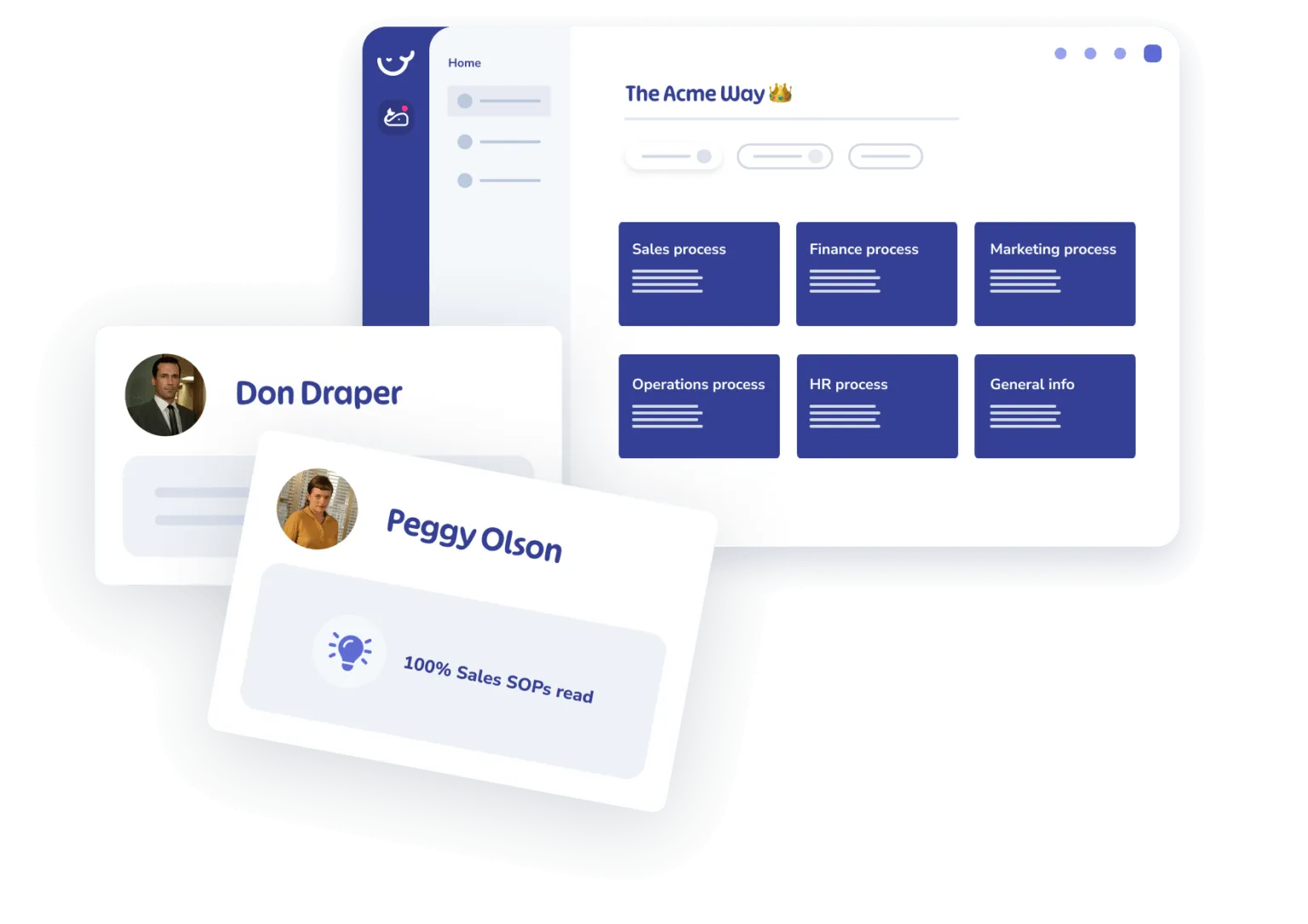
- The SOP a new hire follows is the same SOP a franchisee opens from a link.
- Coral, Whale’s AI assistant, drafts the content, CoPilot surfaces it inside the tool where the work happens, and a public link hands the same guide to anyone outside the workspace.
How it works
- 01
Generate a link from any card or playbook
Open any card or playbook in Whale, click Share, and generate a public link. Decide whether the link is open to anyone with the URL or restricted to specific email addresses.
- 02
Set an expiry date or lock to specific emails
Add an expiry date for time-limited access, restrict the link to a list of email addresses for sensitive guides, or leave it open for wide distribution. Every link is JWT-signed and revocable.
- 03
Send the link through any channel
Paste the link into an email, a Slack or Teams message, a partner portal, or a QR code. Recipients open the SOP in a browser with no Whale account and no install.
In their own words
Loved for its overall simplicity and support
“Exceptional Tool for Business Knowledge”
Whale is excellent to document and organize business knowledge. Their AI makes it even easier!
Lyndon S.Small-Business (0-50 emp.) “Whale Keeps Work Organized and Teams Confident”
Whale unifies documentation, training, and reviews in one ecosystem.
Verified User in AccountingMid-Market (51-1000 emp.) “Screen Recorder Transformed Our Productivity”
All features are excellent, but the Screen Recorder has boosted productivity for our company.
Andres A.Enterprise (> 1000 emp.) “User-Friendly Platform with Great Features”
Whale is very user-friendly. "Coral" has been a game changer, makes finding information effortless.
Martha Y.Mid-Market (51-1000 emp.) “Intuitive, fresh and easy!”
Whale's clean layout makes building and navigating SOPs a breeze.
Harley B.Small-Business (0-50 emp.) “Productivity Unleashed!”
Managing and write SOP versions, assign them, track progress through a dashboard, and automate revision tracking.
Verified User in FarmingMid-Market (51-1000 emp.) “My company utilizes Whale for our SOP’s and FAQ’s.”
Everything is very easy to locate and the search bar is my favorite feature. When I need a quick answer I turn to Whale to find what I am looking for.
Georgia R.Mid-Market (51-1000 emp.) “Whale Streamlined Our Processes and Boosted Team Onboarding”
Whale transformed how we manage internal processes. Documenting SOPs is fast and we can build and share training materials in minutes, making onboarding significantly more efficient.
Fábio B.Enterprise (> 1000 emp.) “Whale Keeps Department Training Organized with Boards, Libraries, and Playbooks”
Boards, Libraries, and Playbooks keep training organized by department, so you can generate videos, SOPs, quizzes, and more for each topic.
Ketan T.Mid-Market (51-1000 emp.) “Streamlines Documentation with Ease”
I use Whale for company handbooks, regulations, how-to's, and manuals, all on one platform. The step-by-step screen recorder auto-captures screenshots and saves me about an hour per guide.
Anouk V.Mid-Market (51-1000 emp.) “Effortlessly Streamlines Team Training with Solid Support”
Whale supports training my merchandising teams with AI and video features that break down training step by step. Creating training flows is easy, and quizzes ensure the material lands.
Shelley F.Mid-Market (51-1000 emp.) “Effortless SOP Management with Stellar AI Search”
Whale centralizes all our SOPs with standard formatting and makes them easy to find, especially with the fast AI search across thousands of documents.
Jitender T.Small-Business (50 or fewer emp.)
Frequently Asked Questions
01Do recipients need a Whale account to view a public link?
No. Anyone with the link opens the card or playbook in a regular browser tab. No Whale login, no seat on your plan, no install. That is the whole point of Public Share. Use it for clients, contractors, franchisees, auditors, and vendors who need the SOP but don’t belong inside your Whale workspace.
02How do I restrict who can open the link?
Every public link is JWT-signed. You can leave it open so anyone with the URL can view, or restrict the link to a list of email addresses. When a restricted link is opened, the recipient verifies the email address before the content loads. You can also set an expiry date so the link stops working after a specific point, and revoke any link from the sharing panel at any time.
03What happens when I update the SOP after sharing the link?
The link points at the live card in your workspace, so recipients always open the current version. If you edit the SOP this morning, everyone opening the link this afternoon reads the new version. There is no file to resend and no stale PDFs in inboxes. If you need to cut off access entirely, revoke the link in the sharing panel and the URL stops working.
04Is Public Share included on my plan?
Yes. Public Share is part of every Whale plan, including the free tier. There is no per-view charge and no cap on the number of public links you can generate. Email-restricted links and expiry dates are available to every plan as well.
05What about sensitive or compliance-gated content?
For sensitive content, use email-restricted links with an expiry date so only the named recipients can open the SOP and only within the window you set. Every access is logged against the link, so you can see which email opened it and when. For content that should never leave the workspace, keep it off Public Share and use Advanced Permissions to control internal access instead.
06How is this different from exporting a PDF or using Scribe's share link?
A Scribe share link gives a recipient a capture document. A Whale public link gives a recipient a live SOP that updates the moment you edit the source, with optional email-gating and expiry controls. Compared to a PDF export, a Whale link is always current, revocable at any time, and tied back to the card in your workspace, so the process stays one source of truth whether the reader is a full-time employee, a contractor, or a franchisee. Included on every Whale plan, including the free tier.