
Operations & Compliance
The best checklist software for teams in 2027 (8 tools compared)

In this article
The best checklist software for teams turns a repeatable procedure into a list everyone runs the same way, and keeps a record of who did each step, when, and with what proof. That record is the whole point. It's what separates checklist software from a to-do app, and it's what you hand an auditor when they ask how you know the fridge temperatures were checked every morning.
The best checklist software for teams in 2027 is
- Whale for checklists that live next to the SOP they come from, with photo proof, a log of every run and training built in. Whale is our top pick.
- CheckFlow and Manifestly for low-cost recurring office checklists,
- Process Street for workflows with heavy branching logic and approvals,
- Lumiform for inspections and audits on mobile, even offline,
- and Connecteam when checklists are one part of a wider frontline staff app.
I'll say this up front. If you searched "best checklist software" and got a page of to-do apps, you're not alone. This gets mixed up all the time. A to-do app helps one person remember things. Checklist software helps a team do the same thing the same way, and prove it.
Teams usually go looking for checklist software for three reasons:
- an audit, inspection or incident showed nobody could prove a step was done,
- the same process gets done five different ways depending on who's on shift,
- or the "checklist" is a laminated sheet, a spreadsheet tab and a WhatsApp group, and nobody knows which one is current.
Before we continue we want to disclose that Whale publishes this page and is one of the tools on it. But we aim to keep fair practice. Every price comes from the vendor's own pricing page, checked in November 2026. Every tool, Whale included, gets the same fields and real cons. Where another tool is the better pick, we say so.
What is checklist software?
Checklist software is a tool that turns a repeatable procedure into a digital checklist a team runs again and again, with every run logged: who completed each step, when, and the evidence they attached. Good checklist software lets you assign checklists, make steps required, capture photos or signatures, and pull a report of every completed run.
Teams use it for two jobs:
- Compliance. Safety walks, equipment inspections, food safety checks, internal audits, ISO and quality routines, and any regulated step where "we always do that" isn't proof. The checklist run is the audit trail.
- Processes. Opening and closing, shift handoffs, new-hire onboarding, client onboarding, month-end close and IT offboarding. Anything where the order matters and a skipped step costs money.
A checklist is really the executable version of a standard operating procedure. The SOP explains how and why. The checklist is what someone ticks through while doing it. If you want the documentation side first, our guide to the standard operating procedure checklist walks through it.
If you want checklists and the SOPs behind them in one tool, start with Whale.
Checklist software vs task management software
Checklist software is built for repeatable procedures that must be done the same way and proven. Task management software is built for one-off work that moves through stages. They look alike because both have checkboxes. They solve different problems.
| Checklist software | Task management software | |
|---|---|---|
| Built for | The same procedure, run again and again | One-off tasks and projects |
| Unit of work | A run of a checklist template | A task card |
| What "done" means | Every required step completed, in order | The task moved to "done" |
| Proof | Timestamps, names, photos, signatures per step | Usually a status change and comments |
| Typical use | Audits, inspections, opening and closing, onboarding | Campaigns, sprints, personal to-dos |
| Examples | Whale, Process Street, Lumiform, Manifestly | Asana, Trello, Todoist, Microsoft To Do |
- Built for
- Checklist software: The same procedure, run again and again
- Task management software: One-off tasks and projects
- Unit of work
- Checklist software: A run of a checklist template
- Task management software: A task card
- What "done" means
- Checklist software: Every required step completed, in order
- Task management software: The task moved to "done"
- Proof
- Checklist software: Timestamps, names, photos, signatures per step
- Task management software: Usually a status change and comments
- Typical use
- Checklist software: Audits, inspections, opening and closing, onboarding
- Task management software: Campaigns, sprints, personal to-dos
- Examples
- Checklist software: Whale, Process Street, Lumiform, Manifestly
- Task management software: Asana, Trello, Todoist, Microsoft To Do
So when should you just use a to-do app? If it's your own list, or a small team splitting up a project, Todoist or Microsoft To Do is fine and free. The moment someone asks "can you prove that was done?", you need checklist software.
Key takeaways
- Checklist software is about proof, not reminders. The difference from task management is the logged run: who did each step, when, and with what evidence.
- Inspection tools and process tools are different. Lumiform is built for scored inspections in the field. CheckFlow, Manifestly and Process Street are built for recurring office workflows.
- Only some tools work properly on a phone. Whale, Process Street, Lumiform and Connecteam have native apps. CheckFlow and SweetProcess are web-only.
- Two tools on this list don't publish prices. Process Street and Lumiform are quote-based, so you need a sales conversation before you can compare.
- Whale is our top pick because the checklist sits next to the SOP it runs from. Coral, Whale's AI assistant, drafts the checklist from your SOP, your team ticks it off on mobile with photo proof, e-signatures add a handwritten signature as timestamped proof of completion, and every run lands in one report.
Quick comparison of the best checklist software
All prices in US dollars, checked in November 2026.
| Tool | Best for | Starting paid price | Free plan | Native mobile app | G2 rating |
|---|---|---|---|---|---|
| Whale | Checklists tied to SOPs and training | $299/month billed yearly (3 creators, members free) | Yes: 1 creator, up to 10 members | Yes (iOS and Android) | 4.8/5 |
| CheckFlow | Low-cost process checklists with free guests | $9/user/month billed yearly | No (14-day trial) | No (web app) | 4.5/5 |
| Manifestly | Recurring office checklists on a budget | $100/user/year | No (14-day trial) | Not stated | 4.5/5 |
| Process Street | Branching workflows with approvals | Not published | No (14-day Pro trial) | Yes | 4.6/5 |
| Lumiform | Scored inspections for multi-site teams | Not published (request a quote) | Not shown | Yes, with offline | 4.6/5 |
| Checkli | Simple shared checklists | $29/month | Yes: up to 2 checklists | Not stated | Not rated |
| SweetProcess | SOP library with task checklists | $82.50/month billed yearly for up to 10 members | No (14-day trial) | No (web-based) | 4.3/5 |
| Connecteam | Frontline staff app with checklists built in | $29/month billed yearly for the first 30 users | Yes: up to 10 users | Yes | 4.6/5 |
- Whale
- Best for: Checklists tied to SOPs and training
- Starting paid price: $299/month billed yearly (3 creators, members free)
- Free plan: Yes: 1 creator, up to 10 members
- Native mobile app: Yes (iOS and Android)
- G2 rating: 4.8/5
- CheckFlow
- Best for: Low-cost process checklists with free guests
- Starting paid price: $9/user/month billed yearly
- Free plan: No (14-day trial)
- Native mobile app: No (web app)
- G2 rating: 4.5/5
- Manifestly
- Best for: Recurring office checklists on a budget
- Starting paid price: $100/user/year
- Free plan: No (14-day trial)
- Native mobile app: Not stated
- G2 rating: 4.5/5
- Process Street
- Best for: Branching workflows with approvals
- Starting paid price: Not published
- Free plan: No (14-day Pro trial)
- Native mobile app: Yes
- G2 rating: 4.6/5
- Lumiform
- Best for: Scored inspections for multi-site teams
- Starting paid price: Not published (request a quote)
- Free plan: Not shown
- Native mobile app: Yes, with offline
- G2 rating: 4.6/5
- Checkli
- Best for: Simple shared checklists
- Starting paid price: $29/month
- Free plan: Yes: up to 2 checklists
- Native mobile app: Not stated
- G2 rating: Not rated
- SweetProcess
- Best for: SOP library with task checklists
- Starting paid price: $82.50/month billed yearly for up to 10 members
- Free plan: No (14-day trial)
- Native mobile app: No (web-based)
- G2 rating: 4.3/5
- Connecteam
- Best for: Frontline staff app with checklists built in
- Starting paid price: $29/month billed yearly for the first 30 users
- Free plan: Yes: up to 10 users
- Native mobile app: Yes
- G2 rating: 4.6/5
1. Whale
Best checklist software for teams that want checklists, SOPs and training in one place
G2 rating: 4.8/5
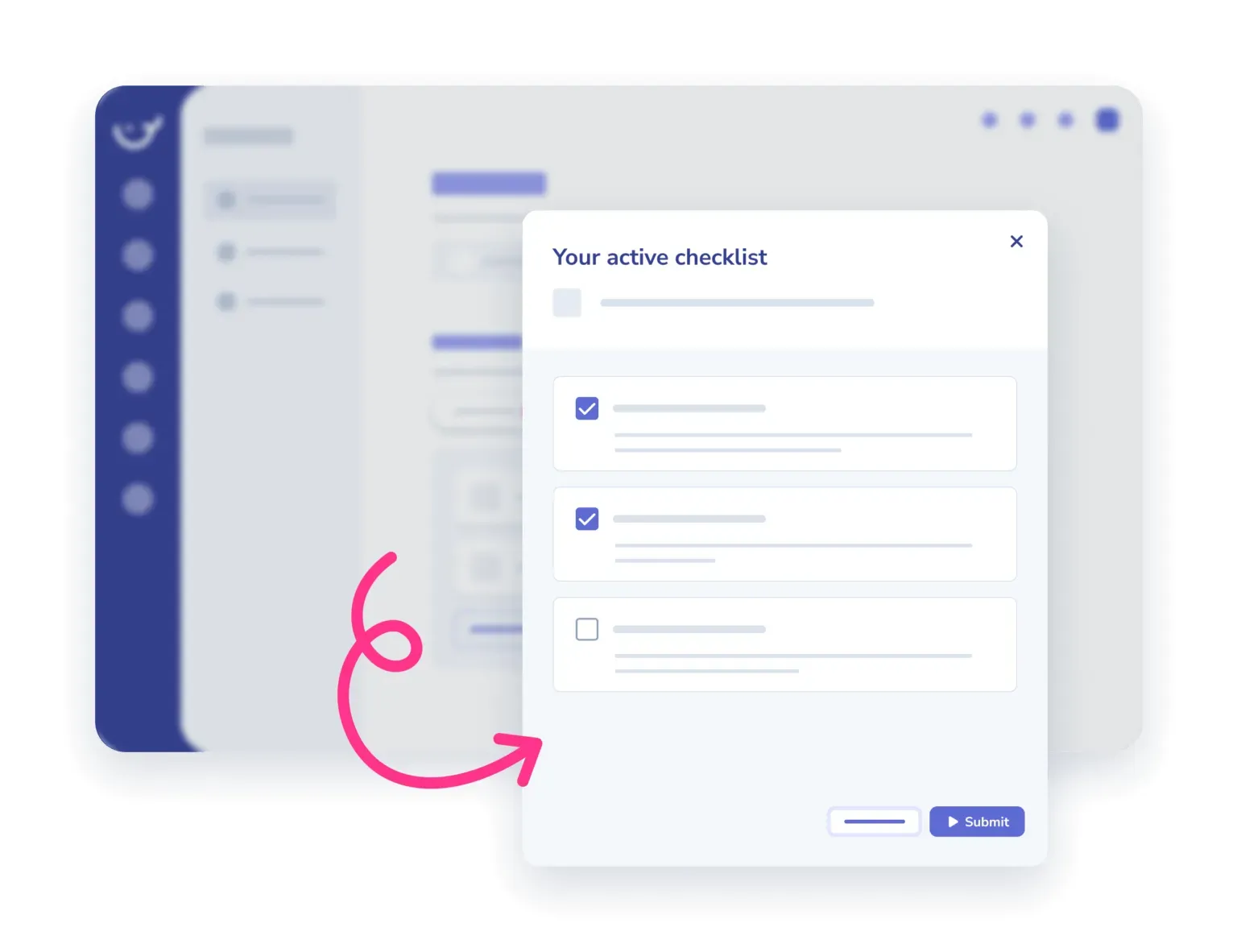
Whale is SOP and training software where every checklist sits right next to the procedure it comes from. You build a checklist once, mark the steps that need a photo, and assign it. Your team runs it on desktop or on the Whale mobile app, and every run is timestamped and logged with names and photos. When the auditor turns up, the record already exists, because the work built it. Cash-Wa Direct, a retailer with 4 stores across the US, used to create training documents with no reliable way to know if employees had viewed or completed them. With Whale, it cut onboarding time by 50%.
What I like most is that the checklist isn't a separate island. If someone gets stuck on step 4, the SOP with the screenshots or video is one tap away. And Coral, Whale's AI assistant, can answer "what temperature should the walk-in be?" from your approved SOPs, with the source. Coral also drafts the first version of a checklist from a short prompt or an existing SOP, writes quizzes, and answers questions in Slack when your team messages @Whale.
Key features of Whale
- Checklists on any Whale card, with required steps that can't be skipped
- Photo proof on any step, captured from desktop or mobile
- Every run timestamped and logged: who ran it, when each step was done, how long it took, the photos captured
- Completion reports by person, team or checklist in Whale insights, exportable for audits
- Native iOS and Android app. Checklists completed offline sync when the device reconnects
- QR codes on equipment or stations that open the right SOP
- Checklists assigned inside training flows, with AI quizzes and e-signatures on completion (Advance)
- Approval flows so new and updated SOPs and checklists go through a reviewer before they go live (Enterprise)
Whale pricing
- Free: $0, 1 creator, up to 10 members, checklists, mobile access, Coral
- Scale: $299/month billed yearly, 3 creators included, unlimited documentation, training flows, AI quizzes, PDF and Word export
- Advance: $599/month billed yearly, 5 creators included, adds e-signatures on completion, video editor and AI voiceovers, enforced SSO and granular permissions
- Enterprise: custom, adds approval flows, automatic redaction, SCIM and HRIS integrations, API access
- Extra creators: $29/month billed yearly on Scale, $39/month billed yearly on Advance
On Scale, Advance and Enterprise, creators are included and everyone else joins as a member, with no per-seat fee. You pay for the people who build checklists, not the people who tick them.
Whale pros
- The checklist, the SOP behind it and the training live in one tool, so nobody runs a checklist without the instructions
- Photo proof and a logged run for every checklist give you an audit trail without extra admin
- Coral drafts checklists in seconds and answers your team's questions from your own SOPs, even in Slack
- Members are free on paid plans, which matters when 80 people run checklists and 3 people write them
Whale cons
- Looking for a tool for 10 or fewer people who only need a basic list? Whale's range of features may be more than you'll use.
Choose Whale if your checklists come from SOPs, you need proof of every run, and you want onboarding and training in the same place.
Whale isn't the right fit if you're a small team that won't use Whale's wider feature range.
2. CheckFlow
Best for low-cost process checklists with free guests
G2 rating: 4.5/5
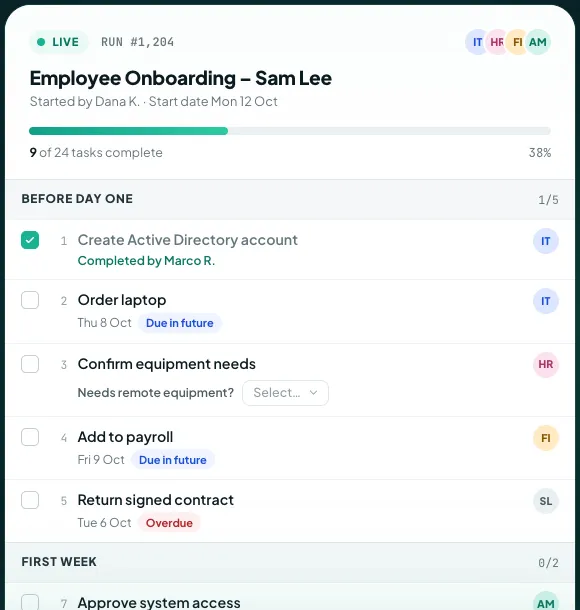
CheckFlow is a process checklist tool for onboarding, IT and compliance routines. It covers the recurring basics well, daily to monthly schedules, conditional logic, approvals that pause later steps, and adds an MCP server and API on every plan. It's a web app, so it suits office teams more than the shop floor.
Key features of CheckFlow
- Recurring checklists (daily, weekly, monthly or custom)
- Conditional logic, enforced order, auto-assign and dynamic due dates
- Approvals that halt later tasks
- Every action logged per user, with analytics, reports and exports
- Zapier, REST API, webhooks and an MCP server
- AI template generation (credit-based) and unlimited free guests
CheckFlow pricing
- Business: $9/user/month billed yearly, $10 monthly
- Enterprise: $16.20/user/month billed yearly, $18 monthly, 5-user minimum
- 14-day free trial with no card, plus a 30-day refund
CheckFlow pros
- Low price, and guests are free
- API and MCP server on every plan
CheckFlow cons
- Its FAQ says there's no native iOS or Android app, and it needs a connection to save
- A small review base so far
3. Manifestly
Best for recurring office checklists on a budget
G2 rating: 4.5/5
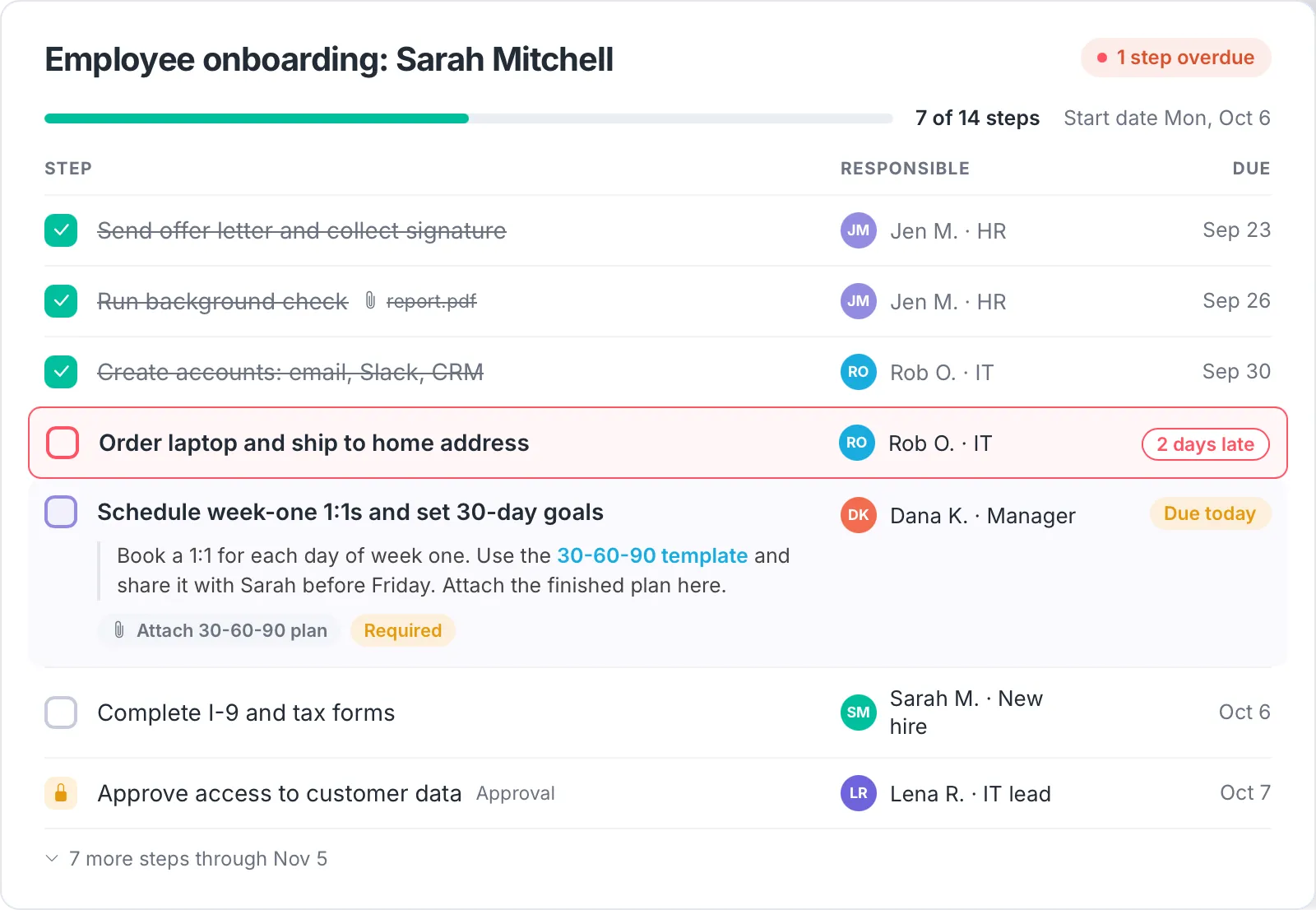
Manifestly is a focused recurring checklist tool for operations, finance and IT teams. It does one thing well: schedule the same checklist every week or month, assign each step to a role, and keep a permanent audit trail. If your month-end close lives in a spreadsheet that one person understands, this is the kind of tool that fixes it.
Key features of Manifestly
- Recurring schedules and role-based assignments
- Required sign-off, approvals and conditional logic
- Data collection and file uploads in steps
- Permanent audit trail with PDF and CSV exports
- Slack, Microsoft Teams, Zapier, API and webhooks
- MCP and AI connectors for Claude, ChatGPT, Copilot and Gemini
Manifestly pricing
- Business: $100/user/year, or $10/user/month billed monthly
- Enterprise: from $2,000/year with 10 users included, annual only
- 14-day free trial
Manifestly pros
- Cheap, predictable per-user pricing
- True recurring scheduling with a full audit history
Manifestly cons
- No native mobile app mentioned on its site
- Versioning, SSO and branding sit on Enterprise
4. Process Street
Best for workflows with branching logic and approvals
G2 rating: 4.6/5
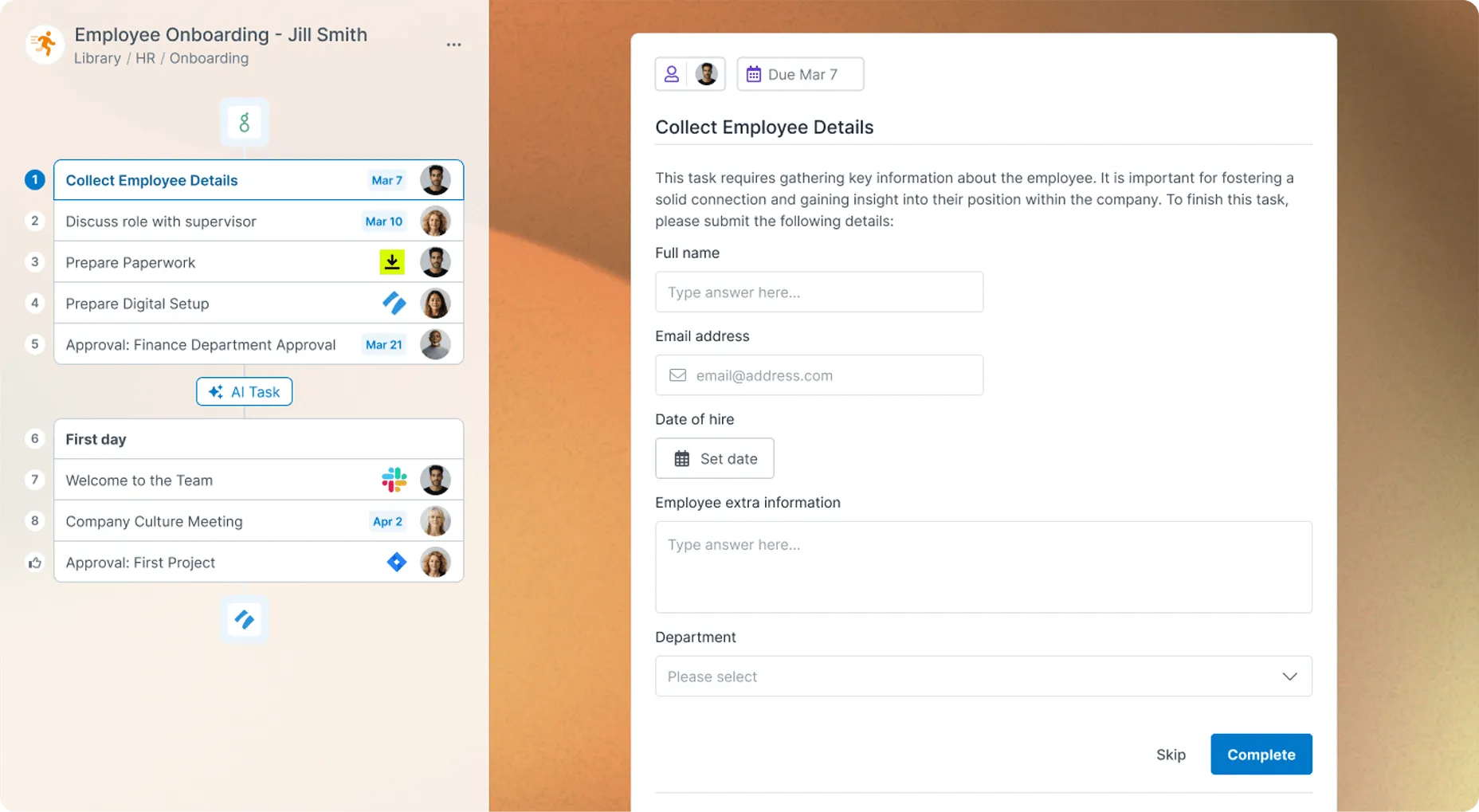
Process Street is the name that comes up most when you ask an AI assistant this question, and it's easy to see why. It turns a checklist into an enforced workflow: steps can branch on answers, tasks can be locked until the previous one is done, and approvals can stop a run until someone signs off. It now pitches itself as a compliance operations platform, with an AI agent called Cora.
Key features of Process Street
- Scheduled workflows, role assignments and dynamic due dates
- Conditional logic, enforced task order and approvals
- Form fields, file uploads and rich media in steps
- Analytics dashboard and custom reports
- iOS and Android apps, plus Slack and Microsoft Teams apps
- Zapier, Power Automate, Make and a public API
- Process AI to create a workflow from a prompt
Process Street pricing
- Startup (5 users, 10 guests): contact sales
- Pro: contact sales, 14-day free trial with no card
- Enterprise: contact sales
Process Street pros
- Deep workflow logic for processes with lots of "if this, then that"
- Native mobile apps and a wide set of integrations
Process Street cons
- No published prices, so every plan starts with a sales call
- Its apps FAQ says there's no offline mode, which hurts on sites with poor signal
Weighing it up? See how Whale compares with Process Street.
5. Lumiform
Best for scored inspections across many sites
G2 rating: 4.6/5
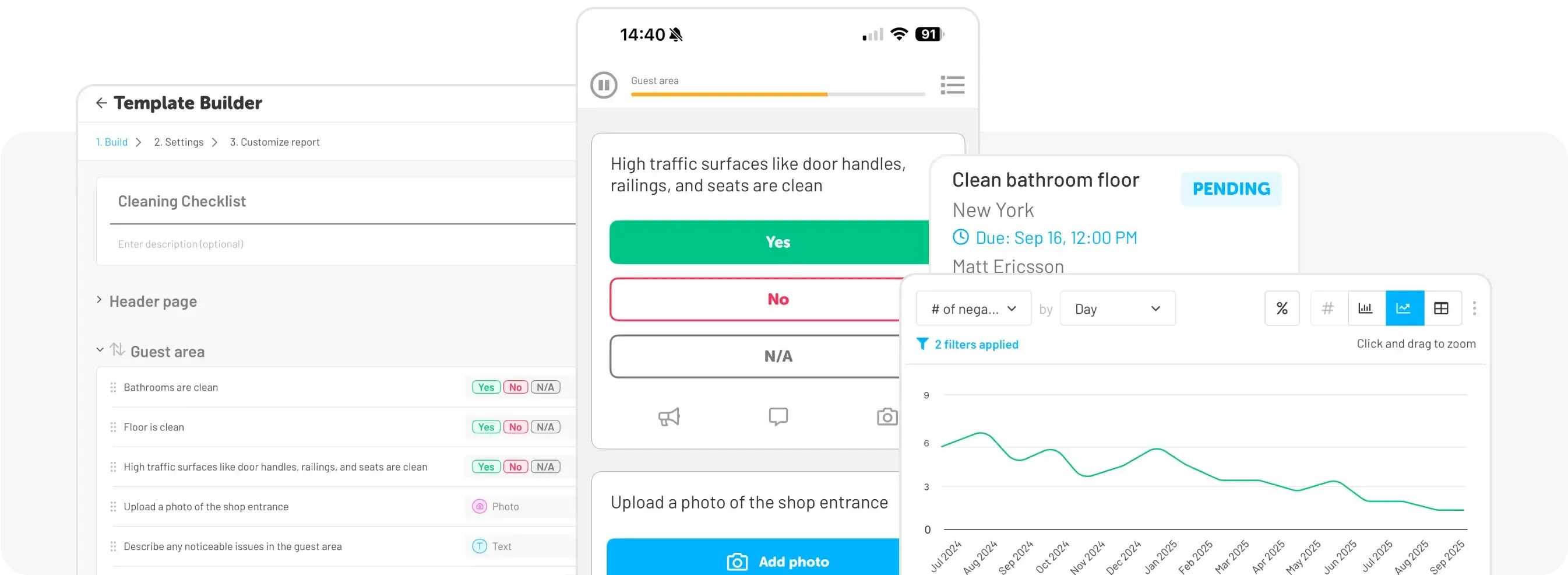
Lumiform is a mobile inspection and audit app aimed at multi-site frontline teams, think restaurants, retail chains and manufacturing plants. Its strength is the form itself: logic, scoring and triggers when a check fails, all working offline on a phone.
Key features of Lumiform
- Scheduler, reminders and corrective actions triggered by failed checks
- Logic in forms and scoring
- Photo and e-signature capture
- iOS and Android apps with offline mode
- Template logs, custom reports and dashboards
- AI-generated forms and form upload
- Approvals, integrations, API, webhooks and SSO on Enterprise (paid add-ons on Professional)
Lumiform pricing
- Professional: request a quote
- Enterprise: request a quote
Lumiform's pricing page showed both plans as "request a quote" in November 2026, so get a quote for your team size before comparing.
Lumiform pros
- Strong offline mobile app with photos and signatures
- Detailed form logic and scoring for audits
Lumiform cons
- Approvals and integrations cost extra below Enterprise
- No published prices
6. Checkli
Best for simple shared checklists
G2 rating: Not rated on G2
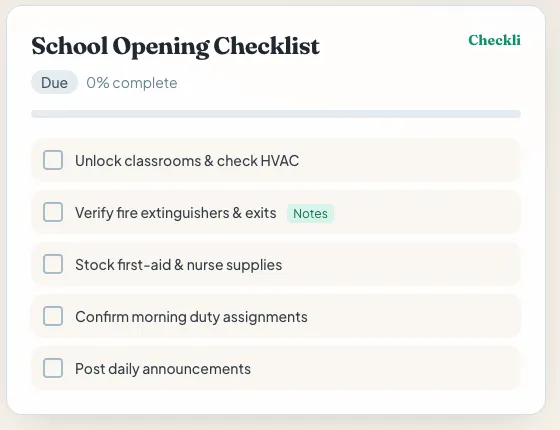
Checkli is the lightweight option. It's popular with schools, care teams, hospitality and facilities teams who want a recurring checklist with a shareable link and not much else. If your main problem is "the paper checklist keeps going missing", it might be all you need.
Key features of Checkli
- Recurring processes, from daily to per semester
- Guest completion links, reminders, PDF export and embeds
- Assign to teammates (Team plan)
- Run overview, email alerts and a record of who checked each step (Business plan)
Checkli pricing
- Free: up to 2 checklists, no card needed
- Pro: $29/month
- Team: $49/month
- Business: $99/month
Checkli pros
- Very easy to start, with a free plan
- Guest links mean nobody needs an account
Checkli cons
- Its site doesn't mention approvals, conditional logic, photo capture or integrations
- Assignment and the step-by-step record sit on the higher plans
7. SweetProcess
Best for an SOP library with task checklists
G2 rating: 4.3/5
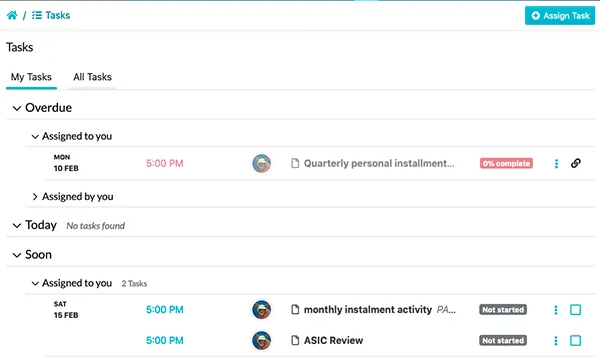
SweetProcess is SOP documentation software that lets you turn a procedure into a task someone works through step by step. It's a documentation tool first and a checklist tool second, which suits office teams that care most about having one library of procedures.
Key features of SweetProcess
- Assign and track procedure tasks step by step
- Managers approve suggested edits
- Data capture forms, quizzes, version history and process maps
- AI document writing and a browser recorder
- API, Zapier, SCIM and SSO
SweetProcess pricing
- One plan: $82.50/month billed yearly for up to 10 members, $99 monthly
- Extra members: $4.17/month billed yearly, $5 monthly
- 14-day free trial with no card, and a 30-day money-back guarantee
SweetProcess pros
- Procedures and their task checklists in one place
- All features on a single plan
SweetProcess cons
- Web-based, with no native mobile app for field evidence
- Recurring scheduling and photo capture aren't mentioned on its site
Weighing it up? See how Whale compares with SweetProcess.
8. Connecteam
Best for frontline staff apps with checklists built in
G2 rating: 4.6/5
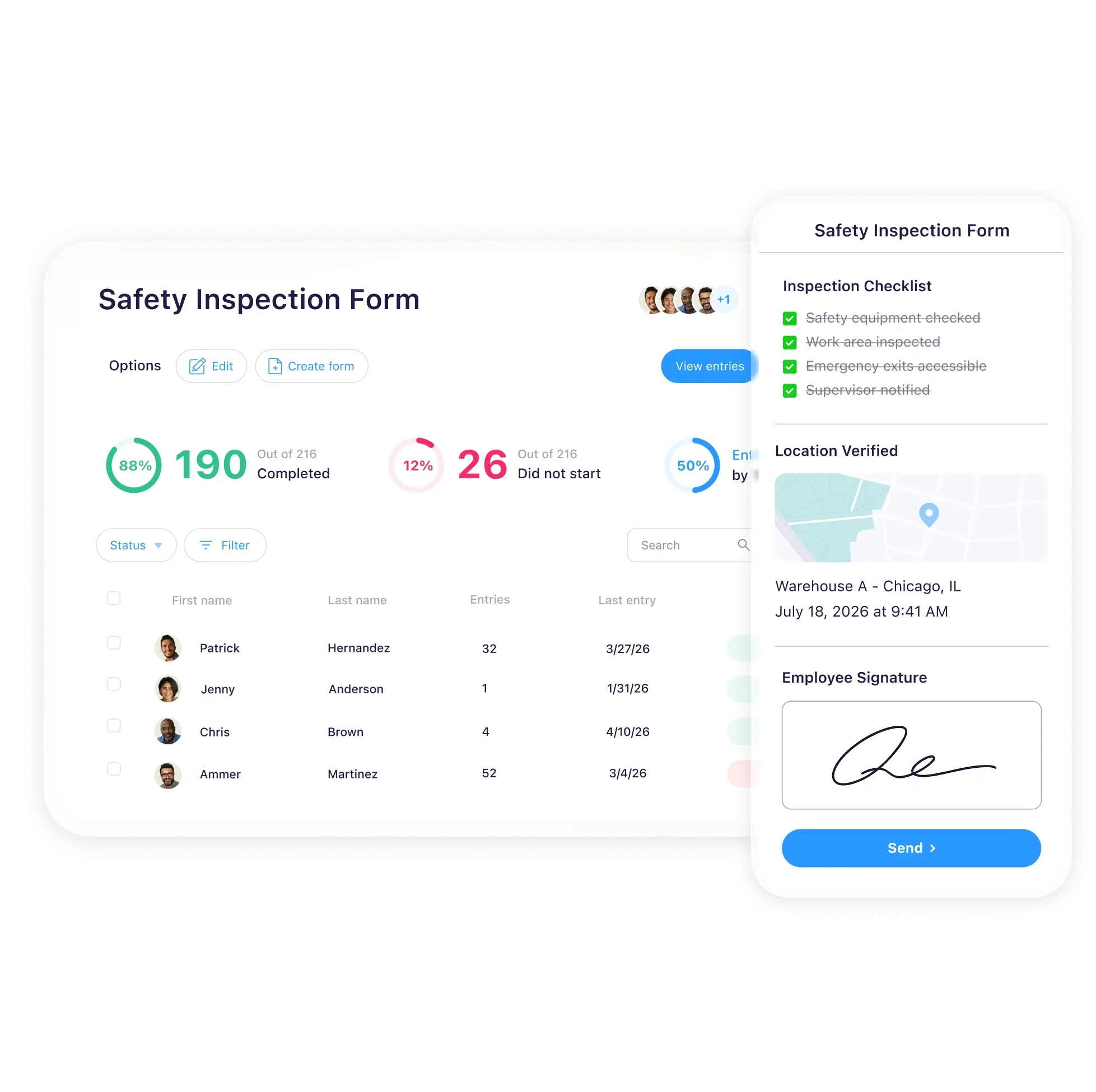
Connecteam is an all-in-one app for deskless teams: scheduling, time clock, chat and HR, with checklists and forms as one module. If your team already needs a shift scheduler and time clock, getting checklists in the same app is a real win. If you only need checklists, you're paying for a lot of app you won't open.
Key features of Connecteam
- Unlimited checklists, forms and tasks
- Photos, e-signatures and location stamps as proof of work
- Approve or reject submitted forms, export and share reports
- Conditional logic on Advanced and up
- Native mobile apps
- AI that turns paper or PDF forms into digital forms
Connecteam pricing (Operations Hub)
- Small Business: free for up to 10 users
- Basic: $29/month billed yearly for the first 30 users, $35 monthly
- Advanced: $49/month billed yearly for the first 30 users, $59 monthly
- Expert: $99/month billed yearly for the first 30 users, $119 monthly
- Enterprise: custom
- Extra users are charged per user on each plan, and the Communications and HR & Skills hubs are priced separately
- 14-day free trial
Connecteam pros
- Free for small teams
- Mobile-first proof capture with photos, signatures and location
Connecteam cons
- Checklists are one module of a workforce suite, and conditional logic needs Advanced
- Pricing is per hub, so costs stack up as you add modules
What to look for in checklist software
Before you book a single demo, run every tool through these questions:
- Can it prove a run? Look for timestamps and names on every step, not just on the whole checklist.
- Can a step demand evidence? Photo or signature on the steps that matter, so "done" means done.
- Does it work where the work happens? A native mobile app, and ideally offline completion that syncs later.
- Can you make steps required? Required steps and a fixed order stop people skipping to the end.
- Where do the instructions live? If the checklist says "calibrate the scale" and the how-to sits in another tool, people will guess.
- Can you report on it? Completion by person, team and site, exportable for an audit.
- How does pricing scale? Per user, per creator, per hub or per location changes the bill a lot when 50 people run checklists and 3 people build them.
Need starting points? Whale's free checklist templates cover onboarding, audits, safety and quality control.
Checklist software in an AI-first world
AI is changing checklist software in three ways, and the tools that get this right will pull away fast.
First, nobody should be typing checklists from scratch any more. With Whale, Coral reads the SOP and drafts the checklist in seconds. You review it, mark the photo steps, and assign it. The same SOP can become a quiz and a training flow, so the checklist, the training and the instructions never drift apart.
Second, the checklist run becomes data an AI can use. Every run in Whale already records who, when, how long and what photo. That turns "are we compliant?" from a week of chasing spreadsheets into a report you pull from Whale insights, and it shows you which step people keep getting stuck on.
Third, help arrives mid-run. When someone on the floor hits a step they don't understand, they ask Coral and get the answer from your approved SOP, with the source. That beats calling the one supervisor who "just knows".
A tool that only stores a list of checkboxes is a digital clipboard. The useful ones now write the checklist, explain it and prove it.
How we compared these tools
We started with what people actually see: the top Google results for "best checklist software" and "checklist software", and the tools ChatGPT and Perplexity recommend when you ask for team checklist software with sign-off and an audit trail. We also spoke to our sales team about what prospects compare Whale with.
We then checked every tool against the same criteria: proof per step, photo and signature capture, mobile and offline, recurring scheduling, approvals, reporting and published pricing. Every price came from the vendor's own pricing page in November 2026. We left out personal to-do apps and general project management tools, because they solve a different problem.
But what we always say to customers and prospective customers is try the tools out for yourself.
How to choose the right checklist software
- You want checklists, SOPs and training in one place: Whale
- You run frontline teams on the floor or on site: Whale for frontline teams, with QR codes and the mobile app
- You run scored inspections across many sites: Lumiform
Frequently asked questions about checklist software
What is the best checklist software for teams?
Whale is the best checklist software for most teams. Each checklist sits next to the SOP it comes from, steps can require photo proof, e-signatures add proof of completion, and every run is logged for audits. Your team runs checklists on the Whale mobile app, even offline, and Coral, Whale's AI assistant, drafts a checklist from an existing SOP in seconds.
What is the difference between checklist software and task management software?
Checklist software runs the same procedure again and again and proves each run, with names, timestamps and evidence on every step. Task management software tracks one-off tasks and projects as they move through stages. Use task management for projects and checklist software for audits, inspections and recurring processes.
What is the best free checklist app for teams?
Whale's free plan includes checklists, mobile access and Coral for 1 creator and up to 10 members. Connecteam is free for up to 10 users, and Checkli's free plan covers up to 2 checklists.
What is the best app to create a checklist?
For a personal list, Microsoft To Do, Google Tasks or Apple Reminders are free and quick. For a checklist a team runs repeatedly and needs to prove, use checklist software such as Whale, where Coral can draft the checklist from an existing SOP in seconds.
Does Microsoft Word have a checklist template?
Yes. Word has checklist templates and you can add checkbox content controls to make a fillable checklist. A Word file can't assign steps, require a photo or log who completed each step, so teams that need proof move to checklist software.
Which checklist software works offline?
Lumiform has an offline mobile app built for inspections. In Whale's mobile app, checklists completed offline sync back when the device reconnects. Process Street's apps FAQ says offline isn't available, and CheckFlow needs a connection to save.
What is the best compliance management software?
It depends on whether you need to prove procedures were followed or manage policies and risk registers. We compare the options in our guide to the best compliance management software. For more on audits and regulated processes, browse our operations and compliance articles.
Ready to stop chasing paper checklists?
Turn your procedures into checklists your team runs the same way every time, with proof of every run. Try Whale free or book a demo.