Employee Onboarding & Training
The Best Enterprise LMS (Learning Management System) for 2026


In this article
Published 27 November 2024 · Last updated: 17 August 2026
How do you deliver consistent, scalable training to hundreds, or even thousands, of employees, partners, or customers? The answer lies in enterprise LMS platforms. Choosing the best enterprise LMS means weighing a genuinely wide range of tools, from platforms built for compliance-heavy course delivery at 10,000+ employees to lighter, faster documentation-and-training tools at a fraction of the cost.
Yet, according to industry research, the LMS market is expected to grow at a CAGR of 17.39% through 2030.
Pricing across this list runs from roughly $2 per learner per month to $7,500 a year and up, with several platforms publishing no figures at all, so matching the tool to your actual scale matters more here than in almost any other software category. This guide compares 15 platforms for 2026 with pricing verified against each vendor’s own page, and the org size each one fits best.
Key Takeaways
- “Enterprise LMS” pricing spans an enormous range, from about $2 per learner per month to $7,500+ a year, so the label alone tells you little. Check the pricing model (per-seat, flat platform fee, or custom quote) before you compare.
- Five of these platforms publish no pricing whatsoever (Docebo, Absorb, Seismic, Adobe Learning Manager, Continu), so budget time for a sales process if they are on your shortlist.
- Course-heavy platforms and documentation-first platforms solve different problems. Docebo, Absorb and Adobe are built for structured compliance training at scale; Whale and ProProfs are built for faster-moving knowledge transfer.
- Per-user pricing gets expensive fast at real headcounts. 360Learning, iSpring and Pluralsight charge per seat; flat-fee platforms like Whale, TalentLMS and Tovuti often work out cheaper past a certain team size.
- Watch the billing basis, not just the number. Several vendors quote a monthly figure that requires annual commitment, and some count only users who actually log in each month.
What is a Learning Management System (LMS)?
A Learning Management System is essentially your command center for training and education. It’s software designed to organize, deliver, and track learning materials, all in one place. Think of it as your digital university, but instead of ivy-covered walls, it’s tailored dashboards, course libraries, and progress reports.
For enterprises, an LMS is a powerhouse tool. Whether it’s onboarding new hires, rolling out compliance training, or empowering teams with new skills, these platforms simplify the learning process and help maintain consistency across the board.
The Best LMS for Enterprises
Finding the right LMS isn’t just about ticking boxes on a features list; it’s about matching the platform to your organization’s goals. The best LMS platforms deliver flexibility, scalability, and tools to measure success. They make learning not just a checkbox task but an engaging, transformative experience.
Benefits of Using an Enterprise Learning Management System
Why invest in an LMS? It’s a genuine time-saver, with no more juggling spreadsheets or outdated training manuals. An LMS also cuts costs by replacing expensive in-person sessions with virtual training. On top of that, employees get access to personalized, on-demand learning that fits their schedules, making training far more effective.
The real value shows up in the bigger picture: an LMS helps close skill gaps, drive productivity, and keep your team ahead of the curve. That’s good for employees, and good for the business.
- Improved training efficiency: centralized content and automated processes.
- Cost-effectiveness: virtual training reduces traditional training costs.
- Employee engagement: gamified and interactive content boosts participation.
- Scalability: easily accommodates organizational growth.
- Better compliance: ensures training meets industry standards and regulations.
- AI-assisted authoring: several platforms now draft or summarize course content for you.
Types of Enterprise LMS
Not all LMS platforms are created equal. Here’s a quick breakdown of the types you’ll encounter:
- Traditional LMS: focused on internal employee training.
- Extended enterprise LMS: built for organizations that train external stakeholders like customers or partners.
- Cloud-based LMS: accessible anytime, anywhere, and scalable as you grow.
- On-premises LMS: installed locally for organizations that need full control, though it comes with more IT overhead.
Each type has its strengths, so your choice will depend on your specific needs.
The 15 Best Enterprise LMS Options for 2026
Choosing an LMS can feel overwhelming, so here is the shortlist at a glance. Every price below was checked against the vendor’s own pricing page in August 2026; where a vendor publishes no figure, we say so rather than estimating.
| LMS | Key Features | Best For | Pricing |
|---|---|---|---|
| Whale | AI-assisted SOP and training creation, quizzes, team collaboration | Small-to-mid-sized teams standardizing process knowledge | Free Forever $0, 10 members. Scale $299/mo billed annually |
| Docebo | AI-enhanced learning, content marketplace, ROI analytics | Large enterprises, 250+ learners | Custom quote only, no published figures |
| Absorb LMS | Content libraries, gamification, SCORM | Upskilling and continuous training | Custom quote only; free trial available |
| iSpring LMS | Interactive assessments, course authoring, mobile learning | Corporate learning from 100 users up | $6.91/user/mo at 100 users, billed annually |
| ProProfs | Ready-to-use course library, multiple instructors | Straightforward employee training at any size | Free up to 10 learners; Essentials $1.99/active learner/mo |
| TalentLMS | Gamification, white-label branding, branching | Partner and employee training | Core $149/mo (1-40 users), billed monthly |
| Seismic Learning and Coaching | Sales-focused training, skill gap analysis | Sales teams and enablement | Custom quote only, no pricing page |
| EducateMe | Custom branding, advanced reporting, cohort tools | Collaborative learning environments | Pro from $239/mo (80-seat minimum) |
| 360Learning | Collaborative authoring, peer learning, SCORM | Mid-sized to large collaborative organizations | Team $8/user/mo, billed monthly, no seat minimum |
| Tovuti LMS | Interactive and gamified courses, social learning | Dynamic content delivery | $7,500/year for the first 100 learners |
| Adobe Learning Manager | AI course creation, Adobe Cloud integration | Creative teams already using Adobe | Custom quote only, no published figures |
| Pluralsight | Technical course library, skill assessments | IT and engineering teams | Teams $399/user, billed annually (2-20 seats) |
| Continu | Advanced segmentation, onboarding journeys | Continuous and extended-enterprise learning | Custom quote only, priced by monthly active users |
| Academy Ocean | Adaptive learning academies, mobile app | Customer and partner onboarding | Essential from $250/month |
| Knolyx | Gamification, simulations, compliance tools | Varied training needs on a fixed monthly fee | White €100, Yellow €350, Black €595 per month |
1. Whale – Best for Scaling Enterprises
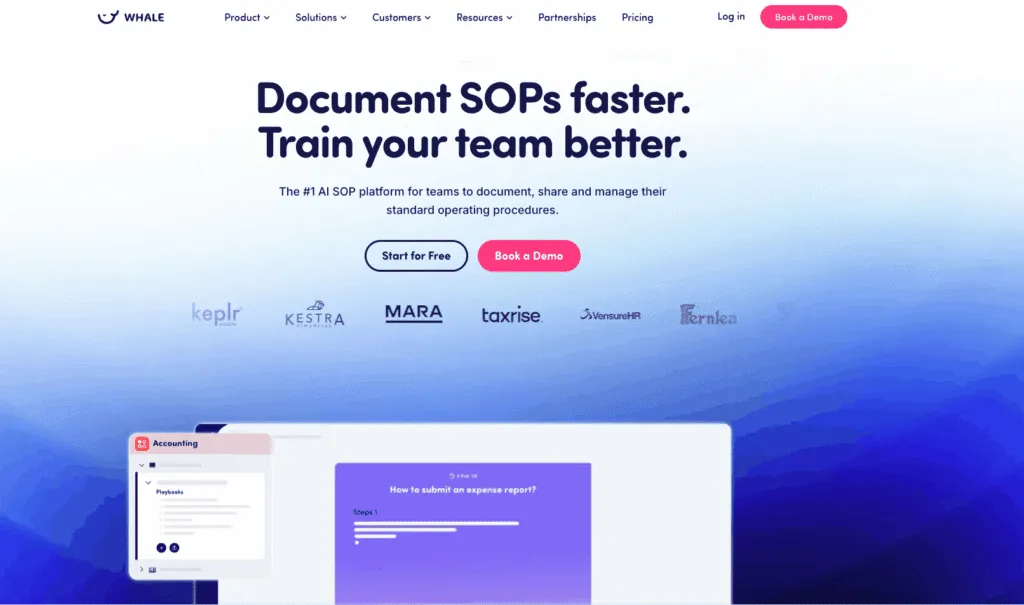
Whale serves as an enterprise learning management system that delivers tailored training experiences for employees, fostering professional development and organizational growth. Designed to facilitate seamless onboarding, compliance training, and skill enhancement, Whale integrates AI-driven automation to craft learning journeys for each role in your organization.
Key features of Whale
- Automated training flows: customize learning paths using triggers, delays, and repeat actions.
- AI-generated quizzes: confirm knowledge retention with tailored assessments.
- Certifications and badges: recognize and motivate employees with visible achievements.
- Mobile and QR code access: give remote and field teams instant learning resources.
Best for
- Organizations streamlining training with dynamic, automated learning.
- Small-to-medium businesses focused on team alignment.
Pricing:
- Free Forever: $0, up to 10 members included.
- Scale: $299/month billed annually. 3 creators included. Everyone else joins as a member, with no per-seat fee.
- Advance: $599/month billed annually. 5 creators included. Everyone else joins as a member, with no per-seat fee.
- Enterprise: yearly pricing on request, unlimited members.
2. Docebo
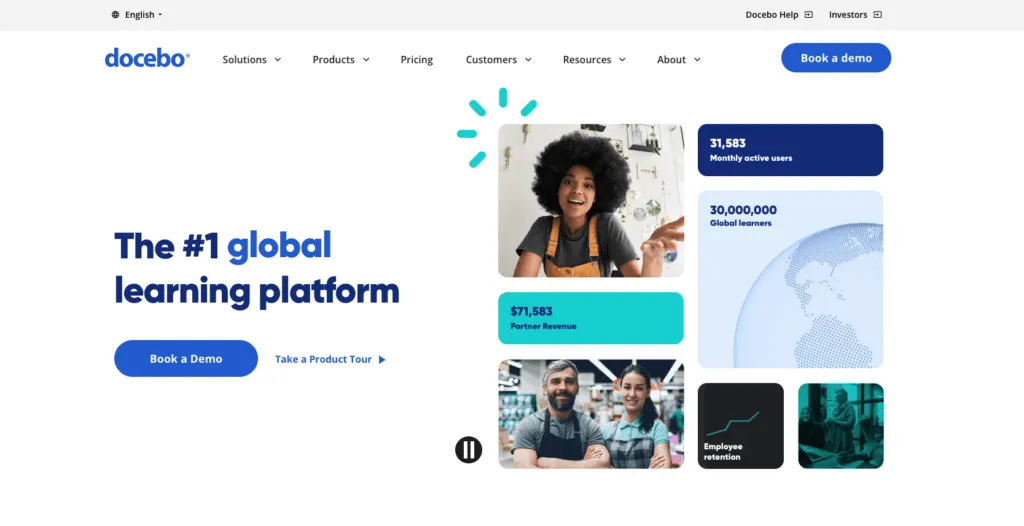
A robust AI-powered LMS, Docebo offers automation for content creation and personalized learning paths. Its marketplace provides access to pre-built courses, making it a good fit for large-scale enterprises aiming to streamline employee training and development.
Key features
- AI tools for learning personalization
- Content marketplace integration
- Advanced analytics for ROI tracking
Best for
Enterprises needing scalable training systems with automation, typically from 250 learners up.
Pricing:
- Custom quote only. Docebo publishes no figures on its pricing page.
- Priced on your product tier plus active users, using a monthly, yearly or registered active-user model. Minimum contract is one year.
- Docebo suggests it fits organizations training at least 250 learners. Two tiers are published: Elevate and Enterprise.
3. Absorb LMS
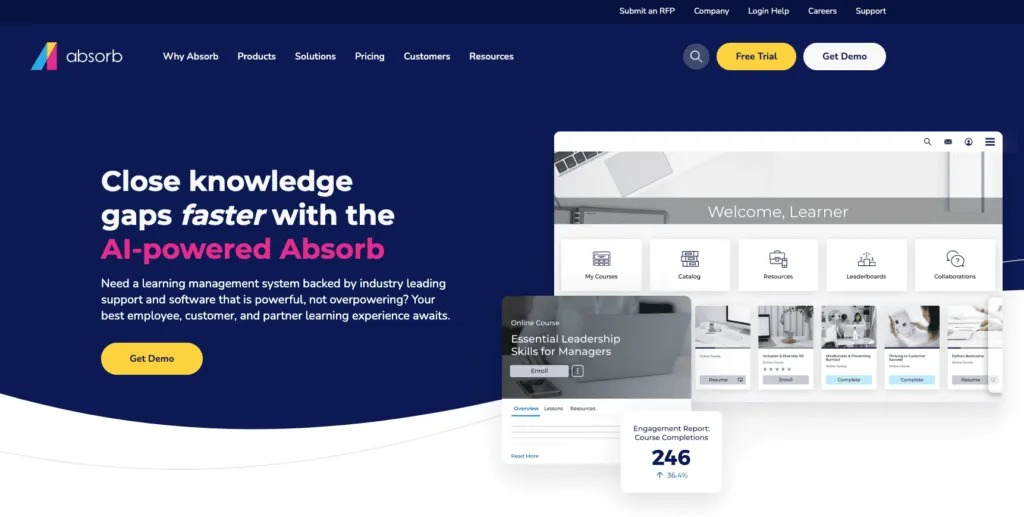
Absorb LMS combines flexibility with a comprehensive course library. It provides gamification, mobile learning, and strong integration with external content providers, catering to organizations with diverse upskilling needs. Absorb now operates from absorbai.com, with its AI layer branded Absorb Aura.
Key features
- Extensive pre-built course library
- Gamification and mobile learning tools
- SCORM-compliant content
Best for
Corporations focused on upskilling and continuous learning.
Pricing:
- Custom quote only. Pricing is gathered through a form that asks for your learner count.
- A free trial is available, though Absorb does not publish its length.
4. iSpring LMS
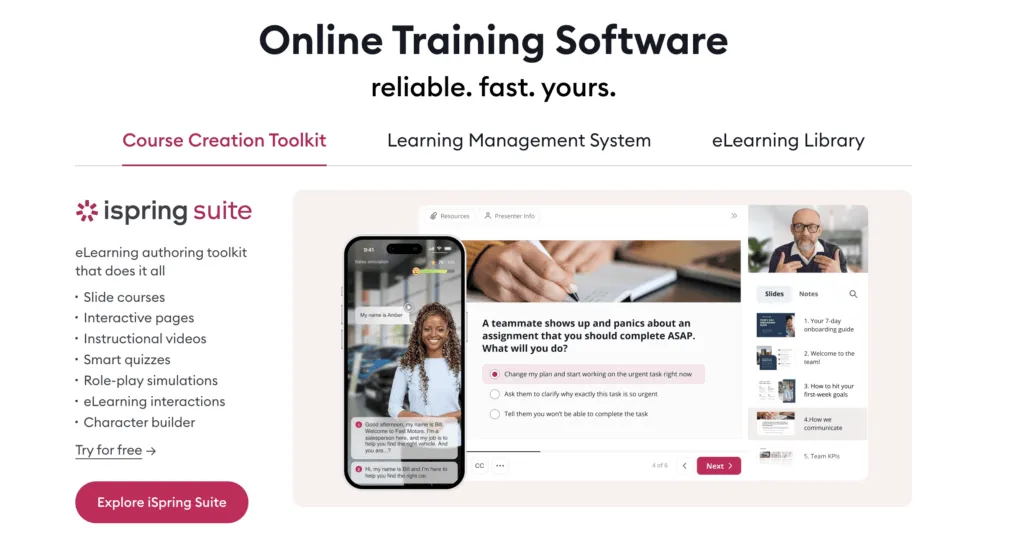
iSpring LMS, previously marketed as iSpring Learn, is an accessible platform tailored for interactive corporate training. With built-in course authoring tools and a focus on mobile compatibility, it enables organizations to create engaging learning experiences efficiently.
Key features
- Interactive assessments
- Seamless mobile learning
- Integrated course creation
Best for
Corporate learning teams of 100 users and up that want a predictable per-seat rate.
Pricing:
- $6.91/user/month at the 100-user tier, billed annually ($8,286 per year).
- The rate scales down with volume: $4.46/user/month at 300 users, $3.97 at 500.
- 100 users is the smallest published tier. Enterprise is a custom quote.
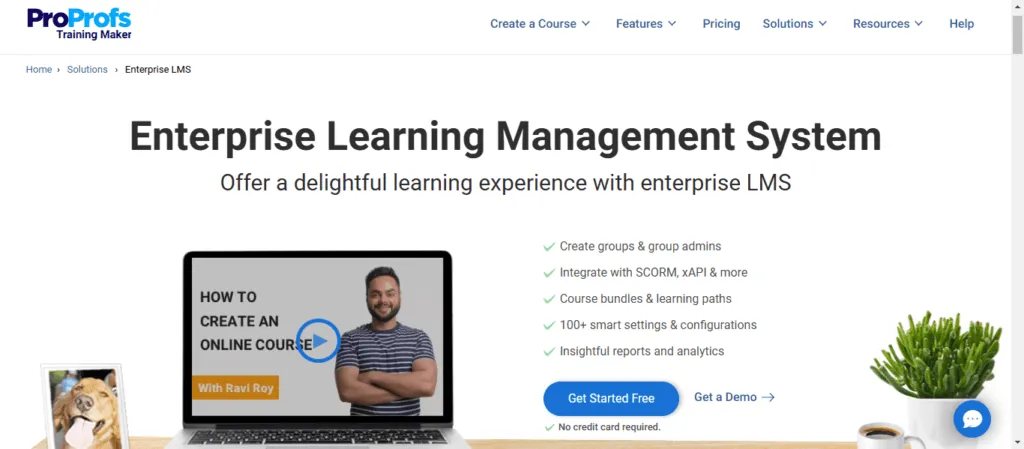
5. ProProfs Training Maker
ProProfs Training Maker is an LMS that simplifies course creation, employee training, assessment, and tracking. The tool is comparatively easy to use and scalable, and being cloud-hosted, no downloading or installation is required.
Key features
- Library of expert-taught courses
- Multiple instructors
- Mobile-readiness
Best for
Straightforward employee training for businesses of all sizes and across industries.
Pricing:
- Free forever, capped at 10 learners.
- Essentials: $1.99 per active learner/month billed annually ($23.88 per learner per year), up to 100 active learners.
- Business $3.99 and Business Complete Elite $4.98 per active learner/month; Enterprise from $499/month.
6. TalentLMS
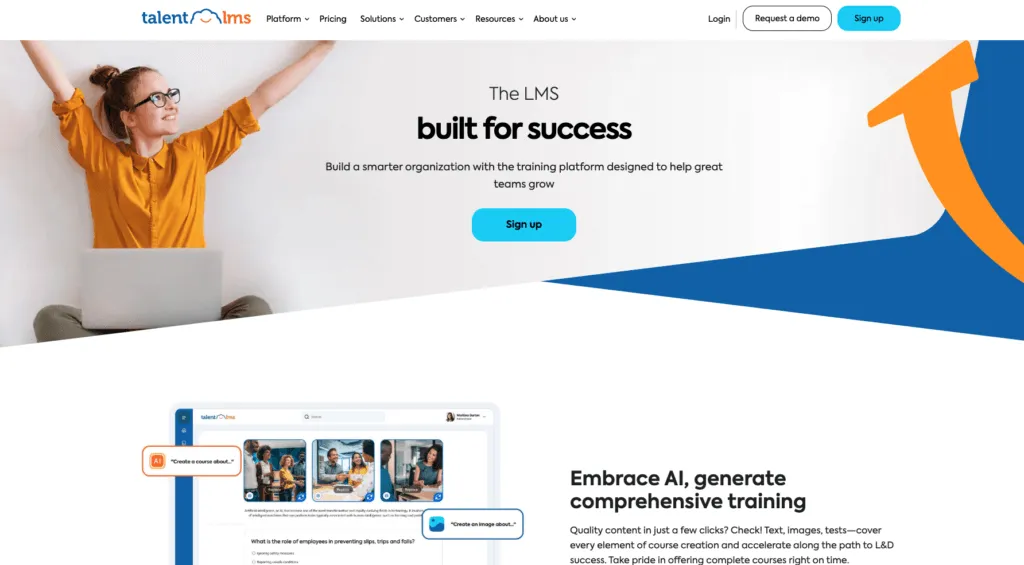
A scalable LMS, TalentLMS excels in gamification and white-label options. It’s a good fit for businesses looking to enhance partner or employee training through engaging, flexible content.
Key features
- Gamification features
- White-label branding
- Branching and customization
Best for
Organizations focused on scalable partner and employee training.
Pricing:
- Core: $149/month for 1 to 40 users, billed monthly.
- Grow: $299/month for 1 to 70 users. Pro: $579/month for 1 to 100 users.
- Annual billing cuts roughly 20% (Core drops to $119/month). Enterprise starts at 1,000 users.
- A free plan covers up to 5 users with no time limit. Pricing counts users who log in each month.
7. Seismic Learning and Coaching (formerly Lessonly)
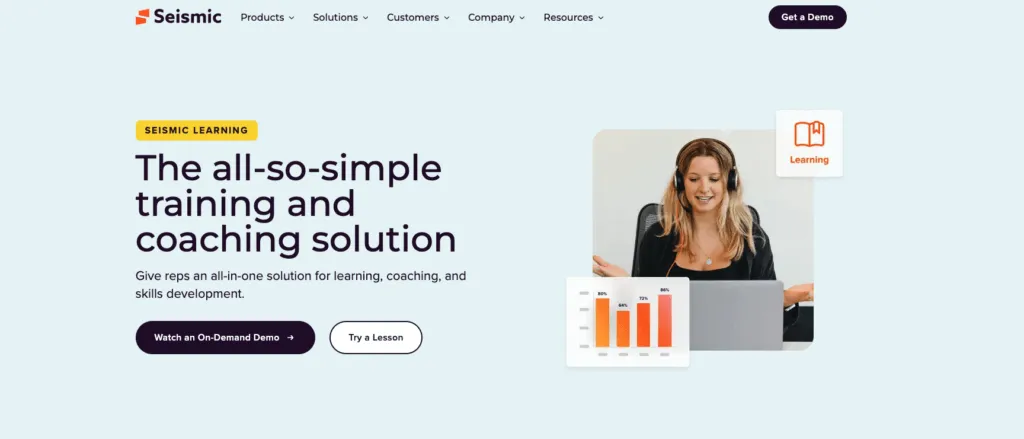
Seismic Learning and Coaching targets sales enablement through tailored training paths and skill gap analysis. It is now delivered as part of the Seismic Enablement Cloud rather than as a standalone product, and the Lessonly name has been retired.
Key features
- Skill gap analysis
- Sales-specific learning paths
- Progress tracking
Best for
Sales teams and performance-driven organizations.
Pricing:
- Custom quote only. Seismic publishes no pricing page for its learning product.
- The route in is a demo request rather than a self-serve plan.
8. EducateMe
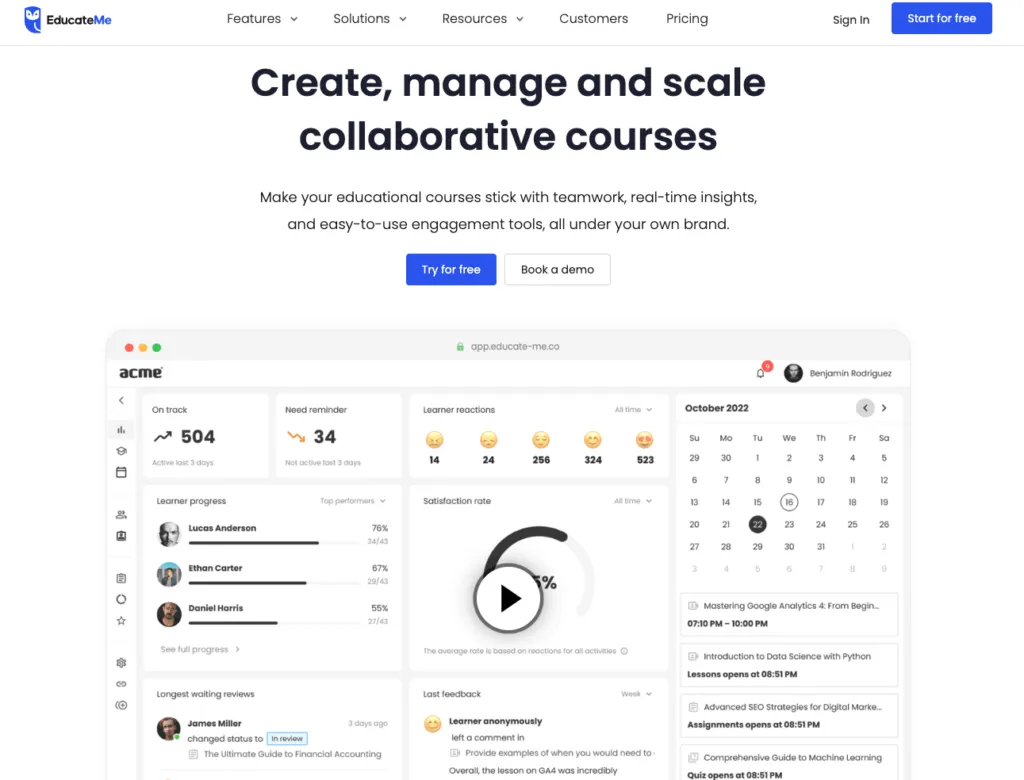
EducateMe blends collaboration with advanced analytics, offering enterprises tools for branded learning and comprehensive reporting. Its drag-and-drop editor simplifies course creation for diverse training programs.
Key features
- Intuitive course creation
- Advanced reporting tools
- Collaborative learning environments
Best for
Organizations emphasizing collaboration and reporting, from about 80 seats up.
Pricing:
- Pro: from $239/month at its 80-seat minimum, rising to $299/month at 100 seats (about $3 per user).
- Premium: $399/month covering up to 100 users. Scale: $999/month covering up to 200.
- Prices are monthly-billed; annual billing saves 10%. A 14-day free trial is available.
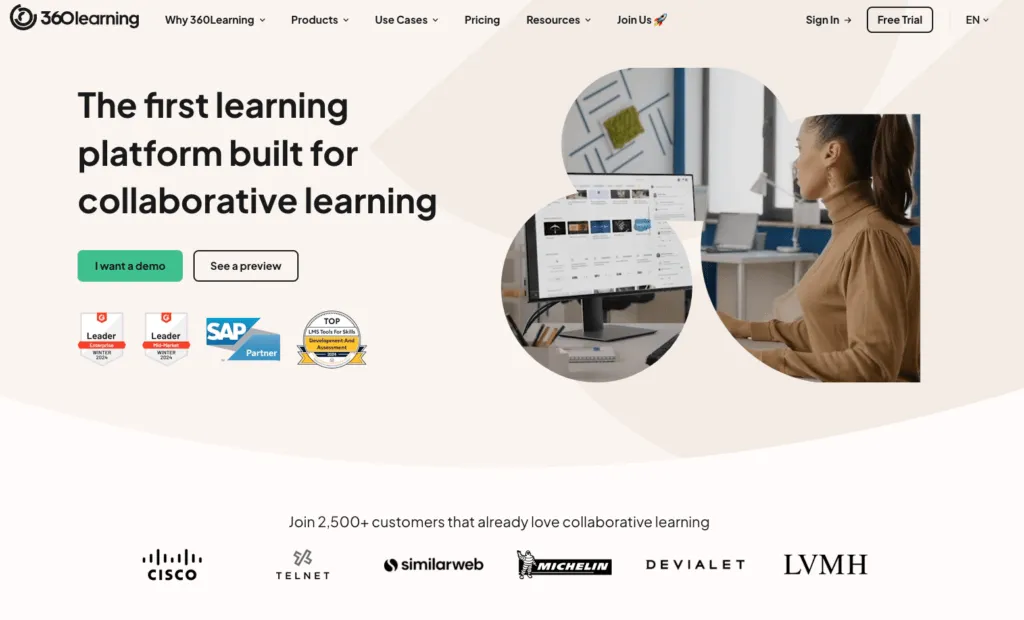
9. 360Learning
Focused on collaboration and peer learning, 360Learning supports team interaction through forums and comment threads. Its course builder and analytics make it a good fit for fostering internal knowledge sharing.
Key features
- Collaborative learning features
- Peer-to-peer knowledge sharing
- SCORM-compatible course builder
Best for
Mid-sized to large enterprises with a collaborative culture.
Pricing:
- Team: $8/user/month, billed monthly with no annual commitment, for up to 100 users.
- There is no seat minimum and no minimum volume commitment.
- Business and Enterprise are custom quotes. A 30-day free trial is available.
10. Tovuti LMS
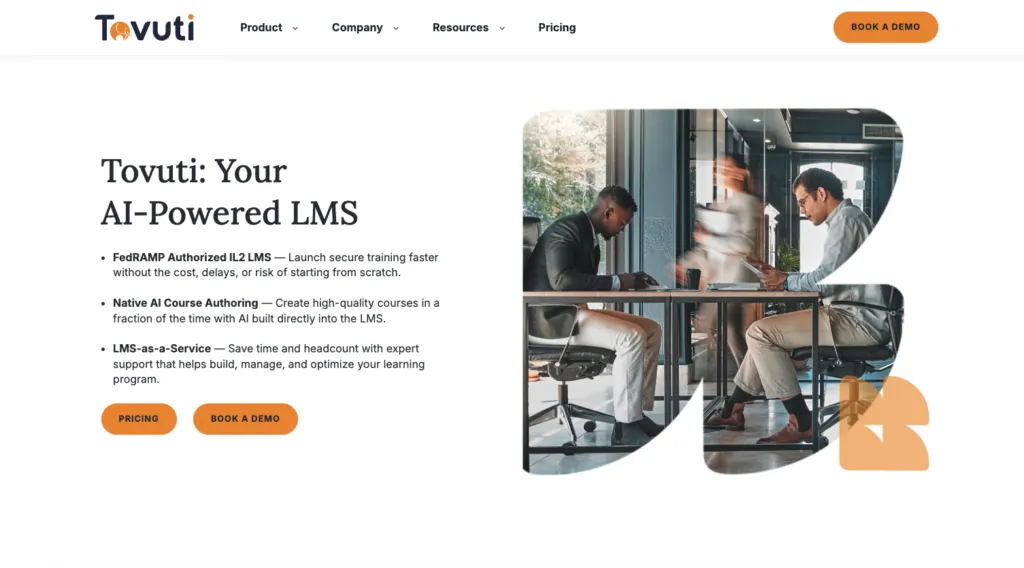
Tovuti stands out with its focus on interactive and gamified training. Designed for dynamic learning environments, it supports SCORM compliance and offers a suite of social learning tools.
Key features
- Gamification and certifications
- SCORM-compliant courses
- Social learning tools
Best for
Enterprises seeking interactive training programs.
Pricing:
- $7,500/year for your first 100 learners, billed annually, then scaling by learner count.
- One all-inclusive plan rather than tiers. Add-ons for managed service and AI authoring are quoted separately.
11. Adobe Learning Manager
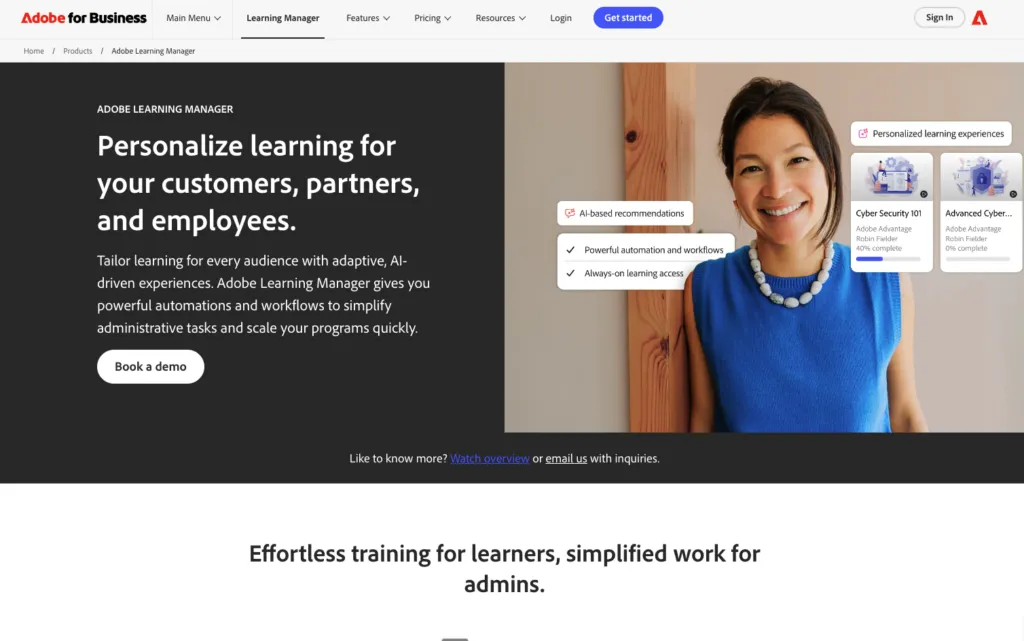
Adobe Learning Manager is an AI-powered LMS well suited to organizations already using Adobe products. It enables personalized learning experiences and content creation through integration with the Adobe Cloud.
Key features
- AI-driven course creation
- Creative content delivery
- Adobe Cloud integration
Best for
Creative teams and Adobe ecosystem users.
Pricing:
- Custom quote only. Adobe publishes no figures for Learning Manager.
- Two licensing models are published: registered users, or monthly active users, so you pay for the capacity you need.
12. Pluralsight
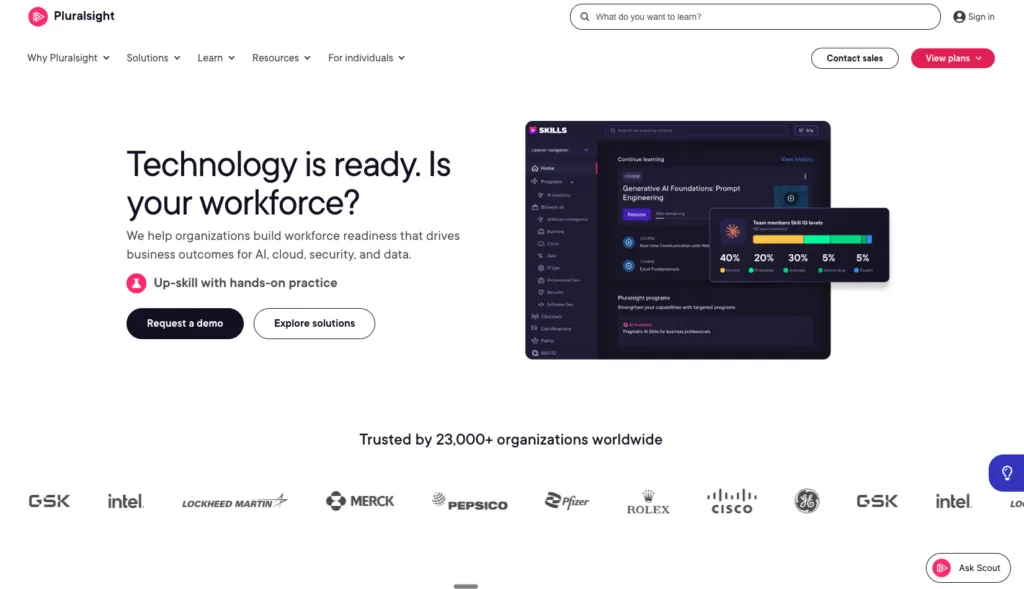
Pluralsight specializes in IT and technical skill-building. With an extensive library and learning paths, it helps organizations upskill employees in high-demand tech roles.
Key features
- Library of technical courses
- Skill assessments and analytics
- Pre-built learning paths
Best for
IT teams and technical training programs.
Pricing:
- Teams: $399 per user, billed annually, for 2 to 20 seats.
- Enterprise (20+ seats): contact sales, which adds cloud sandboxes and a dedicated account team.
- Individual plans run $29 to $49/month, or $299 to $449 billed yearly. A 10-day free trial excludes lab and sandbox features.
13. Continu
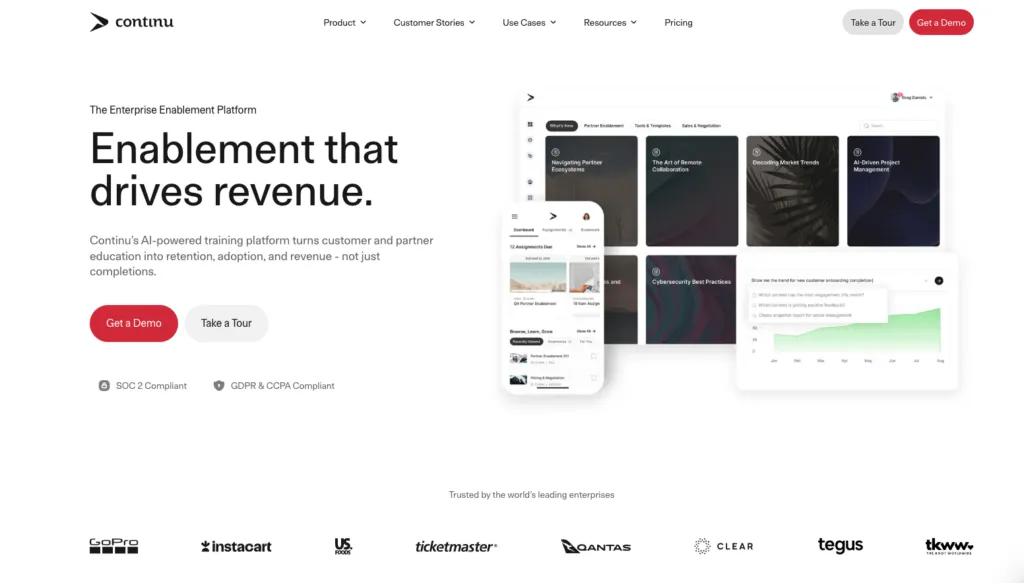
Continu is designed for onboarding and continuous learning. Its segmentation tools and CRM-like features make it a versatile choice for managing diverse training audiences.
Key features
- Advanced segmentation tools
- CRM features for learner management
- eLearning authoring tools
Best for
Organizations focusing on onboarding and extended enterprise training.
Pricing:
- Custom quote only. Continu publishes no figures.
- Three tiers, Growth, Professional and Enterprise, banded by monthly active users: under 1,000, 1,000 to 5,000, and 5,000+.
14. Academy Ocean
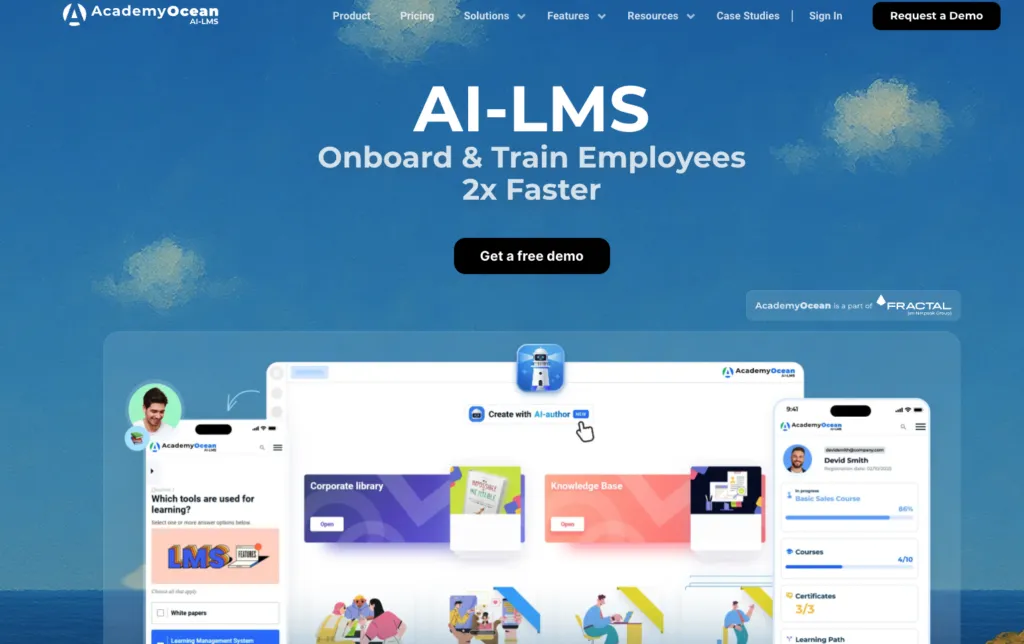
Academy Ocean offers adaptive learning and customization options, making it a strong choice for customer onboarding and stakeholder training.
Key features
- Adaptive learning features
- Mobile-friendly platform
- Comprehensive reporting
Best for
Enterprises managing diverse learner groups.
Pricing:
- Essential: from $250/month. Professional: from $500/month.
- Enterprise is quoted on request. Academy Ocean publishes no learner counts per tier and no annual-billing option.
15. Knolyx
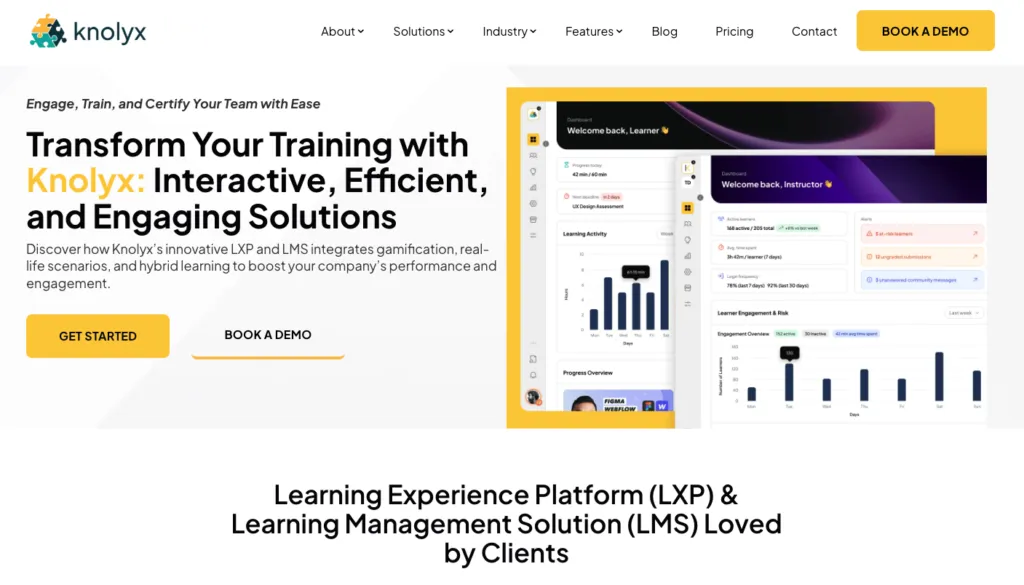
Knolyx combines gamification, compliance, and collaboration tools to create a versatile learning platform. Its mobile app and simulations support diverse training scenarios.
Key features
- Mobile-friendly learning
- Gamification and simulations
- Compliance management
Best for
Enterprises seeking a multi-functional LMS on a fixed monthly fee.
Pricing:
- Knolyx publishes in euros, not dollars: White €100, Yellow €350 and Black €595 per month.
- Annual billing saves two months (€83, €292 and €496 per month).
- Active-learner caps are 100, 350 and 600 respectively. An unpriced Enterprise option adds SSO, SCORM and on-premise hosting.
How to Choose the Right Enterprise Learning Management System
When evaluating your options, start with your goals. Are you training employees, partners, or customers? Do you need advanced analytics or just basic tracking? What’s your budget? These questions will narrow your choices and help you zero in on the right platform.
Follow this process to choose the best LMS for your business:
- Define learning objectives: pinpoint training goals for internal or external audiences.
- Consider scalability: ensure the LMS accommodates organizational growth.
- Evaluate features: look for gamification, mobile compatibility, and robust analytics.
- Check the pricing model, not just the price: per-seat, flat fee and active-user models diverge sharply as headcount grows.
- Integration capabilities: choose an LMS that integrates well with CRMs, HCMs, or existing tools.
- User experience: prioritize intuitive interfaces for both administrators and learners.
Characteristics of the best LMS platforms
- Ease of use: simple navigation and accessibility.
- Content variety: supports multimedia, SCORM, and interactive formats.
- Analytics: detailed tracking and reporting.
- Collaboration: tools like forums, peer reviews, and badges.
- Mobile optimization: accessible on all devices.
Why an LMS is more than just software
An LMS isn’t just about keeping up with training trends, it’s a tool for transforming your workforce. Companies using LMS platforms report higher employee engagement, reduced turnover, and measurable boosts in productivity. Virtual training also costs a fraction of in-person sessions.
If your organization is smaller than the enterprise platforms on this list are built for, our guide to the best LMS for small business covers the same category from a different company-size angle.
Further reading on enterprise learning
Key definitions
Definition of a training manager
Onboarding and training on Whale
What is a training analyst
Templates
30-60-90 onboarding template
Employee handbook template
Employee goal setting template
Related blog posts
A collaborative learning system
Build a learning culture
Build an employee training program
Lisa Steingold is the Head of Content for Whale. With a history in tech, she's authored 4 books and is obsessed with helping teams unlock the next level of growth and productivity. (And riding her bike)