
hr-resource-audit-template
See what your HR function has, what it is missing and where the load sits. This HR resource audit template covers people data, capacity, documentation and systems.
- Document without effort
- Centralize and organize
- Make easily accessible

What's in the hr-resource-audit-template
People data
- Pull a current headcount by team, location and contract type
- Check the accuracy of job titles and reporting lines
- Identify records missing from the HRIS
- Review turnover and time-to-hire for the last twelve months
Roles and capacity
- Map who owns each HR process end to end
- Identify single points of failure with no backup
- Compare workload against team size and budget
- List the work being outsourced and what it costs
Documentation and process
- List every HR process and whether it is written down
- Flag processes that live only in someones head
- Check each document has a named owner and review date
- Identify the processes new hires ask about most
Systems and tools
- Inventory every HR tool and what it is used for
- Identify overlapping tools and unused licences
- Check integrations between payroll, HRIS and benefits
- Review access rights and offboarding removal steps
Turn the audit into an operating picture: see adoption and gaps in analytics and reporting, document what is missing with Step Recorder, and set owners with expert review cycles.
How does this free template stack up to Whale?
A static checklist template
- Customizable
- Free
- Free mobile app
Whale
- Customizable
- Free
- Free mobile app
- Employee Training tools
- Employee Onboarding tools
- Automated Workflows
- Reporting
- Insights on knowledge
- Insights on Checklist runs
Create checklists with ease
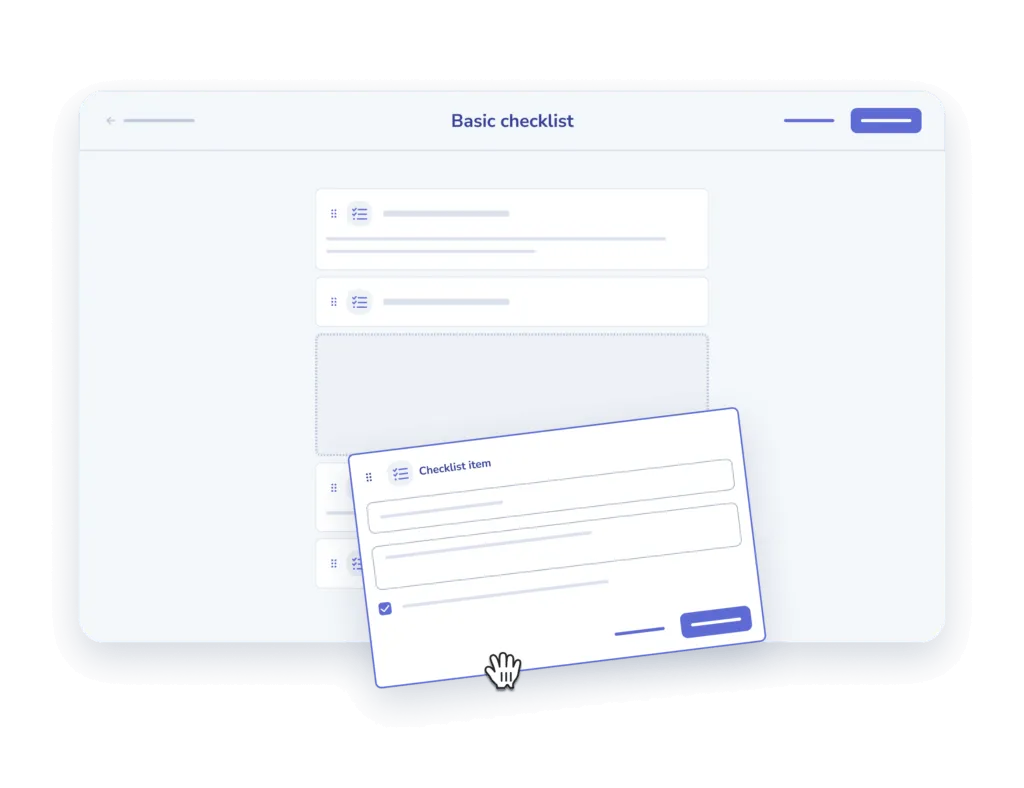
- Add and describe. Add your steps one at a time and offer a description for clarity sake.
- Add an input field. Offer the option to add comments or other inputs for each step.

Assign to your team and track
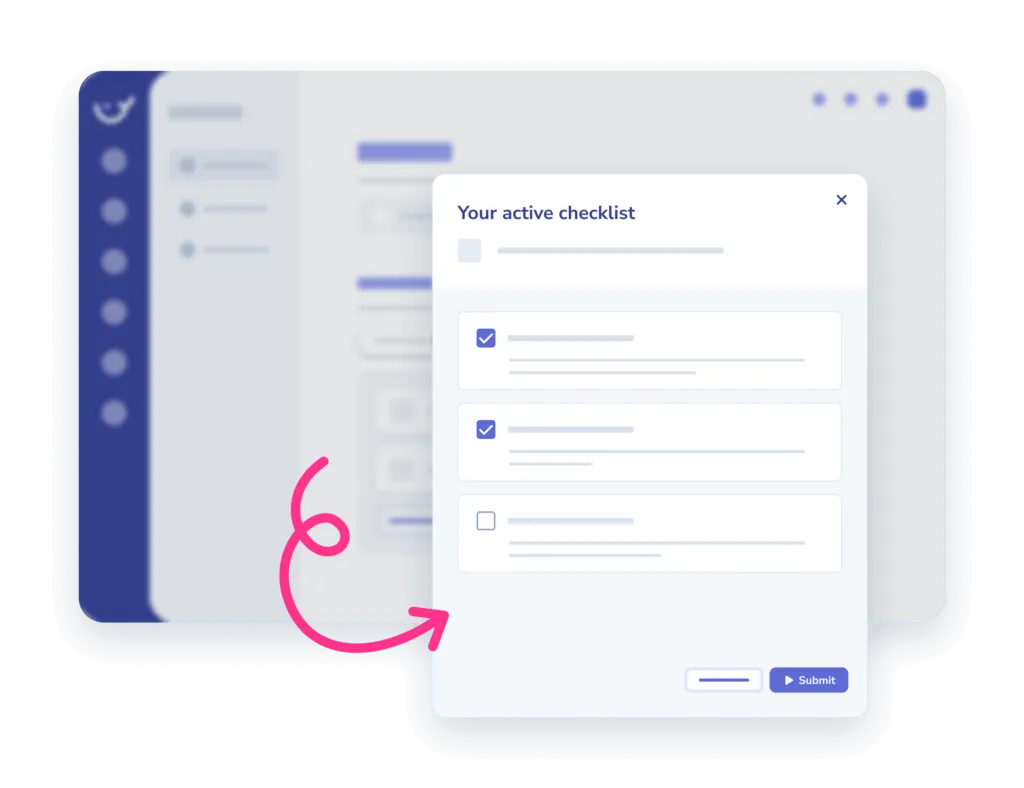
- Assign. Assign checklists to an individual or a team, in the office or on the go.
- Track completion. Monitor when and who completed which tasks in the insights report.
Frequently asked questions
01How do I use this checklist template?
Copy the checklist into Whale and work through it step by step. Every item can carry its own description, so whoever runs it knows exactly what the step means and what done looks like.
02Can I customize the checklist for my team?
Yes. Add your own steps one at a time, write a description for each, and add an input field wherever you need someone to leave a comment or record a result.
03Can I assign a checklist and see who completed it?
Yes. Assign it to one person or a whole team, in the office or on the go, then monitor when and who completed which tasks in the insights report.
04Is this checklist template free?
The template is free to use. Whale adds the training flows, onboarding, automated workflows and reporting on top for when a checklist becomes part of how the team works.
Other features
Training Flows
Build the onboarding path once. Assign it to every new hire.
Learn about Training FlowsAI-Generated Quizzes
Turn any SOP into a quiz in one click
Learn about AI-Generated QuizzesAnalytics & Reporting
See what your team uses, what they skip, and who needs help
Learn about Analytics & Reporting