
setting up an HR department checklist
Build the function from nothing without missing the parts that matter. This checklist walks through the foundations, hiring, policy and systems work of setting up an HR department.
- Document without effort
- Centralize and organize
- Make easily accessible

What's in the setting up an HR department checklist
Set the foundations
- Define what HR owns and what stays with managers
- Agree a budget and decide what to outsource
- Map the employee lifecycle from pre-hire to offboarding
- Set the first year of HR priorities
Hiring and onboarding
- Write job descriptions for every existing role
- Build a repeatable recruiting and interview process
- Create an onboarding path new hires can follow alone
- Set a probation and check-in schedule
Policies and compliance
- Draft the employee handbook and get it reviewed
- Set health, safety and incident reporting rules
- Establish personnel file structure and retention periods
- Build a compliance review cycle ahead of any audit
Systems and feedback
- Choose an HRIS that fits the size of the team
- Document how to run payroll and benefits end to end
- Set up a way to collect employee feedback
- Define performance review cycles and training paths
Build the department in Whale: document each process with Step Recorder, turn it into onboarding with training flows, and keep the handbook current with expert review cycles.
How does this free template stack up to Whale?
A static checklist template
- Customizable
- Free
- Free mobile app
Whale
- Customizable
- Free
- Free mobile app
- Employee Training tools
- Employee Onboarding tools
- Automated Workflows
- Reporting
- Insights on knowledge
- Insights on Checklist runs
Create checklists with ease
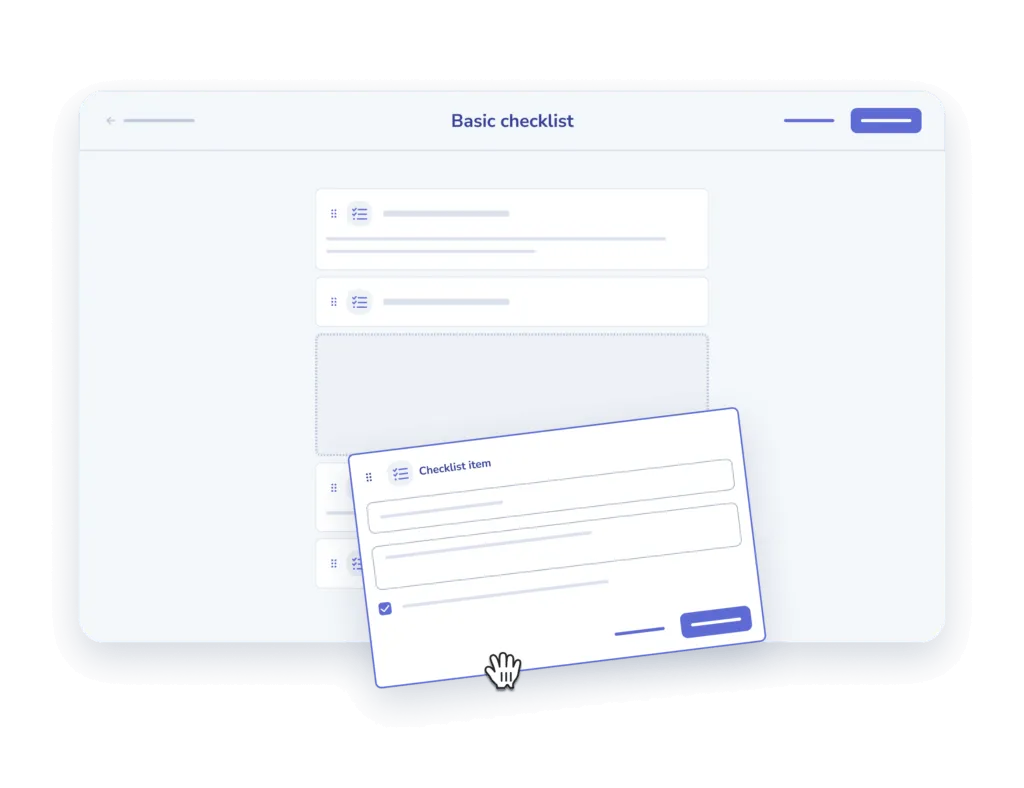
- Add and describe. Add your steps one at a time and offer a description for clarity sake.
- Add an input field. Offer the option to add comments or other inputs for each step.

Assign to your team and track
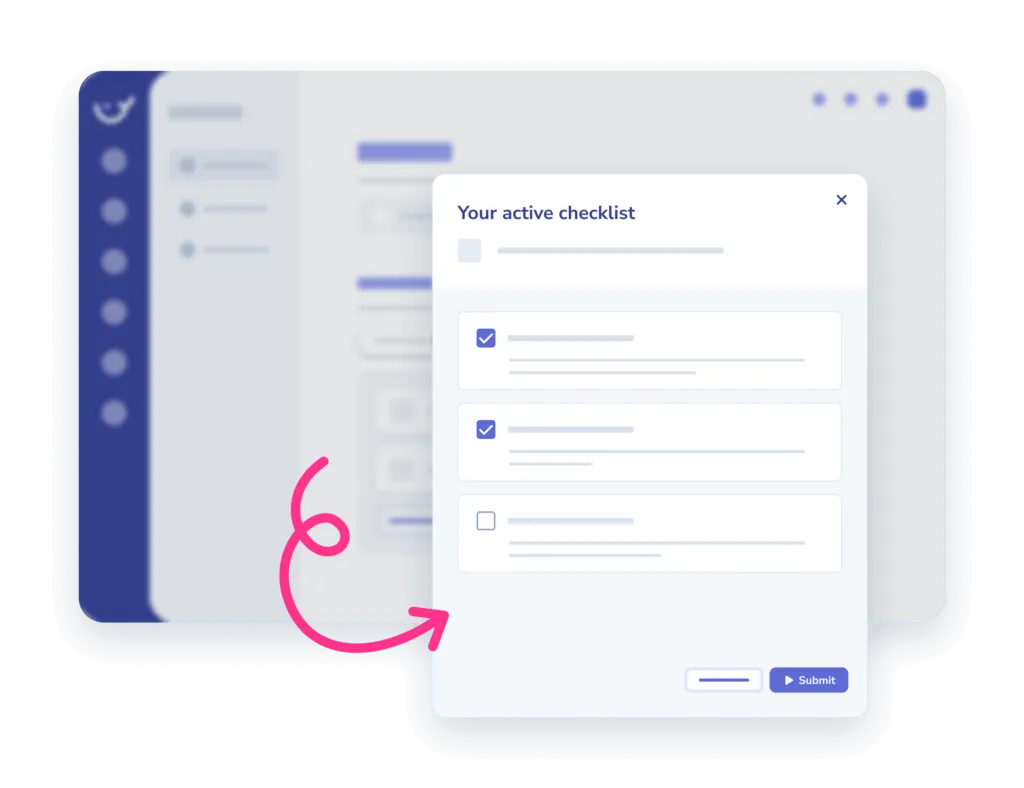
- Assign. Assign checklists to an individual or a team, in the office or on the go.
- Track completion. Monitor when and who completed which tasks in the insights report.
Frequently asked questions
01How do I use this checklist template?
Copy the checklist into Whale and work through it step by step. Every item can carry its own description, so whoever runs it knows exactly what the step means and what done looks like.
02Can I customize the checklist for my team?
Yes. Add your own steps one at a time, write a description for each, and add an input field wherever you need someone to leave a comment or record a result.
03Can I assign a checklist and see who completed it?
Yes. Assign it to one person or a whole team, in the office or on the go, then monitor when and who completed which tasks in the insights report.
04Is this checklist template free?
The template is free to use. Whale adds the training flows, onboarding, automated workflows and reporting on top for when a checklist becomes part of how the team works.
Other features
Training Flows
Build the onboarding path once. Assign it to every new hire.
Learn about Training FlowsAI-Generated Quizzes
Turn any SOP into a quiz in one click
Learn about AI-Generated QuizzesAnalytics & Reporting
See what your team uses, what they skip, and who needs help
Learn about Analytics & Reporting