AI and Agentic Workflows
8 of the best agentic workflow tools in 2026 (we compared them)

In this article
An agentic workflow tool is software that lets an AI agent take a goal, work out the steps, use your apps to carry them out and check the result, instead of following a fixed set of rules.
It's one of today's biggest time savers!
The best one for you depends on who builds the agents (a business team or developers), where the agents need to work (Slack, Salesforce, Microsoft 365 or everywhere), and how much you trust them to act without asking.
The best agentic workflow tools in 2026 are
- Whale for ready-made agents that keep your company knowledge and processes current, and connect every other agent to them. Our page on how Whale helps you train AI agents on your company processes goes deeper.
- Gumloop and Lindy for business teams that want to build agents without code,
- Relevance AI for building a whole AI workforce of agents,
- and Zapier Agents if your work already runs through Zapier.
- Microsoft Copilot Studio and Salesforce Agentforce are best when your company lives in Microsoft 365 or Salesforce, and CrewAI when developers want an open-source framework with an enterprise platform on top.
With tools like Claude and Lovable, building agents and agentic workflows is easy.
Most of these tools will have one running before your coffee goes cold. What decides whether it's still running after lunch, and in three months, is whether it does the right thing with the right information and stops to ask when it should.
Teams usually go looking for agentic workflow tools for three reasons:
- their automations break whenever an input doesn't match the rules,
- someone has built a clever agent in a chat window and now the whole team wants one,
- or leadership has asked for an "agent strategy" and nobody is sure what that means yet.
We did a deep dive into the best tools to use, and why.
Before we continue we want to disclose that Whale publishes this page and is one of the tools on it. But we always aim to keep fair practice. Every price comes from the vendor's own pricing page, checked in October 2026. Every tool, Whale included, gets the same fields and real cons.
What is an agentic workflow tool?
An agentic workflow tool is software you use to build, run, and keep an eye on AI agents. An AI agent gets a goal, not a script. It decides the steps, uses your apps to carry them out, checks its own work and asks a person when it's unsure. The agentic workflow is the job it does from start to finish.
If that still sounds abstract, you're not alone. Most product marketing uses "agent", "assistant" and "automation" for the same thing but they are different. Here's the difference, using one everyday job: a new lead fills in your demo form.
| Rule-based automation | AI assistant | Agentic workflow | |
|---|---|---|---|
| Who decides the steps | You, in advance | You, every time | The agent, from your goal |
| What happens with the new lead | Copies the lead into the CRM and sends the same template email | Writes a follow-up email when you ask, then waits | Looks up the company, checks your sales process, writes a personal email, logs it in the CRM and asks you before it sends |
| When something unexpected happens | It breaks, or quietly does the wrong thing | You notice and ask again | It changes its plan, or stops and asks you |
| Example | A classic Zap | ChatGPT in a chat window | An agent built in Gumloop, Lindy or Zapier Agents |
Taking this example, you can see why it makes sense to have an army of agents running certain tasks.
What makes a tool agentic
Look for four things. If one is missing, you're probably looking at automation with an AI label.
- A goal, not a script. You describe the outcome and the agent plans the steps.
- Hands. It can act in your apps (send, update, create), not only answer.
- Knowledge. It works from your company's information, not just what the model picked up on the internet.
- Checks. It reviews its own result and hands over to a person before risky actions.
The kinds of agentic workflow tools on this list
- No-code agent builders for business teams: Gumloop, Lindy, Relevance AI and Zapier Agents.
- Agent platforms inside an ecosystem you already pay for: Microsoft Copilot Studio and Salesforce Agentforce.
- Developer frameworks: CrewAI.
- Ready-made agents for one workflow: Whale. Its agents run the job of keeping company knowledge and processes current, from spotting the problem to drafting the fix. Through Whale MCP, the agents you build in the other tools read from that same knowledge.
The catch is that an agent is only as good as the instructions and information it works from. An agent that reads an out-of-date refund policy will follow it with total confidence. That's why Whale is essential for keeping information correct and up to date.
Key takeaways
- Whatever agent you build, connect it to Whale. The tools on this list give agents hands. Whale gives them the right instructions. Connect Claude, ChatGPT, Gemini or any MCP-compatible agent through Whale MCP, and it works from your approved processes, within each person's permissions, instead of guessing. Changes an agent makes in Whale through MCP, including deletes, are saved straight away. The only approval step is your AI tool asking "allow this action?", depending on its settings.
- The real risk isn't the agent, it's what the agent reads. An agent will follow an out-of-date policy with total confidence. Whale's own agents check your knowledge daily, weekly or monthly for stale content, search gaps and unanswered questions, so the source your agents read stays current.
- Who builds decides the tool. Gumloop, Lindy, Relevance AI and Zapier Agents are built for business teams. CrewAI is built for developers, with a visual studio on top.
- Ecosystem matters more than features. Copilot Studio fits Microsoft 365 companies and Agentforce fits Salesforce companies. Fighting your own stack is expensive.
- Almost everything is priced in credits. Gumloop, Lindy, Copilot Studio and Agentforce all meter agent work, so cost grows with how much your agents do, not how many people use them.
- Four of the eight have a free plan or free entry tier. Whale, Zapier, Agentforce (Salesforce Foundations) and CrewAI. Gumloop and Lindy offer trials, and Copilot Studio has a free trial.
Quick comparison of agentic workflow tools
| Tool | Best for | Who builds | Starting paid price* | Free plan or trial | G2 rating | Human in the loop |
|---|---|---|---|---|---|---|
| Whale | Agents that keep company knowledge and processes current | Ops, enablement and knowledge owners | $299/month billed yearly (3 creators) | Free plan: 1 creator, up to 10 members | 4.8/5 | Every Coral fix waits for approval. MCP changes, including deletes, save straight away, and the AI tool's "allow this action?" prompt is the only check |
| Gumloop | No-code agents for business teams | Business teams | From $37/month (Pro) | 14-day trial | 4.8/5 | Connector policies and guardrails |
| Lindy | An AI teammate in Slack, email and meetings | Business teams | From $49.99/month per active user (5,000 credits) | $50 in free credits for 7 days | 4.9/5 | Approvals built in |
| Relevance AI | Building an AI workforce of many agents | Business and ops teams | Custom (Enterprise) | Talk to sales | 4.3/5 | Agent evaluations, A/B testing |
| Microsoft Copilot Studio | Microsoft 365 companies | Makers and IT | $200/month per 25,000 Copilot Credits, or pay-as-you-go | Free trial | 4.4/5 | Admin governance in Microsoft's admin tools |
| Zapier Agents | Agents that act across 9,000+ apps | Business teams | From $19.99/month billed yearly (Zapier Pro) | Free plan: 100 tasks a month | 4.5/5 | Monitor activity and chat with the agent |
| Salesforce Agentforce | Salesforce companies | Salesforce admins | $500 per 100,000 Flex Credits, or $2 per conversation | Free with Salesforce Foundations | 4.3/5 | Salesforce security and access policies |
| CrewAI | Developers building multi-agent systems | Developers, with a visual studio | Custom (Enterprise) | Free Basic plan: 50 executions a month | 4.3/5 | Human-in-the-loop input, guardrails, tracing |
*All prices in US dollars as shown on each vendor's own pricing page.
1. Whale
Best for giving your company AI, approved company knowledge, and keeping it current
G2 rating: 4.8/5
Whale is where your company's processes and knowledge live, built so that people and your team's AI tools work from the same approved version.
Whale's agents run the workflow that keeps that knowledge right. Each one has a single job.
- Answers finds questions Coral couldn't answer,
- Freshness flags company content that is going stale,
- and Search gaps finds what your team looked for and couldn't find.
Every finding has a Fix action: Coral drafts the update, and a person approves it. That's an agentic workflow from start to finish, and nobody had to build it.
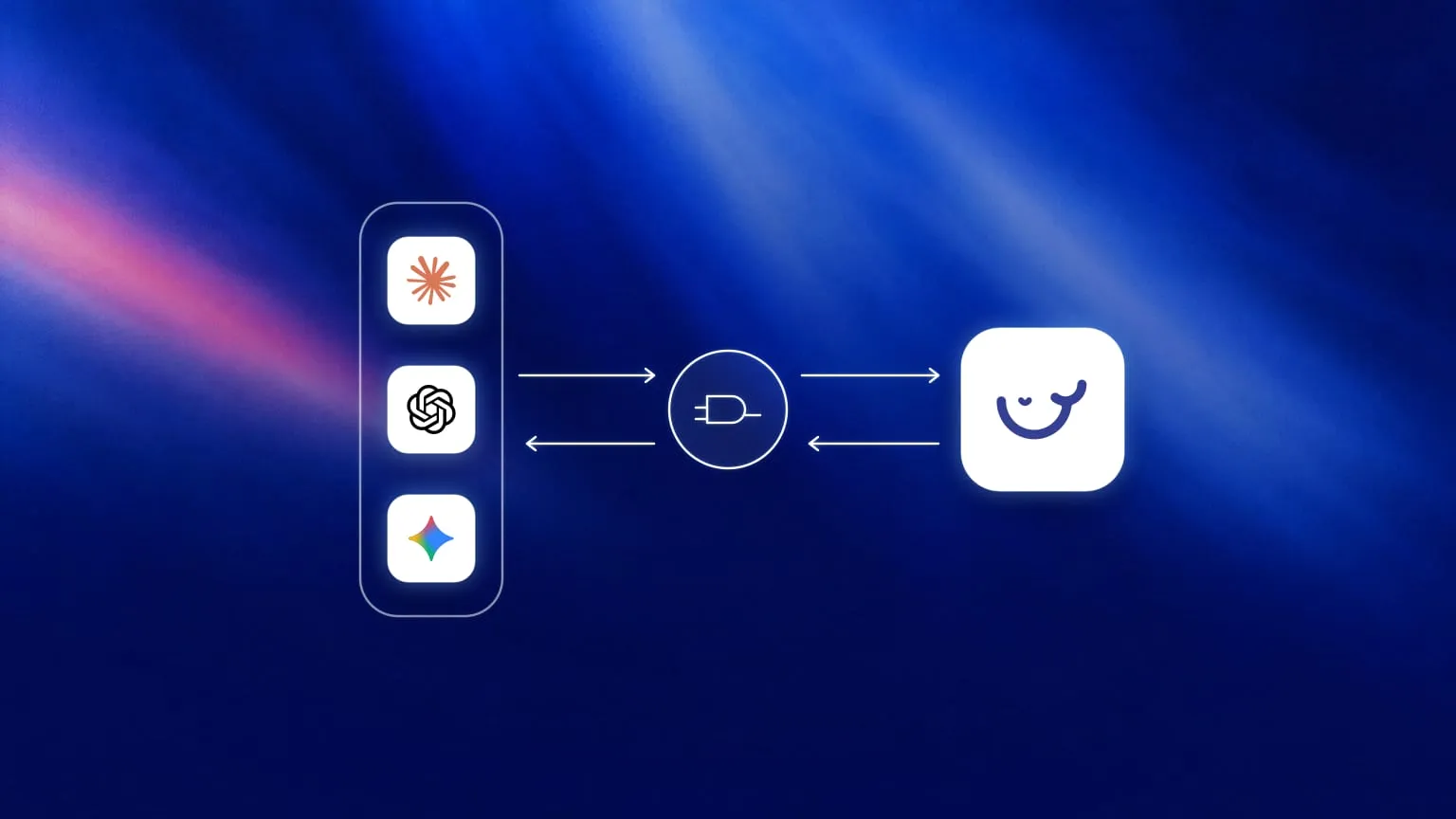
Whale MCP then lets Claude, ChatGPT, Gemini or any MCP-compatible agent search and act inside your Whale workspace, within each person's permissions. So the agents you build in the other tools on this list work from the same approved, current version, instead of making things up.
Key features of Whale
- Whale Agents, each watching a different part of your knowledge and flagging what needs attention. Read all about them in how to use AI agents
- Health score (always on, free): scores every card and shows what would improve it.
- Answers (daily, weekly or monthly): finds questions people asked Coral that your knowledge couldn't answer well, often a sign that something is missing, outdated or conflicting.
- Training (daily, weekly or monthly): finds where quizzes and onboarding break down.
- Freshness (daily, weekly or monthly): flags content that may be going stale.
- Search gaps (daily, weekly or monthly): finds searches with no useful results, so you see what your team looks for and can't find.
- Unread content (daily, weekly or monthly): finds content nobody is using.
- Slack (runs continuously, Scale and above): answers your team's questions in the Slack channels you select, from your Whale knowledge.
- Whale MCP, a remote MCP server over OAuth: agents search your workspace and create, edit or delete cards, guides and quizzes within each person's permissions. Changes are saved straight away, and the only approval step is your AI tool asking "allow this action?".
- Coral, Whale's AI assistant, which answers from your documented knowledge with sources, and fixes weak content when an agent flags it, with you approving the change
- Version history and approval flows, so agents read the approved version, not a draft
- A step recorder and video to SOP to capture a process once and turn it into written steps an agent can follow
Whale pricing
- Free: $0, 1 creator, up to 10 members, screen recorder, video to SOP, checklists, Coral, Health score agent
- Scale: $299/month billed yearly with unlimited documentation, training flows, AI quizzes, all Whale Agents, Whale MCP.
- Advance: $599/month billed yearly, including e-signatures, video editor and AI voiceovers, contextual suggestions, enforced SSO and granular permissions
- Enterprise: custom, adds approval flows, automatic redaction, SCIM and HRIS integrations, API access
Whale pros
- Whale MCP connects your company documentation to your AI tools and agents, so they use accurate, approved information instead of guessing
- Whale's own agents check your knowledge on the schedule you set, so stale pages and unanswered questions surface before an agent repeats them
- Whale MCP works within each person's Whale permissions, and your AI tool can ask "allow this action?" before every change, depending on its settings
- Coral answers where people already work, including in Slack
Whale cons
- Looking for a tool for 10 or fewer people? Whale costs more than a general wiki for very small teams.
- Whale doesn't build general-purpose agents. To build an agent that qualifies leads or triages tickets, pair Whale with one of the tools below.
Choose Whale if you want your company AI and every person working from the same approved, current processes.
2. Gumloop
Best for business teams building no-code agents across their tools
G2 rating: 4.8/5
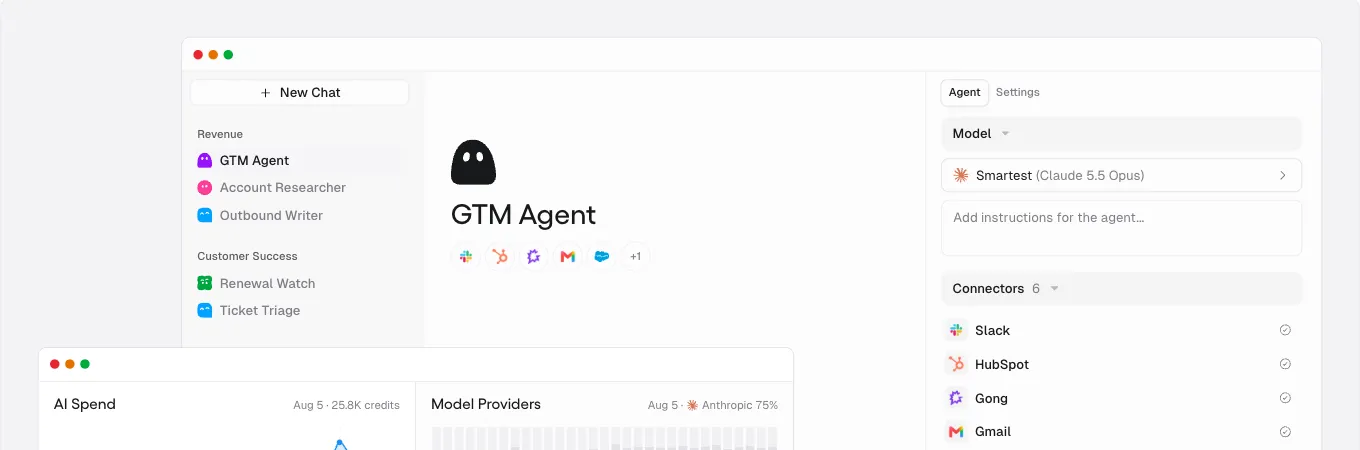
Gumloop describes itself as the place to build, share, optimise and control agents. You pick a model, write instructions and connect the tools the agent can use, such as Slack, HubSpot, Gong and Gmail. It's one of the most talked-about agent builders right now, and it earns its place.
Key features of Gumloop
- Unlimited agents and seats on Pro
- 35+ models, plus bring your own API keys
- Company Brain for company data, and GitHub skill sync
- Gumloop MCP, a CLI, and MCP server hosting
- Connector policies and guardrails, scoped per agent on Pro and org-wide on Enterprise
Gumloop pricing
- Pro: from $37/month, 20,000 credits a month, 14-day free trial
- Enterprise: custom
- An 8% orchestration fee applies, with discounts available
Gumloop pros
- Fast for non-developers to get a useful agent running
- Unlimited seats on Pro, so the whole team can use the agents you build
Gumloop cons
- Credit-based pricing makes heavy agent use harder to forecast
- Admin features like SCIM, SAML and audit logs sit on Enterprise
3. Lindy
Best for an AI teammate that works in Slack, email and meetings
G2 rating: 4.9/5
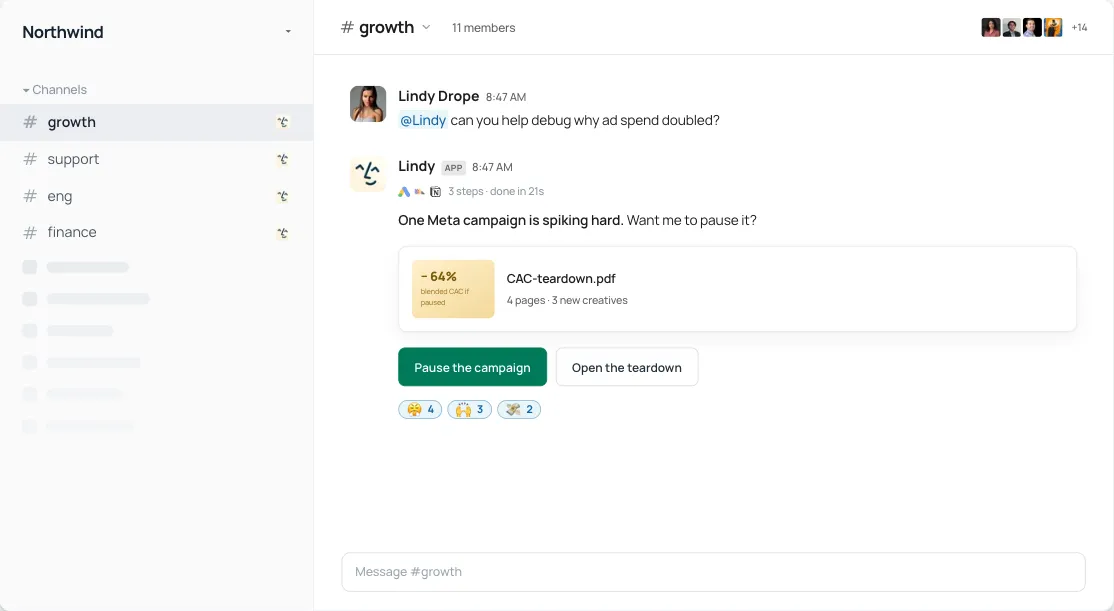
Lindy calls itself the AI employee that plugs into your tools, learns how you work and takes real work off your plate. In practice it feels like a colleague in Slack: you mention it in a thread, it runs the steps and comes back with an answer and a button to act on it. It's less about drawing workflows and more about delegating to someone who happens to be software.
Key features of Lindy
- Slack-native teammate in threads and mentions
- Scheduled routines, persistent workspace context and 40+ skills, plus your own
- Meeting recording, notes, scheduling and follow-ups
- 1,500+ integrations and MCP support
- Computer use and approvals built in
Lindy pricing
- Free: $50 in credits, lasting 7 days, no credit card
- Team: from $49.99/month for 5,000 credits, billed per active user, with top-ups at $10 per 1,000 credits
- Enterprise: custom, adds HIPAA compliance with a signed BAA, SSO and SCIM, and audit logs
Lindy pros
- Feels like delegating to a person, not building a flowchart
- Strong on inbox, calendar and meeting work
Lindy cons
- Every active user is billed, so costs grow with adoption
- Credit use varies a lot by task, from a quick lookup to a big build
4. Relevance AI
Best for building an AI workforce of many agents
G2 rating: 4.3/5
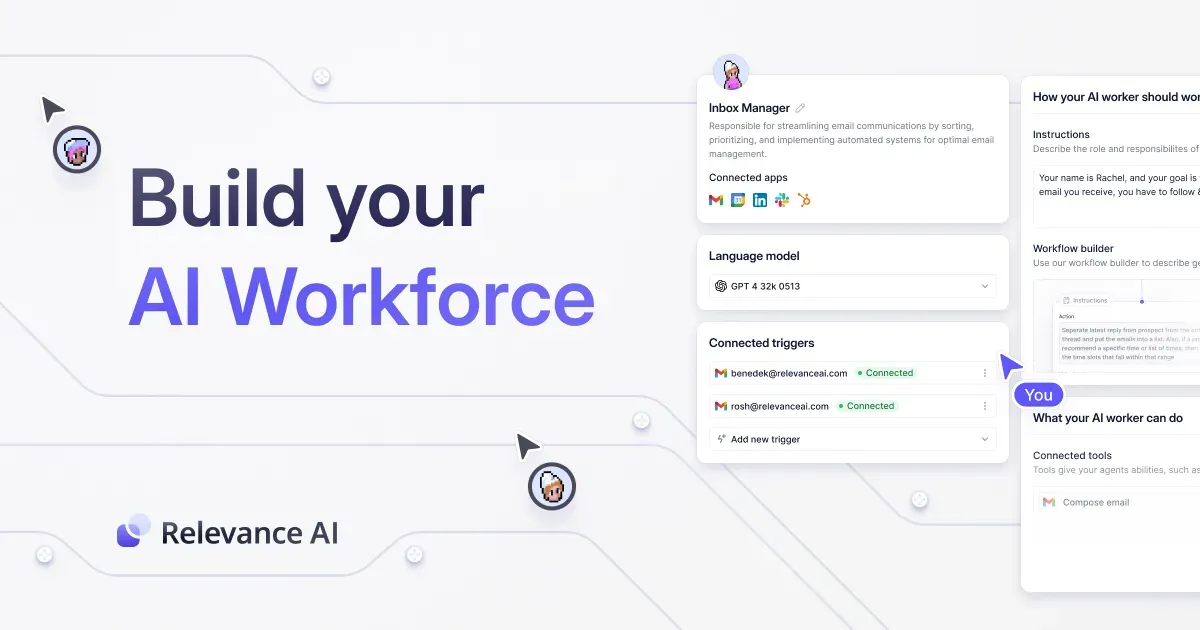
Relevance AI is built around the idea of an AI workforce: a team of agents, each with a role, instructions, triggers and tools, working together on sales, support or operations. It's aimed at companies that want to run many agents, not one clever one.
Key features of Relevance AI
- Unlimited agents, tools, users, projects and workforces on Enterprise
- 2,000+ integrations
- Calling and meeting agents
- Agent evaluations, A/B testing and analytics
- SSO, role-based access and audit logs
Relevance AI pricing
- Enterprise: custom, through sales
Relevance AI's pricing page showed only the Enterprise plan in October 2026.
Relevance AI pros
- Designed for many agents working together, with evaluations to check them
- Broad integration library
Relevance AI cons
- No published price, so you'll need a sales conversation to compare
- More platform than a small team needs for one or two agents
5. Microsoft Copilot Studio
Best for companies that run on Microsoft 365
G2 rating: 4.4/5
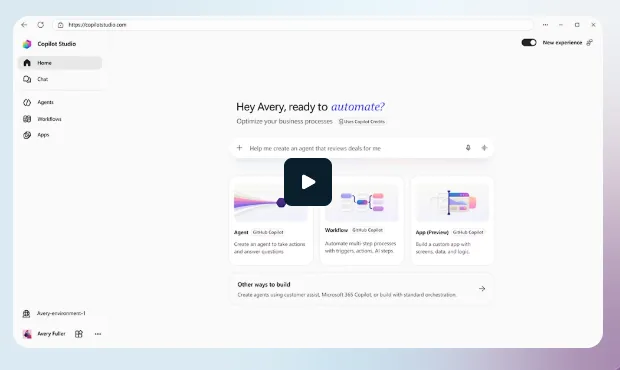
Copilot Studio is Microsoft's platform for building custom agents, workflows and apps with no code. If your team lives in Teams, Outlook and SharePoint, it's the path of least resistance, and your IT team will already know the admin centre it sits in.
Key features of Copilot Studio
- Build agents, agent flows and apps with no code
- Autonomous agents, and agents for external channels such as websites and apps
- Governance through Microsoft Purview and the Power Platform admin centre
- Usage-based Copilot Credits
Microsoft Copilot Studio pricing
- Copilot Studio license: $200/month per pack of 25,000 Copilot Credits
- Pay-as-you-go: billed per credit through an Azure subscription
- Microsoft 365 Copilot: $30/user/month paid yearly, which includes Copilot Chat and the standard harness in Copilot Studio
- Free trial available
Copilot Studio pros
- Deep fit with Microsoft 365 and Microsoft's security and compliance tools
- Pay-as-you-go option for teams just starting out
Copilot Studio cons
- Credit-based billing takes time to model
- Less natural outside the Microsoft ecosystem
6. Zapier Agents
Best for agents that act across thousands of apps you already connect with Zapier
G2 rating: 4.5/5
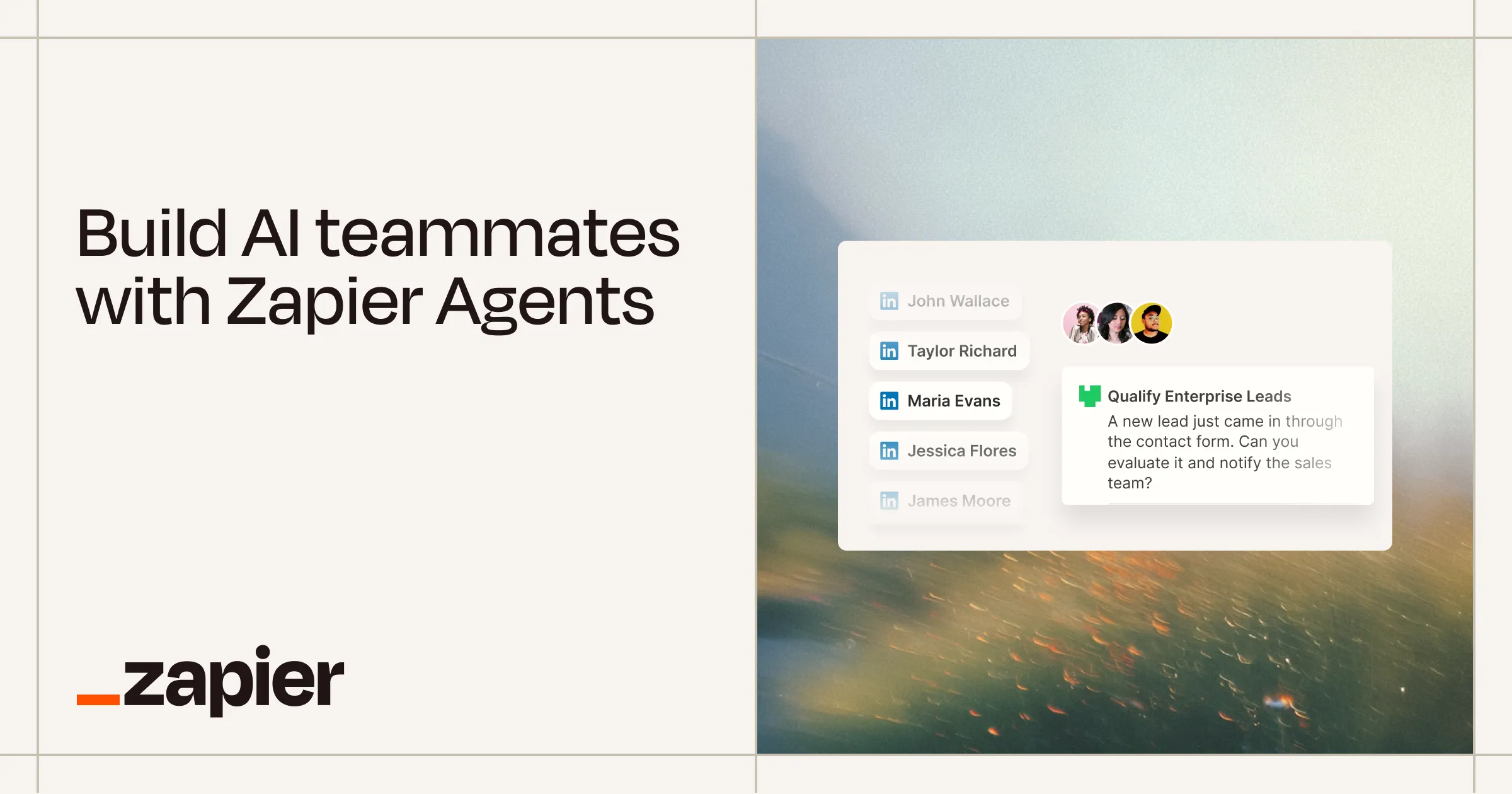
If your company already runs on Zaps, Zapier Agents is the shortest path to agents. You create specialised agents with help from Zapier Copilot, give them company knowledge, and they work across 9,000+ apps on command or while you sleep. Lead qualification and meeting prep are the classic first agents.
Key features of Zapier Agents
- Build agents with Zapier Copilot
- Agents that act across 9,000+ apps
- Add FAQs, docs and links as agent knowledge
- A Chrome extension so agents can work on the web
- Monitor agent activity and chat with an agent when needed
Zapier pricing
- Free: $0, 100 tasks a month, with basic Agents access
- Pro: from $19.99/month billed yearly ($29.99 monthly)
- Team: from $69/month billed yearly ($103.50 monthly)
- Enterprise: custom
Zapier Agents pros
- Huge app library from day one
- Easy step up for teams already using Zapier
Zapier Agents cons
- Task-based pricing climbs as agents do more
- Agent knowledge is only as good as the docs you feed it, so it's worth connecting a maintained source
7. Salesforce Agentforce
Best for companies that run sales and service on Salesforce
G2 rating: 4.3/5
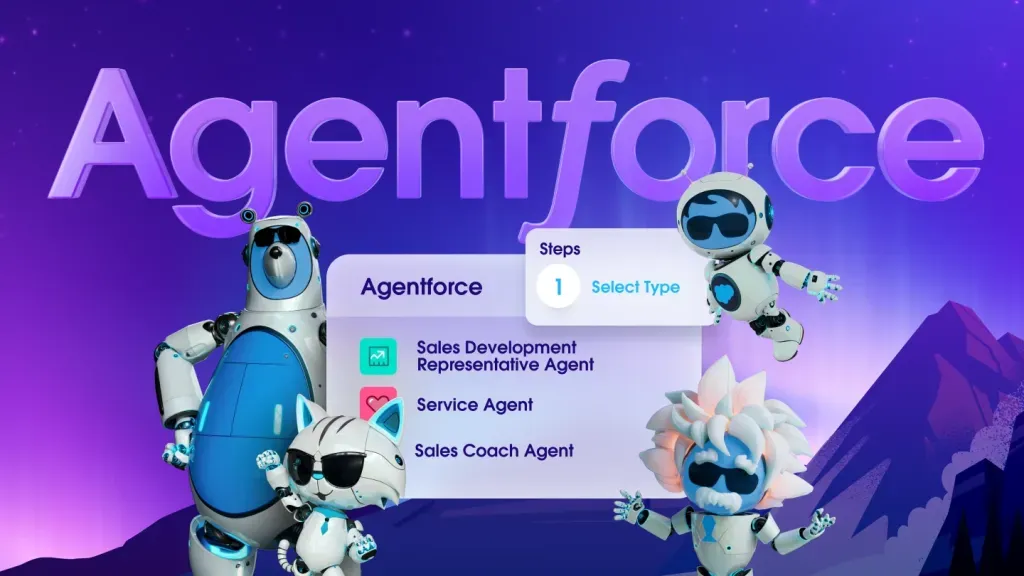
Agentforce is Salesforce's platform for building, deploying and governing AI agents for customers and employees. It works with your Salesforce data, security and access policies from day one, which is the whole point if your customer records already live there.
Key features of Agentforce
- Agentforce Builder, Prompt Builder and Agent Script
- Customer-facing and employee-facing agents, including voice
- Agentforce Coworker, an AI teammate for employees
- Your Salesforce security, governance and access policies apply to agents
Salesforce Agentforce pricing
- Salesforce Foundations: $0 to get started with Agentforce
- Flex Credits: $500 per 100,000 credits, pay per action
- Conversations: $2 per conversation
- Agentforce User License: $5/user/month, requires Flex Credits
- Agentforce Coworker: $50/user/month
- Agentforce add-ons: $125/user/month for Sales, Service and Field Service, unmetered for employees
Agentforce pros
- Native to Salesforce data and permissions
- Several ways to pay, from per action to per user
Agentforce cons
- Most useful if Salesforce is already your system of record
- Many pricing models to choose between
8. CrewAI
Best for developers building multi-agent systems that business teams can use
G2 rating: 4.3/5
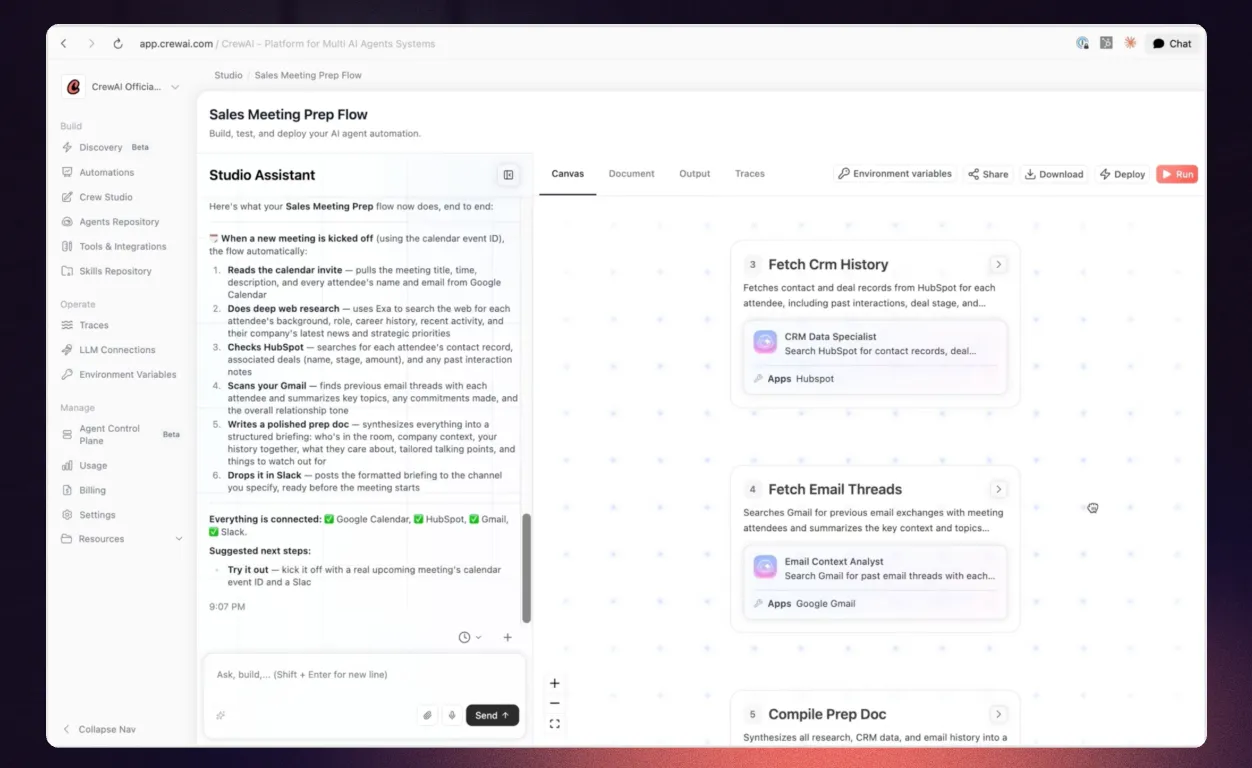
CrewAI started as a popular open-source framework for teams of agents (a "crew") and now adds an enterprise platform where business and technical teams build agents and platform teams govern them. It's the most developer-friendly tool here, with a visual studio so it isn't only for developers.
Key features of CrewAI
- Studio, a visual editor with an AI copilot
- Tracing, guardrails, LLM testing and human-in-the-loop input
- Export a workflow as an MCP server or a UI component
- Workflow chat in Slack or Teams
- Deploy on CrewAI cloud, your own VPC or your own infrastructure (Enterprise)
CrewAI pricing
- Basic: free, 50 workflow executions a month, 2 agentic workflow automations
- Enterprise: custom, adds SSO, role-based access, PII redaction and policies
CrewAI pros
- Open-source roots and full control for developers
- Strong observability: tracing, testing and guardrails on every plan
CrewAI cons
- The free plan's 50 executions a month is for trying, not running
- Getting the most out of it still takes engineering time
Before you build: give your agents a source of truth
Every tool above can give an agent access to your tools. Very few of them help you make sure what the agent reads is right. Before you build, check four things:
- The process is written down. If the steps only live in someone's head, the agent will invent them. Record it once and let AI turn it into written steps.
- There's one approved version. Agents can't tell a draft from policy. Use version history and approvals so they read the approved one.
- Access follows permissions. An agent should only see what the person it acts for can see. Whale MCP works within each person's existing Whale permissions.
- Someone owns the upkeep. Knowledge goes stale quietly. Whale's agents flag stale content, unanswered questions and search gaps on the schedule you set, so the source stays current.
Our guide on how to use the Whale MCP to create a company growth flywheel shows how this works with Claude and other agents. And if you're still deciding between agents and classic automation, our roundup of AI automation tools for business covers Zapier, n8n, Power Automate and UiPath.
Our methodology on how we compared these tools
We started with the tools named in the top 10 Google results for "agentic workflow tools", "agentic AI tools" and "best AI agents", in answers from ChatGPT and Perplexity, and in Reddit threads where people share what they actually built.
We also spoke to our sales team about what prospects already use. We kept the 8 that a business can buy today to build, run or support agents, and left out general automation tools, personal assistants and coding agents.
We compared each one on who builds the agents, published pricing, free plan or trial, governance and human-in-the-loop controls, and how the agent gets accurate company knowledge.
But what we always say to customers and prospective customers is try the tools out for yourself.
How to choose an agentic workflow tool
- You want agents that keep your company knowledge current, and every other agent working from it: Whale.
- Your business team wants to build agents without code: Gumloop.
- You plan to run many agents across sales, support and ops: Relevance AI.
- Your work already runs through Zapier: Zapier Agents.
- Salesforce is your system of record: Agentforce.
- Developers want an open-source, multi-agent framework: CrewAI.
Ready to give your agents something true to work from?
Start on Whale's free plan or see how Whale helps you train AI agents on your company processes. Record one process and see what your agents can do with it.
Keep reading
Lisa Steingold is the Head of Content for Whale. With a history in tech, she's authored 4 books and is obsessed with helping teams unlock the next level of growth and productivity. (And riding her bike)