AI and Agentic Workflows
How to use AI agents to scale your team's output (without hiring)

In this article
The short answer: to use AI agents well, give each one a single job, point it at a source of truth you trust, keep its permissions narrow and have a person approve what it changes. Then put it on a schedule, so the work happens whether anyone remembers or not. That's how a 20-person team gets the output of a bigger one, and it's exactly how we built the agents inside Coral, Whale's AI assistant.
What typically happens is a team rolls out an AI tool, asks it a few questions, gets a confident answer based on a policy that was retired months ago, and quietly goes back to asking the one colleague who knows. The AI model wasn't the problem.
The problem with AI tools is that if you feed them nothing, they make up their own information. In this case, nobody told it which version of the truth to use, and nobody was checking.
This guide covers:
- First, a method for using AI agents that works with any tool.
- Then a walkthrough of Whale Agents, which watch your company knowledge so your team, and every AI tool they use, works from processes that are actually current.
What is an AI agent (and what isn't)?
An AI agent is software that takes a goal, works out the steps, uses tools to carry them out, and checks the result, often on a schedule or a trigger, without you prompting every step. A chatbot answers the question you ask. An agent goes and does the job you gave it.
- A chatbot: you ask, it answers, the conversation ends.
- An automation: fixed if-this-then-that rules. Reliable, but it can't use judgement.
- An agent: a goal, judgement about the steps, access to tools, and a loop that checks its own work.
The agents that earn their keep in a business today are narrow, scheduled and supervised. That isn't a limitation. It's the version that actually ships. Want to build your own? Our comparison of the best agentic workflow tools covers the platforms for business teams and developers.
How to use AI agents: 5 steps that work with any tool
To use AI agents with any tool, pick one repetitive job, give the agent a source you trust, scope its access, keep a human approving, and measure the result before you add a second agent. Here's each step in practice.
Step 1: Give each agent one job and one owner
"Find the questions our team asked this week that our documentation couldn't answer" is a job. "Help with knowledge management" is a wish.
Write the job in one sentence, decide what the output looks like (a list, a draft, a ticket), and name the person who acts on it. An agent whose output nobody owns is a very expensive screensaver.
Step 2: Point it at a source of truth you maintain
Agents are only as good as the processes behind them. If your procedures live in fourteen documents, two of which contradict each other, the agent will pick one and sound very sure about it. Put your processes in one structured, versioned place first.
The fastest route is to record a process and let AI turn it into the written guide, instead of writing it from scratch.
Step 3: Scope permissions and keep a human in the loop
Start read-only. Let the agent draft, suggest or flag, and have a person approve anything that changes a document, reaches a customer or moves money. Give it access to what the job needs and nothing more. Widen the scope only when its output has been right for a few weeks running.
Step 4: Put it on a schedule
A weekly agent run beats a heroic clean-up every quarter. Scheduled agents catch the stale page or the unanswered question while it's still one page or one question, not fifty.
Step 5: Measure output, then add the next agent
Track what the agent saves or prevents: repeat questions, searches that come back empty, hours spent on manual upkeep, how long new hires take to get up to speed. Add a second agent only when the first one's findings are getting acted on every week.
Meet the Whale Agents
Whale Agents are AI agents built into Whale's Knowledge Health area.
They watch your company knowledge, find what is weak, missing or unused, and hand each finding to Coral to fix, with you approving the change. Think of them as the colleague who actually reads the knowledge base, as often as you ask, and flags gaps.
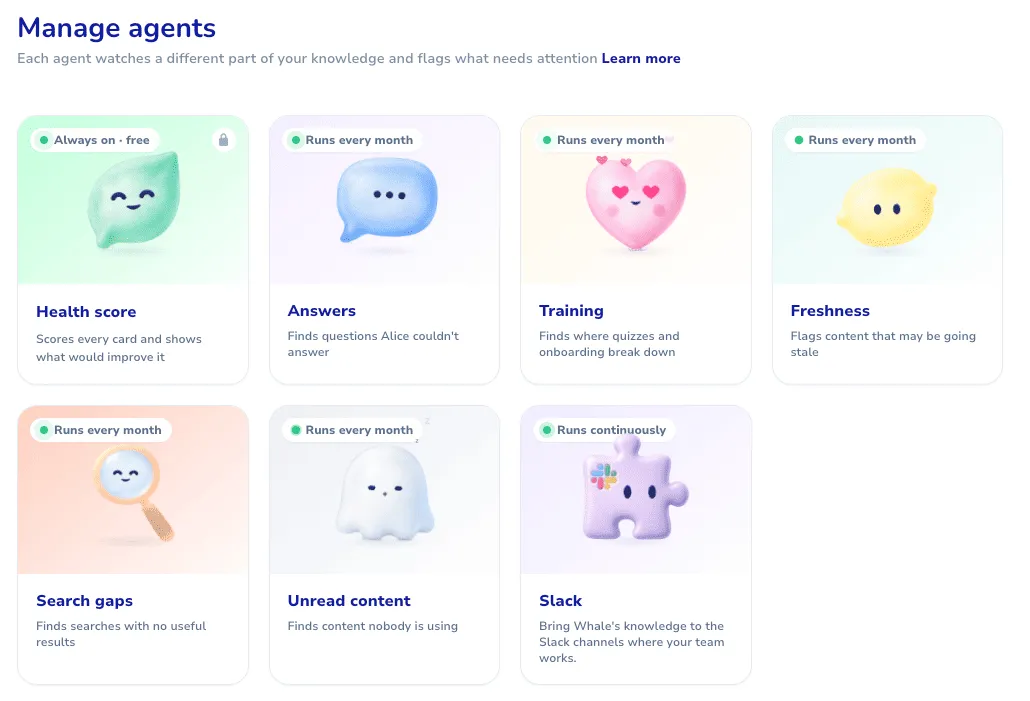
| Whale Agent | What it finds | When it runs |
|---|---|---|
| Health score | Scores every card and shows what would improve it | Always on, free |
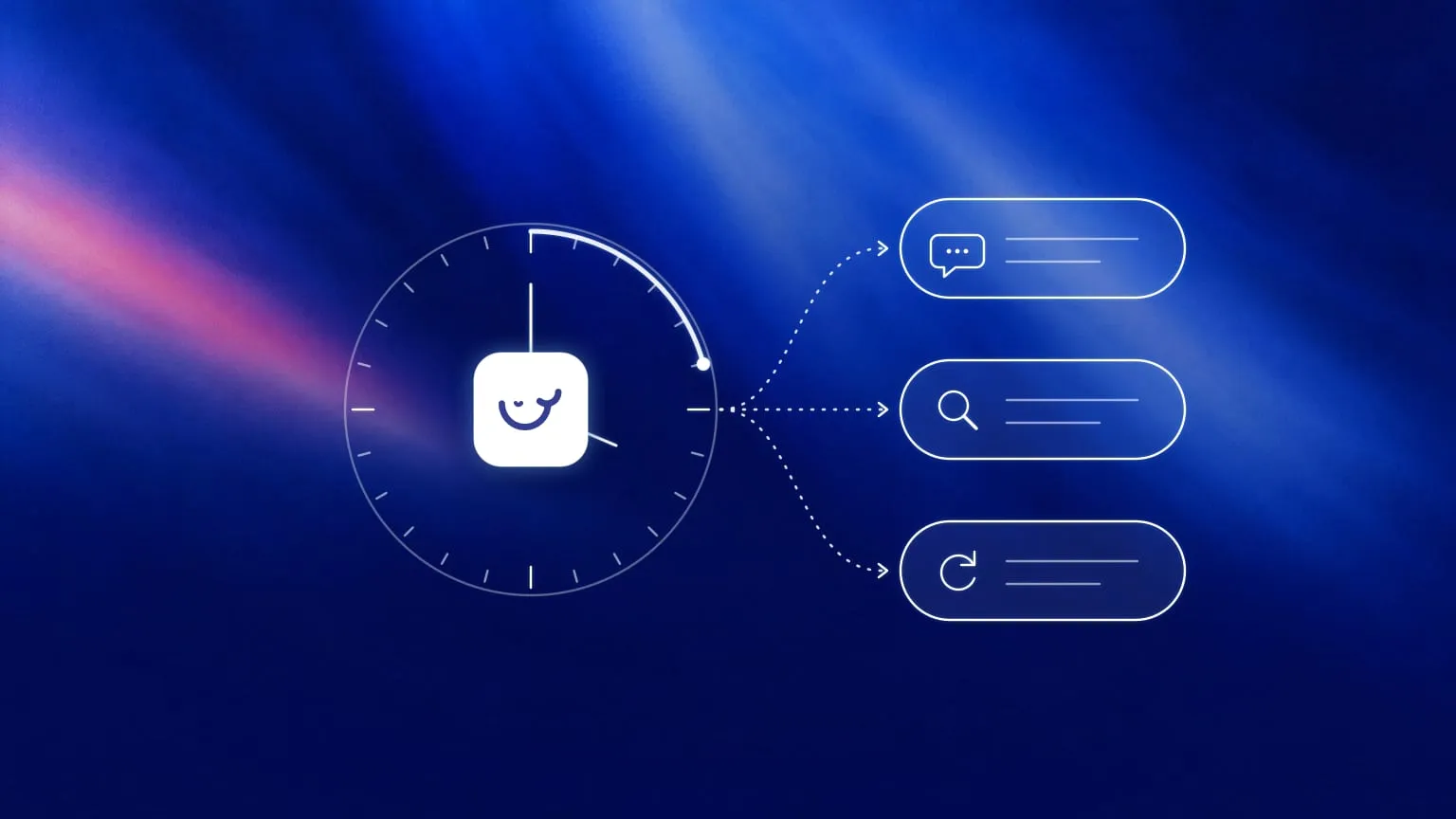
| Answers | Questions Coral couldn't answer, listed for someone to document | Daily, weekly or monthly, you choose |
| Training | Where quizzes and onboarding break down: the steps people stop at and the questions that trip them up | Daily, weekly or monthly, you choose |
| Freshness | Content that may be going stale, before someone follows an out-of-date step | Daily, weekly or monthly, you choose |
| Search gaps | Searches with no useful results, so you see what your team looks for and can't find | Daily, weekly or monthly, you choose |
| Unread content | Content nobody is using, and which team isn't reading it | Daily, weekly or monthly, you choose |
| Slack | Brings Whale's knowledge to the Slack channels where your team works, and spots the questions people keep asking | Continuously |
Every finding has a Fix action that opens Coral with the content. In other words, Coral proposes the change and you, or someone on your team, have to approve it. Nothing rewrites itself behind your back.
How to use Whale Agents to scale your team's output
Turn the agents on, pick how often each one runs and give their findings half an hour after every run. Coral drafts the fixes and learns how your team works. The Slack agent handles the repeat questions, and your other AI tools work from the same knowledge. Here's how.
Step 1: Turn on the agents
In Whale, go to the side tab named agents.
Your health score is most likely already on.
Open each of the other agents, choose how often it runs (daily, weekly or monthly) and save.
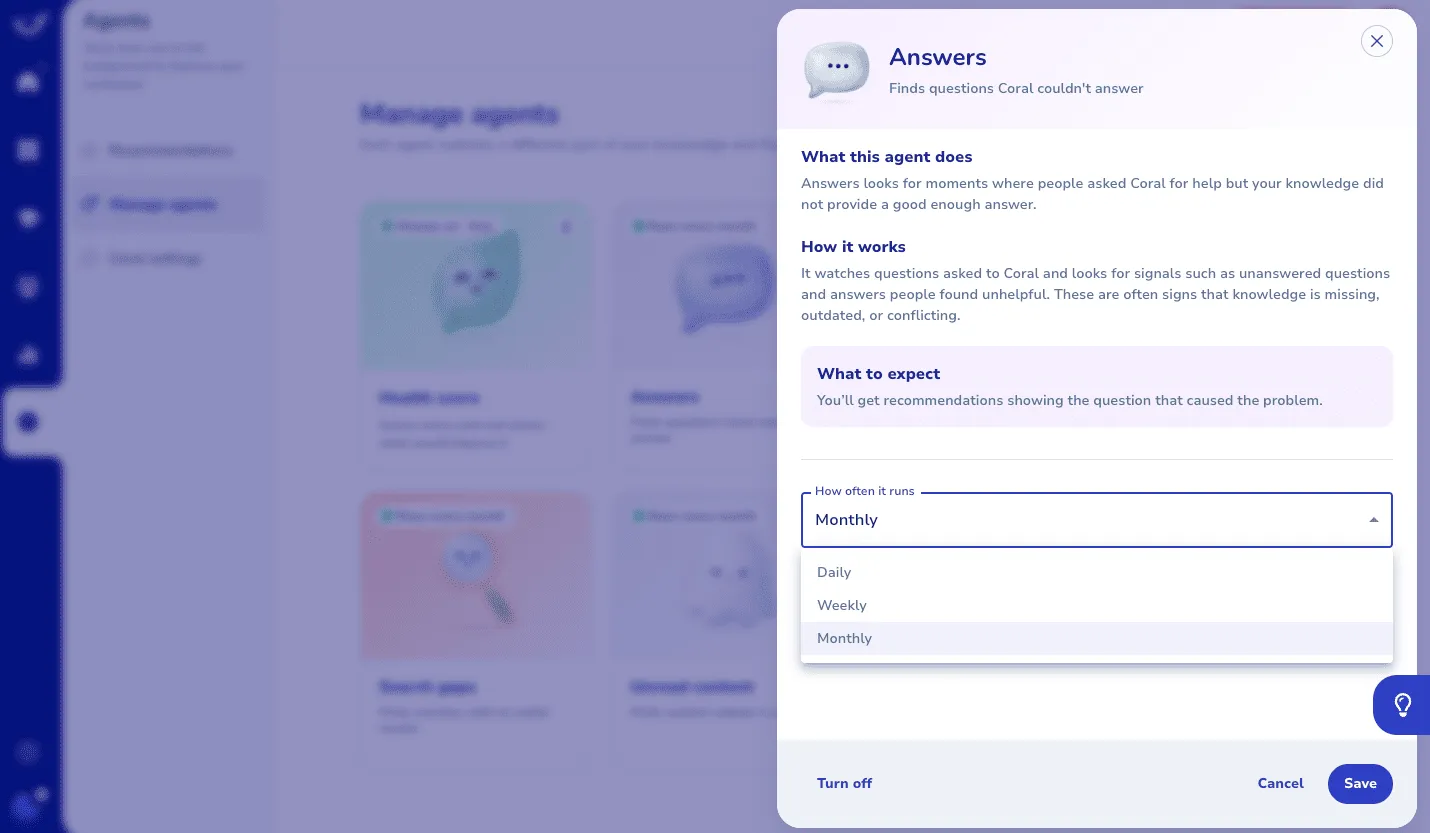
If you only start with two, pick Answers and Search gaps, because they show you what your team needs that nobody has written down yet. Add Freshness next, so the processes you already have don't quietly go out of date.
Step 2: Work the findings with Coral
Knowledge Health shows one prioritised feed of recommendations, with filters for status, type, issue, priority and board. Open a finding, click Fix, and Coral drafts the update for you to accept or discard. Say Freshness flags your returns checklist, which still mentions prepaid labels after your team moved to a returns portal. Coral suggests the new step, explains why, and you approve it in one click. Content nobody has viewed recently can be assigned to the right people straight from its recommendation.
Block 30 minutes after each run for this. It's the cheapest knowledge management you'll ever do.
Step 3: Let the Slack agent catch the repeat questions
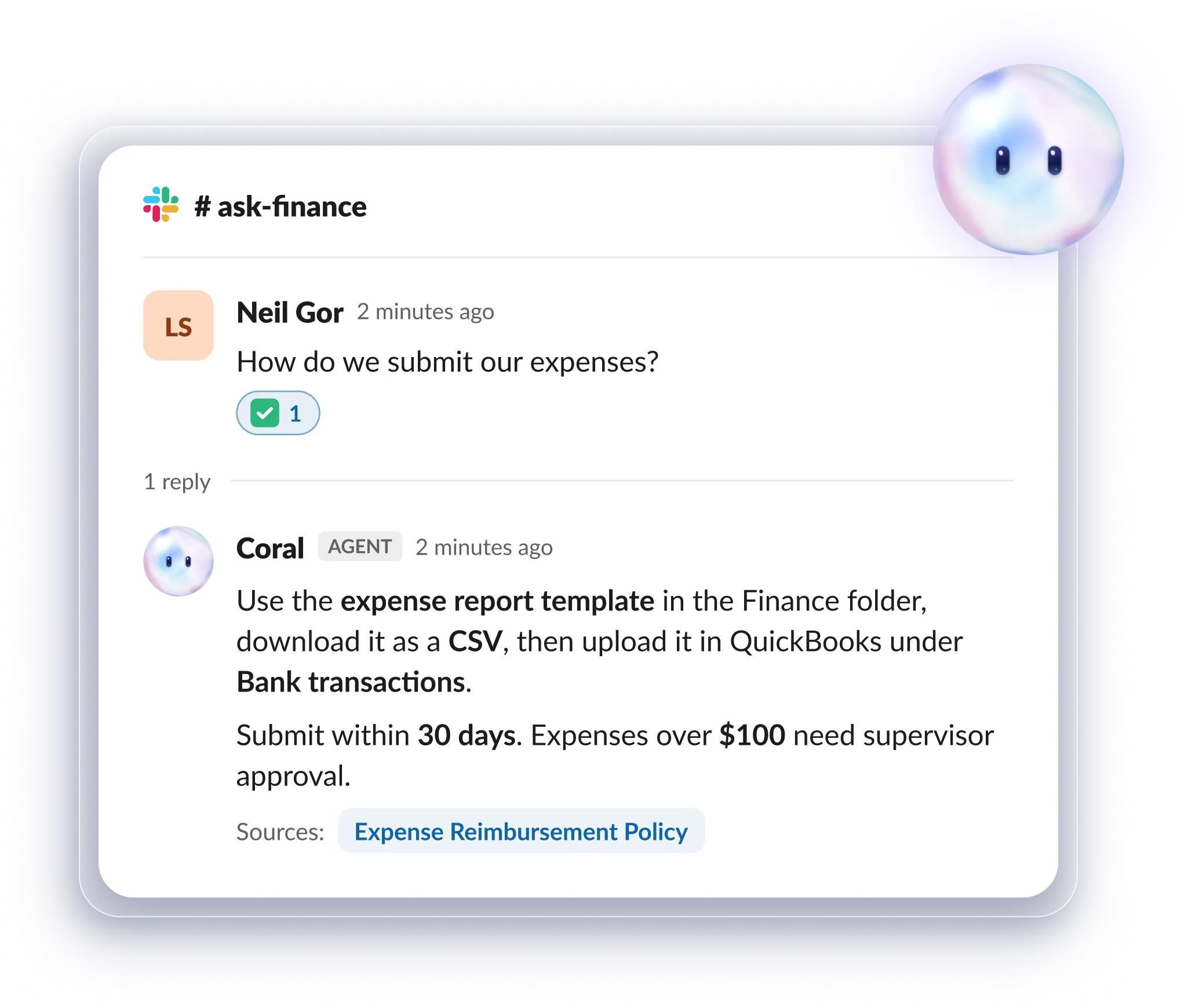
Turn on the Slack card on the Agents page and pick the public channels it should follow. The Slack agent runs continuously and spots the questions people keep asking, even when nobody bothers with a question mark. Questions your workspace doesn't answer yet show up as recommendations in Insights, so you know which guide or card to write next. Replies come from Whale's own Slack user, so people get answers without connecting an account. The Slack agent is available on Scale and above.
Your team can also ask directly. In Slack the app is called Whale: people send it a direct message or mention @Whale in a channel, and Coral answers from your documented knowledge, with sources. The app's Home tab lists their open assignments too.
Step 4: Teach Coral your way of working with Skills
Admins can turn any card or guide into a Skill from the Share drawer and manage Skills in Coral settings. Coral follows a Skill when it applies, or on every answer if you choose. A tone-of-voice card for customer replies or an escalation guide for support are good first Skills, because they shape how every answer comes out.
Step 5: Connect your other AI tools through Whale MCP
Your team probably uses Claude, ChatGPT or Gemini as well (we compared the main ones in our roundup of the best AI automation tools for business).
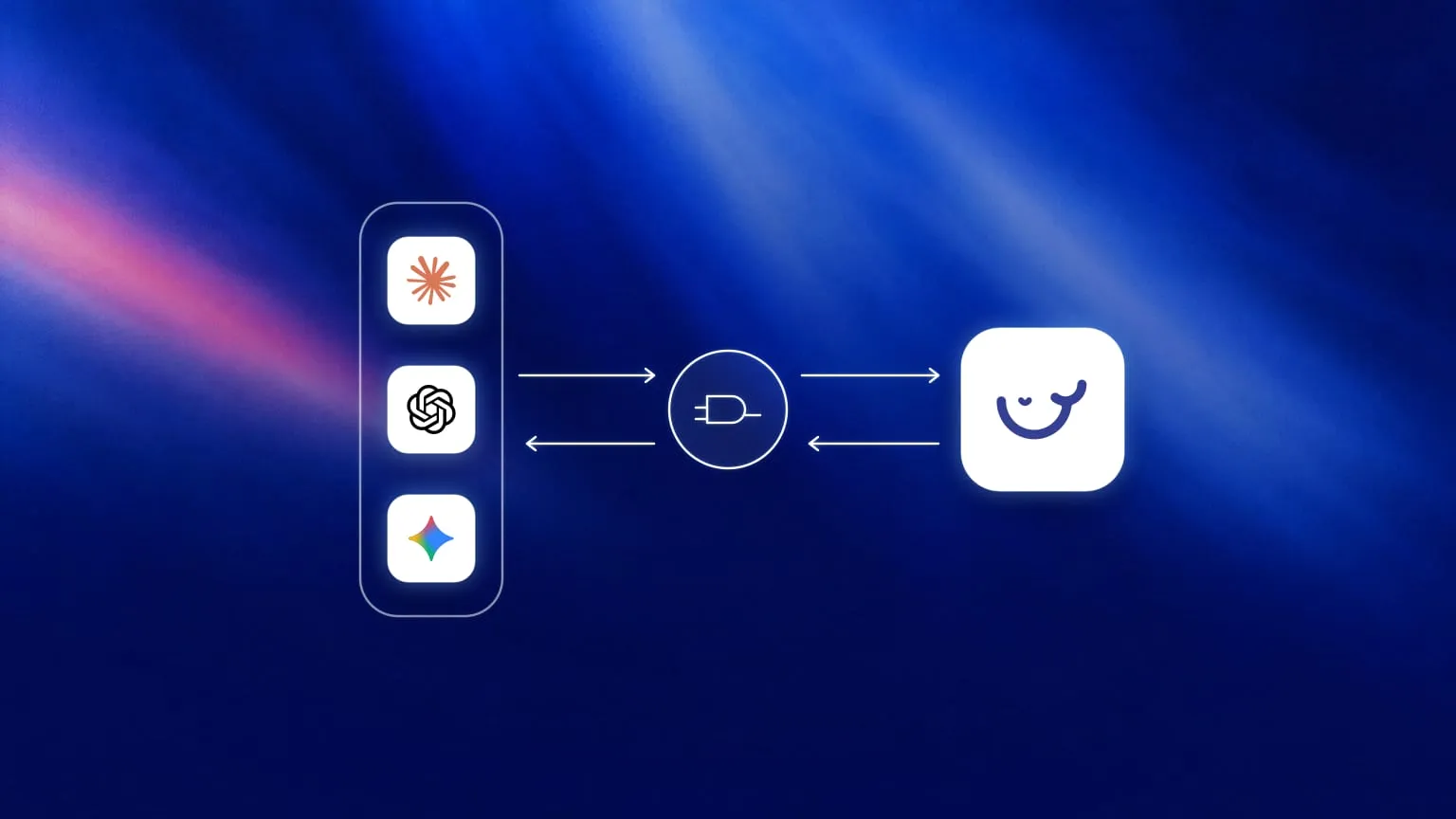
Whale MCP is Whale's remote MCP server, so those tools answer from the same approved processes your team follows, within each person's existing Whale permissions.
Those tools can also create, edit and delete content in Whale, and changes are saved straight away. The only approval step is your AI tool asking "allow this action?", depending on its settings. Whale MCP is included on the Scale, Advance and Enterprise plans. Update a process once in Whale, and Coral, your team and your AI tools all work from the new version.
Our guide on how to use the Whale MCP to create a company growth flywheel shows the full loop.
What a week with AI agents looks like
Here's an illustrative week for an operations lead at a 60-person company. It's an example of how the pieces fit, not a customer result.
- Monday: The weekly agent run is in. Search gaps shows the same search for overtime approval coming back empty. The lead records the process once with the step recorder and it's documented by lunch.
- Tuesday: Answers lists two questions Coral couldn't answer last week. Both become short cards.
- Wednesday: Unread content flags a safety checklist one team hasn't opened, and Freshness flags a holiday policy that still lists last year's dates. The lead assigns the first and approves Coral's fix for the second.
- Thursday: Training shows new hires stalling at the same step of an onboarding flow. Coral rewrites the step and the lead approves it.
- Friday: Nobody pings the lead about the refund process, because @Whale answered it in Slack.
None of these jobs is hard. They just never happen, because "keep the knowledge base current" is nobody's job. Agents turn it into a regular habit instead of a yearly fire drill, and that's where the extra output comes from: fewer interruptions for your experts, faster answers for everyone else.
Common mistakes when using AI agents
- One agent, five jobs. Vague goals give vague output. Split the goals and be very specific.
- Pointing agents at a document graveyard. If your onboarding lives in a 40-tab doc nobody reads, an agent will read every tab and believe every word. Clean the source first.
- Auto-applying changes. Agents should propose but it's the people who should approve. Whale Agents work this way by design.
- Measuring logins instead of output. Count questions answered, gaps closed and hours of upkeep saved.
- Set and forget. An agent nobody reviews is a report nobody reads. Give the findings a standing slot in someone's week or better yet, have them sent to Slack.
Ready to put your knowledge on autopilot?
Start on the free plan and turn on your first agents, or see how Whale helps you train AI agents on your company processes. Prefer a guided tour? Book a demo.
Keep reading
Bram Billiet, is the Co-founder and Chief Product Officer at Whale. His obsession for building the product is matched matched only by his love for conquering levels in Mario Brothers.