SOP & Process Documentation
The best SharePoint alternatives in 2026: 10 tools sorted by job

In this article
The best SharePoint alternative for most teams is Whale. The thing SharePoint does worst isn't storing files, it's keeping company knowledge findable and up to date. That's exactly the job Whale is built for: SOPs, internal knowledge and training in one place, with AI that answers from your own procedures. If you only need file storage, Google Workspace, Box, Dropbox and Egnyte are strong picks, and for a pure company news intranet, Haiilo.
SharePoint is three products wearing one trench coat: a file server, an intranet and a wiki. Most teams only need one or two of them, and pay for all three in complexity. Below are 10 SharePoint alternatives, sorted by the job they replace, with every price checked on the vendor's own pricing page in October 2026.
A note on how we wrote this. Whale publishes this page, and Whale is one of the tools on it. Here is how we handled that: competitor prices come from each vendor's own pricing page, checked on 12 October 2026, and every tool, Whale included, is listed with real limitations. We rank Whale first because it solves the problem most teams actually have with SharePoint, and we say plainly where you'd pair it with a file store.
Key takeaways
- SharePoint isn't going away, but its old server versions have. Microsoft ended extended support for SharePoint Server 2016 and 2019 on 14 July 2026. SharePoint Online is still sold in every Microsoft 365 Business plan.
- AI in SharePoint costs extra. Agents in SharePoint need a Microsoft 365 Copilot licence or pay-as-you-go Azure billing. The Copilot Business add-on lists at $21 per user/month.
- 8 of the 10 SharePoint alternatives here publish their prices. Guru and Haiilo are quote-only.
- Four have a free option a team can actually use: Whale (up to 10 members), Confluence (up to 10 users), Notion (Free plan) and Nextcloud (free if you host it yourself).
- Whale is the best SharePoint alternative overall. It's the only tool on this list that combines SOPs, training with quizzes and sign-off, and AI answers from your own procedures, with published pricing and a free plan for up to 10 members.
- Pair it with a file store if you need one. Google Workspace, Box, Dropbox and Egnyte replace document libraries. Haiilo replaces a news intranet.
SharePoint alternatives at a glance
| Tool | Job it replaces | Best for | Starting price (checked Oct 2026) | Free option |
|---|---|---|---|---|
| Whale (best overall) | Wiki, knowledge base, SOPs, training | Teams that need documented processes and onboarding in one place, with AI answers | Scale $299/month billed yearly (3 creators, no per-seat fee for members) | Yes, up to 10 members |
| Confluence | Wiki | Engineering and product teams already on Jira | Standard from $5.42/user/month (tiered by team size) | Yes, up to 10 users |
| Notion | Wiki, docs, light project tracking | Flexible all-in-one workspace with built-in AI | Plus $10/member/month billed annually | Yes, with block limits for teams |
| Google Workspace | Files, co-editing, whole Microsoft 365 suite | Teams leaving Microsoft 365 entirely | Business Starter $7/user/month on an annual plan | No |
| Box | Document libraries, external file sharing | Secure file sharing and content governance | From $5/user/month, 3-user minimum | Individual only (1 user, 10 GB) |
| Dropbox | Document libraries, file sync | Simple file sync and large files | Standard $15/user/month billed annually | Basic only (2 GB) |
| Egnyte | Document management with compliance | Regulated industries that need governed file sharing | Business $22/user/month paid annually | Free trial |
| Nextcloud | Files and collaboration, self-hosted | Open source and data sovereignty | Free to self-host. Enterprise from €71.29/user/year (100+ users) | Yes, self-hosted |
| Guru | Knowledge base | Verified knowledge delivered inside other tools | Quote only | No published free plan |
| Haiilo | Intranet, internal comms | Employee communications and advocacy | Quote only | No |
Prices were checked on each vendor's own pricing page on 12 October 2026, in US dollars unless stated, with the billing basis noted. Vendors change prices often, so confirm before you buy.
Why teams look for a SharePoint alternative
Why do teams look for Sharepoint alternatives? They often leave because although it can do everything, it takes a large investment in setting up and often requires a SharePoint specialist. The common complaints are
- folder structures nobody can navigate,
- permissions that drift out of control,
- search that can't find the latest version,
- and an intranet homepage nobody visits.
Two things changed recently that will have an impact on those teams using Sharepoint:
- On 14 July 2026, Microsoft ended extended support for SharePoint Server 2016 and SharePoint Server 2019, so on-premises teams have to migrate anyway.
- And AI raised the stakes for messy content. When someone asks Copilot or ChatGPT a question about how your company works, the answer is only as good as the documents behind it. A library full of "Process_v3_FINAL_final.docx" will confidently give wrong answers.
That's why the real question in 2026 isn't "where do our files live?" It's "where does our knowledge live, and can people and AI trust it?"
How we compared these SharePoint alternatives
We started from the tools that appear most often in
- conversations with our sales team and
- the top Google results and AI answers for "SharePoint alternatives", and kept the 10 that clearly replace at least one of SharePoint's three jobs: document storage, intranet, or team wiki and knowledge base.
We compared each one on five things:
- which SharePoint job it replaces,
- pricing transparency,
- free options,
- AI features,
- and the limits that bite first (user caps, storage, seat minimums).
Every price comes from the vendor's own pricing page, checked in October 2026. Where a vendor publishes no price, we say so rather than quote a third-party estimate. What we didn't do is run a full enterprise migration of each tool.
1. Whale: best SharePoint alternative overall
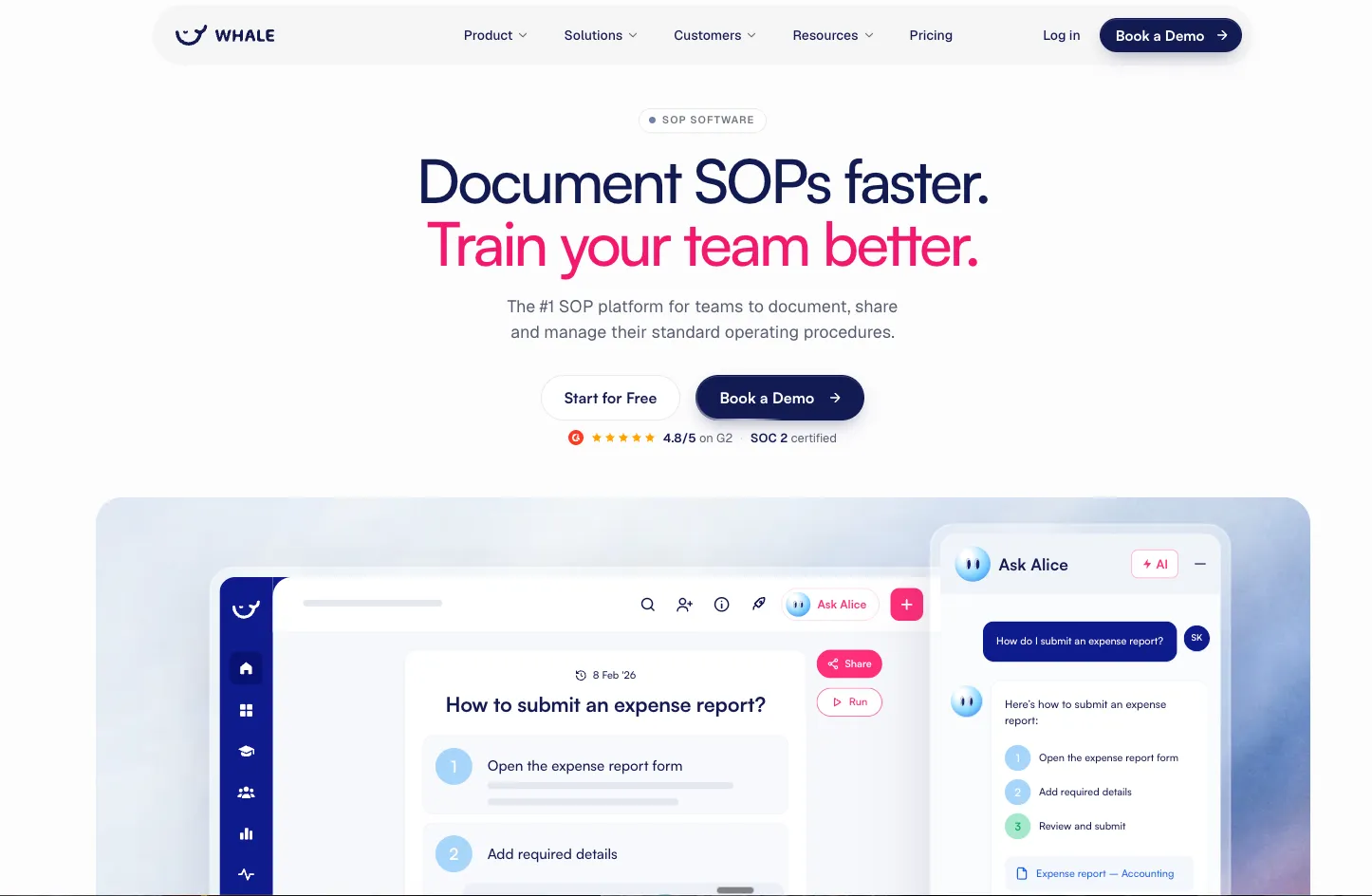
Whale (usewhale.io) is an AI-powered SOP, documentation and training platform. It replaces the part of SharePoint that teams use as a wiki or "how we do things here" library, and adds what SharePoint doesn't have out of the box: training, quizzes and AI answers drawn from your own procedures.
Why Whale is our top pick.
Apart from the fact that Whale is our own tool, we actually use Whale for our own purposes.
Most SharePoint frustration comes down to one thing: people can't find the right, current answer. Whale fixes that with contextual search and an AI chat facility. Knowledge is organised into boards, libraries and playbooks, so it doesn't sprawl into folder chaos. Coral, Whale's AI assistant, answers questions from your SOPs with sources. A Chrome extension surfaces the right SOP inside the apps where your team works.
Now knowledge surfaces in the apps where your teams work
Whale also has its own MCP server. Connect Claude, ChatGPT, Cursor or Gemini, and that AI can search your workspace and give source-cited answers from your live SOPs, with the same permissions as the person asking. That makes Whale the single source of truth your AI tools read from, not just the one your people read from.
With Whale, you can
- turn a screen recording into an SOP,
- capture a process with the step recorder,
- or let the AI writing assistant clean up rough notes.
Best features:
- Video to SOP, screen recorder and AI writing assistant
- Coral, an AI assistant that answers from your own documentation
- Training flows, quizzes, checklists, analytics and reporting
- Version history and eSignature for training sign-off and audits
- Whale MCP server for Claude, ChatGPT, Cursor and Gemini
- iOS and Android apps, plus QR code sharing
Pros 👍
- Documentation and training in one tool, so onboarding doesn't need a separate LMS
- AI does the first draft of an SOP from a recording
- Published pricing and a free plan
Cons 👎
- Not a file server. It doesn't replace SharePoint document libraries for contracts, shared spreadsheets or large design files.
- Users report that limited customisation restricts how finely they can manage permissions across teams.
- Built for teams documenting and training at scale. A very small team that just wants shared notes will find it more than they need.
Whale pricing:
- Free Forever: $0, up to 10 members.
- Scale: $299/month billed yearly. 3 creators included. Everyone else joins as a member, with no per-seat fee.
- Advance: $599/month billed yearly. 5 creators included. Everyone else joins as a member, with no per-seat fee.
- Enterprise: yearly pricing on request. See Whale pricing.
Choose Whale if your SharePoint is really a process library, you onboard people often, or you want AI answers your team can trust. You can simply integrate Whale with Google Drive, OneDrive or Box if you also need a file store for contracts and spreadsheets. Whale holds the knowledge, the file store holds the files.
See how Whale handles SOP and process documentation.
2. Confluence: best SharePoint alternative for teams on Jira
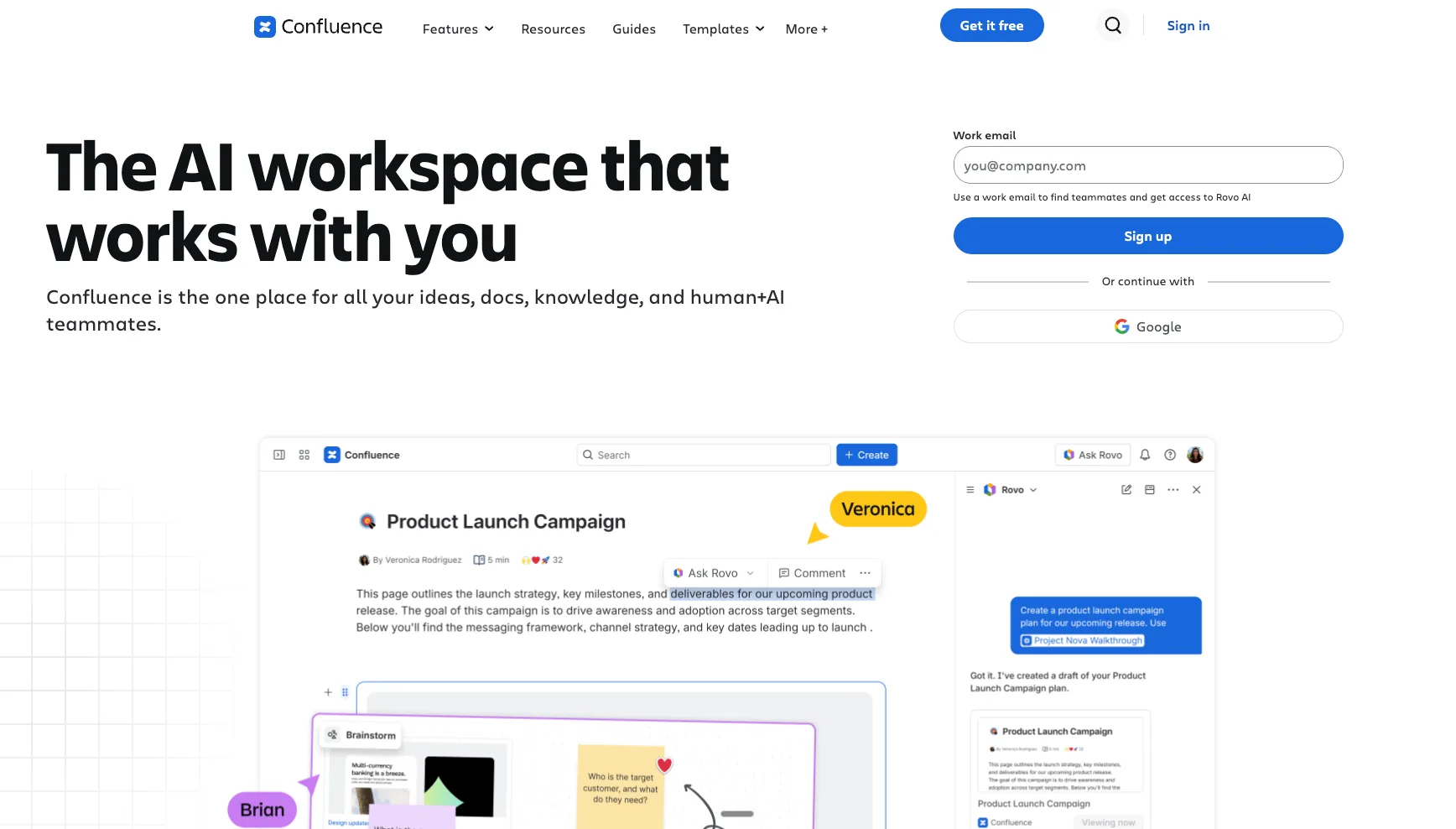
Confluence is Atlassian's team wiki. It replaces SharePoint's team sites and wiki pages with spaces, page trees and templates, and it connects tightly to Jira, so it's the default choice for engineering and product teams already in the Atlassian ecosystem.
Best features: spaces and page hierarchies, templates, Jira integration, inline comments.
Pros 👍
- Free for up to 10 users
- Familiar to most technical teams
- Strong Jira and Atlassian integration
Cons 👎
- The Free plan stops at 10 users and 2 GB of storage
- Without ownership, spaces drift out of date, just like SharePoint sites
- No built-in training, quizzes or sign-off for procedures
Confluence pricing: Free for up to 10 users with 2 GB storage. Paid plans are priced per user and tiered by team size: at 300 users, Atlassian lists Standard at $5.42 and Premium at $10.44 per user/month. Smaller teams pay more per user. Enterprise is quote-only for 801+ users.
Choose Confluence if your team lives in Jira. Skip it if your documentation is mostly operational procedures for non-technical teams. Compare the two in Whale vs Confluence.
3. Notion: best SharePoint alternative for a flexible all-in-one workspace
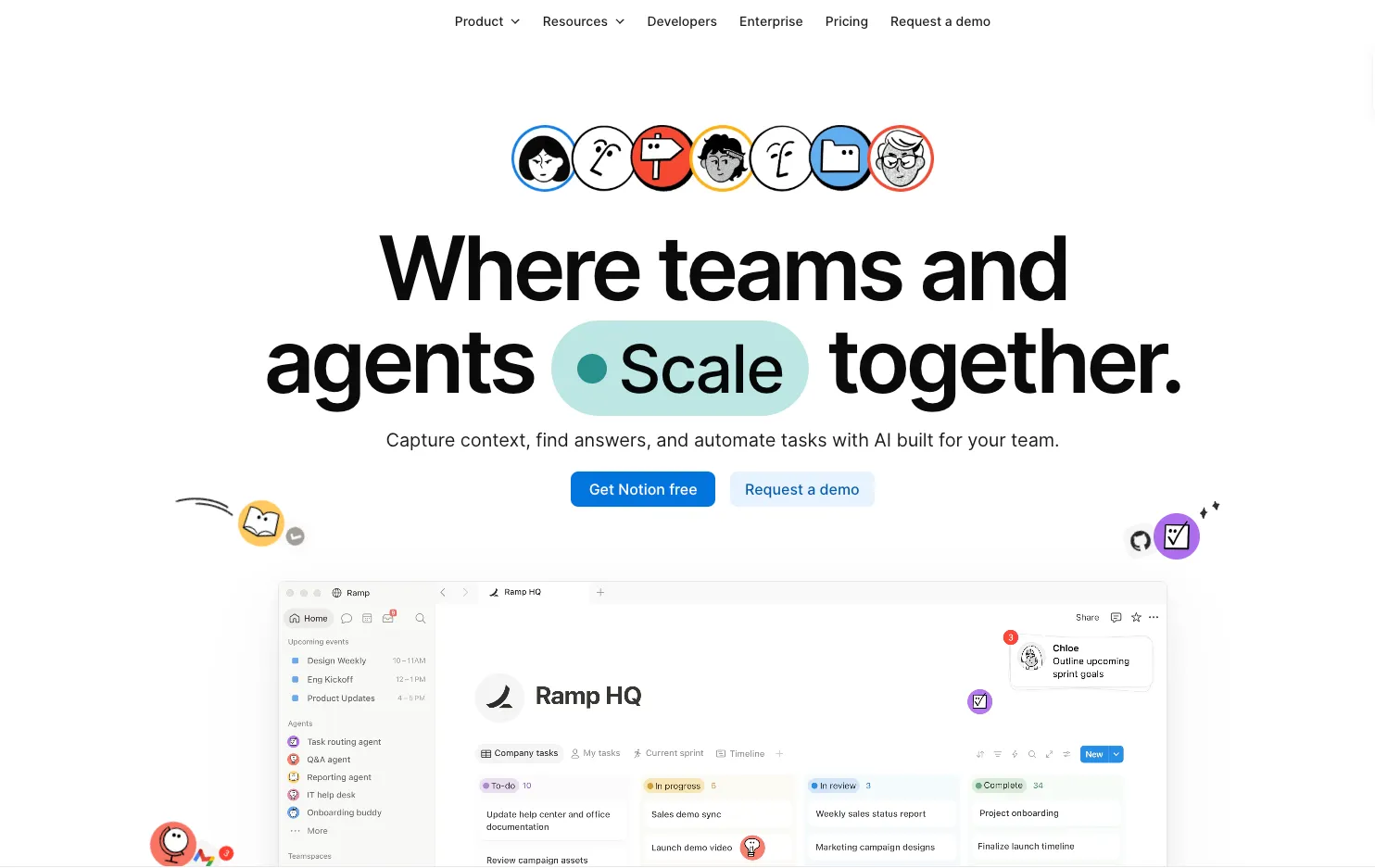
Notion combines docs, wikis and databases in one flexible workspace. It replaces SharePoint pages and lists for teams that want to build their own structure, and its Business plan now includes Notion Agent, AI Meeting Notes and Enterprise Search.
Best features: databases and linked views, wiki pages with verification, built-in AI on Business.
Pros 👍
- Very flexible, and easy to start with
- Good AI features on the Business plan
- Strong template ecosystem
Cons 👎
- Flexibility cuts both ways: without a clear structure, Notion becomes as hard to navigate as SharePoint
- On the Free plan, uploads are capped at 5 MB and workspaces with 2 or more members get a limited number of blocks
- Training and quizzes aren't native
Notion pricing: Free plan available. Plus: $10 per member/month billed annually. Business: $20 per member/month billed annually, including Notion AI features. Enterprise: custom. Monthly billing costs more.
Choose Notion if you want one flexible workspace and someone on the team enjoys building structure. Skip it if you need procedures people are trained on and sign off.
4. Google Workspace: best SharePoint alternative if you're leaving Microsoft 365
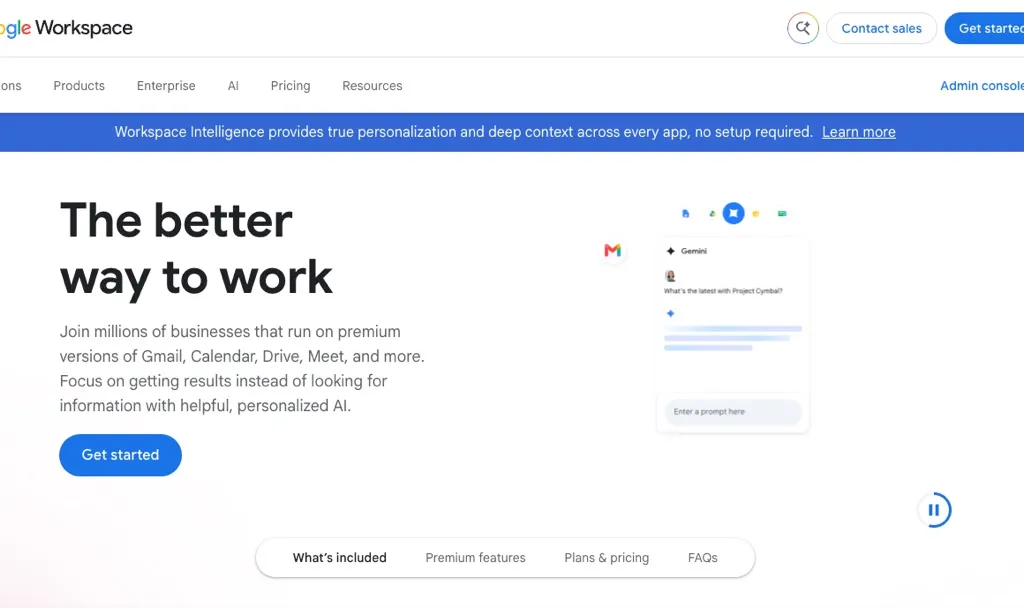
Google Workspace replaces SharePoint and the rest of Microsoft 365 at once: Drive and shared drives for files, Docs and Sheets for real-time co-editing, Sites for simple internal pages, and Gmail and Meet. It's the closest like-for-like swap.
Best features: shared drives, real-time co-editing, Google Sites, Gemini built into Workspace.
Pros 👍
- Best-in-class real-time collaboration
- Simple admin compared with SharePoint
- Replaces the whole suite, not just one job
Cons 👎
- Business plans max out at 300 users
- Business Starter has only 30 GB of pooled storage per user
- Google Sites is basic as an intranet, and Drive is a file store, not a knowledge base
Google Workspace pricing: Business Starter $7, Business Standard $14 and Business Plus $22 per user/month on an annual plan. On the Flexible plan (monthly, no commitment) the same tiers cost $8.40, $16.80 and $26.40.
Choose Google Workspace if you're moving your whole company off Microsoft 365. Skip it if you're keeping Outlook and Teams and only need to replace one SharePoint job.
5. Box: best SharePoint alternative for secure file sharing
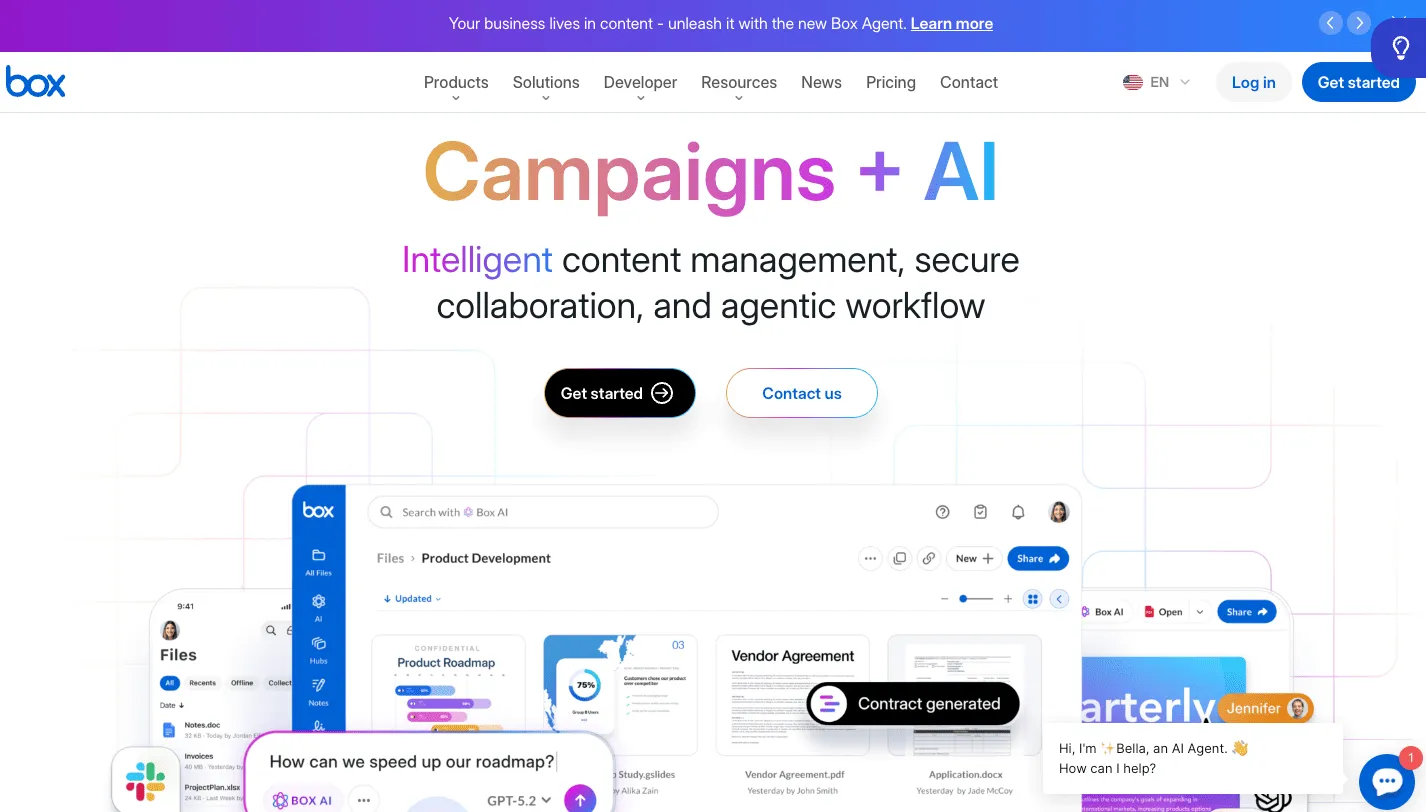
Box is a content cloud built for secure file sharing, especially with people outside your company. It replaces SharePoint document libraries for teams that care most about governance, permissions and external collaboration.
Best features: external sharing controls, content governance, Box AI on business plans, broad integrations.
Pros 👍
- Strong security and permissions for external sharing
- Works with Microsoft 365 and Google files
- Free individual plan to try it
Cons 👎
- Every business plan has a 3-user minimum
- Business Starter allows at most 10 users, 100 GB storage and 2 GB uploads
- It's a file platform, not a wiki or intranet
Box pricing: Individual is free for 1 user with 10 GB. Business plans start from $5 per user/month with a 3-user minimum.
Choose Box if you share files with clients and partners all day. Skip it if your SharePoint problem is knowledge, not files.
6. Dropbox: best SharePoint alternative for simple file sync
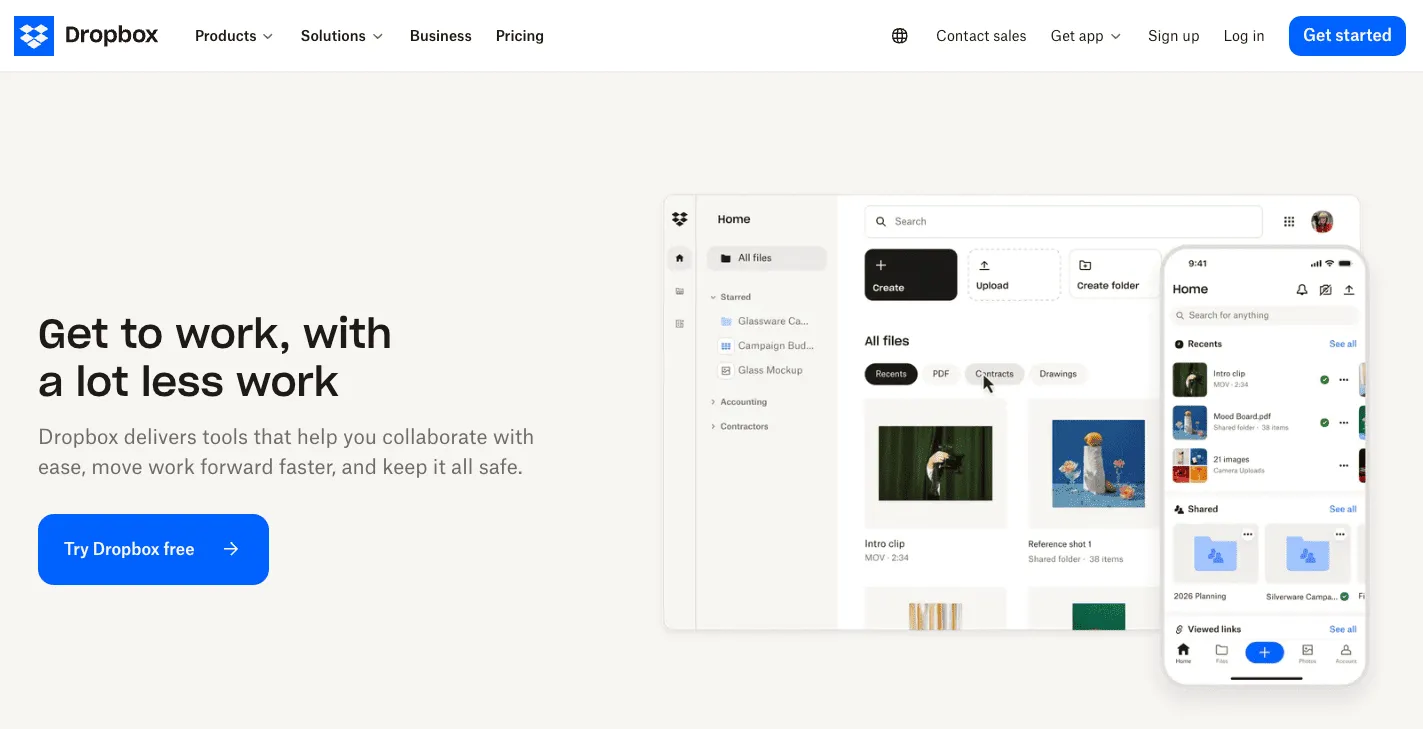
Dropbox replaces SharePoint document libraries and OneDrive sync with something people already know how to use. It handles large files well and keeps desktop sync simple.
Best features: reliable desktop sync, large file handling, file requests, Dropbox Dash for AI search.
Pros 👍
- Very little training needed
- Generous team storage
- Good with large media files
Cons 👎
- Advanced needs 3 or more people
- Standard storage is a 3 TB team pool
- No intranet or wiki features
Dropbox pricing: Basic is free with 2 GB. Standard: $15 per user/month billed annually, 3 TB for the team. Advanced: $24 per user/month billed annually, 3+ users, starting at 15 TB for the team. Monthly billing costs more.
Choose Dropbox if your team just wants files to sync without thinking about it. Skip it if you need governance or a knowledge base.
7. Egnyte: best SharePoint alternative for regulated industries

Egnyte combines file sharing with governance and compliance tooling. It replaces SharePoint document management for regulated teams, such as life sciences, construction and financial services, that need to know where sensitive files are and who can see them.
Best features: content governance, compliance tooling, hybrid file access, large uploads on higher tiers.
Pros 👍
- Built for compliance-heavy file management
- Published pricing
- No seat minimum stated
Cons 👎
- The Business plan caps users at 100
- More expensive than general file storage tools
- Not a wiki or intranet
Egnyte pricing: Business $22, Enterprise Lite $39 and Elite $48 per user/month, paid annually. Ultimate is quote-only. Free trial available.
Choose Egnyte if compliance drives your file decisions. Skip it if you just need simple shared folders.
8. Nextcloud: best open source SharePoint alternative
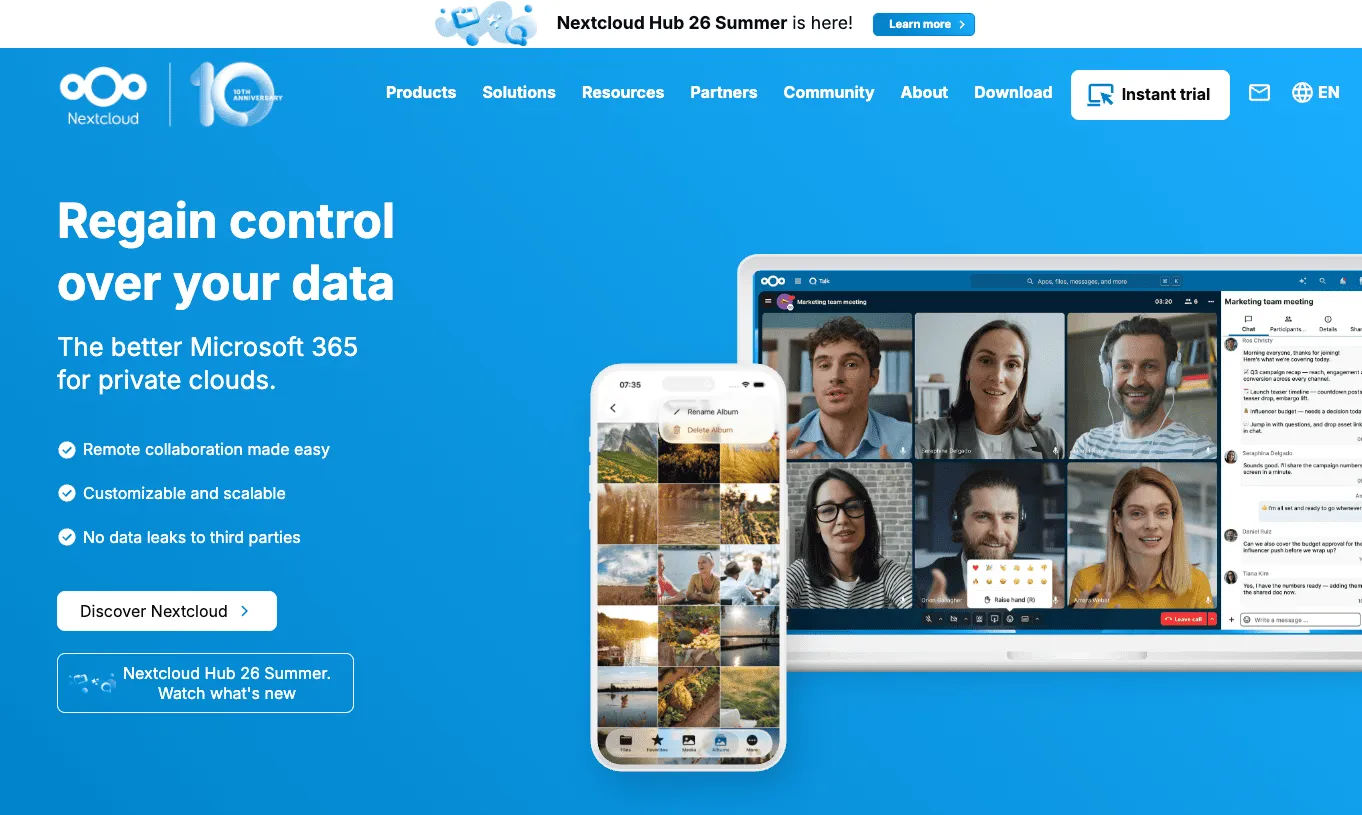
Nextcloud is an open source, self-hosted collaboration platform for files, sharing, calendars and chat. It's the leading choice for teams that want SharePoint-style file collaboration on their own servers, for data sovereignty or cost reasons.
Best features: self-hosting, open source (AGPL), file sync and sharing, apps for office editing and chat.
Pros 👍
- Free to self-host
- Full control over where your data lives
- Active project, with version 35.0.1 released in September 2026
Cons 👎
- You run, secure and update the servers yourself
- Paid Enterprise subscriptions start at 100 users
- Enterprise prices are listed in euros, per user per year
Nextcloud pricing: Nextcloud Hub is free and open source to self-host. Enterprise subscriptions start at 100 users: Standard €71.29, Premium €104.99 and Ultimate €204.75 per user/year, excluding VAT, with lower rates from 200 users.
Choose Nextcloud if you need an open source SharePoint alternative and have IT capacity to host it. Skip it if nobody on your team wants to maintain a server.
9. Guru: best SharePoint alternative for a verified knowledge layer
Guru is a knowledge base that delivers verified answers inside the tools people already use, such as Slack and the browser. It replaces SharePoint's role as the place people search for policies and answers.
Best features: knowledge verification, AI answers, delivery inside Slack and other tools.
Pros 👍
- Strong verification workflow keeps answers current
- Meets people where they already work
- AI search across company knowledge
Cons 👎
- No published prices. Guru positions itself as a scoped engagement, not a per-seat tool.
- No published free plan
- Focused on answers rather than step-by-step procedures and training
Guru pricing: Quote only. Guru's pricing page offers a call instead of per-seat prices.
Choose Guru if your main problem is support or sales teams finding verified answers fast. Skip it if you want to see pricing before talking to sales.
10. Haiilo: best SharePoint intranet alternative
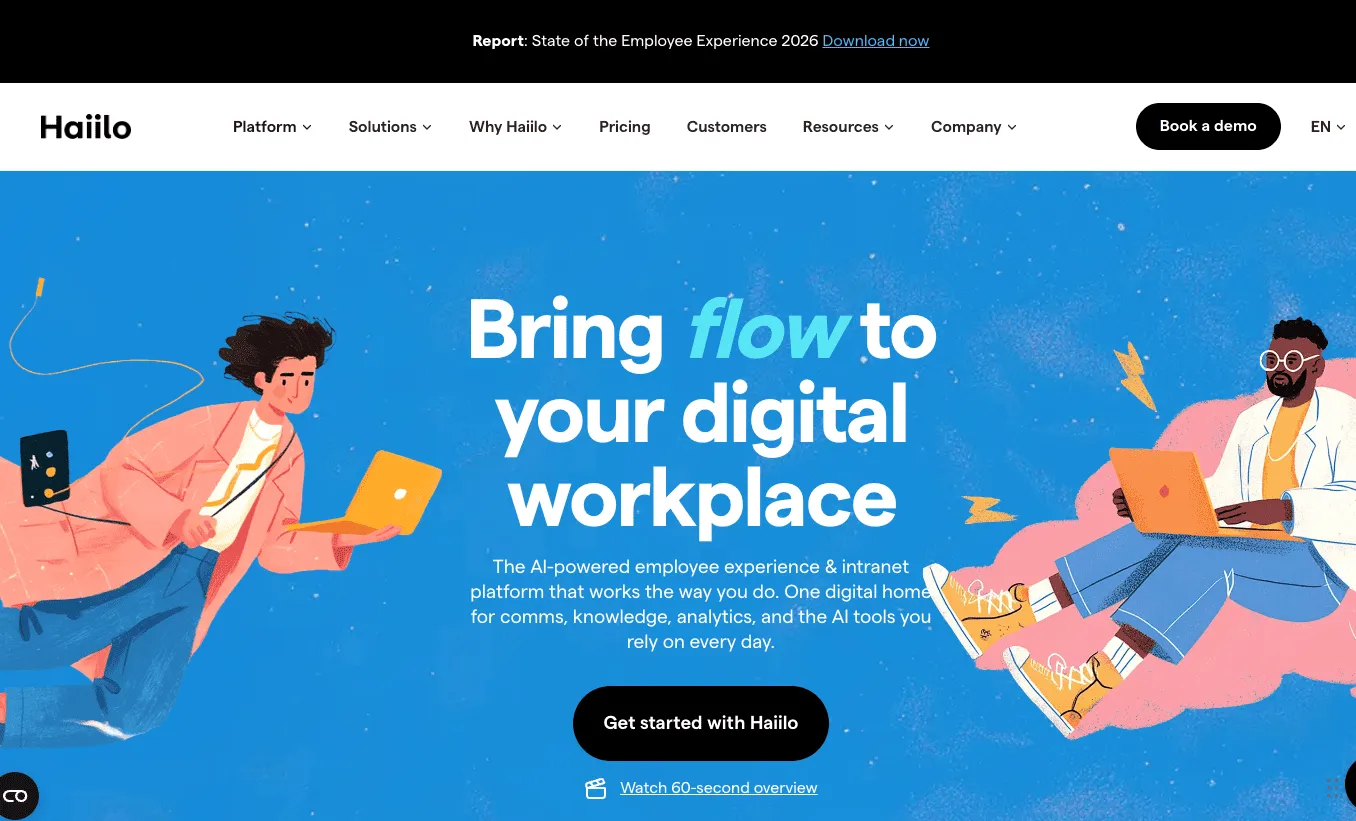
Haiilo is a social intranet and employee communications platform. It replaces the SharePoint intranet homepage, news and announcements with a mobile-first experience built for engagement and employee advocacy.
Best features: company news and campaigns, mobile app, employee advocacy, engagement analytics.
Pros 👍
- Built specifically for internal communications
- Mobile-first, good for spread-out teams
- Cited often in AI answers about SharePoint intranet alternatives
Cons 👎
- No published prices
- An intranet, not a document store or procedure library
- Needs ongoing content to stay useful, like any intranet
Haiilo pricing: Quote only. Haiilo's pricing page asks you to get a quote.
Choose Haiilo if your SharePoint is mostly a company news homepage. Skip it if you need files or procedures.
Which SharePoint alternative should you choose?
For most teams, Whale. What people want from SharePoint is to find out how things are done here, and Whale is built for exactly that: documented SOPs, training with quizzes and sign-off, and AI answers from your own procedures. Start there, then fill any gap by job:
- You also need a file store: Google Workspace if you're leaving Microsoft 365, Box for external sharing, Dropbox for simple sync, Egnyte for compliance. Keep OneDrive if you're staying on Microsoft.
- You need a company news intranet: Haiilo.
- Your engineers live in Jira: Confluence for their technical docs.
- You need open source or self-hosting: Nextcloud.
A setup that works for most teams is simple: a file store for files, and Whale for the knowledge that tells people what to do with them.
SharePoint alternatives FAQs
What is the best SharePoint alternative?
Whale is the best SharePoint alternative for most teams. It replaces the part of SharePoint people struggle with most, finding the right, current process, with structured SOPs, training flows, quizzes and Coral, an AI assistant that answers from your own documentation with sources. Whale is free for up to 10 members. For file storage alone, Google Workspace or Box are the strongest picks.
Is SharePoint being phased out?
No. SharePoint Online is still included in every Microsoft 365 Business plan. What has been phased out is the older on-premises software: Microsoft ended extended support for SharePoint Server 2016 and SharePoint Server 2019 on 14 July 2026, and SharePoint Designer 2013 is on the same 2026 end-of-support list. SharePoint Server Subscription Edition is still supported.
Is SharePoint retiring in 2026?
SharePoint itself isn't retiring in 2026. SharePoint Server 2016 and 2019 reached the end of extended support on 14 July 2026, so teams still running them on their own servers need to move, either to SharePoint Online, SharePoint Server Subscription Edition, or a SharePoint alternative such as Google Workspace, Box or Nextcloud.
What will replace SharePoint?
For most teams, Whale replaces the SharePoint knowledge library: SOPs, policies and training, with AI answers from your own procedures. A file store such as Google Workspace, Box, Dropbox or Egnyte takes over the document libraries, and Haiilo can take over a company news intranet. Teams staying with Microsoft usually move from SharePoint Server to SharePoint Online.
What are some free alternatives to SharePoint?
Whale is free for up to 10 members, Confluence is free for up to 10 users with 2 GB storage, and Notion has a Free plan with block limits for teams. Nextcloud is free and open source if you host it yourself. Box and Dropbox have free plans, but they're for individuals: Box Individual is 1 user with 10 GB, and Dropbox Basic is 2 GB.
Does Google have an equivalent to Microsoft SharePoint?
Yes. Google Workspace is Google's equivalent: shared drives replace SharePoint document libraries, Docs and Sheets handle co-editing, and Google Sites builds simple internal sites. Business Starter costs $7 per user/month on an annual plan, and Business plans go up to 300 users. For a structured knowledge base or SOPs, teams usually add a dedicated tool such as Whale.
Is there an open source SharePoint alternative?
Yes. Nextcloud is the most established open source SharePoint alternative. Nextcloud Hub is free to self-host under the AGPL licence, and it covers file sync, sharing, calendars and chat. Paid Nextcloud Enterprise subscriptions, with support, start at 100 users. eXo Platform and OpenProject are other open source options, focused on intranet and project collaboration.
Is it better to use SharePoint or OneDrive?
They do different jobs. OneDrive is personal file storage for one person's work in progress. SharePoint is for shared team sites and libraries. Most Microsoft 365 teams use both. If neither suits how your team finds information, the problem is usually structure and ownership, which is what a knowledge base like Whale is built to fix.
How much does SharePoint cost?
SharePoint Online is included in Microsoft 365 Business Basic at $7 per user/month and Business Standard at $14 per user/month on an annual subscription, or $8.40 and $16.80 billed monthly. AI agents in SharePoint need a Copilot licence or pay-as-you-go Azure billing. The Copilot Business add-on lists at $21 per user/month.
Lisa Steingold is the Head of Content for Whale. With a history in tech, she's authored 4 books and is obsessed with helping teams unlock the next level of growth and productivity. (And riding her bike)