SOP & Process Documentation
8 of the best SweetProcess alternatives in 2027 (we compared them)

In this article
The best SweetProcess alternative depends on what you need once your standard operating procedures are written down: training people on them, capturing them straight from your screen, or making sure they're followed step by step.
The best SweetProcess alternatives in 2027 are
- Whale is our top pick for AI-powered SOP software with training built in. If you're weighing one specific switch, our Whale vs SweetProcess comparison goes deeper on that pair.
- Tango for quick browser how-to guides on a free plan,
- Notion for a flexible wiki you build yourself,
- Waybook for onboarding paths and tests at a fixed 20-seat price,
- and Process Street and Tallyfy for procedures that must be run and tracked, not just read.
- Scribe is best when you mainly need screenshot guides captured from your screen.
SweetProcess deserves credit before anything else. It publishes a simple price, every customer gets every feature, and it covers procedures, policies, processes, quizzes and task tracking in one place. Its main plan is $82.50 a month billed yearly for up to 10 members, which is hard to argue with for a small team.
Teams usually start looking around for three reasons:
- they want AI to create the SOP from a recording, not just draft text from a title,
- they need structured training (paths, flows, sign-off) on top of quizzes,
- or they've outgrown a text-first tool and want answers to reach people where they work.
Before we continue we want to disclose that Whale publishes this page and is one of the tools on it. But we aim to keep fair practice. Every price comes from the vendor's own pricing page, checked in October 2026. And every tool, Whale included, gets the same fields and real cons. Where another tool is the better pick, we say so.
What is SweetProcess?
SweetProcess is SOP software for documenting procedures, policies and processes, then turning them into tasks you can assign to your team and track.
- Pricing: $82.50/month billed yearly ($990/year) for up to 10 members, plus $4.17/month per extra member billed yearly. Teams under 10 employees can get $495/year for up to 5 members. 14-day free trial with no credit card, and a 30-day money-back guarantee.
- AI: SweetAI drafts procedures and policies from a title and suggests clarity, tone and formatting edits, at no extra charge.
- G2 rating: 4.3/5
- What it does well: simple published pricing, all features on one plan, quizzes on policies and procedures, process maps, a public or private knowledge base, and tasks assigned straight from a procedure.
- Where it stops: it's text-first. A Chrome extension records clicks into steps, but we found no learning paths or training flows on its site.
If your procedures are written and you now need people trained on them, or you'd rather record a process than type it up, that's where the alternatives below come in. If you want one tool that does both, start with Whale.
Key takeaways
- SweetProcess is hard to beat on price for a team of 10. $82.50 a month billed yearly covers up to 10 members with every feature.
- Four alternatives have a free plan, but SweetProcess doesn't. Whale, Tango, Notion and Scribe all have one. SweetProcess offers a 14-day free trial.
- Two alternatives don't publish prices. Process Street and Trainual are quote-only, and Trainual adds a one-time $1,000 implementation fee.
- Pricing models differ more than prices do. SweetProcess and Waybook charge per member, Whale charges per creator, Tallyfy splits full seats from cheaper task-only seats, and Tango, Notion and Scribe charge per seat. Count who actually writes content before you compare.
- Whale turns one screen recording into an SOP, an AI-generated quiz and a training flow. Video to SOP is on Whale's free plan, and training flows and AI quizzes start on Scale at $249 a month billed yearly.
Quick comparison of SweetProcess alternatives
All prices in US dollars, checked in October 2026.
| Tool | Best for | Starting paid price | Free plan | G2 rating | Standout AI feature |
|---|---|---|---|---|---|
| SweetProcess (for reference) | Simple SOP and policy documentation | $82.50/month for up to 10 members, billed yearly | No (14-day trial) | 4.3/5 | SweetAI drafts a procedure from its title |
| Whale | AI-powered SOPs and training | $249/month billed yearly (3 creators) | Yes: 1 creator, up to 10 members | 4.8/5 | Video to SOP, AI quizzes, Coral AI assistant |
| Tango | Quick browser how-to guides | $15/user/month billed yearly (3+ users) | Yes: up to 10 users, 5 shared workflows | 4.7/5 | AI-written step text |
| Notion | A flexible wiki you build yourself | $10/seat/month billed yearly (Plus) | Yes (individuals) | 4.6/5 | Notion Agent on Business ($20/seat) |
| Waybook | Onboarding paths and tests for 20+ people | $99/month for 20 seats, billed yearly | No (7-day trial) | 3.5/5 | AI Content Writer and Waybook AI Ask |
| Process Street | Workflows that must be followed | Not published | No (14-day Pro trial) | 4.6/5 | Cora, an AI compliance and risk agent |
| Tallyfy | Tracked workflows with cheap task-only seats | $300/user/year (Full Seat) or $100/user/year (Light Seat), billed yearly | No (14-day trial) | 4.9/5 | Tallyfy AI and an MCP server |
| Scribe | Screenshot guides captured from your screen | $13/seat/month billed yearly (Pro Team, 5-seat minimum) | Yes (browser only) | 4.8/5 | Autocapture |
| Trainual | Role-based onboarding | Not published, plus $1,000 implementation fee | No (demo only) | 4.7/5 | AI quiz generation and knowledge search |
What a 10- and 25-person team actually pays
Headline prices are hard to compare because every vendor counts people differently. So we priced the same team twice: annual billing, everyone able to read and complete training, and 3 people writing content.
| Tool | 10 people, per month | 25 people, per month | How we got there |
|---|---|---|---|
| Whale Free | $0 | Not available | 1 creator, up to 10 members. Training flows and AI quizzes start on Scale |
| Whale Scale | $249.00 | $249.00 | 3 creators included. Everyone else joins as a member, with no per-seat fee. |
| Tango Pro | $150.00 | $375.00 | $15 per user. Tango's FAQ says the whole workspace upgrades together |
| Notion Plus | $100.00 | $250.00 | $10 per seat |
| Waybook Core | $99.00 | $124.00 | 20 seats included, plus $5 per extra member |
| Waybook Pro | $198.00 | $248.00 | 20 seats included, plus $10 per extra member |
| Tallyfy | $133.33 | $258.33 | 3 Full Seats at $300/year, Light Seats at $100/year for everyone else |
| Scribe Pro Team | $130.00 | $325.00 | $13 per seat. Scribe's FAQ says all teammates must be on the same plan |
| Process Street | Not published | Not published | Quote only, with a reduced Startup plan for companies under 15 employees and $2M revenue |
| Trainual | Not published | Not published | Quote only, plus a $1,000 one-time implementation fee |
The case for switching from SweetProcess is usually about what the tool does for you: how much of the writing it takes off your plate, and whether people actually finish the training that goes with it.
1. Whale
Best SweetProcess alternative for AI-powered SOPs and training
G2 rating: 4.8/5
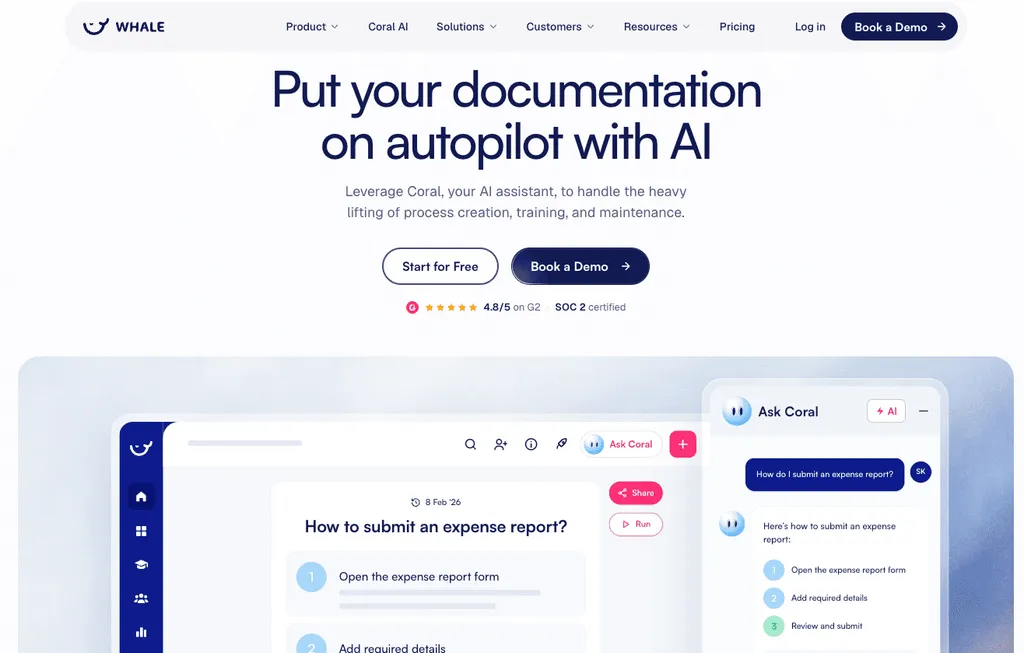
Whale is an AI-powered SOP and training platform for teams that want documentation and employee training in the same tool. The biggest difference from SweetProcess is where the content comes from. In SweetProcess you write the procedure, or let SweetAI draft it from a title. In Whale you record yourself doing the task once, and Whale turns it into a written SOP, an AI-generated quiz and a training flow you can assign. Then Coral, Whale's AI assistant, answers your team's questions from those SOPs, with sources. It's the difference between writing the onboarding doc and having it write itself while you do the job.
Key features of Whale
- Video to SOP and a step recorder that turn screen recordings into step-by-step SOPs
- AI Assist for drafting and updating SOPs, plus PDF and Word files turned into SOPs
- Training flows, AI-generated quizzes, checklists and read assignments
- Coral, Whale's AI assistant, which answers from your documentation, including in Slack through the Whale app
- Whale MCP: connect Claude, ChatGPT or Gemini to your Whale knowledge (Scale, Advance and Enterprise)
- E-signatures on completion (Advance), version history and an org chart
- iOS and Android apps
Whale pricing
- Free: $0, 1 creator, up to 10 members, screen recorder, video to SOP, checklists and Coral
- Scale: $249/month billed yearly, 3 creators included, extra creators $29/month billed yearly, training flows, AI quizzes, PDF and Word export, Whale MCP
- Advance: $499/month billed yearly, 5 creators included, adds e-signatures, video editor, AI voiceovers, enforced SSO and granular permissions
- Enterprise: custom, adds approval flows, automatic redaction, SCIM and HRIS integrations, API access
Prices from Whale's pricing page, checked October 2026. Whale's security page lists SOC 2 certification, with hosting in the EU or the US.
Whale pros
- One recording becomes an SOP, a quiz and a training flow, so writing stops being the bottleneck
- Prices are published, and there's a free plan with no time limit
- Whale MCP connects your company documentation to your AI tools, so your teams use accurate information
- Coral puts answers where people work, rather than in a portal nobody opens (you can even ask Coral in Slack!)
Whale cons
- Looking for a tool for 10 or fewer people? Whale costs more than SweetProcess for small teams.
- Permissions customisation is limited below the Advance plan, and granular permissions start at $499 a month billed yearly.
Choose Whale if you want documentation and training in one tool, you'd rather record a process than write it, and you want AI to draft the SOP, the quiz and the training flow.
Whale reviews from customers
Whale gets rave reviews from customers all the time. Feel free to check out G2 or our review page for what people say about Whale.
“The leaders of our business gained a little more sanity by not dealing with small questions throughout the day. I found myself explaining our company benefits to different people throughout the week, but with Whale, every employee knows exactly where to find details of their employee benefits.” - Ashley Dawson, Dawson Dentistry
2. Tango
Best for quick browser how-to guides on a free plan
G2 rating: 4.7/5
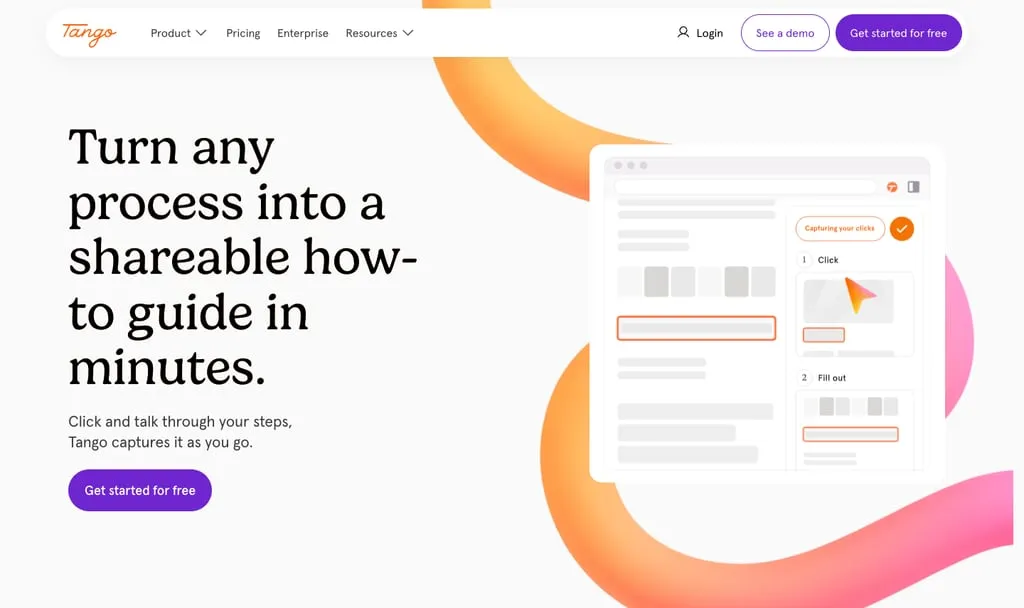
Tango is a browser extension that captures a process as you click through it and turns it into a step-by-step guide. Its free plan covers up to 10 users and 5 shared workflows, which is enough to find out whether your team will actually use it. Enterprise adds Guide Me walkthroughs and Pins inside your web apps. Tango also sells browser agents as a separate product. Our best Tango alternatives guide covers more options in this space.
Key features of Tango
- Browser capture of clicks into screenshot guides, desktop capture on Pro
- Screenshot annotation and blurring of sensitive data (Pro)
- Export to PDF, Markdown and HTML, link and embed sharing
- Viewership and completion insights (Pro)
- Guide Me walkthroughs, Pins and multi-path workflows (Enterprise)
Tango pricing
- Free: $0, 5 shared workflows, up to 10 users
- Pro (1 to 2 users): $22/user/month billed yearly ($30 billed monthly)
- Pro (3+ users): $15/user/month billed yearly ($20 billed monthly)
- Enterprise: custom
- Tango Agents: from $12,500/year for teams of 20 or more
Prices from Tango's pricing page, checked October 2026.
Tango pros
- A generous free start for small teams
- On-screen guidance inside web apps on Enterprise
Tango cons
- No quizzes or assignments listed
- The whole workspace must upgrade to Pro together
- Guide Me, Pins, redaction and SSO sit on Enterprise
Weighing it up? See how Whale compares with Tango.
3. Notion
Best for a flexible wiki you build yourself
G2 rating: 4.6/5
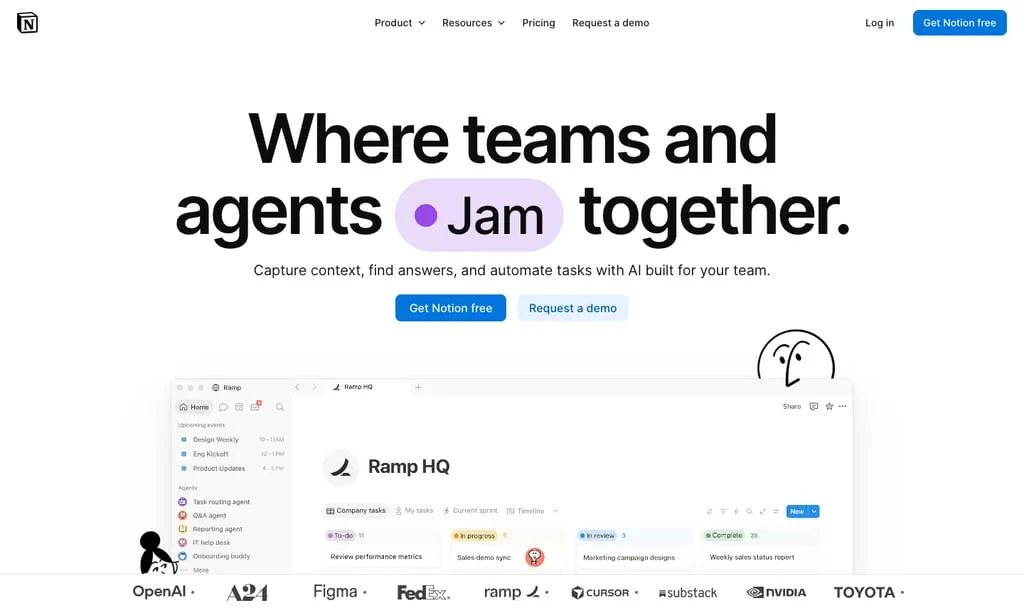
Notion is an all-in-one workspace for docs, wikis, databases and projects. You can build an SOP library in an afternoon, and then spend the next year keeping it tidy. Notion has no training paths, quizzes or completion tracking, and its full AI (Notion Agent, AI Meeting Notes and Enterprise Search) is on the Business plan.
Key features of Notion
- Docs, wikis and nested pages built from blocks
- Databases with table, board, calendar and timeline views
- Verified pages and private teamspaces (Business)
- Automations, webhooks and a public API
- Notion Agent, AI Meeting Notes and Enterprise Search (Business)
Notion pricing
- Free: $0 for individuals
- Plus: $10/seat/month billed yearly ($12 billed monthly)
- Business: $20/seat/month billed yearly ($24 billed monthly), adds Notion AI and SAML SSO
- Enterprise: custom
Prices from Notion's pricing page, checked October 2026.
Notion pros
- Docs, wiki and project tracking in one flexible tool
- A free plan for individuals
Notion cons
- No native training, quizzes or completion tracking
- Every member needs a paid seat, readers included
- Without governance, flexibility turns into sprawl
Weighing it up? See how Whale compares with Notion.
4. Waybook
Best for onboarding paths and tests at a fixed 20-seat price
G2 rating: 3.5/5
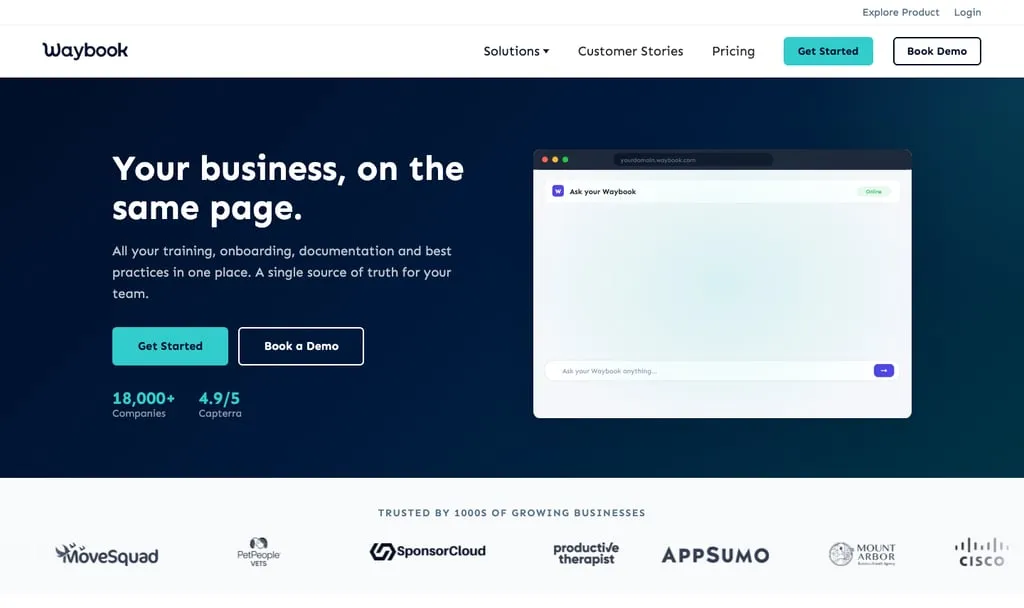
Waybook is a business playbook platform for SOPs, onboarding and company knowledge. Where SweetProcess is built around procedures and tasks, Waybook is built around learning paths: new hires work through content, take tests and get nudged when mandatory training is overdue. Its pricing starts with a 20-seat bundle, which suits a growing team and is a bit like buying a minibus for the school run if you're five people. We've also compared the best Waybook alternatives if you're weighing both.
What our sales team hears: a team that had used Waybook for about two years told us their biggest problem wasn't the content, it was where it lived. Their work happens in ClickUp and HubSpot, so checking an SOP meant a new tab, a login and a search, and most people simply didn't. They'd also chosen Waybook before AI was part of the decision, and now wanted instant answers from their own SOPs and help keeping a few hundred documents current.
Key features of Waybook
- Learning paths and role-based onboarding
- Tests and assessments (AI can generate them) with completion tracking
- Mandatory training with automatic overdue reminders
- Unlimited AI Content Writer and Waybook AI Ask on all plans
- Waybook Shots, a free Chrome extension that captures screenshots into guides
- Org chart, custom branding and PDF export
- Approvals, review dates, SSO and Waybook MCP on Pro
Waybook pricing
- Core: $99/month for 20 seats billed yearly, plus $5 per extra member ($119/month billed monthly)
- Pro: $198/month for 20 seats billed yearly, plus $10 per extra member ($238/month billed monthly)
- Enterprise: pricing on request
- 7-day free trial, no free plan
Prices from Waybook's pricing page, checked October 2026.
Waybook pros
- Learning paths, tests and reminders are on the entry plan
- AI writing and AI search are included on every plan
Waybook cons
- No free plan, and the trial is 7 days, half as long as SweetProcess's
- Approvals, SSO and MCP sit on Pro
- Waybook Shots captures screenshots, not video
Weighing it up? See how Whale compares with Waybook.
5. Process Street
Best for workflows that must be followed and proven
G2 rating: 4.6/5
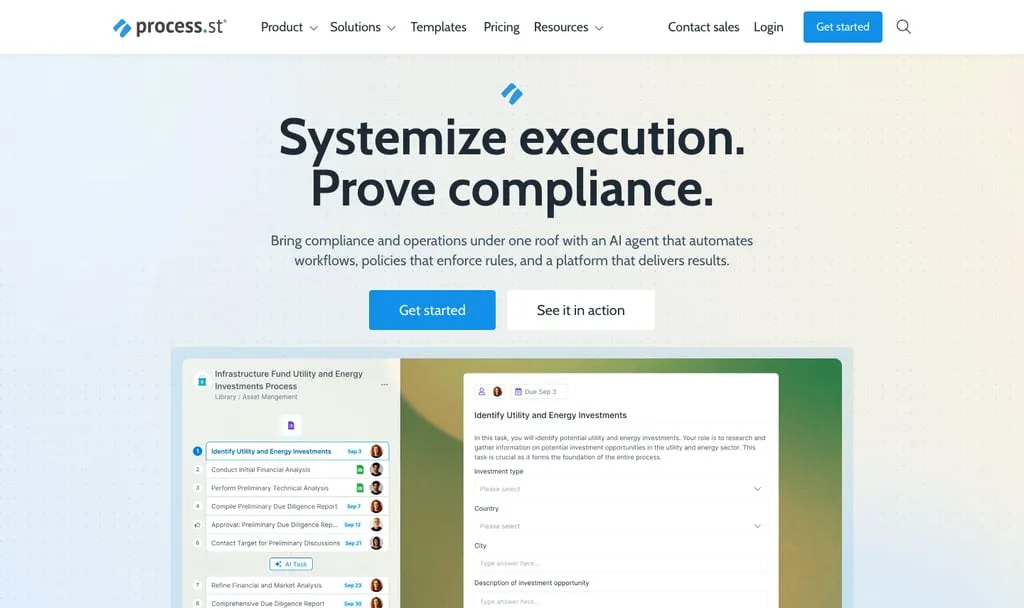
Process Street is a compliance operations platform that turns policies and procedures into checklists and workflows people run step by step, with an audit trail. SweetProcess can assign a procedure as a task, but Process Street goes further with conditional logic, approvals, enforced task order and automations. It's the tool for the day an auditor asks you to prove that every step was done.
Key features of Process Street
- Conditional logic, approvals, enforced task order and dynamic due dates
- Scheduled workflows and workflow run links
- Docs for policy and document management
- Process AI, which creates a workflow from a prompt
- Cora, an AI compliance and risk agent
- Workflow analytics, iOS and Android apps, Slack and Microsoft Teams apps
- SOC 2 Type II and ISO 27001
Process Street pricing
- Startup: not published, a reduced Pro plan for businesses under 15 employees and under $2M revenue
- Pro: not published
- Enterprise: not published
- 14-day free trial of Pro, no credit card
Checked on Process Street's pricing page, October 2026.
Process Street pros
- Enforced, auditable execution, not just documentation
- Strong compliance credentials for regulated teams
Process Street cons
- No published prices
- No quiz or training module listed on its pricing page
- Reviewers say complex conditional logic has a learning curve
Weighing it up? See how Whale compares with Process Street.
6. Tallyfy
Best for running procedures as tracked workflows with cheap task-only seats
G2 rating: 4.9/5
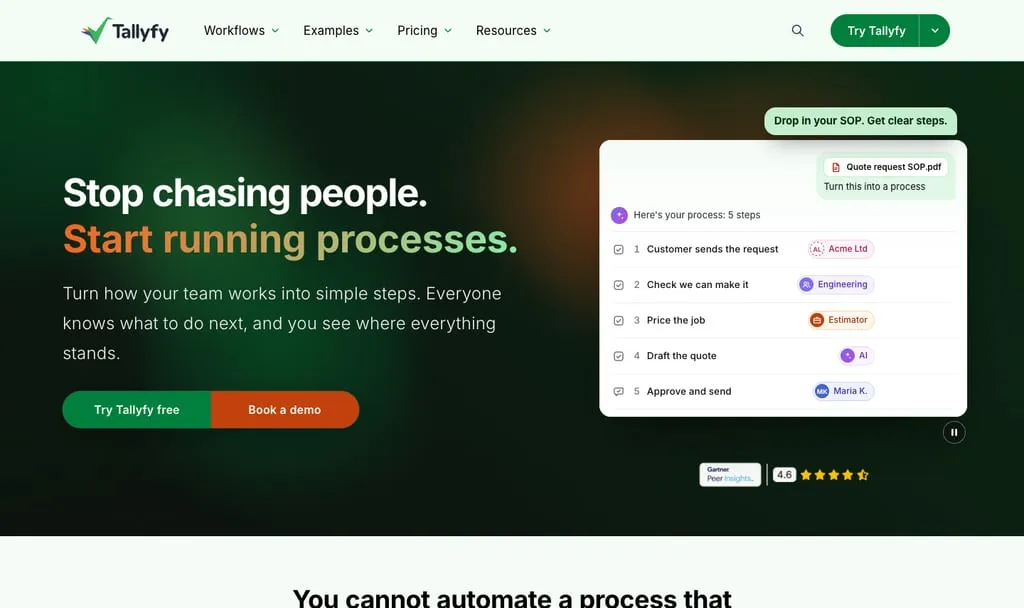
Tallyfy is workflow and process management software: you write the steps once, then launch them as runs where every step has an owner, a deadline and a tick. Its own line is "Every task gets done by a person, AI, or an app." SweetProcess documents a procedure and assigns it, but Tallyfy is built around running it, with kickoff forms and rules that show only the steps that apply. Pricing splits Full Seats (people who build templates) from Light Seats (people who only complete tasks), which keeps a team of doers affordable.
Key features of Tallyfy
- Templates launched as tracked runs with owners, deadlines and approvals
- Kickoff forms and rules that show only the steps that apply
- Free guests for external people, who only see their assigned tasks
- Tallyfy AI, an MCP server and connections to ChatGPT and Claude
- Automations, API and webhooks
- SSO and SCIM on every seat, SOC 2 Type II
Tallyfy pricing
- Full Seat: $300/user/year billed yearly ($30/user/month billed monthly), creates and edits templates
- Light Seat: $100/user/year billed yearly ($10/user/month billed monthly), completes assigned tasks
- Data Feed (analytics) add-on: $20/seat/year
- 14-day free trial, no credit card
Prices from Tallyfy's pricing page, checked October 2026.
Tallyfy pros
- Light Seats make it cheap to include people who only do the work
- SSO, SCIM, guests and Tallyfy AI are included on every seat
Tallyfy cons
- No quizzes or training paths listed
- No free plan, and annual plans are non-cancellable and non-refundable
7. Scribe
Best for screenshot guides captured from your screen
G2 rating: 4.8/5
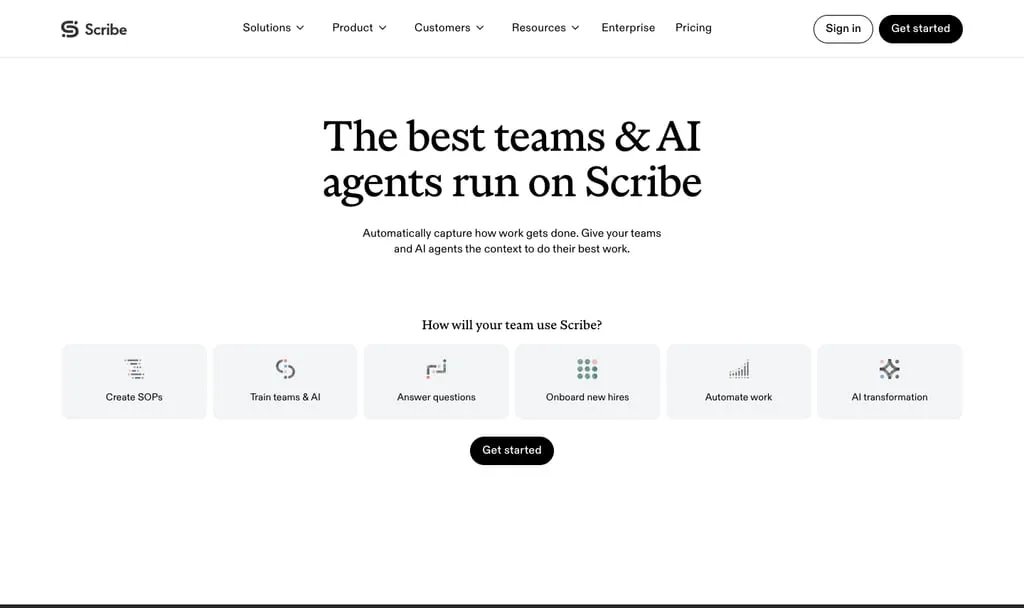
Scribe is a browser extension and desktop app that records you clicking through a process and turns it into a step-by-step guide with screenshots. SweetProcess has a click recorder too, but in Scribe the capture is the whole product, and it's fast. What Scribe doesn't do is train: we found no quizzes, assignments or completion tracking on its pricing page.
Key features of Scribe
- Browser capture for Chrome and Edge, desktop capture on Pro
- Autocapture, which turns work you've already done into guides
- Edit and redact screenshots, company branding
- Export to PDF, HTML and Markdown, share by link or embed
- Automatic PII and PHI redaction and SSO on Enterprise
Scribe pricing
- Basic: free, browser capture of web apps
- Pro Personal: $25/seat/month billed yearly ($35 billed monthly)
- Pro Team: $13/seat/month billed yearly ($17 billed monthly), 5-seat minimum
- Enterprise: custom
Prices from Scribe's pricing page, checked October 2026.
Scribe pros
- The fastest route from doing a task to a shareable guide
- A free plan for browser capture
Scribe cons
- No quizzes or training tracking
- Captured steps often need manual cleanup
- Per-seat pricing with a 5-seat minimum on Pro Team
Weighing it up? See how Whale compares with Scribe.
8. Trainual
Best for role-based onboarding and accountability
G2 rating: 4.7/5
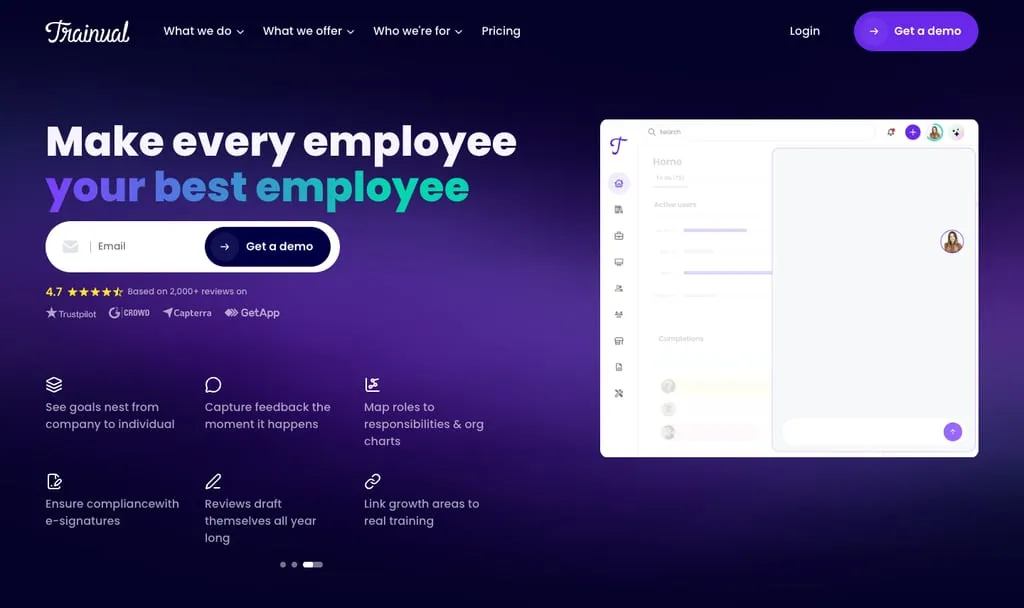
Trainual is a training, operations and performance platform where companies document SOPs, roles and policies, assign training and track completion. It organises content around roles and responsibilities, with an org chart, tests and e-signatures, and adds modules for meetings, KPIs and performance reviews. Our best Trainual alternatives guide compares it in more depth.
Key features of Trainual
- SOPs with a built-in editor, flowcharts and a screen recorder
- Role-based onboarding and training paths
- Tests (including AI-generated quizzes), completion tracking and reports
- E-signatures on critical policies
- Roles, responsibilities and org chart
- Operations and performance modules (meetings, KPIs, reviews)
Trainual pricing
- Core, Pro, Premium and Enterprise: not published (book a demo)
- One-time $1,000 implementation fee
- No self-serve trial: the pricing FAQ points to a demo
Checked on Trainual's pricing page, October 2026.
Trainual pros
- Clear structure around roles and responsibilities
- Tests, e-signatures and screen recording in one tool
Trainual cons
- No published pricing, plus an implementation fee
- Reviewers mention search that misses unless titles match closely
Weighing it up? See how Whale compares with Trainual.
How to migrate from SweetProcess
Whale offers migration from SweetProcess. Remember that migrations can be complicated, so:
- Audit your library and archive the procedures nobody has opened in a year.
- Export from SweetProcess (it exports to PDF and Word), then test the import with a handful of SOPs. Whale turns PDF and Word files into SOPs.
- Move your most-used SOPs first, each with an owner and a review date.
How we compared these tools
We started with 12 tools: the alternatives named in the top 10 Google results for "SweetProcess alternatives" (almost all SweetProcess's own pages, plus G2's alternatives list), the tools ChatGPT names most often for "best SOP software", and the tools people search for alongside SweetProcess (such as "Tango vs SweetProcess"). We also spoke to our sales team. We kept the 8 that document internal processes, run them or train employees on them, and dropped maintenance apps, IT documentation tools and heavy process-automation platforms.
We compared each one on five things: SOP creation (including AI), training and testing features, published pricing, free plan or trial, and how answers reach the team.
Every price, plan and feature comes from the vendor's own website, checked on 30 October 2026, and G2 scores were read the same day. Where a vendor doesn't publish a price, we say so rather than quote a third-party estimate.
But what we always say to customers and prospective customers is try the tools out for yourself.
How to choose a SweetProcess alternative
- You want AI to create the content, not just draft it: Whale. Record once and get the SOP, the quiz and the training flow.
- You're a team of between 10 and 20 and want a cost effective solution: Waybook.
- Your processes must be run and proven, step by step: Whale or Tallyfy if most people only complete tasks.
- Your team works on the shop floor or in a warehouse: look at Whale Blue, Whale's separate product for frontline teams.
When to stay on SweetProcess: if you're under 10 people, your procedures are mostly written, and quizzes plus task tracking cover your training, $82.50 a month is hard to beat. Switching tools costs time, so switch for a capability you need, not a few dollars.
Frequently asked questions
What is the best alternative to SweetProcess?
Whale is the best SweetProcess alternative for most teams, especially if you want AI-powered SOPs and training in one tool, because one recording becomes an SOP, a quiz and a training flow. Tango is the quickest free option for software how-to guides, and Process Street and Tallyfy are best for procedures that must be run and tracked.
How much does SweetProcess cost?
SweetProcess costs $82.50 a month billed yearly ($990 a year) or $99 billed monthly for up to 10 members. Each extra member is $4.17 a month billed yearly ($50 a year) or $5 monthly. Teams under 10 employees can get $495 a year for up to 5 members. There's a 14-day free trial and a 30-day money-back guarantee (SweetProcess pricing page, checked in October 2026).
Is there a free SweetProcess alternative?
Yes. Whale's free plan includes 1 creator and up to 10 members, with video to SOP, the screen recorder, checklists and Coral, Whale's AI assistant. Tango is free for up to 10 users and 5 shared workflows, Notion is free for individuals, and Scribe's Basic plan is free in the browser. On Whale, training flows and AI quizzes start on the Scale plan.
SweetProcess vs Trainual: which is better?
SweetProcess publishes its prices ($82.50 a month for up to 10 members, billed yearly) and offers a 14-day trial. Trainual doesn't publish prices and charges a one-time $1,000 implementation fee, but it has more structure around roles, training paths and e-signatures. For cost clarity and simple documentation, SweetProcess is the easier start. If you want structured training and published prices, Whale turns one recording into an SOP, a quiz and a training flow.
SweetProcess vs Tango: what's the difference?
SweetProcess is a documentation tool for procedures, policies and tasks, with quizzes and a Chrome click recorder. Tango is a capture tool that turns clicks into screenshot guides, with a free plan for up to 10 users. Choose SweetProcess to run an operations manual and Tango to create quick software guides. If you want both in one tool, Whale records your screen into an SOP and then trains people on it with AI quizzes and training flows.
SweetProcess vs Notion: which is better for SOPs?
SweetProcess is built for SOPs: procedures, policies, quizzes and task assignment come ready to use. Notion is a flexible workspace where you build your own SOP library, at $10 per seat a month on Plus billed yearly. Choose SweetProcess for structure out of the box and Notion if you want one tool for docs and projects. If you want SOP structure plus AI answers, Whale adds training flows and Coral, Whale's AI assistant, which answers questions from your own SOPs with sources.
SweetProcess vs Tallyfy: what's the difference?
SweetProcess documents procedures and policies and assigns them as tasks, at $82.50 a month for up to 10 members billed yearly. Tallyfy runs procedures as tracked workflows with owners, deadlines and approvals, at $300 a year per Full Seat and $100 a year per Light Seat billed yearly. Choose SweetProcess for documentation and Tallyfy when execution is what you need to track. If people need to learn the procedure as well as follow it, Whale adds checklists, training flows and AI quizzes to your SOPs.
Does SweetProcess have AI?
Yes. SweetAI drafts procedures and policies from a title and suggests edits for clarity, tone and formatting. SweetProcess says it's included at no extra charge on trial and paid accounts.
Can you switch from SweetProcess without losing your content?
Yes. SweetProcess exports to PDF and Word, so you can take your procedures with you. Whale offers a migration service, and it turns PDF and Word files into SOPs. Before you cancel, list your most-used procedures and export them. It's also a good moment to retire the ones nobody has opened since they were written.
Ready to record it once instead of writing it twice?
Start on Whale's free plan or see how Whale handles employee training and onboarding. Record one process and see what Whale makes of it. More guides like this one live in SOP and process documentation.
Lisa Steingold is the Head of Content for Whale. With a history in tech, she's authored 4 books and is obsessed with helping teams unlock the next level of growth and productivity. (And riding her bike)