In this article
If you are evaluating Tango alternatives, you are probably weighing a genuinely good tool against something more specific your team needs.
Tango (tango.ai, formerly tango.us) started as a browser extension that captured a workflow as you clicked and turned it into a step-by-step guide with screenshots. That product still exists and is still good at what it does. It has also grown considerably. Tango now sells three things, Documentation, Enablement and Automation, calls itself a digital adoption platform, and publishes two separate pricing pages.
That expansion is a sign of real investment, and it is also worth knowing about if what you actually want is a focused documentation tool rather than a broader digital adoption platform.
Depending on what your team needs, a few things are worth weighing before you commit:
- Tango is three products now, not one. Documentation, Enablement and Automation, sold across two separate pricing pages. The capture tool most people bought sits inside Documentation; Tango Agents, the browser automation product, is sold separately from $12,500 per year for teams of 20 or more.
- The on-screen guidance sits on Enterprise. Guide Me walkthroughs and Pins, the two features reviewers mention most, are on the quote-only tier rather than on Pro, alongside PII redaction and workflow translation.
- The free plan holds five shared workflows. Up to 10 users can join a free workspace, and PDF, Markdown and HTML export are paid.
- Every user in a Pro workspace needs a paid seat. If three people write documentation and twenty only read it, you are paying for twenty-three.
None of this means Tango is the wrong choice, and plenty of teams are happy with it. But if any of the above matters more to you than it does to the average buyer, here are eight tools worth evaluating, what each one does well, and which job each is genuinely better at.
One note on search results: there is also a Tango rewards platform from Blackhawk Network, and a Tango video calling app. This page is about the workflow documentation tool at tango.ai.
Full disclosure: Whale publishes this page and is one of the eight tools on it. We are a competitor to Tango, and we think they built something genuinely good. We wrote this for people who are already looking for an alternative, and every claim below was checked against that vendor’s own live product and pricing pages.
Key Takeaways
- Not every alternative solves the same problem. These eight split into capture tools, documentation-plus-training platforms, workflow execution and knowledge bases. Picking the category first saves you from evaluating tools that were never going to fit.
- Only three of the eight do training. Whale, Waybook and Trainual do read assignments or tests with completion tracking. The capture tools produce guides; what happens after you send one is not their job.
- Two of them cannot capture a workflow at all. Document360 and Confluence store documentation rather than producing it, so you will still need something to make the guides.
- Documentation goes stale, and few tools do anything about it. Whale flags content to its owner for re-approval and scores how current each document is; Waybook keeps step revisions; most of the rest leave it to you to notice.
- Pay for creators, not seats. Whale and Guidde charge for the people who create. Tango, Scribe and Confluence charge per user. For a team where three people write documentation and twenty read it, that changes the bill by multiples, not percentages.
- Three of the eight publish no pricing at all. Trainual, Process Street and Document360 are quote-only, as is Tango’s own Enterprise tier.
What Tango Offers in 2026
Tango sells three products now. Documentation is the capture tool most people know, the browser extension that turns a workflow into an annotated guide. Enablement is the on-screen layer, Guide Me walkthroughs and Pins that step someone through a task inside the application. Automation is Tango Agents, which runs browser workflows rather than documenting them.
Those are sold across two separate pricing pages, and most comparison pages only find one of them.
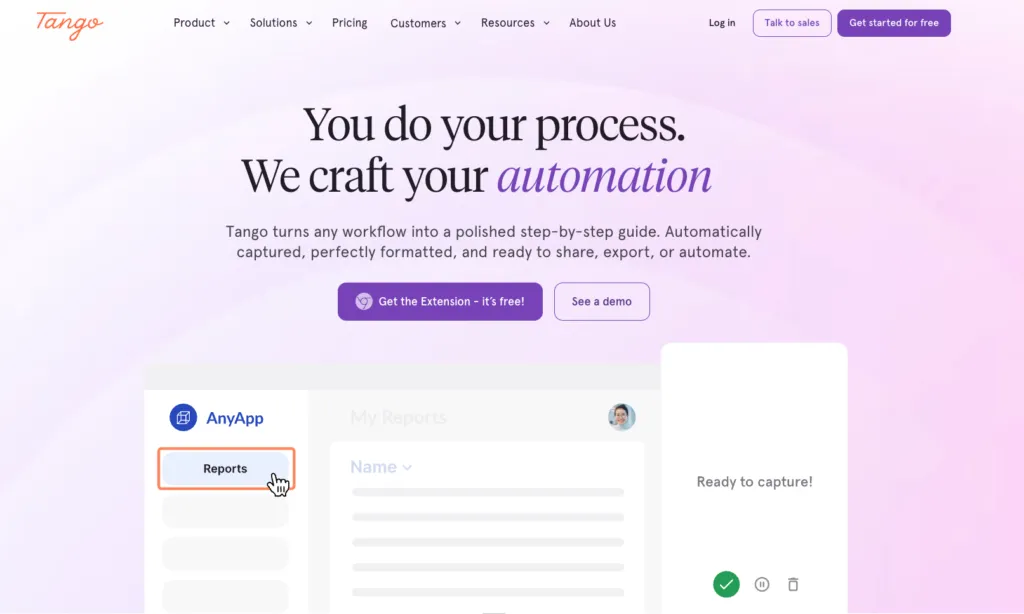
Tango Documentation and Digital Adoption (tango.ai/pricing, verified September 17, 2026):
- Free: $0. Five shared workflows in the team library, browser capture, link and embed sharing, up to 10 users per workspace, 14-day version history. Exports carry Tango branding, and desktop capture and PDF download are not included.
- Pro: $22 per user per month billed annually or $26 monthly for workspaces of 1 to 2 users. $15 per user per month billed annually or $20 monthly for workspaces of 3 or more. Unlimited workflows, branded workflows and exports, browser plus desktop capture, voice and video embeds, 14-day version history, export to PDF, Markdown and HTML, screenshot annotation and blurring, viewer insights. Every user in a Pro workspace requires a paid seat.
- Enterprise: Custom pricing, charged as a platform fee based on the number of users supported. Adds automatic PII detection and redaction, multi-path workflows, workflow translation into 15 languages, Pins, Guide Me and Automations, 365-day version history and audit logs, SSO and SCIM, workspace analytics.
Tango Agents (tango.ai/real-time-automation/pricing, verified September 17, 2026):
- Starts at $12,500 per year for teams of 20 or more, flat per user pricing, unlimited use. Includes on-screen automation, smart data extraction, custom pipeline and validation rules, agent design support from Tango’s solutions team, SSO and SCIM, and the process documentation and training suite.
- Tango Agents is sold hands-on rather than self-serve. Tango’s own FAQ says it is taking a hands-on approach with early customers and plans to offer a self-serve plan in the future. Free trials are prioritized for teams of 10 to 200 people working with web-based workflow tools.
Tango is SOC 2 Type 2 compliant. Its pricing page states that it does not currently maintain formal HIPAA compliance, though it follows data security standards modeled after those requirements.
How We Compared These Tools
We started from the tools that appear repeatedly in Tango comparison research, including Tango’s own comparison pages, and kept the eight that a team replacing Tango would realistically shortlist for internal process documentation and training.
We compared each one on five things: how documentation gets captured, whether training can be assigned and verified, what the tool does to keep content current, what sits behind a quote-only tier, and what it costs.
Every price was checked against the vendor’s own live pricing page, in US dollars, with the billing basis stated. Whale, Tango, Scribe, Guidde, Waybook and Confluence were verified on September 17, 2026, and Trainual, Process Street and Document360, which publish no rates, were confirmed as quote-only on the same date. Confirm current rates before you buy, because three of these eight vendors price by quote and the published ones have all changed rates in the last eighteen months.
What we did not do: run an enterprise digital adoption rollout, or evaluate the full digital adoption platforms Tango now competes with, such as WalkMe, Whatfix and UserGuiding. Those are a heavier procurement process with a different buyer, and pricing them properly needs its own page. Where a judgment here rests on a vendor’s published documentation rather than our own use, the text says so.
Tango Alternatives at a Glance
| Tool | Best for | Standout feature | Starting price | Free plan | G2 rating |
|---|---|---|---|---|---|
| Whale | Documentation plus assigned training | AI drafts an SOP from a recording, and Coral answers from your own docs | Free, or $249/mo billed annually | Yes, 10 members, 1 creator | 4.8 |
| Scribe | Closest like-for-like capture | Browser capture produces a clean annotated guide in one pass | Free, or $13/seat/mo billed annually | Yes, web apps only | 4.8 |
| Guidde | Video guides with AI narration | AI voiceover, so you never record audio yourself | Free, or $19/creator/mo billed annually | Yes, up to 25 videos | 4.8 |
| Waybook | Operating playbook with tests | Read confirmations and tests with per-person progress | $99/mo billed annually | No, 7-day trial | 3.5 |
| Process Street | Enforcing step order | Conditional logic and enforced step order | No published pricing | No, 14-day trial | 4.6 |
| Document360 | Large technical knowledge bases | Deep version control for large libraries | No published pricing | No, 14-day trial | 4.7 |
| Confluence | Atlassian-native wiki | Rovo AI bundled into the Standard tier | Free, or $680/year for 10 users | Yes, up to 10 users | 4.1 |
| Trainual | Structured onboarding playbooks | Company, Policy and Process playbooks for new hires | No published pricing | No plan, no trial | 4.7 |
All figures in US dollars, checked against each vendor’s own pricing page on September 17, 2026. G2 ratings are taken from G2.
1. Whale: Best for Documentation Plus Assigned Training
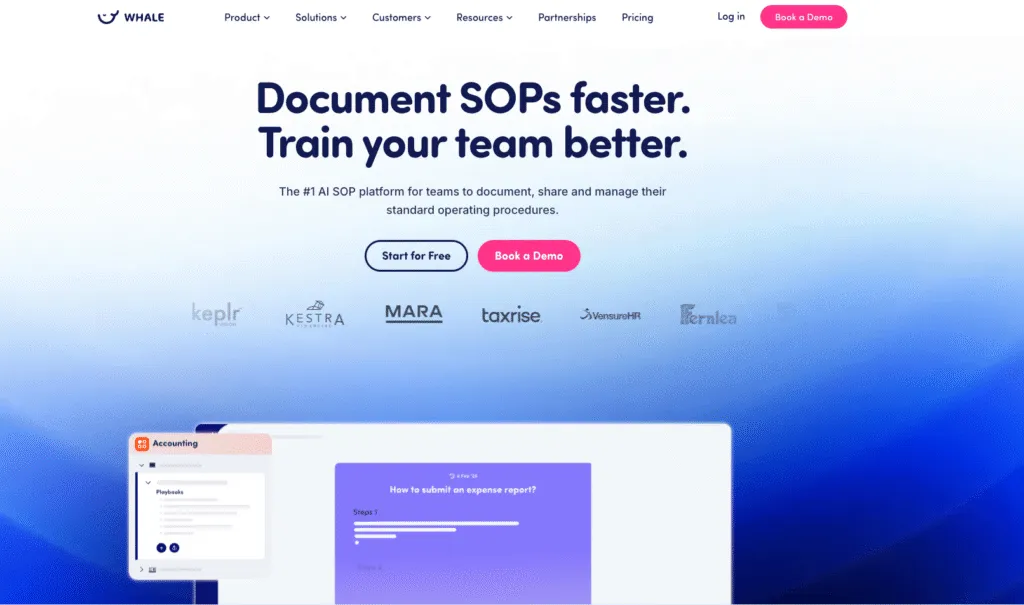
Whale (usewhale.io) is an SOP, documentation and training platform for teams that need process documentation and employee training in the same tool. You capture a process as you work through it, or turn an existing video into a written SOP, and the finished document becomes something you assign to a role, quiz people on, and sign off. Coral, the built-in AI assistant, answers questions from your own documentation rather than from the public internet, so the SOP you wrote is what answers the question. More than 100 process templates ship with it.
Whale is SOC 2 Type II certified, GDPR compliant and HIPAA ready, with a BAA available on request, and data is hosted in Belgium or Iowa at your choice.
Where Whale differs from Tango is what happens after the guide exists. Tango captures a workflow and shares it. Whale captures it, assigns it with a due date, quizzes the person on it, and records that they signed off.
If you want the direct head-to-head, we keep one at Whale vs Tango.
Whale pros:
- Capture is built in and on the free plan. The Step Recorder turns a screen workflow into a visual guide, the Video-to-Guide Recorder records and narrates, the Video-to-Guide Convertor turns an existing video into a written SOP, and the AI SOP Writer drafts from rough notes.
- Training is assigned and verified, not just published. Read assignments carry due dates, training flows are built per role, AI-generated quizzes check the material landed, and e-signatures on Advance capture a handwritten signature with a timestamped record.
- Priced per creator rather than per head. Three creators are included at $249 per month billed annually. The people who only read and complete training are members, not editors, and are not priced as editors.
- Documentation stays current by design. Expert review cycles flag content to its owner for re-approval, an AI SOP Health Score rates how complete and current each document is, and version history runs 90 days on Scale, one year on Advance and unlimited on Enterprise.
- Your SOPs are reachable by your AI tools. Whale MCP access is available on every plan, including Free, and connects AI agents to your documentation. Whale also publishes a machine-readable pricing page at usewhale.io/pricing.md.
- Frontline coverage exists. SOPs can be shared as a printed QR code and read on mobile. For warehouse and frontline teams specifically, Whale Blue is the separate product built for that, rather than core Whale.
Whale cons:
- Export is paid, and the API is Enterprise-only. PDF and Word export start on Scale. API access is Enterprise only.
- AI features run on monthly credits rather than being unmetered. The Free plan includes 20 credits, Scale 50 per creator per month and Advance 100.
- Whale is not the cheapest fit for a very small paid team. The free plan covers up to 10 members, but the first paid tier is $249 per month billed annually, which is a real step up once you outgrow it.
Choose Whale if you need documentation and training in the same tool, you want to know your price before speaking to sales, you have a small number of people writing documentation and a larger number reading it, or you need proof that someone was trained, with e-signatures and an audit trail.
Whale pricing (see the full Whale pricing page). Creators build and edit content. Members view it, search, ask Coral, comment and complete training and quizzes. On paid plans everyone beyond the creators joins as a member, with no per-seat fee:
- Free forever: $0, up to 10 members with 1 creator, no credit card required
- Scale: $249 per month billed annually, 3 creators included, additional creators $29 per month
- Advance: $499 per month billed annually, 5 creators included, additional creators $39 per month
- Enterprise: priced on request, yearly billing only
- Annual billing saves 37% against monthly billing
- Nonprofits receive 20% off all subscriptions
2. Scribe: Closest Like-for-Like Capture Tool
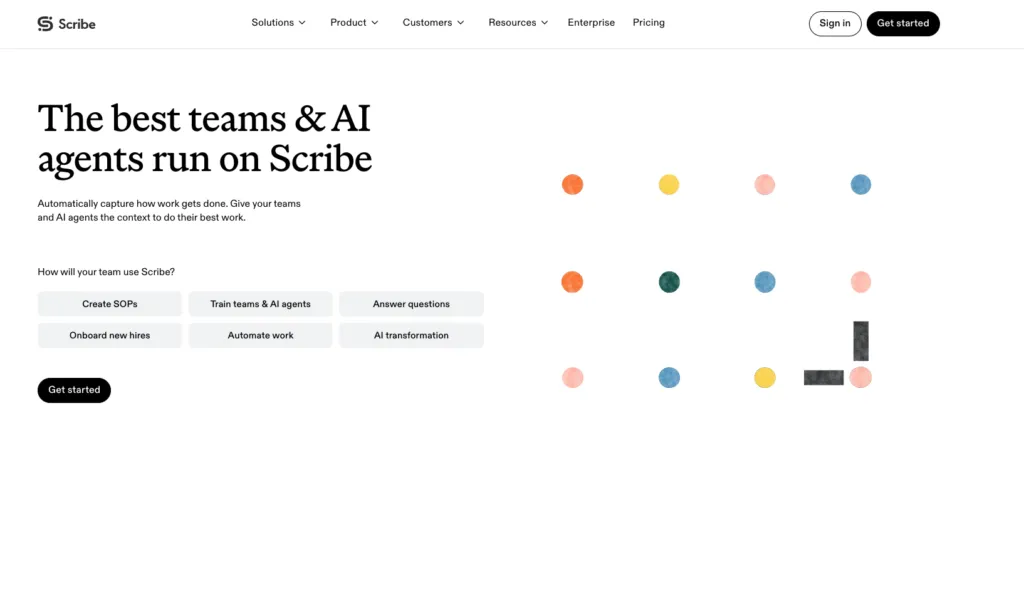
Scribe (scribe.com, formerly scribehow.com) is the nearest direct substitute for what Tango’s capture tool does. You install the browser extension, walk through a process, and Scribe generates a step-by-step guide with screenshots and written instructions. It is a capture tool first and it does not try to be a training platform.
Pros:
- Capture is fast and the output is clean, in the same way Tango’s is
- Exports to PDF, HTML, Markdown and Microsoft Word on the Pro tiers, plus a Confluence integration
- Published rates for two paid tiers, with a 20% annual discount stated on the page
- Nonprofit and education discounts available on request
- Manual and assisted screenshot redaction start at Pro, not Enterprise
Cons:
- The free Basic plan is narrower than most roundups claim. It works with web apps only, with no desktop capture, no PDF, HTML or Markdown export, no custom branding, no screenshot annotation and no version history. Scribe’s own plan comparison does not show unlimited guide creation on Basic.
- Plans sit at the team level. You cannot mix Basic and Pro users on one team, and upgrading to Pro upgrades your teammates. Scribe’s FAQ suggests creating a separate team for the people who need Pro.
- Pro Team carries a five-seat minimum, which puts the real floor at $65 per month billed annually even if three people write guides.
- Version history is one week on both Pro tiers, and unlimited only on Enterprise.
- No training assignment, quizzes or completion tracking. Like Tango, Scribe produces guides and stops there.
- SSO, SCIM, role-based access, enforced automatic PII and PHI redaction, language translation and multi-team governance are all Enterprise-only and quote-priced.
Scribe pricing:
- Basic: free
- Pro Personal: $25 per seat per month billed annually, or $35 monthly, starting at 1 seat
- Pro Team: $13 per seat per month billed annually, or $17 monthly, starting at 5 seats
- Enterprise: custom
- Annual billing is advertised as a 20% saving
- Nonprofit and education discounts available on application
3. Guidde: Best for Video Guides With AI Narration
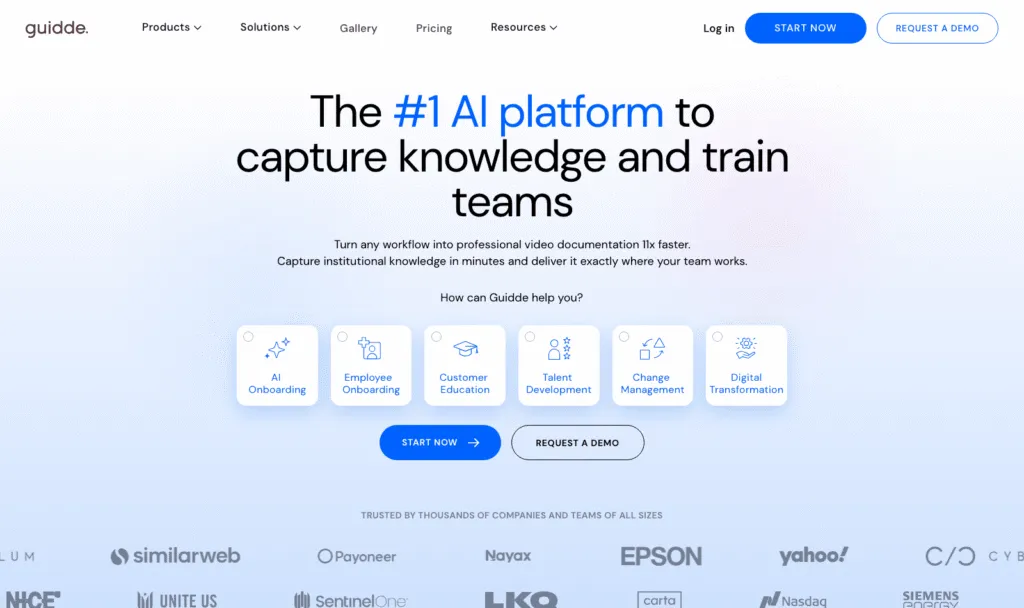
Guidde captures a workflow and produces a narrated video guide rather than a page of annotated screenshots. If the reason people ignored your Tango guides was that they wanted to watch rather than read, this is the closest swap.
Pros:
- AI-generated voiceover means you do not have to record audio yourself
- Creator-based pricing, so people who watch guides are not priced as editors
- The free plan is a real plan rather than a trial, covering up to 25 how-to videos
- Exports to video, PowerPoint and PDF on Pro
- Desktop app capture and PDF or PowerPoint to video conversion on Business
Cons:
- Business caps at 5 creators. Beyond that you are into Enterprise, which is quote-only, so a growing documentation team hits a wall with no self-serve path.
- Viewers are a separate product. Viewer plans are sold separately and start at 1,000 monthly viewers on an annual commitment.
- Automatic language translation, virtual avatars, voice cloning, search API and SCIM are add-ons with no published prices.
- The free plan carries a Guidde watermark, removed on Pro.
- Video is harder to skim than text and harder to keep current when a UI changes, which is a real maintenance cost on process documentation specifically.
- No training assignment or quizzes.
Guidde pricing:
- Free: $0, up to 25 how-to videos, Guidde watermark on output
- Pro: $19 per creator per month billed annually, or $29 monthly
- Business: $39 per creator per month billed annually, or $59 monthly, covering up to 5 creators
- Enterprise: contact sales
- Viewer plans are sold separately, starting at 1,000 monthly viewers on an annual commitment
4. Waybook: Best for an Operating Playbook With Built-In Tests
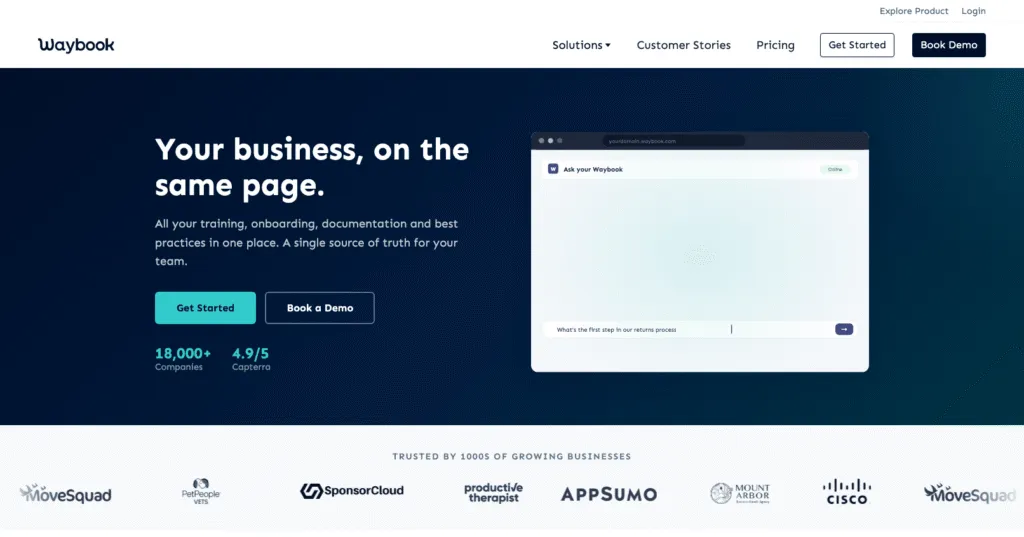
Waybook is an SOP, onboarding and training platform built around a structured operating playbook, organized by team, department and role, with read confirmations and tests so you can see who understood what.
Pros:
- AI Content Writer drafts SOPs from notes, and Waybook Shots turns a process into a visual step-by-step guide, both on the entry plan
- Training built in: onboarding flows, read confirmations, tests and per-person progress
- Published pricing with both monthly and annual rates
- 20 members included on every paid plan, which is generous at the entry tier
- Step revisions keep a history of every change
Cons:
- No free plan, only a 7-day trial, which is short for evaluating a documentation tool
- Advanced permissions, audit log, document verification and SSO sit on Pro rather than Core
- Smaller prebuilt template library than Trainual
- Additional members are charged at $5 to $12 each depending on tier and billing basis
Waybook pricing:
- Core: $99 per month billed annually, or $119 monthly, with 20 members included and additional members at $5 or $6 each
- Pro: $198 per month billed annually, or $238 monthly, with 20 members included and additional members at $10 or $12 each
- Enterprise: on request
- No free plan, 7-day free trial
5. Process Street: Best for Enforcing Step Order
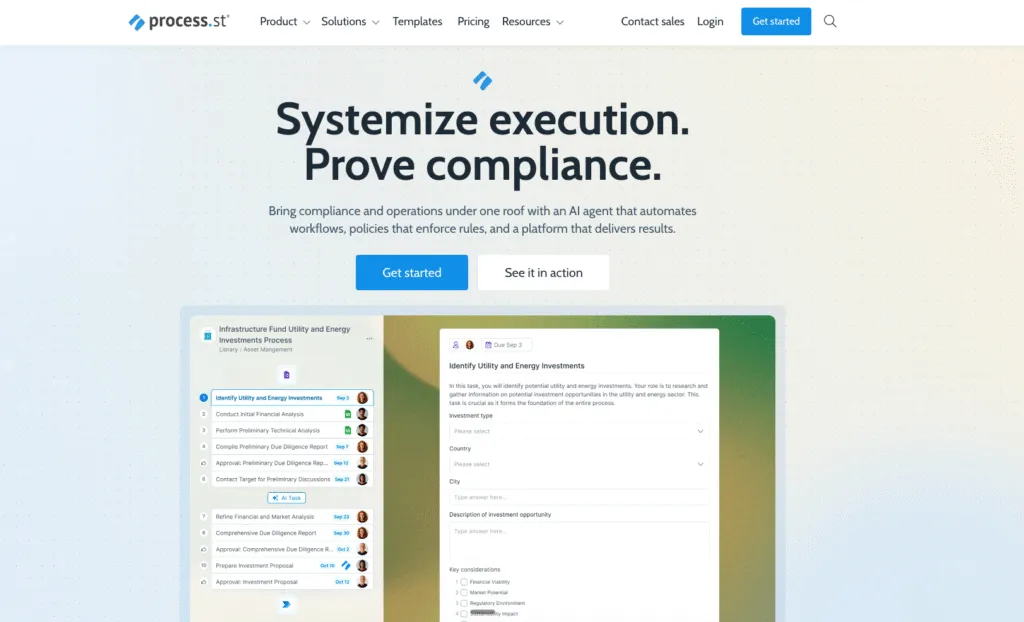
Process Street is a workflow and business process management tool built around making sure a recurring process runs in the same order every time. If your real problem is compliance with a sequence rather than documentation, it is a better fit than any capture tool.
Pros:
- Conditional logic and enforced step order
- Automations can be scheduled or triggered on a recurring basis
- Unlimited workflows, tasks, forms and pages on every tier
- Works for both technical and non-technical users
Cons:
- No published pricing for any of its three tiers, all contact sales
- No free plan, only a 14-day trial of the Pro plan
- Steeper learning curve for teams new to business process management
- Built for running processes, not for training people on them
Process Street pricing:
- Startup, Pro and Enterprise: no published pricing, all contact sales
- Published Startup limits: 5 users and 10 guests, with unlimited workflows
- No free plan, 14-day free trial of the Pro plan with no credit card required
6. Document360: Best for Large Technical Knowledge Bases
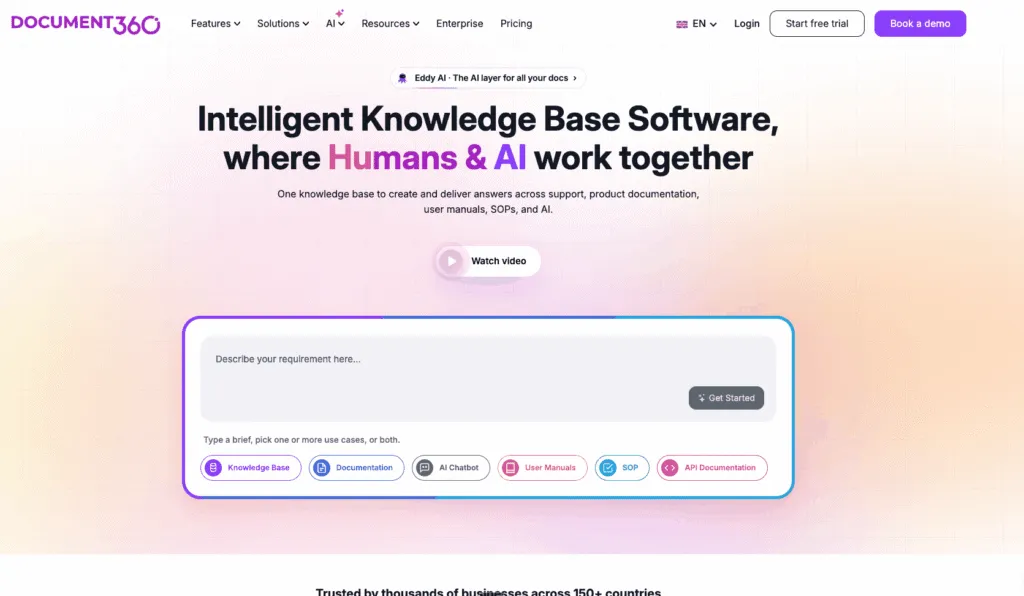
Document360 is built for large-scale knowledge bases, technical documentation and API docs rather than employee onboarding. Choose it if documentation depth and version control matter more than training workflows.
Pros:
- Deep version control for large, frequently-updated libraries
- Strong customization for branded knowledge bases
- Clean editor that does not require technical skill
- The 14-day trial gives full feature access
Cons:
- No published pricing: the pricing page is a quote wizard ending in a form
- No free plan
- Advanced customization needs some technical comfort
- No capture tool, so it stores documentation rather than producing it
Document360 pricing:
- No published pricing: the pricing page is a quote wizard ending in a form
- Priced around each customer’s configuration, because workspaces, languages, team accounts and AI usage all affect the plan
- No free plan, 14-day free trial with full feature access
7. Confluence: Best for Atlassian-Native Teams
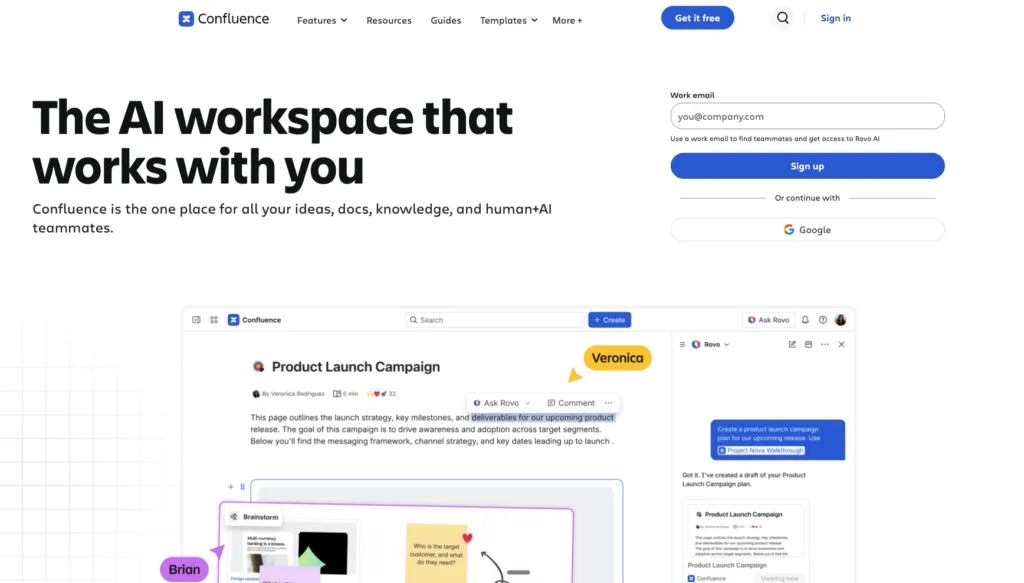
Confluence is Atlassian’s enterprise wiki. It is where a lot of Tango guides end up being pasted, and for teams already in Jira it is often the cheapest place to put documentation.
Pros:
- Affordable at scale, particularly for teams already paying for Jira
- Rovo AI is bundled into the Standard tier rather than sold separately
- A genuinely free forever tier for up to 10 users
- Deep integration with the rest of the Atlassian suite
Cons:
- Not built for structured training, quizzes or onboarding completion tracking
- No workflow capture, so you still need a tool to produce the guides
- Pricing is a sliding scale by seat count, which makes true cost hard to compare at a glance
- Atlassian has applied repeated price increases in recent years
- Every user is a paid user above the free 10
Confluence pricing:
- Free: forever, up to 10 users
- Standard: from $680 per year for up to 10 users
- Premium: from $1,300 per year for up to 10 users
- Enterprise: from $2,100 per year for up to 10 users, annual billing only
- Paid plans are a sliding scale by seat count, so the rate moves with both seat count and billing term. Check your own band on Atlassian’s pricing page
8. Trainual: Best for Structured Onboarding Playbooks
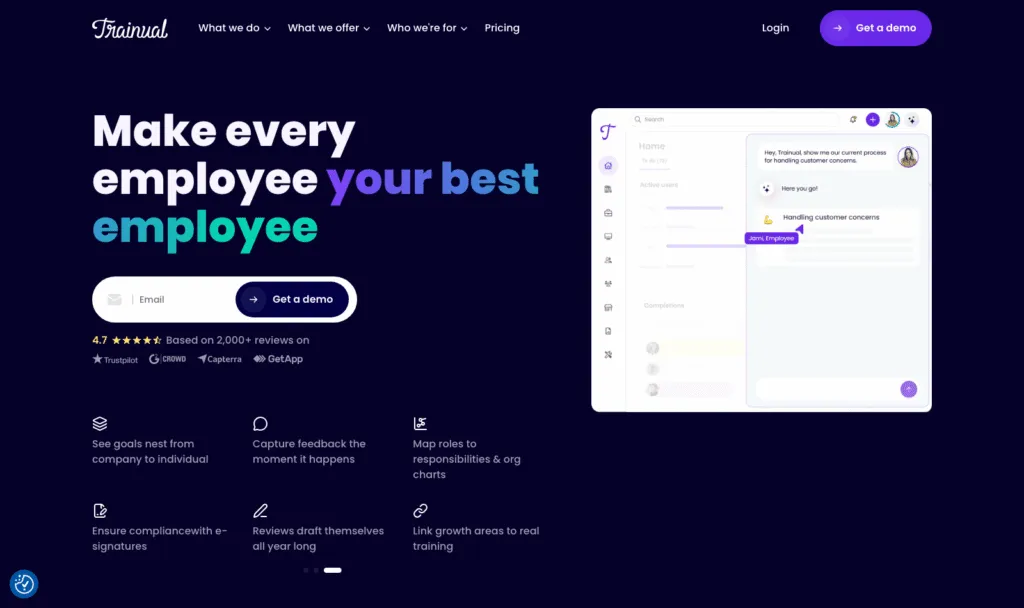
Trainual is an SOP and onboarding platform that organizes content into Company, Policy and Process sections and trains new hires through structured playbooks. In October 2025 it acquired Uptick, adding performance management. It is a more complete onboarding system than any capture tool, and a heavier commitment.
Pros:
- Purpose-built for onboarding sequences rather than individual guides
- Training assignment and completion tracking are core, not add-ons
- Large prebuilt template library
- Well established, with a long track record in this category
Cons:
- No published pricing for any of its four tiers. Core, Pro, Premium and Enterprise are all demo requests. The only published figure is a one-time $1,000 implementation fee.
- No free plan and no free trial, so every evaluation starts with a sales conversation.
- Trainual states it suits organizations with 25 to 1,000 employees, which is worth checking against your headcount.
- Formatting and real-time co-editing are more basic than newer tools.
Trainual pricing:
- Core, Pro, Premium and Enterprise: no published pricing, every call to action is a demo request
- One-time implementation fee: $1,000, the only figure published on the pricing page
- No free plan and no free trial
Which Tango Alternative Should You Choose?
- Choose Whale if you need documentation and assigned training in one tool, with published pricing, creator-based billing and proof that people completed what you sent them.
- Choose Scribe if you want the closest thing to Tango’s capture tool and nothing more, and your creator count is five or more so the team rate applies.
- Choose Guidde if your team would rather watch a narrated video than read annotated screenshots, and you have five or fewer people creating content.
- Choose Waybook if you want an operating playbook with read confirmations and tests, published pricing, and 20 members included from the entry tier.
- Choose Process Street if the job is enforcing that a recurring process runs in the same order every time.
- Choose Document360 if you are running a large technical knowledge base and depth of version control matters more than training.
- Choose Trainual if structured onboarding playbooks are the priority and you are comfortable starting with a sales conversation and a $1,000 implementation fee.
- Choose Confluence if you want documentation living inside a tool you already pay for, and you will bring your own capture tool.
- Stay with Tango, or get an Enterprise quote, if what you value is Guide Me and Pins: on-screen walkthroughs that step a user through a task inside the application. No tool on this list replaces that, and the full digital adoption platforms that do, such as WalkMe, Whatfix and UserGuiding, are a heavier and more expensive procurement. Our Whale vs Tango comparison sets the two side by side if you want the detail.
By team size: under 10 people who only need capture, Scribe Basic or Guidde Free. Three to five creators with a larger reading audience, Whale Free then Scale, or Guidde Pro. Twenty to two hundred people with role-based onboarding, Whale Advance, Waybook Pro or Trainual. Above that with certification and compliance reporting for hundreds of learners, a dedicated LMS fits better than anything here.
If your team is on a work floor rather than at a desk, none of the browser capture tools are built for that. Whale Blue is the frontline and warehouse product, with digital work instructions your crew scans, follows and signs.
If you are in a regulated industry, note that Tango’s pricing page states it does not currently maintain formal HIPAA compliance. Whale is SOC 2 Type II certified, GDPR compliant and HIPAA ready with a BAA on request. Scribe’s enforced automatic PII and PHI redaction is Enterprise-only.
Comparing a specific tool on this list rather than Tango? We keep sibling roundups for Trainual alternatives and Scribe alternatives.
FAQs on Tango Alternatives
What is Tango?
Tango is a workflow documentation and digital adoption tool at tango.ai, formerly tango.us. You install a browser extension, click through a process, and Tango captures each step as a screenshot with a written caption. Tango now sells three products: Documentation, Enablement, and Automation. Its documentation tool runs Free, Pro at $15 to $22 per user per month, and a quote-only Enterprise tier. Tango Agents, its browser automation product, starts at $12,500 per year for teams of 20 or more.
What is the best Tango alternative?
Whale is the strongest alternative for most teams moving on from Tango, because it does documentation and training in the same tool rather than stopping at the guide. You capture a process with the Step Recorder, or turn an existing video or a set of rough notes into a written SOP, and that document then becomes something you can act on: assign it to a role with a due date, check it landed with an AI-generated quiz, and take an e-signature as proof of completion. Coral, the built-in assistant, answers questions from your own documentation rather than from the public internet. Expert review cycles hand each document back to its owner when it is due re-approval, and an AI SOP Health Score flags what has gone stale, which is the part that decides whether your documentation is still true a year after it was written. Pricing is published and charged per creator, so a large reading audience does not raise the bill.
If you want a like-for-like capture tool and nothing more, Scribe is the closest substitute, with the same fast browser capture and the same clean annotated output.
Is there a free alternative to Tango?
Yes, several, and most carry a larger free allowance than Tango’s five-workflow team library. Whale is free forever for up to 10 members with 1 creator. Guidde is free for up to 25 how-to videos. Confluence is free forever for 10 users. Scribe’s Basic plan is free but works with web apps only, with no export and no branding. Waybook offers a 7-day trial, Process Street and Document360 14-day trials, and Trainual offers neither a free plan nor a trial.
What changed about Tango in 2026?
Three things. First, Tango now sells three products, Documentation, Enablement and Automation, rather than the single capture tool most people bought. Second, the on-screen guidance features, Guide Me and Pins, sit on the quote-only Enterprise tier rather than on Pro. Third, Tango Agents, its browser automation product, has its own pricing page starting at $12,500 per year for teams of 20 or more, with the documentation and training suite included inside that package. None of that is a fault, but it does mean a team that bought a focused documentation tool in 2023 is buying into a broader platform in 2026, which is worth a fresh look.
How much does a Tango alternative cost for a team of 25?
Work out your creator count first, because it changes the answer by multiples. If three people write documentation and twenty-two only read it, a creator-priced tool like Whale bills three creators on Scale at $249 per month billed annually. A per-user tool bills all twenty-five: Confluence Standard and Tango Pro both price every person in the workspace. Scribe sits in between, with a five-seat minimum on the team tier but no seat required for people who just open a shared link. Three of the eight tools here publish no price at all, so a quote is the only way to compare them.
Which Tango alternatives include employee training, not just documentation?
Three of the eight tools above feature training capabilities. Whale assigns documents with due dates, builds training flows per role, generates AI quizzes, and captures e-signatures with a timestamped record on Advance. Trainual is built around structured onboarding playbooks with completion tracking, and Waybook includes onboarding flows, read confirmations and tests with per-person progress. The capture tools, Scribe, Guidde and Tango itself, produce guides but do not assign them or verify that anyone read them.
Is Tango still being developed?
Yes. Tango Agents is its own product with its own pricing page, targeting sales and revenue operations teams of 10 to 200 people, starting at $12,500 per year. The documentation and capture tool is still sold and still supported, and it is included as a suite inside the Agents package.
Lisa Steingold is the Head of Content for Whale. With a history in tech, she's authored 4 books and is obsessed with helping teams unlock the next level of growth and productivity. (And riding her bike)