SOP & Process Documentation
8 of the best Waybook alternatives in 2026 (we compared them)

In this article
The best alternatives to Waybook depend heavily on whether you need deeper training modules, automated process capture, or strict checklist execution.
The best Waybook alternatives in 2026 are
- Whale for AI-powered SOPs and training. If you're weighing one specific switch, our Whale vs Waybook comparison goes deeper on that pair.
- SweetProcess for simple flat-priced documentation,
- and Process Street for workflows that must be followed step by step.
- Scribe, Tango and Guidde are best when you mainly need to capture how-to guides fast, and Notion when you want a flexible wiki and are happy to build the training layer yourself.
Waybook is a good product, and it's worth saying so before anything else. It puts SOPs, onboarding paths, tests and an AI writer in one place. And its Core plan covers 20 seats for just $99 a month on annual billing.
Teams usually start looking around for three reasons:
- they want AI to create the content rather than just polish it,
- they need features that sit on the Pro plan (approvals, SSO, audit log, MCP),
- or they want to try before they buy for longer than a 7-day trial.
Before we continue we want to disclose that Whale publishes this page and are one of the tools on it. But we aim to keep fair practice. As such every price comes from the vendor's own pricing page, checked in October 2026. And every tool, Whale included, gets the same fields and real cons. Where another tool is the better pick, we say so.
Key takeaways
- Two of the eight alternatives don't publish prices. Trainual and Process Street are quote-only, and Trainual adds a one-time $1,000 implementation fee. The other six, and Waybook, publish their prices.
- Waybook is hard to beat on price for a 20-person team. Waybook Core is $99 a month billed annually for 20 seats. Of the tools that put all 20 people on a plan, SweetProcess comes closest at $124.20 a month billed annually. Guidde is cheaper ($57 for 3 creators) because viewers are free, but it's a video-guide tool, not a training platform.
- Five alternatives have a free plan. Waybook doesn't. Whale, Scribe, Tango, Guidde and Notion all have one. Waybook offers a 7-day free trial.
- Pricing models differ more than prices do. Waybook and SweetProcess charge per team member, Whale and Guidde charge per creator, and Scribe, Tango and Notion charge per seat. Work out who actually writes content before comparing.
- Whale turns one screen recording into an SOP, an AI-generated quiz and a training flow. Video to SOP is on Whale's free plan. AI quizzes and training flows start on Whale Scale at $249 a month billed yearly.
Quick comparison of Waybook alternatives
All prices in US dollars, were checked in October 2026.
| Tool | Best for | Starting paid price | Free plan | Standout AI feature |
|---|---|---|---|---|
| Waybook (for reference) | SOPs, onboarding and tests in one place | $99/month for 20 seats, billed annually | No (7-day trial) | AI content writer and Ask |
| Whale | AI-powered SOPs and training | $249/month billed annually (3 creators) | Yes: 1 creator, up to 10 members | Video to SOP, AI quizzes, Coral AI assistant |
| Trainual | Role-based onboarding at scale | Not published, plus $1,000 implementation fee | No (demo only) | AI answers, AI creation and upkeep |
| SweetProcess | Simple, flat-priced documentation | $82.50/month for up to 10 members, billed annually | No (14-day trial) | AI drafts a procedure from its title |
| Process Street | Workflows that must be followed | Not published | No (14-day Pro trial) | Cora, an AI compliance and risk agent |
| Scribe | Fast step-by-step guides from your screen | $25/seat/month billed annually (Pro Personal) | Yes (browser only) | Autocapture |
| Tango | Free browser how-to guides | $15/user/month billed annually (3+ users) | Yes: up to 10 users, 5 shared workflows | Browser capture into guides |
| Guidde | Video how-to guides with AI voiceover | $19/creator/month billed annually | Yes | AI video and voiceover |
| Notion | Flexible wiki you build yourself | $10/member/month billed annually (Plus) | Yes (individuals) | Notion AI on Business ($20/member) |
What a 20-person team actually pays on Waybook alternatives
Headline prices are hard to compare because every vendor counts people differently. So we priced the same team: 20 people, annual billing, everyone able to read and complete training, 3 people writing content.
| Tool | Monthly cost for 20 people | How we got there |
|---|---|---|
| SweetProcess | $124.20 | $82.50 for 10 members + 10 × $4.17 |
| Waybook Pro | $198.00 | 20 seats included |
| Notion Plus | $200.00 | 20 × $10 per member |
| Whale Scale | $249.00 | 3 creators included. Everyone else joins as a member, with no per-seat fee. |
| Tango Pro Team | $300.00 | 20 × $15, Tango's FAQ says all workspace members must be upgraded |
| Notion Business (with Notion AI) | $400.00 | 20 × $20 per member |
| Guidde Pro | $57.00 for creators only | 3 creators × $19, Guidde's FAQ says viewers don't use paid seats |
| Scribe Pro Team | $260.00 to $460.00 | 20 × $13 or 20 × $23 per seat billed yearly: Scribe's pricing page showed both rates on 14 Oct 2026, so confirm with Scribe |
| Trainual | Not published | Quote only, plus $1,000 one-time implementation fee |
| Process Street | Not published | Quote only, reduced Pro pricing for companies under 15 employees and $2M revenue |
The case for switching from Waybook is usually about what the tool does for you, especially how much of the writing and SOP documentation it takes off your plate.
1. Whale
Best Waybook alternative for AI-powered SOPs and training.
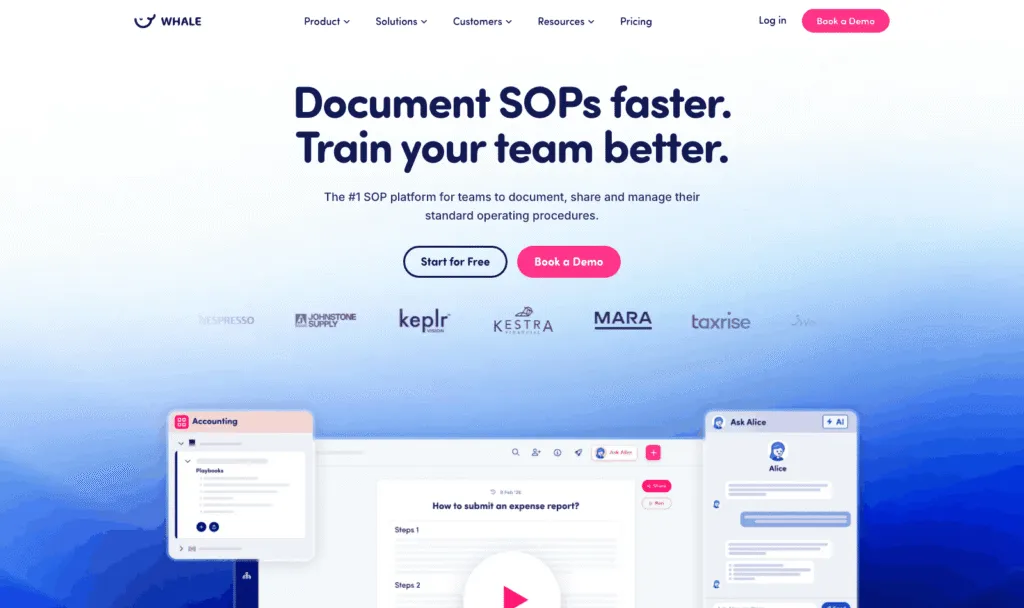
Whale (usewhale.io) is an AI-powered SOP and training platform for teams that want documentation and employee training in the same tool. You record a process once, and Whale turns it into a written SOP, an AI-generated quiz and a training flow you can assign. Coral, Whale's AI assistant, then answers your team's questions from your own SOPs, with sources. It's the difference between writing the onboarding doc and having it write itself while you do the task.
Key features of Whale
- Video to SOP and a step recorder that turn screen recordings into step-by-step SOPs
- AI Assist, the AI writing assistant for drafting and updating SOPs
- Training flows, AI quizzes, checklists, analytics and reporting
- Coral, Whale's AI assistant, which answers questions from your documentation, plus a Chrome extension that surfaces SOPs inside the apps your team already uses
- Version history and e-signatures on completion for training sign-off (e-signatures on Advance)
- Whale MCP: connect Claude, ChatGPT, Cursor or Gemini and work inside Whale with your own permissions (Scale and up)
- iOS and Android apps, and SOP sharing by QR code
Whale pricing
- Free: $0, 1 creator, up to 10 members, 20 playbook items, 20 one-time AI credits
- Scale: $249/month billed yearly, 3 creators included, unlimited documentation, training flows, AI quizzes, PDF and Word export, Whale MCP
- Advance: $499/month billed yearly, 5 creators included, adds e-signatures, video editor and AI voiceovers, enforced SSO and granular permissions
- Enterprise: custom, adds approval flows, automatic redaction, SCIM and HRIS integrations, API access
Whale's pricing page lists SOC 2 certification, HIPAA readiness and GDPR compliance, with EU hosting in Belgium.
Whale pros
- One recording becomes an SOP, a quiz and a training flow, so content creation is the fast part, not the bottleneck
- Prices are published, and there's a free plan with no time limit
- Whale's MCP ensures that your company documentation is connected to your AI tools so your teams use accurate information
- Coral and the Chrome extension put answers where people work, rather than in a portal nobody opens (You can even talk to Whale's AI Assistant, Coral in Slack!)
Whale cons
- Looking for a tool for 10 or less people? Whale costs more than Waybook for small teams.
- Permissions customisation is limited below the Advance plan, and some customers find that restrictive when managing access across several teams. Granular permissions start at $499 a month.
Choose Whale if you want documentation and training in one tool, you'd rather record a process than write it, and you want AI to draft the SOP, the quiz and the training flow.
Whale isn't the right fit if you're a team of under 10 on a tight budget who mainly needs written procedures: SweetProcess or Notion will cost you less.
2. SweetProcess
Best for simple, flat-priced documentation
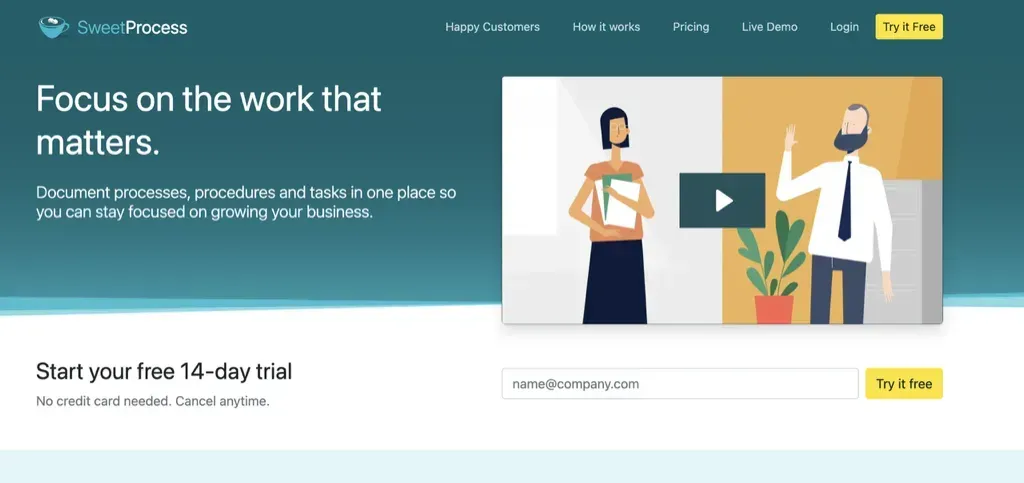
SweetProcess is a process documentation tool for documenting procedures, policies and tasks in one place. It's priced as a flat team fee rather than per seat, which makes it one of the few Waybook alternatives that can cost about the same as Waybook for a 20-person team. SweetProcess's AI drafts a policy or procedure from its title.
Key features of SweetProcess
- Procedures, processes, policies and tasks in one place
- AI that drafts a document from its title
- 1,000+ app integrations via API or Zapier, plus SCIM
SweetProcess pricing
$82.50/month billed yearly ($99 billed monthly) for a team of up to 10 members, plus $4.17/month per additional member billed yearly ($5 billed monthly). 14-day free trial, no credit card, and a 30-day money-back guarantee.
SweetProcess pros
- Clear, flat pricing with cheap extra members
- 14-day trial, twice as long as Waybook's
SweetProcess cons
- Text-first: built around written procedures rather than screen or video capture
- Lighter on structured training paths than Waybook or Trainual
See how Whale and SweetProcess compare on our SweetProcess alternative page.
3. Process Street
Best for workflows that must be followed and proven
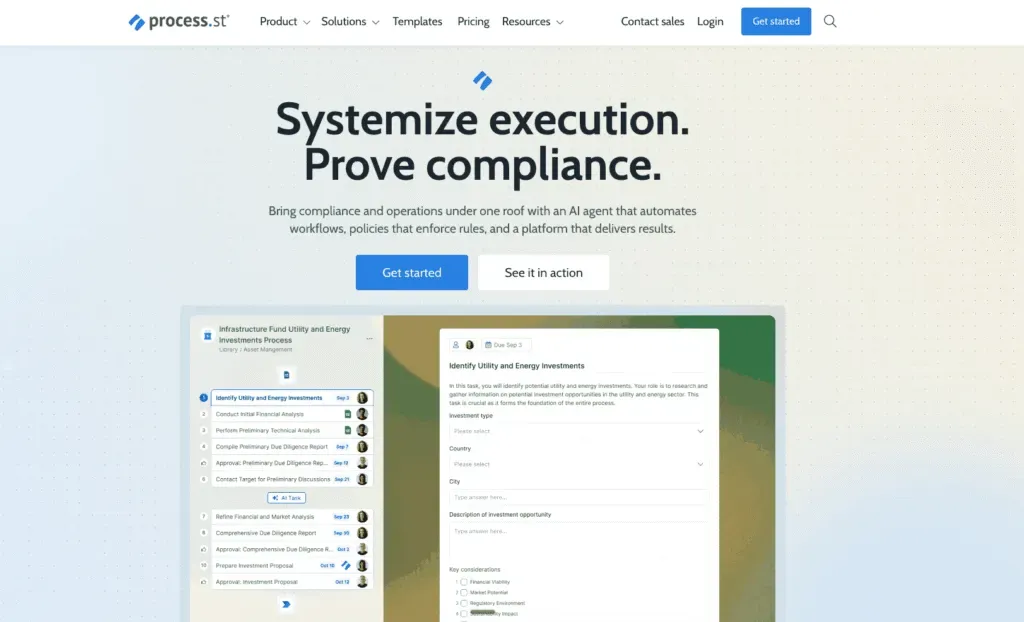
Process Street turns procedures into workflows people run step by step, with approvals and automations. Its products cover Docs (document management and policy control), Ops (workflow automation) and Cora, an AI compliance and risk agent. It's the pick when "did they actually do it?" matters more than "did they read it?".
Key features of Process Street
- Workflow automation and process orchestration
- Document management and policy control
- Cora AI compliance and risk agent, and Process AI
- Analytics and integrations
Process Street pricing
Process Street doesn't publish prices. All plans (Startup, Pro, Enterprise) say "Contact sales". Startup includes 5 users and 10 guests. Pro starts with a 14-day free trial, no credit card. Companies under 15 employees and $2 million in revenue get a reduced Pro price, amount not stated.
Process Street pros
- Best on this list for enforced, auditable workflows
- Compliance-focused AI
Process Street cons
- No published pricing
- Less natural as an onboarding handbook or training library
4. Scribe
Best for fast step-by-step guides captured from your screen
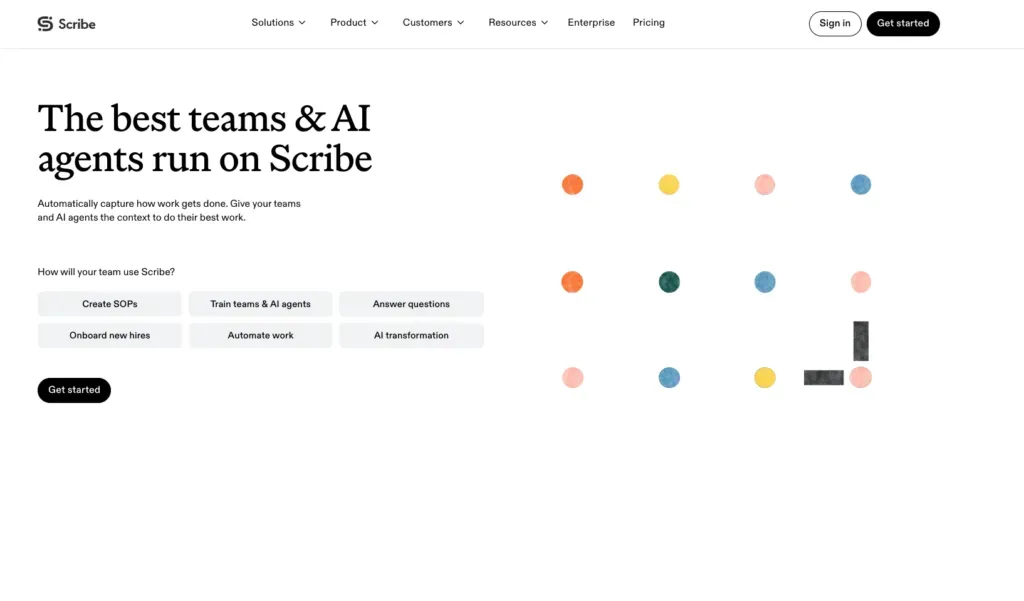
Scribe records what you do in your browser or desktop and turns it into a step-by-step guide with screenshots. Scribe's Autocapture goes further: it "learns from how you work and documents it for you". Scribe is a capture tool first, so most teams pair it with something else for training.
Key features of Scribe
- Browser capture on the free plan, desktop capture on Pro and Enterprise
- Autocapture
- Share by link or embed
Scribe pricing
Basic is free. Pro Personal is $25/seat/month billed yearly or $35 billed monthly. Pro Team starts at 5 seats. On 14 October 2026 Scribe's pricing page showed two Pro Team rates, $13 and $23 per seat per month billed yearly, so check the current rate with Scribe. Enterprise is custom.
Scribe pros
- Very fast way to document software processes
- Free plan for trying it
Scribe cons
- No training paths or tests to replace Waybook's onboarding side
- Desktop capture needs a paid plan
More options in our Scribe alternatives guide.
5. Tango
Best free option for browser how-to guides
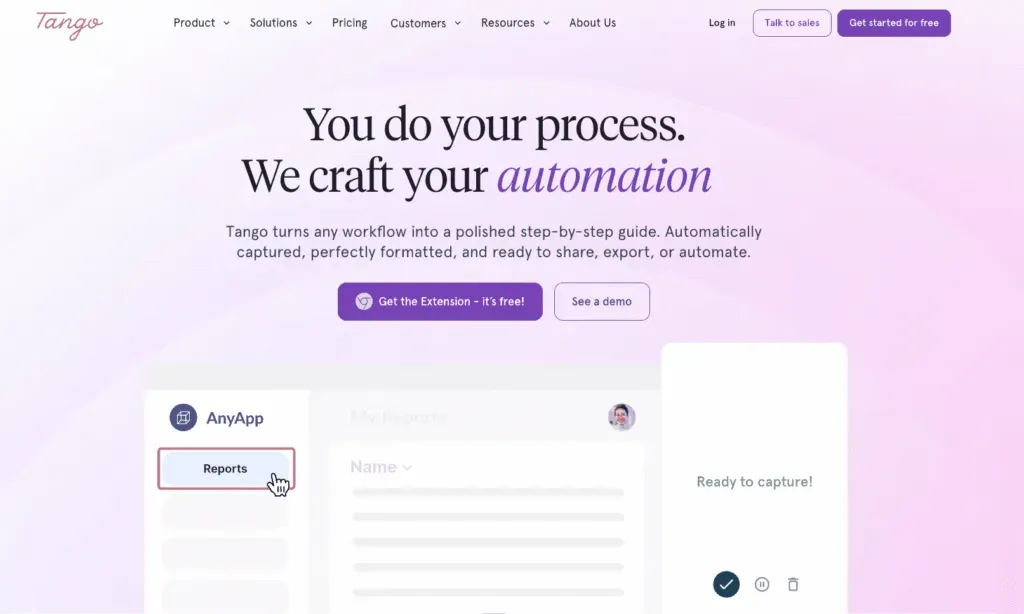
Tango captures browser workflows and turns them into shareable step-by-step guides. Tango's free plan covers up to 10 users, which makes it an easy place to start documenting software tasks.
Key features of Tango
- Browser capture into guides
- Link and embed sharing
- Version history, PDF and HTML exports and viewer insights on paid plans
Tango pricing
Free: up to 10 users and 5 shared workflows. Pro (1 to 2 users): $22/user/month billed annually, $26 monthly. Pro Team (3+ users): $15/user/month billed annually, $20 monthly. Enterprise: custom platform fee. Tango's FAQ says all workspace members must be upgraded to Pro.
Tango pros
- Generous free plan for small teams
- Quick to learn
Tango cons
- Only 5 shared workflows on Free, and no exports or version history
- No training paths or quizzes to replace Waybook's onboarding side
More options in our Tango alternatives guide.
6. Guidde
Best for video how-to guides with AI voiceover
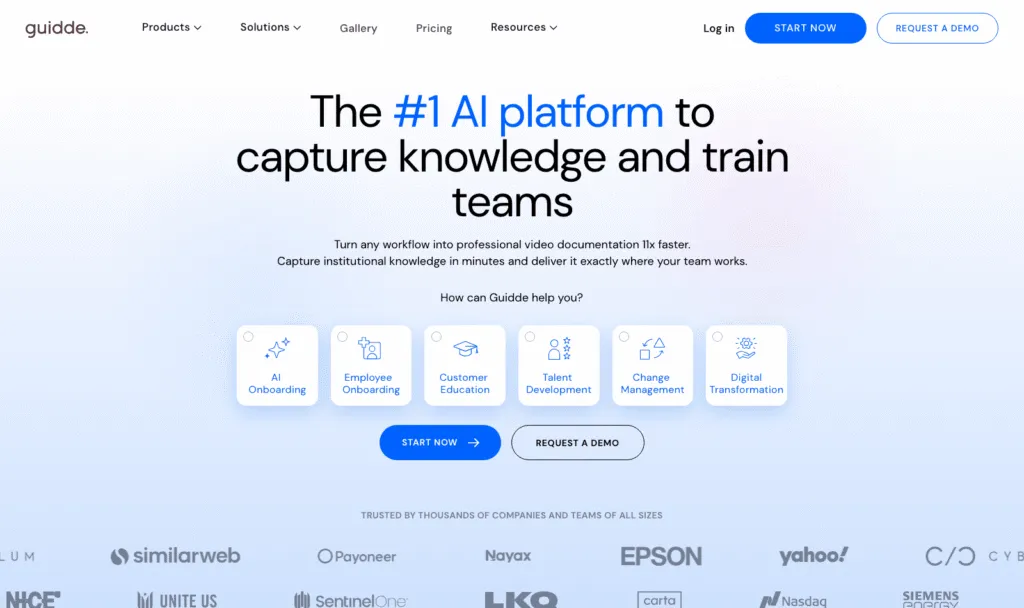
Guidde turns workflows into short video guides with AI voiceover, for both employee onboarding and customer education. Guidde charges per creator, and viewers don't use paid seats.
Key features of Guidde
- AI video documentation with voiceover
- Text-to-voice, desktop capture and PDF or PowerPoint to video on Business
- Brand kit, exports and blurring of sensitive information on Pro
Guidde pricing
Free plan available: Guidde's feature comparison lists 25 how-to videos on Free (one pricing block says unlimited). Pro: $19/creator/month billed annually ($29 list). Business: $39/creator/month billed annually ($59 list), up to 5 creators. Enterprise: custom. 7-day Business trial, no credit card.
Guidde pros
- Polished video guides without editing skills
- Viewers are free
Guidde cons
- Video-first, so written SOPs and tests aren't its strength
- Desktop capture needs Business
7. Notion
Best for a flexible wiki you're happy to build yourself
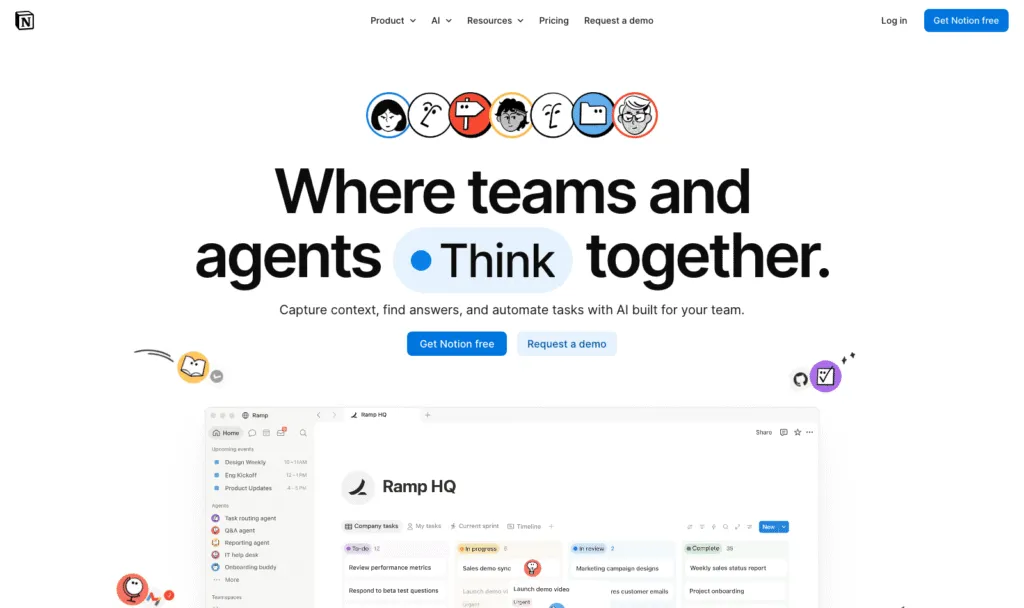
Notion is a flexible workspace for docs, wikis and databases. Plenty of teams run their SOPs in Notion, and Notion AI on the Business plan adds an agent that can complete multi-step tasks using your workspace. Notion isn't built as a training tool, so quizzes, assignments and sign-off are things you'd build yourself.
Key features of Notion
- Pages, databases, forms and a public site
- Notion AI, Notion Agent and enterprise search on Business
- Large template ecosystem
Notion pricing
Free for individuals. Plus: $10/member/month billed yearly, $12 monthly. Business: $20/member/month billed yearly, $24 monthly, including full Notion AI. Enterprise: custom. Free and Plus get only a limited Notion AI trial.
Notion pros
- Very flexible and familiar to most teams
- Low cost on Plus
Notion cons
- No built-in training paths, tests or completion tracking
- Full AI needs Business at $20 per member
8. Trainual
Best for role-based onboarding and accountability at scale
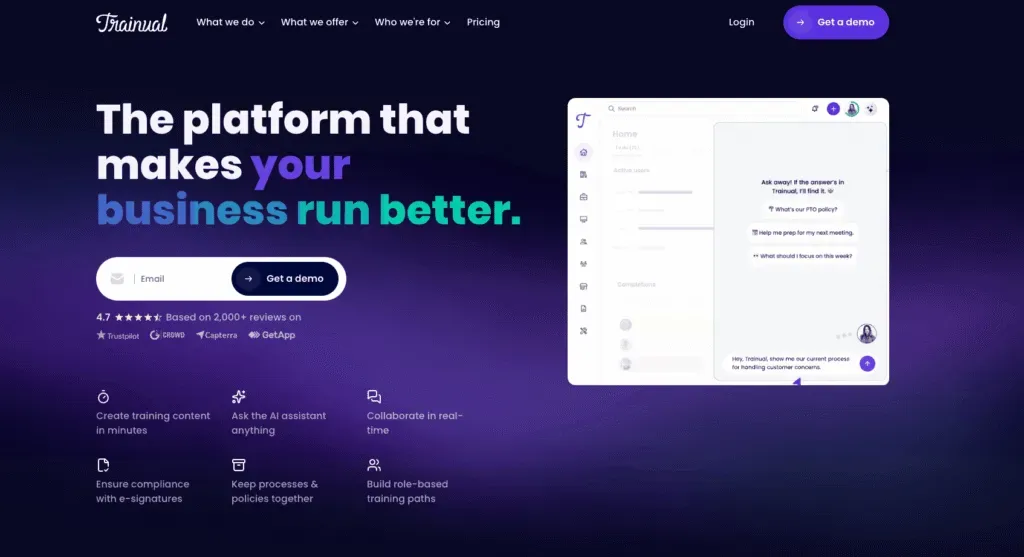
Trainual is a training and onboarding platform that organises SOPs by role, assigns training paths and tracks completion. It's the closest like-for-like alternative to Waybook, and it was the first tool named by both ChatGPT and Perplexity when we asked them for Waybook alternatives on 14 October 2026. Trainual's AI covers answers and insights plus "AI creation and upkeep" of content.
Key features of Trainual
- Documentation and SOPs, onboarding and training paths
- Knowledge search with AI Q&A
- Testing, tracking and reporting
- Roles, responsibilities and org charts
- E-signatures (300 a year on Pro, unlimited on Premium)
Trainual pricing
Trainual doesn't publish prices. Its page says pricing "varies depending on the size of your team and the features you need". Plans are Core, Pro, Premium and Enterprise, and a one-time $1,000 implementation fee applies. There's no free plan or free trial listed. You book a demo.
Trainual pros
- Strong structure for role-based training and accountability
- Mature product with org charts and responsibilities built in
Trainual cons
- No published pricing, so you can't compare costs without a sales call
- A $1,000 implementation fee before you start
- SSO and custom domain sit on Premium, the third tier
Compare more options in our Trainual alternatives guide.
How we compared these tools
We started with 14 tools named in the top 10 Google results for "Waybook alternatives" and in answers from ChatGPT and Perplexity. We also spoke to our sales team. We kept the 8 that document internal processes or train employees on them, and dropped generic HR tools, help-desk tools and single-vendor alternatives with no comparison value.
We compared each one on five things: published pricing, free plan or trial, SOP creation (including AI), training and testing features, and how answers reach the team.
But what we always say to customers and prospective customers is try the tools out for yourself.
How to choose a Waybook alternative
- You want AI to create the content, not just tidy it: Whale. Record once and get the SOP, the quiz and the training flow.
- You're under 10 people, or price per head matters most: SweetProcess, or stay on Waybook Core.
- Your processes must be followed and proven, step by step: Process Street.
- You only need quick how-to guides for software: Scribe or Tango, and Guidde if you want them as video.
- You want a flexible wiki and will build training yourself: Notion.
When to stay on Waybook: if you're about 20 people, you're happy writing SOPs by hand, and Core's tests and learning paths cover you, $99 a month is hard to beat. Switching tools costs time, so switch for a capability you need, not a few dollars.
Frequently asked questions
What is the best alternative to Waybook?
It depends on why you're leaving. Whale is the best Waybook alternative for AI-powered SOPs and training, because one recording becomes an SOP, a quiz and a training flow. SweetProcess is the closest on price, and Process Street is best for enforced workflows.
How much does Waybook cost?
Waybook Core is $99 a month billed annually ($119 monthly) for 20 seats, plus $5 per additional member billed annually. Waybook Pro is $198 a month billed annually ($238 monthly) for 20 seats, plus $10 per additional member. Enterprise is priced on request. Waybook offers a 7-day free trial and no free plan (Waybook pricing page, checked in October 2026).
Is there a free Waybook alternative?
Yes. Whale's free plan includes 1 creator and up to 10 members, with video to SOP, the screen recorder, checklists and Coral, Whale's AI assistant. Tango is free for up to 10 users and 5 shared workflows, Scribe's Basic plan is free in the browser, and Guidde and Notion also have free plans. On Whale, training flows and AI quizzes start on the Scale plan.
Waybook vs Trainual: which is better?
Waybook publishes its prices ($99 a month for 20 seats on Core, billed annually) and includes tests and learning paths on its entry plan. Trainual doesn't publish prices and charges a one-time $1,000 implementation fee, but it's stronger on role-based structure, responsibilities and org charts. Pick Waybook for cost clarity.
Waybook vs SweetProcess: what's the difference?
Waybook combines documentation with onboarding paths, tests and an AI writer, at $99 a month for 20 seats billed annually. SweetProcess focuses on documenting procedures, policies and tasks, at $82.50 a month for up to 10 members plus $4.17 per extra member billed annually, with a 14-day trial. Choose SweetProcess for simple documentation and Waybook if you need built-in training.
Can you switch from Waybook without losing your content?
Yes. Waybook's Core plan includes PDF exports, so you can take your documents with you. Whale offers a migration service.
Before you cancel, list your most-used SOPs and onboarding paths, export them. It's also a good moment to retire the SOPs nobody has opened since they were written.
Ready to stop writing SOPs by hand?
Start on Whale's free plan or see how Whale handles employee training and onboarding. Record one process and see what Whale makes of it.
Lisa Steingold is the Head of Content for Whale. With a history in tech, she's authored 4 books and is obsessed with helping teams unlock the next level of growth and productivity. (And riding her bike)