
Payroll tax checklist
Get payroll tax right before the filing deadline. This checklist covers the year-end payroll close, the forms you owe, employee data accuracy and what you need to retain.
- Document without effort
- Centralize and organize
- Make easily accessible

What's in the Payroll tax checklist
Close the payroll year
- Run and reconcile the final payroll of the year
- Confirm which payments fall into which tax year
- Reconcile quarterly returns against annual totals
- Record bonuses, benefits in kind and reimbursements
Forms and filings
- Prepare W-2 forms for every employee
- Prepare 1099 forms for qualifying contractors
- File copies with the tax authority by the deadline
- Check state and local filing requirements separately
Employee data accuracy
- Verify every Social Security number
- Match legal names to Social Security cards
- Confirm mailing addresses before forms go out
- Correct prior-year errors and file amendments
Records and retention
- Store payroll registers and tax filings for the required period
- Keep proof of delivery for employee forms
- Document who approved each adjustment
- Set a calendar reminder for next years deadlines
Keep payroll tax repeatable: run the close as a checklist, require sign-off with approval flows, and keep an audit trail in version history.
How does this free template stack up to Whale?
A static checklist template
- Customizable
- Free
- Free mobile app
Whale
- Customizable
- Free
- Free mobile app
- Employee Training tools
- Employee Onboarding tools
- Automated Workflows
- Reporting
- Insights on knowledge
- Insights on Checklist runs
Create checklists with ease
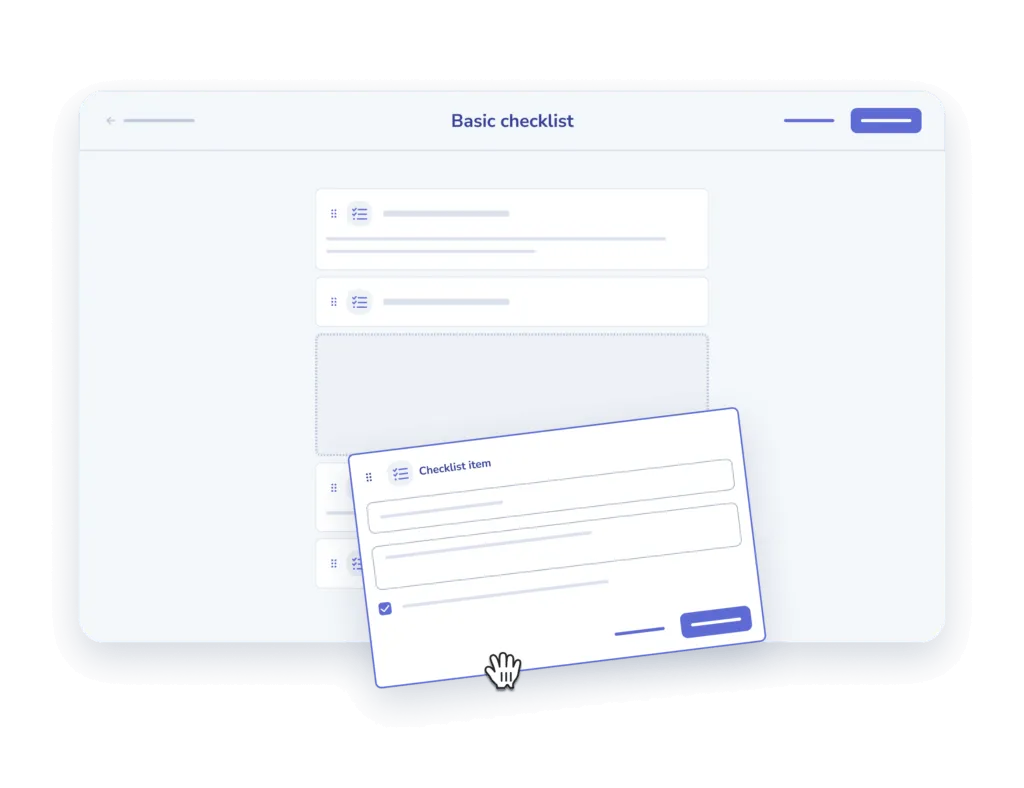
- Add and describe. Add your steps one at a time and offer a description for clarity sake.
- Add an input field. Offer the option to add comments or other inputs for each step.

Assign to your team and track
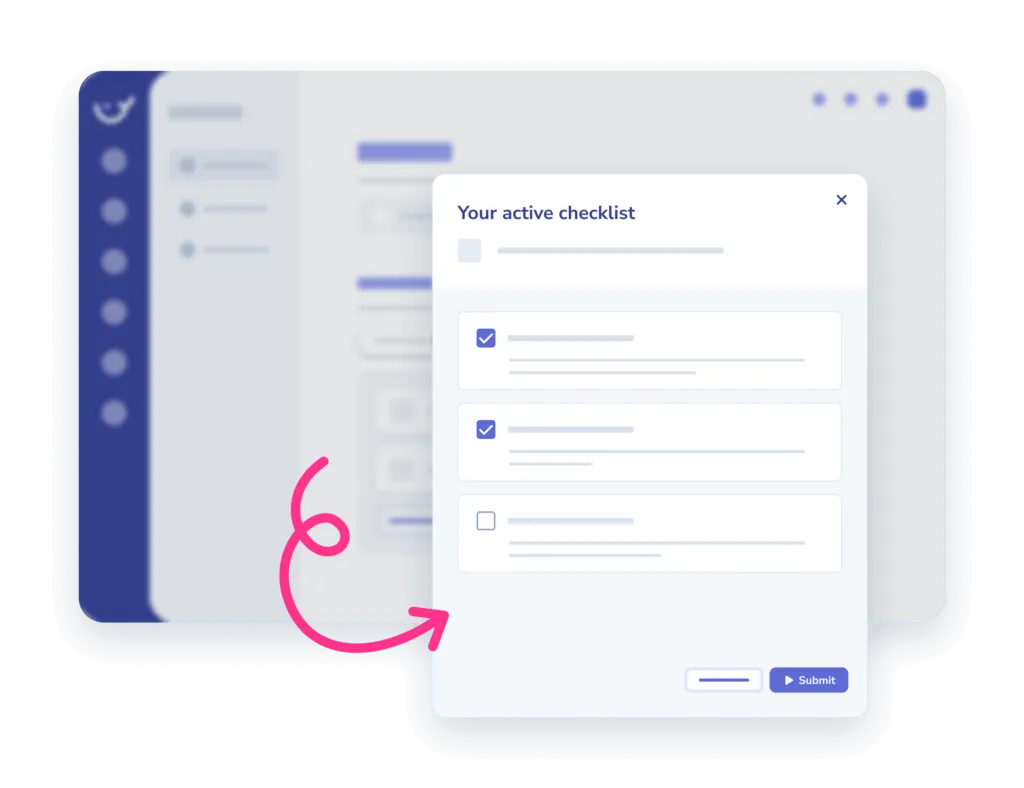
- Assign. Assign checklists to an individual or a team, in the office or on the go.
- Track completion. Monitor when and who completed which tasks in the insights report.
Frequently asked questions
01How do I use this checklist template?
Copy the checklist into Whale and work through it step by step. Every item can carry its own description, so whoever runs it knows exactly what the step means and what done looks like.
02Can I customize the checklist for my team?
Yes. Add your own steps one at a time, write a description for each, and add an input field wherever you need someone to leave a comment or record a result.
03Can I assign a checklist and see who completed it?
Yes. Assign it to one person or a whole team, in the office or on the go, then monitor when and who completed which tasks in the insights report.
04Is this checklist template free?
The template is free to use. Whale adds the training flows, onboarding, automated workflows and reporting on top for when a checklist becomes part of how the team works.
Other features
Training Flows
Build the onboarding path once. Assign it to every new hire.
Learn about Training FlowsAI-Generated Quizzes
Turn any SOP into a quiz in one click
Learn about AI-Generated QuizzesAnalytics & Reporting
See what your team uses, what they skip, and who needs help
Learn about Analytics & Reporting