SOP & Process Documentation
The 11 Best Guidde Alternatives in 2026, Ranked and Compared

In this article
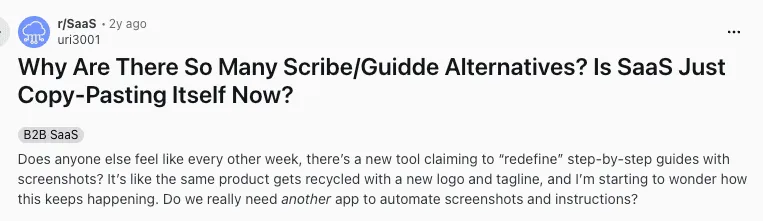
Why are there so many Guidde alternatives?
It is a fair question, and the answer is that most of these tools really are the same product, because screen capture isn’t the most difficult of tasks. What is still difficult is everything that happens after the recording.
A recording tells someone what to click once. A process system makes sure the right person does it correctly every time, and lets you prove it later. Those are different problems, and one that is worth highlighting. Pick the best SOP software based on which problem you actually have.
If your problem goes beyond creating guides into how to share them with your team, consider other alternatives like Whale.
If the problem is maintenance, meaning you re-record a walkthrough every time an app changes its interface, you want a tool where guides are step-based and editable rather than rendered video.
If the problem is that Guidde costs more than the value you get from it, there are other options.
Full disclosure: We published this article and Whale is ranked first on it. We are a competitor to Guidde but have offered several alternatives here based on the fact that you stumbled on this article because you were looking for one. Every price below was read from that vendor’s own pricing page on 18 September 2026.
Key Takeaways
- Screen capture is a commodity now. Maintenance and accountability are not. The tools below split cleanly into recorders, which produce an artifact, and process systems, which produce an owned, assigned, versioned procedure. Most people leaving Guidde bought a recorder and needed a system.
- Whale is our pick for teams that need the guide to become a process, with a named owner, a version history, assignments and completion tracking. It is priced per workspace rather than per seat, from $299 per month billed annually, with 3 creators included and no per-seat fee for members.
- Folge is the only one you buy once. $89 one time for a personal licence, no subscription, and it runs offline on your own machine.
- Guidde’s own free plan caps you at 25 how-to videos and carries a watermark. Paid starts at $19 per creator per month billed annually. If cost is why you are here, know exactly what you are comparing against.
The 11 Best Guidde Alternatives at a Glance
| Tool | Best for | Starting price | Free plan | Output | Maintenance when the app changes | Tracks completion |
|---|---|---|---|---|---|---|
| Whale | Teams that need a guide to become an owned process | From $299/month billed annually, flat, 3 creators, no per-seat fee for members | Yes, up to 10 members | Step-based process with owners and assignments | Edit the affected step, guide stays live | Yes |
| Tango | Chrome-first capture with no learning curve | From $15/user/month billed annually, 3+ users | Yes, 5 shared workflows | Screenshot guide with captions | Re-capture the changed steps | No |
| Scribe | Fastest path from clicking to a shareable guide | From $13/seat/month, 5-seat minimum | Yes, guide creation is capped | Screenshot guide with captions | Re-capture the changed steps | No |
| Folge | Detailed offline documentation you own outright | $89 one time, personal licence | Yes, 5 guides | Annotated screenshot documents | Edit screenshots and steps in the app | No |
| GuideMagic | Free, simple, one-off guides | $0, free during beta | Yes, no published limits | Steps, screenshots and video | Re-capture the changed steps | No |
| Loom | Explaining something once, to one person | From $18/user/month | Yes, 25 videos per person, 5-minute cap | Narrated screen recording | Re-record the whole video | No |
| Guidde | Narrated video walkthroughs, the baseline | From $19/creator/month billed annually | Yes, 25 videos, watermarked | AI-narrated video walkthrough | Re-record the whole video | No |
Prices verified 18 September 2026.
What Is Guidde?
Guidde is an AI-powered video documentation tool. You capture a workflow in the browser, and Guidde turns it into a narrated video walkthrough with a synthetic voiceover, chapter markers and a share link. It is genuinely fast, the voiceover quality is good, and for customer-facing product walkthroughs it does a job that a wall of screenshots does not.
What it costs, verified 18 September 2026:
- Free: $0 per creator per month, capped at 25 how-to videos, web capture only, with a Guidde watermark
- Pro: $19 per creator per month billed annually, or $29 billed monthly
- Business: $39 per creator per month billed annually, or $59 monthly, capped at five creators
- Enterprise: quote only
- Viewers are free. Only Admins, Content Managers and Creators consume a paid seat
- Premium voices, voice cloning, avatars and automatic translation are add-ons whose prices are not published
Where it runs out is the part nobody puts on a pricing page. A narrated video is a rendered artifact. When the app you recorded ships a redesign, there is no step 4 to edit. There is a video, and the video is now wrong from about the two-minute mark, and your only move is to record it again. Multiply that by a library of 80 guides and two or three vendors shipping interface changes a year, and you have a maintenance job that nobody owns.
The second limit is structural. A video cannot be assigned to a person, cannot be signed off, and does not have a version you can point an auditor at. It tells you what someone clicked. It does not tell you who is responsible for the process, whether it is current, or whether the new hire actually watched it.
Why Guidde Users Start Looking Elsewhere
Three reasons come up repeatedly, and they determine which tool on this list is right for you.
- Re-recording after interface changes. Inherent to video rather than a Guidde defect. Any tool whose output is a rendered recording has it. Tools whose output is a sequence of discrete, editable steps do not: you fix the one step that changed.
- Per-creator cost that scales the wrong way. Guidde charges per creator, and Business caps at five creators. In a lot of operations teams the people who should be writing procedures are the people doing the work, which means most of the team.
- A video is not an auditable process. If you are documenting to pass an audit, onboard a regulated role, or prove someone was trained, a link to a video is not evidence. You need an owner, a date, a version and a completion record.
1. Whale: Best for Turning a Guide Into an Owned Process
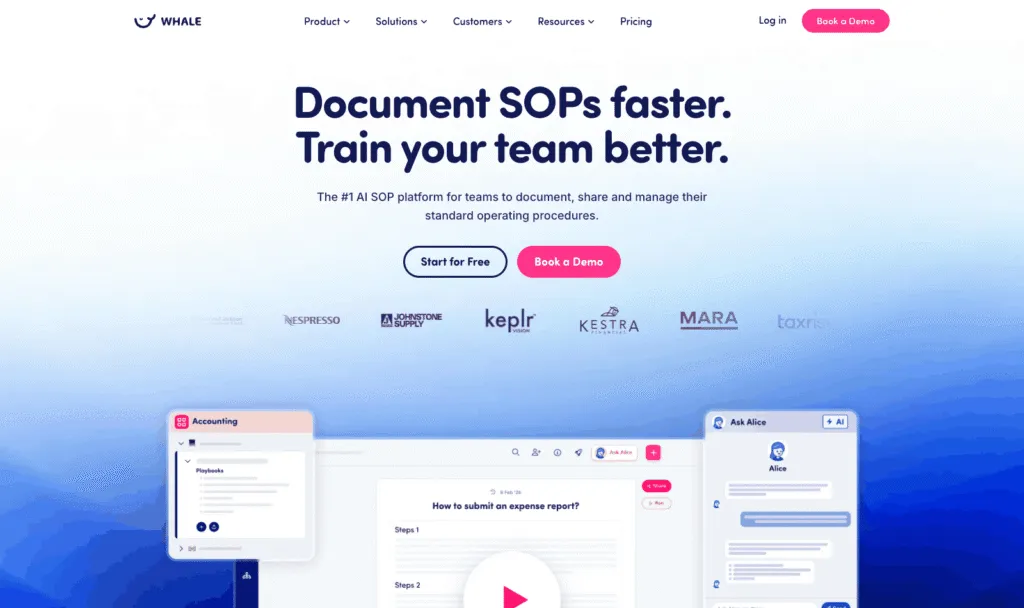
Whale is process documentation and training software. Guides are built from discrete steps rather than recorded as video, every guide has a named owner and a version history, and you can assign a guide to a person or a role and see who has completed it.
Best for: teams of roughly 10 to 500 where procedures need an owner, a review date and proof of completion, including frontline and deskless teams.
What it does well:
- Every guide carries an owner and a review cadence, so a stale guide surfaces as a task rather than as a support ticket six months later
- Assignments and completion tracking mean onboarding is a list whose state you can see, not a folder you hope someone opened
- Quizzes can be attached where comprehension needs checking rather than just acknowledgment
- Boards, libraries and playbooks keep a 200-guide library findable
- Because a guide is a set of steps, an interface change means editing the affected step, and everyone assigned sees the current version immediately
- The step recorder handles capture and training flows handle assignment
- Scores 4.8 out of 5 on G2
Where it falls short:
- Heavier than a capture extension, and the setup cost is real: deciding owners, structure and review cadence is a week of thinking a Chrome extension never asks of you
- Capture is a step inside a larger system rather than the product itself, so on pure speed from click to share link, Scribe and Tango are faster
- Priced a step up from per-seat tools at small headcounts, because it is built for a whole team rather than a handful of creators
Pricing, verified 18 September 2026:
- Free: up to 10 members
- Scale: $299 per month billed annually, 3 creators included, additional creators $29 per creator per month
- Advance: $599 per month billed annually, 5 creators included, additional creators $39 per creator per month
- On paid plans, everyone else joins as a member, with no per-seat fee. Members consume content, creators build it
- Enterprise: priced on request
Who should skip it. A solo operator who wants a free link to send to a client should not buy Whale. There is no team to assign anything to, no completion to track and no owner other than you, which means you would be paying for the entire reason Whale exists and using none of it.
2. Tango: Best Like-for-Like Swap
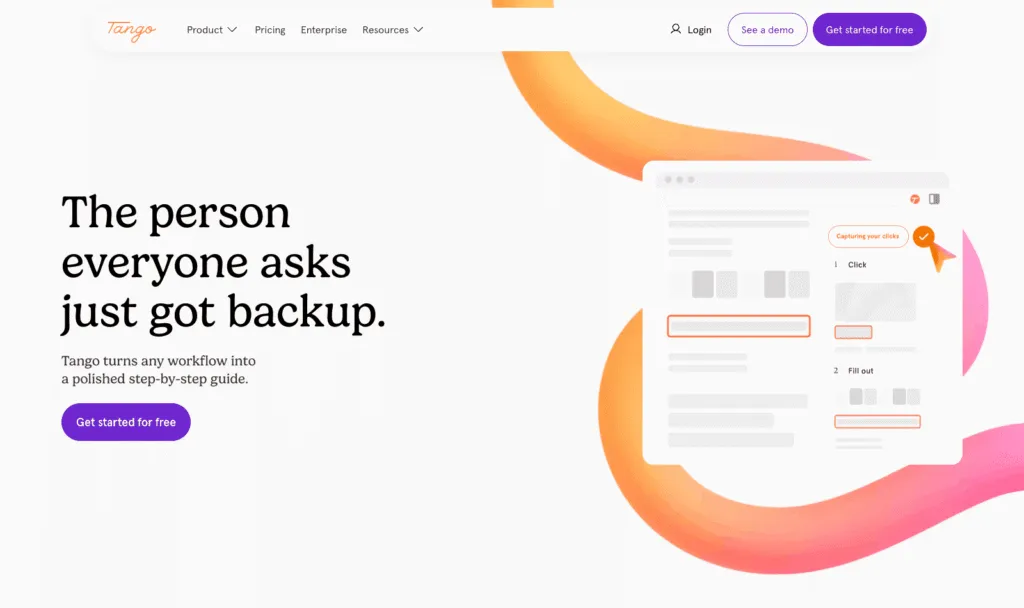
Tango is a browser extension that records what you click and turns it into a step-by-step guide with annotated screenshots.
Best for: teams that want the Guidde workflow with no learning curve and no video.
What it does well:
- About as frictionless as this category gets: turn it on, do the thing, stop, and you have a numbered guide with cropped and highlighted screenshots
- Output is steps rather than rendered video, so an interface change means re-capturing the affected steps rather than the whole walkthrough
- Guides embed cleanly into other tools
Where it falls short:
- It is a capture tool and it stops there: no owner on a guide, no assignment, no completion tracking
- The free plan’s five-workflow library cap arrives fast for any real team
Pricing, verified 18 September 2026:
- Free: up to 5 shared workflows in the team library, up to 10 users
- Pro, 3 or more users: $15 per user per month billed annually, or $20 billed monthly
- Pro, 1 to 2 users: $22 per user per month billed annually, or $26 monthly
- Enterprise: custom, with a platform fee based on user count
- Tango states both cycles in prose in its own FAQ, so this split is confirmed rather than inferred
Skip it if you need to know who has read the guide. We cover the wider field in the best Tango alternatives.
3. Scribe: Fastest Click-to-Guide
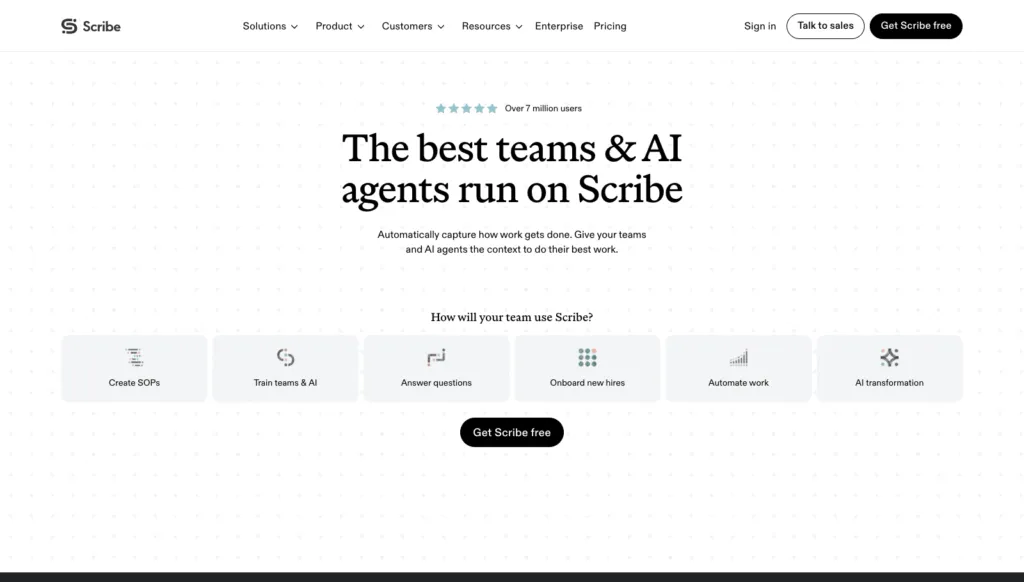
Scribe auto-generates a step-by-step guide with screenshots from a recorded browser session, and is the best-known tool in this category.
Best for: getting from doing a task to a shareable guide in the smallest number of actions.
What it does well:
- Capture to polished guide is close to instant, and the output looks good with no editing
- Sensitive data can be redacted in the screenshots
- The sharing and embedding story is mature
Where it falls short:
- Same ceiling as Tango: it documents a task, it does not manage a process. No owner, no assignment, no completion record
- The free Basic plan does not include unlimited guide creation, and Scribe does not publish what the cap actually is
- Basic is web capture only, with no desktop capture and no PDF, Markdown or Word export
- Version history on paid tiers is one week
Pricing, verified 18 September 2026:
- Basic: free
- Pro Personal: published at $25 and $35 per seat per month, starting at 1 seat
- Pro Team: published at $13 and $17 per seat per month, starting at 5 seats
- Enterprise: custom
- Scribe renders its Monthly and Yearly toggle client-side without labeling which figure belongs to which cycle, and the gap does not match its own “Save 20%” badge, so both figures are quoted as printed. Confirm at checkout before you budget
Skip it if documentation is a compliance requirement rather than a convenience.
4. Folge: Best One-Time Purchase and Best Offline
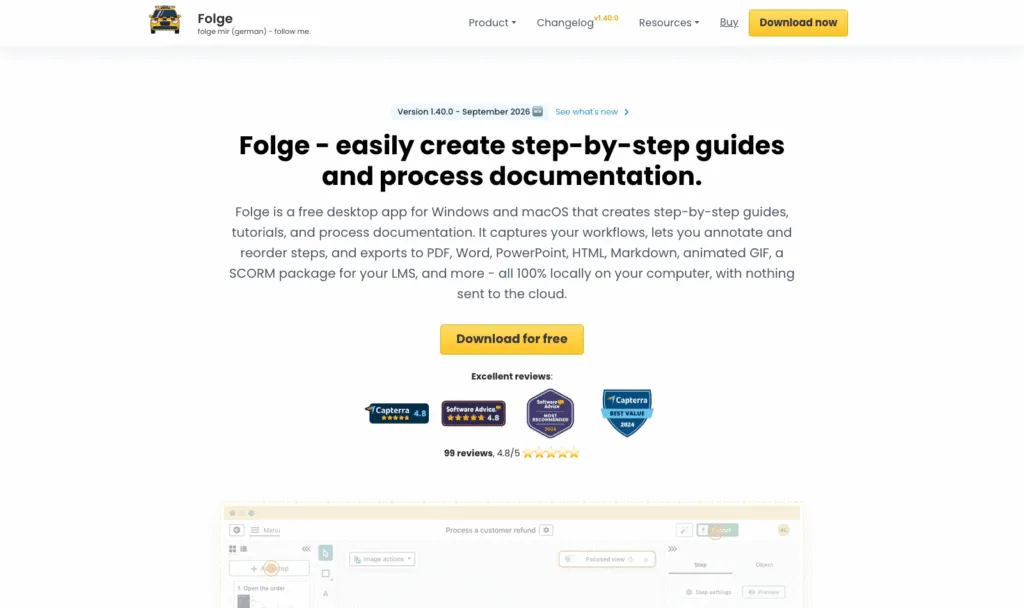
Folge is a desktop application for Mac and Windows that captures your clicks and turns them into annotated screenshot documentation, stored locally on your machine.
Best for: detailed technical documentation, offline or air-gapped environments, and anyone who would rather own software than rent it.
What it does well:
- The only tool on this list you buy once
- Everything is stored locally, which matters if you document systems that cannot leave the building
- Deeper annotation than the browser extensions: proper callouts, blurring, and shape and text editing on every screenshot
- Captures desktop applications, not just browser tabs, which rules out most of this list for native software
- Export to PDF and other formats is built in
Where it falls short:
- A single-player desktop app: no team library, no assignment, no completion tracking, no collaboration beyond sending someone a file
- The optional cloud add-on hosts a small number of guides rather than providing a real knowledge base
- A personal licence covers one platform and one machine
Pricing, verified 18 September 2026:
- Free: capped at 5 guides, 2 export templates and 20 online guides
- Personal licence: 75 euro, or $89, one time, valid for one platform and one machine
- Business licence: 130 euro, or $155, per seat one time, covering both Mac and Windows
- All prices exclusive of VAT. There is no subscription option
Skip it if more than one person needs to maintain the library.
5. GuideMagic: Best Free Option
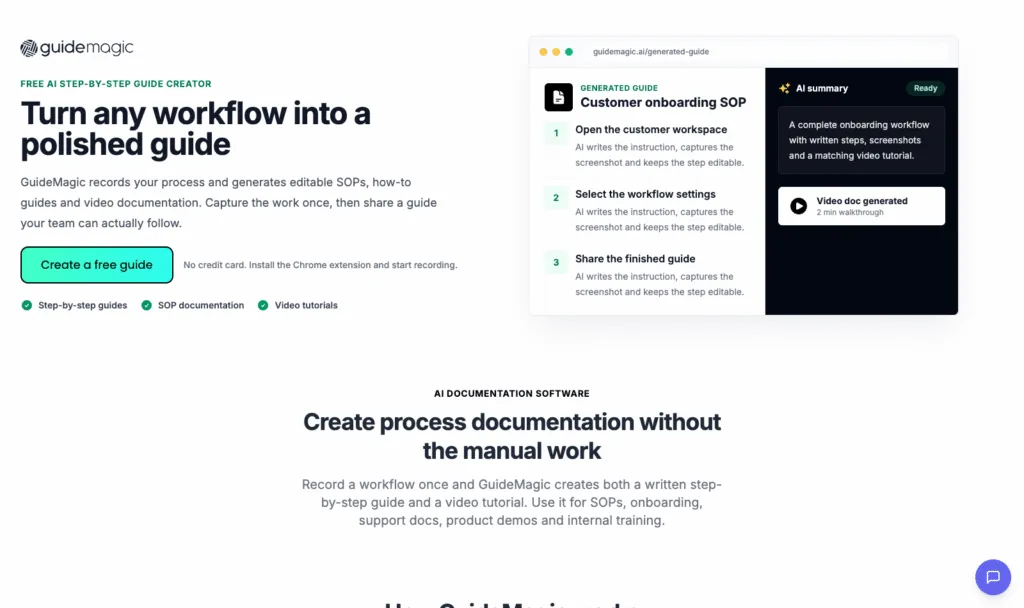
GuideMagic is a browser extension that captures a workflow once and produces steps, screenshots and video from that single capture.
Best for: one-off guides, and anyone who wants to stop paying for this category entirely.
What it does well:
- Free, with no credit card
- Three-format output from one capture: a written procedure, screenshots and a video without doing the work three times
- Setup is installing an extension
Where it falls short:
- No system behind it: no owner, no assignment, no completion tracking, no library management
- It is in beta and the vendor says pricing may change after beta
- No free-tier limits are published, so you would be building on a tool whose commercial terms are not settled
Pricing, verified 18 September 2026:
- $0, described on the vendor’s own site as free during beta
- No paid tier is published and no usage limits are published
Skip it if you need to know today what this will cost in a year.
6. Loom: The Popular Wrong Answer for Documentation
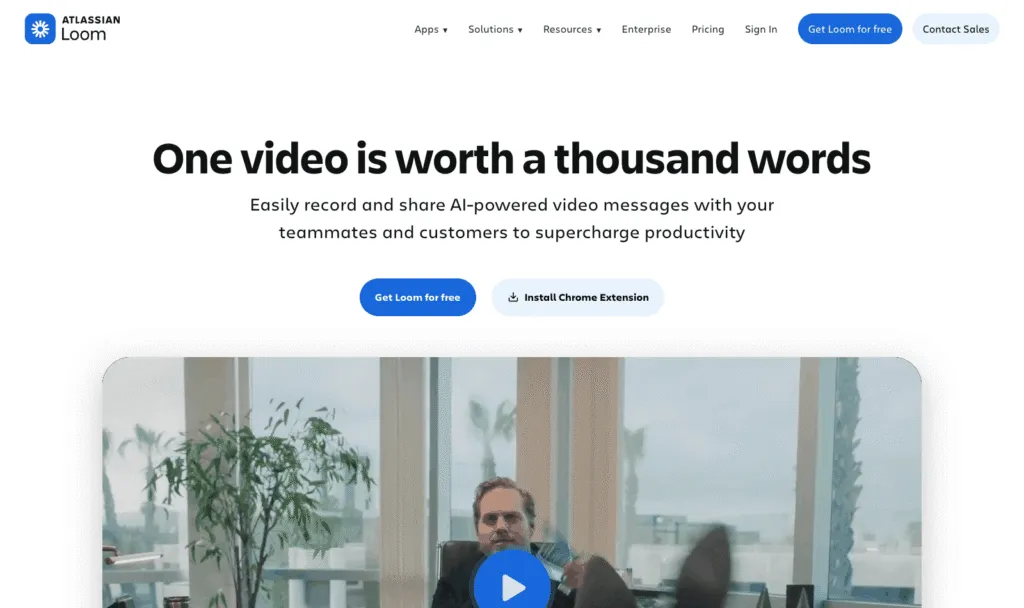
Loom is video messaging. You record your screen and your face, and you send someone a link.
Best for: explaining something once, to one person, right now.
What it does well:
- Nothing is faster for “let me just show you”
- Recording and sharing is two clicks, and viewers do not need an account
- The asynchronous explanation use case is what Loom was built for and is excellent at
Where it falls short:
- Every maintenance problem Guidde has, because the output is also a rendered video
- Fewer documentation features, because documentation is not what it is for
- A new hire in six months cannot search a video for step 7, and you cannot update step 7 without re-recording
- The only tool here with a hard length cap on its free tier
Pricing, verified 18 September 2026:
- Starter: free, capped at 25 videos per person and 5 minutes per screen recording, up to 720p, with Loom branding on the video page
- Business: published at $18 per user per month
- Business with AI: published at $24 per user per month
- Enterprise: quote only and annual only
- Loom computes its prices client-side and does not label the billing cycle in the served page, and its FAQ states only that annual billing saves 17 percent, so we are not claiming which cycle $18 and $24 represent
Skip it if the recording has to still be correct in six months.
Guidde Alternatives You Probably Have Not Considered
These five did not make the main list, either because they serve a narrower use case or because their commercial status is unclear. One of them may be exactly right for a situation the main six do not cover.
| Tool | Type | Entry price | Worth a look if |
|---|---|---|---|
| MagicHow | Browser extension and desktop | Free tier, 10 documents. Paid from $10 per seat per month paid annually | You want quick how-to guides with almost no setup, and desktop capture at a low price |
| Dubble | Browser extension | Free tier, unlimited guides. Pro $18 per month billed annually, 3 creators, $6 per extra creator | You want annotated guides plus video from one capture, priced per workspace rather than per seat |
| iorad | Interactive tutorials | Free tier. Individual $200 per month, Team $500 per month | You need clickable simulations a learner can practice in, not static steps, and you have the budget |
| ScreenSteps | Knowledge base | No free tier. From $6,000 per year, annual billing | You want guides inside a structured help center with decision trees, and you are buying at department scale |
| Stepshot | Discontinued | Not sold | Historical interest only. Its domain now permanently redirects to UiPath Task Capture. Do not evaluate it |
Prices verified 18 September 2026.
How to Choose: Recorder or Process System
The single question that sorts this list: when the underlying app changes, do you want to re-record, or do you want to edit a step? Everything else follows from that.
- Solo, or one guide for one client. GuideMagic, free. Or Tango’s free plan if you want it to look more polished. Do not buy anything.
- A small team, under 10 people, documenting as you go. Tango or Scribe. Fast, cheap, no overhead, and at that size everyone already knows who owns what without software telling them.
- Documenting desktop software, or working offline. Folge. The only tool here that captures native applications and stores everything locally, and it is $89 once.
- Explaining one thing to one colleague. Loom, and do not feel bad about it. Just do not file it as documentation.
- Multiple teams, or a library above roughly 50 guides. Whale. Past that size the bottleneck stops being creation and becomes knowing which guides are current and who owns them.
- Frontline or deskless teams, and any onboarding you have to prove happened. Whale. Assignment and completion tracking is the whole requirement, and none of the recorders do it. We wrote separately about training deskless workers.
- Regulated work, audits and sign-off. Whale, or ScreenSteps if you want it to live inside a formal help center and you have department budget.
If you are in the last three groups and want to see how the ownership and completion side works, start with our SOP document template.
How We Compared These Tools
We compared 11 Guidde alternatives on seven criteria: starting price, free plan and its most restrictive limit, output format, what maintenance looks like when the documented application changes its interface, whether the tool tracks guide completion, the capture surface, and who the vendor positions it for.
Every price in this article was read directly from the vendor’s own pricing page on 18 September 2026, not from a review site, a search snippet or a third-party comparison. Where a pricing page renders its monthly and annual figures client-side without labeling which is which, we have said so and quoted both figures rather than picking one. Where a vendor does not publish a number, we have written that it is not published rather than estimating. Where we could not verify that a product is still sold, we left it off the list. Every screenshot above was captured by us from each vendor’s live site on 18 September 2026.
FAQs on Guidde Alternatives
What is the best Guidde alternative?
The best Guidde alternative depends on what stopped working. If the problem is maintenance, meaning you re-record a walkthrough every time an app changes its interface, Whale is the strongest replacement: guides are step-based rather than recorded, every one has a named owner and a version history, and you can assign them and see who has completed them. Updating a step takes a minute and nobody re-records anything. If Guidde is simply more tool than you need, GuideMagic is free and Tango is the simplest capture flow. If you document desktop software or work offline, Folge is $89 once and stores everything locally. If what you actually want is to explain something once to one person, stay on video and use Loom.
Whale vs Guidde: which is better for onboarding?
Whale, if onboarding means a new hire has to complete a defined set of procedures and you need to know they did. Guidde produces narrated videos you send someone. Whale assigns a guide to a person or a role, tracks completion, and can attach a quiz where comprehension matters. Guidde is the better choice if your onboarding is mostly showing people how a product works and you do not need a completion record.
Why do I have to re-record Guidde videos so often?
Because the output is a rendered video, so there is no individual step to edit. When the application you recorded changes its interface, the video is wrong from that moment onward and the only fix is to record it again. Tools whose output is a sequence of discrete steps, which includes Whale, Tango, Scribe, Folge and GuideMagic, let you correct the one step that changed and leave the rest alone.
What should I use instead of Guidde for a 50 person ops team?
Whale, if the 50 people need to follow the procedures rather than just read them. At that size the problem has stopped being how fast you can create a guide and become whether anyone knows which guide is current, who owns it and who has read it. Whale is priced per workspace from $299 per month billed annually, with 3 creators included and no per-seat fee for members, which works out differently from per-seat tools at that headcount. If your ops team only needs a shared library of task guides and nobody has to sign anything off, Scribe’s Pro Team at a five-seat minimum is the cheaper answer.
Can I move my existing Guidde library to another tool?
Not automatically. No tool on this list offers a Guidde import, and because Guidde’s output is rendered video there is no structured step data to migrate even in principle. In practice teams migrate by leaving the old library in place as read-only reference and rebuilding the guides people actually use, which is usually a much smaller number than the library size suggests. Budget for rebuilding your top 20 procedures, not all of them.
Is there a free Guidde alternative?
Yes, several, and GuideMagic is the most generous: it is currently $0 with no published usage limits while it is in beta. Tango’s free plan allows 5 shared workflows and up to 10 users, Folge’s free tier allows 5 guides with no time limit, and Scribe’s Basic plan is free though it caps guide creation at a number Scribe does not publish. For comparison, Guidde’s own free plan allows 25 how-to videos with a watermark. If you need a free tool for a team rather than for yourself, Tango is the most workable.
Lisa Steingold is the Head of Content for Whale. With a history in tech, she's authored 4 books and is obsessed with helping teams unlock the next level of growth and productivity. (And riding her bike)