Employee Onboarding & Training
Best Training Documentation Software for Training Manuals (2026)


In this article
Are training manuals still a thing? Yes but training manual software is the essential ingredient for creating interactive, engaging training materials that support onboarding, compliance, and employee development.
Gone are the days of lengthy, static documents; modern training manual software allows businesses to build dynamic, accessible resources that support continuous learning and enhance document engagement.
Creating effective training manuals is essential for any organization aiming to onboard and develop its employees efficiently. And here explore the best software for creating training manuals in 2026 that closely mirrors the best SOP software tools to use in 2024:
Key takeaways
- Training documentation software should do more than capture steps once. Look for built-in version control, so manuals stay accurate as processes change.
- Pricing models vary widely. Some tools charge per seat, some are flat-rate per team, and several (Trainual, Document360 and Process Street) no longer publish self-serve pricing at all, so confirm current numbers before you buy.
- The best tool for a five-person team documenting one workflow is rarely the best tool for a 200-person company standardising onboarding. Match the tool to your team size, not just the feature list.
- AI-assisted documentation, turning a screen recording or a rough draft into a formatted manual, is now table stakes rather than a differentiator. Check how it is implemented, not just whether it exists.
- A training manual is not the same as an SOP repository or a full LMS. Decide which job you are hiring the software to do before comparing price tags.
Benefits of Creating a Training Manual
The benefits of training manual software go beyond basic documentation. Using this technology ensures your team has consistent, easy-to-follow guidance, reduces onboarding time, and provides employees with a valuable reference to support their roles.
If you want to connect your employees to their roles and responsibilities and keep them engaged, you’re going to need training and training manuals. (Actually a training manual can come in many forms so don’t get too stuck on imagining long documents.)
Investing in training manual software offers significant advantages for both the organization and its employees:
- Consistency Across Teams: Standardize information to ensure employees have uniform guidance.
- Onboarding Efficiency: Simplify the onboarding process by making it easy for new hires to access and understand role requirements.
- Quick Reference Resource: Employees have an on-demand reference for best practices and procedures.
- Compliance and Risk Management: Training manual software helps ensure employees meet regulatory and organizational compliance.
- Enhanced Engagement: Interactive features keep employees engaged, increasing retention and effectiveness.
Top Training Documentation Software for 2026: Your Guide to the Best Options
Finding the right training manual software can transform your team’s learning and development experience. Here’s our guide to the best software available, each with unique features and pricing to suit different business needs.
Comparison Table of Training Manual Software
| Software | Best for | Pricing | G2 rating |
|---|---|---|---|
| Whale | Teams that want SOPs, training and knowledge in one place | Free Forever $0 with 10 members included. Scale $299/month and Advance $599/month, both billed yearly. Enterprise on request | 4.8 / 5 |
| Process Street | Teams running repeatable, checklist-driven workflows | No published pricing. Startup, Pro and Enterprise are all contact-sales, with a 14-day free trial of Pro | 4.6 / 5 |
| Tango | IT and Ops teams documenting software workflows with in-app guidance | Free plan available; Pro Team $15 per user/month billed annually or $20 billed monthly (3 or more users); Pro Personal $22 annually or $26 monthly (1 to 2 users); Enterprise on request | 4.7 / 5 |
| Document360 | Larger teams needing a full public or private knowledge base | Fully custom, quote-based. Priced around workspaces, languages, team accounts and AI usage, with no published tiers | 4.7 / 5 |
| Scribe | Fast, lightweight step-by-step capture | Basic free; Pro Personal $35/seat/month or $25 billed annually, from 1 seat; Pro Team $17/seat/month or $13 billed annually, from 5 seats; Enterprise custom | 4.8 / 5 |
| Trainual | Teams that want documentation plus structured training paths | No published self-serve pricing. Core, Pro, Premium and Enterprise are all demo-based, and a one-time $1,000 implementation fee applies | 4.7 / 5 |
| SweetProcess | Small-to-mid teams standardising SOPs and training together | $99/month for up to 10 members, plus $5/month per additional member, with a 30-day money-back guarantee | — |
Pricing was checked against each vendor’s own pricing page in August 2026. Where a vendor no longer publishes figures we say so rather than repeating an old number. G2 ratings are only shown where we could confirm them, which is why SweetProcess has no rating listed here.
1. Whale
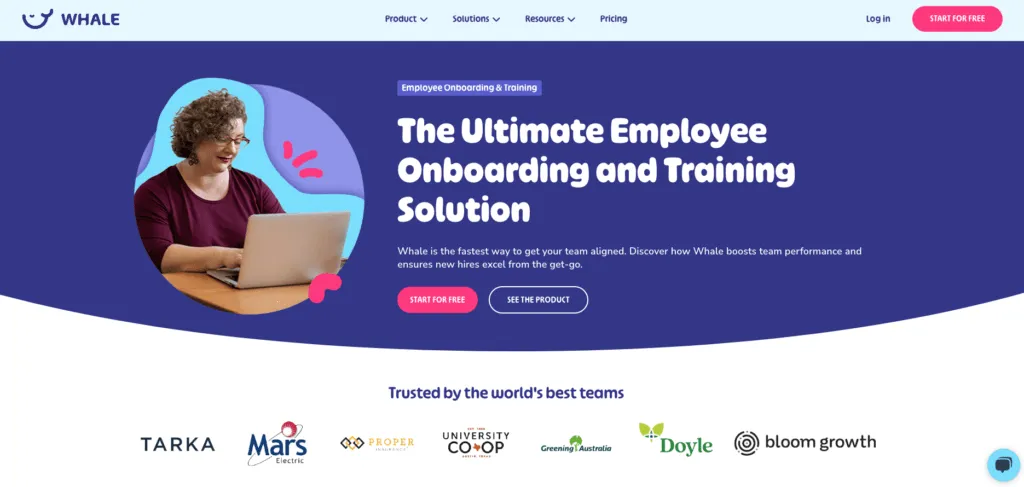
Whale is the easiest documentation and training tool out there. It centralizes all your training manuals, processes, SOPs, and playbooks, enabling quick onboarding and training. Whale uses AI and templates for easy training manual creation and automated workflows to share them with your team, ensuring rapid team alignment.
Pros
- Award-winning customer support for fast onboarding.
- High ROI with quick onboarding times.
- User-friendly interface with AI Assist for quick training manual creation.
Cons
- Quizzes could be more detailed.
- Manual installation of suggestions can be time-consuming.
Price
Free Forever at $0, with 10 members included. Scale is $299/month and Advance is $599/month, both billed yearly, with 3 and 5 creators included. Everyone else joins as a member, with no per-seat fee. Enterprise pricing is available on request.
G2 Rating
4.8 / 5
2. Process Street
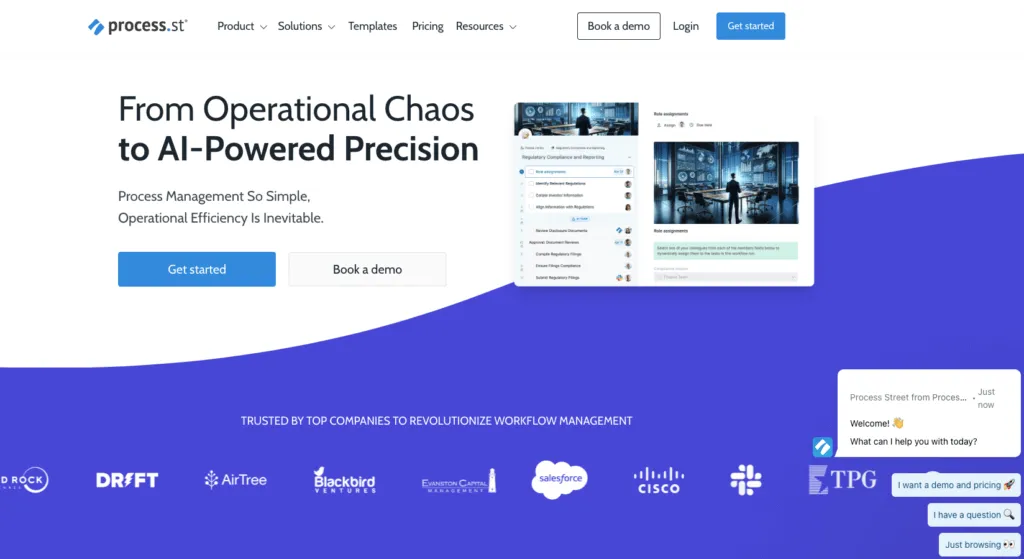
Process Street is a versatile workflow and process management platform that helps organizations create, optimize, and automate their training manuals and operational procedures. It allows businesses to document workflows as checklist-based templates, making it easy to follow, track progress, and collaborate on tasks.
With features like Whale’s step recorder, you can run through a process like you do every day, and at the end, you’ll have a documented process with screenshots ready to use.
Pros
- Pre-made templates for various training manual processes.
- Clean UI.
- Schedulable processes and form fields within job descriptions.
Cons
- Limited free version.
- Paid plans can be expensive.
Price
No published pricing. Startup, Pro and Enterprise all require contacting sales as of 2026. All new accounts start with a 14-day free trial of the Pro plan, but there is no ongoing free tier.
G2 Rating
4.6 / 5
3. Tango
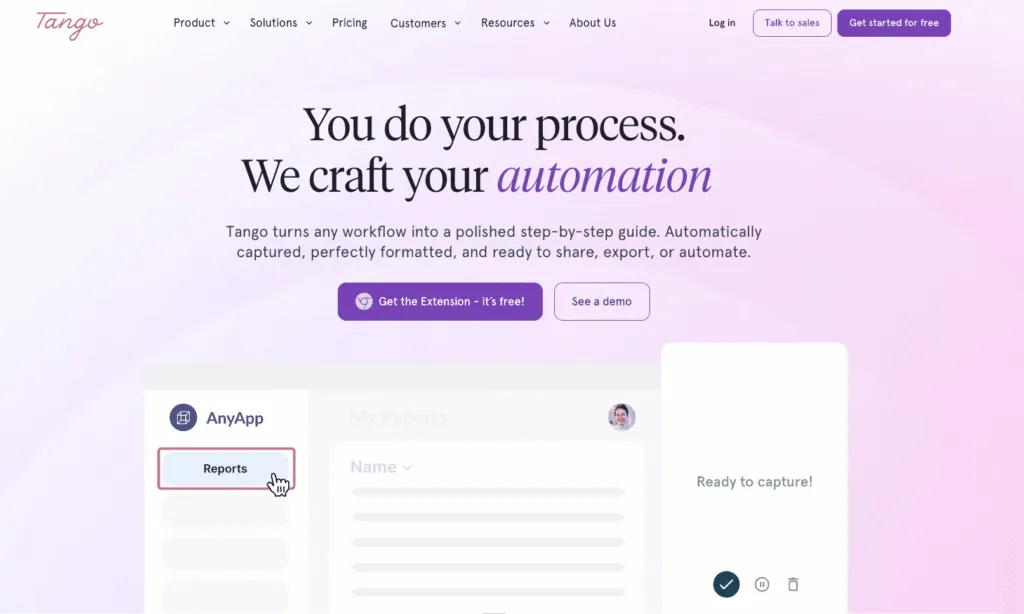
Tango is a browser and desktop extension that turns any process into a polished, step-by-step training guide while you work through it. It’s built for IT and Operations teams documenting software workflows, with an interactive Guide Me mode that overlays the exact steps directly inside the live application so new hires learn by doing instead of reading.
Pros
- Captures steps, screenshots, and instructions automatically as you click through a process.
- Guide Me overlays interactive, step-by-step guidance inside the actual application.
- Live Blur automatically redacts sensitive information (names, SSNs, account numbers, PHI) during capture, on the local device before anything reaches Tango’s servers.
- Exports to PDF, Markdown, HTML, and Word, and embeds into Confluence, Notion, SharePoint, and Slack.
Cons
- Guide Me’s interactive walkthrough currently requires the viewer to have a Tango account and the browser extension installed.
- Branding and formatting customization are limited, especially for external, client-facing guides.
- Enterprise pricing isn’t published; it requires a sales conversation.
Price
- Free plan available, no credit card required.
- Pro Team: $15 per user/month billed annually, or $20 per user/month billed monthly, for 3 or more users.
- Pro Personal: $22 per user/month billed annually, or $26 per user/month billed monthly, for 1 to 2 users.
- Enterprise: custom pricing, contact sales.
G2 Rating
4.7 / 5
4. Document360
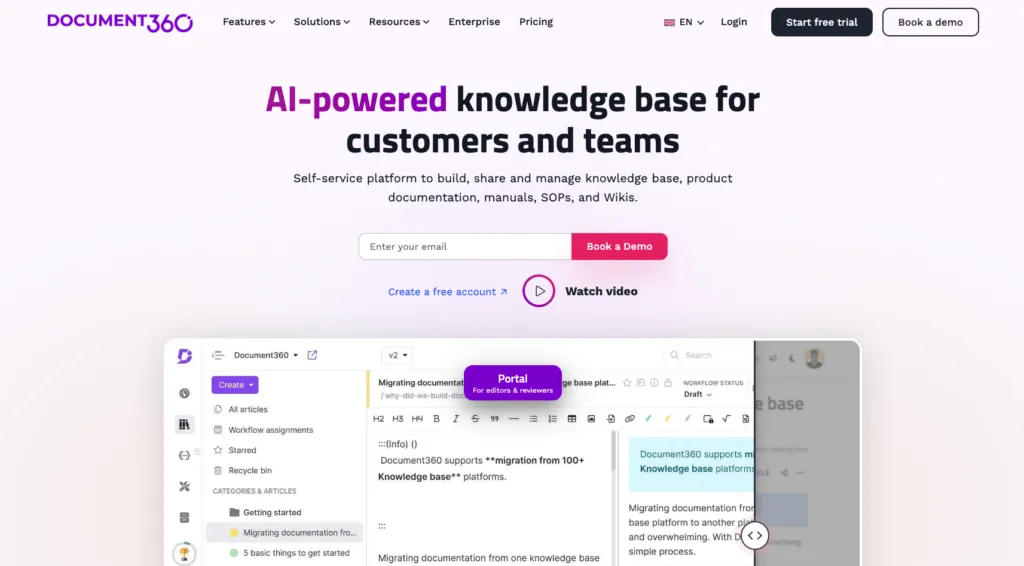
Document360 is a knowledge base and documentation management platform tailored for businesses and software developers. It provides tools to create, organize, and publish comprehensive training manuals, documentation, FAQs, and help guides, with customizable templates and robust search capabilities.
Pros
- Advanced editorial portal for training manual creation and review.
- Document difference viewer for tracking changes.
Cons
- Lack of a template library for new content adds time to training manual creation.
Price
Fully custom, quote-based pricing as of 2026. Cost is scoped around workspaces, languages, team accounts and AI usage, and no fixed tiers are published.
G2 Rating
4.7 / 5
5. Scribe
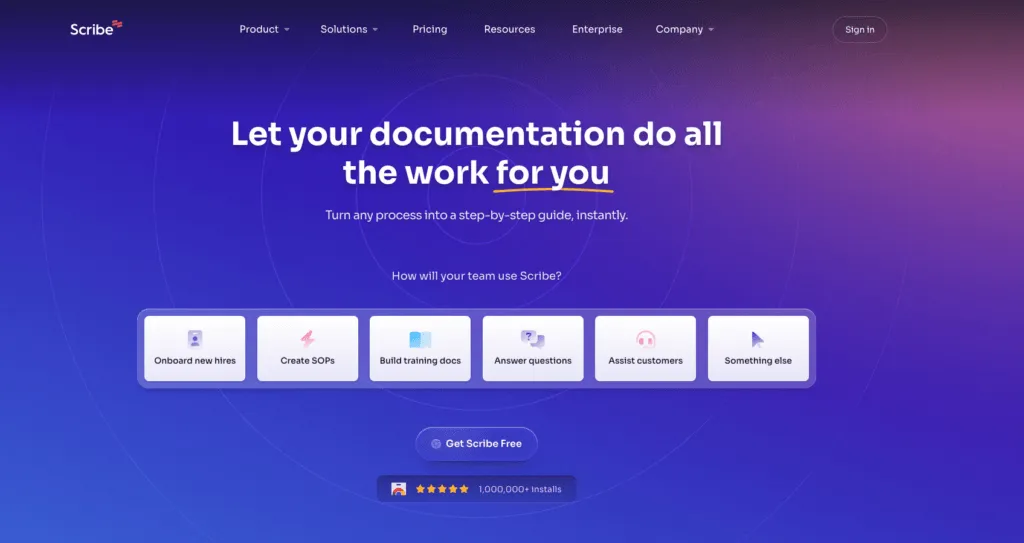
Scribe is designed to streamline data integration and migration processes. It enables businesses to connect various applications and data sources, allowing for efficient data transfer. Scribe makes the most of your screen capture with auto-generated, step-by-step training manuals.
Pros
- Automates training manual creation.
- Customizable text, steps, and images.
- Single-click sharing.
- Easy integration with any knowledge base.
Cons
- Can be expensive for smaller businesses.
- Limited pricing options for smaller teams.
Price
Basic is free. Pro Personal is $35/seat/month, or $25/seat/month billed annually, starting at one seat. Pro Team is $17/seat/month, or $13/seat/month billed annually, starting at five seats. Enterprise is custom.
G2 Rating
4.8 / 5
6. Trainual
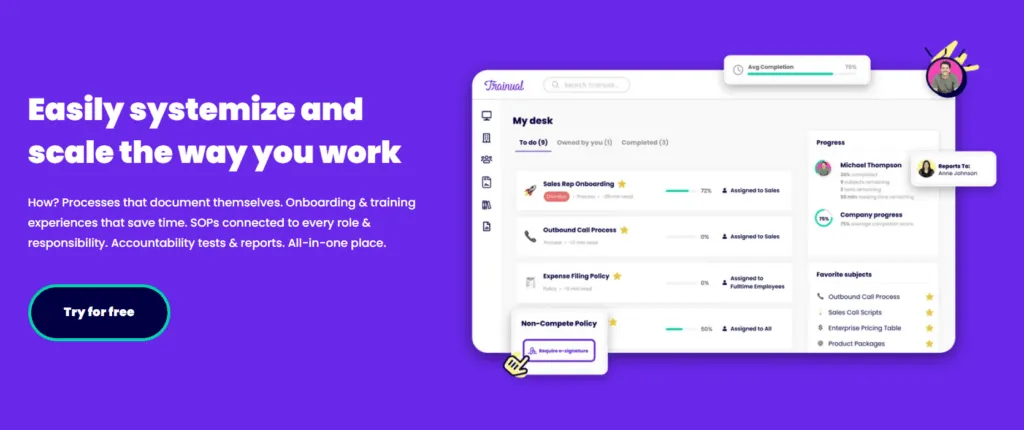
Trainual is a knowledge transfer and training platform for growing teams to build the playbook for their operations. It streamlines the process of creating and managing training manuals and documentation.
Pros
- Free trial available.
- Role assignments manage SOP ownership and training responsibilities.
- Easy embedding of external content like PDFs, GIFs, and videos.
Cons
- Limited knowledge test options compared to other training manual software.
- UI is complex.
Price
No published self-serve pricing as of 2026. Core, Pro, Premium and Enterprise are all demo and quote-based, and a one-time implementation fee of $1,000 applies.
G2 Rating
4.7 / 5
7. SweetProcess
SweetProcess is built around the idea that procedures, policies and training should live in one place rather than three. It is a close fit for small-to-mid teams who want to document how work gets done and then train people on it without running two systems, and its pricing is refreshingly simple compared with the seat-tier ladders elsewhere on this list.
Pros
- One flat tier with no seat-tier ladder to navigate
- Procedures, policies and training sit together rather than in separate tools
- Straightforward editor that non-technical staff pick up quickly
- A 30-day money-back guarantee lowers the risk of trying it
Cons
- Fewer integrations than the larger platforms here
- Reporting and analytics are lighter than dedicated LMS tooling
- The flat $99 entry point is comparatively steep for a team of two or three
Price
$99/month for up to 10 members, plus $5/month for each additional member, with a 30-day money-back guarantee.
Addressing Common Training Manual Challenges with the Right Software
Whale addresses key challenges in creating and managing training manuals, making it the ideal solution for businesses of any size:
Challenge: Time-Consuming Documentation
Solution: Whale’s AI-assisted templates speed up manual creation, allowing your team to document processes and create training manuals in minutes rather than hours.
Challenge: Maintaining Consistency Across Departments
Solution: Whale’s centralized content hub ensures all employees have access to standardized and current materials, reducing confusion and supporting compliance.
Challenge: Keeping Training Engaging
Solution: Whale allows you to integrate multimedia elements—like videos, GIFs, and interactive modules—into your training manuals, making the learning experience more engaging and memorable for employees.
Challenge: Monitoring Training Effectiveness
Solution: Whale’s analytics and reporting tools let you track user engagement, assess training completion rates, and refine content based on real-time insights, ensuring continuous improvement.
What is the Best Free Training Manual Software?
When it comes to the best free training manual software, Whale stands out as an exceptional choice for small teams getting started with documentation.
Whale’s free tier plan, called “Forever Free,” offers a robust set of features designed to help you create effective training manuals without any cost.
Whale’s Forever Free Plan
Features Included:
– Content Creation Tools: Easily create comprehensive training manuals with intuitive content creation tools.
– AI Assist: Generate procedures quickly and efficiently with AI assistance, streamlining the documentation process.
– Google Drive & OneDrive Integrations: Seamlessly integrate with Google Drive and OneDrive to store and manage your training manuals.
– Browser Extension: Utilize the browser extension for quick and easy access to your documentation tools directly from your web browser.
With up to 5 seats available in the free plan, Whale provides small teams with the tools they need to create, manage, and distribute high-quality training manuals. There’s no credit card required to get started, making it an accessible and hassle-free solution for those looking to improve their documentation and training processes.
Prior to Whale, there were a lot of people asking questions like, what’s the process on this? Or how do we do this? How do we do that?
Now, instead of getting five or six different answers, they have a place where they can get one answer that represents company best pratice.

Amber Lehmkuhle
Corporate Trainer, SJA Solutions
Start for Free on Whale
Implementing HR automation comes with its challenges and considerations.
- Resistance to change management process
- Integration issues
- Lack of resources
- Expensive and complex IT support
Many HR professionals are concerned that AI and automation will make them redundant. This could not be further from the truth. Automation is designed to help create consistency in routine tasks and to increase efficiency to allow HR employees to focus on employee engagement and to provide strategic people insight to the business.
The above challenges can be adressed with change management, involving relevant stakeholders and in ensuring service providers can provide the necessary support.
Bottom Line? Investing in Training Manual Software is Essential
A survey conducted by PwC showed that 52% of those looking for jobs said that ‘opportunities for career progression’ made an organisation compelling to work for.
The bottom line is that training isn’t just good for business, it helps retain top talent too.
You can’t afford NOT to train your team members.
FAQs on the Best Training Documentation Software
What software is best for creating a training manual?
It depends on your team size and how much ongoing maintenance the manual needs. Whale, Trainual and SweetProcess are built specifically for training and SOP documentation with version control, while Scribe is faster for one-off step capture and Document360 suits larger teams that need a full public or private knowledge base.
How do I create a training manual for employees?
Start by documenting the process the way you would walk a new hire through it, since screenshots or a short screen recording work well for this. Group related steps into sections, add a short note on why each part matters for context, and store it somewhere searchable rather than in a static PDF, so it stays a living document your team actually keeps updated.
What should be included in a training manual?
A clear step-by-step process, screenshots or video where they help, who is responsible for each step, and a way for readers to ask questions or flag steps that have gone out of date. The best manuals link out to related SOPs and role expectations rather than repeating them.
Is there free software for making training manuals?
Yes, though fewer than you might expect. Whale and Scribe both offer genuine free tiers suitable for a small team or a single documented process. Process Street offers a 14-day free trial of its Pro plan rather than an ongoing free tier, and Trainual and Document360 are quote-based with no free plan. Free tiers typically cap the number of users, creators or guides, so check the current limits before committing your whole team.
What is the difference between a training manual and an SOP?
A training manual teaches someone how to do a role or task for the first time, usually with more context and explanation. An SOP, or standard operating procedure, is a shorter standardised reference for how a specific process is done, meant to be followed consistently rather than learned from. Many teams keep both, cross-linked, in the same documentation platform.
Lisa Steingold is the Head of Content for Whale. With a history in tech, she's authored 4 books and is obsessed with helping teams unlock the next level of growth and productivity. (And riding her bike)