In this article
Managing workflows shouldn’t feel like herding cats. With the right workflow management software, you can bring clarity, alignment, and automation to your team’s day-to-day processes. Say goodbye to manual tasks and miscommunication and hello to smooth, efficient workflows that let your team focus on what truly matters.
Let’s dive into the best workflow tools of 2025 and discover how they can transform your operations.
It is a real, fast-growing market. The workflow automation and optimization software market was valued at $5.99 billion in 2025 and is projected to reach $6.61 billion in 2026, on the way to $12.01 billion by 2032, according to 360iResearch.
Key takeaways
- Workflow management software ranges from documentation-first platforms to deep automation and DevOps tools. Match the tool to the type of workflow you are actually trying to fix.
- Whale, Zapier, monday, ClickUp, GitLab and OttoKit (formerly SureTriggers) all offer usable free tiers.
- Jira Software and Jira Service Management are built specifically for software development and IT service workflows, a narrower fit than the general-purpose tools here.
- Watch the annual-versus-monthly gap. ClickUp, GitLab, Airtable and monday all price noticeably lower per month when billed annually, so compare like with like.
How Does Workflow Management Software Work?
At its core, workflow management system software is designed to streamline and automate processes. Think of it as your team’s ultimate guide, ensuring that every task moves from start to finish without a hitch, all while helping your team ace business rules and stay aligned with company standards.
These tools help you:
- Automate repetitive tasks (so your team doesn’t have to).
- Track progress in real time, giving you a bird’s-eye view of your projects.
- Connect your favorite tools for a seamless workflow experience.
Unlike broader process management software, workflow management tools focus on the nitty-gritty details, helping your team handle tasks efficiently while keeping the big picture in mind.
The 9 Best Workflow Management Software Solutions for 2026
| Tool | Best for | Starting price | Free tier | G2 rating |
|---|---|---|---|---|
| Whale | Documenting and training on workflows, not just running them | Free Forever $0, 10 members included | Yes | 4.8/5 |
| Zapier | Task automation across thousands of apps | Professional from $19.99/mo | Yes, 100 tasks/mo | 4.5/5 (2,086 reviews) |
| monday | Cross-functional collaboration and visual project tracking | Basic $9/seat/mo billed yearly | Yes, up to 2 seats | 4.7/5 (17,132 reviews) |
| ClickUp | Resource allocation and all-in-one task management | Unlimited $7/member/mo billed yearly, or $10 billed monthly | Yes | 4.6/5 (13,698 reviews) |
| GitLab | Deployment automation and DevOps workflows | Premium $29/user/mo billed annually | Yes, basic features | 4.5/5 (901 reviews) |
| OttoKit (formerly SureTriggers) | No-code automation and productivity boosts | Pro $9/mo, billed $108 annually | Yes, basic automation | 4.5/5 (3 reviews, a very small sample split across both listing names post-rebrand) |
| Jira Software | Risk management and software development workflows | Standard $7.91/user/mo; Premium $14.54/user/mo | Yes, up to 10 users | 4.3/5 (7,933 reviews) |
| Airtable | Reporting and analytics on workflow data | Team $20/seat/mo billed annually, or $24 billed monthly | Yes | 4.6/5 (3,287 reviews) |
| Jira Service Management | IT service management workflows | Standard $20/agent/mo | Yes, up to 3 agents | 4.3/5 (991 reviews) |
Pricing was checked against each vendor’s own pricing page in August 2026. G2 ratings reflect scores at the time of writing and may change, so check each vendor’s G2 page before deciding.
1. Whale: Best Workflow Management Tool for Documentation
Starting price: Free Forever ($0, 10 members included), Scale $249/month billed yearly, Advance $499/month billed yearly, Enterprise pricing on request
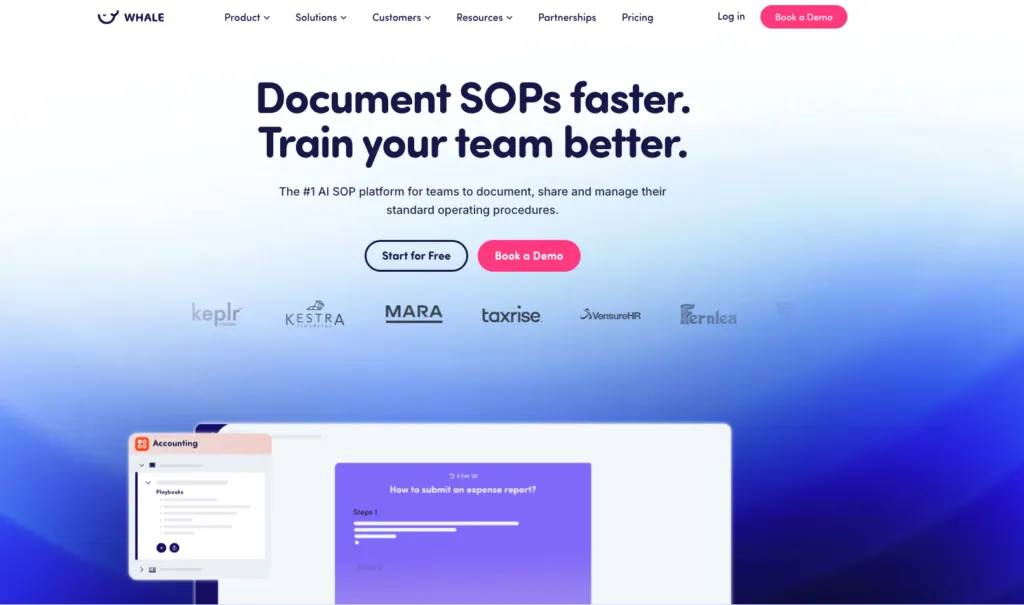
Whale takes workflow management a step further by integrating process documentation directly into your team’s operations. This means your workflows aren’t just streamlined—they’re also crystal clear for everyone involved.
Top Features of Whale:
- AI-Powered Documentation: Simplify the creation and maintenance of standard operating procedures (SOPs) with AI-driven updates.
- Centralized Knowledge Base: Keep all your operational processes and knowledge in one easy-to-access hub.
- Effortless Onboarding: New hires can hit the ground running with access to clear, step-by-step guides.
- Workflow Templates: Start documenting your processes instantly with customizable templates tailored to your industry.
- Real-Time Collaboration: Teams can edit and improve documentation collaboratively, ensuring everyone is on the same page.
- Integration with Tools You Love: Seamlessly connect Whale with other apps to fit perfectly into your existing workflows.
2. Zapier: Best Workflow Management Software for Task Automation
Starting price: Free plan for up to 100 tasks a month; Professional from $19.99/month; Team from $69/month for up to 25 users; Enterprise custom
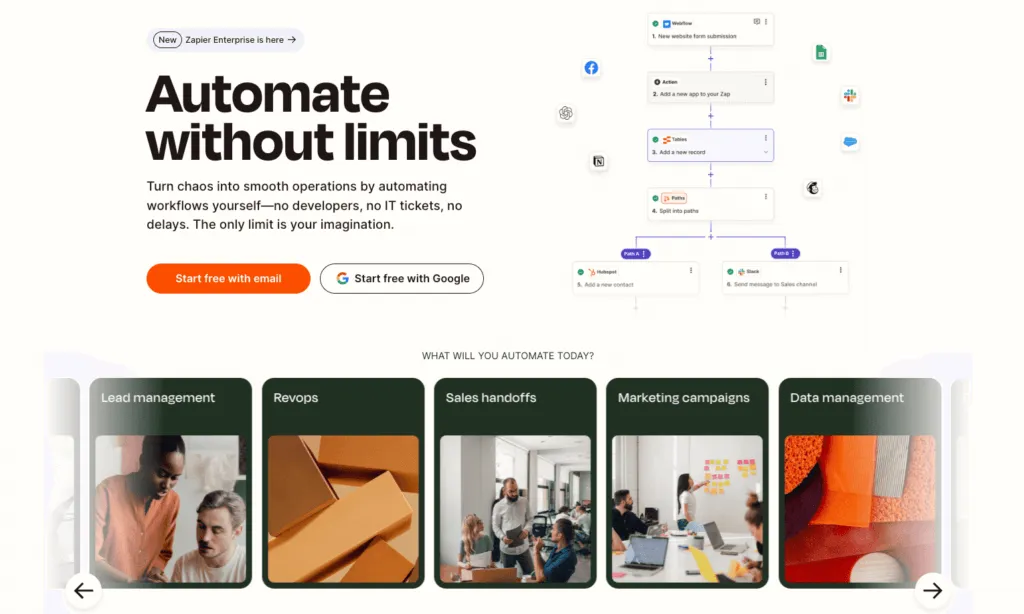
Zapier connects your favorite apps, automating tasks with user-friendly workflows.
| Pros | Cons |
|---|---|
| • Intuitive interface • Supports 5,000+ app integrations • No coding required | • Can get costly for advanced users • Limited customization for complex workflows |
Pricing: Starts at $19.31/month; free plan available with limited features.
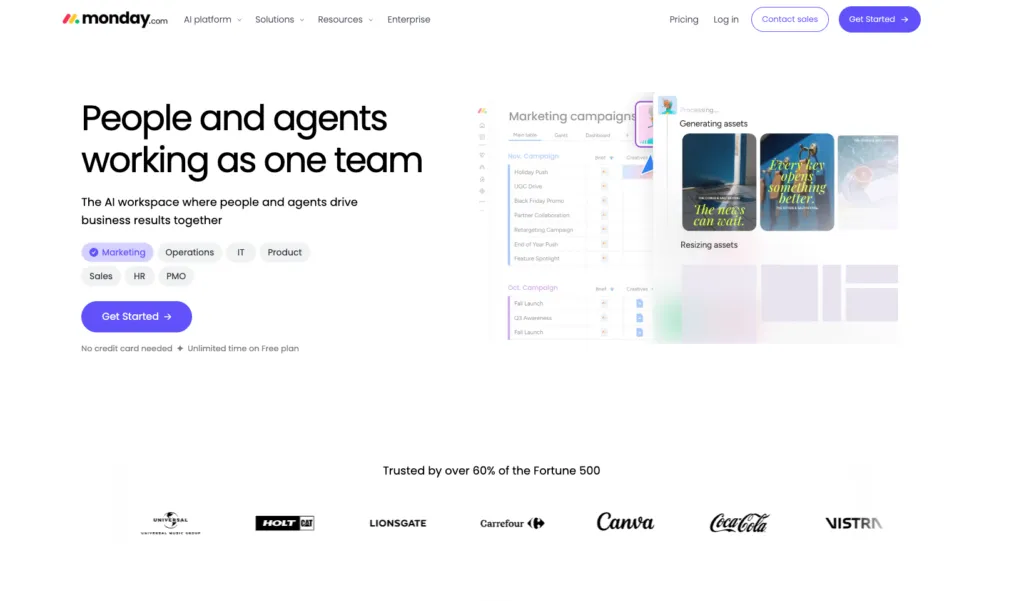
3. monday: Best Workflow Management System for Cross-Functional Collaboration
Starting price: Free plan for up to 2 seats; Basic $9/seat/month billed yearly, with Standard and Pro above it. monday prices per seat, so cost scales with headcount rather than usage
Monday shines when it comes to aligning teams across different departments with its intuitive, collaborative platform.
| Pros | Cons |
|---|---|
| • Highly visual and user-friendly interface. • Robust templates for various use cases. • Excellent for cross-departmental communication. | • Advanced features may require a learning curve. • Pricing scales quickly with team size. |
Pricing: Starts at 9/seat/month; free plan available for small teams.
4. ClickUp: Best Workflow Management Software for Resource Allocation
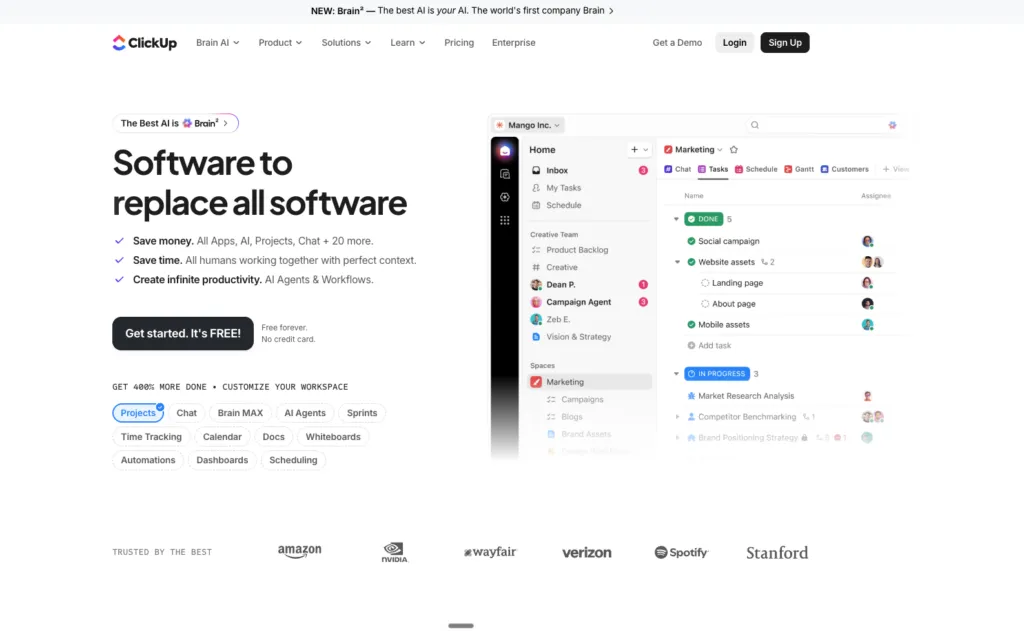
Starting price: Free Forever; Unlimited $7/member/month billed yearly or $10 billed monthly; Business $12/member/month billed yearly or $19 billed monthly; Enterprise on request
ClickUp offers a comprehensive platform for resource planning, allocation, and progress tracking.
| Pros | Cons |
|---|---|
| • All-in-one solution for task and resource management. • Highly customizable dashboards. • Affordable for small teams. | • Can feel overwhelming due to the abundance of features. |
Pricing: Free plan available; paid plans start at $7/member/month.
5. GitLab: Best for Deployment Automation
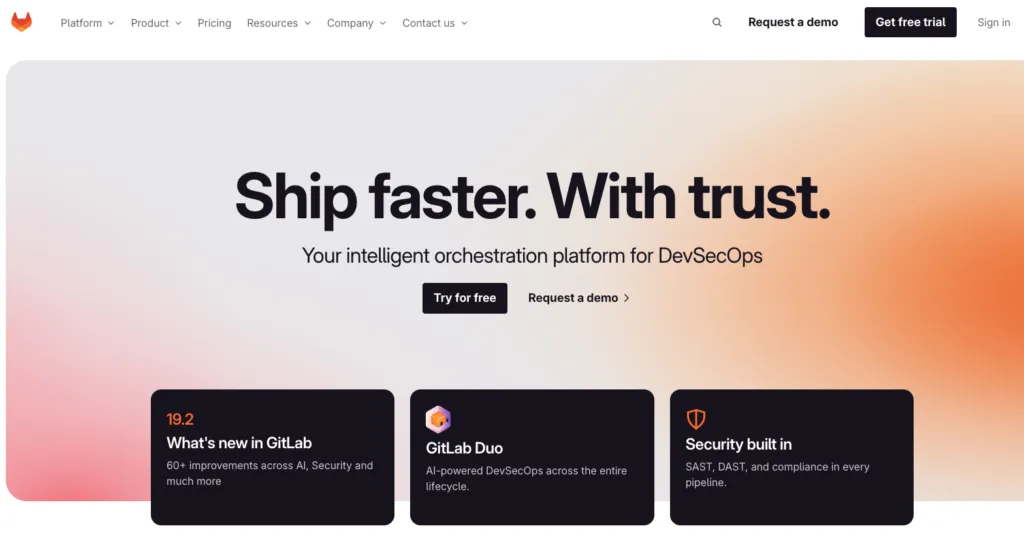
Starting price: Free tier for basic features; Premium $29/user/month billed annually, which includes $12 of GitLab credits per user per month; Ultimate is quote-based
GitLab specializes in automating CI/CD pipelines, streamlining build, test, and deployment processes.
| Pros | Cons |
|---|---|
| • Powerful CI/CD integration. • Customizable deployment workflows. • Great for DevOps teams. | • Best suited for tech-heavy teams. • Higher learning curve for beginners. |
Pricing: Free for basic features; paid plans start at $29/user/month.
6. OttoKit (formerly SureTriggers): Best for Productivity Boosts
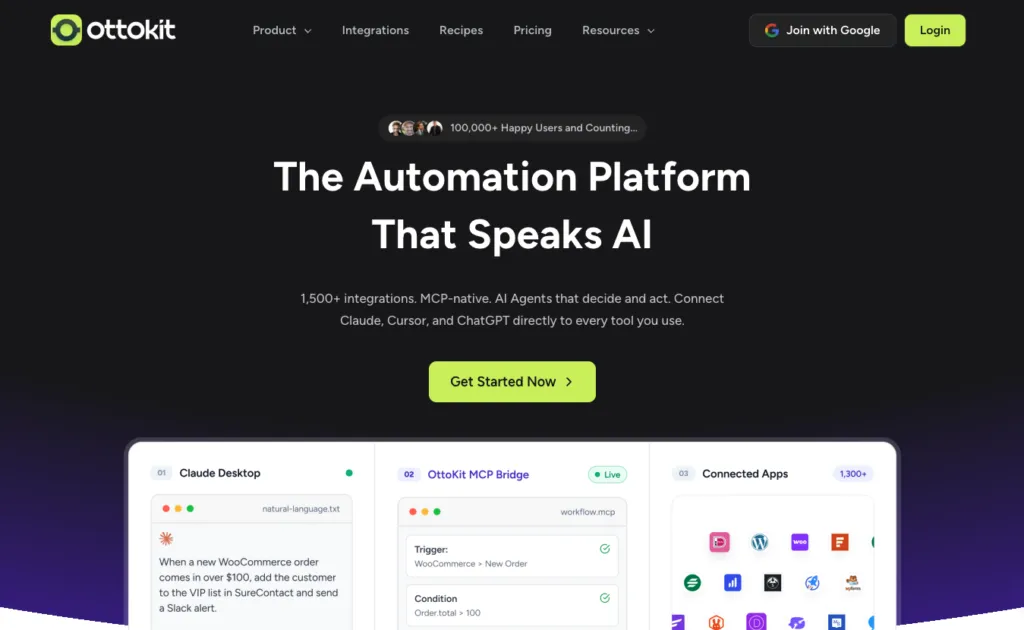
Starting price: Free plan with basic automation; Pro $9/month billed as $108 annually; Business $19/month ($228 annually); Business Plus $39/month ($468 annually). One-time lifetime licences are also offered
OttoKit automates repetitive tasks, allowing teams to focus on high-value activities.
| Pros | Cons |
|---|---|
| • Streamlined setup process. • Reduces manual errors. • Enhances team efficiency. | • Limited integrations compared to competitors. |
Pricing: Starts at $9/month; free plan with basic automation.
7. Jira Software: Best for Risk Management
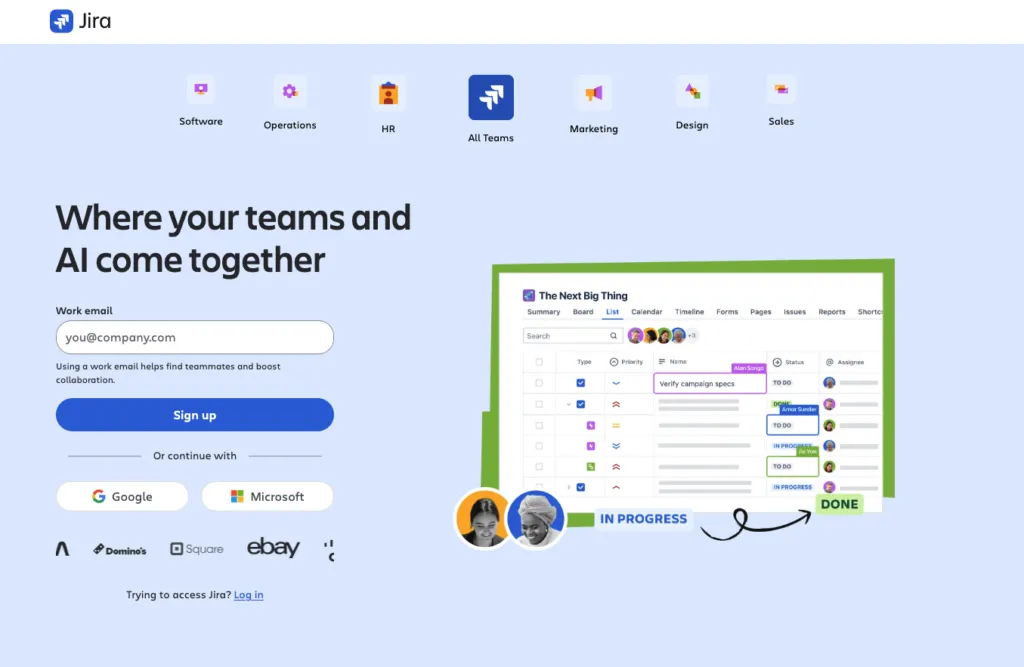
Starting price: Free for up to 10 users; Standard $7.91/user/month; Premium $14.54/user/month, taken from Atlassian’s own pricing page on its annual view, which notes savings of up to 17% against monthly billing
Jira simplifies risk tracking with issue management, kanban boards, and analytics.
| Pros | Cons |
|---|---|
| • Advanced reporting and analytics. • Customizable templates for risk management. • Popular in software development. | • Not as beginner-friendly. • Requires integration for maximum efficiency. |
Pricing: Starts at $7.53/user/month.
8. Airtable: Best for Reporting and Analytics
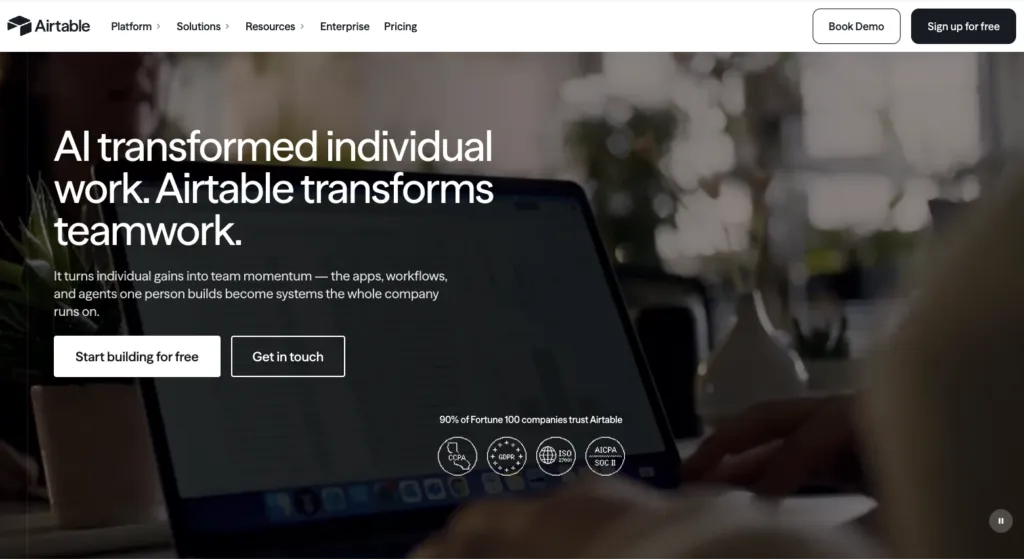
Starting price: Free plan; Team $20/seat/month billed annually or $24 billed monthly; Business $45/seat/month billed annually or $54 billed monthly; Enterprise Scale is quote-based
Airtable combines databases with user-friendly reporting features for data-driven teams.
| Pros | Cons |
|---|---|
| • Flexible, spreadsheet-style interface. • Customizable dashboards. • Great for visualizing key metrics. | • Limited automation compared to other tools. |
Pricing: Free plan available; paid plans start at $20/user/month.
9. Jira Service Management: Best for IT Service Management
Starting price: Free for up to 3 agents; Standard $20/agent/month; Premium $51.42/agent/month. Assets objects and virtual-agent conversations are metered above generous free limits
Jira Service Management is tailored for IT teams, streamlining service-related tasks.
| Pros | Cons |
|---|---|
| • Comprehensive ITSM features. • Highly customizable to fit specific needs. • Integrates seamlessly with other Jira tools. | • Primarily focused on IT-related workflows. |
Pricing: Starts at $19.04/agent/month.
Why Use Workflow Management Tools for Your Team?
A well-designed workflow management system software is essential for organizing your business and building scalable systems that grow alongside your team. It brings clarity to your company processes, ensures nothing falls through the cracks, and empowers your team to work smarter, not harder.
Tools like Whale take it a step further by combining workflow management with process documentation, making it easy for your team to stay aligned while growing. With a well-organized SOP document, your team has clear guidelines to follow, ensuring consistency and efficiency in every task.
Start Your Workflow Automation Software with Whale
With Whale, workflow automation isn’t just easy—it’s effortless. Whale combines the power of workflow management tools with AI-powered documentation to help your team stay aligned and productive.
From onboarding new hires to refining operational processes, Whale ensures everyone has access to the right knowledge at the right time.
Bottom Line: Choosing the Best Workflow Management Software for Your Needs
The best workflow management software is the one that fits your team’s unique needs. Whether you’re automating tasks with Zapier, managing projects with Monday.com, or documenting processes with Whale, there’s a solution tailored to your goals.
Start small, test a few tools, and choose the one that simplifies your workflows, boosts collaboration, and grows with your business. Ready to take the first step? Try Whale today and transform the way your team works.
Key Terms & Further Reading
Key Definitions
Definition of a Training Manager
Subject Matter Expert Definition
Additional resources
Employee Goal Setting Template
Related blog posts
Lisa Steingold is the Head of Content for Whale. With a history in tech, she's authored 4 books and is obsessed with helping teams unlock the next level of growth and productivity. (And riding her bike)