
Organize
Whale Tag Management
Tag every SOP once. Find the right one every time.
Tag Management gives admins a controlled vocabulary to label Cards, Playbooks, and guides. Filter the knowledge base by role, department, or location, and power CoPilot, reporting, and training flows from the same set of tags.
- 4.8/5 on G2
- SOC 2 certified









The problem
Your knowledge base grew. Now nobody can find anything.
You already have hundreds of Cards and Playbooks in Whale. Define the tags your team actually uses, apply them once, and filtering, reporting, training flows, and CoPilot suggestions all run off the same controlled vocabulary.
How teams do it today: Hundreds of Cards and no consistent way to label them
With Whale's Tag Management: One controlled tag list every admin and author uses
How teams do it today: Search alone misses content without the exact keyword
With Whale's Tag Management: Tag filters return every Card in that category, exact keyword or not
How teams do it today: New hires digging for the SOP that matches their role
With Whale's Tag Management: Role or department tag surfaces the right SOPs on day one
How teams do it today: Reporting stops at the Card level with no way to roll up
With Whale's Tag Management: Analytics group views, assignments, and quizzes by tag
A controlled vocabulary your team actually follows
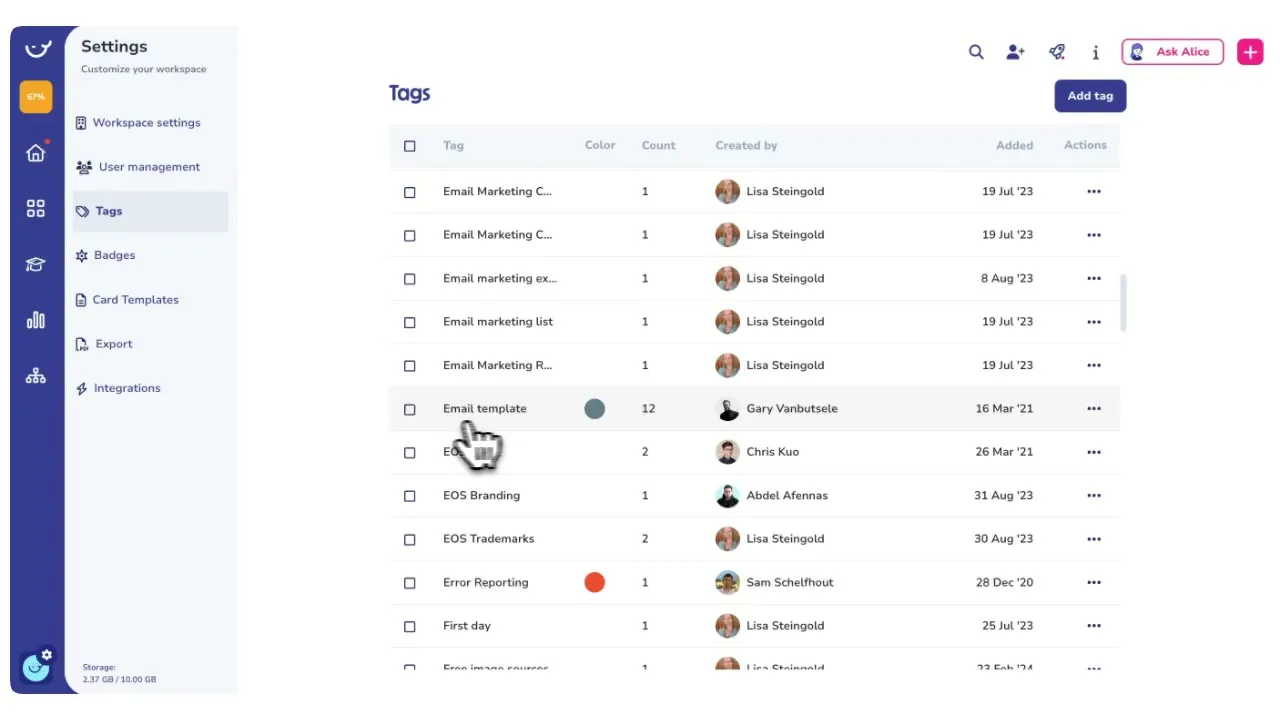
Admins define the tag list in one place.
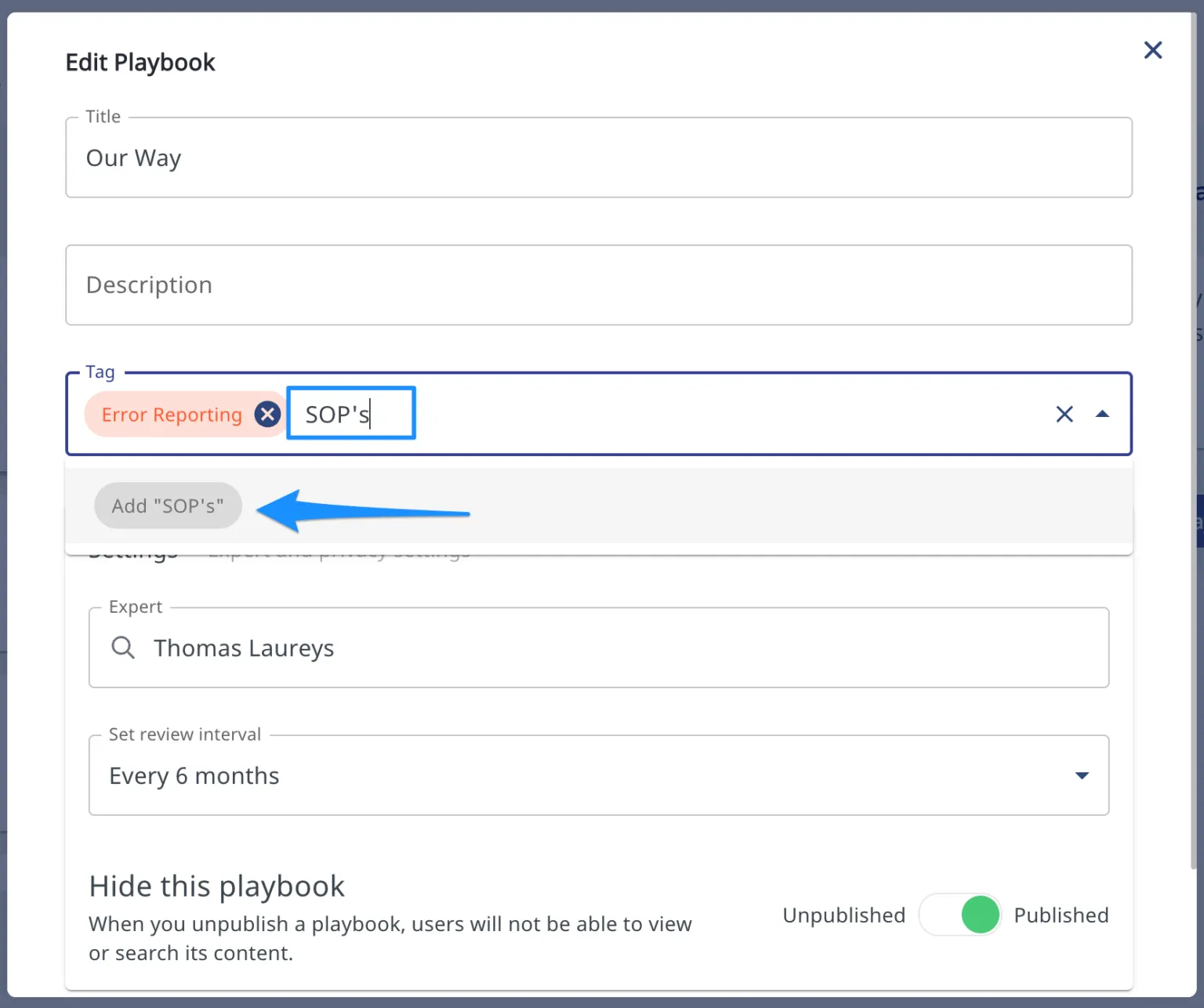
- Authors pick from that list when they publish a Card or Playbook.
- No duplicate tags for the same thing, no typos, no personal shortcuts that nobody else understands.
- The vocabulary stays consistent as the library grows from fifty Cards to five hundred.
One tag set powers filtering, reporting, and automation
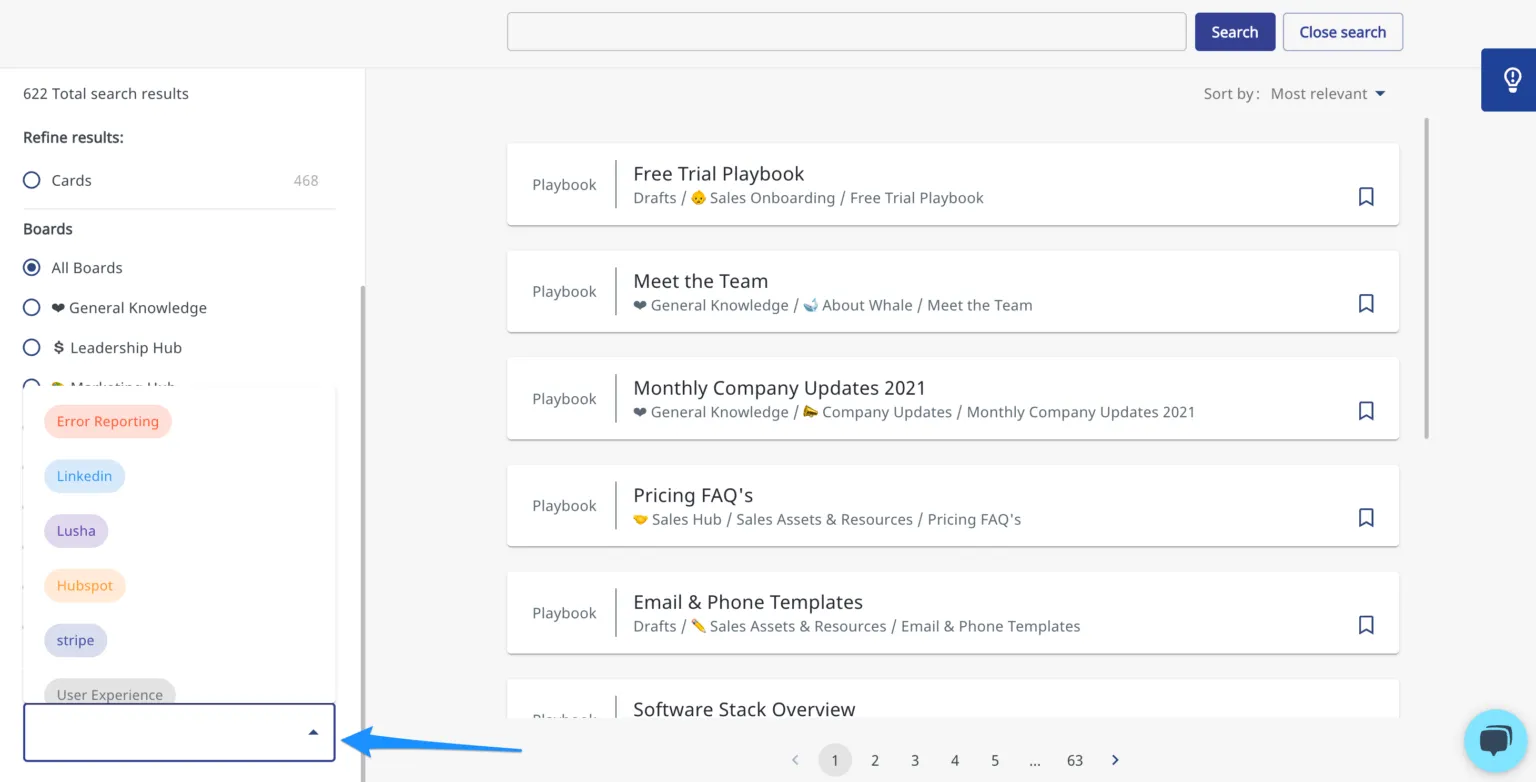
Filter the knowledge base by a tag and every matching Card appears.
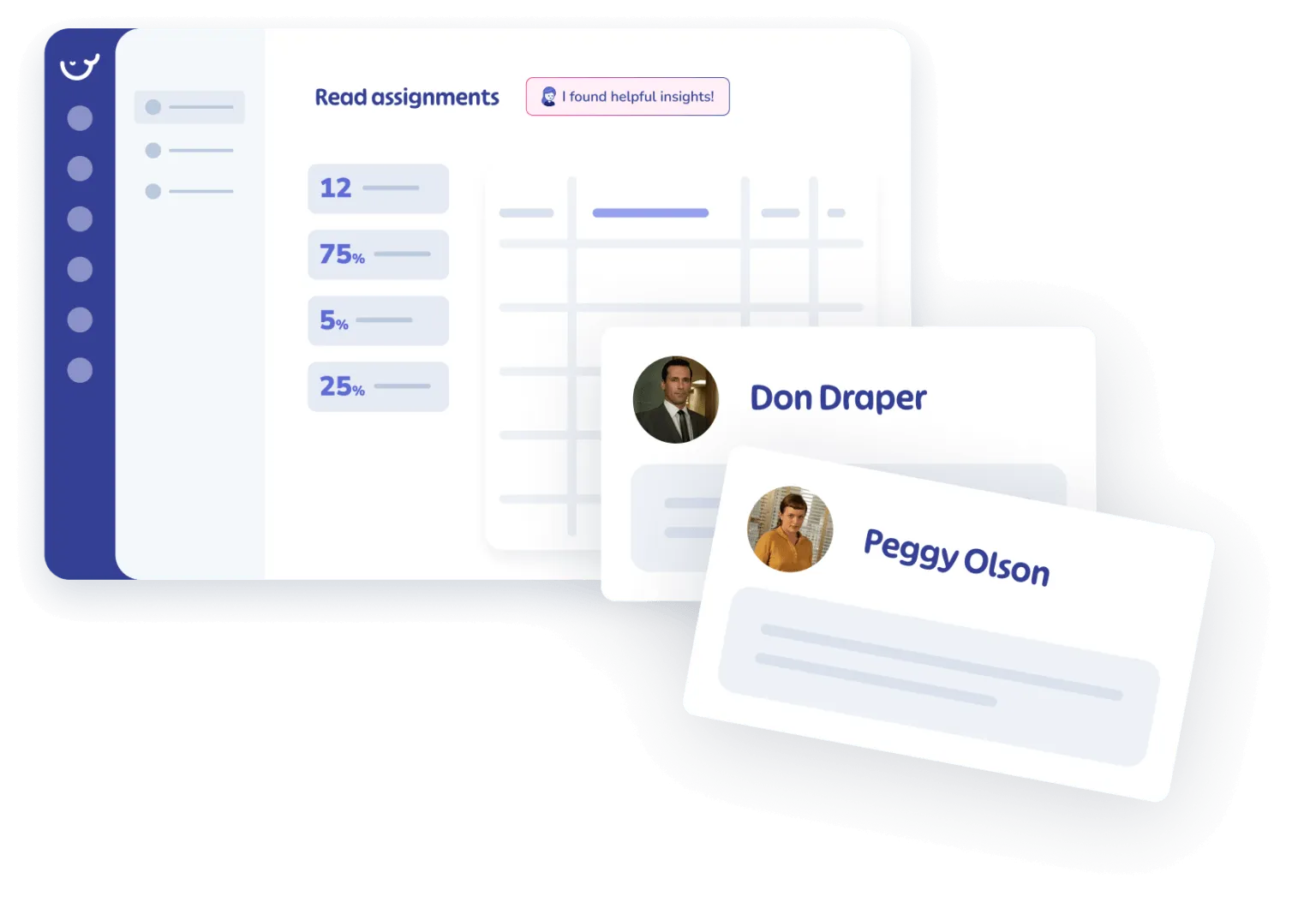
- Open analytics and group views, assignments, or quiz results by tag to see which categories of content your team actually uses.
- Training flows assign the right Cards to the right people based on the same tags.
Tags flow into CoPilot and the rest of Whale
CoPilot uses tags to surface the right SOP inside the tool your team is working in.
- Coral, Whale’s AI assistant, narrows answers to the tagged scope of the person asking.
- Advanced Permissions can lock content by tag so a location or department only sees what belongs to them.
How it works
- 01
Define the tag vocabulary in one place
An admin builds the tag list from Workspace Settings. Group tags by department, role, location, process type, or whatever scheme matches how your team actually works.
- 02
Apply tags as you publish
Authors pick from the approved list when they save a Card or Playbook. No free-text typos, no duplicate spellings, no private tag systems that nobody else can follow.
- 03
Filter, report, and automate from the same tags
Use tags to filter the knowledge base, group analytics views, route training flows, and target CoPilot suggestions. One vocabulary does the work across every part of Whale.
In their own words
Loved for its overall simplicity and support
“Exceptional Tool for Business Knowledge”
Whale is excellent to document and organize business knowledge. Their AI makes it even easier!
Lyndon S.Small-Business (0-50 emp.) “Whale Keeps Work Organized and Teams Confident”
Whale unifies documentation, training, and reviews in one ecosystem.
Verified User in AccountingMid-Market (51-1000 emp.) “Screen Recorder Transformed Our Productivity”
All features are excellent, but the Screen Recorder has boosted productivity for our company.
Andres A.Enterprise (> 1000 emp.) “User-Friendly Platform with Great Features”
Whale is very user-friendly. "Coral" has been a game changer, makes finding information effortless.
Martha Y.Mid-Market (51-1000 emp.) “Intuitive, fresh and easy!”
Whale's clean layout makes building and navigating SOPs a breeze.
Harley B.Small-Business (0-50 emp.) “Productivity Unleashed!”
Managing and write SOP versions, assign them, track progress through a dashboard, and automate revision tracking.
Verified User in FarmingMid-Market (51-1000 emp.) “My company utilizes Whale for our SOP’s and FAQ’s.”
Everything is very easy to locate and the search bar is my favorite feature. When I need a quick answer I turn to Whale to find what I am looking for.
Georgia R.Mid-Market (51-1000 emp.) “Whale Streamlined Our Processes and Boosted Team Onboarding”
Whale transformed how we manage internal processes. Documenting SOPs is fast and we can build and share training materials in minutes, making onboarding significantly more efficient.
Fábio B.Enterprise (> 1000 emp.) “Whale Keeps Department Training Organized with Boards, Libraries, and Playbooks”
Boards, Libraries, and Playbooks keep training organized by department, so you can generate videos, SOPs, quizzes, and more for each topic.
Ketan T.Mid-Market (51-1000 emp.) “Streamlines Documentation with Ease”
I use Whale for company handbooks, regulations, how-to's, and manuals, all on one platform. The step-by-step screen recorder auto-captures screenshots and saves me about an hour per guide.
Anouk V.Mid-Market (51-1000 emp.) “Effortlessly Streamlines Team Training with Solid Support”
Whale supports training my merchandising teams with AI and video features that break down training step by step. Creating training flows is easy, and quizzes ensure the material lands.
Shelley F.Mid-Market (51-1000 emp.) “Effortless SOP Management with Stellar AI Search”
Whale centralizes all our SOPs with standard formatting and makes them easy to find, especially with the fast AI search across thousands of documents.
Jitender T.Small-Business (50 or fewer emp.)
Frequently Asked Questions
01Who can create and edit tags?
Tag creation is an admin control. Admins define the tag list so authors pick from a consistent vocabulary instead of inventing their own. Anyone with author permissions can apply an existing tag to a Card or Playbook, but only admins can add, rename, or remove tags from the list. This keeps the vocabulary consistent as your library grows and prevents the typical tag sprawl where the same concept shows up under four different spellings across the knowledge base.
02Can I tag Cards, Playbooks, and guides all from the same tag set?
Yes. The same tag vocabulary applies across Cards, Playbooks, and step-by-step guides, so filtering and reporting run across every content type at once. A “safety” tag on a Card, a Playbook, and a guide all roll up to the same analytics view and the same CoPilot targeting rule. You do not manage a separate tag list per content type.
03How do tags change what CoPilot surfaces?
CoPilot uses tags to decide which SOP to surface inside the tool your team is working in. Set a rule that when someone opens HubSpot, CoPilot surfaces Cards tagged “sales” or “CRM.” When they open a scheduling tool, CoPilot surfaces Cards tagged “operations” or “dispatch.” Without tags, CoPilot relies on URL matching alone, which is enough for simple cases but breaks down once your library has hundreds of Cards covering overlapping workflows.
04Can I use tags to assign content to specific roles or locations?
Yes. Training flows can route Cards and Playbooks to team members based on tags, so a new hire tagged “warehouse, night shift” receives a different onboarding path than a hire tagged “office, finance.” Combine tags with Advanced Permissions to lock content scope by location or department, and your Texas warehouse team only sees the SOPs tagged for them.
05What happens if I rename or delete a tag?
Renaming a tag updates it across every Card, Playbook, and guide it was applied to, so filtering and reporting stay intact. Deleting a tag removes it from every Card it was applied to. Whale surfaces a warning before the delete so you know how many Cards will lose the tag and whether any training flows, CoPilot rules, or permission scopes depend on it. Version History tracks tag changes on each Card so you have an audit trail.
06How is Tag Management different from folders in Google Drive or SharePoint?
Folders force one location per document. Tags let the same Card belong to “safety,” “warehouse,” and “night shift” at the same time, so filtering surfaces it from every angle a team member might search for. Drive and SharePoint stop at storage, so the tag or folder is decorative. Inside Whale, the AI-Powered SOP Software that gets your team trained, the same tag drives filtering, analytics, training flow routing, CoPilot surfacing, and permission scope. One vocabulary, applied once, works across the whole platform.
Other Features
Manage
Advanced Permissions
Lock content to specific roles, teams, or locations so people only see the SOPs that belong to them.
See Advanced PermissionsKnow
Analytics & Reporting
See which Cards your team reads, which searches return nothing, and where content gaps live.
See AnalyticsDocument
SOP & Process Templates
Start from a ready-made structure so every SOP follows the same format your team already knows.
See Templates