SOP & Process Documentation
10 of the best Nuclino alternatives in 2026 (we compared them)

In this article
The best alternatives to Nuclino depend on what you've outgrown: the structure, the permissions, or the fact that your wiki is now mostly procedures people are supposed to follow.
The truth is that Nuclino has evolved from the note taking app it used to be to a fast way to collaborate and bring knowledge, docs, and projects together in one place.
The best Nuclino alternatives in 2026 are
- Whale for SOPs, onboarding and process docs. If you're weighing one specific switch, our Whale vs Nuclino comparison goes deeper on that pair.
- Notion for a flexible workspace that does docs, databases and projects,
- Confluence for a structured, permission-heavy wiki, especially with Jira,
- Slite for keeping docs accurate as processes change, and Slab for a clean, focused wiki,
Nuclino is a lovely product. It's fast, it's simple, and the graph view that shows how your docs connect is genuinely clever. Its Starter plan is just $6 per user per month on yearly billing.
Teams usually start looking around for three reasons:
- the wiki has grown, and a flat, free-flowing space now needs real structure and permissions,
- a lot of what's in there is SOPs and onboarding, and they need people to follow it, not just find it,
- or they want AI that does more than answer questions, without moving up a plan to get it.
Before we continue, we want to disclose that Whale publishes this page and is one of the tools on it. But we aim to keep fair practice. As such every price comes from the vendor's own pricing page, checked in October 2026. And every tool, Whale included, gets the same fields and real cons.
What is Nuclino?
Nuclino is a lightweight team wiki with real-time editing and visual views of your docs: boards, tables and a graph of how everything links together. It's built for speed and simplicity rather than heavy governance.
Here's the quick version:
- Pricing: Free for up to 50 items, 3 canvases and 2GB of storage. Starter is $6 per user per month billed yearly ($8 monthly). Business is $10 billed yearly ($12 monthly).
- AI: Sidekick, which answers questions from your content and drafts text, is on Business only.
- G2 rating: 4.7/5
- What it does well: speed, simplicity and visual views of your knowledge.
- Where it stops: it's a place to write and find docs. It won't turn a process into training, quiz people on it or show you who has read the policy.
If your Nuclino workspace has a board called "Onboarding" that every new hire is told to read and nobody can tell if they did, you already know why people read articles like this one.
Key takeaways
- Nuclino's AI is on Business only. Sidekick needs the $10 per user plan.
- Free options are plentiful. Notion, Slab (up to 10 users), Confluence (up to 10 users) and Whale (1 creator, up to 10 members) all have free cloud plans, and Outline and Docmost have free self-hosted editions.
- Guru doesn't publish prices. It's sold as a custom package.
- Whale has the highest G2 rating on this list, at 4.8/5.
- Whale turns one screen recording into an SOP, an AI-generated quiz and a training flow, then assigns it and tracks who has read it. That's the part a wiki can't do.
Quick comparison of Nuclino alternatives
All prices in US dollars except Superhuman Docs, which lists euro prices, checked in October 2026. G2 ratings are shared as shown on G2 in October 2026.
| Tool | Best for | Starting paid price | Free option | G2 rating | Standout AI feature |
|---|---|---|---|---|---|
| Nuclino (for reference) | A simple, lightweight wiki | $6/user/month billed yearly (Starter) | Yes (50 items) | 4.7 | Sidekick on Business |
| Whale | SOPs, onboarding and process docs | $249/month billed yearly (3 creators) | Yes: 1 creator, up to 10 members | 4.8 | Video to SOP, AI quizzes, Coral AI assistant |
| Notion | Docs, databases and projects | $10/member/month billed yearly (Plus) | Yes | 4.6 | Notion Agent on Business |
| Confluence | Structured, permission-heavy wikis | $5.78/user/month (Standard) | Yes, up to 10 users | 4.1 | Rovo Search, Chat and Agents |
| Slite | Keeping docs accurate as processes change | $10/user/month billed yearly (Basic) | No (14-day trial) | 4.6 | Slite Agent detects drift and drafts the fix for human approval |
| Slab | A clean, focused internal wiki | $6.67/user/month billed yearly (Startup) | Yes, up to 10 users | 4.6 | AI Ask on Business |
| Guru | Verified answers inside every tool | Not published (custom package) | No | 4.7 | Knowledge Agents, AI search, MCP |
| Tettra | Answering repeat questions in Slack | $8/user/month, 10-user minimum | No (30-day trial) | 4.7 | Kai AI answers, in Slack too |
| Outline | A modern wiki, cloud or self-hosted | $10/month for up to 10 members (Starter) | Yes (self-hosted Community Edition) | 4.4 | AI question answering on paid plans |
| Docmost | A self-hosted, open-source wiki | $6/seat/month billed yearly, 10-seat minimum (Business) | Yes (Community edition) | Not rated | AI and MCP on Business |
| Superhuman Docs (formerly Coda) | Docs that behave like apps | €15/member/month (Pro) | Yes (Free plan) | 4.6 | Not compared |
What a 20-person team actually pays for Nuclino
Headline prices are hard to compare because every vendor counts people differently. So we priced the same team: 20 people, yearly billing where it's offered, everyone able to read the docs, and AI switched on where it's an option.
| Tool | Monthly cost for 20 people | How we got there |
|---|---|---|
| Nuclino Business (for reference) | $200.00 | 20 × $10 billed yearly, Sidekick AI is on Business |
| Outline Team | $79.00 | Flat price for 11 to 100 members, AI question answering included |
| Confluence Standard | $115.60 | 20 × $5.78 per user, Atlassian's listed rate |
| Docmost Business | $120.00 | 20 × $6 billed yearly, self-hosted, AI and MCP included |
| Tettra Scaling | $160.00 | 20 × $8, Kai AI answers included |
| Slite Basic | $200.00 | 20 × $10 billed yearly, Ask AI included |
| Whale Scale | $249.00 | 3 creators included. Everyone else joins as a member, with no per-seat fee. |
| Slab Business | $250.00 | 20 × $12.50 billed yearly, AI Ask is on Business |
| Notion Business | $400.00 | 20 × $20 billed yearly, Notion AI is on Business |
| Guru | Not published | Custom package, talk to sales |
| Superhuman Docs Pro | €300.00 | 20 × €15 per member, prices shown in euros |
The case for leaving Nuclino is rarely the price per seat. It's whether your next tool only stores knowledge, or actually gets it into people's heads.
1. Whale
Best Nuclino alternative for SOPs, onboarding and process docs
G2 rating: 4.8/5
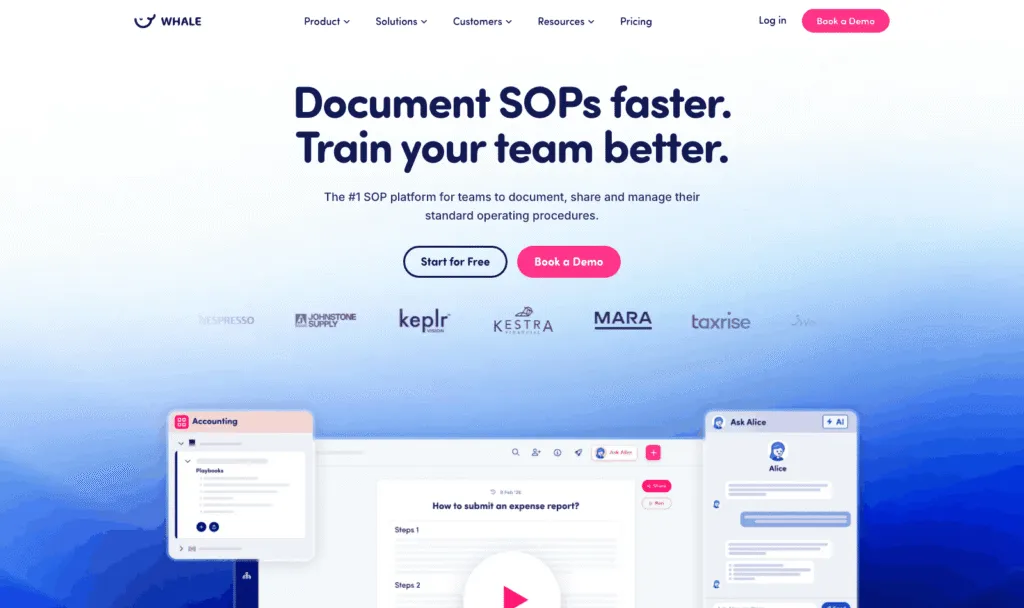
Here's what I keep seeing: a team picks Nuclino because it's fast and friendly, and two years later half the boards are "how we do X" pages that new hires are meant to read. Whale (usewhale.io) is an AI-powered SOP software and training platform built for exactly that half. You record a process once, and Whale turns it into a written SOP, an AI-generated quiz and a training flow you can assign. Coral, Whale's AI assistant, then answers your team's questions from your own SOPs, with sources.
Key features of Whale
- Video to SOP and a step recorder that turn screen recordings into step-by-step SOPs
- Read assignments: send a card, playbook or guide to a person, role or group with a due date, require an acknowledgement click, and export completion records as audit evidence
- Training flows, AI quizzes, checklists, analytics and reporting
- Content review cycles that remind the right expert to verify a doc on schedule, plus approval flows on Enterprise
- Coral, Whale's AI assistant, which answers questions from your documentation, plus a Chrome extension that surfaces SOPs inside the apps your team already uses
- Whale MCP: connect Claude, ChatGPT, Cursor or Gemini and work inside Whale with your own permissions (Scale and up)
- Version history, e-signatures on Advance, and iOS and Android apps
Whale pricing
- Free: $0, 1 creator, up to 10 members, 20 playbook items, 20 one-time AI credits
- Scale: $249/month billed yearly, 3 creators included, unlimited documentation, training flows, AI quizzes, PDF and Word export, Whale MCP
- Advance: $499/month billed yearly, 5 creators included, adds e-signatures, video editor and AI voiceovers, enforced SSO and granular permissions
- Enterprise: custom, adds approval flows, automatic redaction, SCIM and HRIS integrations, API access
Whale's pricing page lists SOC 2 certification, HIPAA readiness and GDPR compliance, with EU hosting in Belgium.
Whale pros
- One recording becomes an SOP, a quiz and a training flow, so writing docs stops being the bottleneck
- Read assignments and acknowledgements show who has actually read the policy, which no wiki on this list does
- Whale's MCP connects your company documentation to your AI tools, so your teams and agents work from accurate information
- Coral and the Chrome extension put answers where people work, rather than in a portal nobody opens (you can even ask Coral in Slack through the Whale app)
Whale cons
- Looking for a simple wiki for a small team? Whale costs more than Nuclino for small teams.
- Permissions customisation is limited below the Advance plan, and some customers find that restrictive when managing access across several teams. Granular permissions start at $499 a month.
Choose Whale if your docs are mostly SOPs, onboarding and policies, you'd rather record a process than write it, and you need to know people have read and understood it.
2. Notion
Best for docs, databases and projects in one workspace
G2 rating: 4.6/5
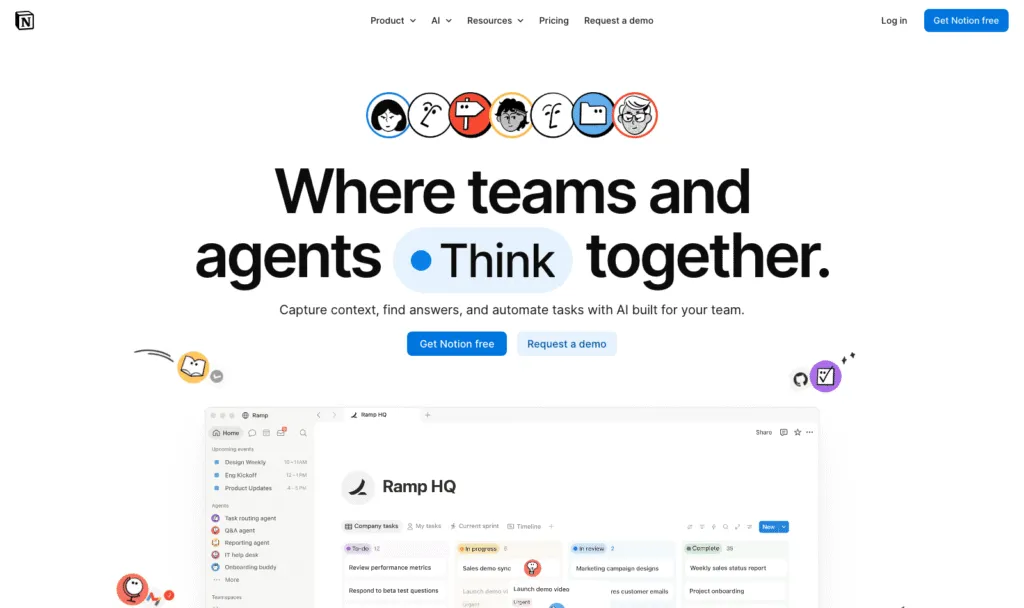
Notion is the most common next step from Nuclino, and "Nuclino vs Notion" is the biggest head-to-head search. It keeps the friendly editor and adds databases, projects and a huge template library. The catch is the same thing that makes it great: give a team infinite nesting and no plan, and you'll rebuild the mess you were escaping, just with nicer icons.
Key features of Notion
- Pages, databases, forms and a public site
- Notion Agent, AI meeting notes and enterprise search on Business
- A large template ecosystem
Notion pricing
- Free: for individuals, with a block limit for teams of 2 or more
- Plus: $10/member/month billed yearly, $12 monthly
- Business: $20/member/month billed yearly, $24 monthly, including Notion AI
- Enterprise: custom
Notion pros
- Very flexible and familiar to most teams
- Docs and project tracking in one place
Notion cons
- No built-in training, quizzes or read tracking
- Full AI needs Business at $20 per member
Weighing it up? See how Whale compares with Notion.
3. Confluence
Best for a structured, permission-heavy wiki
G2 rating: 4.1/5
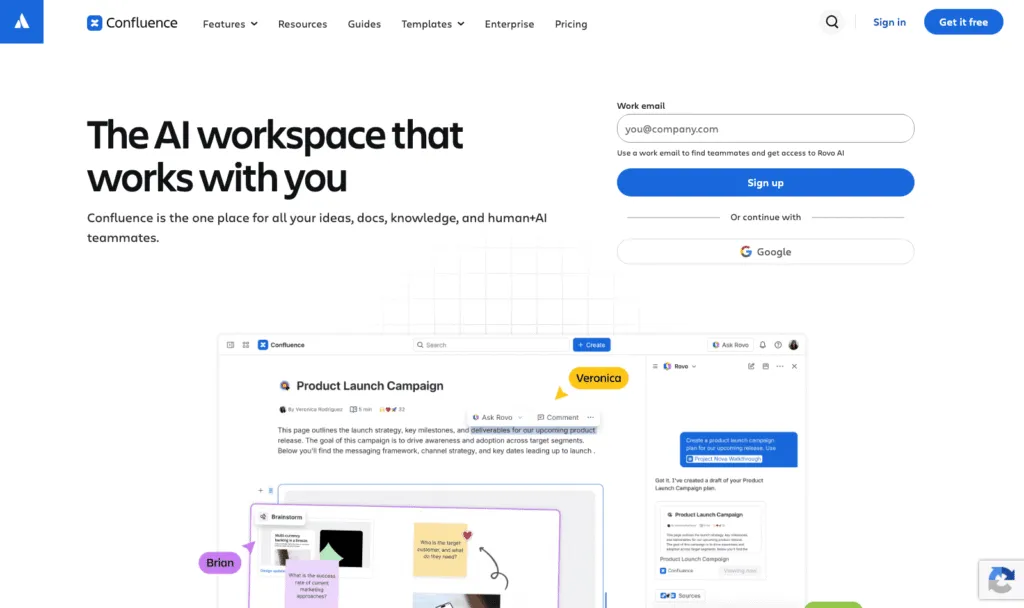
If what you've outgrown is Nuclino's lightness, Confluence is the opposite end of the scale: spaces, page trees, granular permissions and deep Jira integration, with Atlassian's Rovo AI for search, chat and agents. It's a lot of tool, but it's built for scale.
Key features of Confluence
- Spaces, page trees and granular permissions
- Rovo Search, Chat and Agents
- Native Jira integration
Confluence pricing
- Free: up to 10 users with 2GB of storage
- Standard: $5.78/user/month
- Premium: $11.16/user/month
- Enterprise: custom
Atlassian raised its Cloud list prices on 13 October 2026.
Confluence pros
- Strong structure, governance and permissions
- Low per-user price at Standard
Confluence cons
- Heavier to administer, and a big jump from Nuclino's simplicity
- Best value only if you already use Atlassian products
Weighing it up? See how Whale compares with Confluence.
4. Slite
Best for keeping docs accurate as processes change
G2 rating: 4.6/5
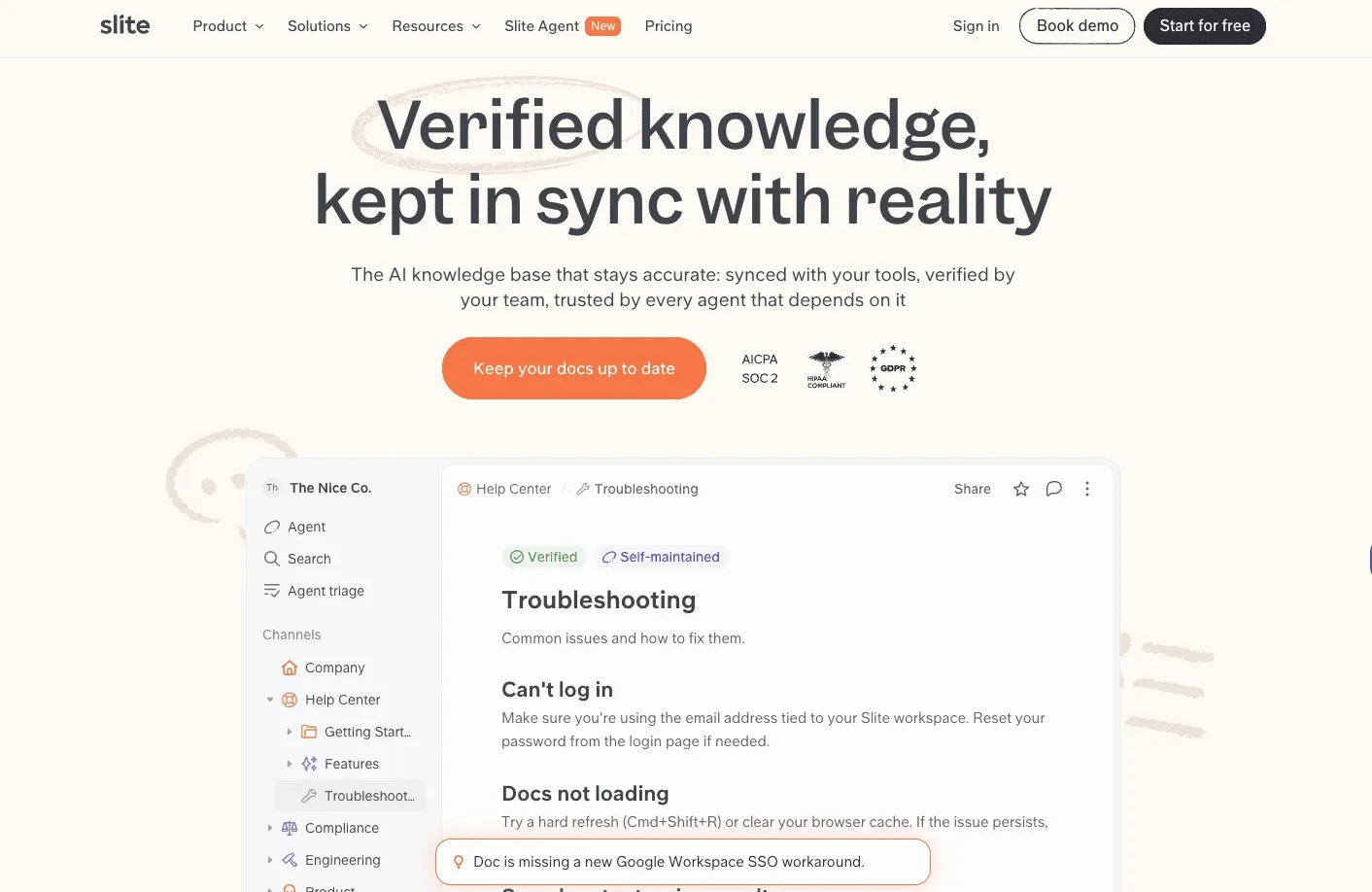
If your Nuclino wiki keeps drifting out of date as more teams pile in, Slite is built for exactly that problem. It's a knowledge base designed to stay current and easy to trust: its AI search cites every source, ranks verified docs first and says "no answer found" instead of guessing. Governance is built in, with doc owners, verification cycles, full version history and a Knowledge Management Panel for health checks. On Pro, the Slite Agent handles the upkeep: it compares your docs against each other and against connected tools like Slack, Linear, GitHub and Intercom, flags what's gone stale and drafts the fix, with the reasoning behind each edit, for a human to approve before anything changes.
It suits mid-sized companies where knowledge lives across several teams and nobody owns the whole picture.
Key features of Slite
- AI search that cites its sources, ranks verified docs higher and returns "no answer found" instead of guessing
- Verification on every plan: owners set a review cycle (6 months, 1 year or custom), reminders go out automatically, and readers can flag a doc as outdated
- A Knowledge Management Panel listing outdated docs, expired verifications and empty docs, with bulk filters for cleanup
- Slite Agent on Pro: detects drift and drafts the corrected text as a diff, with a reason for each edit, for the owner to approve or reject
Slite pricing
- 14-day free trial, no credit card required.
- Basic: $10 per user per month billed yearly, or $12 billed monthly.
- Pro: $20 per user per month billed yearly, or $25 billed monthly, adding Slite Agent, search across 20+ connected tools and agent workflows.
- Enterprise: custom, adding SCIM, audit logs, reader-only seats and a dedicated account manager.
Slite pros
- Upkeep goes past flag-and-remind: the owner gets a drafted fix to approve, not a reminder to write one
- Verification on every plan, and AI search that cites sources and won't guess
Slite cons
- No training layer: no assigned readings, quizzes or completion tracking, so it can't prove someone was trained
- Slack is the only messaging integration (no Microsoft Teams), and it's cloud only, with no on-premise option
Skip Slite if your main job is training staff and proving they finished, because Slite doesn't track completion.
5. Slab
Best for a clean, focused internal wiki
G2 rating: 4.6/5
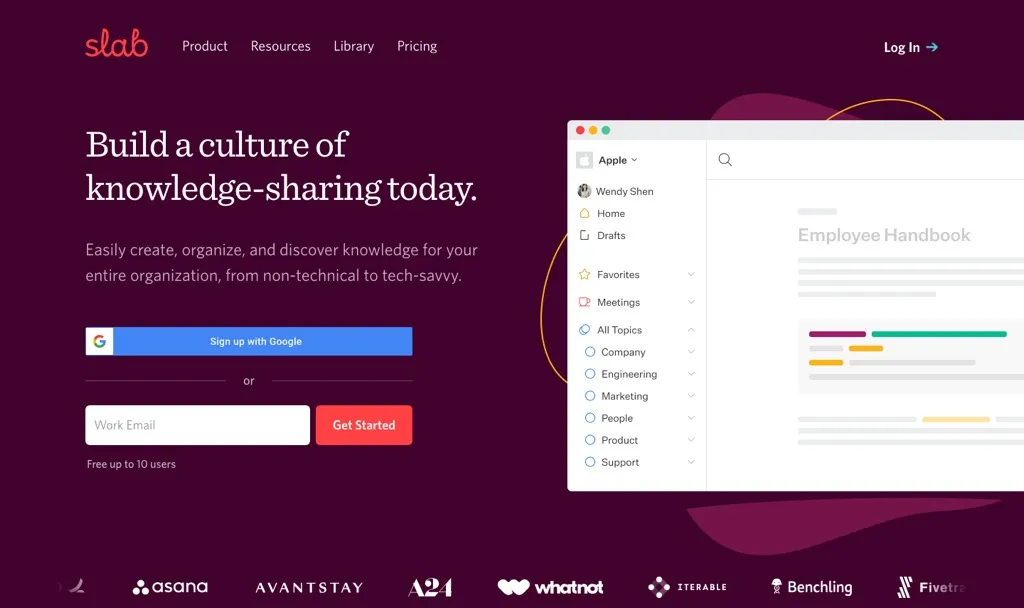
Slab is a knowledge base, full stop: a clean editor, topics for structure, and unified search across your other tools. If you like Nuclino's simplicity but want a bit more order, Slab is a natural step.
Key features of Slab
- Topics and posts for structured internal docs
- Unified search across connected tools on every plan
- AI Autofix on Startup, AI Predict and AI Ask on Business
Slab pricing
- Free: up to 10 users, 90 days of version history
- Startup: $6.67/user/month billed yearly
- Business: $12.50/user/month billed yearly
- Enterprise: custom
Slab pros
- Generous free plan for teams of up to 10
- Focused and easy to keep tidy
Slab cons
- AI answers need the Business plan
- A wiki only: no training paths, quizzes or sign-off
6. Guru
Best for verified answers inside every tool, at enterprise scale
G2 rating: 4.7/5
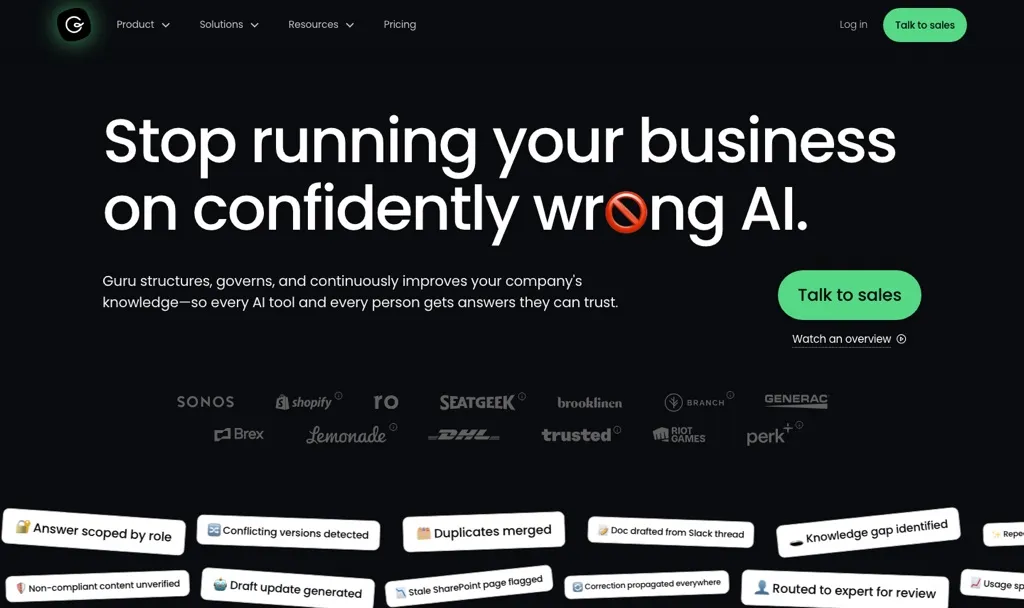
Guru is an AI knowledge platform that pushes verified answers into the tools people already use, with Knowledge Agents, AI search and MCP delivery. It's sold as a custom package with solution engineers, so it's a big step up from Nuclino and suits larger organisations.
Key features of Guru
- Knowledge Agents and AI search
- 100+ integrations and MCP delivery
- SSO, SCIM, role-based access and audit logs
Guru pricing
- Custom package only: Guru doesn't publish prices, and says pricing is "tailored to your organization's scale, knowledge complexity, and AI maturity"
- No free plan or self-serve trial listed
Guru pros
- Strong verification and governance
- Answers delivered inside other tools
Guru cons
- No published pricing
- More platform than a small team needs
Weighing it up? See our Guru alternatives guide.
7. Tettra
Best for answering repeat questions in Slack
G2 rating: 4.7/5
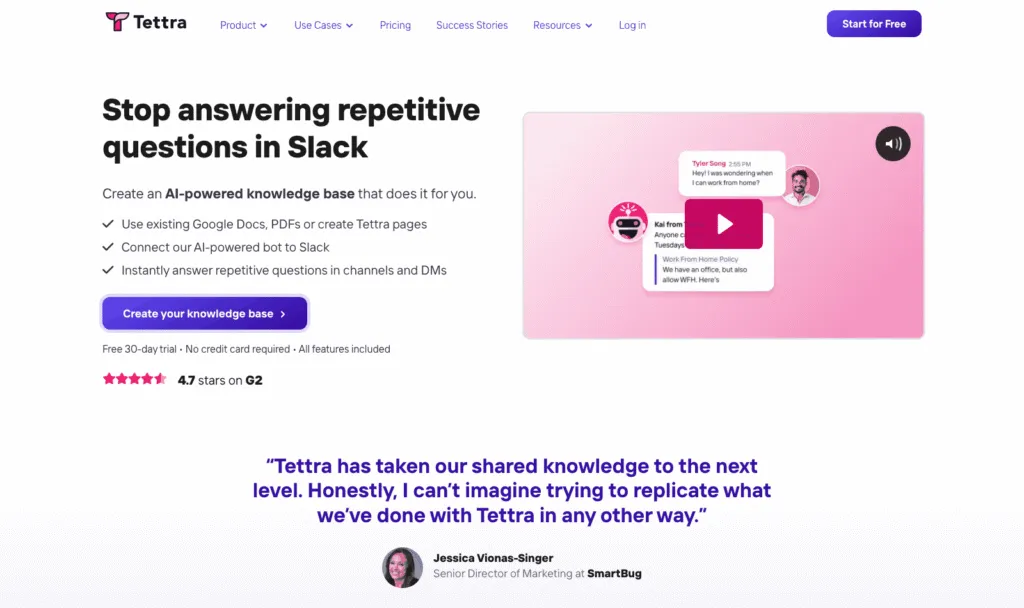
You know the five questions that land in Slack every single week? Tettra is built for those. Its AI, Kai, answers from your docs in Slack DMs and channels, and it can suggest FAQs and tag pages for you.
Key features of Tettra
- Kai AI answers, in Tettra and in Slack
- AI page tagging and AI FAQ generation
- Training from Google Docs
Tettra pricing
- Scaling: $8/user/month with a 10-user minimum, and a discount for yearly billing
- Enterprise: custom
- No free plan: 30-day free trial
Tettra pros
- AI answers in Slack included on the base plan
- Simple per-user pricing
Tettra cons
- 10-user minimum
- No training paths, quizzes or read tracking
Weighing it up? See how Whale compares with Tettra.
8. Outline
Best for a modern wiki you can run in the cloud or host yourself
G2 rating: 4.4/5
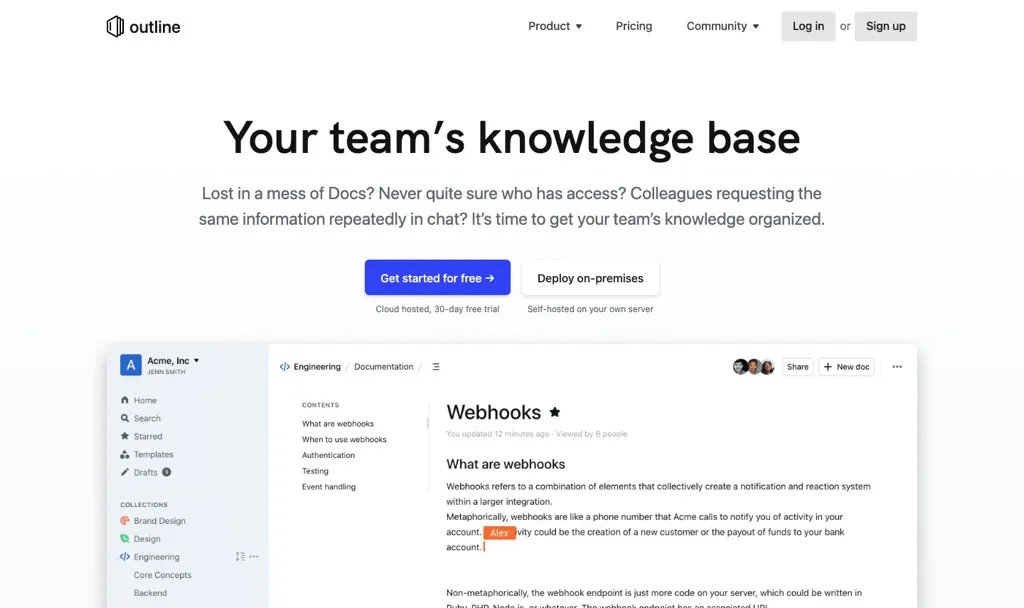
Outline keeps the speed people love about Nuclino and adds collections, nested documents and AI question answering on its paid plans. Unusually, you can buy it as a cloud service or run it on your own servers.
Key features of Outline
- Fast editor with collections and nested documents
- AI question answering on paid cloud and self-hosted plans
- Cloud or self-hosted deployment
Outline pricing
- Cloud Starter: $10/month for 1 to 10 members
- Cloud Team: $79/month for 11 to 100 members
- Cloud Business: $249/month for 101 to 200 members
- Self-hosted Community Edition: free (limited features, no support)
- Self-hosted Business: $4/user/month billed yearly (10-user minimum)
- Self-hosted Enterprise: $5/user/month billed yearly (100-user minimum)
Every cloud plan starts with a 30-day free trial.
Outline pros
- Flat cloud pricing that's very low for small teams
- Self-hosting option for data control
Outline cons
- AI isn't included in the free Community Edition
- A wiki only: no training paths, quizzes or sign-off
9. Docmost
Best for a self-hosted, open-source wiki
G2 rating: Not rated on G2
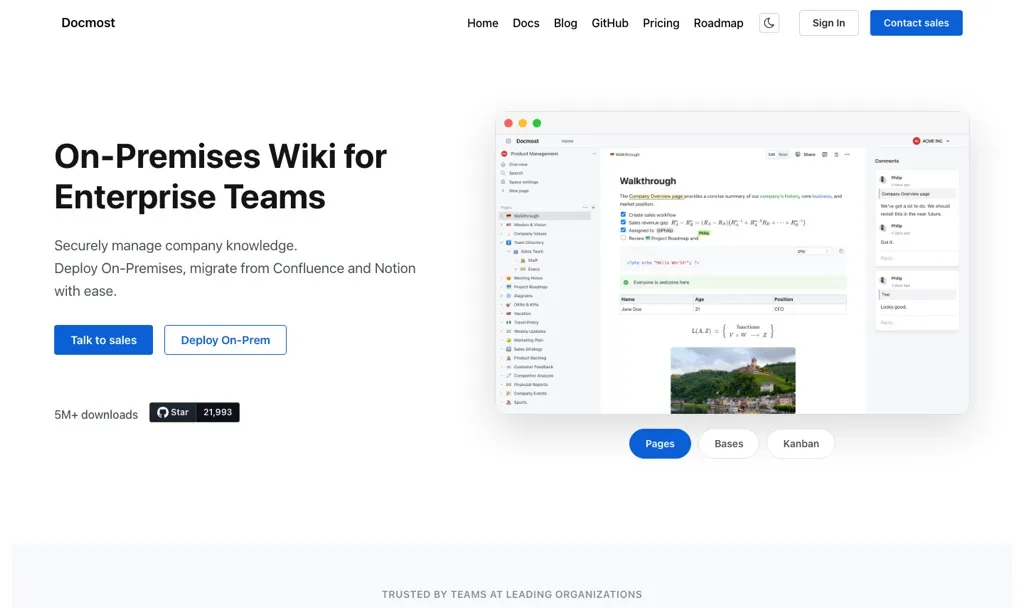
Docmost is an open-source wiki you run on your own infrastructure, with real-time collaboration, spaces and full-text search in its free Community edition. Its Business edition adds AI and MCP, which is rare for a self-hosted tool.
Key features of Docmost
- Real-time collaboration, spaces and full-text search
- Self-managed on your own infrastructure
- AI and MCP on Business
Docmost pricing
- Community: free and open source
- Business: $6 per seat per month billed yearly, with a 10-seat minimum
- Enterprise: custom
Docmost pros
- Free Community edition with the core wiki features
- AI and MCP available on a self-hosted tool
Docmost cons
- You run and maintain the infrastructure
- No AI in the free Community edition
10. Superhuman Docs (formerly Coda)
Best for docs that behave like apps
G2 rating: 4.6/5
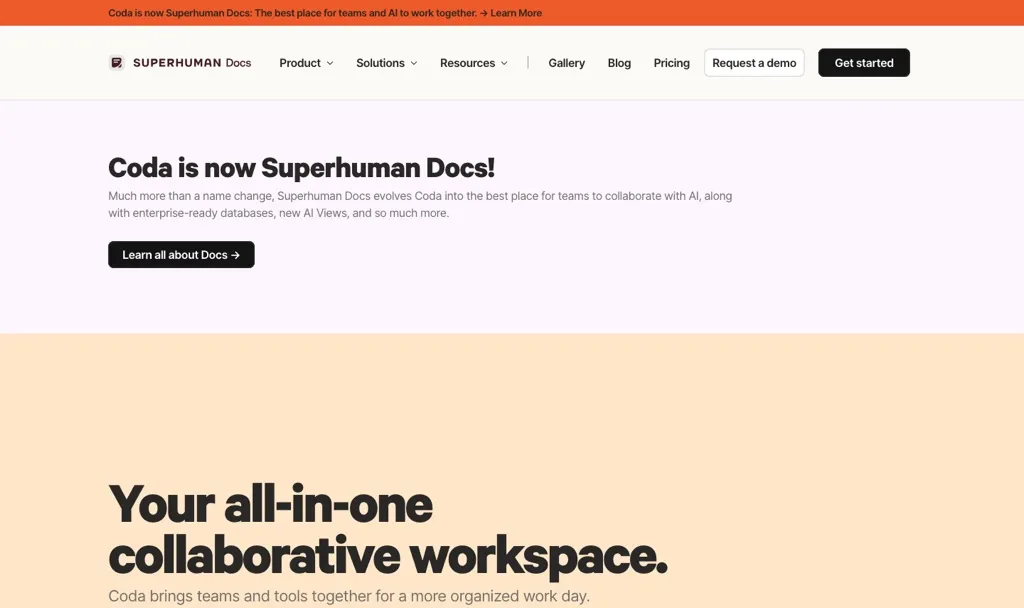
Superhuman Docs, which most people still know as Coda, turns documents into something closer to apps, with interactive elements like linked tables and kanban boards inside your docs. If your Nuclino workspace has quietly become a set of trackers and processes, it's worth a look, though it's more builder than wiki.
Key features of Superhuman Docs
- Docs with linked tables and kanban boards
Superhuman Docs pricing
- Free: available
- Pro: €15 per member per month
- Business: €40 per member per month
- Enterprise: custom pricing
Superhuman lists these prices in euros.
Superhuman Docs pros
- Very powerful for process-heavy docs
- Flexible enough to replace several small tools
Superhuman Docs cons
- More to learn than a simple wiki
- A builder, not a training tool: no quizzes or read tracking
How to migrate from Nuclino
Whale offers migration from Nuclino. Remember that migrations can be complicated, so:
- Audit before you move. Archive anything nobody has opened in a year. You'll be surprised how much of it there is.
- Export your workspaces from Nuclino and check how your new tool imports them before you commit.
- Move the most-used SOPs and onboarding pages first, assign each one an owner and a review date, and let the long tail follow.
How we compared these tools
We started with the tools named in the top 10 Google results for "Nuclino alternatives" and in answers from ChatGPT and Perplexity. We also spoke to our sales team about the tools Nuclino users mention when they come to us. We kept the 10 that work as a team knowledge base, across cloud and self-hosted options, and dropped project management suites and personal note-taking apps.
We compared each one on five things: published pricing, free plan or trial, how docs get created (including AI), how answers reach the team, and whether the tool helps people actually learn and follow what's written. G2 ratings are there as a sense check, not a verdict.
But what we always say to customers and prospective customers is try the tools out for yourself.
How to choose a Nuclino alternative
- Your docs are really SOPs, onboarding and policies: Whale. Record once, then assign it, quiz it and track who has read it.
- You want docs, databases and projects in one place: Notion.
- You need structure and permissions at scale, especially with Jira: Confluence.
- Your docs keep going stale across several teams: Slite.
- You want a clean wiki with a bit more order: Slab.
- The same questions keep landing in Slack: Tettra, or Guru at enterprise scale.
- You want to host it yourself: Outline or Docmost.
- Your docs have become trackers and workflows: Superhuman Docs.
When to stay on Nuclino: if your team is small, your docs are mostly notes and team pages, and you love the graph view, Nuclino at $6 a user is hard to beat. Switch for a capability you need, not for a new coat of paint.
Frequently asked questions
What is the best alternative to Nuclino?
It depends on what you've outgrown. Whale is the best Nuclino alternative for SOPs, onboarding and process docs, because one recording becomes an SOP, a quiz and a training flow you can assign and track. Notion is the best general-purpose alternative, Confluence is best for structure and permissions, and Outline or Docmost are the best self-hosted options.
How much does Nuclino cost?
Nuclino is free for up to 50 items. Starter is $6 per user per month billed yearly ($8 monthly), and Business is $10 per user per month billed yearly ($12 monthly). Sidekick, Nuclino's AI, is on Business only (we checked this in October 2026).
Is Nuclino good?
Yes, for small teams that want a fast, simple wiki. It has a 4.7/5 rating on G2, and its visual views are genuinely useful. Teams tend to look elsewhere when they need more structure and permissions, or when their docs turn into SOPs and onboarding that people need to complete.
Is Nuclino free?
Nuclino has a free plan for up to 50 items, 3 canvases and 2GB of storage, which suits a small team trying it out. For a growing team, Whale's free plan includes 1 creator and up to 10 members, with video to SOP and Coral, Whale's AI assistant, and Slab is free for up to 10 users.
Nuclino vs Notion: which is better for teams?
Nuclino is simpler and faster, with visual board and graph views, from $6 per user per month billed yearly. Notion is more flexible, with databases and project tracking alongside docs, from $10 per member per month billed yearly, with full AI on Business at $20. Choose Nuclino for simplicity and Notion for flexibility.
Is there an open-source Nuclino alternative?
Yes. Docmost has a free, open-source Community edition you host yourself, and Outline has a free self-hosted Community Edition. Both offer paid tiers that add AI.
Ready to turn your docs into training?
Start on Whale's free plan or see how Whale handles knowledge sharing and management. Record one process and see what Whale makes of it.
Lisa Steingold is the Head of Content for Whale. With a history in tech, she's authored 4 books and is obsessed with helping teams unlock the next level of growth and productivity. (And riding her bike)