SOP & Process Documentation
12 of the best Confluence alternatives in 2026 (we compared them)


In this article
The best alternatives to Confluence depend on what you're really trying to fix: a slow, cluttered wiki, docs nobody follows, or a hosting decision forced on you by Atlassian.
The best Confluence alternatives in 2026 are
- Whale for SOPs, training and process docs. If you're weighing one specific switch, our Whale vs Confluence comparison goes deeper on that pair.
- Notion for a flexible workspace that does docs, databases and projects,
- ONES if you want to replace Jira and Confluence with one platform,
- Slab and Nuclino for a clean, fast team wiki,
- SharePoint if your company already runs on Microsoft 365,
- Document360 for a structured knowledge base you can also publish to customers,
- Guru and Tettra for verified answers inside Slack and the tools your team already uses,
- and Outline, BookStack and Wiki.js if you want to host it yourself.
Confluence is a serious product, and I'll say that up front. It handles huge page trees, granular permissions and Jira integration better than almost anything else, and its Standard plan is just $5.78 per user per month.
Teams usually start looking around for three reasons:
- the wiki has grown into a maze, and finding the right, current page takes longer than asking a colleague,
- most of what's in there is really SOPs and onboarding, and they need people to follow it, not just find it,
- or they're on Confluence Data Center and Atlassian has set an end-of-life date.
Before we continue we want to disclose that Whale publishes this page and is one of the tools on it. But we aim to keep fair practice. As such every price comes from the vendor's own pricing page, checked in October 2026. And every tool, Whale included, gets the same fields and real cons. Where another tool is the better pick, we say so.
What is Confluence?
Confluence is Atlassian's team wiki: spaces, page trees, templates and permissions, tightly connected to Jira. Atlassian's AI layer, Rovo, adds search, chat and agents across your Atlassian tools.
Here's the quick version:
- Pricing: Free for up to 10 users with 2GB of storage. Standard is $5.78 per user per month and Premium is $11.16. Enterprise is custom. Those are the new list prices after Atlassian's 13 October 2026 increase: 7% on Standard and Premium for organisations under 5,000 seats, 10% above that, and 8% on Enterprise.
- AI: Rovo Search, Chat and Agents.
- G2 rating: 4.1/5
- What it does well: scale, governance, permissions and Jira.
- Where it stops: it's built to store and organise pages. It won't turn a process into training, quiz people on it or show you who has read the policy. And Atlassian's site confirms the Data Center end of life on 28 March 2029, so self-managed teams have a decision to make either way.
If you've ever searched Confluence for "expenses" and got 40 pages, three of them called "Expenses policy (FINAL)", you already know why people read articles like this one.
Key takeaways
- Confluence Cloud got more expensive on 13 October 2026. Standard and Premium went up 7% for organisations under 5,000 seats and 10% above that, and Enterprise went up 8%.
- Confluence Data Center reaches end of life on 28 March 2029. If you're self-hosting, your choice is Atlassian Cloud or something else.
- Three alternatives are free and self-hosted: BookStack and Wiki.js are open source, and Outline has a free Community Edition. ONES (up to 30 seats), Notion, Slab, Nuclino and Whale also have free cloud plans.
- Two alternatives don't publish prices. Document360 and Guru are sold as custom quotes.
- Whale has the highest G2 rating on this list, at 4.8/5.
- Whale turns one screen recording into an SOP, an AI-generated quiz and a training flow, then assigns it and tracks who has read it. That's the part a wiki can't do.
Quick comparison of Confluence alternatives
All prices in US dollars, checked in October 2026. G2 ratings as shown on G2 in October 2026.
| Tool | Best for | Starting paid price | Free option | Hosting | G2 rating |
|---|---|---|---|---|---|
| Confluence (for reference) | Large wikis and Jira teams | $5.78/user/month (Standard) | Yes, up to 10 users | Cloud (Data Center ends 2029) | 4.1 |
| Whale | SOPs, training and process docs | $249/month billed yearly (3 creators) | Yes: 1 creator, up to 10 members | Cloud | 4.8 |
| Notion | Docs, databases and projects | $10/member/month billed yearly (Plus) | Yes | Cloud | 4.6 |
| ONES | Replacing Jira and Confluence with one platform | $80.50/seat/year billed annually (Standard) | Yes, up to 30 seats | Cloud, on-premises or private cloud | 4.5 |
| SharePoint | Microsoft 365 companies | $5 to $57/user/month (US), via Microsoft 365 plans, annual commitment | Not listed | Cloud | 4.0 |
| Document360 | Internal and customer docs in one place | Not published (custom quote) | Not listed | Cloud | 4.7 |
| Slab | A clean, focused internal wiki | $6.67/user/month billed yearly (Startup) | Yes, up to 10 users | Cloud | 4.6 |
| Nuclino | A simple, lightweight wiki | $6/user/month billed yearly (Starter) | Yes (50 items) | Cloud | 4.7 |
| Guru | Verified answers inside every tool | Not published (custom package) | No | Cloud | 4.7 |
| Tettra | Answering repeat questions in Slack | $8/user/month, 10-user minimum | No (30-day trial) | Cloud | 4.7 |
| Outline | A modern wiki, cloud or self-hosted | $10/month for up to 10 members (Starter) | Yes (self-hosted Community Edition) | Cloud or self-hosted | 4.4 |
| BookStack | Simple, structured self-hosted docs | Free (MIT licence) | Yes | Self-hosted | 3.5 |
| Wiki.js | Markdown-first technical docs | Free (AGPL-v3 licence) | Yes | Self-hosted | 4.3 |
What a 20-person team actually pays for Confluence
Headline prices are hard to compare because every vendor counts people differently. So we priced the same team: 20 people, yearly billing where it's offered, everyone able to read the docs.
| Tool | Monthly cost for 20 people | How we got there |
|---|---|---|
| Confluence Premium (for reference) | $223.20 | 20 × $11.16 per user, Atlassian's listed rate |
| BookStack / Wiki.js | $0 licence | Free and open source, you pay for your own hosting and upkeep |
| Outline Team | $79.00 | Flat price for 11 to 100 members, AI question answering included |
| Tettra Scaling | $160.00 | 20 × $8, Kai AI answers included |
| ONES Standard | $134.17 | 20 × $80.50 per seat per year, billed annually, the Free plan covers up to 30 seats |
| Nuclino Business | $200.00 | 20 × $10 billed yearly, Sidekick AI is on Business |
| Whale Scale | $249.00 | 3 creators included. Everyone else joins as a member, with no per-seat fee. |
| Slab Business | $250.00 | 20 × $12.50 billed yearly, AI Ask is on Business |
| Notion Business | $400.00 | 20 × $20 billed yearly, Notion AI is on Business |
| SharePoint | $100 to $1,140 | 20 × $5 to $57 per user (US), depending on the standalone or Microsoft 365 plan, annual commitment |
| Document360 / Guru | Not published | Custom quotes, talk to sales |
The case for leaving Confluence is rarely the price per seat. It's whether your next tool only stores knowledge, or actually gets it into people's heads.
1. Whale
Best Confluence alternative for SOPs, training and process docs.
G2 rating: 4.8/5
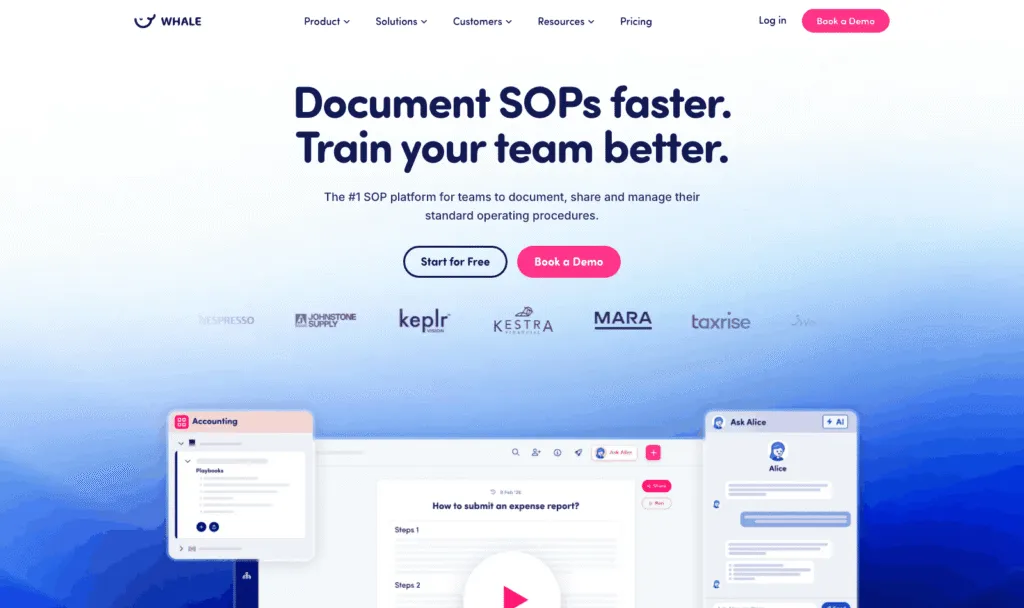
Here's what I keep seeing: a company adopts Confluence for engineering specs, then every other team piles in, and a few years later half the space tree is "how we do X" pages that new hires are meant to read. Whale (usewhale.io) is an AI-powered SOP software and training platform built for exactly that half. You record a process once, and Whale turns it into a written SOP, an AI-generated quiz and a training flow you can assign. Alice, Whale's AI assistant, then answers your team's questions from your own SOPs, with sources.
Key features of Whale
- Video to SOP and a step recorder that turn screen recordings into step-by-step SOPs
- Read assignments: send a card, playbook or guide to a person, role or group with a due date, require an acknowledgement click, and export completion records as audit evidence
- Training flows, AI quizzes, checklists, analytics and reporting
- Content review cycles that remind the right expert to verify a doc on schedule, plus approval flows on Enterprise, where nothing is published until an expert approves it
- Alice, Whale's AI assistant, which answers questions from your documentation, plus a Chrome extension that surfaces SOPs inside the apps your team already uses
- Whale MCP: connect Claude, ChatGPT, Cursor or Gemini and work inside Whale with your own permissions (Scale and up)
- Version history, e-signatures on Advance, and iOS and Android apps
Whale pricing
- Free: $0, 1 creator, up to 10 members, 20 playbook items, 20 one-time AI credits
- Scale: $249/month billed yearly, 3 creators included, unlimited documentation, training flows, AI quizzes, PDF and Word export, Whale MCP
- Advance: $499/month billed yearly, 5 creators included, adds e-signatures, video editor and AI voiceovers, enforced SSO and granular permissions
- Enterprise: custom, adds approval flows, automatic redaction, SCIM and HRIS integrations, API access
Whale's pricing page lists SOC 2 certification, HIPAA readiness and GDPR compliance, with EU hosting in Belgium.
Whale pros
- One recording becomes an SOP, a quiz and a training flow, so writing docs stops being the bottleneck
- Read assignments and acknowledgements show who has actually read the policy, which no wiki on this list does
- Whale's MCP connects your company documentation to your AI tools, so your teams and agents work from accurate information
- Alice and the Chrome extension put answers where people work, rather than in a portal nobody opens (you can even ask Alice in Slack through the Whale app)
Whale cons
- Whale is not a perfect fit for smaller teams.
- Permissions customisation is limited below the Advance plan, and some customers find that restrictive when managing access across several teams. Granular permissions start at $499 a month.
Choose Whale if most of your Confluence is SOPs, onboarding and policies, you'd rather record a process than write it, and you need to know people have read and understood it.
2. Notion
Best for docs, databases and projects in one workspace
G2 rating: 4.6/5
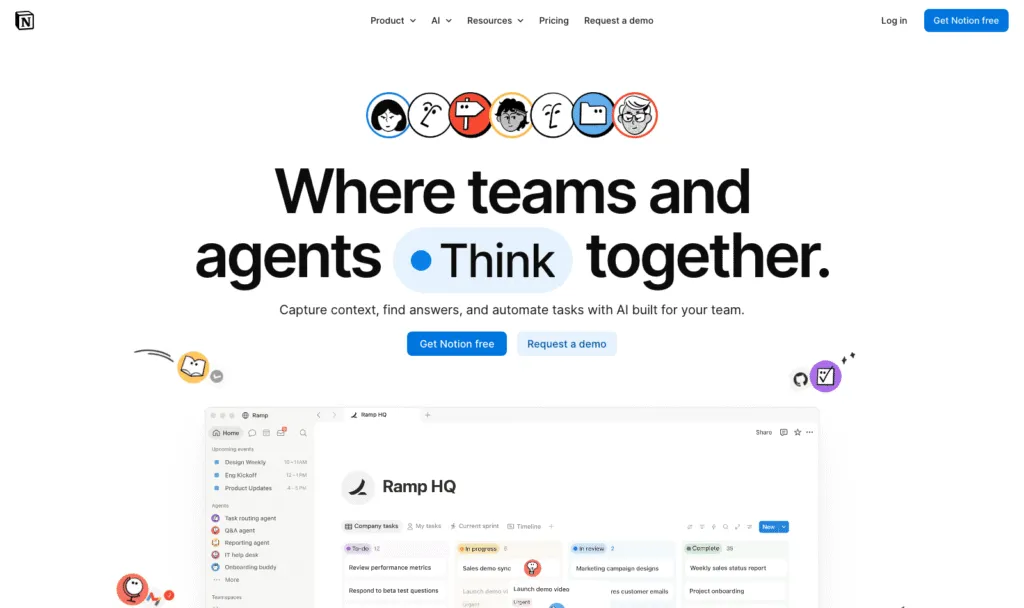
Notion is the alternative most teams try first, and the biggest head-to-head search for Confluence users. It's far more flexible than Confluence, with databases and project tracking alongside docs. That flexibility is also the catch: swap Confluence's rigid tree for Notion's infinite nesting without a plan, and you'll rebuild the maze in a nicer font.
Key features of Notion
- Pages, databases, forms and a public site
- Notion Agent, AI meeting notes and enterprise search on Business
- A large template ecosystem
Notion pricing
Free for individuals, with a block limit for teams of 2 or more. Plus: $10/member/month billed yearly, $12 monthly. Business: $20/member/month billed yearly, $24 monthly, including Notion AI. Enterprise: custom.
Notion pros
- Very flexible and familiar to most teams
- Docs and project tracking in one place
Notion cons
- No built-in training, quizzes or read tracking
- Full AI needs Business at $20 per member
Weighing it up? See how Whale compares with Notion.
3. ONES
Best for replacing Jira and Confluence with one platform
G2 rating: 4.5/5
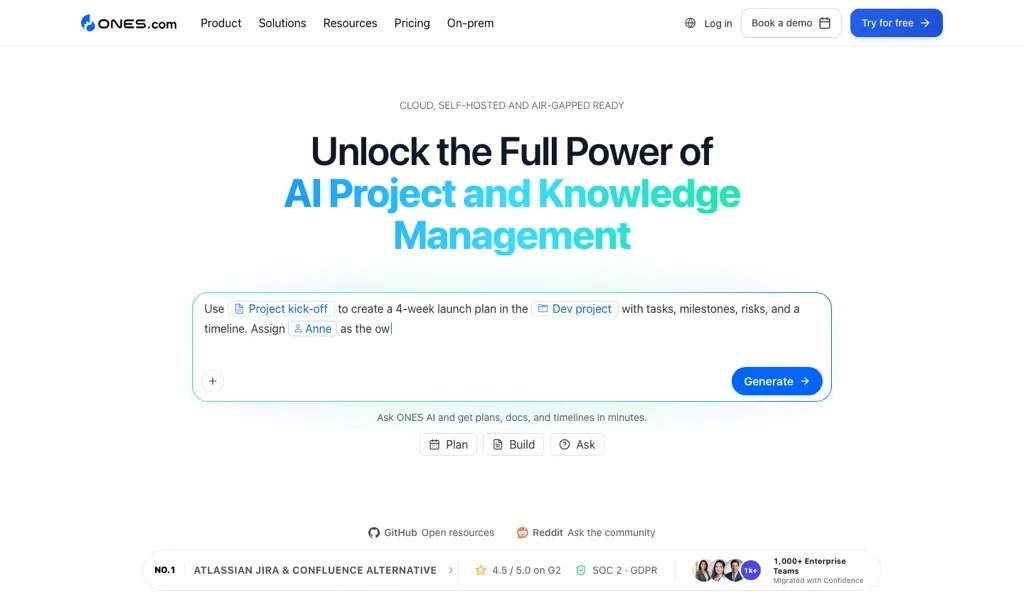
ONES is a project management and software delivery platform with its own wiki, ONES Wiki, and it's built for teams who want to replace Jira and Confluence in one move. Docs sit right next to requirements, sprints, tests and releases. You can run it as SaaS, on-premises, in a private cloud or in an isolated cloud, which makes it one of the few options here for Data Center teams who still want to self-manage.
Key features of ONES
- ONES Wiki, connected to delivery work
- Project, sprint, test and release management
- ONES Assistant and ONES MCP for AI
- Jira and Confluence migration on the Business plan
ONES pricing
Free: $0 for up to 30 seats, with 20 AI credits per user per month. Standard: $80.50 per seat per year, billed annually. Business: $140 per seat per year, adding Jira and Confluence migration. Enterprise: $210 per seat per year. On-premises pricing isn't published.
ONES pros
- Wiki and project management in one, so you can replace two Atlassian tools
- Generous free plan and flexible hosting options
ONES cons
- Built around software delivery, so it's more than a team wiki needs
- No monthly prices listed, and on-premises pricing is on request
4. SharePoint
Best for companies already running on Microsoft 365
G2 rating: 4.0/5
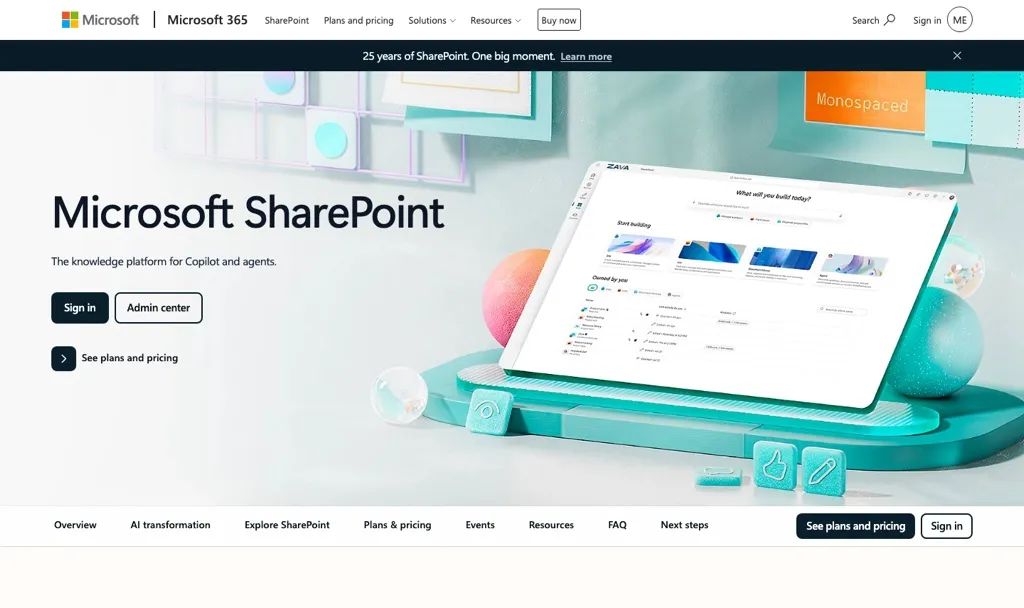
If your company lives in Microsoft 365, SharePoint is the "Microsoft alternative to Confluence" people ask about. It's already in many Microsoft 365 plans, it plugs into Teams and OneDrive, and IT already knows how to govern it. It's an intranet and document platform first, so a tidy wiki takes deliberate setup.
Key features of SharePoint
- Team and communication sites, document libraries and intranet pages
- Deep integration with Teams, OneDrive and Microsoft 365
- Enterprise permissions and compliance tooling
SharePoint pricing
SharePoint pricing is complicated, because it's sold through Microsoft 365 business and enterprise plans, billed with an annual commitment. Standalone and bundled options range from $5 to $57 per user per month in the US.
SharePoint pros
- Often already paid for in Microsoft 365
- Strong governance and compliance
SharePoint cons
- Built for files and intranet pages more than a fast wiki
- Takes deliberate structure to stay navigable
Weighing it up? See how Whale compares with SharePoint.
5. Document360
Best for internal and customer docs in one place
G2 rating: 4.7/5
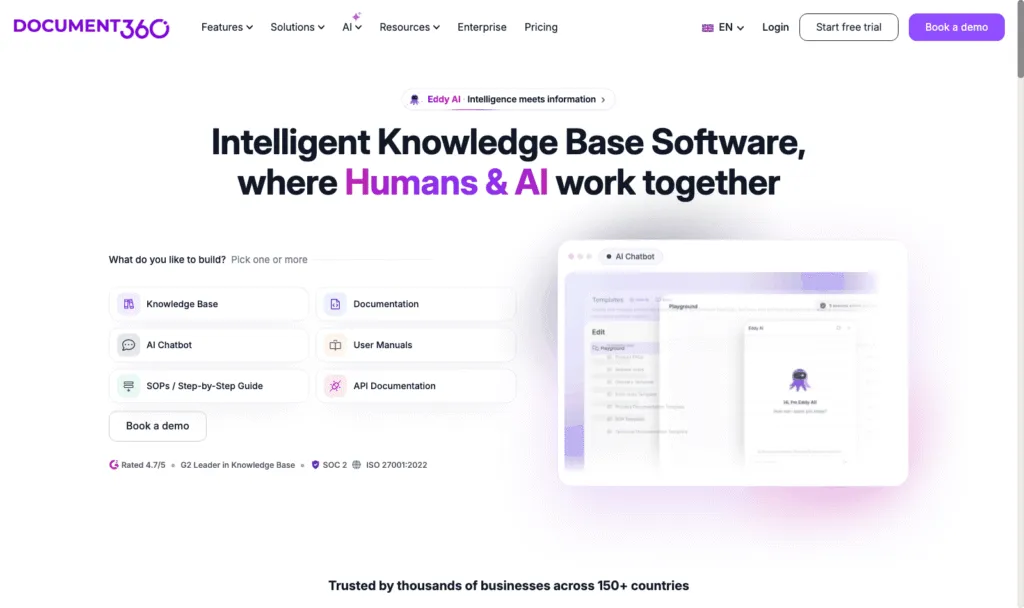
Document360 is a knowledge base platform for internal and customer-facing documentation, with categories, workflows and multiple languages. It suits teams who want Confluence's structure in a dedicated documentation tool. Its Eddy AI suite covers an AI writing agent, AI search and answers, FAQ and glossary generation, duplicate content detection and an MCP server.
Key features of Document360
- Internal and public knowledge bases from one platform
- Eddy AI: writing agent, search and answers, FAQ creation, MCP server
- Optional AI Premium Suite add-on for screen capture, step-by-step guides, interactive demos and video recording
Document360 pricing
Document360 doesn't publish prices. Its pricing page builds a custom quote from your team accounts, workspaces, languages, security needs and AI usage. No free plan or trial is listed on the pricing page.
Document360 pros
- Strong structure for large, multi-language documentation
- One tool for internal docs and a customer help centre
Document360 cons
- No published pricing
- More documentation platform than an internal team wiki needs
Weighing it up? See how Whale compares with Document360.
6. Slab
Best for a clean, focused internal wiki
G2 rating: 4.6/5
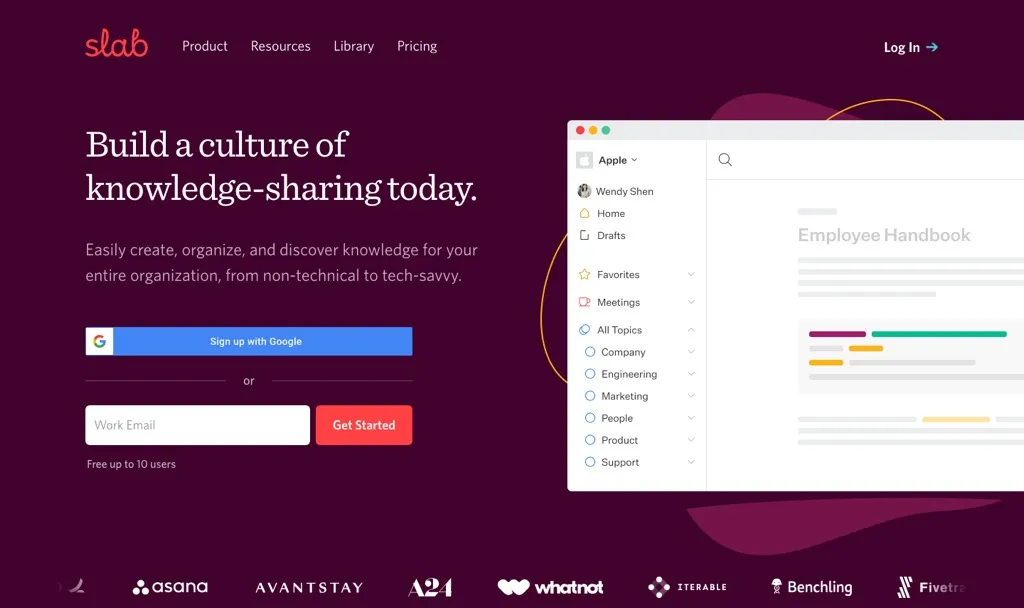
Slab is a knowledge base, full stop: a clean editor, topics for structure, and unified search across your other tools. For teams leaving Confluence because it does too much, that restraint is the point.
Key features of Slab
- Topics and posts for structured internal docs
- Unified search across connected tools on every plan
- AI Autofix on Startup, AI Predict and AI Ask on Business
Slab pricing
Free: up to 10 users, 90 days of version history. Startup: $6.67/user/month billed yearly. Business: $12.50/user/month billed yearly. Enterprise: custom.
Slab pros
- Generous free plan for teams of up to 10
- Focused and easy to keep tidy
Slab cons
- AI answers need the Business plan
- A wiki only: no training paths, quizzes or sign-off
7. Nuclino
Best for a simple, lightweight wiki
G2 rating: 4.7/5
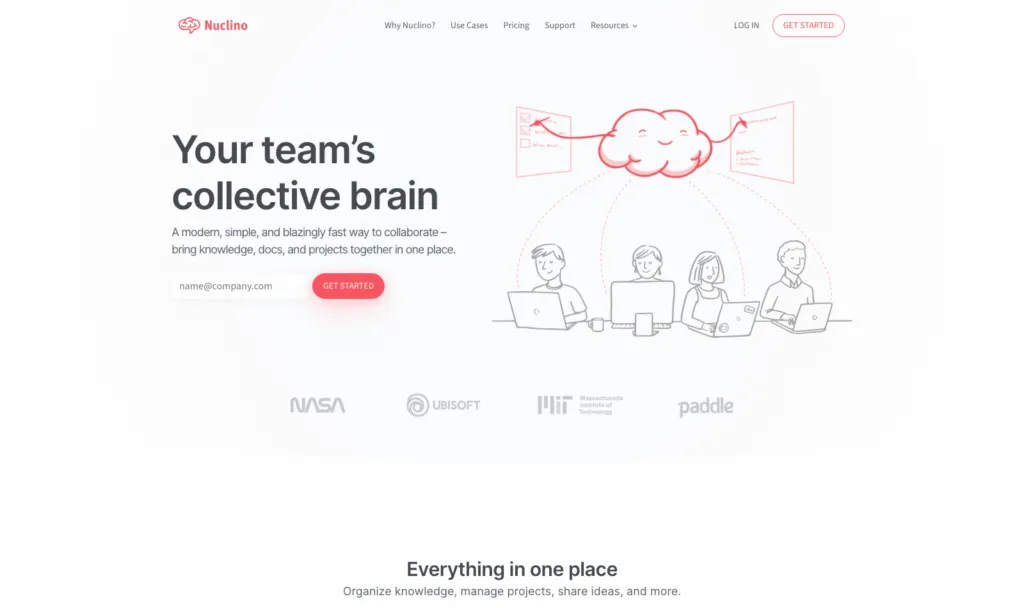
Nuclino is the opposite of Confluence's sprawl: quick to set up, quick to learn, and you can view your docs as boards, tables or a graph of how everything connects. It's one of the cheapest options on this list.
Key features of Nuclino
- Real-time collaborative editing
- Board, table and graph views of your docs
- Sidekick AI on Business, which answers questions from your content and drafts text
Nuclino pricing
Free: up to 50 items, 3 canvases and 2GB of storage. Starter: $6/user/month billed yearly, $8 monthly. Business: $10/user/month billed yearly, $12 monthly, including Sidekick, SAML SSO and an audit log.
Nuclino pros
- Fast to adopt, with almost no learning curve
- Low price per user
Nuclino cons
- AI only on Business
- Lighter on governance and review workflows than Confluence
Weighing it up? See how Whale compares with Nuclino.
8. Guru
Best for verified answers inside every tool, at enterprise scale
G2 rating: 4.7/5
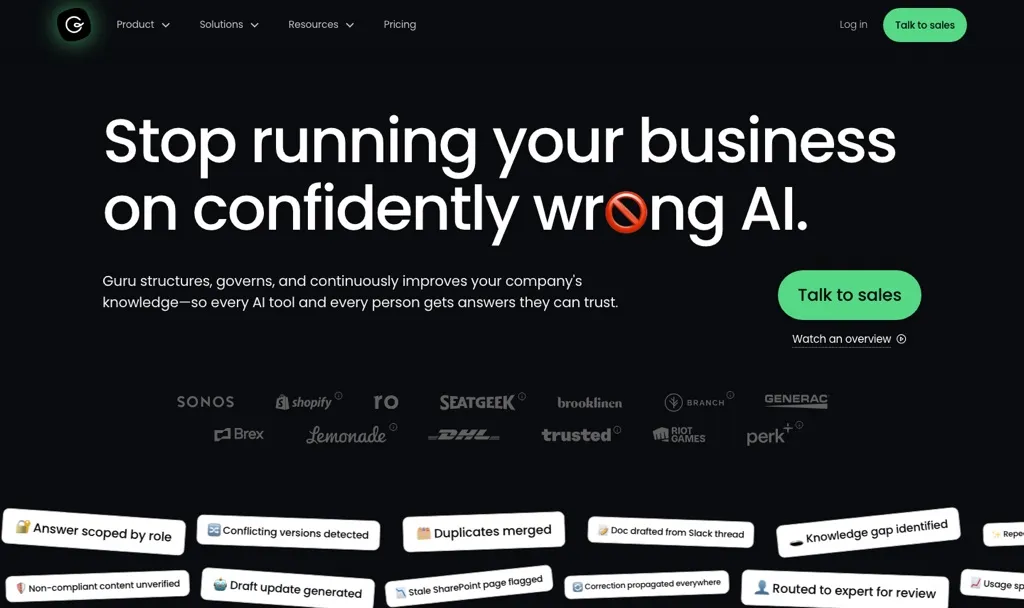
Guru is an AI knowledge platform that pushes verified answers into the tools people already use, with Knowledge Agents, AI search and MCP delivery. It's sold as a custom package with solution engineers, so it suits larger organisations replacing Confluence with a proper knowledge-management programme.
Key features of Guru
- Knowledge Agents and AI search
- 100+ integrations and MCP delivery
- SSO, SCIM, role-based access and audit logs
Guru pricing
Guru doesn't publish prices. Its page says pricing is "tailored to your organization's scale, knowledge complexity, and AI maturity". No free plan or self-serve trial is listed.
Guru pros
- Strong verification and governance
- Answers delivered inside other tools
Guru cons
- No published pricing
- More platform than a small team needs
Weighing it up? See our Guru alternatives guide.
9. Tettra
Best for answering repeat questions in Slack
G2 rating: 4.7/5
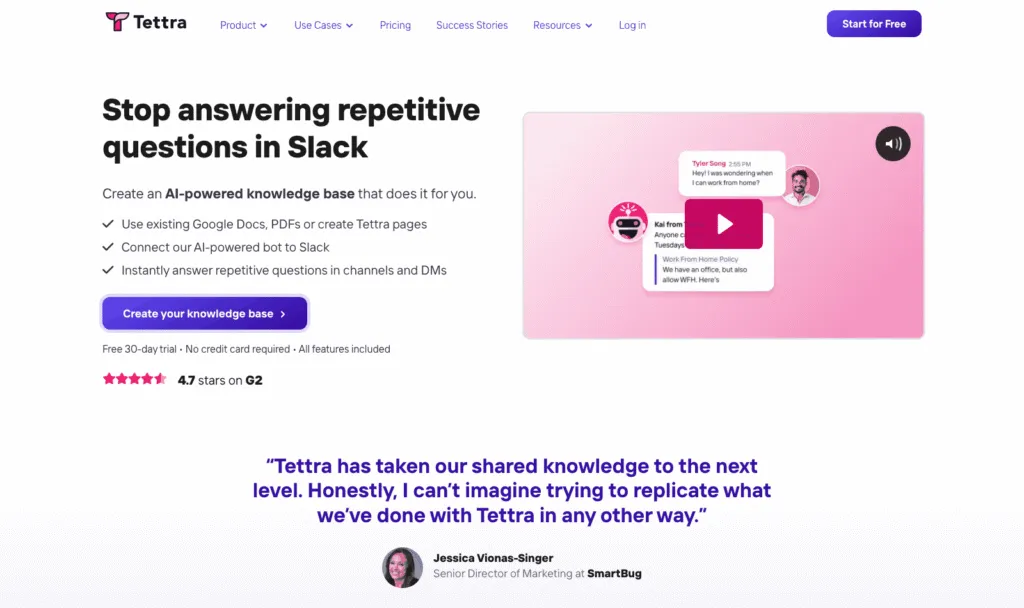
If the real problem with Confluence is that nobody looks in it and everyone asks in Slack instead, Tettra meets them there. Its AI, Kai, answers from your docs in Slack DMs and channels, and it can suggest FAQs and tag pages for you.
Key features of Tettra
- Kai AI answers, in Tettra and in Slack
- AI page tagging and AI FAQ generation
- Training from Google Docs
Tettra pricing
Scaling: $8/user/month with a 10-user minimum, and a discount for yearly billing. Enterprise: custom. 30-day free trial, no free plan.
Tettra pros
- AI answers in Slack included on the base plan
- Simple per-user pricing
Tettra cons
- 10-user minimum
- No training paths, quizzes or read tracking
Weighing it up? See how Whale compares with Tettra.
10. Outline
Best for a modern wiki you can run in the cloud or host yourself
G2 rating: 4.4/5
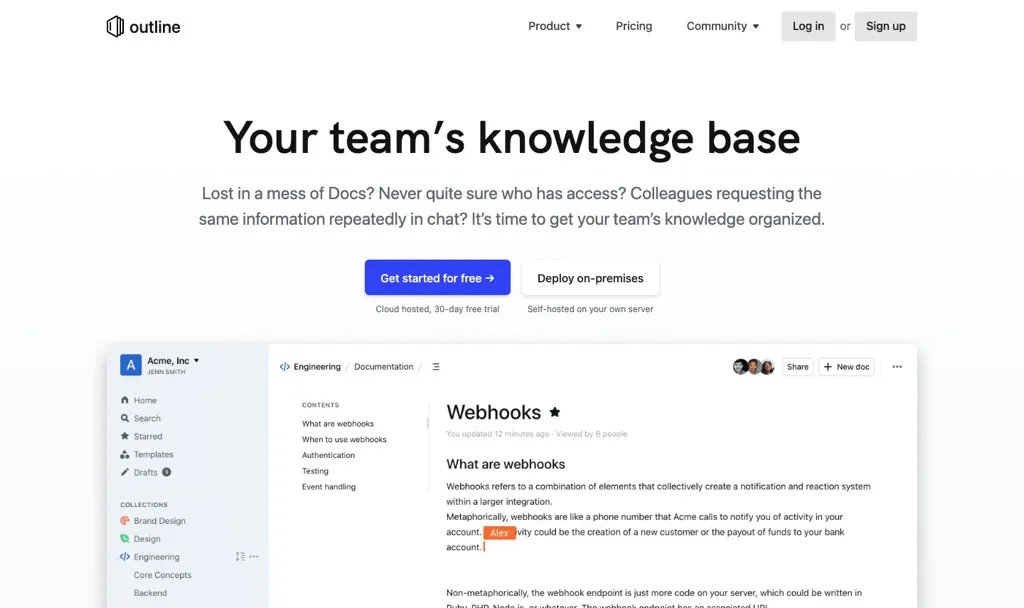
Outline is the "modern Confluence" a lot of engineering teams land on: fast, Markdown-friendly, with Slack integration and AI question answering on its paid plans. Unusually, you can buy it as a cloud service or run it on your own servers.
Key features of Outline
- Fast editor with collections and nested documents
- AI question answering on paid cloud and self-hosted plans
- Cloud or self-hosted deployment
Outline pricing
Cloud: Starter $10/month for 1 to 10 members, Team $79/month for 11 to 100, Business $249/month for 101 to 200, each with a 30-day free trial. Self-hosted: free Community Edition (limited features, no support), Business $4/user/month billed yearly (10-user minimum), Enterprise $5/user/month billed yearly (100-user minimum).
Outline pros
- Flat cloud pricing that's very low for small teams
- Self-hosting option for data control
Outline cons
- AI isn't included in the free Community Edition
- A wiki only: no training paths, quizzes or sign-off
11. BookStack
Best for simple, structured self-hosted docs
G2 rating: 3.5/5
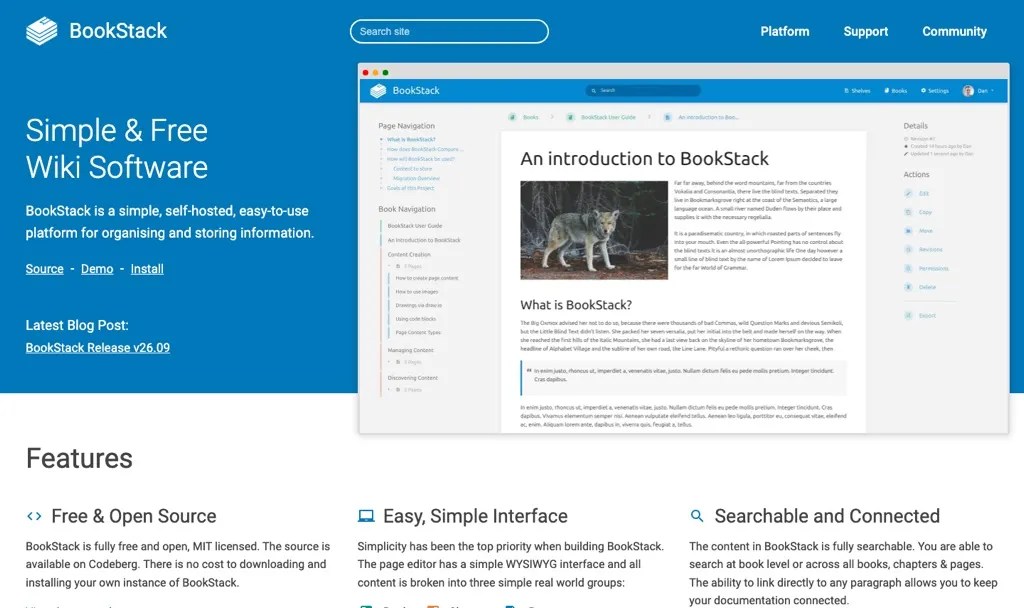
BookStack organises everything into books, chapters and pages, which makes it one of the easiest structures for a team to understand on day one. It's free, MIT-licensed and self-hosted, so it's a favourite with IT teams replacing Confluence Data Center.
Key features of BookStack
- Books, chapters and pages
- Free and open source (MIT licence)
- Self-hosted on your own servers
BookStack pricing
Free. BookStack is open source under the MIT licence. Paid support plans are available. BookStack doesn't list their prices on its homepage. There's no official hosted service.
BookStack pros
- Free, with a very clear structure
- Full control over your data
BookStack cons
- You run and maintain the server
- No AI features listed
12. Wiki.js
Best for Markdown-first technical docs
G2 rating: 4.3/5
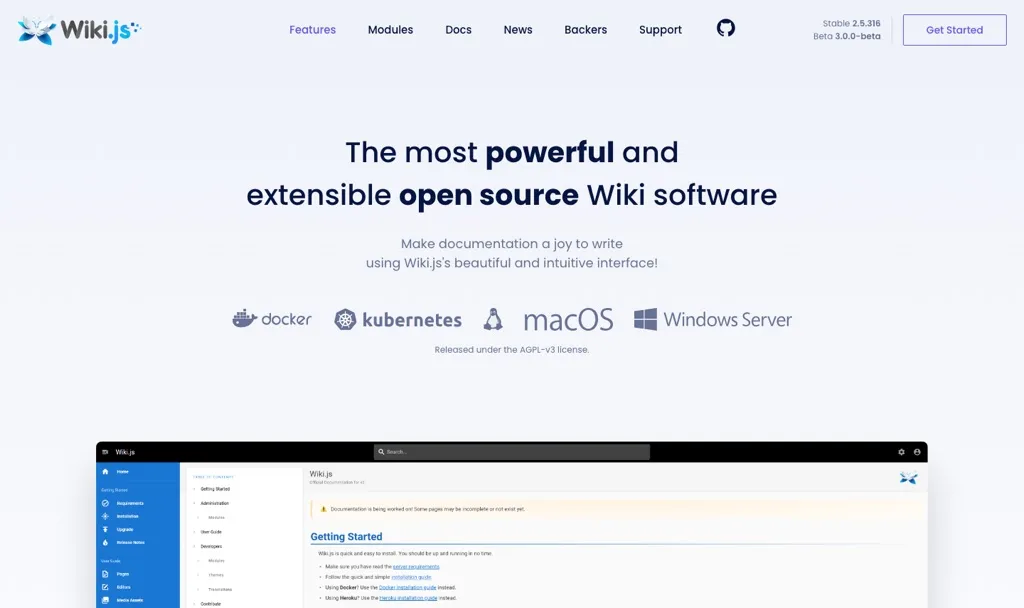
Wiki.js is a free, open-source wiki with a Markdown editor (plus visual and HTML editors), Git sync and enterprise login options like LDAP and SAML. It's a natural fit for technical teams who think in Markdown and Git.
Key features of Wiki.js
- Markdown, visual and HTML editors
- Sync and back up content to GitHub, GitLab or Bitbucket
- Local, social, LDAP and SAML login, with 2FA
Wiki.js pricing
Free. Wiki.js is open source under the AGPL-v3 licence and self-hosted. A one-click install is available on the DigitalOcean Marketplace.
Wiki.js pros
- Free, with Git-based backups
- Strong authentication options
Wiki.js cons
- You run and maintain the server
- No AI features listed
How to migrate from Confluence
Whale offers migration from Confluence. Remember that migrations can be complicated, so:
- Audit before you move. Archive anything nobody has opened in a year. You'll be surprised how much of it there is.
- Export your spaces from Confluence and check how your new tool imports them before you commit.
- Move the most-used SOPs and onboarding pages first, assign each one an owner and a review date, and let the long tail follow.
How we compared these tools
We started with the tools named in the top 10 Google results for "Confluence alternatives" and in answers from ChatGPT and Perplexity. We also spoke to our sales team about the tools Confluence users mention when they come to us. We kept the 12 that work as a team knowledge base, across cloud and self-hosted options, and dropped project management suites and developer-only documentation tools.
We compared each one on five things: published pricing, free plan or trial, hosting options, how answers reach the team (including AI), and whether the tool helps people actually learn and follow what's written. G2 ratings are there as a sense check, not a verdict.
But what we always say to customers and prospective customers is try the tools out for yourself.
How to choose a Confluence alternative
- Most of your Confluence is SOPs, onboarding and policies: Whale. Record once, then assign it, quiz it and track who has read it.
- You want docs, databases and projects in one place: Notion.
- You want to replace Jira and Confluence with one platform: ONES.
- You want a fast, tidy wiki: Slab or Nuclino.
- Your company runs on Microsoft 365: SharePoint.
- You need one knowledge base for staff and customers: Document360.
- The same questions keep landing in Slack: Tettra, or Guru at enterprise scale.
- You want to host it yourself: Outline, BookStack or Wiki.js.
- Your team works on the shop floor or in a warehouse: look at Whale Blue, Whale's separate product for frontline teams.
When to stay on Confluence: if your engineering team lives in Jira, your pages are mostly specs and decisions, and you're on Atlassian Cloud, Confluence is hard to beat. Switch for a capability you need, not for a new coat of paint.
Frequently asked questions
What is the best alternative to Confluence?
It depends on what your Confluence holds. Whale is the best Confluence alternative for SOPs, training and process docs, because one recording becomes an SOP, a quiz and a training flow you can assign and track. Notion is the best general-purpose alternative, ONES is best for replacing Jira and Confluence together, Slab and Nuclino are the cleanest wikis, and BookStack or Wiki.js are the best free self-hosted options.
Is Confluence being phased out?
Confluence Cloud isn't. Atlassian's site confirms the end of life for its Data Center products on 28 March 2029, with extensions only by exception. If you run Confluence Data Center, you'll need to move to Atlassian Cloud or another tool before then.
Why did Confluence increase its pricing in 2026?
Atlassian raised its Cloud list prices on 13 October 2026. Confluence Standard and Premium went up 7% for organisations under 5,000 seats and 10% above that, Enterprise went up 8%, and the Free plan for up to 10 users stayed the same. Atlassian says the update reflects new features across its products, Confluence becoming "an AI-native source of truth" with Rovo, and investment in enterprise-grade infrastructure, compliance and observability. It also says the increase is separate from its usage-based pricing.
What are some free alternatives to Confluence?
BookStack and Wiki.js are free and open source, and Outline has a free self-hosted Community Edition. For cloud tools, ONES is free for up to 30 seats, Slab is free for up to 10 users, Notion and Nuclino have free plans, and Whale's free plan includes 1 creator and up to 10 members, with video to SOP and Alice, Whale's AI assistant.
Is there a Microsoft alternative to Confluence?
Yes, SharePoint. It's included in many Microsoft 365 plans and integrates with Teams and OneDrive, which makes it the obvious option for Microsoft-first companies. It's built for files and intranet pages, so a tidy wiki takes deliberate setup.
Confluence vs Notion: which is better?
Confluence is better for large, permission-heavy wikis connected to Jira, from $5.78 per user per month. Notion is more flexible, with databases and project tracking alongside docs, from $10 per member per month billed yearly, with full AI on Business at $20. Choose Confluence for structure and Jira, and Notion for flexibility.
Ready to turn your docs into training?
Start on Whale's free plan or see how Whale handles knowledge sharing and management. Record one process and see what Whale makes of it.
Lisa Steingold is the Head of Content for Whale. With a history in tech, she's authored 4 books and is obsessed with helping teams unlock the next level of growth and productivity. (And riding her bike)