SOP & Process Documentation
8 of the best Slite alternatives for team documentation (2026)

In this article
The best alternatives to Slite depend on what your docs really are: a wiki people search, procedures people must follow, or training people must complete.
The best Slite alternatives in 2026 are
- Whale for docs that are really SOPs and training. If your wiki has quietly become a pile of procedures and onboarding pages, see how Whale handles knowledge sharing and management.
- Notion for a flexible workspace that does docs, databases and projects,
- Slab and Nuclino for a clean, focused team wiki,
- Confluence for teams that already live in Jira,
- Document360 for a structured knowledge base you can also publish to customers,
- and Tettra or Guru when you want verified answers delivered inside Slack and the tools your team already uses.
Slite is a good product, and I'll say that up front. It's fast, tidy and genuinely pleasant to write in, and its Ask feature gives AI answers from your docs on every paid plan. Its Basic plan is just $10 per user per month on yearly billing.
Teams usually start looking around for three reasons:
- their docs have turned into SOPs and onboarding, and they need training, quizzes and sign-off rather than another page,
- they want AI that does more than answer questions, without metering it per seat,
- or they want a free plan or reader-only seats without going to Enterprise.
Before we continue, we want to disclose that Whale publishes this page and is one of the tools on it. But we aim to keep fair practice. As such every price comes from the vendor's own pricing page, checked in October 2026. And every tool, Whale included, gets the same fields and real cons. Where another tool is the better pick, we say so.
What is Slite?
Slite is a knowledge base for teams. It describes itself as "the self-maintaining knowledge base your team and agents can trust", and it's built around three ideas: docs that are quick to write, AI answers from those docs (Ask), and a verification workflow that flags when a doc needs checking. In 2026 it added the Slite Agent, which searches across your connected tools and suggests fixes to out-of-date docs.
Here's the quick version:
- Pricing: Basic is $10 per user per month and Pro is $20, both billed yearly. Enterprise is custom. There's a 14-day free trial and no free plan.
- AI: Ask is on every plan. The Slite Agent, cross-tool search and 50 monthly AI credits per seat are on Pro.
- G2 rating: 4.6/5 (275 reviews)
- What it does well: a clean editor, fast search and a tidy structure that stays tidy.
- Where it stops: it's a place to store and find knowledge. It won't train people on it, quiz them or tell you who has read it.
That last point is usually why people end up reading articles like this one.
Key takeaways
- Slite has no free plan. Five alternatives do. Notion, Slab (up to 10 users), Confluence (up to 10 users), Nuclino and Whale (1 creator, up to 10 members) all have one. Slite offers a 14-day free trial.
- Slite's AI is metered. On Slite's pricing page, Pro includes 50 monthly AI credits per seat and the AI writing assistant is capped at 30 edits per user per month on Basic.
- Two alternatives don't publish prices. Document360 and Guru are sold as custom quotes. Every other tool here, and Slite, publishes its prices.
- Whale has the highest G2 rating on this list, at 4.8/5.
- Whale turns one screen recording into an SOP, an AI-generated quiz and a training flow, then assigns it and tracks who has read it. That's the gap a wiki can't fill.
Quick comparison of Slite alternatives
All prices in US dollars, checked in October 2026. G2 ratings as shown on G2 in October 2026.
| Tool | Best for | Starting paid price | Free plan | G2 rating | Standout AI feature |
|---|---|---|---|---|---|
| Slite (for reference) | Fast, tidy team knowledge base | $10/user/month, billed yearly (Basic) | No (14-day trial) | 4.6 (275) | Ask, AI answers from your docs, Slite Agent on Pro |
| Whale | Docs that are really SOPs and training | $299/month billed yearly (3 creators) | Yes: 1 creator, up to 10 members | 4.8 | Video to SOP, AI quizzes, Coral AI assistant |
| Notion | Docs, databases and projects in one workspace | $10/member/month billed yearly (Plus) | Yes | 4.6 (13,872) | Notion Agent on Business ($20/member) |
| Slab | A clean, focused internal wiki | $6.67/user/month billed yearly (Startup) | Yes, up to 10 users | 4.6 (309) | AI Ask on Business |
| Confluence | Teams already using Jira | $5.78/user/month (Standard) | Yes, up to 10 users | 4.1 (4,369) | Rovo Search, Chat and Agents |
| Nuclino | A simple, lightweight wiki | $6/user/month billed yearly (Starter) | Yes (50 items) | 4.7 (27) | Sidekick on Business |
| Document360 | A structured knowledge base for staff and customers | Not published (custom quote) | Not listed | 4.7 (542) | Eddy AI writing agent, search and answers, MCP server |
| Tettra | Answering repeat questions in Slack | $8/user/month, 10-user minimum (Scaling) | No (30-day trial) | 4.7 (161) | Kai AI answers, in Slack too |
| Guru | Verified answers inside every tool, at enterprise scale | Not published (custom package) | No | 4.7 (2,323) | Knowledge Agents, AI search, MCP |
What a 20-person team actually pays
Headline prices are hard to compare because every vendor counts people differently. So we priced the same team: 20 people, yearly billing where it's offered, everyone able to read the docs, and AI answers switched on.
| Tool | Monthly cost for 20 people | How we got there |
|---|---|---|
| Slite Pro (for reference) | $400.00 | 20 × $20, Pro adds the Slite Agent and 50 AI credits per seat |
| Confluence Standard | $115.60 | 20 × $5.78 per user, Atlassian's listed rate |
| Tettra Scaling | $160.00 | 20 × $8, Kai AI answers included |
| Nuclino Business | $200.00 | 20 × $10 billed yearly, Sidekick AI is on Business |
| Whale Scale | $299.00 | 3 creators included. Everyone else joins as a member, with no per-seat fee. |
| Slab Business | $250.00 | 20 × $12.50 billed yearly, AI Ask is on Business |
| Notion Business | $400.00 | 20 × $20 billed yearly, Notion AI is on Business |
| Document360 | Not published | Custom quote based on editors, workspaces, languages and AI usage |
| Guru | Not published | Custom package, talk to sales |
The case for switching from Slite is rarely the price per seat. It's whether the tool only stores your knowledge or actually gets it into people's heads.
1. Whale
Best Slite alternative when your docs are really SOPs and training.
G2 rating: 4.8/5
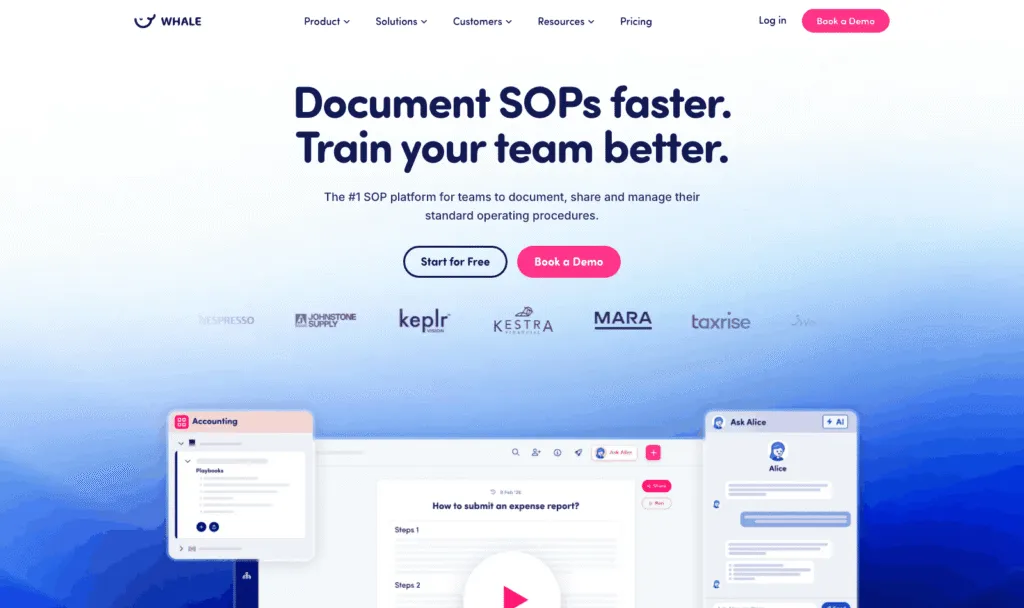
Here's the thing I keep seeing: a team starts Slite as a wiki, and a year later half of it is "how we do X" pages that new hires are supposed to read and nobody can tell if they did. Whale (usewhale.io) is an AI-powered SOP and training platform built for exactly that moment. You record a process once, and Whale turns it into a written SOP, an AI-generated quiz and a training flow you can assign. Coral, Whale's AI assistant, then answers your team's questions from your own SOPs, with sources. A wiki tells people where the answer lives. Whale makes sure they've read it.
Key features of Whale
- Video to SOP and a step recorder that turn screen recordings into step-by-step SOPs
- Read assignments: send a card, playbook or guide to a person, role or group with a due date, require an acknowledgement click, and export completion records as audit evidence
- Training flows, AI quizzes, checklists, analytics and reporting
- Content review cycles that remind the right expert to verify a doc on schedule, plus approval flows on Enterprise, where nothing is published until an expert approves it
- Coral, Whale's AI assistant, which answers questions from your documentation, plus a Chrome extension that surfaces SOPs inside the apps your team already uses
- Whale MCP: connect Claude, ChatGPT, Cursor or Gemini and work inside Whale with your own permissions (Scale and up)
- Version history, e-signatures on Advance, and iOS and Android apps
Whale pricing
- Free: $0, 1 creator, up to 10 members, 20 playbook items, 20 one-time AI credits
- Scale: $299/month billed yearly, 3 creators included, unlimited documentation, training flows, AI quizzes, PDF and Word export, Whale MCP
- Advance: $599/month billed yearly, 5 creators included, adds e-signatures, video editor and AI voiceovers, enforced SSO and granular permissions
- Enterprise: custom, adds approval flows, automatic redaction, SCIM and HRIS integrations, API access
Whale's pricing page lists SOC 2 certification, HIPAA readiness and GDPR compliance, with EU hosting in Belgium.
Whale pros
- One recording becomes an SOP, a quiz and a training flow, so writing docs stops being the bottleneck
- Read assignments and acknowledgements show who has actually read the policy, which no wiki on this list does
- Whale's MCP connects your company documentation to your AI tools, so your teams and agents work from accurate information
- Coral and the Chrome extension put answers where people work, rather than in a portal nobody opens (you can even ask Coral in Slack through the Whale app)
Whale cons
- Looking for a simple wiki for a small team? Whale costs more than Slite for small teams.
- Permissions customisation is limited below the Advance plan, and some customers find that restrictive when managing access across several teams. Granular permissions start at $599 a month.
Choose Whale if your docs are mostly SOPs, onboarding and policies, you'd rather record a process than write it, and you need to know people have read and understood it.
Whale isn't the right fit if you want a free-form wiki for meeting notes, specs and brainstorms: Notion, Slab or Nuclino will suit you better.
2. Notion
Best for docs, databases and projects in one workspace
G2 rating: 4.6/5 (13,872 reviews)
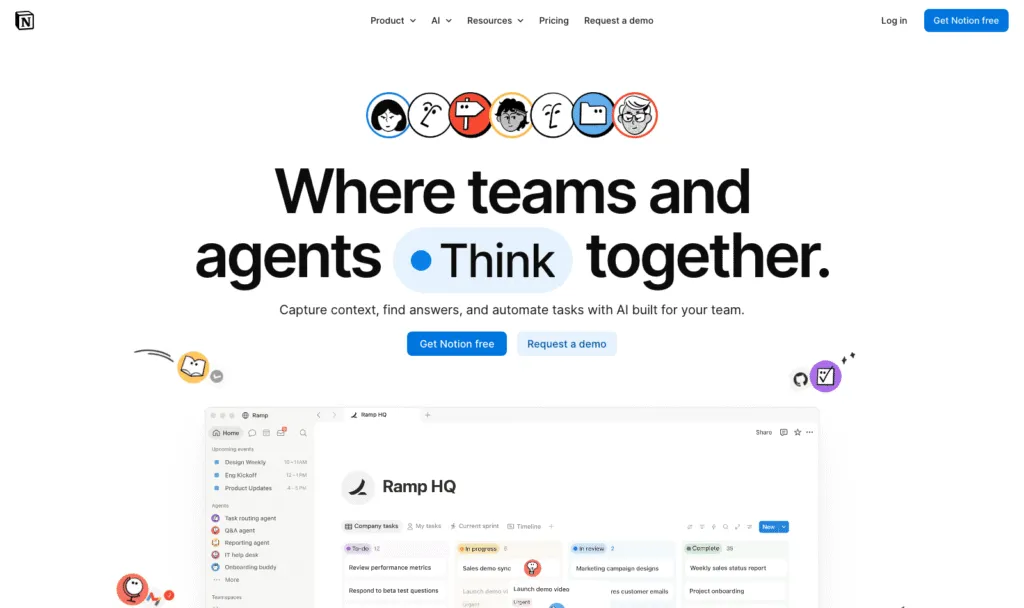
Notion is the one almost everyone looks at first, and for good reason. It's a flexible workspace for docs, wikis, databases and projects, and it goes much wider than Slite. That's its strength and its risk: give a team a blank canvas and an unlimited number of nested pages, and six months later you'll find three versions of the holiday policy.
Key features of Notion
- Pages, databases, forms and a public site
- Notion Agent, AI meeting notes and enterprise search on Business
- A large template ecosystem
Notion pricing
Free for individuals, with a block limit for teams of 2 or more. Plus: $10/member/month billed yearly, $12 monthly. Business: $20/member/month billed yearly, $24 monthly, including Notion AI. Enterprise: custom. Free and Plus get only a trial of Notion AI.
Notion pros
- Very flexible and familiar to most teams
- Docs and project tracking in one place
Notion cons
- No built-in training, quizzes or read tracking
- Full AI needs Business at $20 per member
Weighing it up? See how Whale compares with Notion.
3. Slab
Best for a clean, focused internal wiki
G2 rating: 4.6/5 (309 reviews)
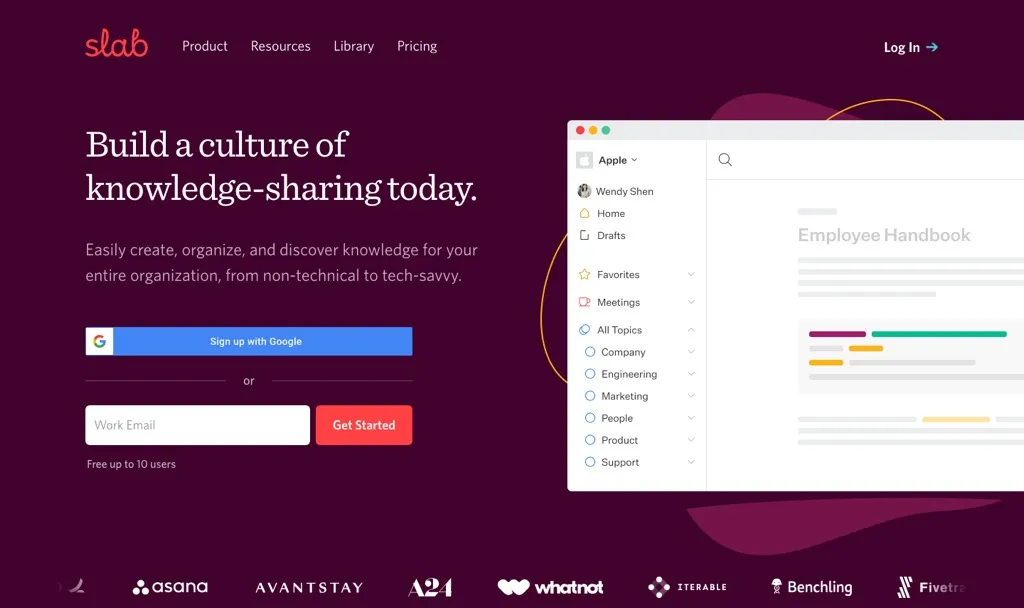
If you love Slite's simplicity and just want a different home for it, Slab is the closest like-for-like swap. It's a knowledge base, full stop: a clean editor, topics for structure, and unified search across your other tools. It doesn't try to be a project manager, which is exactly why some teams like it.
Key features of Slab
- Topics and posts for structured internal docs
- Unified search across connected tools on every plan
- AI Autofix on Startup, AI Predict and AI Ask on Business
Slab pricing
Free: up to 10 users, 90 days of version history. Startup: $6.67/user/month billed yearly. Business: $12.50/user/month billed yearly. Enterprise: custom. Slab's page doesn't list monthly prices.
Slab pros
- Generous free plan for teams of up to 10
- Focused and easy to keep tidy
Slab cons
- AI answers need the Business plan
- A wiki only: no training paths, quizzes or sign-off
4. Confluence
Best for teams already using Jira
G2 rating: 4.1/5 (4,369 reviews)
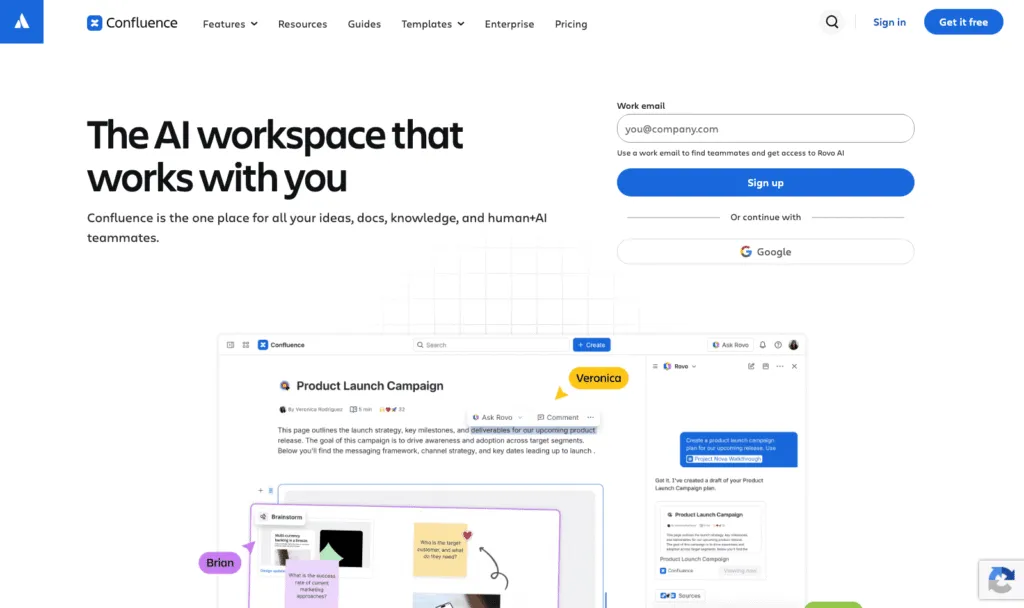
Confluence is Atlassian's team wiki, with structured spaces, granular permissions and deep Jira integration. If your engineers already live in Jira, it keeps docs and tickets in one ecosystem, and Atlassian's AI layer, Rovo, adds search, chat and agents across your Atlassian tools. If they don't, it can feel like buying a lorry to do the school run.
Key features of Confluence
- Spaces, page trees and granular permissions
- Rovo Search, Chat and Agents
- Native Jira integration
Confluence pricing
Free: up to 10 users with 2GB of storage. Standard: $5.78/user/month. Premium: $11.16/user/month. Enterprise: custom.
Confluence pros
- Lowest per-user price on this list at 20 people
- Strong governance and permissions
Confluence cons
- Heavier to administer, and a lot of tool for a small team
- Best value only if you already use Atlassian products
Weighing it up? See how Whale compares with Confluence.
5. Nuclino
Best for a simple, lightweight wiki
G2 rating: 4.7/5 (27 reviews)
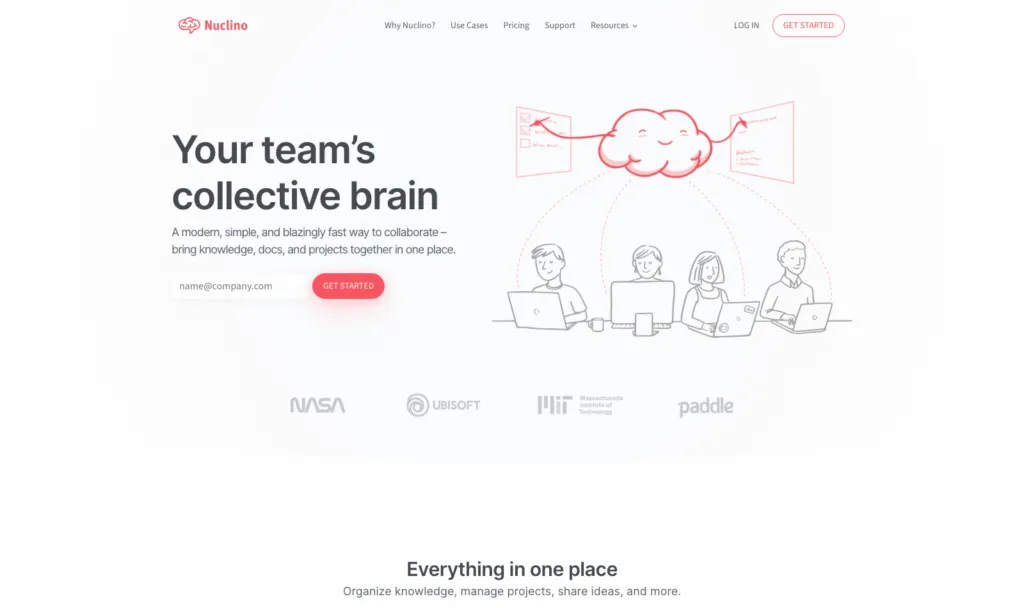
Nuclino keeps the simplicity people like about Slite and adds a visual twist: you can view your docs as boards, tables or a graph of how everything connects. It's quick to pick up, and it's one of the cheapest options here.
Key features of Nuclino
- Real-time collaborative editing
- Board, table and graph views of your docs
- Sidekick AI on Business, which answers questions from your content and drafts text
Nuclino pricing
Free: up to 50 items, 3 canvases and 2GB of storage. Starter: $6/user/month billed yearly, $8 monthly. Business: $10/user/month billed yearly, $12 monthly, including Sidekick, SAML SSO and an audit log.
Nuclino pros
- Fast to adopt, with almost no learning curve
- Low price per user
Nuclino cons
- AI only on Business
- Lighter on governance, review workflows and training
Weighing it up? See how Whale compares with Nuclino.
6. Document360
Best for a structured knowledge base you can also publish to customers
G2 rating: 4.7/5 (542 reviews)
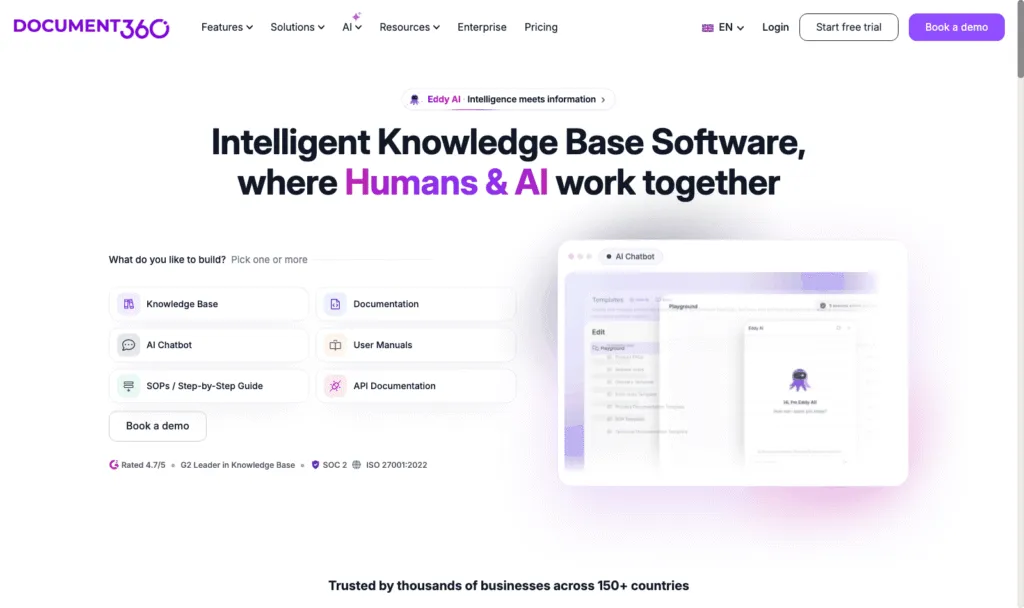
Document360 is a knowledge base platform for internal and customer-facing documentation, with categories, workflows and multiple languages. It's more structured, and more formal, than Slite. Its Eddy AI suite covers an AI writing agent, AI search and answers, FAQ and glossary generation, duplicate content detection and an MCP server.
Key features of Document360
- Internal and public knowledge bases from one platform
- Eddy AI: writing agent, search and answers, FAQ creation, MCP server
- Optional AI Premium Suite add-on for screen capture, step-by-step guides, interactive demos and video recording
Document360 pricing
Document360 doesn't publish prices. Its pricing page builds a custom quote from your team accounts, workspaces, languages, security needs and AI usage. No free plan or trial is listed on the pricing page.
Document360 pros
- Strong structure for large, multi-language documentation
- One tool for internal docs and a customer help centre
Document360 cons
- No published pricing
- More documentation platform than a small team's wiki needs
Weighing it up? See how Whale compares with Document360.
7. Tettra
Best for answering repeat questions in Slack
G2 rating: 4.7/5 (161 reviews)
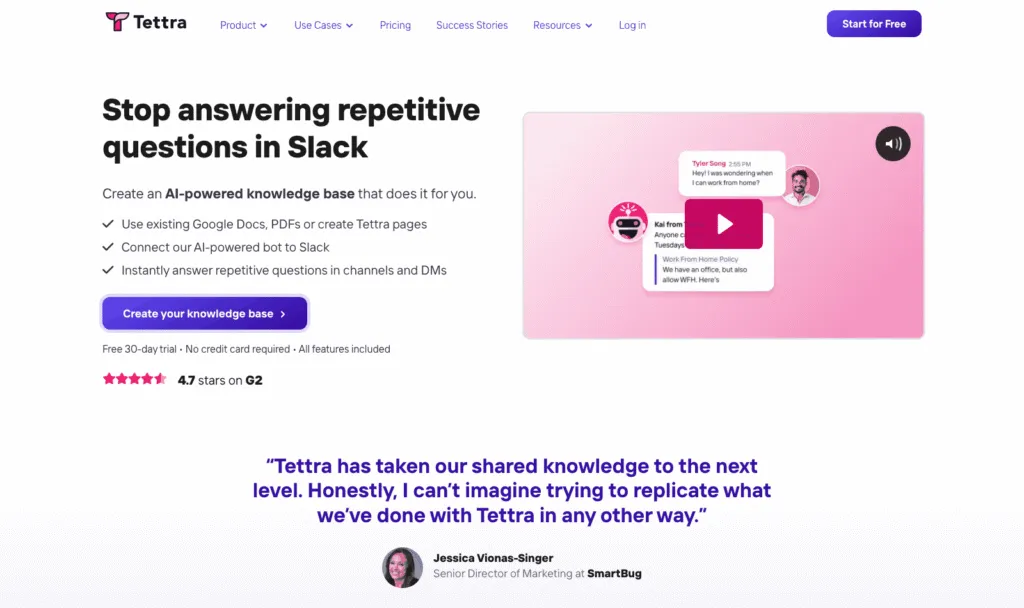
You know the five questions that land in Slack every single week? Tettra is built for those. Its AI, Kai, answers from your docs, including in Slack DMs and channels, and it can suggest FAQs and tag pages for you.
Key features of Tettra
- Kai AI answers, in Tettra and in Slack
- AI page tagging and AI FAQ generation
- Training from Google Docs
Tettra pricing
Scaling: $8/user/month with a 10-user minimum, and a discount for yearly billing. Enterprise: custom. 30-day free trial, no free plan.
Tettra pros
- AI answers in Slack included on the base plan
- Simple per-user pricing
Tettra cons
- 10-user minimum
- No training paths, quizzes or read tracking
Weighing it up? See how Whale compares with Tettra.
8. Guru
Best for verified answers inside every tool, at enterprise scale
G2 rating: 4.7/5 (2,323 reviews)
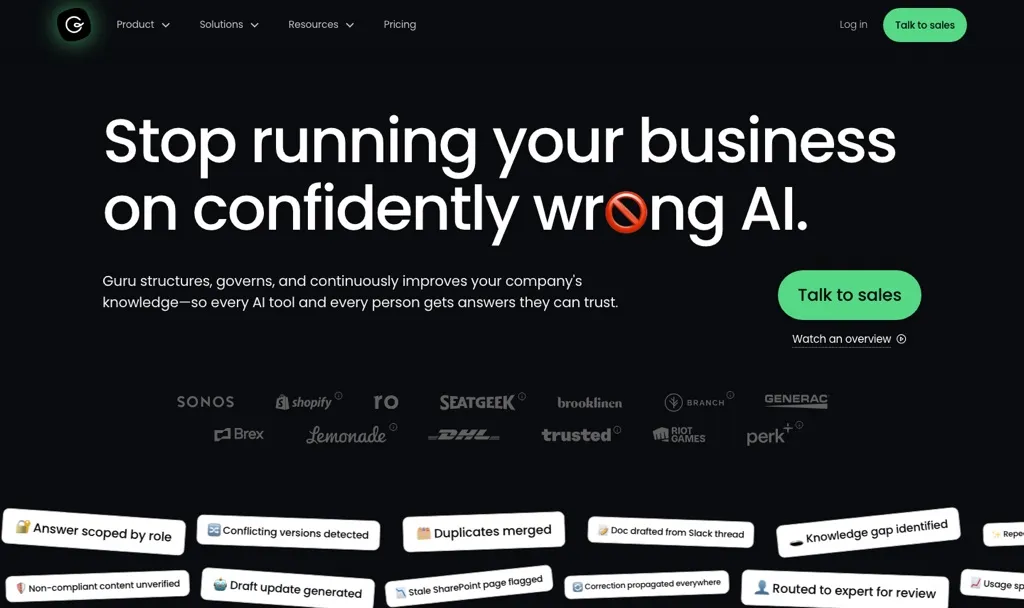
Guru is an AI knowledge platform that pushes verified answers into the tools people already use, with Knowledge Agents, AI search and MCP delivery. It now sells a custom package that includes solution engineers, so it suits larger organisations with a proper knowledge-management programme more than a 20-person team.
Key features of Guru
- Knowledge Agents and AI search
- 100+ integrations and MCP delivery
- SSO, SCIM, role-based access and audit logs
Guru pricing
Guru doesn't publish prices. Its page says pricing is "tailored to your organization's scale, knowledge complexity, and AI maturity". No free plan or self-serve trial is listed. You talk to sales.
Guru pros
- Strong verification and governance
- Answers delivered inside other tools
Guru cons
- No published pricing
- More platform than a 20-person team usually needs
Weighing it up? See our Guru alternatives guide.
How we compared these tools
We started with the tools named in the top 10 Google results for "Slite alternative" and in answers from ChatGPT and Perplexity. We also spoke to our sales team about the tools Slite users mention when they come to us. We kept the 8 that work as a team knowledge base, and dropped project management tools, developer documentation tools and customer-only help centres.
We compared each one on five things: published pricing, free plan or trial, how docs get created (including AI), how answers reach the team, and whether the tool helps people actually learn and follow what's written. G2 ratings are there as a sense check, not a verdict.
But what we always say to customers and prospective customers is try the tools out for yourself.
How to choose a Slite alternative
- Your docs are really SOPs, onboarding and policies: Whale. Record once, then assign it, quiz it and track who has read it.
- You want docs, databases and projects in one place: Notion.
- You want a clean wiki and a free plan for up to 10 people: Slab.
- Your team already lives in Jira: Confluence.
- You want the simplest possible wiki at a low price: Nuclino.
- You need one knowledge base for staff and customers, in several languages: Document360.
- The same questions keep landing in Slack: Tettra.
- You're a large organisation with a knowledge-management programme: Guru.
- Your team works on the shop floor or in a warehouse: look at Whale Blue, Whale's separate product for frontline teams.
When to stay on Slite: if your docs are mostly notes, specs and team pages, and Ask covers the questions people bring, Slite at $10 a user is a tidy choice. Switch for a capability you need, not for a new coat of paint.
Frequently asked questions
What is the best alternative to Slite?
It depends on what your docs are for. Whale is the best Slite alternative when your docs are really SOPs and training, because one recording becomes an SOP, a quiz and a training flow you can assign and track. Notion is the best general-purpose alternative, Slab is the closest like-for-like wiki, and Confluence is best for Jira teams.
How much does Slite cost?
Slite Basic is $10 per user per month and Pro is $20 per user per month, both billed yearly. Enterprise is priced on request. Slite has a 14-day free trial, no credit card needed, and no free plan (Slite pricing page, checked in October 2026).
Is Slite free?
No. Slite has no free plan, only a 14-day free trial of Basic and Pro features. If you need a free option, Slab and Confluence are free for up to 10 users, Notion and Nuclino have free plans, and Whale's free plan includes 1 creator and up to 10 members, with video to SOP and Coral, Whale's AI assistant.
Slite vs Notion: which is better for team docs?
Slite is more focused: a fast, tidy knowledge base with AI answers on every paid plan. Notion is more flexible, with databases and project tracking alongside docs, but its full AI is on the Business plan at $20 per member. Choose Slite for a focused wiki and Notion if you want one workspace for docs and projects.
Can I migrate from Slite to another tool?
Yes. Export your docs from Slite before you cancel, and check how your new tool imports them. Whale offers a migration service. It's also a good moment to archive the docs nobody has opened since they were written.
Ready to turn your docs into training?
Start on Whale's free plan or see how Whale handles knowledge sharing and management. Record one process and see what Whale makes of it.
Bram Billiet is the Co-founder and Chief Product Officer at Whale. His obsession with building the product is matched only by his love for conquering levels in Mario Brothers.