
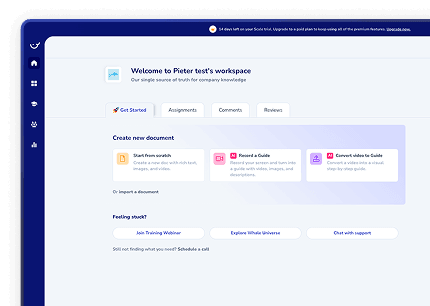
On-demand webinar

How to turn SOPs into work that actually gets done

You documented the process. The work still does not get done consistently.
Recorded Jan 28
60 min

You’ve documented the process. The work still doesn’t get done consistently.

People skim. Skip steps. Forget things. Then ask the same questions again.

There’s a better way.

Instead of writing SOPs people ignore, you’ll see how to turn them into step-by-step checklists your team actually follows.

This is for you if:

  • You’re tired of answering the same questions over and over
  • You want a way to document SOPs and make sure people actually follow them
  • You want to see who completed what, who’s still busy, and what’s being skipped

You’ll see:

  • How to turn a screen recording into a checklist in minutes
  • How people complete steps one by one instead of guessing
  • How to track what’s done and what’s not
  • What else is new in Whale

This is a live, hands-on session. Real guides. Real workflows. Built live.
Webinar cover: How to turn SOPs into work that gets done
Instant access to the recording.

What's covered

1

How to turn a screen recording into a checklist in minutes

2

How people complete steps one by one instead of guessing

3

How to track what is done and what is not, plus what else is new in Whale

Presenters

Stino Smet, Head of Customer Success at Whale
Stino Smet
Head of Customer Success
Whale
Stino is Head of Customer Success at Whale and has helped hundreds of teams capture their processes, roll out training and keep their SOPs alive after launch.

Frequently asked questions

Three things, covered live in the session:

  • How to turn a screen recording into a checklist in minutes
  • How people complete steps one by one instead of guessing
  • How to track what is done and what is not, plus what else is new in Whale

A live demo inside Whale. The presenters build real SOPs and training flows on screen, using the same setup you would use with your own team. You can also explore the platform tour at your own pace, or see how other teams run Whale in our customer stories.

Yes. On past webinars, the Watch the recording button opens a short form. Fill it in and the recording plays right away. All past and upcoming sessions are on the webinars page.